Mobile Timer for Toggl Track
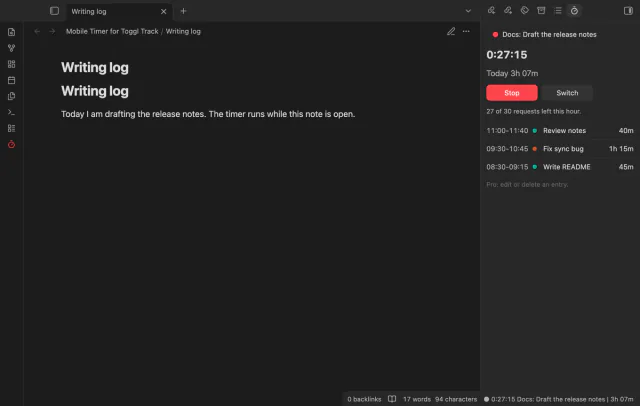
Start, stop and switch your Toggl Track timer from a note, and see today's total in Obsidian.
Your Hypothesis highlights, page notes and tags arrive as one note per page, with no duplicates on a resync.
MIT · no telemetry · core features free
The end-to-end tests run in the desktop app against a stand-in for Hypothesis, with no real token and no real request. The directory lists the plugin for desktop and mobile, and the repository has no mobile test.
Directory facts fetched from community.obsidian.md/users/theluckystrike.
You annotate web pages with Hypothesis and want those highlights in your vault as notes that you can link and edit.
Annotation Inbox reads the annotations under your Hypothesis user name, with a developer token that you make yourself. A page that you annotated becomes one note, with your highlights, comments, page notes and tags. A later sync starts where the last one stopped and adds what is new or changed.
The plugin is free and has no paid features. It is unofficial, and Hypothesis does not make or endorse it. You start each sync yourself, so nothing runs in the background.
 Play demo
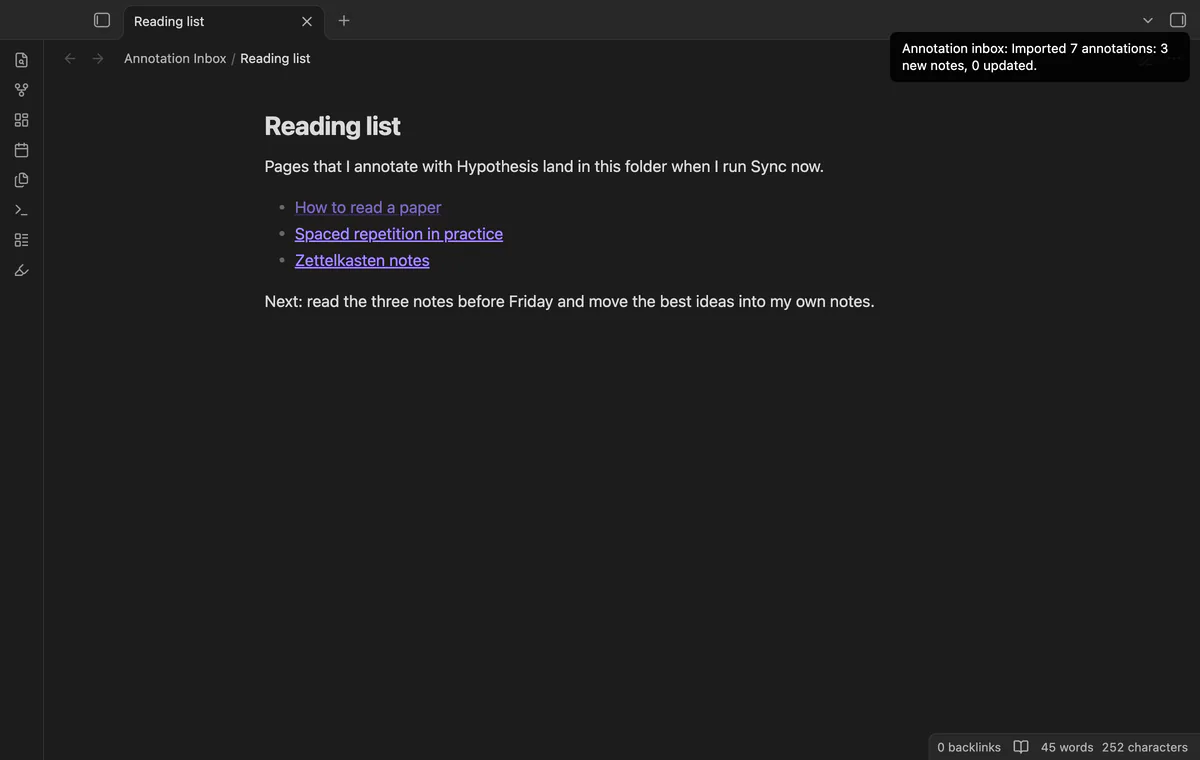
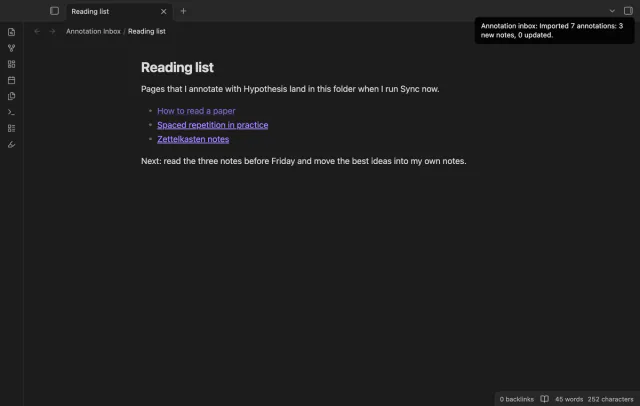
Select the highlighter icon in the ribbon, or run the command Sync now. The plugin asks Hypothesis for your annotations in pages of 200, oldest change first, and waits one second between requests. A notice then counts the annotations it read, the new notes and the updated notes.
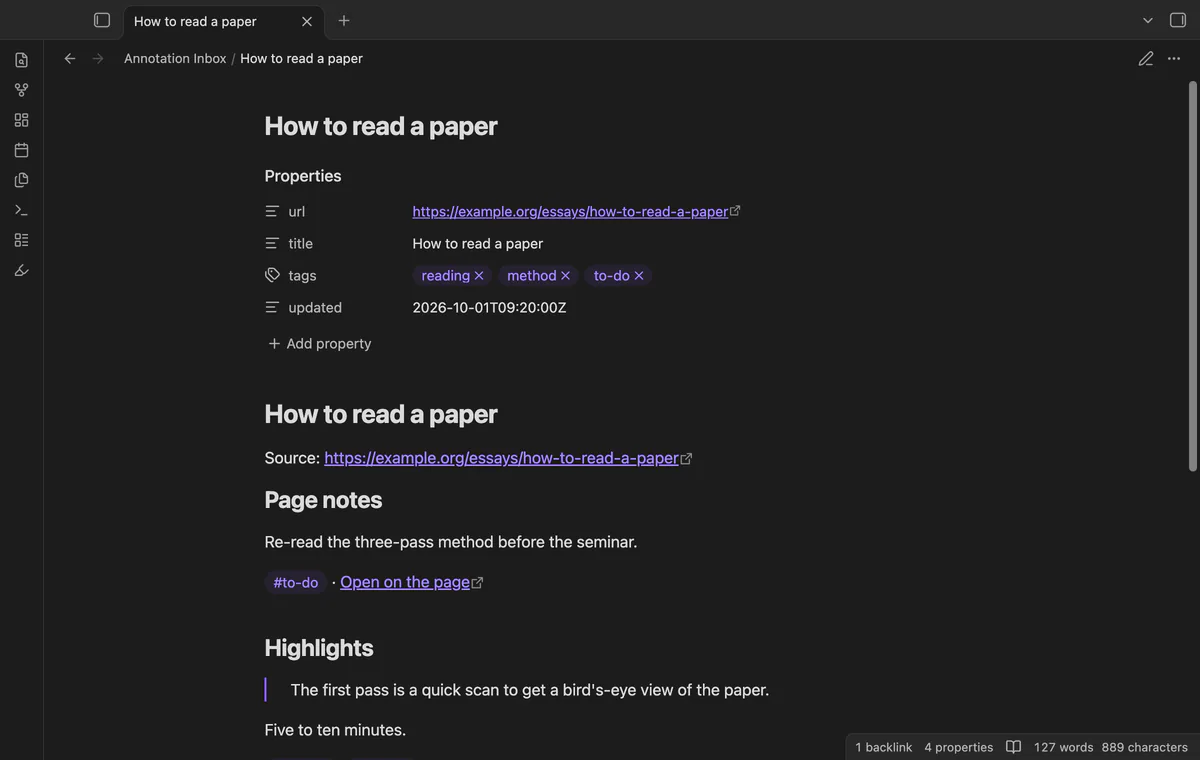
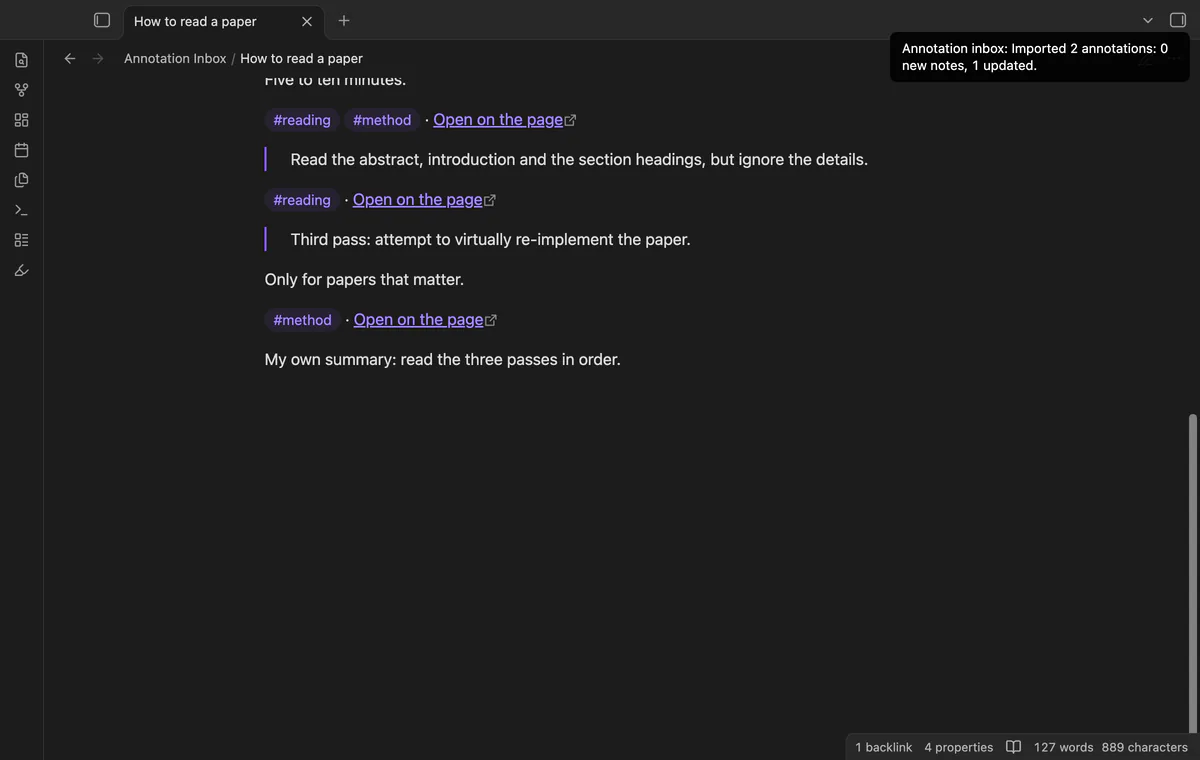
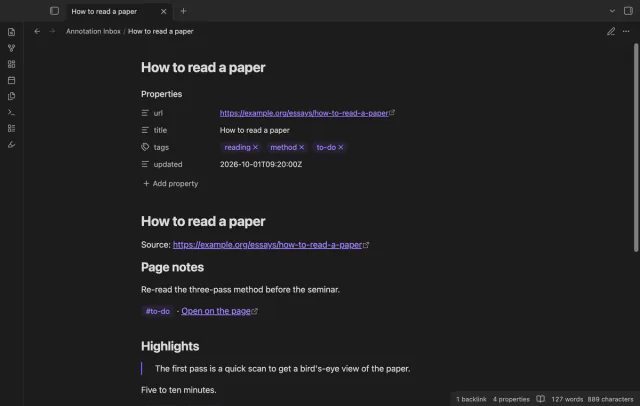
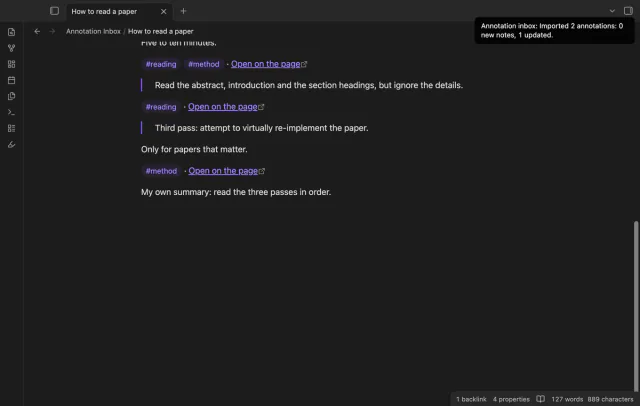
A page with an annotation gets one note with the properties url, title, tags and updated. Page notes come first, then highlights, in page order where Hypothesis gives a position. A highlight is a quote, then your comment, then its tags and a link that opens it on the page.
The plugin saves the latest update time it has read and starts the next sync just before it. A block is replaced only when its annotation is newer on Hypothesis, and a new annotation goes to the end of its section. A sync writes between the two marker comments and to the properties updated and tags, and leaves the rest of the note body alone.
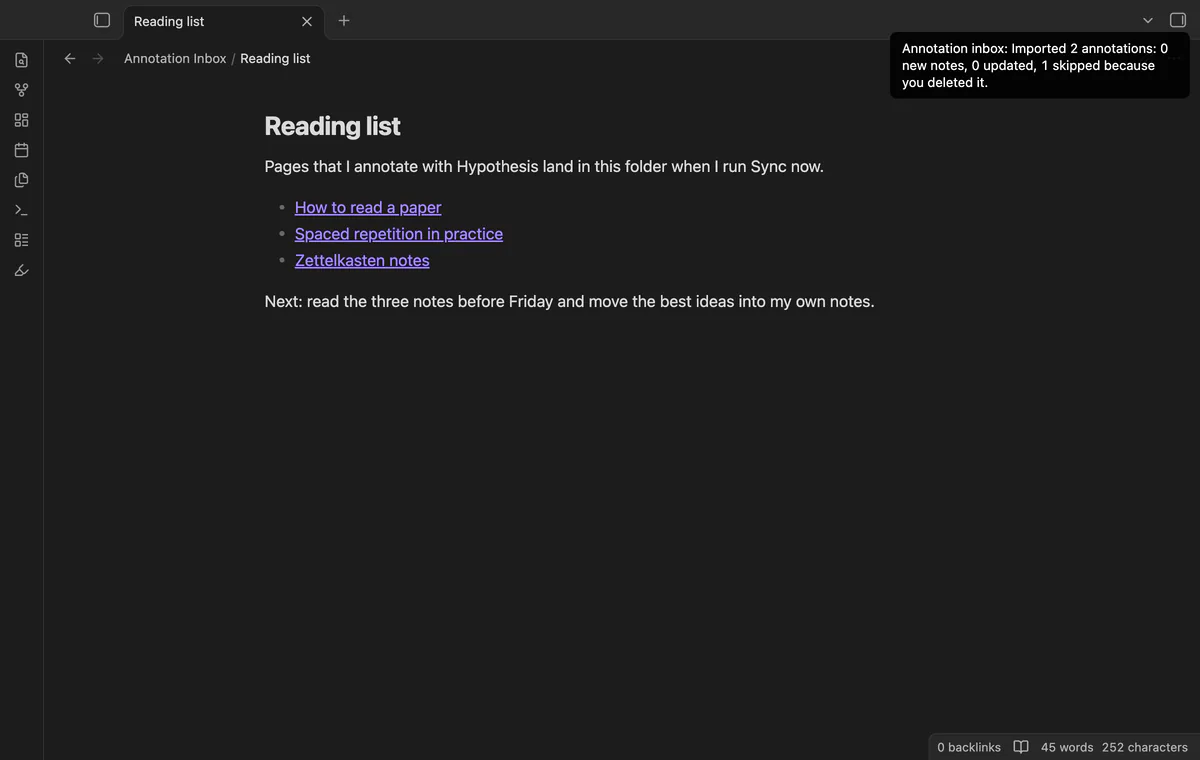
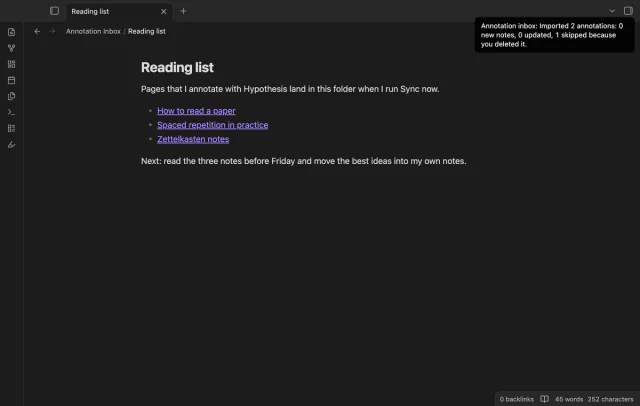
Delete a note that the plugin made, and the plugin remembers the page. Later annotations on that page don't bring the note back, and the notice counts the skipped pages. The command Forget deleted notes clears that list, so a later sync can make those notes again.
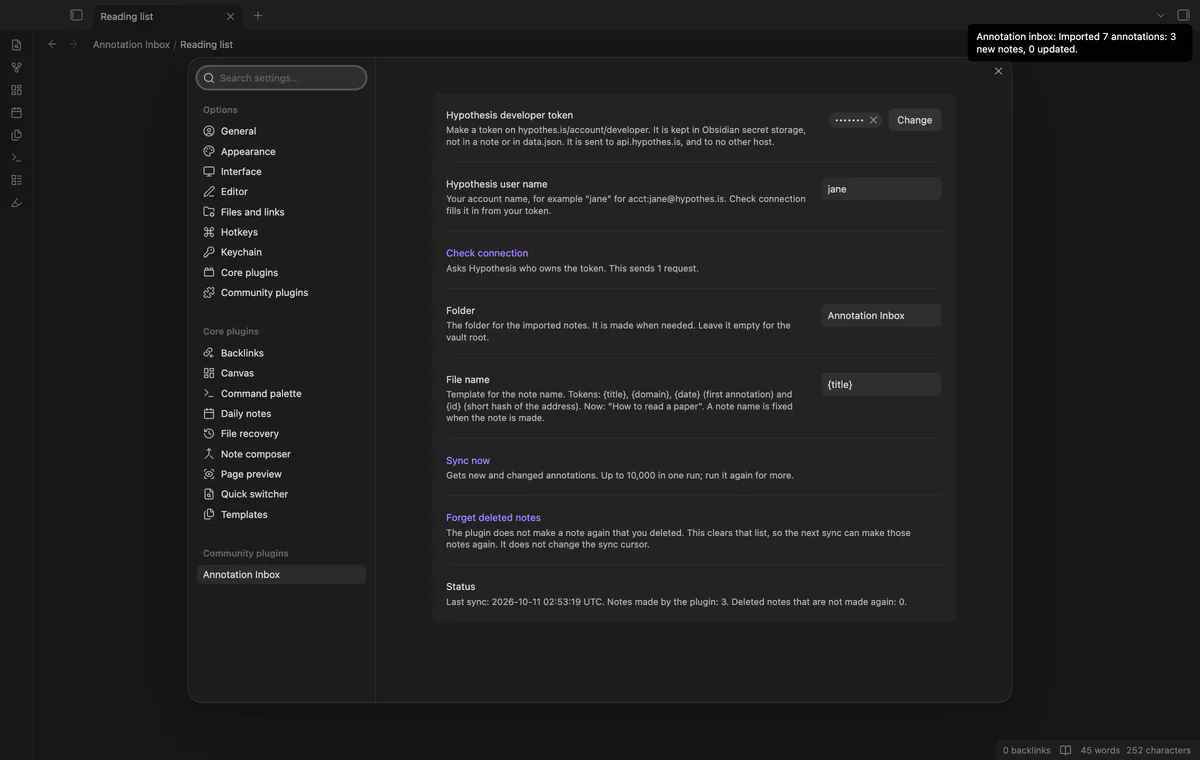

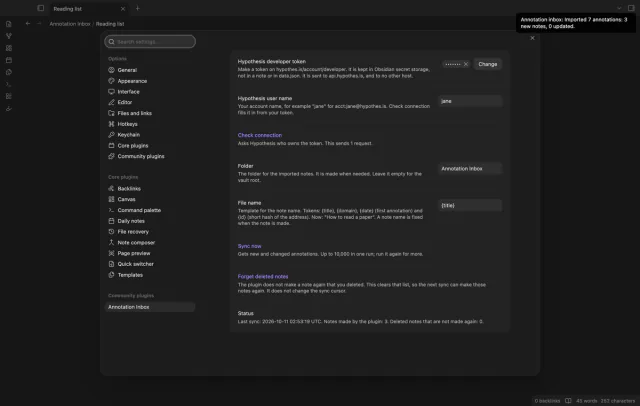
Choose the folder in the settings, or leave it empty for the vault root. The file name template has four tokens, {title}, notemods.com, {date} and {id}, and the default is {title}. Names are cut at 100 characters, and a second page with the same title gets Title (2).
The tags of the annotations on a page go into the tags property, each one once. A tag with a space gets a hyphen, so Reading List becomes Reading-List. A tag of digits only gets a prefix, so 2026 becomes tag-2026.
Your Hypothesis developer token goes into Obsidian secret storage, not into a note and not into data.json. The plugin reads it for each request and sends it to api.hypothes.is only.
Annotation Inbox has no paid version, no license key, no trial and no sign in of its own.
needs
steps
Install Annotation Inbox from Community plugins and enable it.
Log in to Hypothesis in your browser, open hypothes.is/account/developer, and generate your API token.
In Obsidian, open Settings, then Annotation Inbox, and paste the token into the token field.
Select Check connection. Hypothesis answers with your account name, and the plugin fills in an empty user name field.
Run Sync now from the ribbon, the command palette or the settings.
If the app can't find a new plugin yet, try again later. Obsidian says a plugin that passes the review shows in the app within 24 hours.
The older Hypothes.is plugin has 15k downloads, and the directory now says it is archived and no longer available. An issue on its repository, Resync deleted files broken, has been open since March 2022.
www., or with a tracking parameter, gets two notes.tags property, so a tag that you remove on Hypothesis stays there, and title and url keep their first values.No. It is an unofficial plugin by an independent developer, and it uses the public Hypothesis API with your own token. Hypothesis is a trademark of its owner. For help with your Hypothesis account, ask Hypothesis.
No. You select Sync now each time, so the number of requests stays under your control. One run reads up to 10,000 annotations, and the notice tells you to run it again when there are more.
Nothing changes in your vault. The README says the search API does not list deleted annotations, so the plugin can't see them. The block stays in your note until you delete it.
Replies and hidden annotations are skipped. The plugin asks for the annotations under your user name and sets no group filter. The README says this includes your annotations in groups that you belong to. A PDF with no web address gets a note under the identifier that Hypothesis gives it.
While Obsidian is open, the plugin follows the note to its new path. If the note moved while Obsidian was closed, the plugin looks for a note whose url property is that page. If it finds none, it treats the note as deleted and does not make it again.
Annotation Inbox talks to one host, api.hypothes.is, and only when you run Sync now or select Check connection. Each request is a read that carries your developer token, and a sync request also carries your user name and the sync cursor. The released build contacts no other host, GitHub included, and sends no note text, file names or vault data.
Annotation Inbox 1.0.0, MIT license
MIT · no telemetry · core features free
Start, stop and switch your Toggl Track timer from a note, and see today's total in Obsidian.
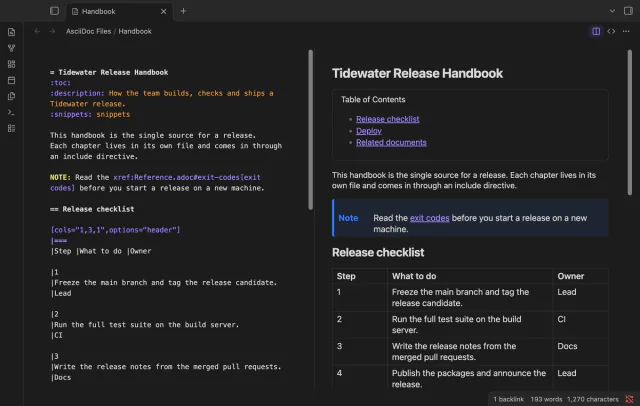
Open .adoc files in Obsidian with a highlighted source editor, a rendered preview, or both side by side.
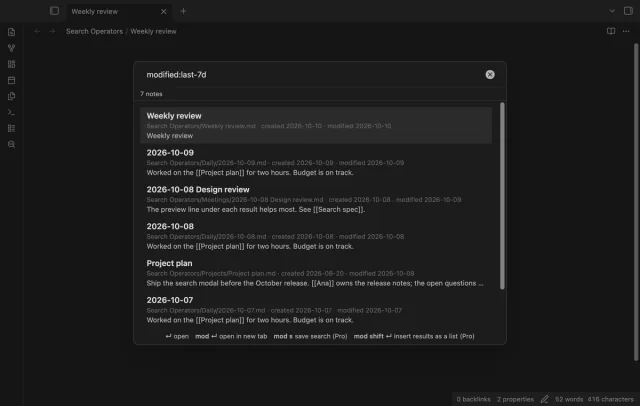
Find a note by when you made or changed it and by what it links to, with a preview line per result.