Agent Prompt Templates · Obsidian plugin documentation
Agent Prompt Templates documentation
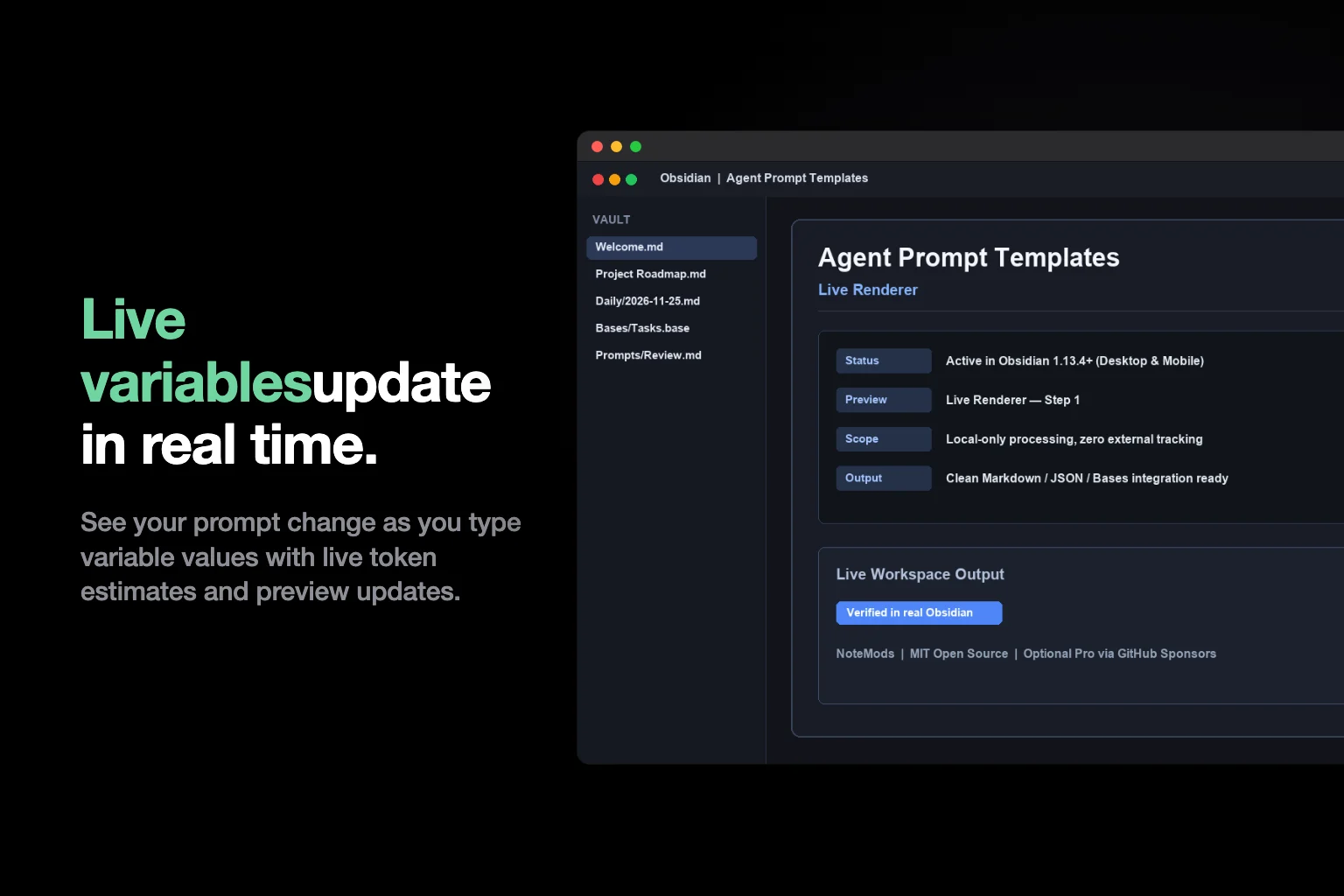
Agent Prompt Templates stores reusable AI agent prompts as plain Markdown notes in your vault. Pick a template from the command palette, fill any interactive variables, inspect the live token estimate and rendered preview, and copy the result to your clipboard, insert it at the cursor, or open it in a new note.
All prompt rendering runs locally in Obsidian on desktop and mobile. You never need an API key or a cloud account for the free features.
Version 1.0.0. Requires Obsidian 1.13.4 or later. Works on desktop and mobile.
1 Installation
Open Settings, then Community plugins, then Browse, and search for "Agent Prompt Templates". Select Install, then Enable.
To install by hand, download main.js, manifest.json, and styles.css from the latest release. Place the three files in <vault>/.obsidian/plugins/agent-prompt-templates/. Reload the list of community plugins, then enable Agent Prompt Templates.
Agent Prompt Templates requires Obsidian 1.13.4 or newer and works on both desktop and mobile.
2 Getting started
- Run "Create starter prompt templates" from the command palette to populate
Prompts/Agents/. - Open any note in your vault and optionally select a paragraph or code block.
- Run "Run prompt template", pick a template, and adjust any interactive variables.
- Review the live preview and token estimate, then choose Copy to clipboard, Insert at cursor, or Open in new note.
Here is an example template file:
---
title: Code review
description: Review selected code for defects and edge cases.
model: claude-sonnet
role: reviewer
tags: [review, engineering]
variables:
  - focus|correctness and edge cases
---
Review {{title}} with a focus on {{var:focus|correctness and edge cases}}.

{{#if selection}}
{{selection}}
{{else}}
{{content}}
{{/if}}
3 Features
Markdown prompt template library
Keep your agent prompts in any vault folder, such as Prompts/Agents/. Each prompt is a normal Markdown file with YAML frontmatter for title, description, model, role, tags, and variables. Because every template is plain text, you can version it with Git, sync it with your vault, and edit it in any editor.
Live variables and conditional blocks
Templates support built-in note tokens, frontmatter lookups, interactive variables, and conditionals. Use {{selection}}, {{title}}, {{path}}, {{content}}, {{date}}, {{time}}, and {{frontmatter.<key>}} to pull context from the active note automatically. Add {{var:focus|edge cases}} to show an input field with a default value, and wrap optional sections in {{#if selection}}...{{else}}...{{/if}}. Escape literal braces with \{{ when your prompt includes template syntax for another tool.
Fuzzy prompt picker and output actions
Run "Run prompt template" to open the picker modal. Filter templates by title, description, tag, role, or model. As you type variable values, the preview updates in real time alongside an estimated token and character count. Finish with one click: Copy to clipboard, Insert at cursor, or Open in new note.
Built-in starter prompt pack
Run "Create starter prompt templates" to seed five practical templates in your prompt folder: Code review, Refactor plan, Summarize note, Extract action items, and Synthesize research. The command never overwrites files that already exist, so you can customize any starter template safely.
Linked-note context and prompt chains (Pro)
Include {{links:depth=1}} or {{backlinks}} to append linked notes with clear source headers and deterministic token-budget truncation. Define a frontmatter chain list to render multi-step template pipelines as structured XML or Markdown handoff blocks, where each step can reference {{var:previous_step}}. You can also include shared partials with {{> shared/style-guide}}, pin favorite templates, track recent runs, and export your library as JSON or a Markdown handbook.
4 Commands
Open the command palette and type the plugin name to see these commands. You can give each one a hotkey in Settings, Hotkeys.
| Command | Command id |
|---|---|
| Run prompt template | agent-prompt-templates:run-prompt-template |
| Create starter prompt templates | agent-prompt-templates:create-starter-templates |
| Export prompt pack | agent-prompt-templates:export-prompt-pack |
5 Settings
After a minor or major update, this plugin opens one What's new tab in the background. The tab and settings card suggest other NoteMods plugins and Zovo Chat and link to notemods.com for feedback (privacy). The tab sends no data. Turn the tab off in Settings.
| Setting | Default | Allowed values |
|---|---|---|
| Prompt folder | Prompts/Agents |
Any relative vault folder path. |
| Default output action | Copy to clipboard | Copy to clipboard, Insert at cursor, or Open in new note. |
| Date format | YYYY-MM-DD |
Any string using YYYY, MM, and DD. |
| Linked context token budget (Pro) | 2000 |
Integer between 100 and 32000. |
| Prompt chain format (Pro) | XML handoff blocks | XML handoff blocks or Markdown sections. |
6 Pro
The command "What Pro adds" shows each paid feature with an interactive demo on sample data.
- Expand linked notes and backlinks with token-budget truncation and source headers.
- Run multi-step prompt chains as structured XML or Markdown handoff blocks.
- Include reusable shared partials inside any template with cycle detection.
- Track recent prompt runs and pin favorite templates to the top of the picker.
- Export your prompt library as a portable JSON bundle or Markdown handbook.
Sponsor $5 a month, or $15 once. When you have paid $15 in total, Pro stays on.
Sponsor through the links above, then sign in from the plugin settings.
7 Privacy, payment and network
The core features are free. Pro features need a GitHub Sponsors sponsorship of theluckystrike: $5 a month or more, or $15 once. A total payment of $15 meets the payment requirement for Pro without further payment. Sign-in and the checks below still apply. Your notes stay readable and editable with or without Pro.
One payment turns on Pro in every NoteMods plugin.
GitHub handles the payment. Sponsor at https://github.com/sponsors/theluckystrike/sponsorships?tier_id=666162&frequency=one-time&metadata_source=agent-prompt-templates. You need no account for the free features. Pro needs the GitHub account that sponsors.
Until you select "Sign in with GitHub" in the settings, Agent Prompt Templates makes no network requests. Sign in uses the GitHub device flow. Agent Prompt Templates sends its public client ID and the scope read:user to https://github.com/login/device/code and shows you a code. While you enter the code at https://github.com/login/device, it asks https://github.com/login/oauth/access_token every few seconds to check the sign-in status. The scope permits profile reads only. GitHub needs this access to show the sponsorship tier. It grants no repository scope and no write access.
After sign in, Agent Prompt Templates sends one query to https://api.github.com/graphql. It checks if the signed-in account sponsors theluckystrike. It asks for the tier and the total payment to theluckystrike. The plugin reuses a successful check for 7 days. Failed checks can retry after 6 hours. Select Refresh to request an earlier check. It sends no note content, file names or other vault data, and it has no telemetry.
After a successful check, Pro can work offline for up to 14 days. Sign out or a negative sponsorship answer turns Pro off. The plugin stores the GitHub token through the secret storage API of Obsidian. It does not put the token in its saved settings or its local sponsorship data. The local storage of this device keeps your GitHub login, the tier and the time of the last check. Sign out clears the token. You can also revoke the access in your GitHub settings, under Applications.
8 Questions and answers
Does this plugin send my notes to an AI provider?
No. Agent Prompt Templates renders prompts locally on your device. You decide where to paste or save the rendered output.
What happens if a partial includes itself?
The renderer tracks the active include stack. If a cycle is found, it stops immediately, inserts a safe cycle marker, and displays a warning in the preview pane.
Will creating starter templates overwrite my edits?
No. The starter pack command checks every target path before writing and skips any file that already exists.
Does it work on mobile?
Yes. All free and Pro features work on desktop and mobile Obsidian without native binaries or Node dependencies.
Will I lose access to core features if I upgrade?
No. Core features stay free forever. Your notes remain plain Markdown files. One NoteMods Pro license covers all NoteMods plugins without a subscription. You keep full control with no lock-in.
9 Support
Plugin page: agent-prompt-templates.
Report a bug or ask for a feature in the issue tracker of this repository. Include your Obsidian version and a minimal sample template.
To build from source:
npm ci
npm run build
npm test
10 License
MIT