Block Drag Links
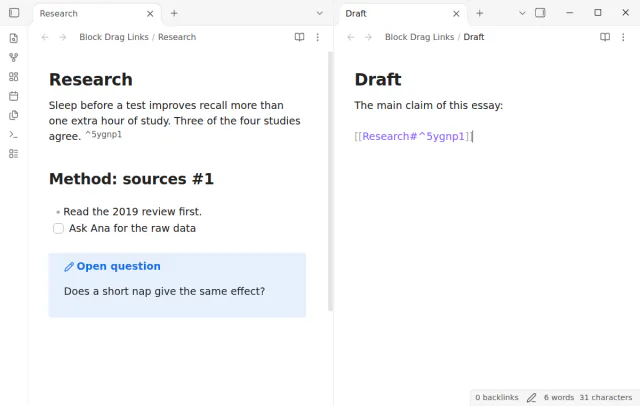
Drag a block or heading into another note to get a link, or hold Ctrl or Cmd for an embed.
Press Tab for a child card and Enter for a sibling card, then tidy the tree in one command.
MIT · no telemetry · core features free
Pro adds "Balanced and radial layouts" and "Outline export". Pro for all 134 plugins, $15 one time
The directory takes these platforms from the plugin manifest. The automated tests run in the desktop app only.
Directory facts fetched from community.obsidian.md/users/theluckystrike.
You plan or brainstorm on a canvas and want to add ideas as fast as you type them.
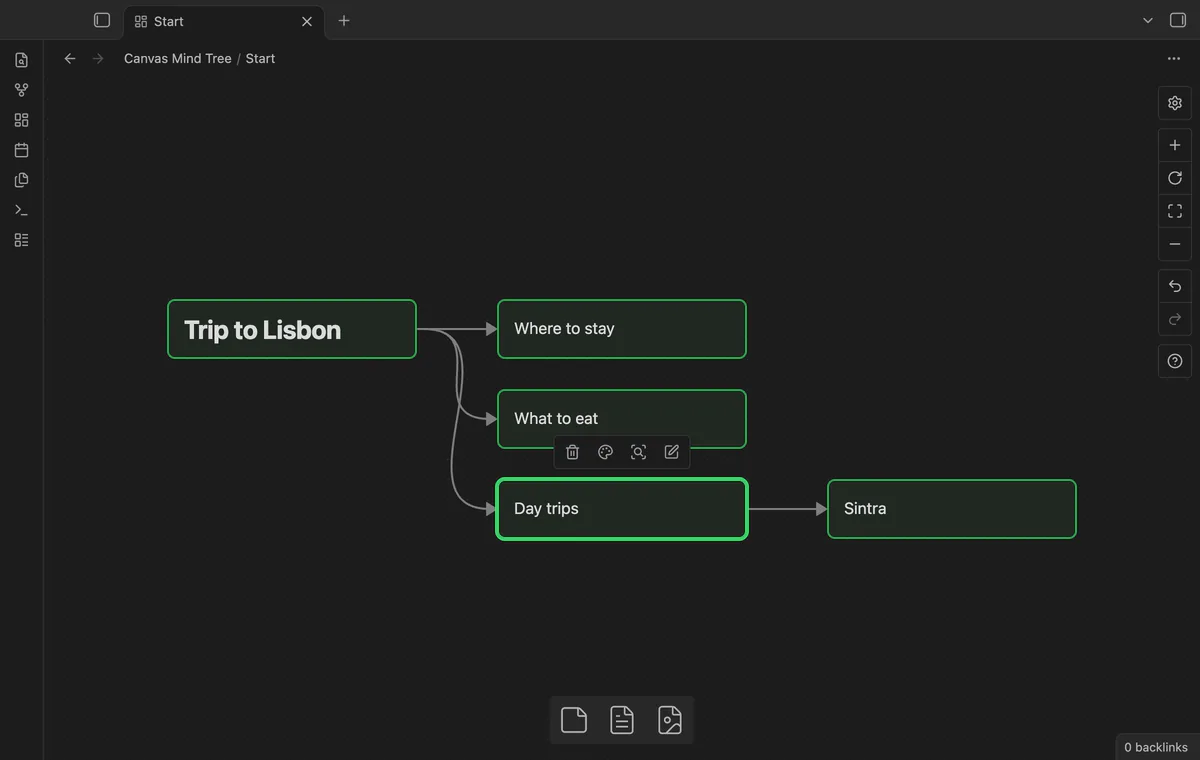
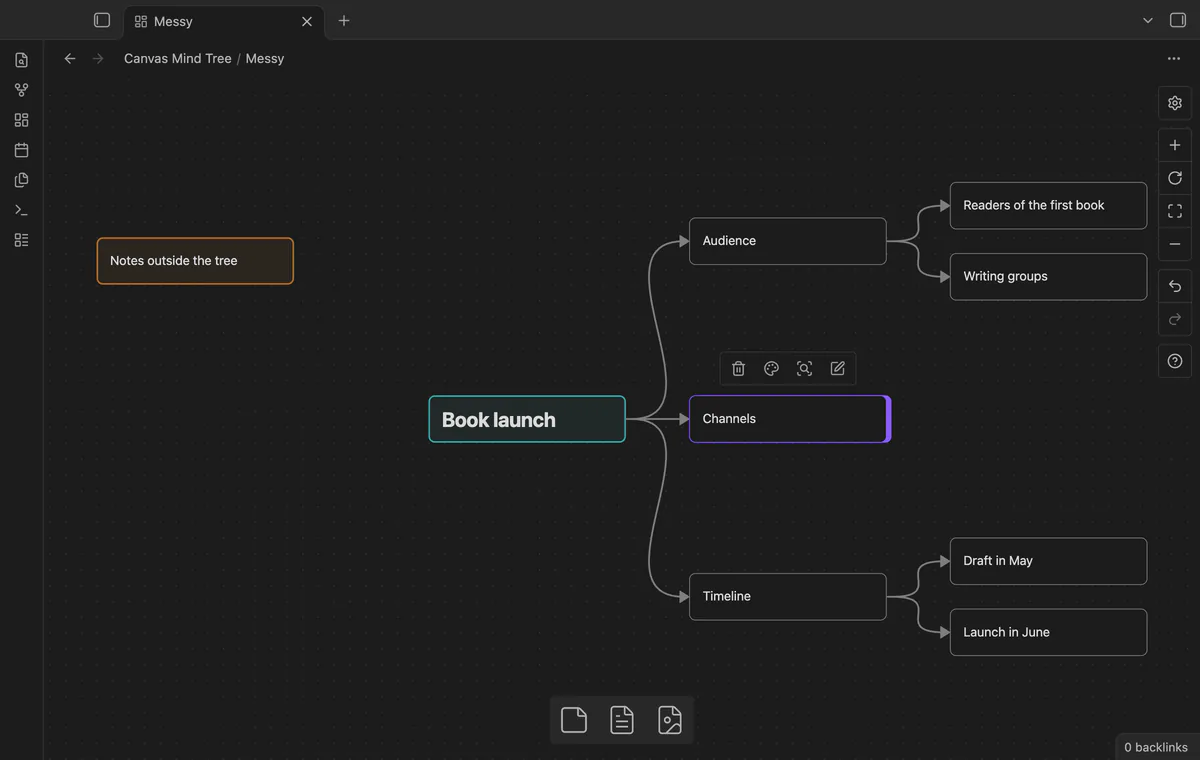
Canvas Mind Tree works on the normal canvas of Obsidian. Select a card and press Tab to add a child card, or press Enter to add a sibling card. The new card opens in edit mode, takes the colour of its parent and never covers another card.
Your canvas stays a normal canvas file, so it opens the same with or without the plugin. The keys work only in a canvas and only when one card is selected.
 Play demo
Select one card and press Tab for a child card to the right, joined by an edge. Press Enter for a sibling below the selected card. While you type in a card, press Ctrl+Enter, or Cmd+Enter on a Mac, for the next sibling.
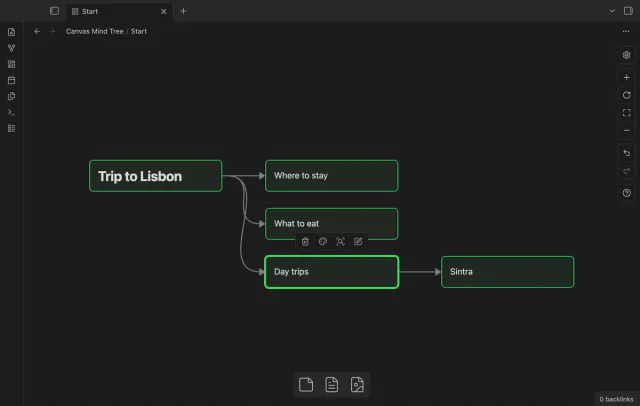
The keys work only in a canvas, only with one card selected and only when no card is in edit mode. Each action is also a command, and the plugin sets no default hotkeys. Alt with an arrow key moves the selection through the tree.
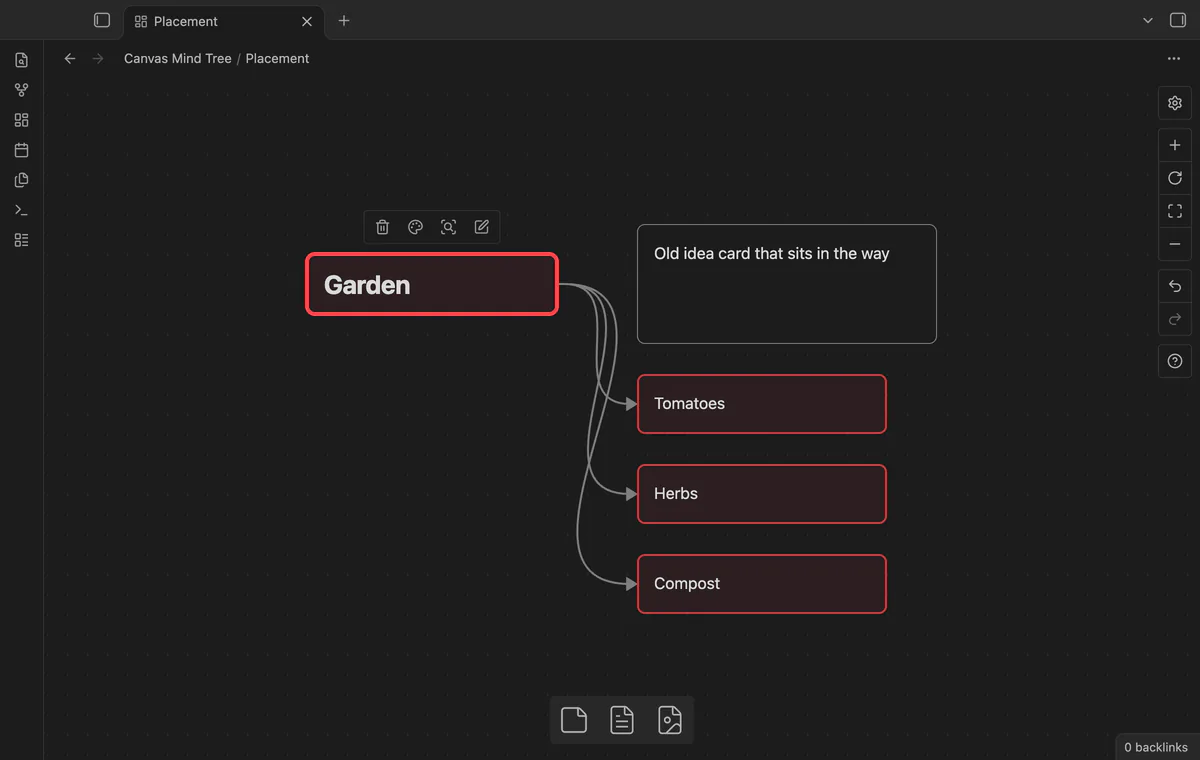
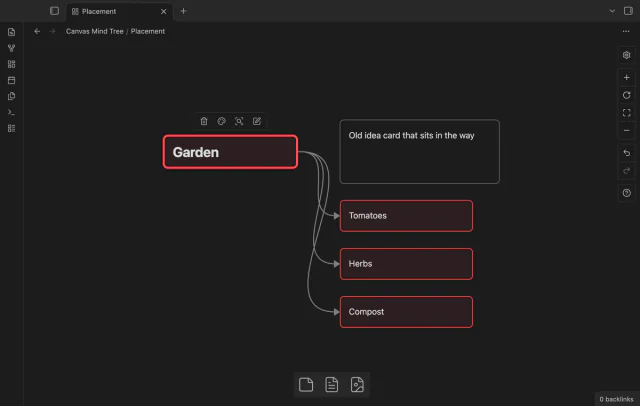
Before a new card goes onto the canvas, the plugin looks for free space and moves the card down until it has room. Groups do not count, so a tree can grow inside a group. A new card copies the colour of its parent.
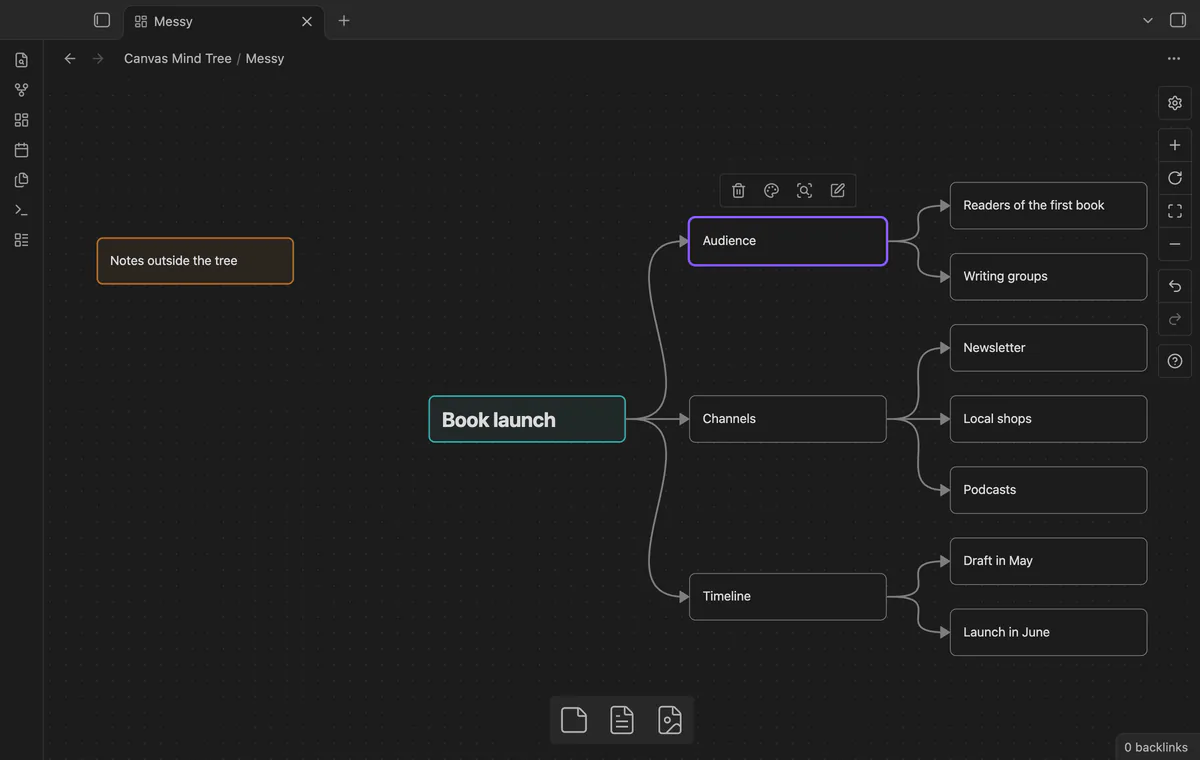
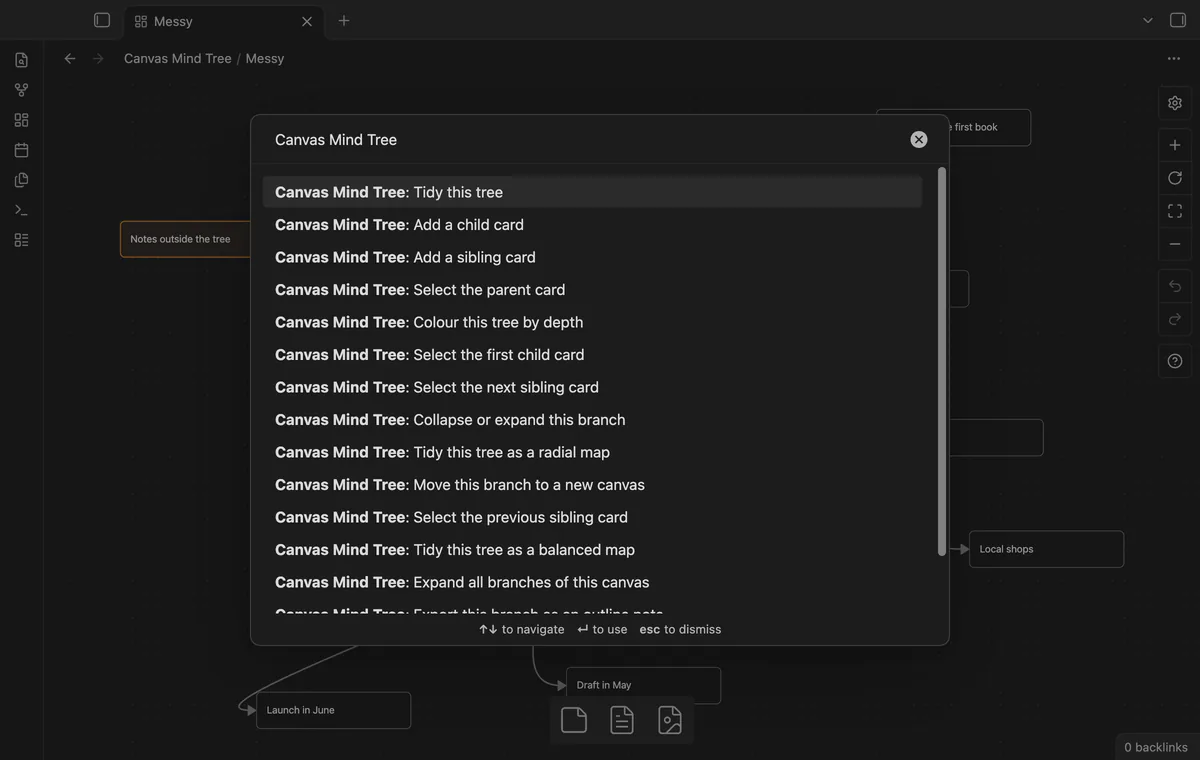
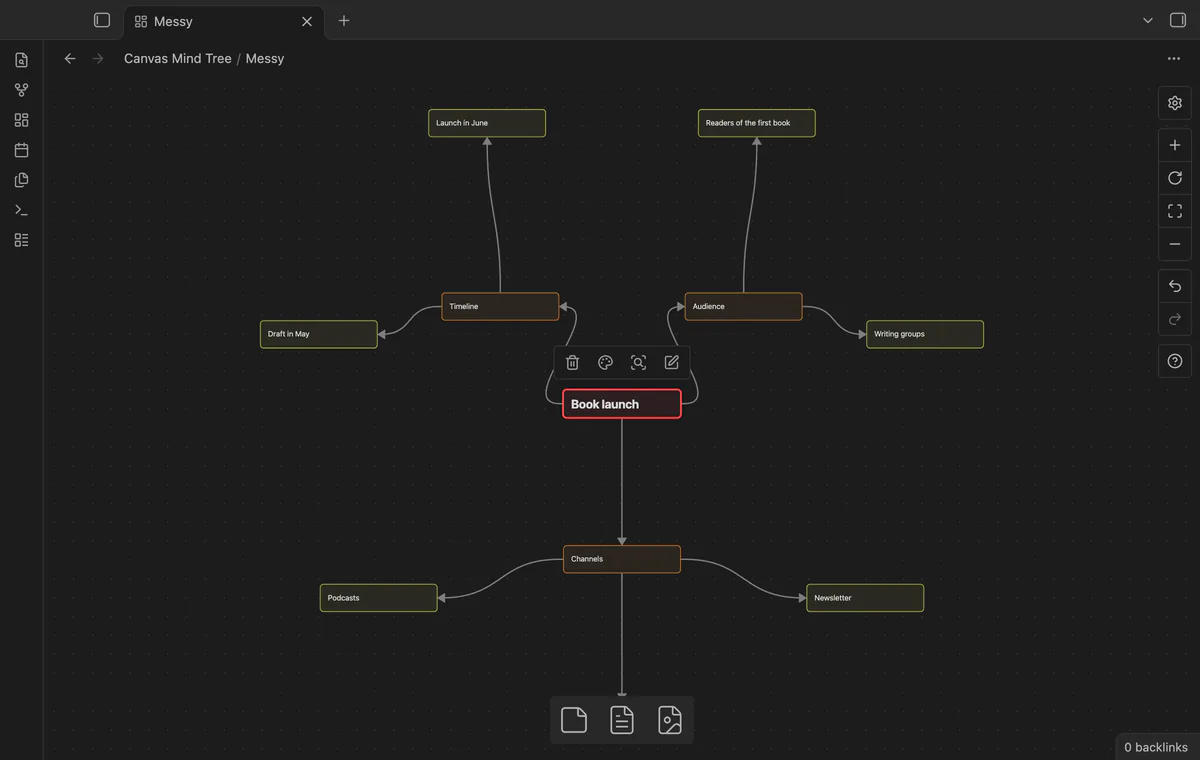
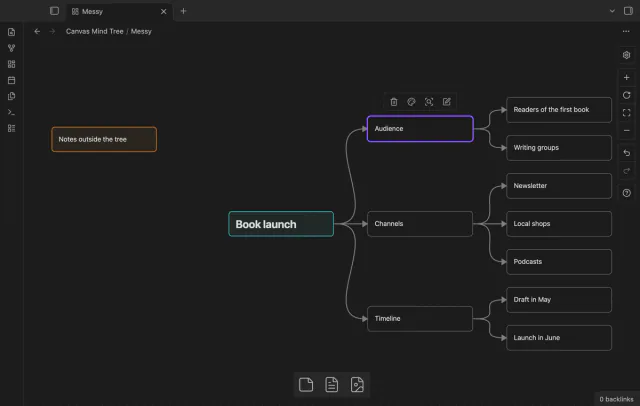
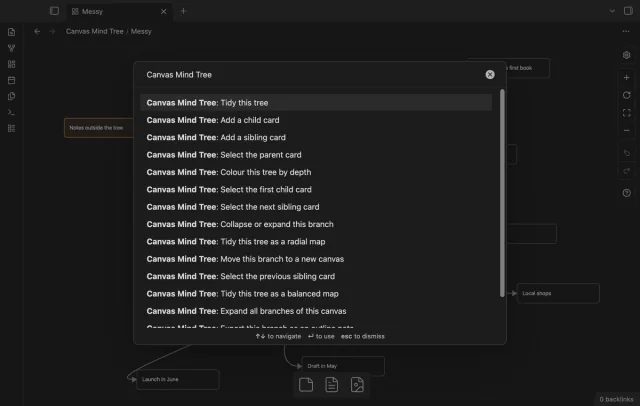
The command Tidy this tree lays out the tree of the selected card, and the root card keeps its place. Choose left to right, right to left or top to bottom in the settings. Cards that are not part of the tree do not move.
The command Collapse or expand this branch hides the cards under the selected card, and the card shows a mark on its side. The canvas file does not change. The plugin keeps the collapsed state of each canvas in its own data.
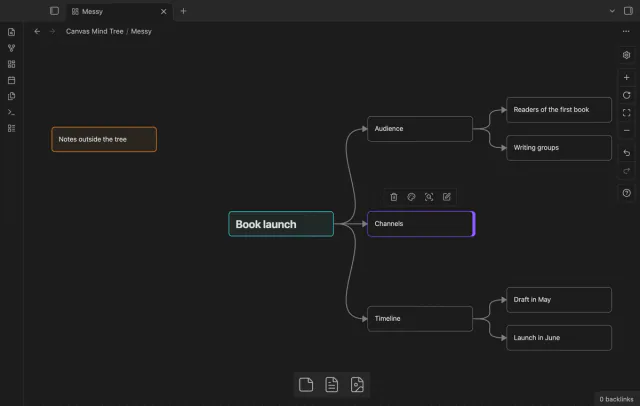
The free version adds, tidies and collapses cards, and Pro adds balanced and radial layouts, outline export, note trees, depth colours and branch moves.
Pro costs $5 a month or $15 one time through GitHub Sponsors.
A balanced map puts half of the main branches on each side of the root. A radial map puts each depth on a ring around the root.
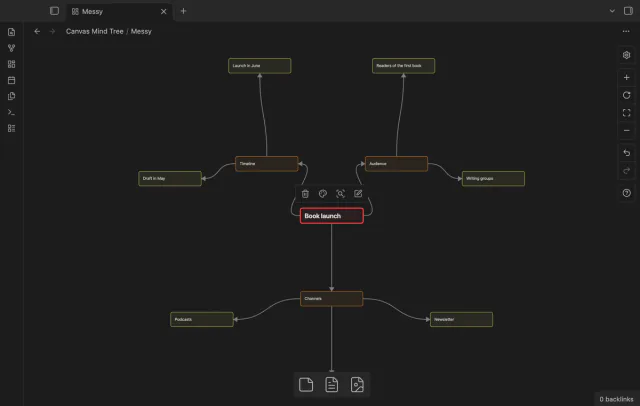
Write a branch as a Markdown list into a new note next to the canvas.
Pick a note, and its headings and list items become a tree of cards.
Give each depth of the tree its own preset colour.
Move a branch to a new canvas. A card that links to the new canvas takes its place.
$15 once. Pro tools in 134 NoteMods plugins with one GitHub sponsorship. Nothing renews.
Pro turns on right after payment. Select Sign in with GitHub in the settings of each plugin you use. Free features stay free.
Secure checkout by GitHub Sponsors - needs a GitHub login.
17 of 50 founding licenses sold.
The price is set on the 1st of each month. It goes up only after a tier is full. Until then it stays $15. The next price review is on 1 December 2026.
A price change does not change a license that you paid for. The $5 a month option stays.
One sponsorship turns on the Pro features in 134 NoteMods plugins. Free features stay free.
$15 one time: Pro stays on, nothing renews. $5 a month: Pro is on while you sponsor, and stays on after you have paid $15 in total. You pay on GitHub (a GitHub login is needed), then select Sign in with GitHub in the plugin settings. All sponsor tiers
needs
steps
Turn on Canvas Mind Tree.
Open a canvas and add a text card with your main idea.
Select the card, press Tab and type the first branch.
Press Ctrl+Enter, or Cmd+Enter on a Mac, to add the next branch.
Run Tidy this tree when you want a clean layout.
If the app can't find a new plugin yet, try again later. Obsidian says a plugin that passes the review shows in the app within 24 hours.
On 12 November 2026, the Canvas MindMap plugin had 163,905 downloads and 24 open issues. Its last release is from 4 September 2024.
Need a change for your team? I build custom Obsidian plugins and features.
No. It writes normal JSON Canvas cards and edges. A canvas that you made with it opens the same without the plugin and in other JSON Canvas apps. Only the collapse state lives in the data of the plugin.
An added card needs two undos, one for the card and one for its edit mode. The radial layout can put cards on top of each other when a card has 10 or more children. Use the balanced layout for such a tree.
The plugin uses parts of the canvas that Obsidian does not document. If an update changes them, the commands show a notice and change nothing. Your canvas stays safe.
An edge goes from a parent card to a child card, and a card with no edge into it is a root. An edge that makes a loop does not count. Group nodes are never part of a tree.
Until you select Sign in with GitHub, Canvas Mind Tree makes no network requests. Sign in and the sponsorship check contact github.com and api.github.com with the scope read:user, and a successful check is reused for 7 days. The plugin sends no note content, file names or other vault data.
Tell me what is broken in Canvas Mind Tree, or what it should do next.
Canvas Mind Tree 1.0.0, MIT license
MIT · no telemetry · core features free
Drag a block or heading into another note to get a link, or hold Ctrl or Cmd for an embed.
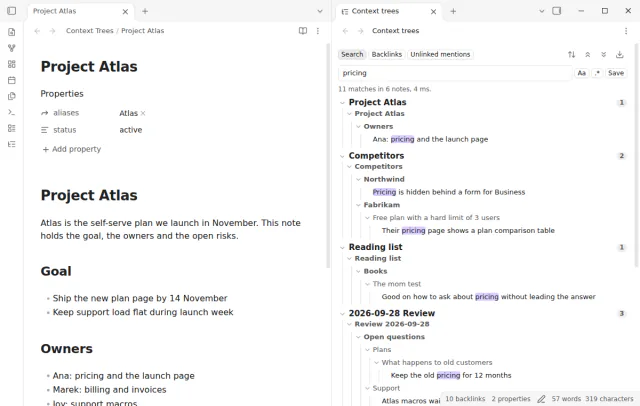
Show parent headings and lists in search results.
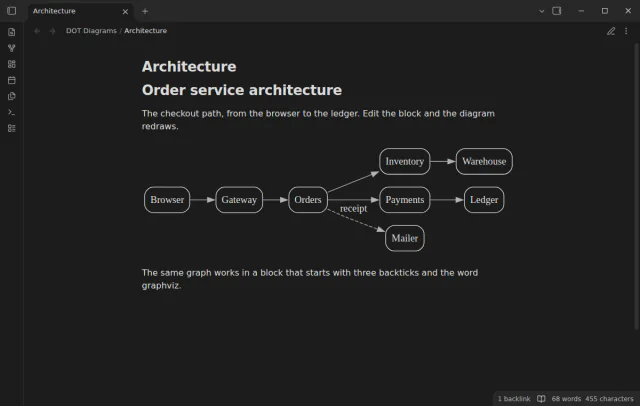
Show Graphviz DOT code as a diagram in your theme colors.
Pro adds "Outline export"Pro for all 134 plugins, $15 one time
Get Pro