Inline Block Embeds
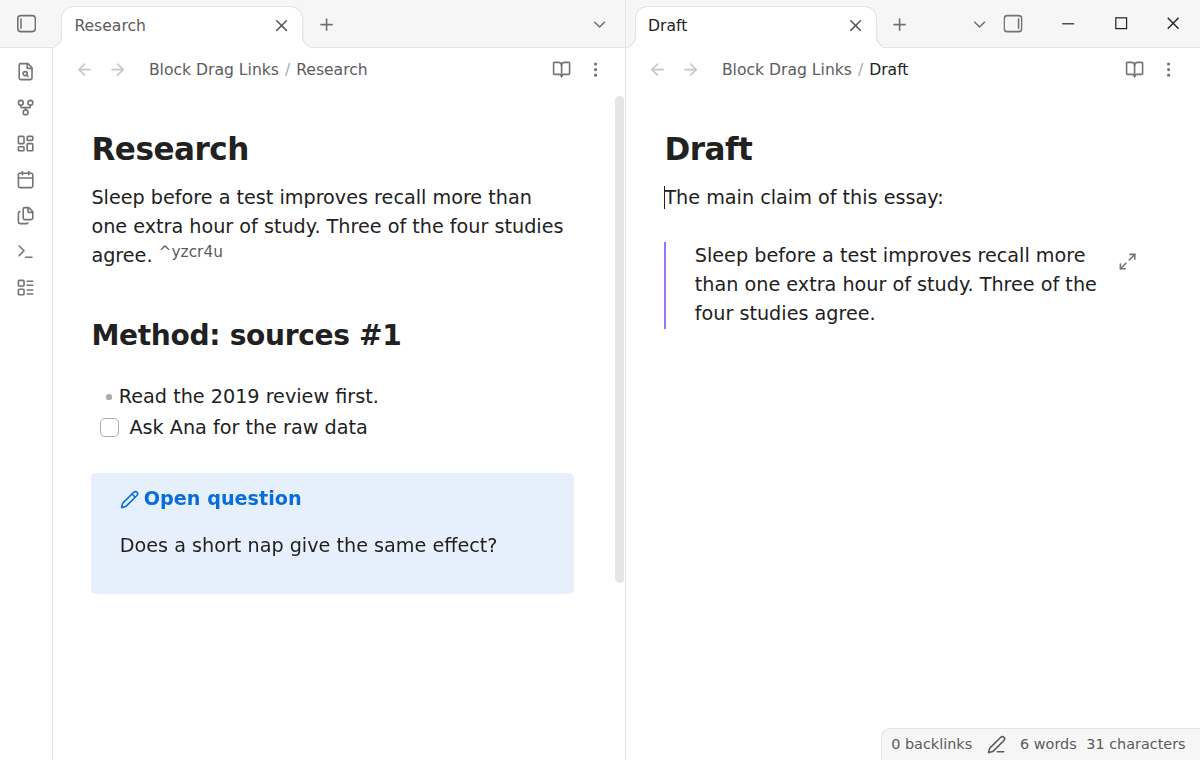
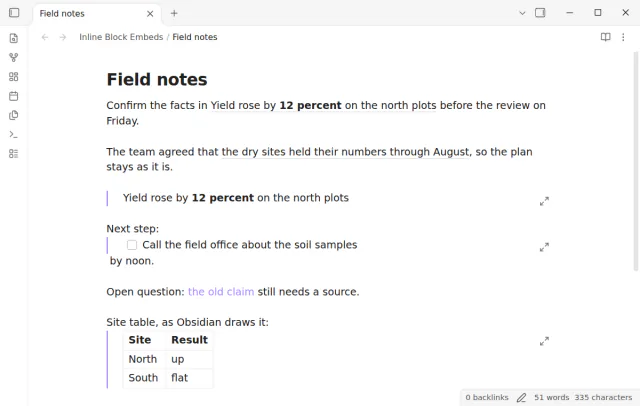
Read an embedded block as text in your sentence, with a hover preview and a jump to the source.
Drag a block or heading into another note to get a link, or hold Ctrl or Cmd for an embed.
MIT · no telemetry · core features free
End-to-end tests run on Obsidian 1.13.4 and the latest version on desktop. The plugin is desktop only.
Directory facts fetched from community.obsidian.md/users/theluckystrike.
You build outlines or essays from parts of other notes and want a link to a block, not a copy of its text.
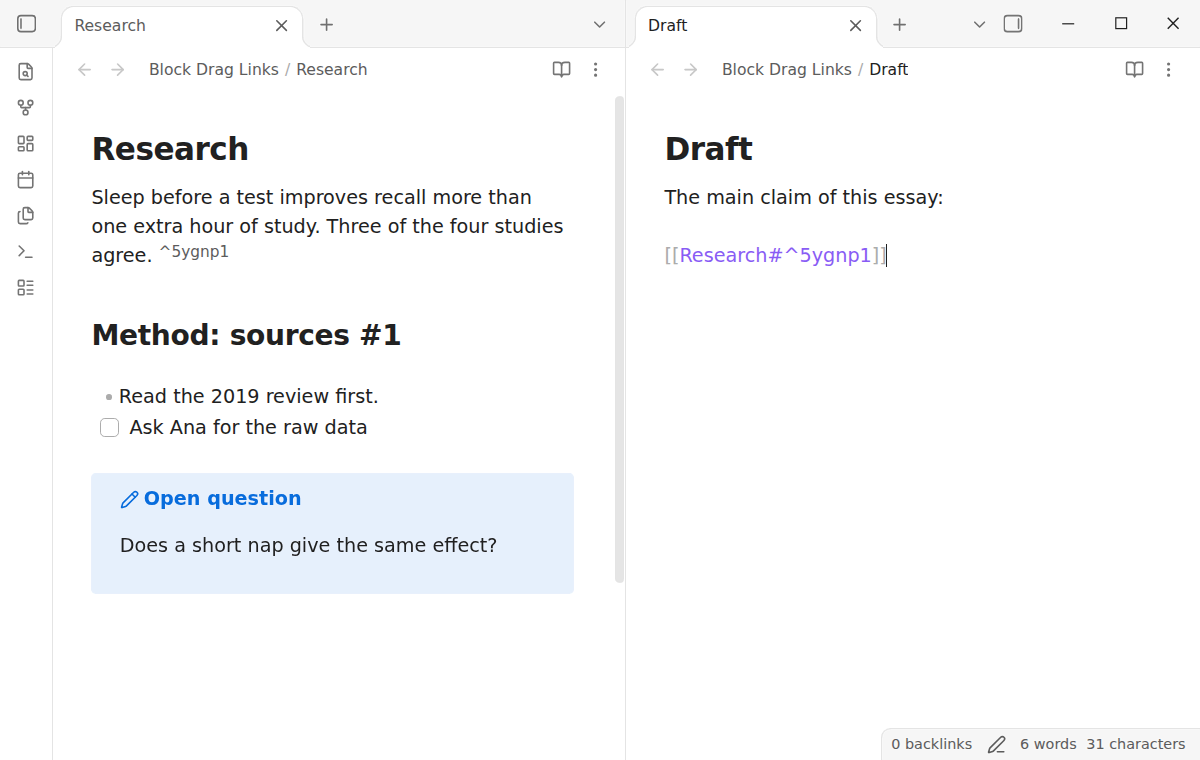
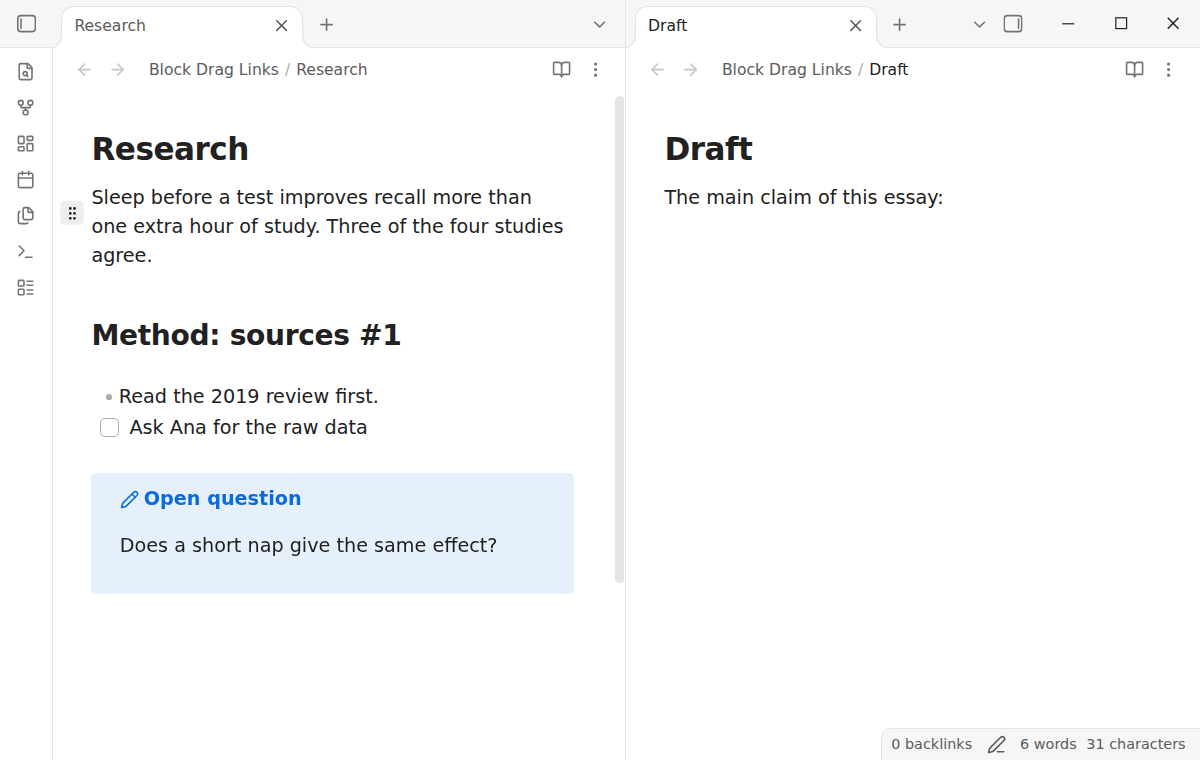
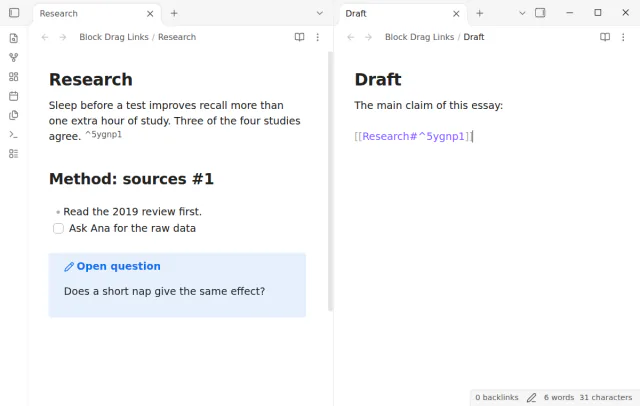
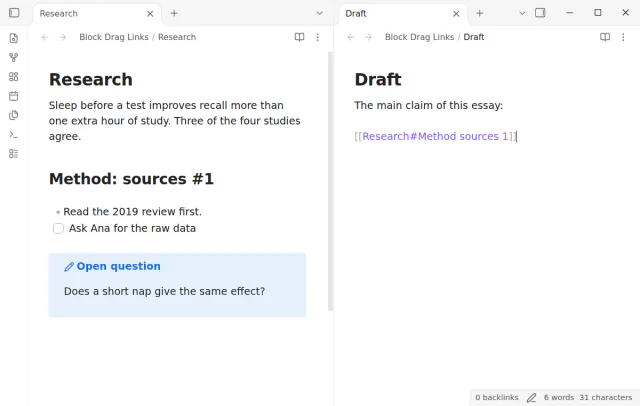
Drag the handle of a paragraph into another note, and the drop inserts a block link such as [[Research#^k3x9qa]]. The source paragraph gets the block ID ^k3x9qa at its end if it had none. Hold Ctrl, or Cmd on macOS, when you release it to insert an embed instead.
Core Obsidian already makes a heading link when you drop an item from the Outline view. It makes a block ID only when you pick a block in the link suggestions. It cannot drag a paragraph, a list item or a callout from the editor. Block Drag Links adds that drag, and it works on desktop only.
 Play demo

Drag the handle of a block into another note, and the drop inserts a block link there. The source block gets a new block ID if it had none, and a block that has an ID keeps it. A block is a paragraph, a list item, a task, a blockquote, a callout or a table.
A paragraph, a list item and a task get a space and the ID at the end of their last line. A blockquote, a callout and a table get the ID on its own line after the block, with a blank line around it. A new ID has 6 letters and digits, and it is not used in the note yet.
When the source note is open, the plugin adds the ID through its editor, so Undo in that note removes it. When the note is closed, the plugin writes only the ID with the Obsidian file API, and every other byte stays the same. If the block changed after the drag began, the plugin writes nothing, inserts no link and shows a notice.
The handle shows at the first line of the block under the pointer. It does not show on code blocks, math blocks, comments, HTML blocks, footnote definitions, horizontal rules, note properties or empty lines. The plugin cannot add a block ID to these safely.
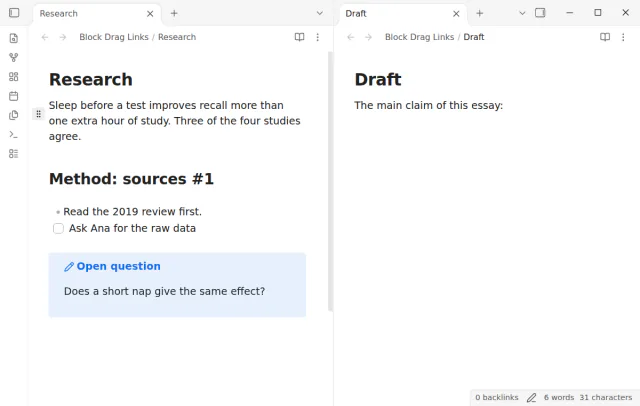
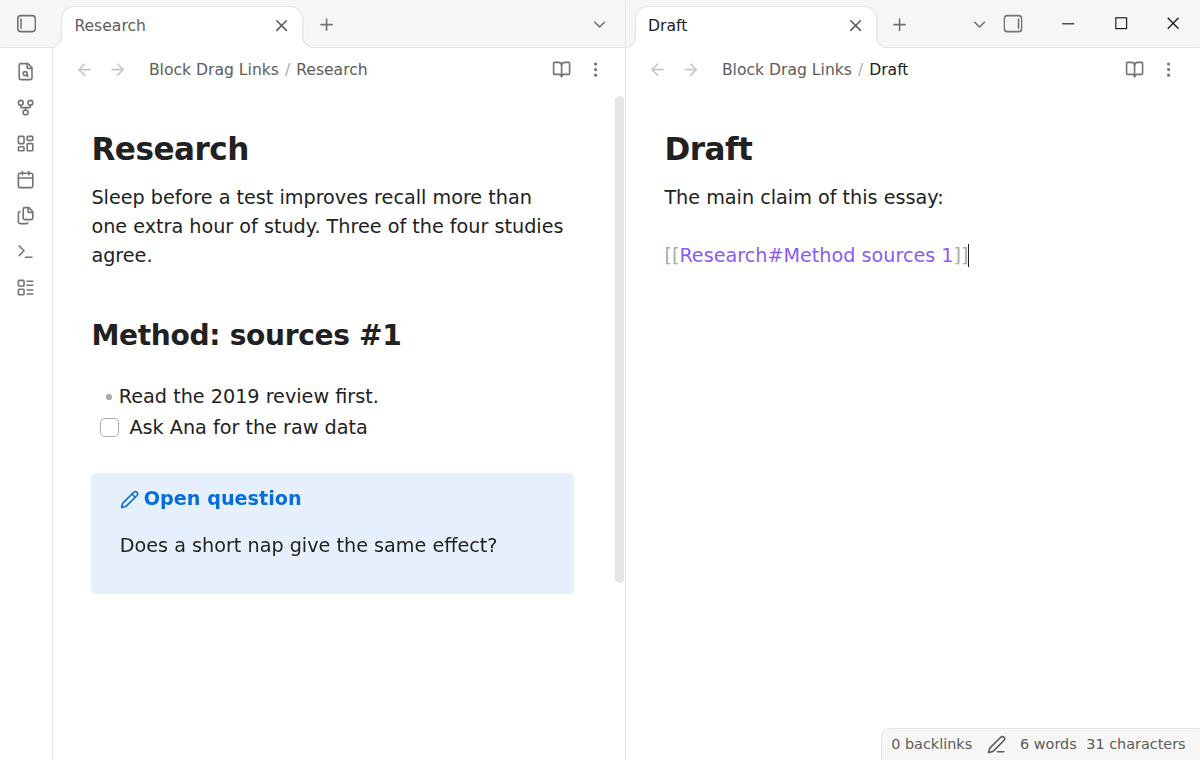
Drop a heading to get a heading link, such as [[Research#Method sources 1]]. The plugin follows the core rule for link text, so a colon, hash, pipe, caret or backslash in the heading becomes a space. A heading needs no block ID, so the source note does not change.
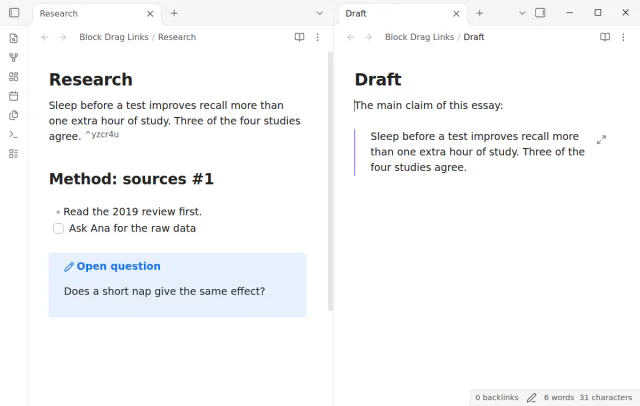
Hold Ctrl, or Cmd on macOS, when you release the block. The drop inserts an embed, and Live Preview shows the block text in the other note.
A drop in the same note makes a link without the note name, such as [[#Method sources 1]] or [[#^k3x9qa]]. The new ID and the link are one change, so one Undo removes both.
Dragging one heading or block, links, embeds and new block IDs are free, and Pro adds selections and readable block IDs.
Pro costs $5 a month or $15 one time through GitHub Sponsors. One sponsorship turns on Pro in every plugin that has it.
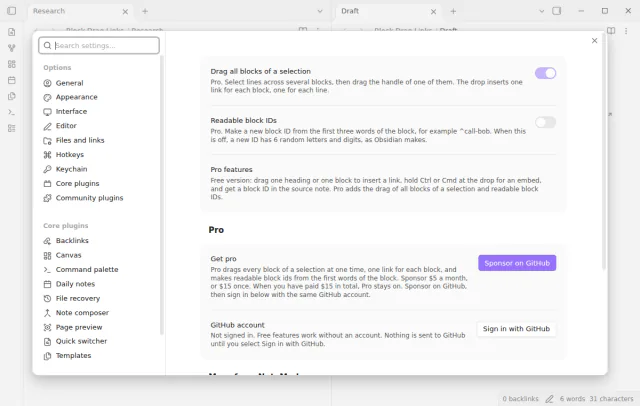
Select lines across several blocks, then drag the handle of one block in the selection. The drop inserts one link or embed for each block, each on its own line, and each block gets its ID. The setting Drag all blocks of a selection is on by default when Pro is on.
A new ID comes from the first three words of the block, for example ^call-bob-about. When that ID is in use, the plugin adds -2, -3 and so on. The setting is off by default.
needs
steps
Install Block Drag Links from Community plugins and enable it on a desktop computer.
Open the source note and the target note side by side.
Move the pointer over a heading or a block in the source note. A handle shows at its left.
Drag the handle to the place in the target note where the link goes, and release it. Hold Ctrl or Cmd before you release it to insert an embed.
If the app can't find a new plugin yet, try again later. Obsidian says a plugin that passes the review shows in the app within 24 hours.
A forum request asks to create references for headers or blocks by drag and drop. The topic has 115 likes and 30 posts.
Need a change for your team? I build custom Obsidian plugins and features.
No. The plugin is for desktop only. On a touch screen, a long press opens the menu and selects text, and it does not start a drag.
No. The handle is in the editor, in Live Preview and Source mode. A canvas is not a note editor.
The plugin does not write into a code block, a math block or the note properties. Put the block in a callout, or link to the heading above it.
The plugin uses the ID that is there. That is an ID at the end of the block or on the line after a quote, callout or table. It also reuses an ID from the Obsidian index. It adds no second ID and does not change the source note.
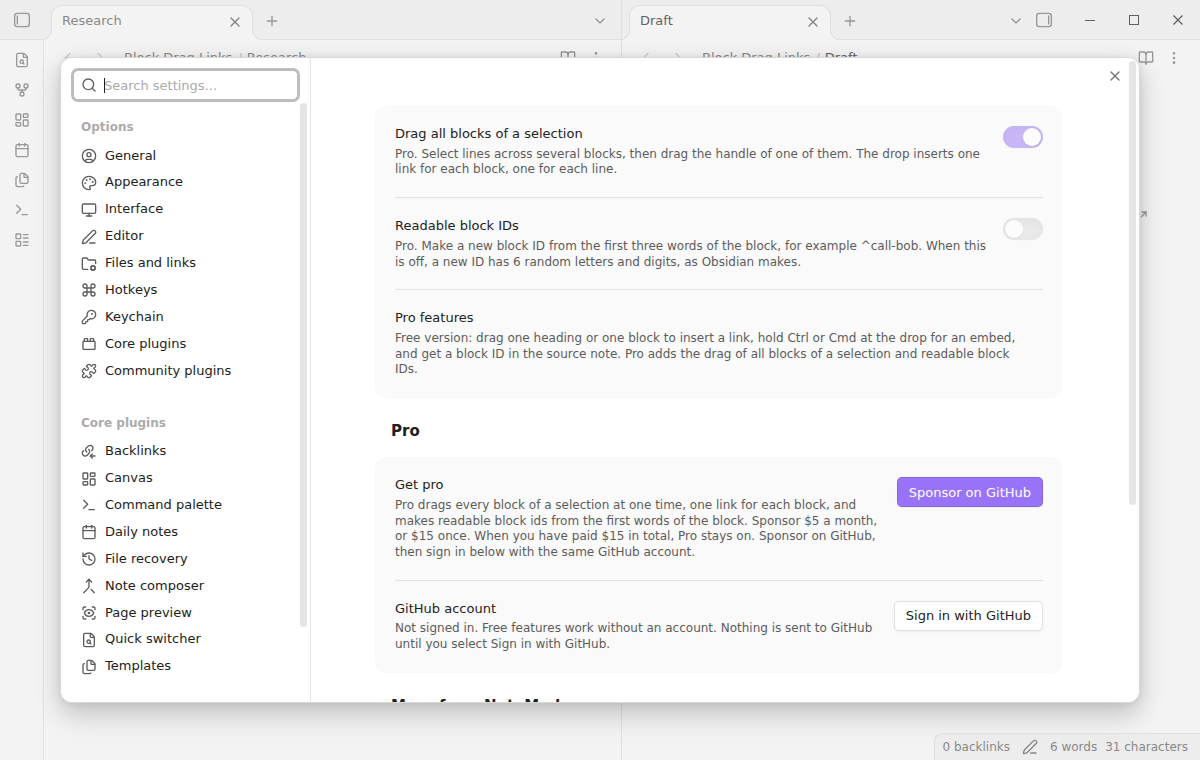
Until you select Sign in with GitHub in the settings, Block Drag Links makes no network requests. Sign in and the sponsorship check contact github.com and api.github.com, and a successful check is reused for 7 days. It sends no note content, file names or other vault data, and it has no telemetry.
Tell me what is broken in Block Drag Links, or what it should do next.
Block Drag Links 1.0.0, MIT license
MIT · no telemetry · core features free
Read an embedded block as text in your sentence, with a hover preview and a jump to the source.
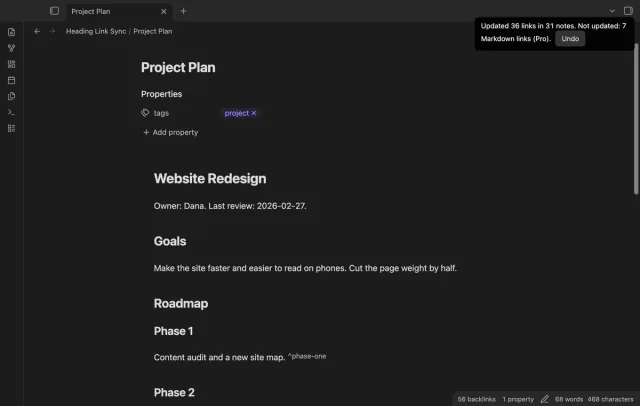
Update heading links and embeds when you edit a heading.

See headings from embedded notes in one outline.