Visual Line Numbers
Show a line number for each wrapped row in the editor.
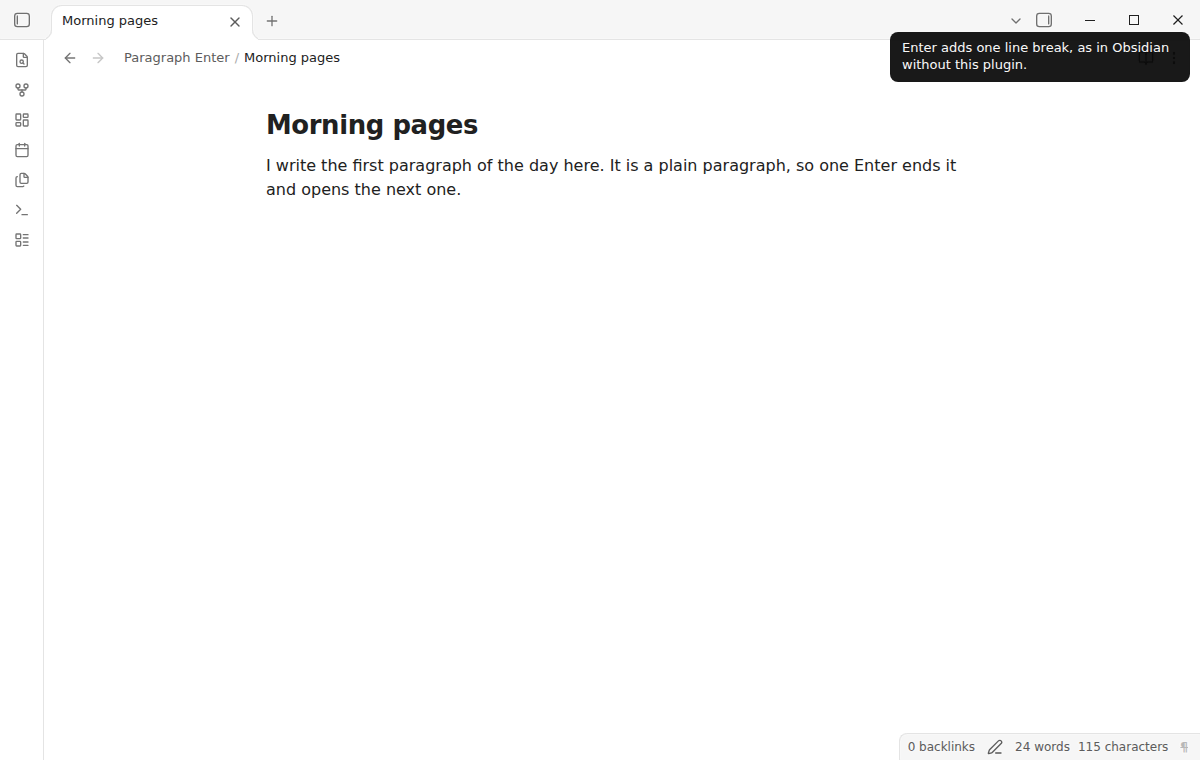
Press Enter once for a new paragraph, and Shift+Enter for a line break in the same paragraph.
MIT · no telemetry · core features free
End-to-end tests type in Obsidian 1.13.4 and 1.14.5 in Live Preview and Source mode. No test ran on a physical phone or tablet.
Directory facts fetched from community.obsidian.md/users/theluckystrike.
You write prose in Obsidian and press Enter twice for every new paragraph, as plain Markdown needs a blank line between paragraphs.
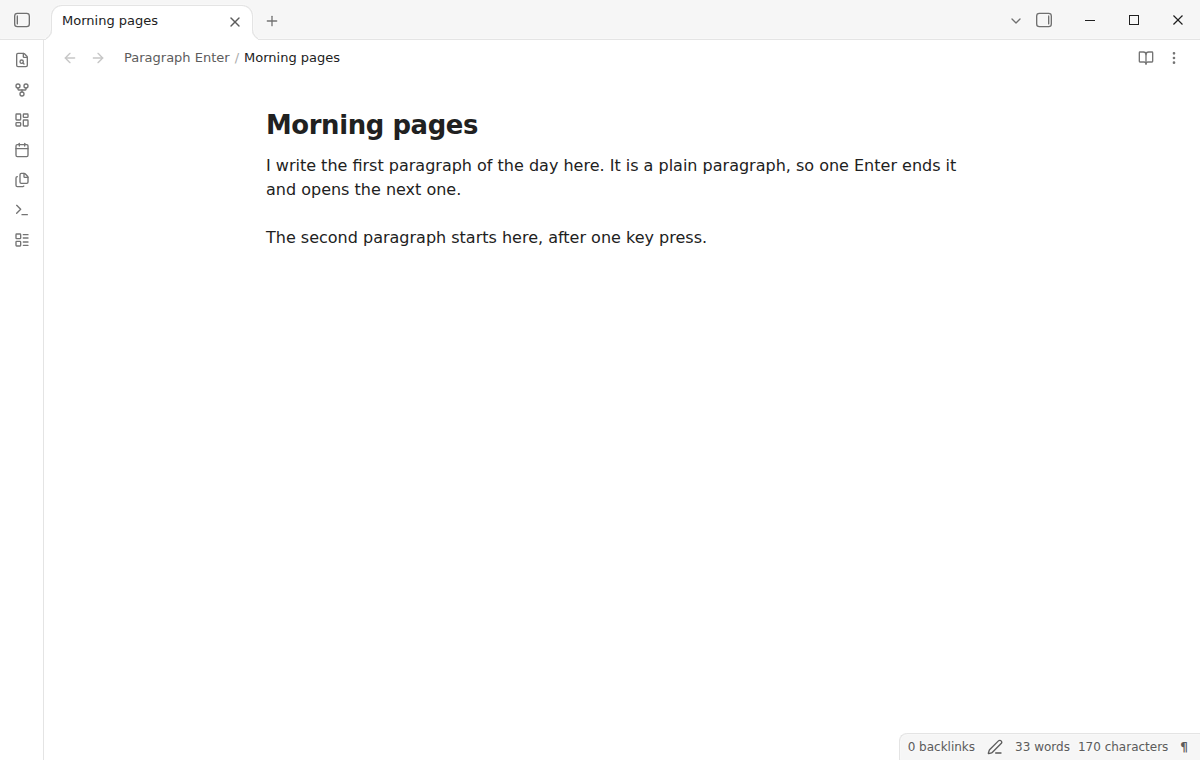
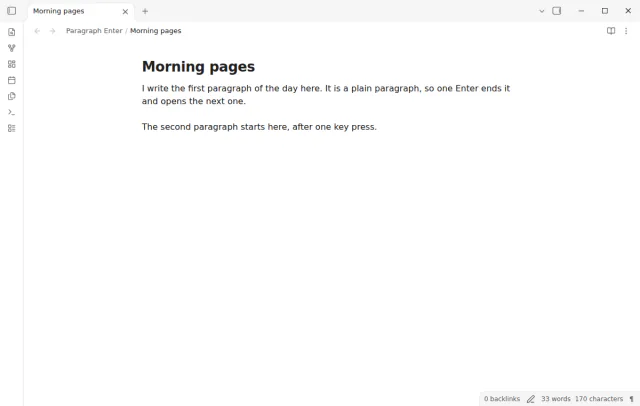
In plain Markdown, a new paragraph needs a blank line, so writers press Enter twice. With Paragraph Enter, you press Enter once and the plugin adds the blank line for you. Shift+Enter makes a line break inside the same paragraph.
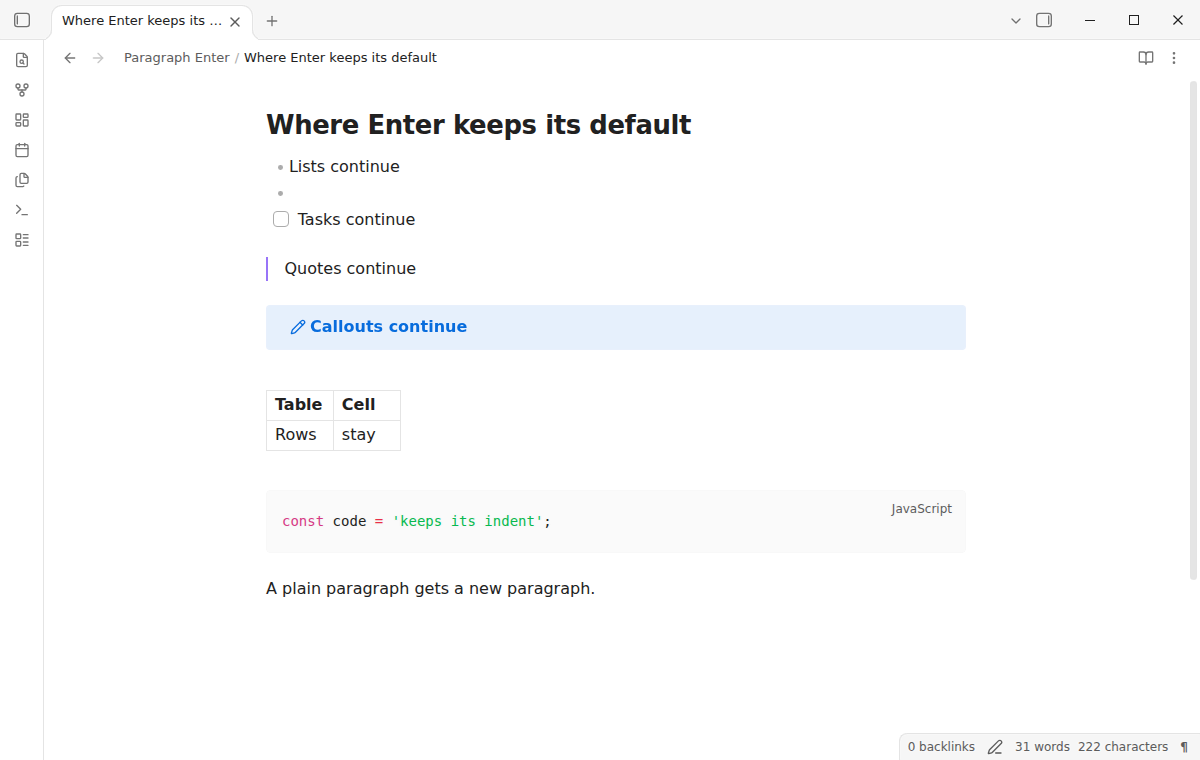
Lists, tasks, quotes, callouts, tables, code, math, front matter, comments and headings keep the normal Obsidian Enter. The plugin works the same in Live Preview and Source mode. It is free, it needs no account, and it makes no network requests.
 Play demo
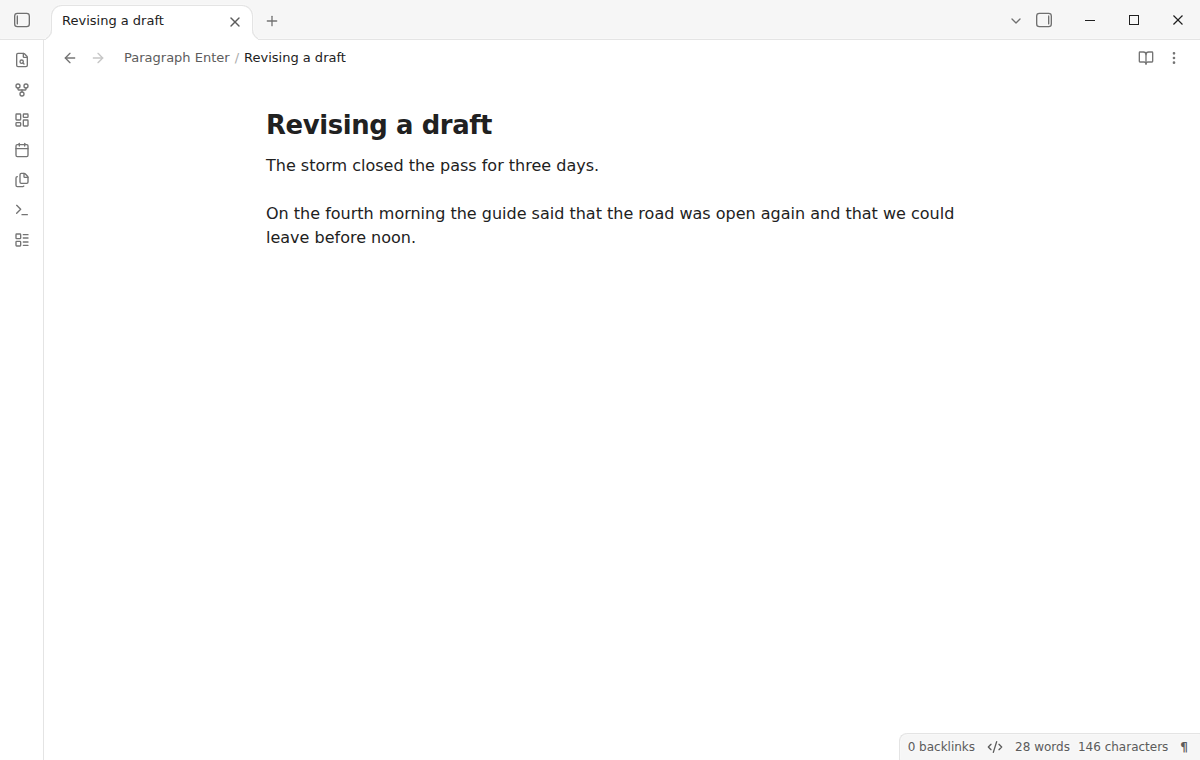
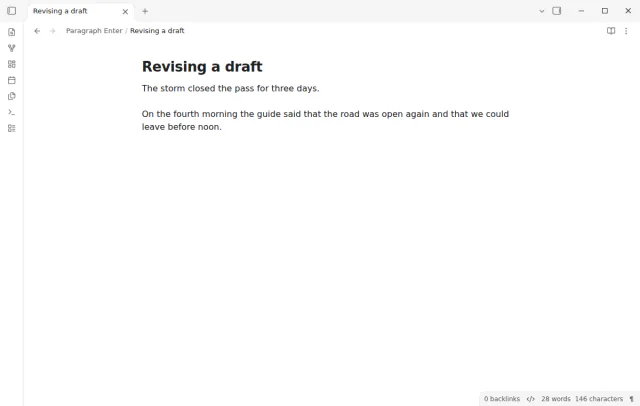
Press Enter at the end of a plain paragraph. The plugin inserts two line breaks and puts the cursor on the new empty line. The blank line between them makes two paragraphs in Reading view and exports, and existing empty lines are reused.
Press Enter in the middle of a paragraph, even inside a word, and the text after the cursor moves to a new paragraph. Spaces right after the cursor are removed. At the start of a line, Enter keeps its normal behavior.
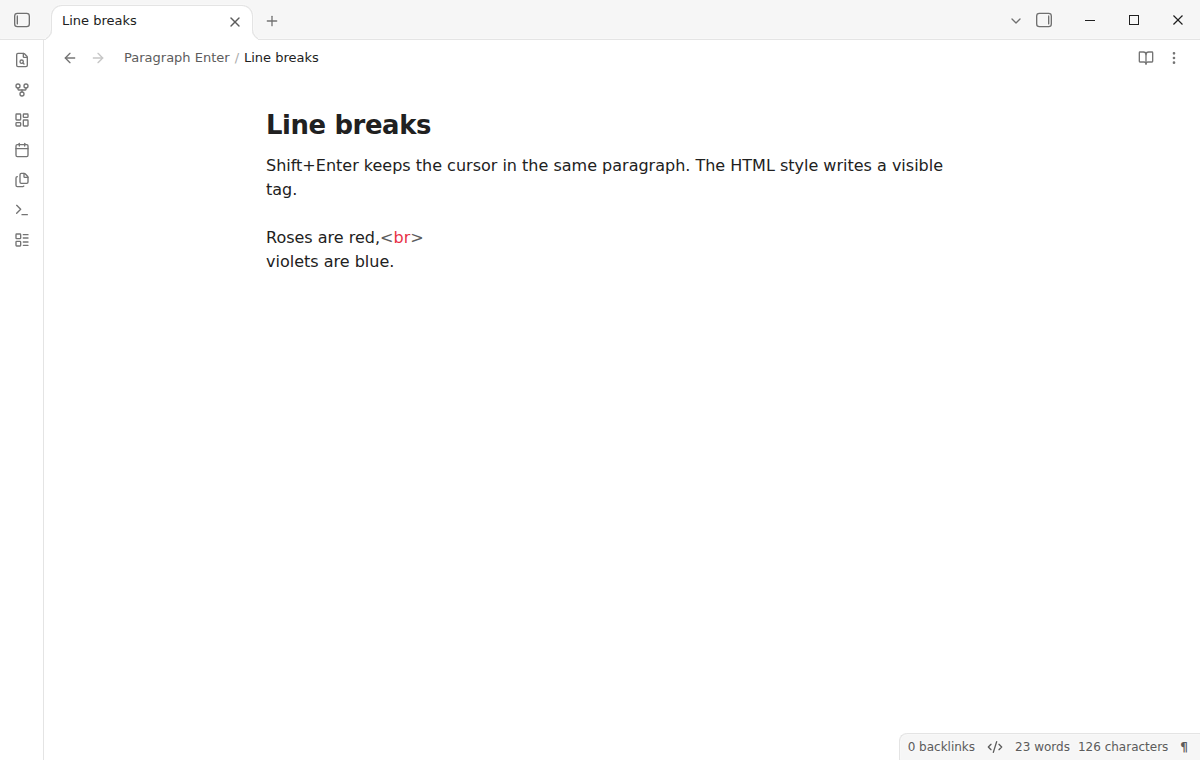
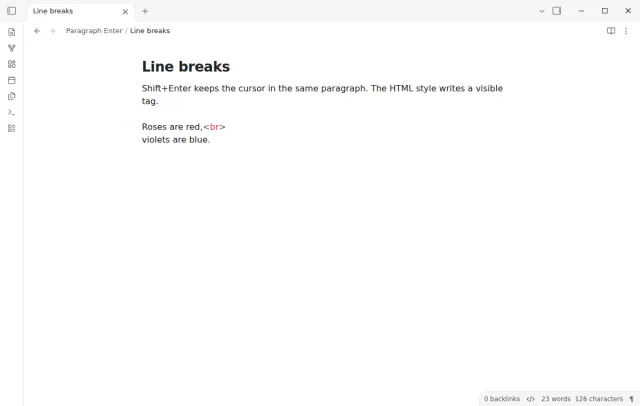
Shift+Enter stays in the same paragraph, for poems, addresses and lyrics. It writes a line break, two spaces and a line break, or <br> and a line break, as you choose in the settings. The command Insert line break writes the same text, so you can give it another hotkey.
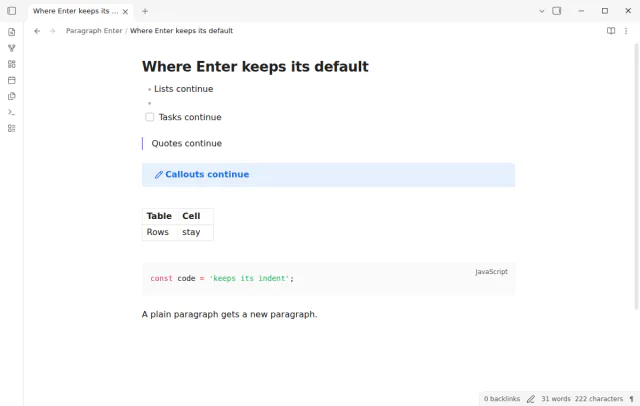
In list items, tasks, quotes, callouts, tables, code, math, front matter, comments, headings and HTML blocks, Enter does what core Obsidian does. Enter also keeps the default while a suggestion popup is open, during IME input, with a selection and with more than one cursor. In Vim mode, the plugin acts only in insert mode.
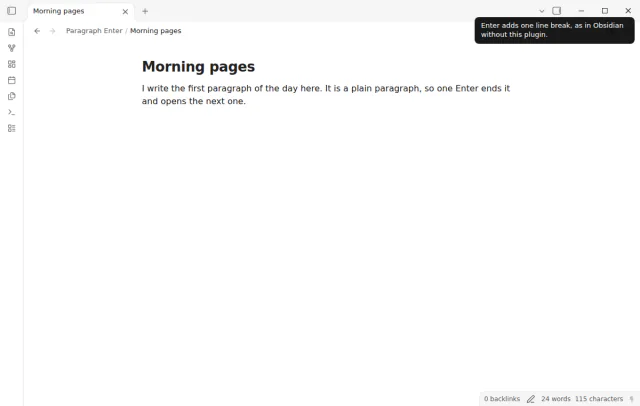
The status bar shows a paragraph mark. Select it, or run Toggle paragraph Enter, to switch the mode, and the mark is crossed out while the mode is off. Neither command has a default hotkey, and each Enter is one undo step.
Paragraph Enter is free, with no Pro tier, no account and no sign in.
needs
steps
Install Paragraph Enter from Community plugins and enable it. The mode is on after install, and a notice tells you so.
Open a note in Live Preview or Source mode, write a sentence and press Enter. The cursor goes to a new paragraph.
Press Shift+Enter when you want a new line in the same paragraph.
Pick the line break style in the settings, and give hotkeys to the two commands in Settings, then Hotkeys, if you want them.
If the app can't find a new plugin yet, try again later. Obsidian says a plugin that passes the review shows in the app within 24 hours.
A forum feature request asks for an option where Enter starts a new paragraph, as in Word, Scrivener, Typora and Roam. The topic has 152 likes and 65 posts.
Need a change for your team? I build custom Obsidian plugins and features.
No. The plugin only changes which characters Enter and Shift+Enter write in the editor. The strict line breaks setting of Obsidian still decides how a single line break looks in Reading view.
When text follows the paragraph, the new paragraph needs a blank line above it and a blank line below it. Otherwise the words that you type would join the next paragraph. When those empty lines are already there, the plugin only moves the cursor.
Plugins that handle Enter in lists, such as outliners, keep working, because Paragraph Enter does nothing in a list. Suggestion popups from other plugins keep Enter while they are open. If another plugin also changes Enter in plain paragraphs, turn one of them off.
The plugin is listed for mobile, and Obsidian has no status bar on phones, so use the toggle command there. Some phone keyboards hold the current word in composition until Enter or a space, and then Enter gives one line break. The README says this was not tested on a physical phone or tablet.
Paragraph Enter makes no network requests and has no telemetry. It sends no note text, file names or other vault data anywhere. The What's new tab and the settings card open notemods.com in your browser only when you select a link.
Tell me what is broken in Paragraph Enter, or what it should do next.
Paragraph Enter 1.0.0, MIT license
MIT · no telemetry · core features free
Show a line number for each wrapped row in the editor.
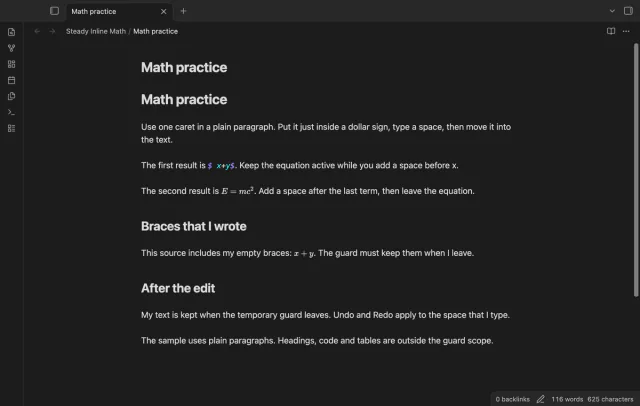
Keep an inline equation in math mode while you type beside it.
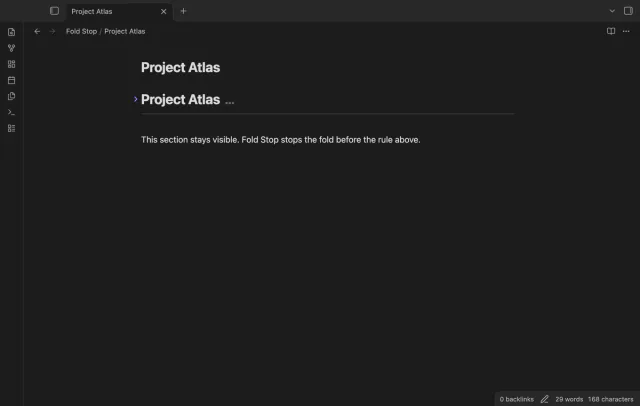
Fold a heading to the first horizontal rule at the top level.