
Heading Link Sync
Retype a heading and every link to it in your other notes follows, with no rename dialog.
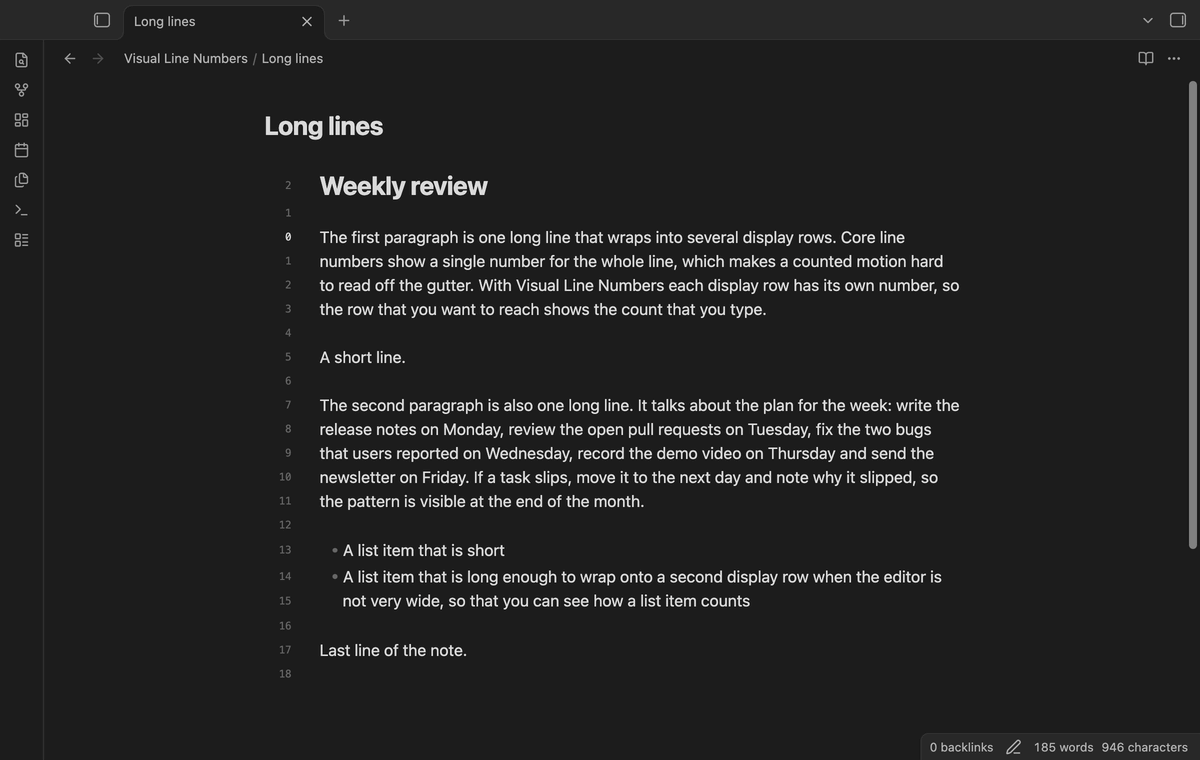
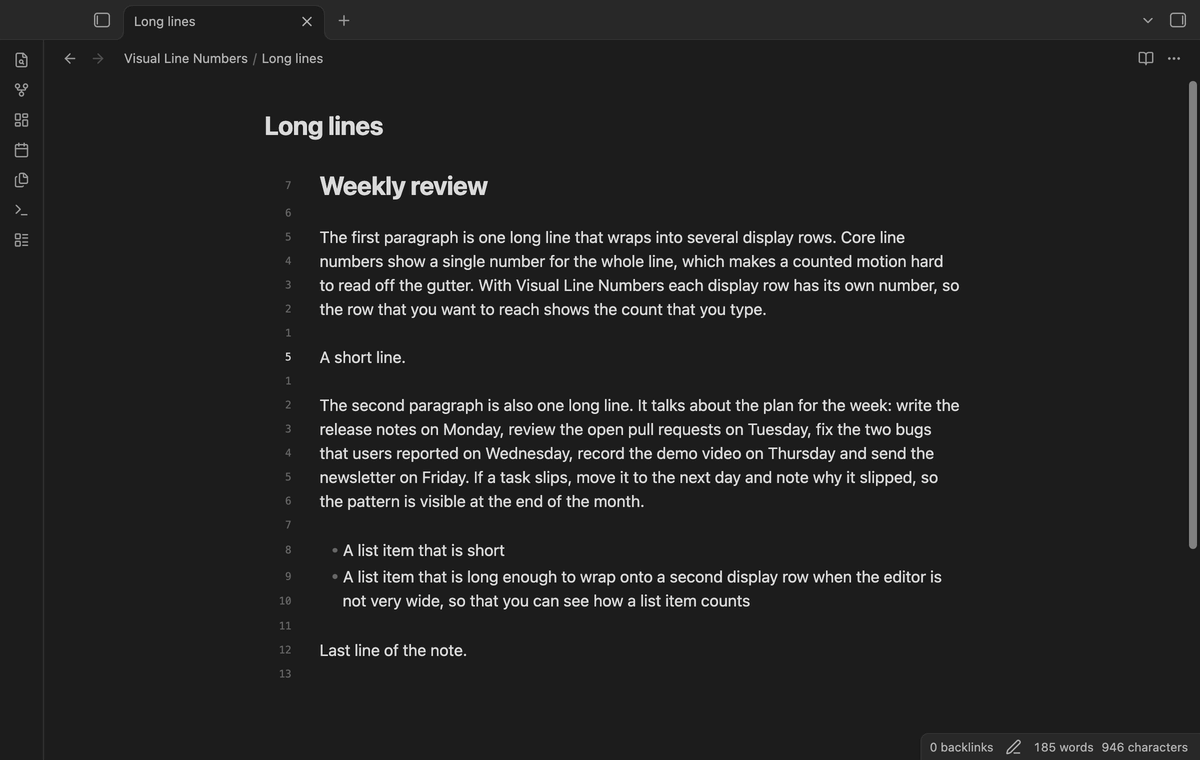
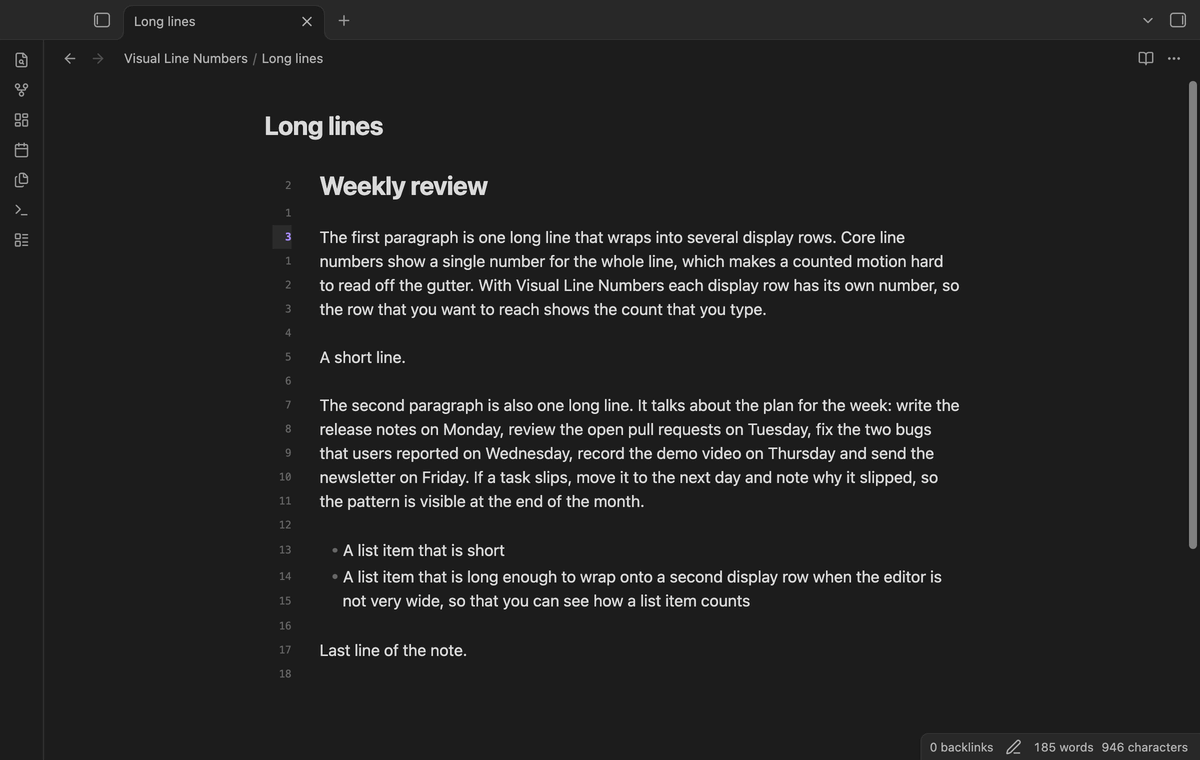
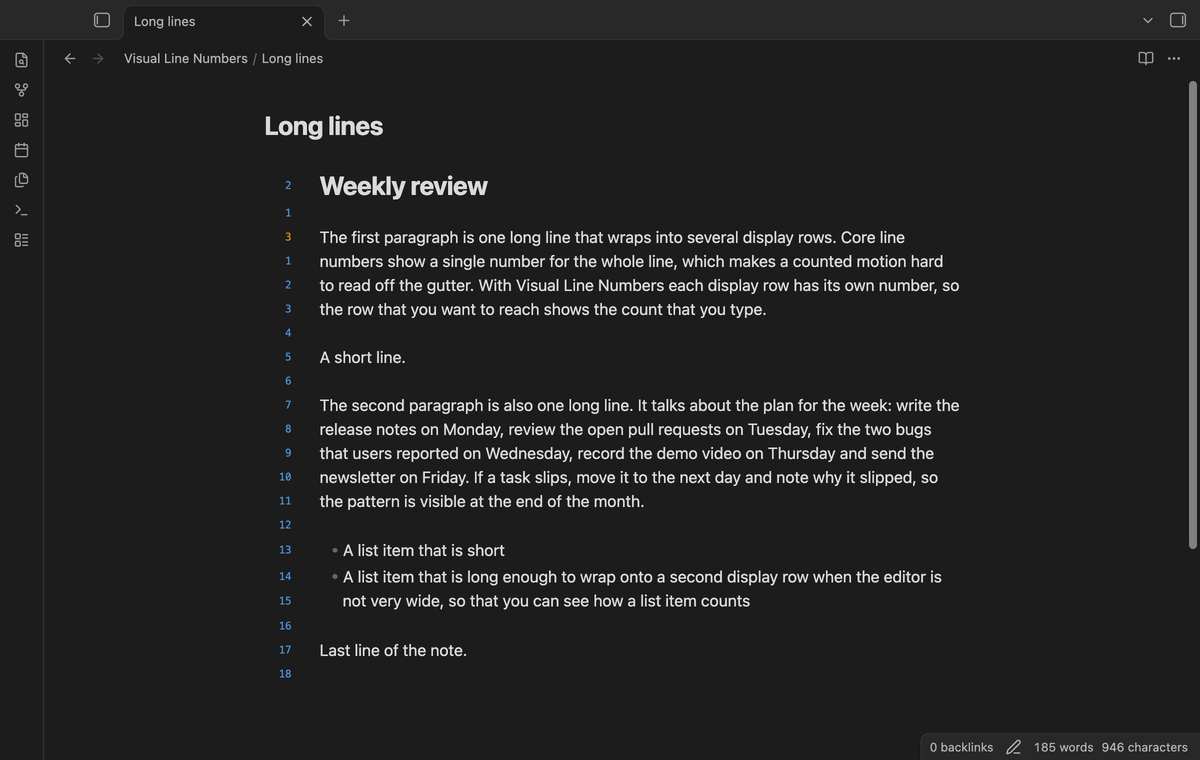
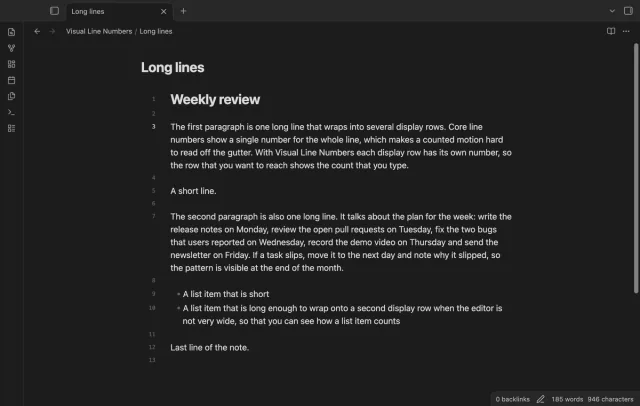
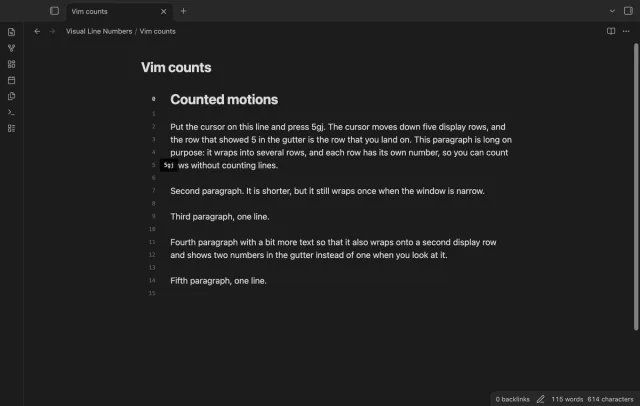
Every wrapped row gets its own number, so the count in the gutter is the count you type.
MIT · no telemetry · core features free
The plugin works on desktop and on mobile.
Directory facts fetched from community.obsidian.md/users/theluckystrike.
You use Vim key bindings in Obsidian, your long lines wrap, and you move with counted motions such as 5gj.
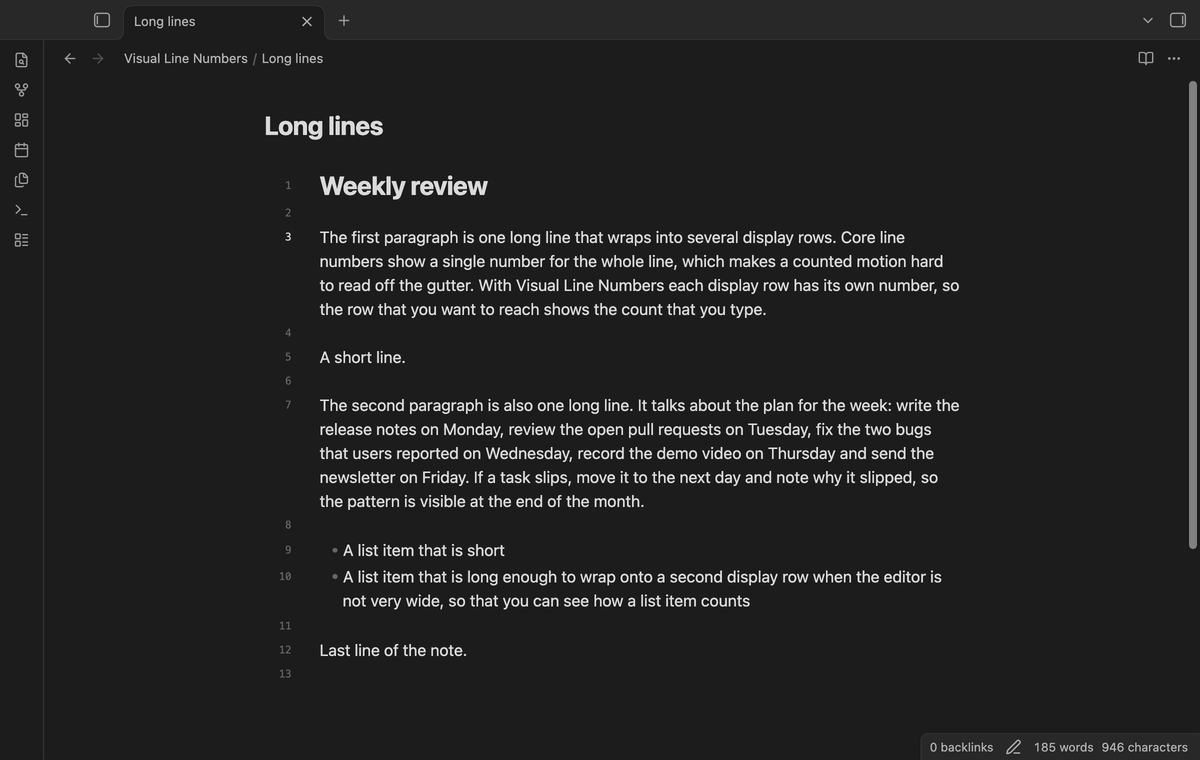
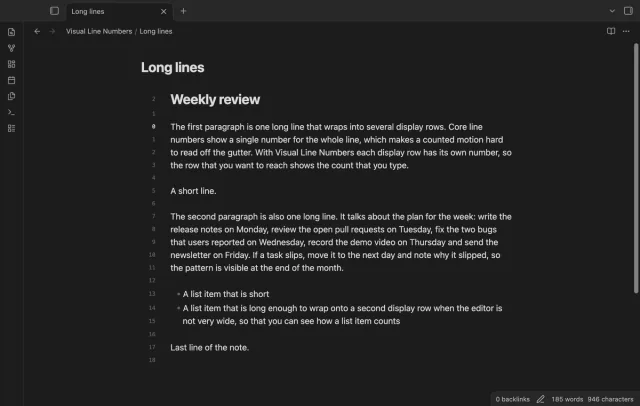
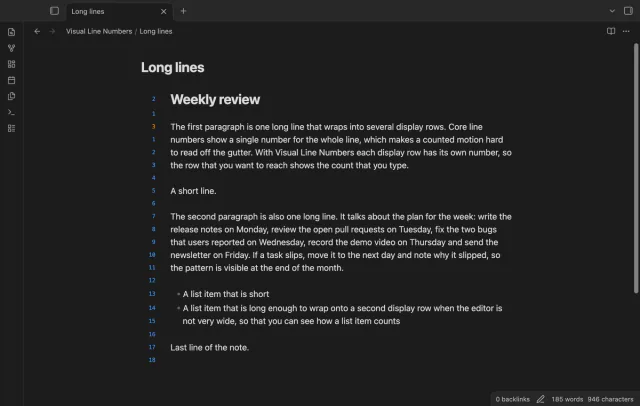
Core line numbers give a wrapped line one number. A paragraph that wraps onto five rows still counts as one, so the gutter can't tell you how far away a row is. Visual Line Numbers counts the rows that the editor draws.
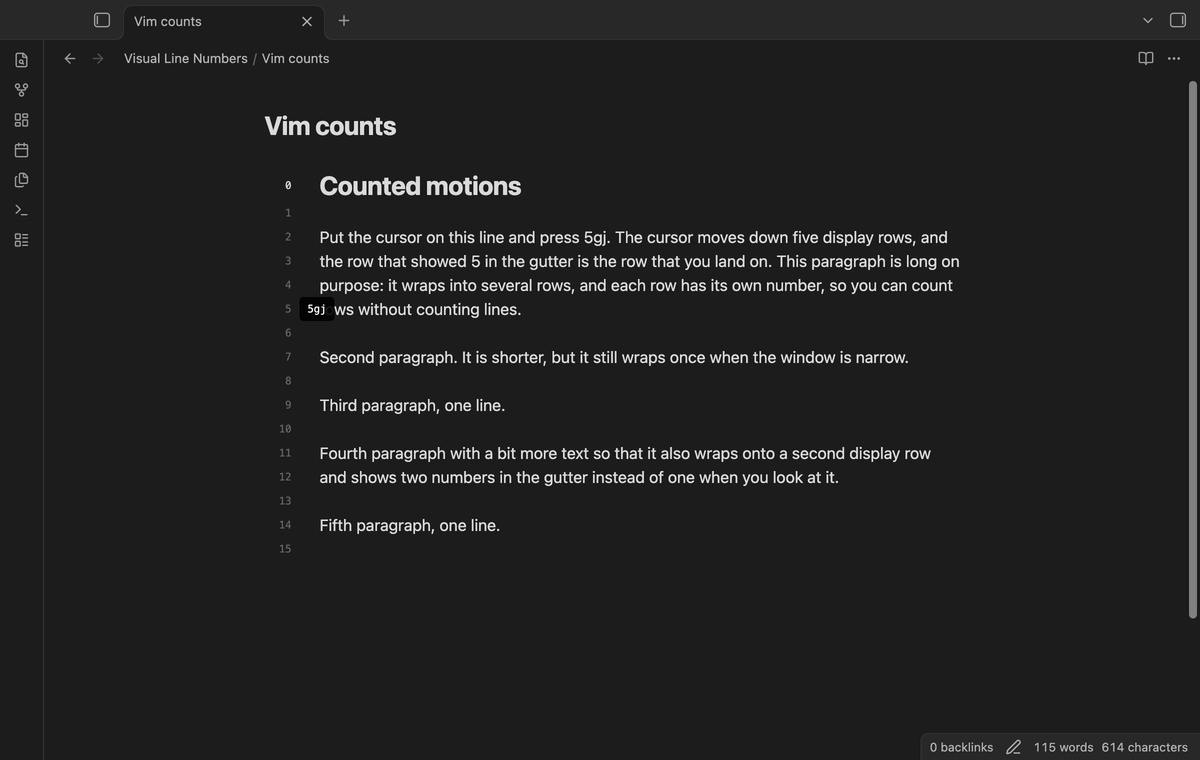

In relative and hybrid mode the numbers count rows from the cursor. Map j and k to gj and gk, and 5j lands on the row that shows 5. The gutter, the three modes and the commands are free.
 Play demo
Relative mode is the default. The cursor row shows 0, and the rows above and below show how many rows away they are. A paragraph that wraps onto four rows shows four numbers.
Hybrid mode gives the same counts. The cursor row shows the line number of the cursor line instead of 0, as Vim does with both options on.
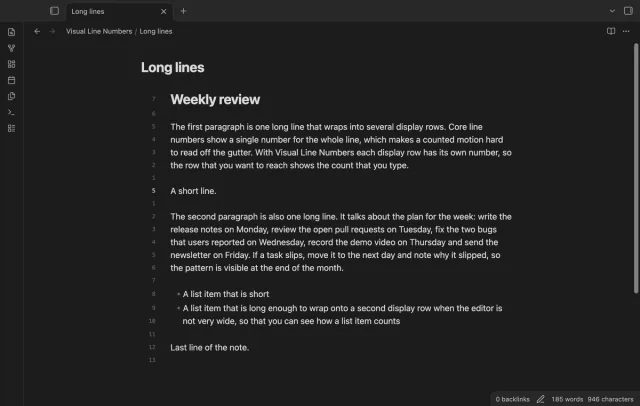
Absolute mode shows the line number on the first row of each line. The rows that a long line wraps onto have no number. So the gutter matches the line numbers that other tools and error messages use.
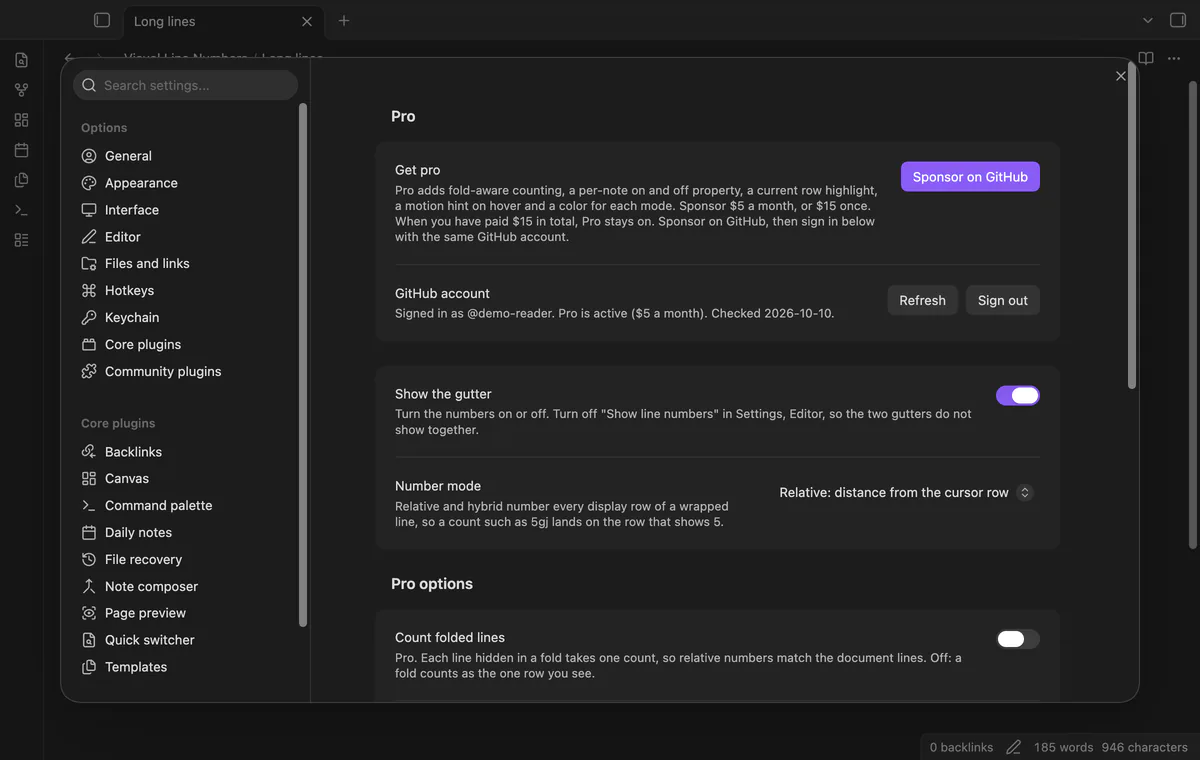
The command palette has Toggle the number gutter and Cycle number mode. Three more commands set absolute, relative or hybrid numbers directly. The settings tab has the same two choices.
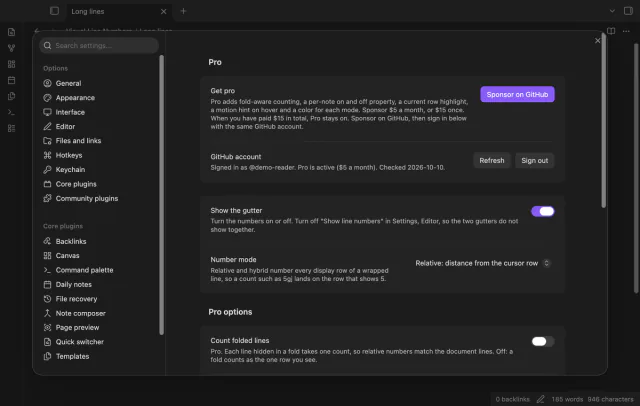
The free version has the gutter, the three modes, the commands and the settings tab.
Pro costs $5 a month or $15 one time through GitHub Sponsors. One sponsorship turns on Pro in all 15 plugins.
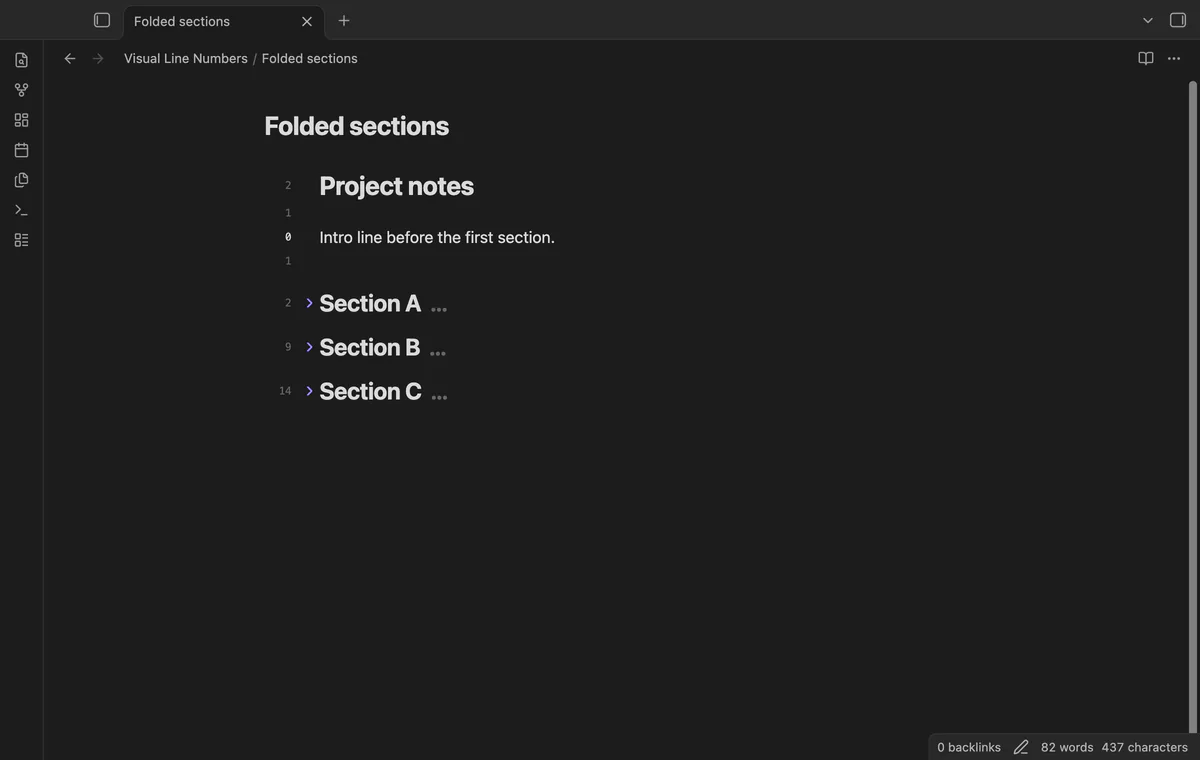
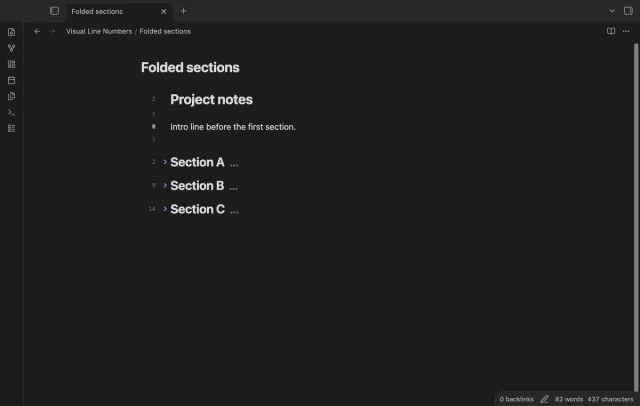
Turn on Count folded lines and each line that a fold hides takes one count. The number of the row below a fold then matches the document lines between it and the cursor. With the option off, a fold counts as the one row you see.
The cursor row shows its number in bold, in the accent color, on a tinted background.
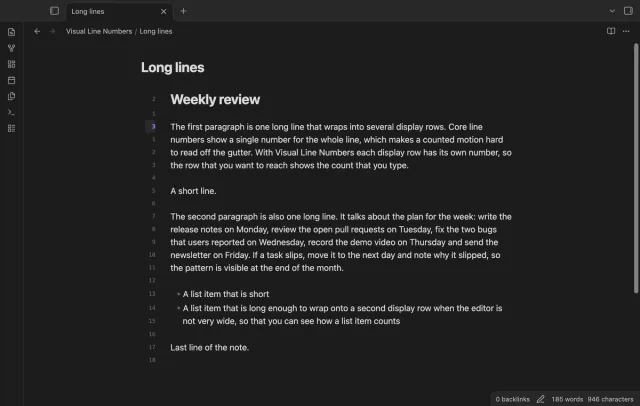
Hover over a number to see the Vim motion that reaches that row. A row five rows below the cursor shows 5gj, and a row three rows above shows 3gk.
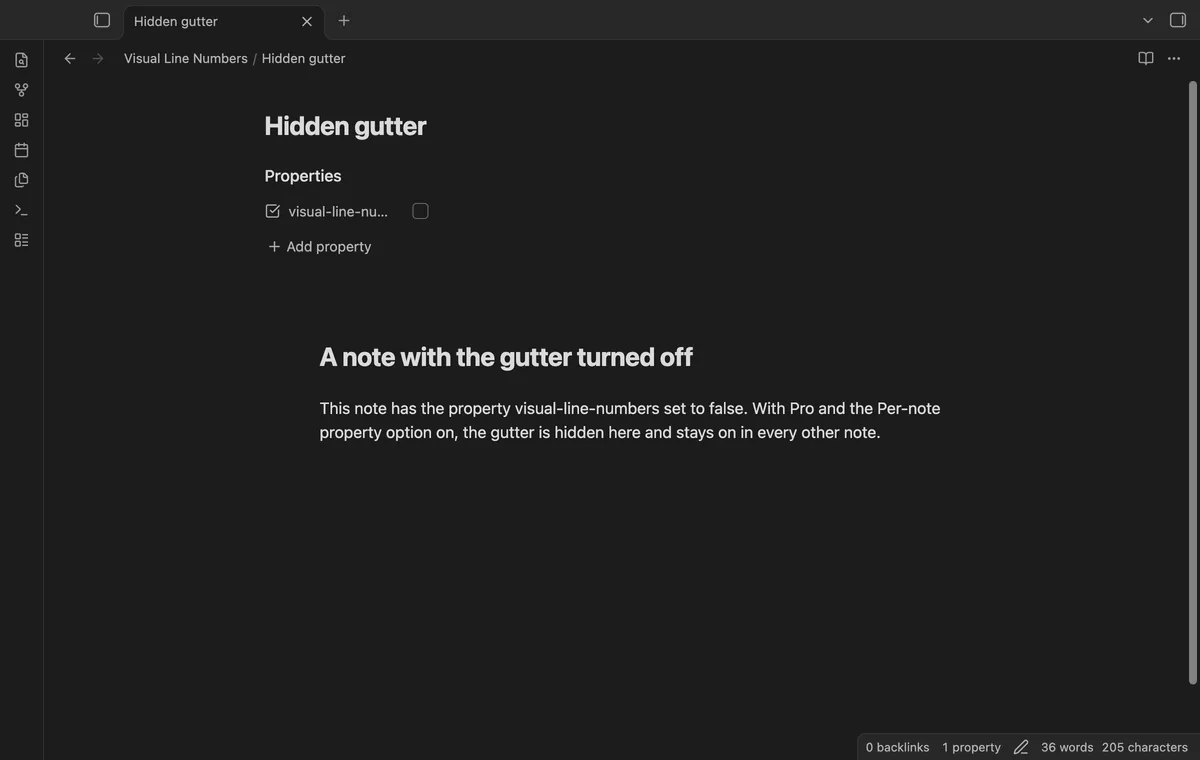
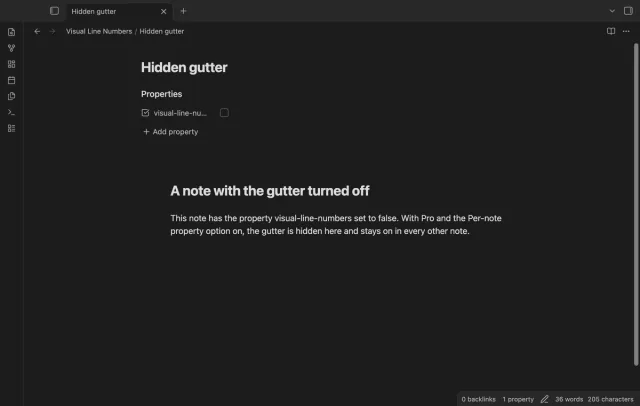
Add visual-line-numbers: false to the properties of a note to hide the gutter in that note. Every other note keeps its gutter. Use it for notes with long prose, where numbers add noise.
Choose one color for absolute numbers, one for relative numbers, and one for the line number on the cursor row in hybrid mode. Without a chosen color, the numbers use the theme.
needs
j and k mapped to gj and gk.steps
Install Visual Line Numbers from Community plugins and enable it.
Open Settings, Editor and turn off Show line numbers, so two gutters of numbers don't show together.
Open a note in Live Preview or Source mode and look at the left of the text.
For counted motions, turn on Vim key bindings in Settings, Editor and map j and k to gj and gk.
With the Vimrc Support plugin, add nmap j gj and nmap k gk to your vimrc file.
The request Numbering Visual Lines on the Relative Line Numbers plugin has been open since March 2023 and has 39 reactions. An older request on Vimrc Support, with 7 reactions, describes the same mismatch between counts and line numbers.
How to get relative line numbers on wrapped lines in Obsidian
j and k to gj and gk, the gutter count doesn't match the motion.Core line numbers give a wrapped line one number. Visual Line Numbers puts a number on every display row, and relative mode counts rows from the cursor. Turn off Show line numbers in Settings, Editor first.
On screen, yes, because the counts come from the rows that the editor draws. When the cursor is off screen, the editor has only estimated heights for lines it hasn't drawn. The relative numbers are then close, and exact again once the cursor line is back on screen. Absolute mode and the hybrid cursor line number are always exact.
Yes, by default. A folded section is drawn as one row, so it counts as one. With Pro, Count folded lines counts every hidden line as well.
The plugin measures only the lines on screen. It measures again when the note, the scroll position or the window width changes.
No. The gutter shows in Live Preview and in Source mode. Reading view and the canvas are out of scope.
Visual Line Numbers makes no network requests until you select Sign in with GitHub in the settings. After sign in, it asks GitHub about your sponsorship at most once every 7 days, or when you select Refresh. It sends no note content, file names or other vault data, and it has no telemetry.
Visual Line Numbers 1.0.0, MIT license
MIT · no telemetry · core features free
Retype a heading and every link to it in your other notes follows, with no rename dialog.
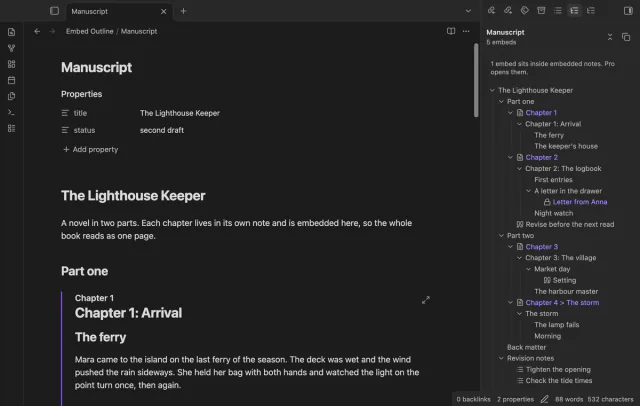
One outline for a note built from embeds, with each chapter's headings under its embed.
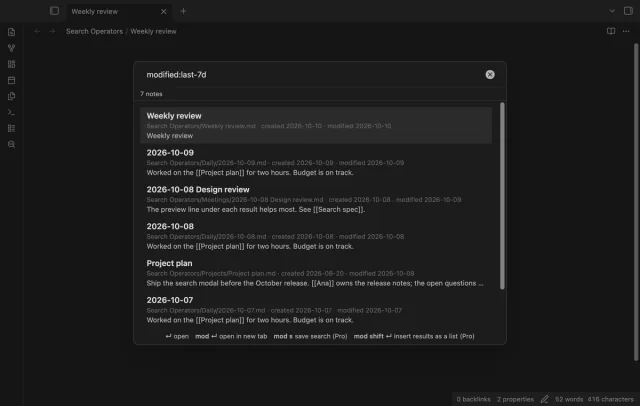
Find a note by when you made or changed it and by what it links to, with a preview line per result.