How to reuse TeX macros across Obsidian notes
As of October 2026, Obsidian supports inline and display math through MathJax.
As of October 2026, Obsidian accepts inline math between dollar signs. Steady Inline Math guards an eligible equation during editing, but cleanup keeps your typed spaces.
The guard protects your active edit. Check the source after leaving the equation, because a saved boundary space can still affect rendering.
Write inline LaTeX between dollar signs. For a small correction, edit the expression directly and check its rendered result.
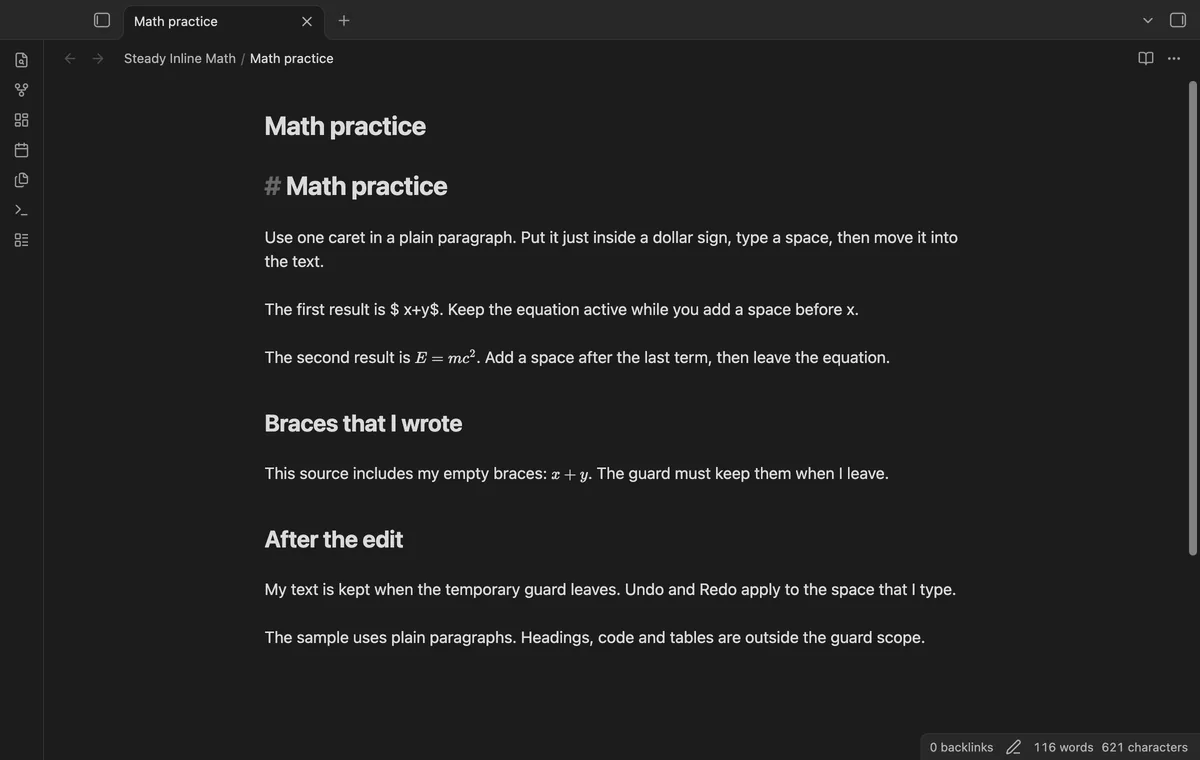
Put your caret inside an inline equation in a plain paragraph. The plugin adds hidden temporary braces so spaces stay inside the active equation.
MIT · no telemetry · core features free
Open a Markdown note in Live Preview.
Write a short inline equation in a plain paragraph.
Place one caret inside a dollar sign and type a space.
Move the caret into the paragraph to remove temporary braces.
Remove boundary spaces yourself if the final equation needs them removed.
Lists and callouts are outside this version’s supported contexts. Try the equation in a plain paragraph with one caret.
The Pro panel lists eligible equation source and line numbers. It uses the same paragraph scanner as the guard.
 That's every step, start to finish.
You're officially a regular.
Obsidian rewards people who share. NoteMods is just me and a lot of coffee. If this guide saved you a fight with the syntax, buy me a cup.
That's visit . Regulars are the reason I keep NoteMods running. If it's part of your routine now, a coffee says thanks better than anything.
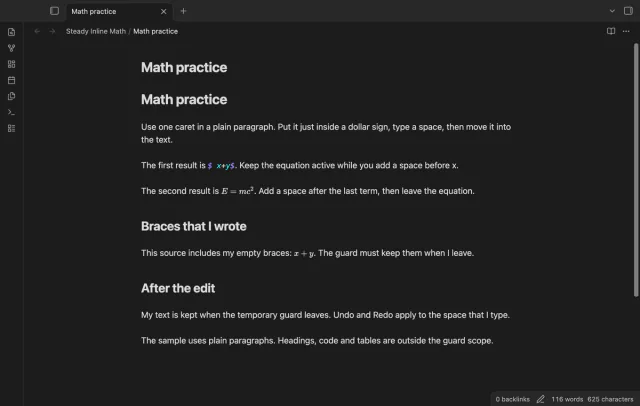
Keep an inline equation in math mode while you type beside it.