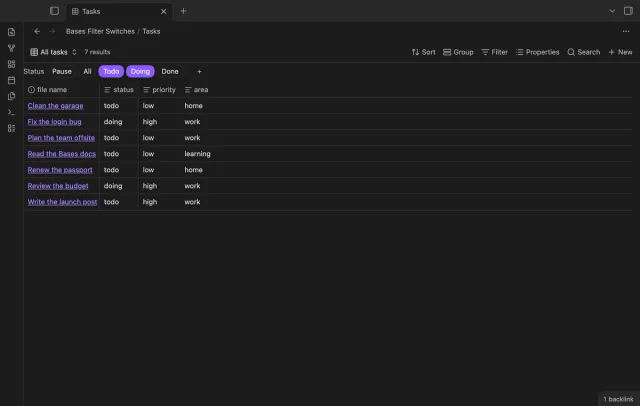
Bases Filter Switches
Turn saved Bases filters on or off with switches.
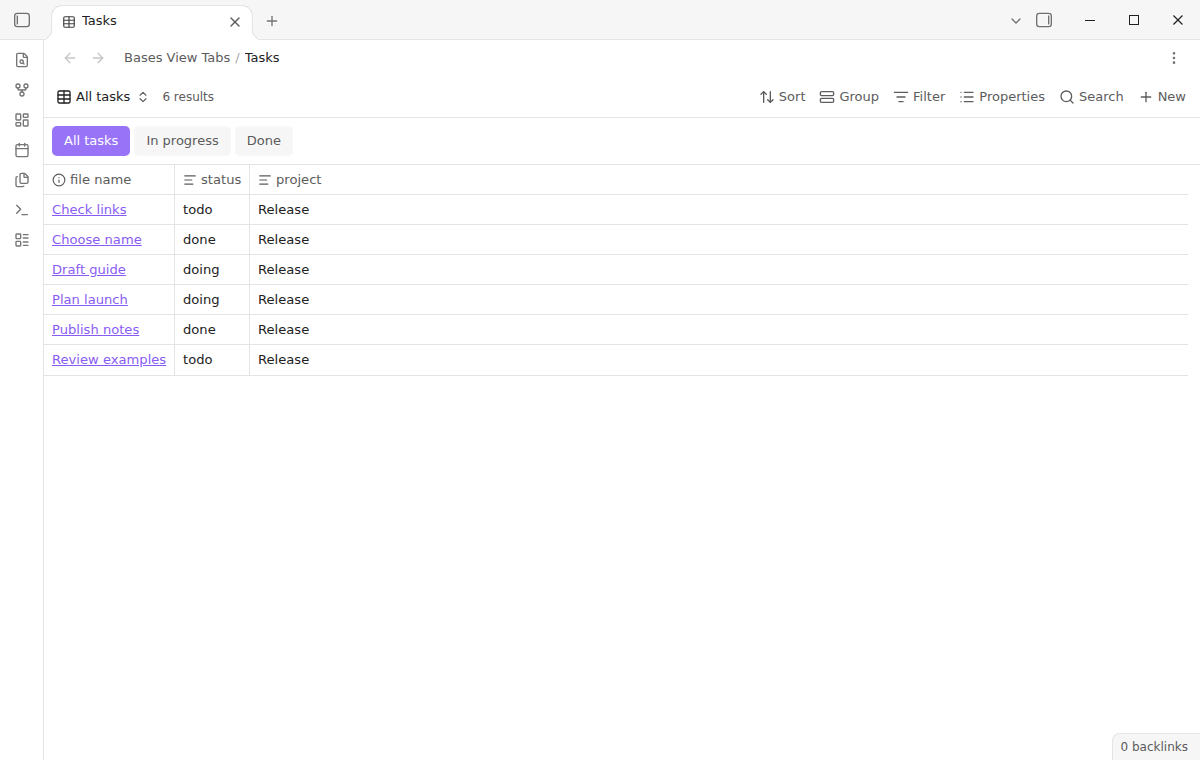
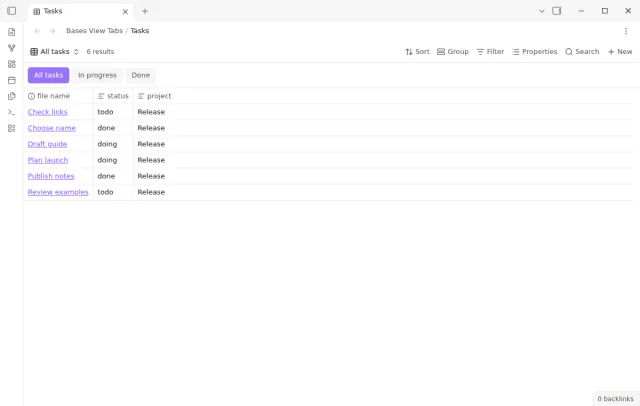
Change between the saved views of a Base in one click from a tab strip under its toolbar.
MIT · no telemetry · core features free
The directory takes these platforms from the plugin manifest. The automated tests run in the desktop app only.
Directory facts fetched from community.obsidian.md/users/theluckystrike.
You keep several saved views in one Base and change between them many times a day.

Open a Base with saved views, and each view name appears as a tab under the toolbar. Select a name to show that view with its own filters, sort order and columns. The plugin never writes the Base file.
 Play demo
Each saved view gets a tab, in the order of your Base file, with no view limit. The plugin selects the existing view and does not copy the Base. The native view menu stays in place for creating and renaming views.
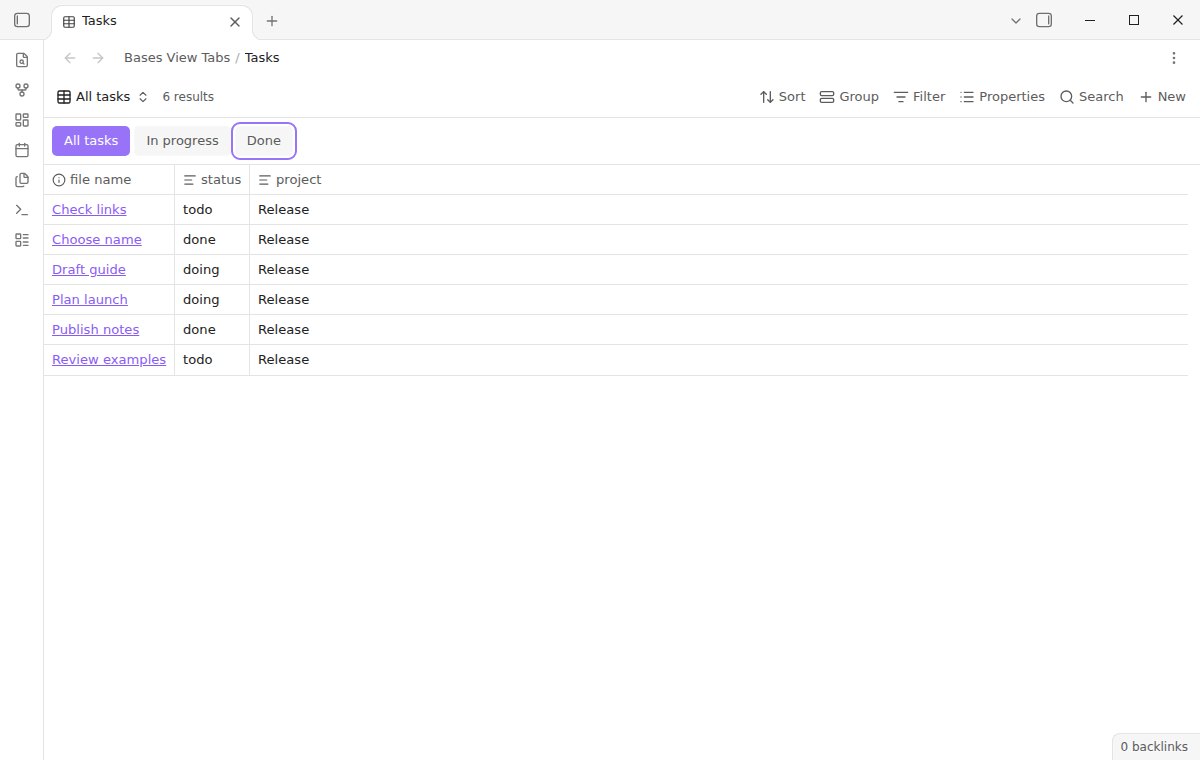
Run Focus the view tabs, then use Left, Right, Home and End to move focus. Press Enter or Space to select the focused view. Arrow direction follows right-to-left interfaces.
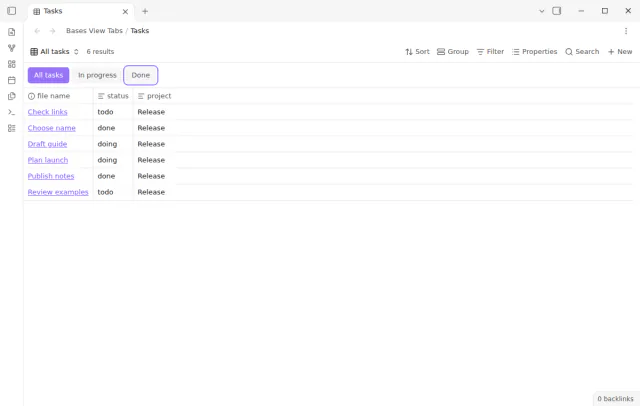
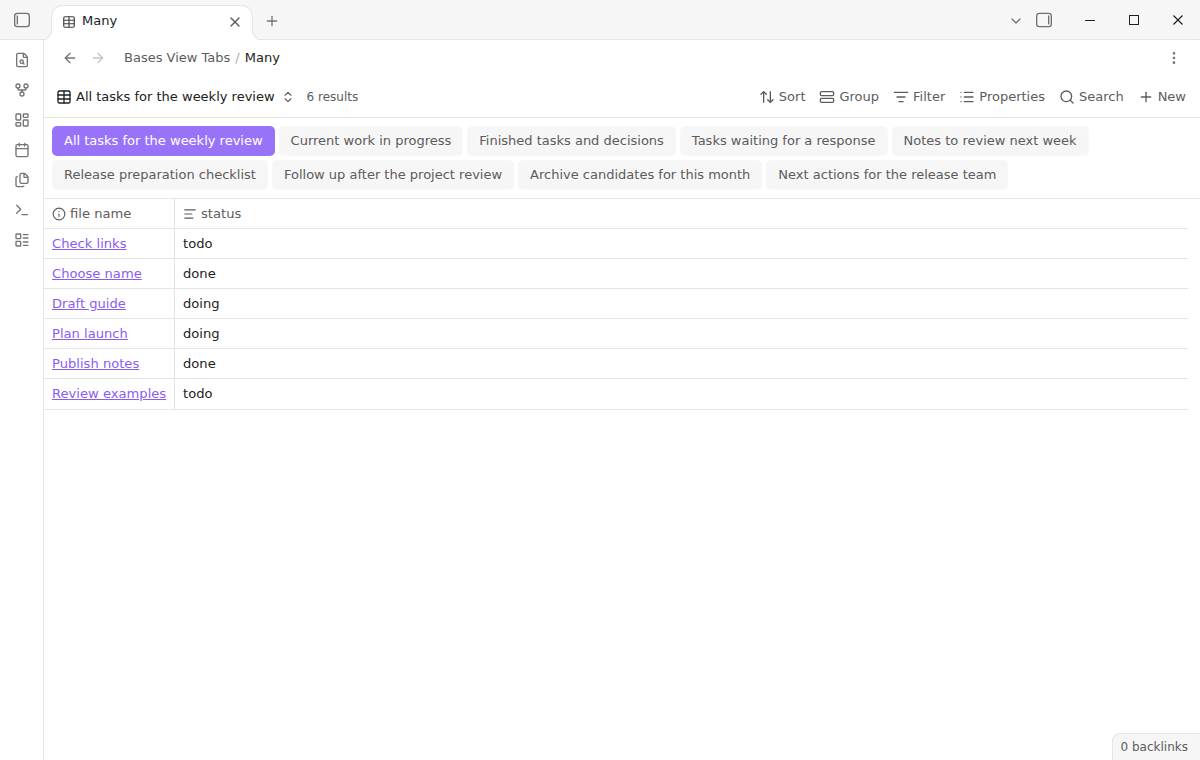
The strip scrolls sideways when the names do not fit. Turn on Wrap tabs to show them on more than one line. Each pane keeps its own selected view when one Base is open twice.
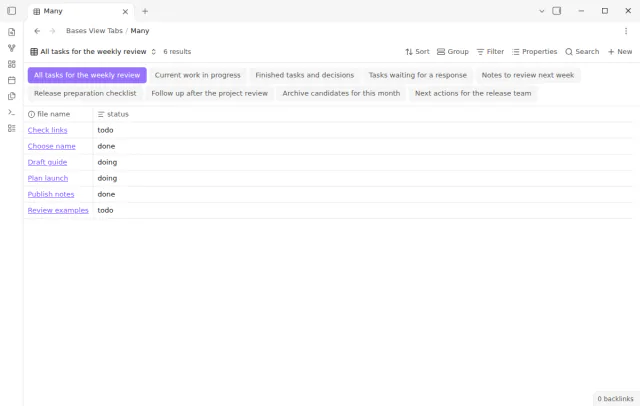
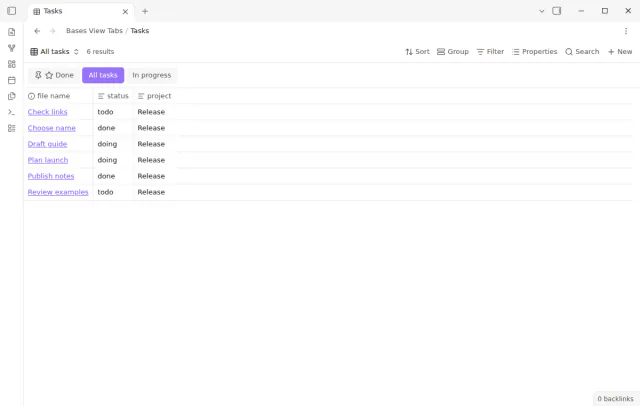
All tabs, keyboard navigation and wrapping are free, and Pro adds pinned views and per-view icons.
Pro costs $5 a month or $15 one time through GitHub Sponsors. One sponsorship turns on Pro in every plugin that has it.
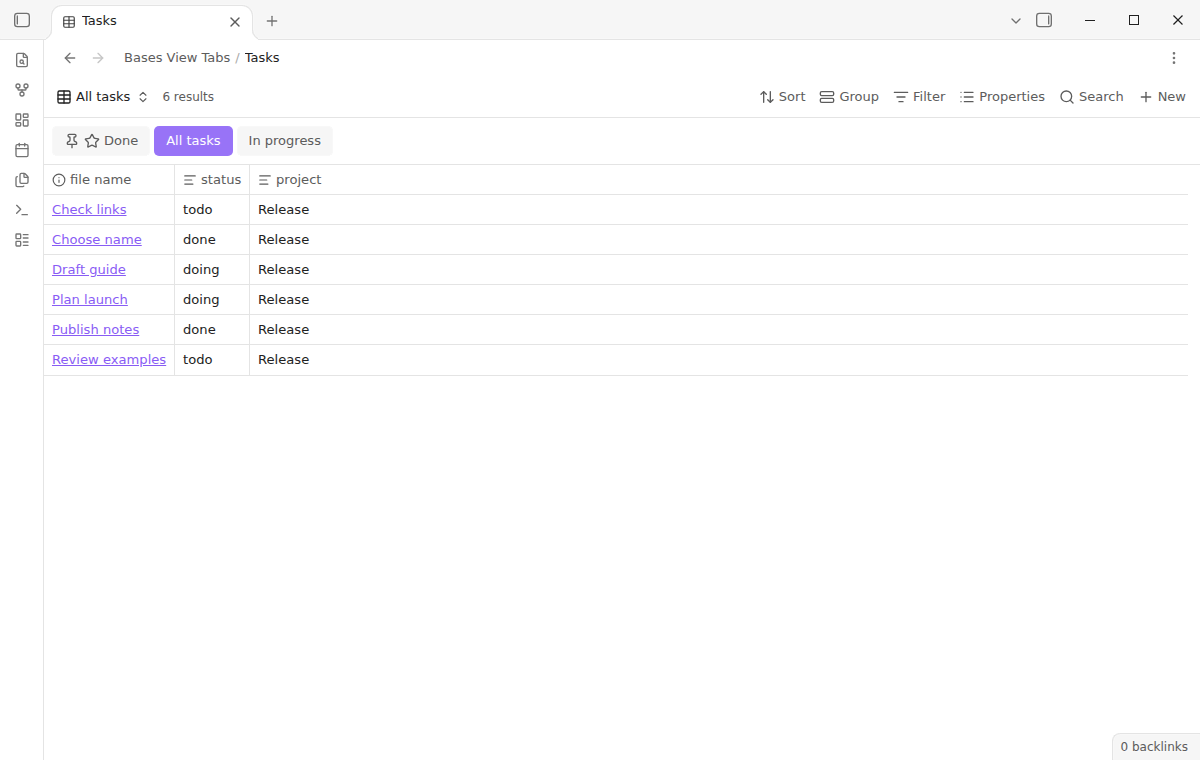
Right-click a tab to pin it or to choose an icon. Pinned views move to the start of the strip and keep their relative order. The choices belong to one Base path and view name.
needs
steps
Enable Bases View Tabs and the Bases core plugin.
Add and configure views in a Base with the native view menu.
Open the .base file, then select a view name in the strip under the toolbar.
Turn on Wrap tabs in the settings if the names do not fit your pane.
If the app can't find a new plugin yet, try again later. Obsidian says a plugin that passes the review shows in the app within 24 hours.
A forum request asks for Base views as tabs, for quick view changes and a view list that stays visible.
Need a change for your team? I build custom Obsidian plugins and features.
No. The plugin changes only the selected view in the workspace state of the pane. Filters, formulas and view definitions stay managed by Bases.
Not in this version. It adds tabs to standalone Base panes only. Open the linked .base file to use the tabs.
Check that Bases is on and that the open .base file has named views. Invalid YAML or duplicate view names hide the strip, so the plugin cannot select the wrong view. Use the native view selector while you correct the Base.
All views stay available. Pins and icons stop, and the tabs return to file order. The saved choices stay in the plugin settings for a later valid Pro check.
Bases View Tabs makes no network request until you select Sign in with GitHub. Sign in sends the client ID and the read:user scope to github.com, and the sponsorship check sends your token to api.github.com. No note text, file names or other vault data goes to either host.
Tell me what is broken in Bases View Tabs, or what it should do next.
Bases View Tabs 1.2.0, MIT license
MIT · no telemetry · core features free
Turn saved Bases filters on or off with switches.
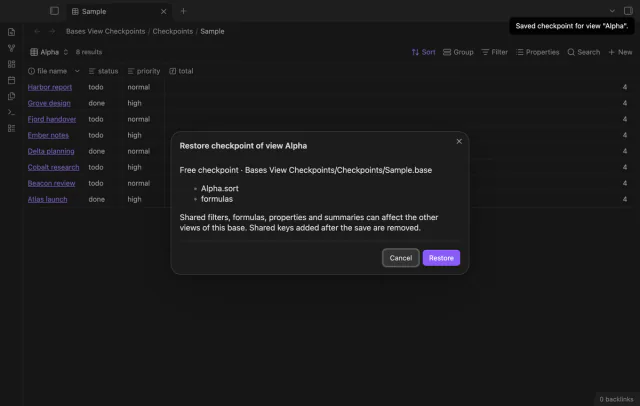
Save a Base view before you change its settings.
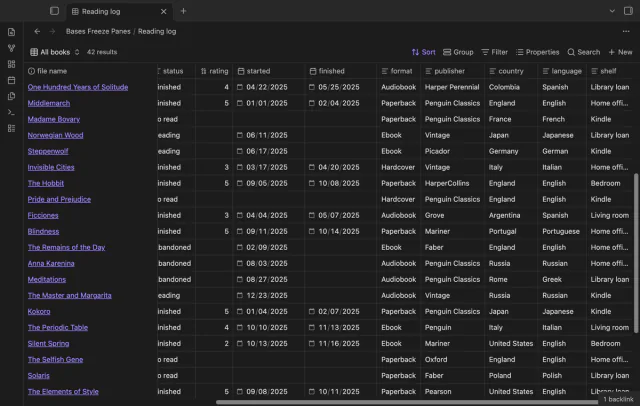
Keep column and note names visible as you scroll a base.