Bases Filter Switches
Turn saved Bases filters on or off with switches.
Keep column and note names visible as you scroll a base.
MIT · no telemetry · core features free
Pro adds "Two or three frozen columns" and "Pinned last column". Pro for all 134 plugins, $15 one time
Tested on desktop only.
Directory facts fetched from community.obsidian.md/users/theluckystrike.
You have a base with more columns or rows than fit on the screen and lose track of which row you're editing.
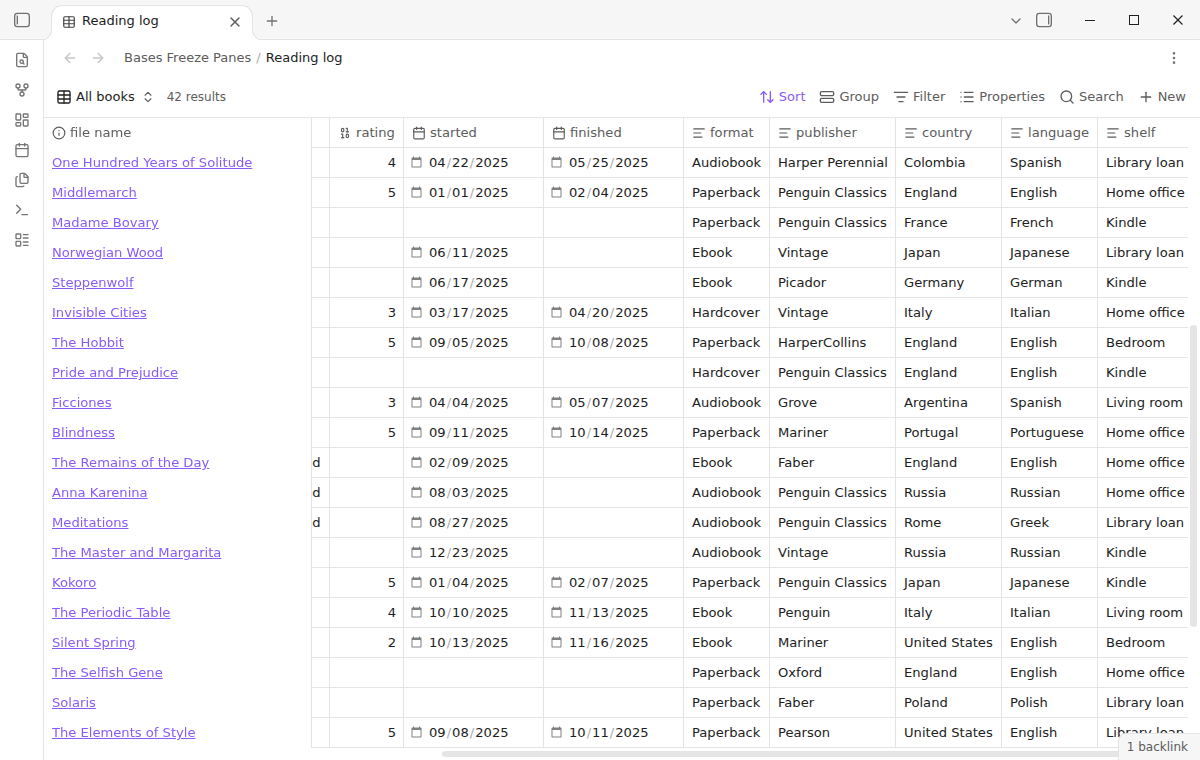
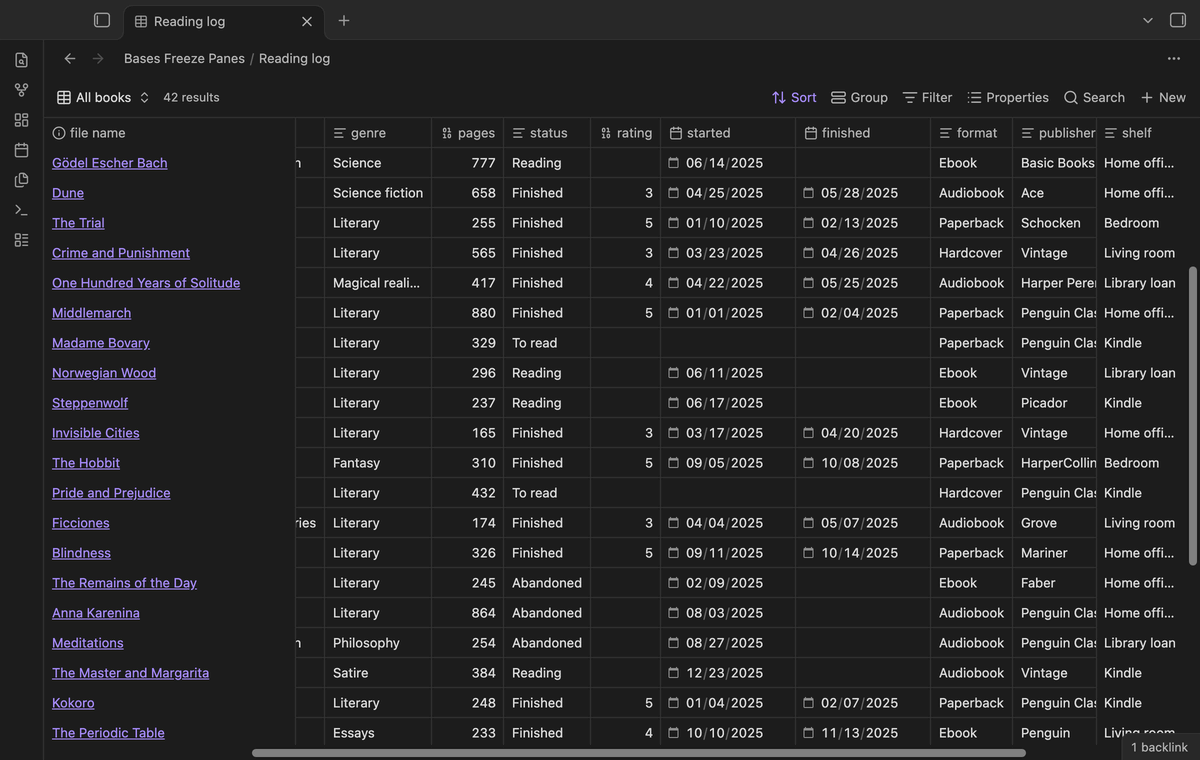
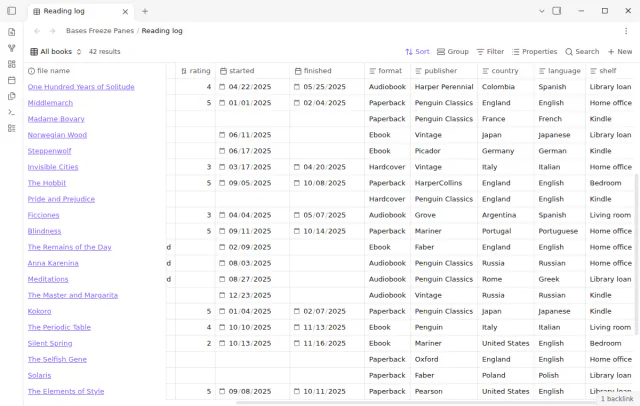
Scroll down and the column names stay at the top. Scroll to the right and the note names stay on the left, so you always know which row you're editing. It works in base files, in bases embedded in notes and in base code blocks.
The plugin changes the display without rewriting your notes or base files. An optional free setting also freezes rendered Markdown and Dataview tables.
 Play demo
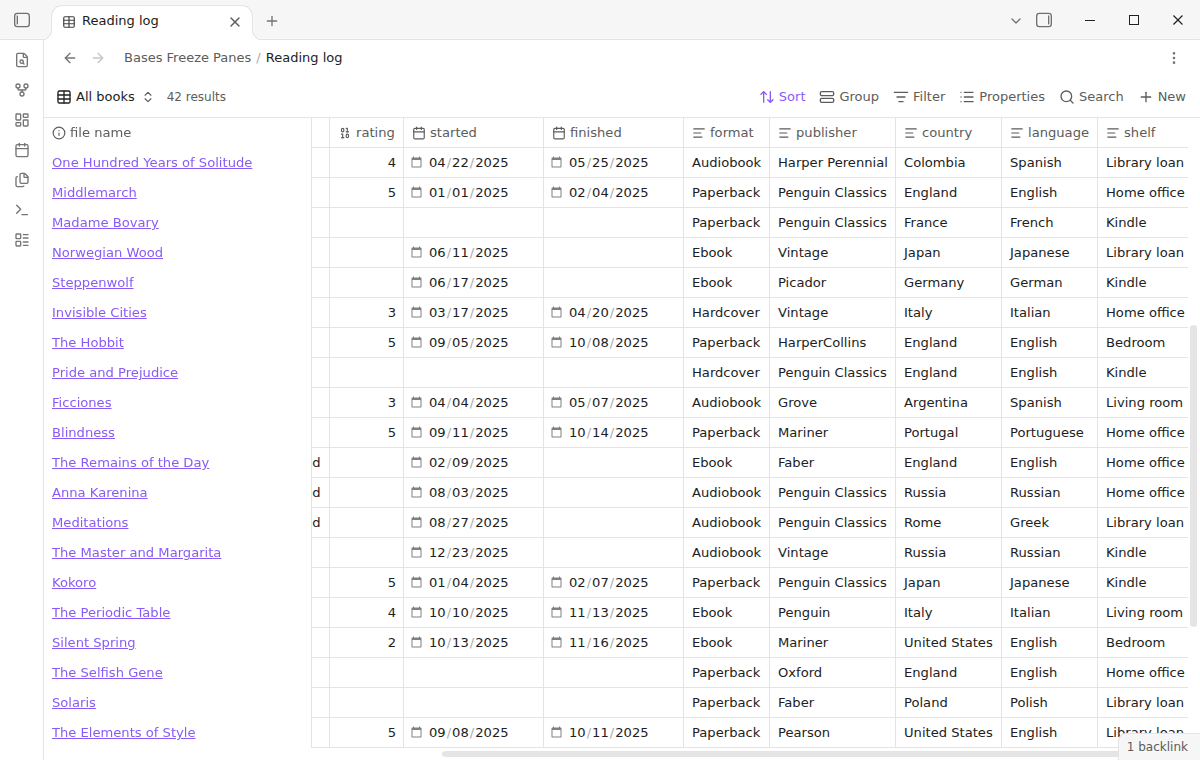
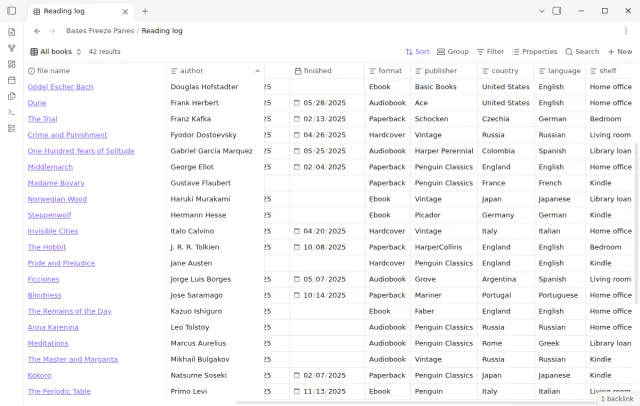
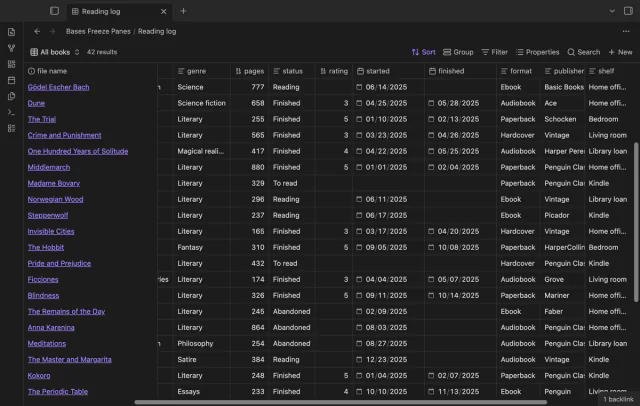
Open a base file with more columns than fit on the screen and scroll to the right. The first column stays where it was, and a thin line marks its edge. The header row gets a solid background, so rows never show through it.
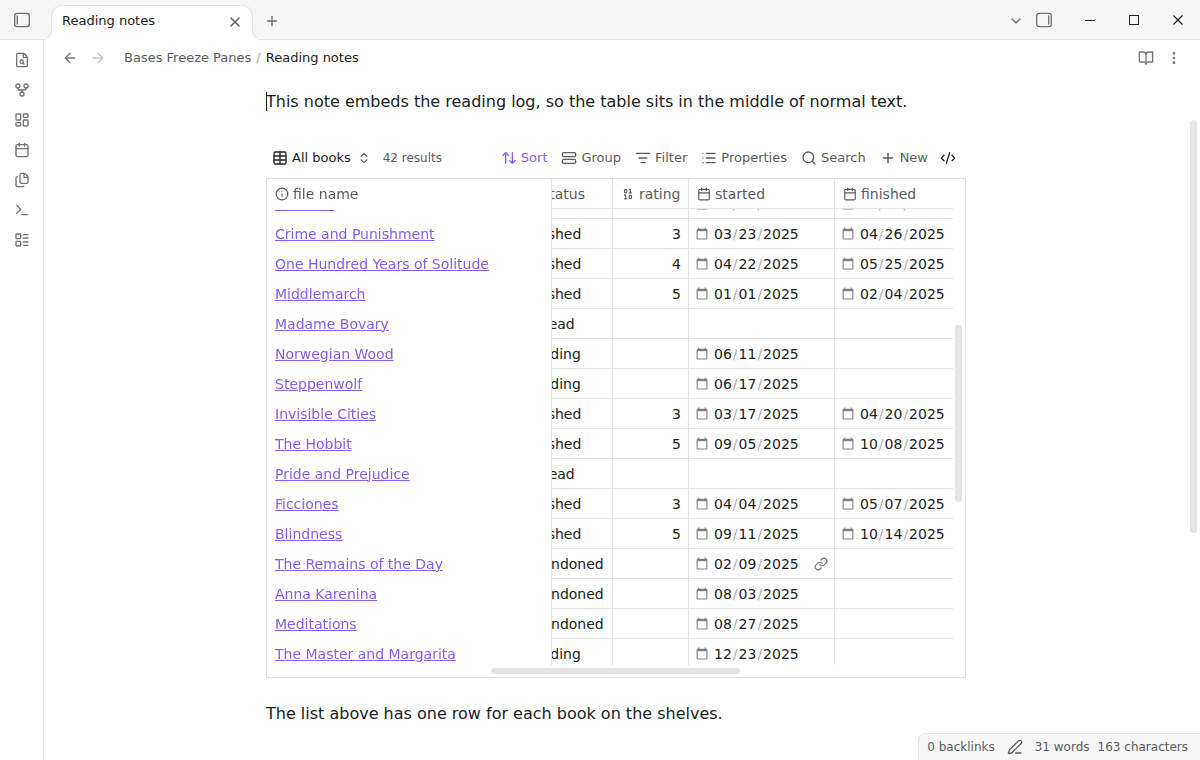
A base embedded in a note normally grows to the full height of its rows, so the note scrolls and the header scrolls away. The plugin gives embedded tables a maximum height, 500 pixels by default. A taller table scrolls inside this box, and its header sticks to the top.
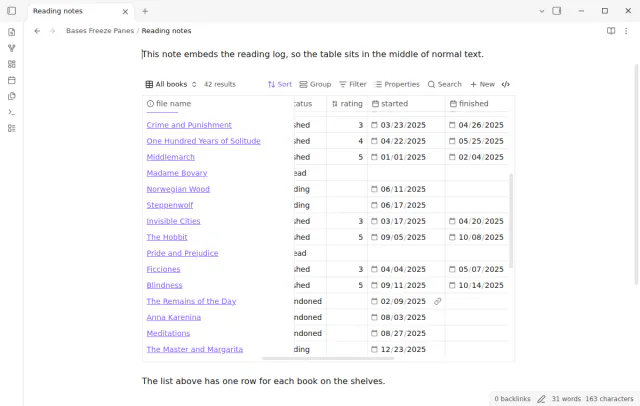
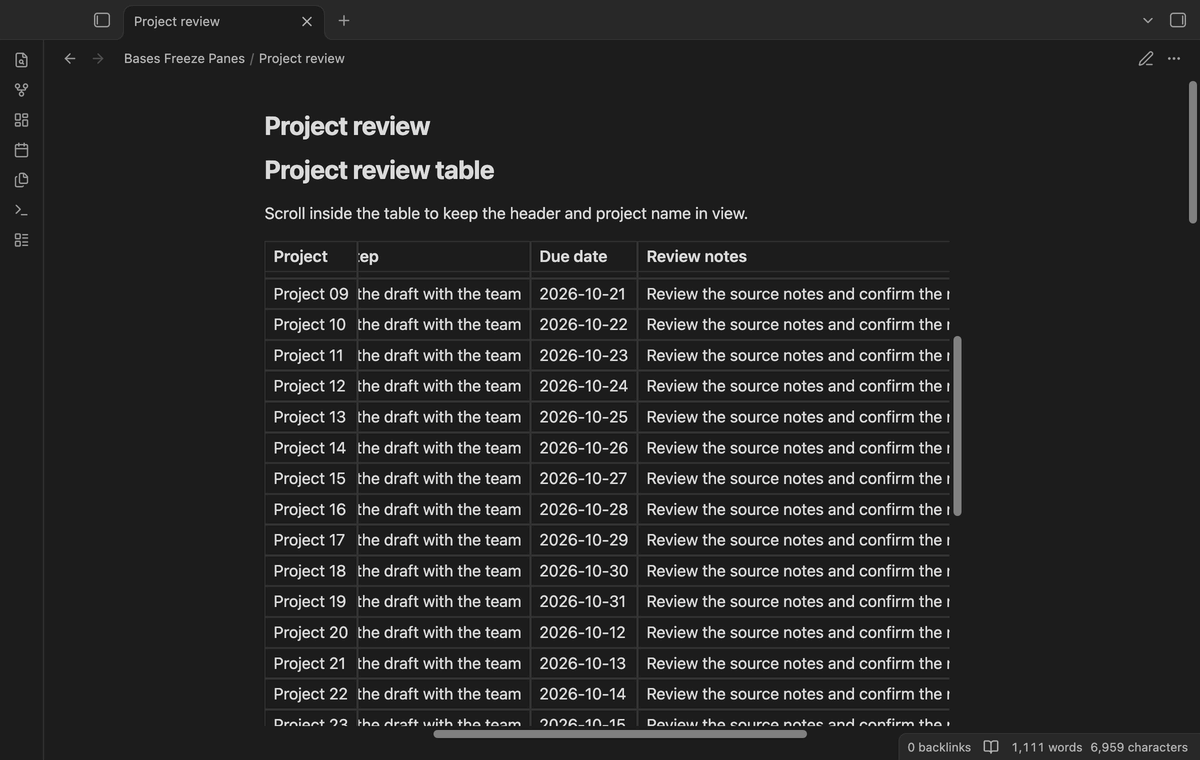
Turn on Freeze Markdown and Dataview tables to pin the header and first column in rendered note tables. Reading view and Live Preview use the embedded table height; hover previews and canvas cards stay unchanged. Note tables freeze at most one column, including with Pro.
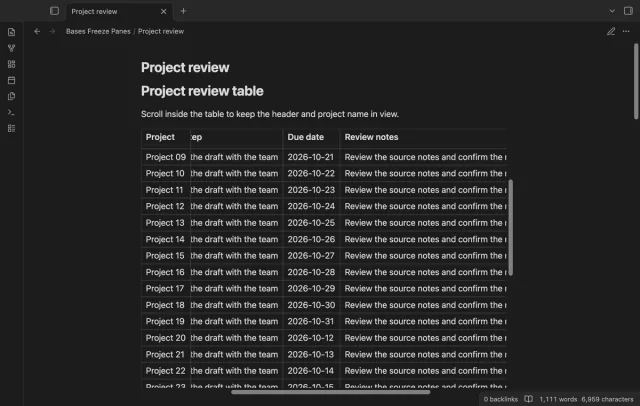
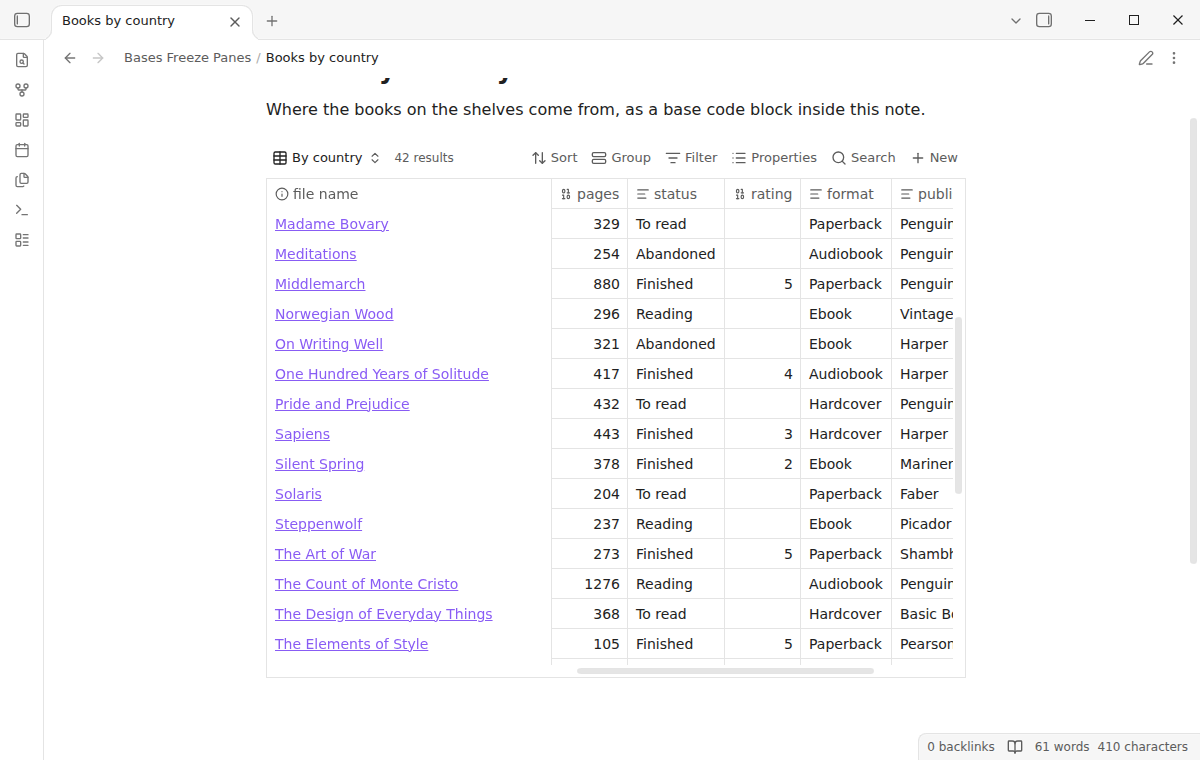
Freezing works wherever a table view of a base shows up in a note. That covers embedded base files, base code blocks, live preview and reading view.
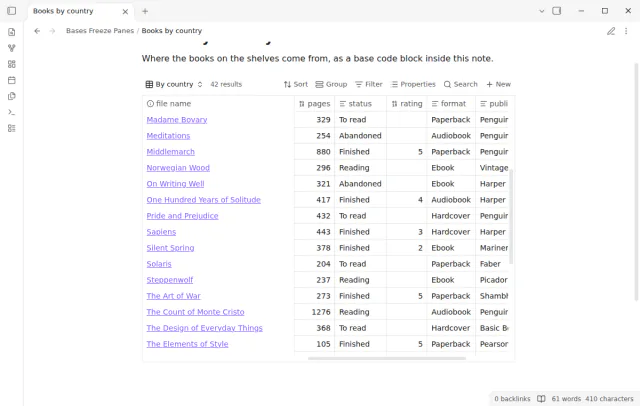
Frozen cells must cover the cells that slide under them. The plugin paints them with the background colors of your theme, for normal rows, the header, the hovered row and the summary rows.
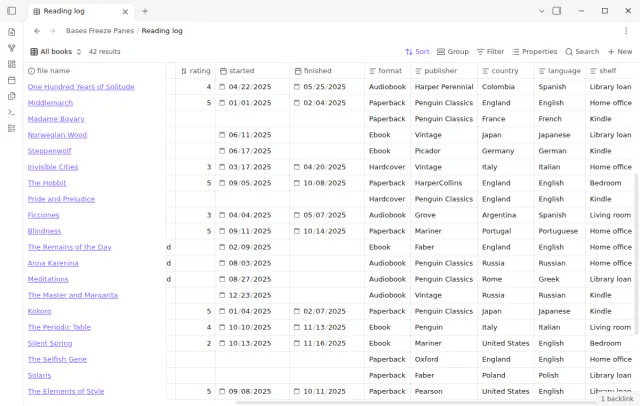
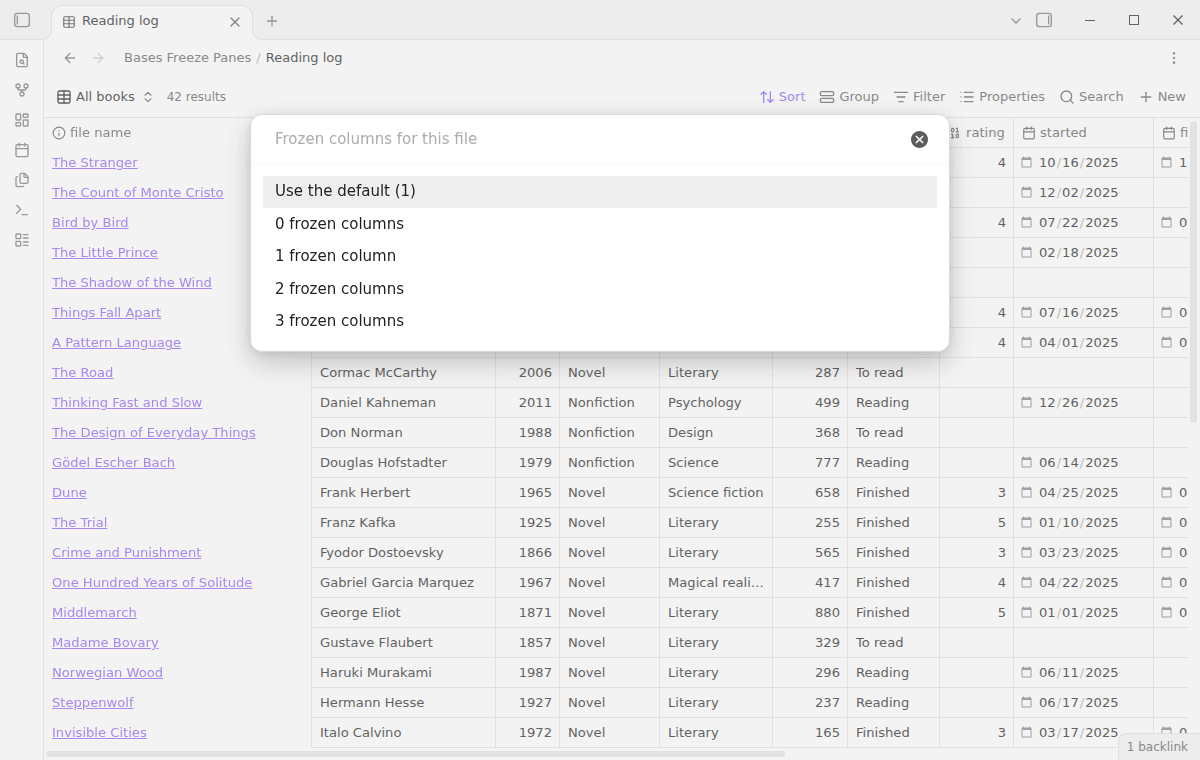
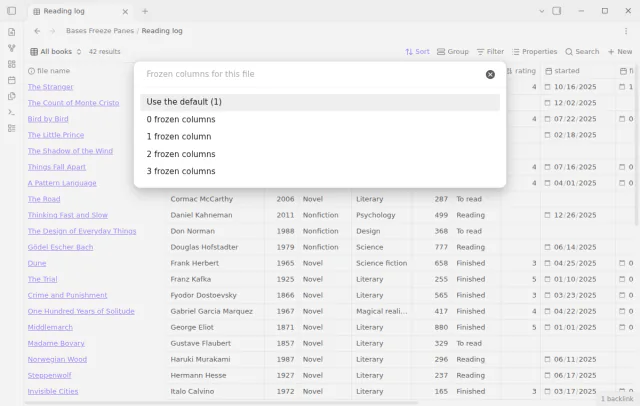
The command Turn frozen panes on or off for the current file is free and changes one base or note only. A second command sets 0 to 3 frozen columns for one file, and that one needs Pro. The plugin stores each choice under the file path and moves it when you rename the file.
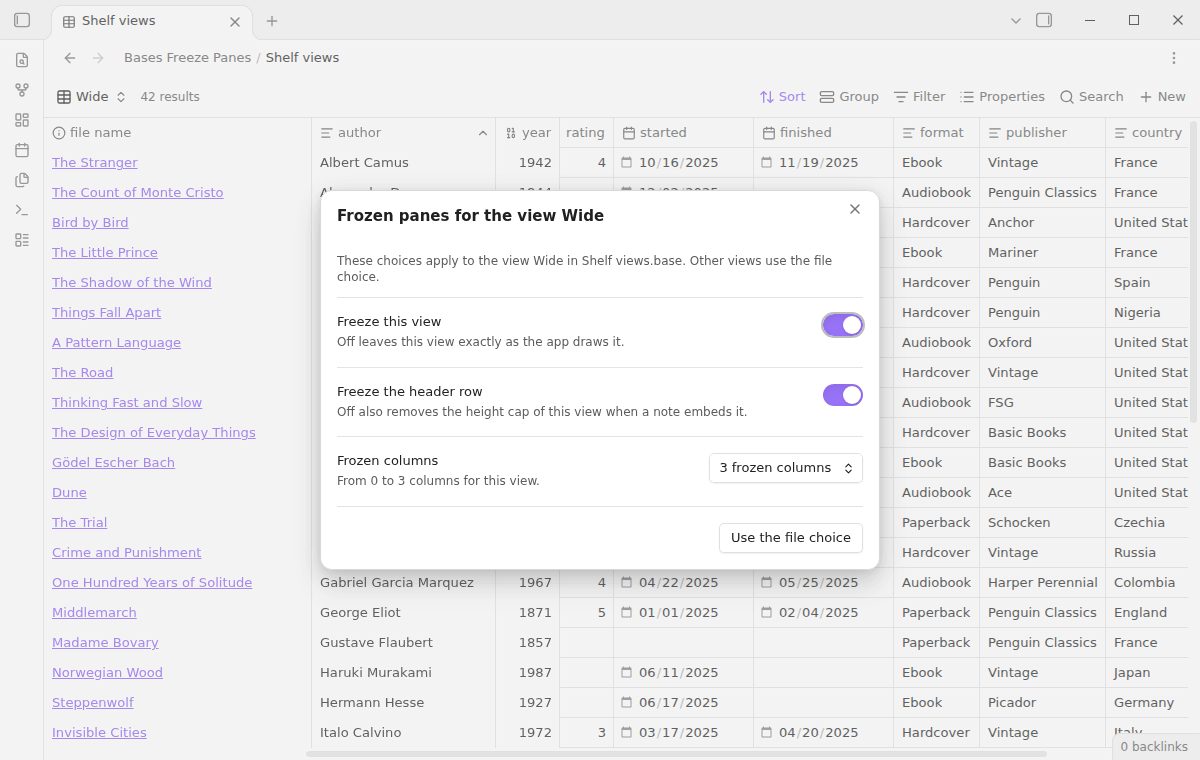
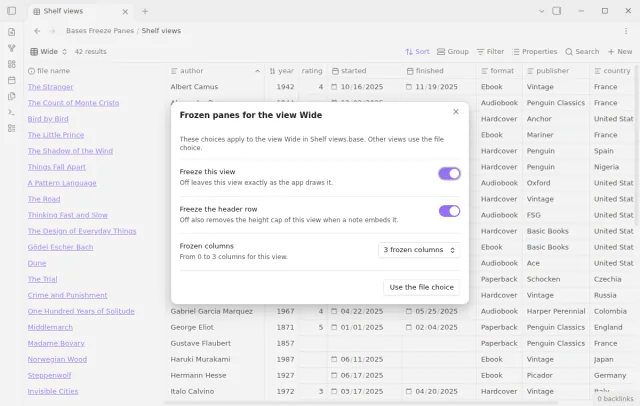
Open a view and run Set frozen panes for the current view to give that view its own choice. Freeze this view and Freeze the header row are free, and Frozen columns for the view, from 0 to 3, needs Pro. A view choice wins over the file choice, but a file that is off stays off.
The free version freezes the header row and one column.
Pro costs $5 a month or $15 one time through GitHub Sponsors.
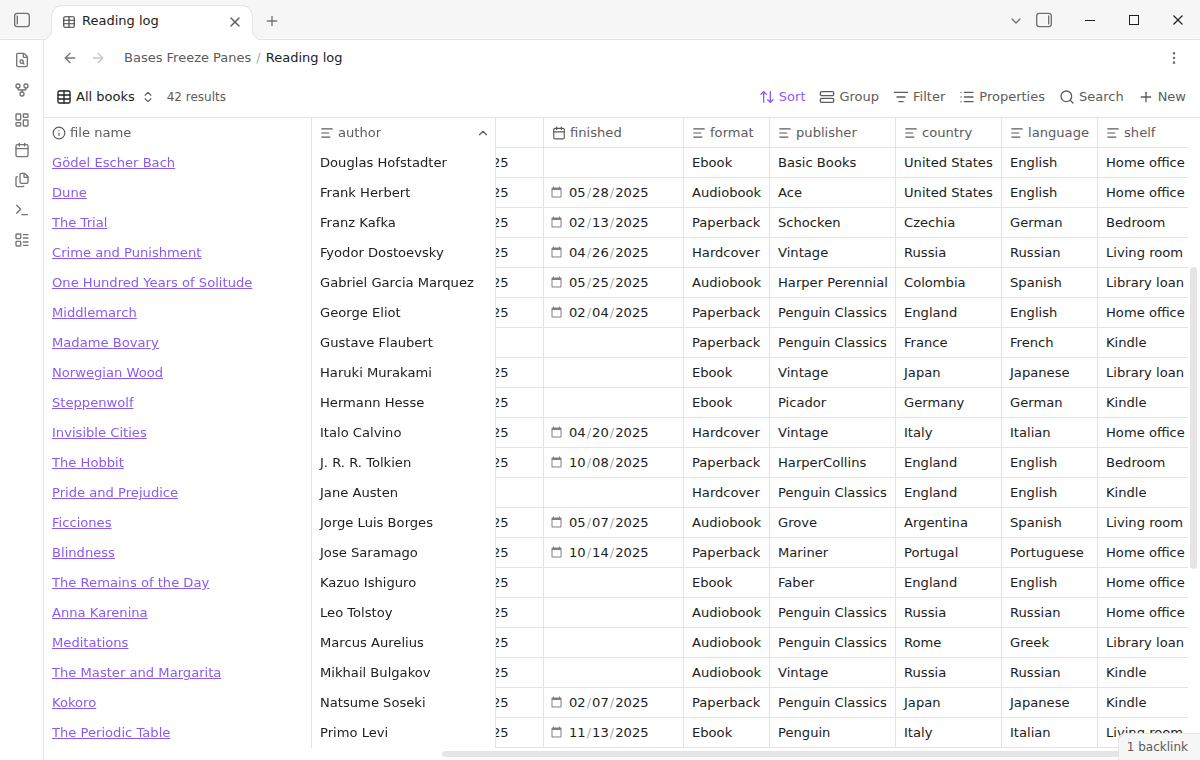
Freeze 2 or 3 columns, for example the file name and the author of a book. Each frozen column keeps its own width and place. To choose which columns come first, change the column order in the base.
Turn on Freeze the last column and the last column stays at the right edge of the table. The middle columns scroll between the frozen columns. Use it for a status, a total or a due date.
Enter a visible property such as status, note.status or formula.total. Pro keeps it beside the leading frozen columns. A hidden property does not get a pin.
$15 once. Pro tools in 134 NoteMods plugins with one GitHub sponsorship. Nothing renews.
Pro turns on right after payment. Select Sign in with GitHub in the settings of each plugin you use. Free features stay free.
Secure checkout by GitHub Sponsors - needs a GitHub login.
17 of 50 founding licenses sold.
The price is set on the 1st of each month. It goes up only after a tier is full. Until then it stays $15. The next price review is on 1 December 2026.
A price change does not change a license that you paid for. The $5 a month option stays.
One sponsorship turns on the Pro features in 134 NoteMods plugins. Free features stay free.
$15 one time: Pro stays on, nothing renews. $5 a month: Pro is on while you sponsor, and stays on after you have paid $15 in total. You pay on GitHub (a GitHub login is needed), then select Sign in with GitHub in the plugin settings. All sponsor tiers
needs
steps
Turn on the plugin. A table view of a base now has a frozen header row and one frozen column.
Open a wide base and scroll down and to the right.
To compare with the normal table, run the command Turn frozen panes on or off, and run it again to turn freezing back on.
For Pro, sponsor on GitHub, then open the settings and select "Sign in with GitHub".
If the app can't find a new plugin yet, try again later. Obsidian says a plugin that passes the review shows in the app within 24 hours.
Three forum requests for frozen columns and headers in Bases have 81 likes on their first posts, 39 on topic 101429. Two people in that topic say their CSS workarounds failed.
Need a change for your team? I build custom Obsidian plugins and features.
In Obsidian 1.14.4 the core table draws only the cells that are in view. After you scroll right, the cells of the first column no longer exist on the page. The plugin tells the table to keep the frozen cells, and then pins them.
No. It writes its settings to data.json in the plugin folder. After sign in, it also keeps its Pro state on this device, never in notes or base files.
The Bases table has no public interface for this, so the plugin checks that the table looks as expected before it changes anything. If a future update changes the table, the columns are no longer frozen and the settings tab says so. The header row keeps working.
No. The plugin freezes table views only. Cards, list, Kanban and map views stay as they are.
The plugin doesn't move the selected-cell outline onto a frozen column. It keeps the frozen cells on the page and pins them, and it draws no outline of its own.
Until you select "Sign in with GitHub" in the settings, the code of Bases Freeze Panes sends no network request. It reuses a successful check for 7 days, and a failed check can retry after 6 hours. It sends no note content or file names, and the GitHub token stays in the secret storage of Obsidian on your device.
Tell me what is broken in Bases Freeze Panes, or what it should do next.
Bases Freeze Panes 1.5.5, MIT license
MIT · no telemetry · core features free
Turn saved Bases filters on or off with switches.
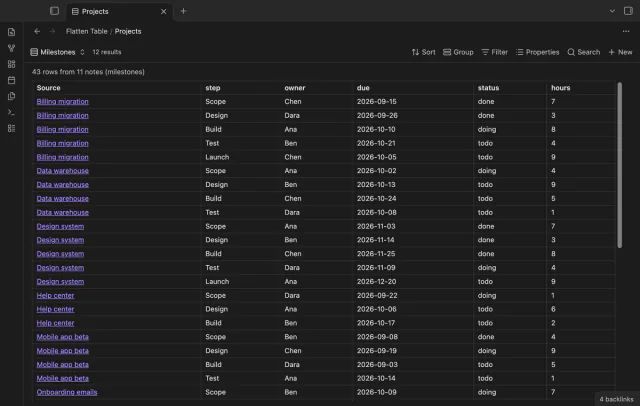
Show each item of a Bases list property as a separate row.
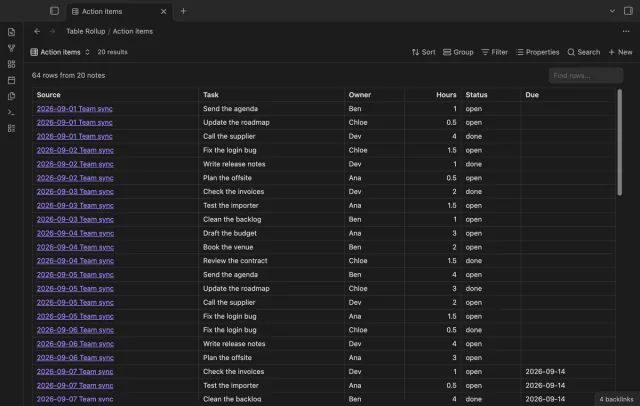
Combine note tables in one table with links to the source notes.
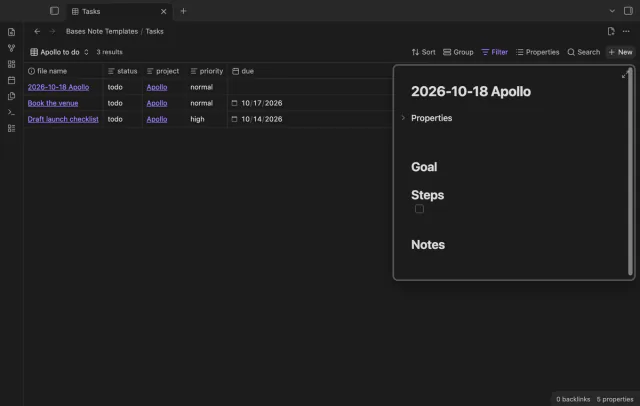
Create notes in Bases with a template and filter values.
Pro adds "Pinned last column"Pro for all 134 plugins, $15 one time
Get Pro