How to find frequent file writes in Obsidian
Use the Sync activity log to inspect uploads, downloads and conflicts.
As of October 2026, File recovery can restore saved snapshots of Markdown and Canvas files. To identify missing paths, compare against a backup or use Vault Loss Alarm’s metadata baseline. The alarm cannot restore contents.
A missing-path list tells you what to look for in your backup. A recovery snapshot serves a different purpose: it holds content you can restore.
Open Settings, then File recovery under Core plugins, and select View beside Snapshots. Search for a missing note, choose a snapshot and copy or restore it.
Compare the vault with a copy made by your backup tool. Obsidian’s backup guidance recommends a dedicated backup rather than relying on sync.
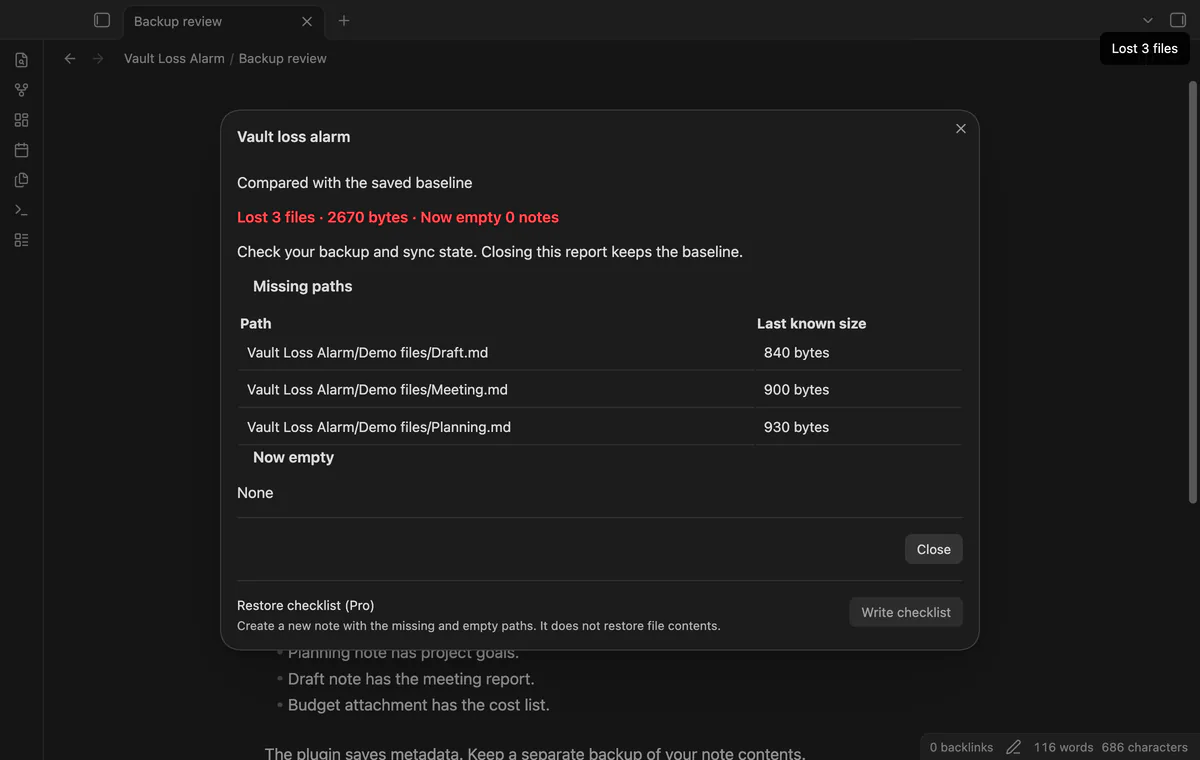
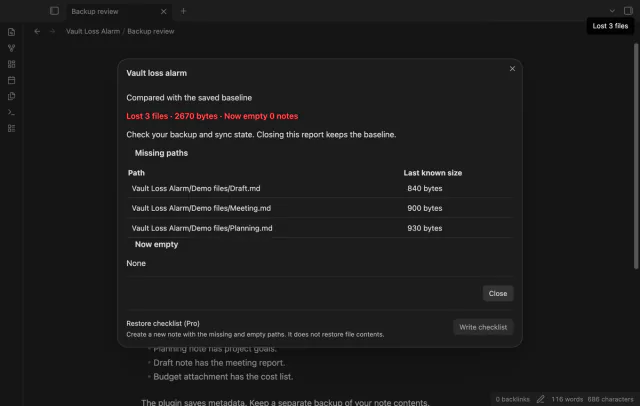
Create a baseline while your vault is ready, then use the loss report to find missing paths and last known sizes. Newly empty Markdown notes also appear.
MIT · no telemetry · core features free
Enable the plugin after your vault is ready.
Run Check vault now to create the first baseline, or wait for the startup check.
After a loss, open Show loss report and compare the paths with your backup.
Restore files with your backup tool, or accept the current baseline if the deletion was intended.
Check the missing paths against your backup and sync state first. Accepting the current vault replaces the old comparison, so use it after resolving or confirming the deletion.
Run Show loss report to open the path list. The plugin retains losses below the automatic missing-file threshold.
 You can now find missing files.
You're officially a regular.
Obsidian rewards people who share. NoteMods is just me and a lot of coffee. If this guide saved you a fight with the syntax, buy me a cup.
That's visit . Regulars are the reason I keep NoteMods running. If it's part of your routine now, a coffee says thanks better than anything.
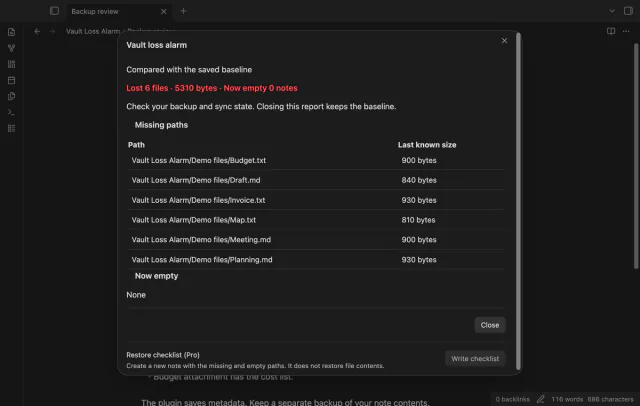
Check missing files against a saved vault record.