
Embed Outline
See headings from embedded notes in one outline.
Read an embedded block as text in your sentence, with a hover preview and a jump to the source.
MIT · no telemetry · core features free
End-to-end tests run on Obsidian 1.13.4 and the latest version on desktop. No mobile test exists.
Directory facts fetched from community.obsidian.md/users/theluckystrike.
You quote blocks from other notes inside your sentences and want them to read as one line of text, not as a framed box.
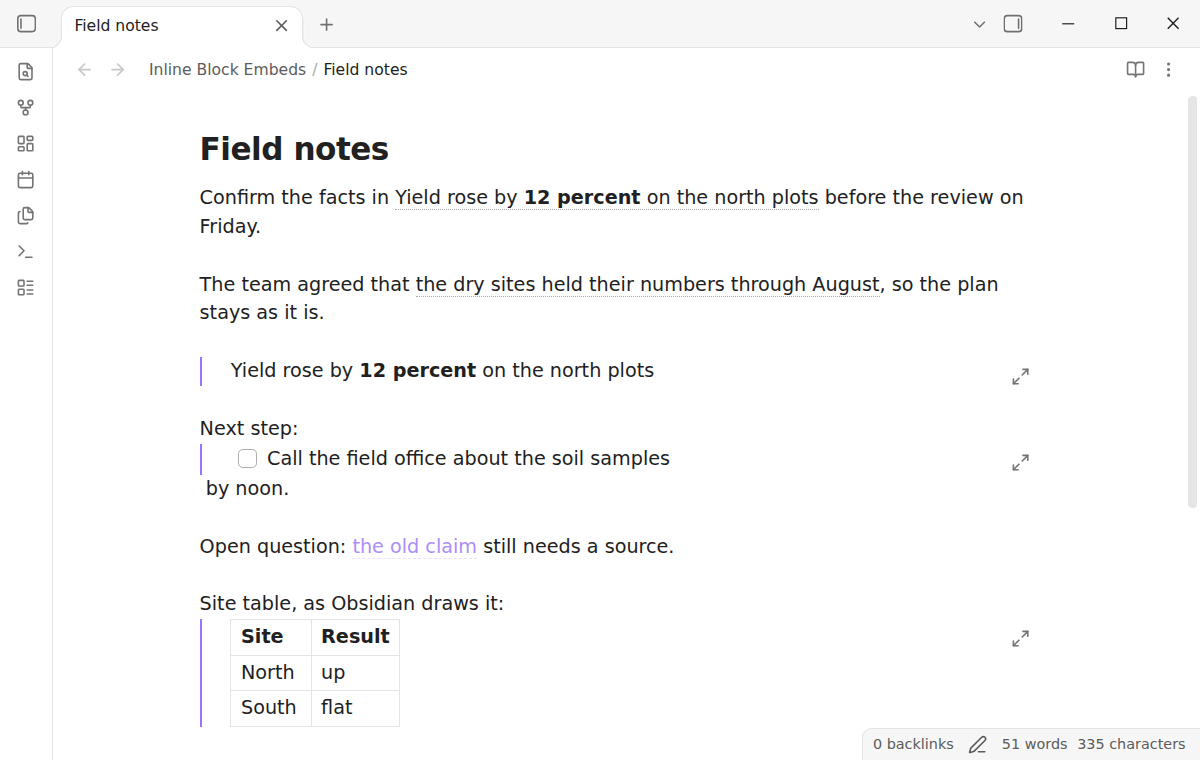
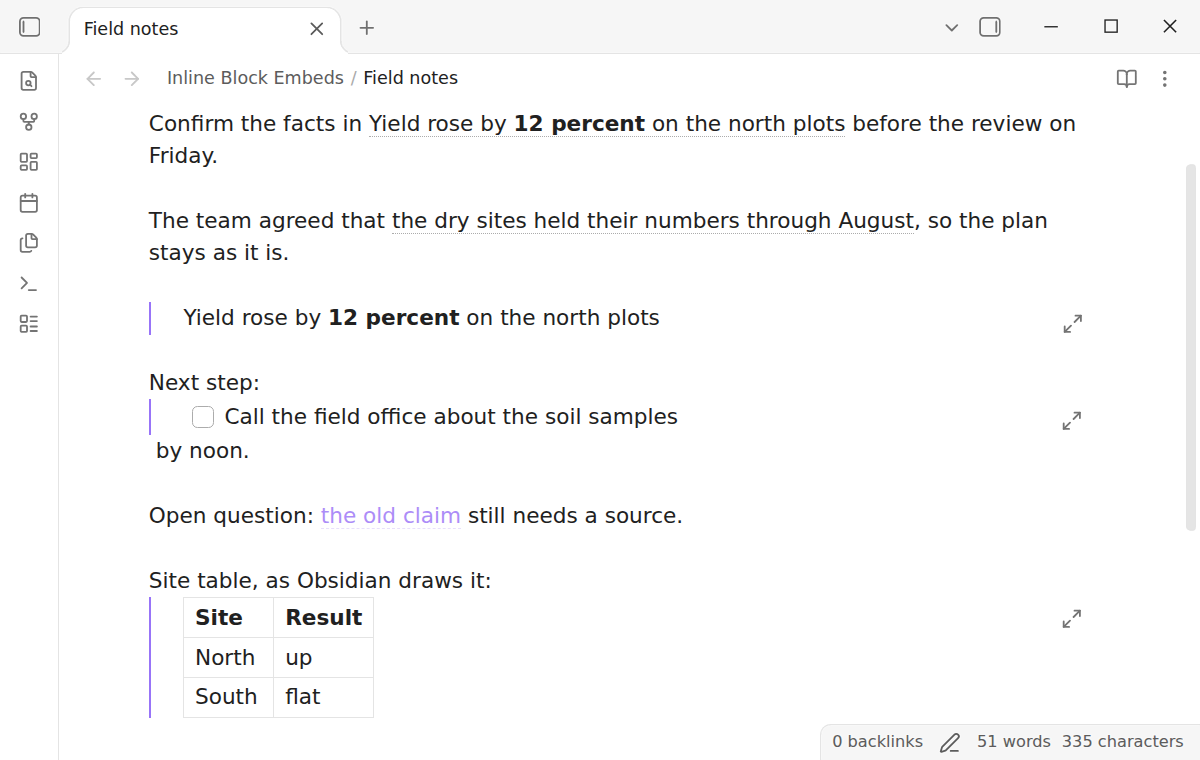
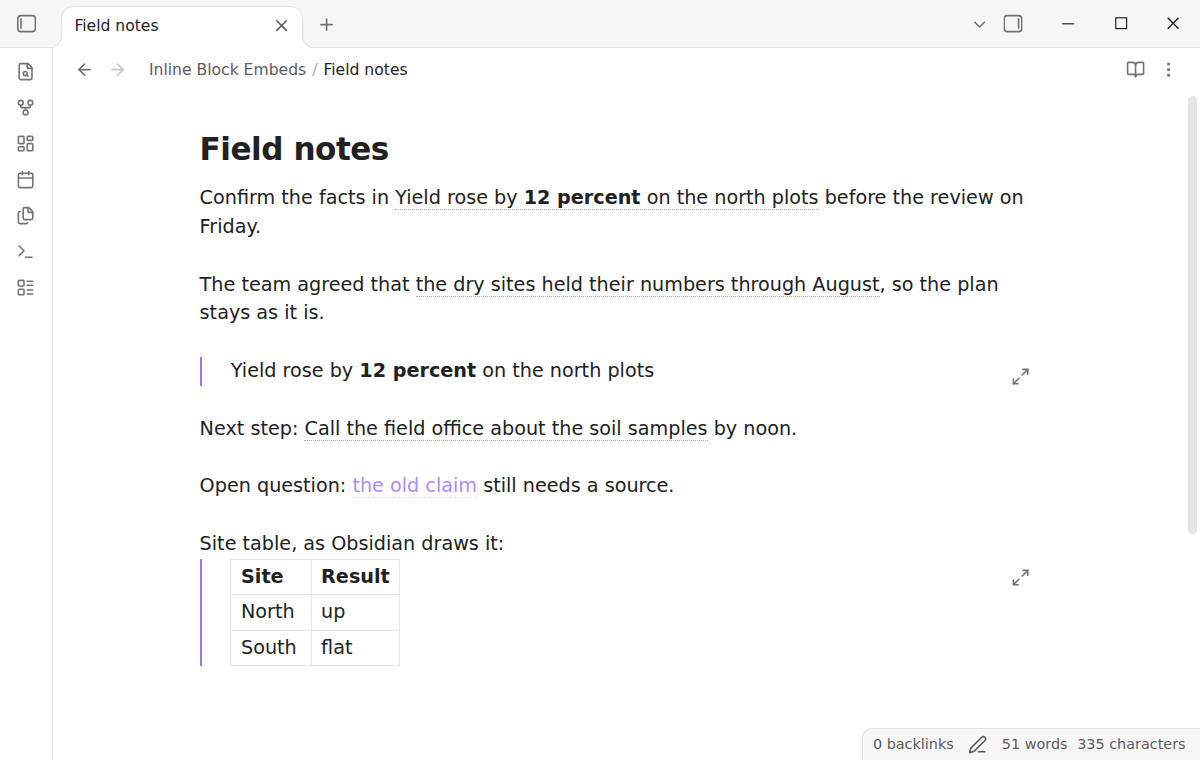
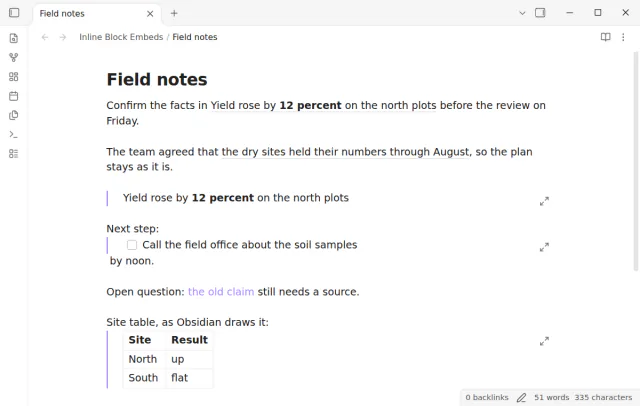

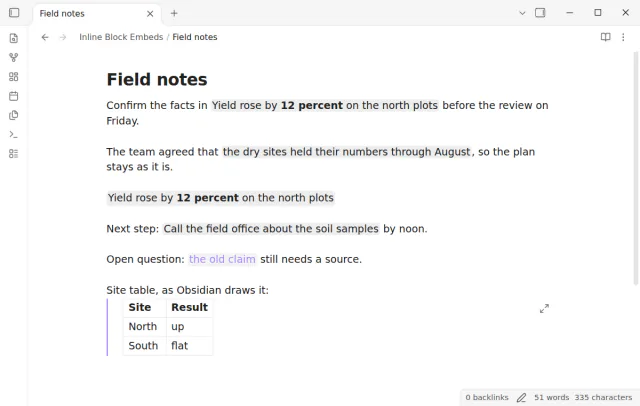
Obsidian draws a block embed as a framed box on its own line, even in the middle of a sentence. Inline Block Embeds shows the block text in the line instead, like a quote. You see the text with a dotted underline, a hover preview and a way back to the source.
Paragraph blocks in Live Preview and Reading view, the hover preview and the jump are free. Pro draws list item blocks inline, adds a setting to draw every block embed inline, and adds two more styles.
 Play demo
Write a block embed the usual way inside a sentence, an exclamation mark and then [[note#^id]] or [[note#^id|alias]]. The plugin finds each block embed with other text on its line and shows the block text in the line.
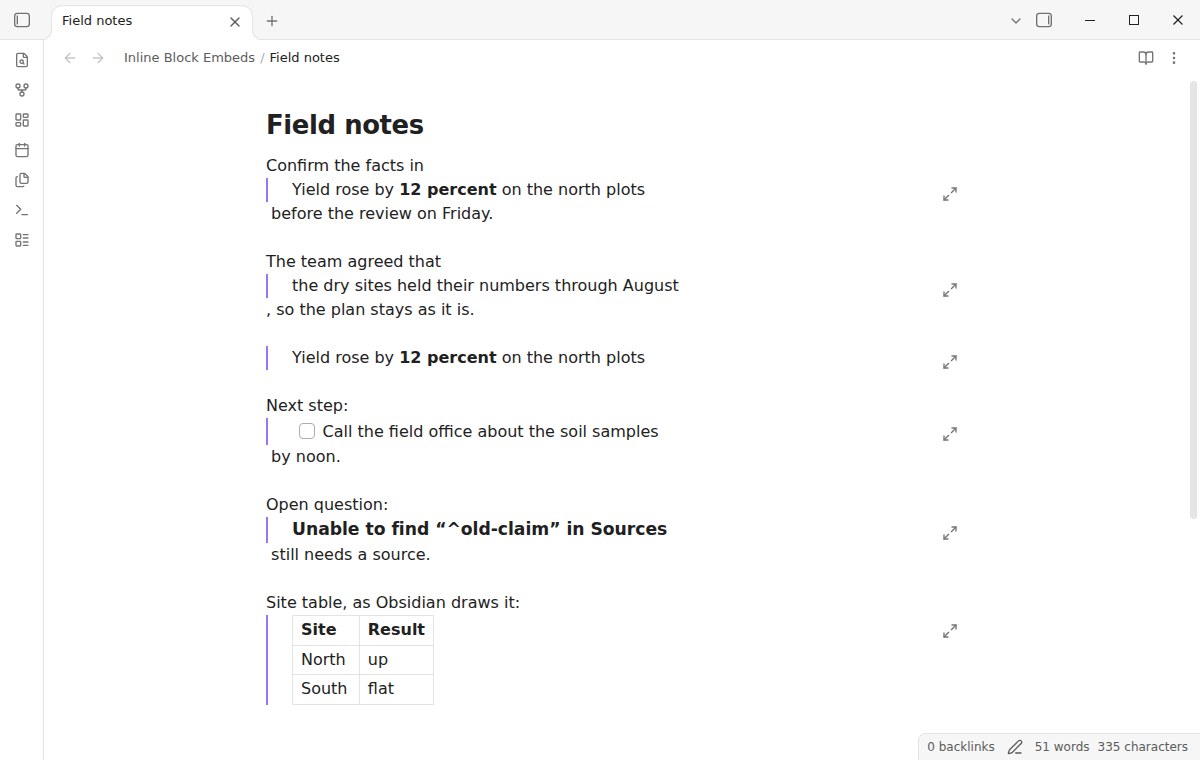
Without the plugin, Obsidian draws a block embed as a box with a frame, even in the middle of a sentence. The sentence breaks in two around it.
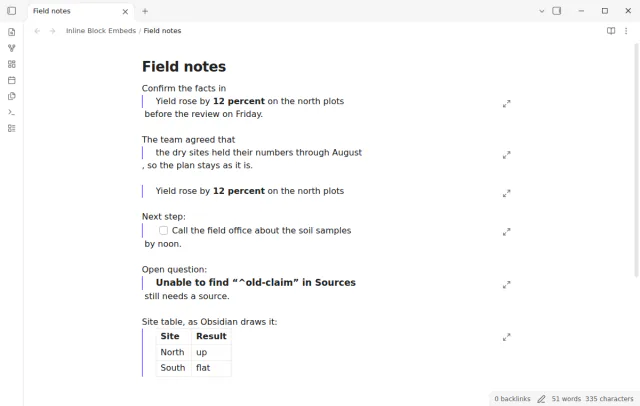
The block text takes the place of the embed link, with its bold, italic, links and inline code. The block id marker does not show. Put the cursor in the embed, select text that touches it or click the text, and the raw link comes back.
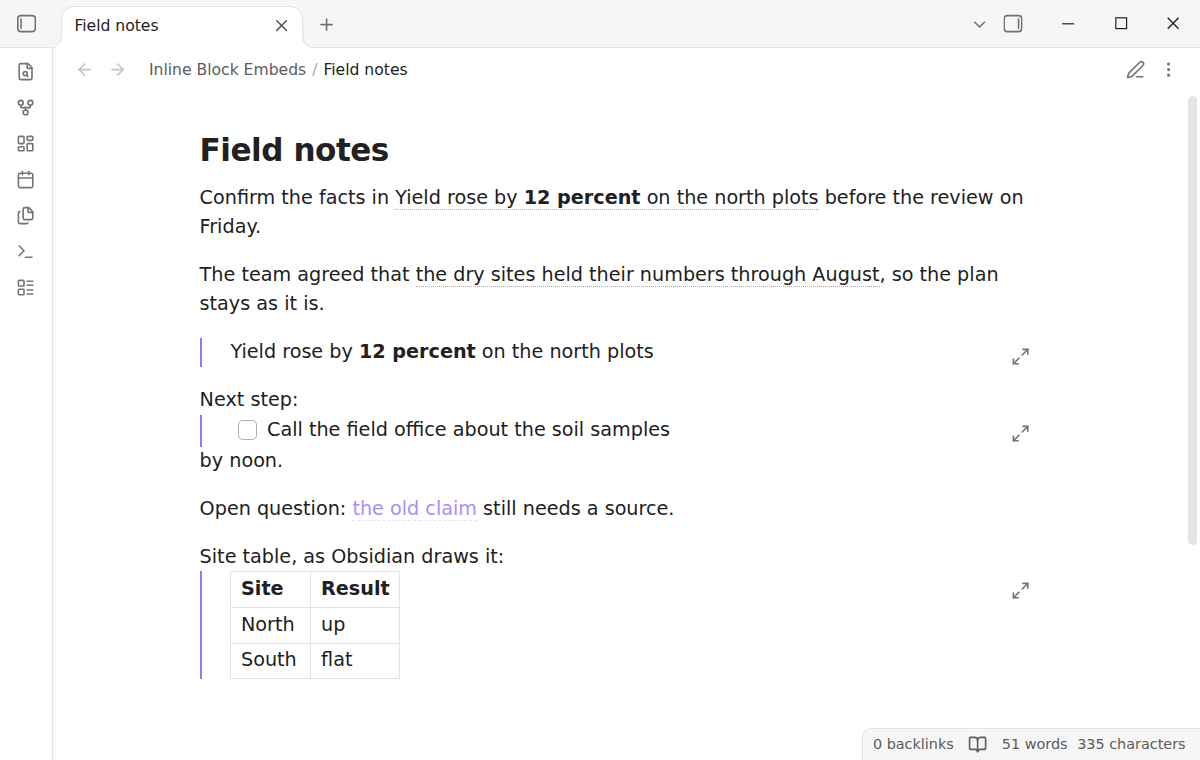
Reading view shows the same inline text in a span inside the paragraph. PDF export from Reading view keeps it, because export uses the same Markdown post processor.
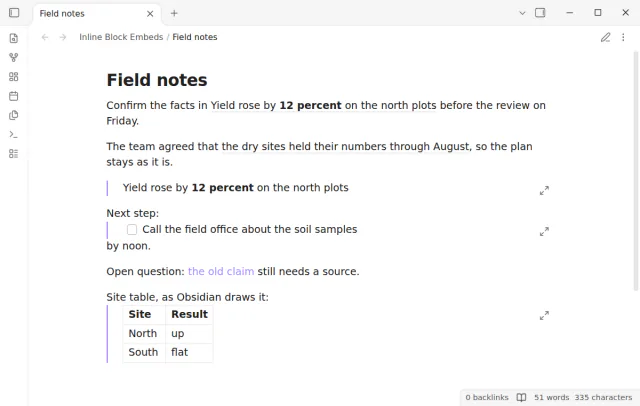
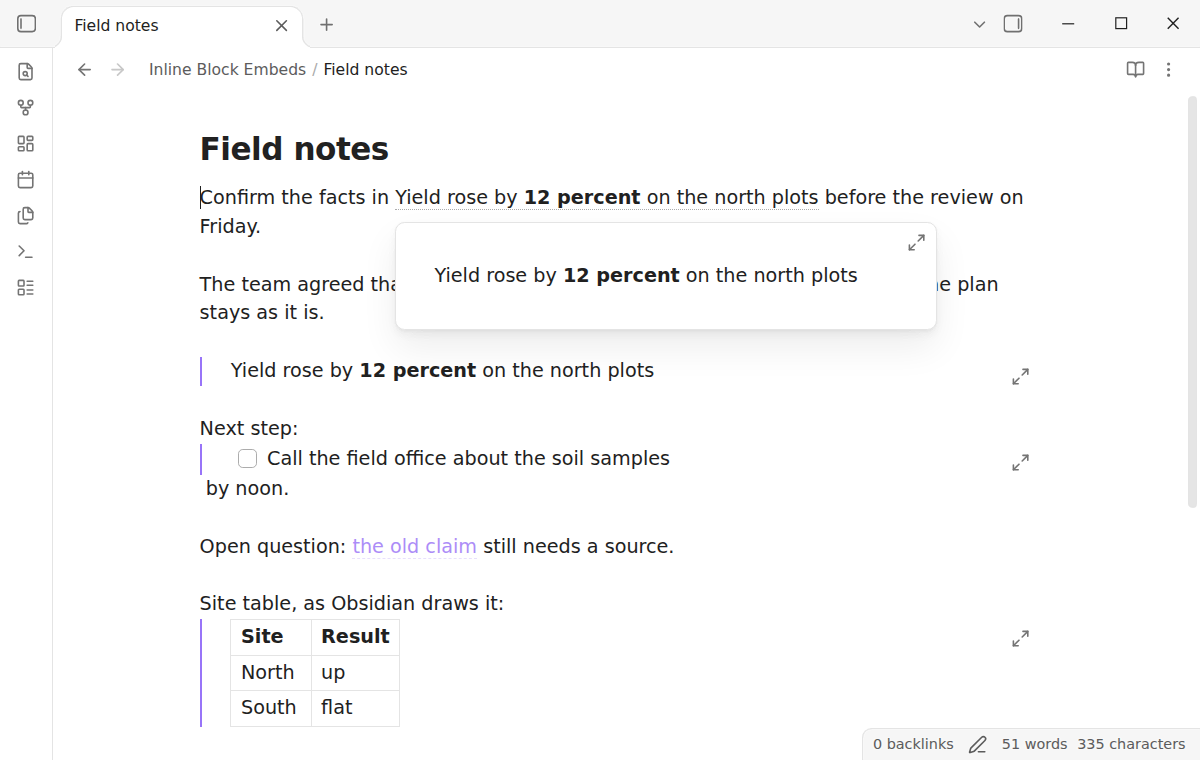
Rest the pointer on the inline text to see the source block in the core page preview. Hold Ctrl, or Cmd on macOS, and click to open the source note at the block in a new tab.
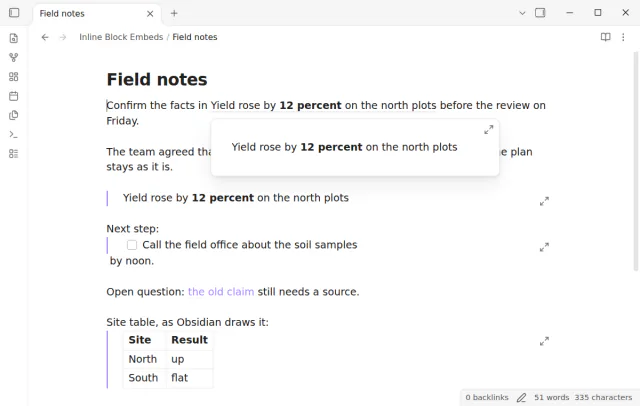
When the note or the block does not exist, the plugin shows the alias or the link text, such as Sources#^old-claim. It uses the style of an unresolved link. Create the block, and the text fills in.
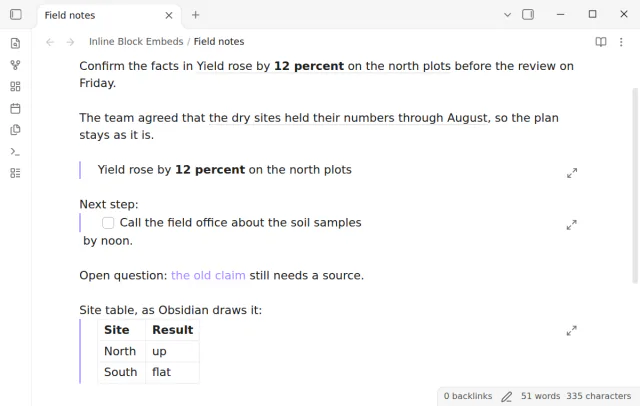
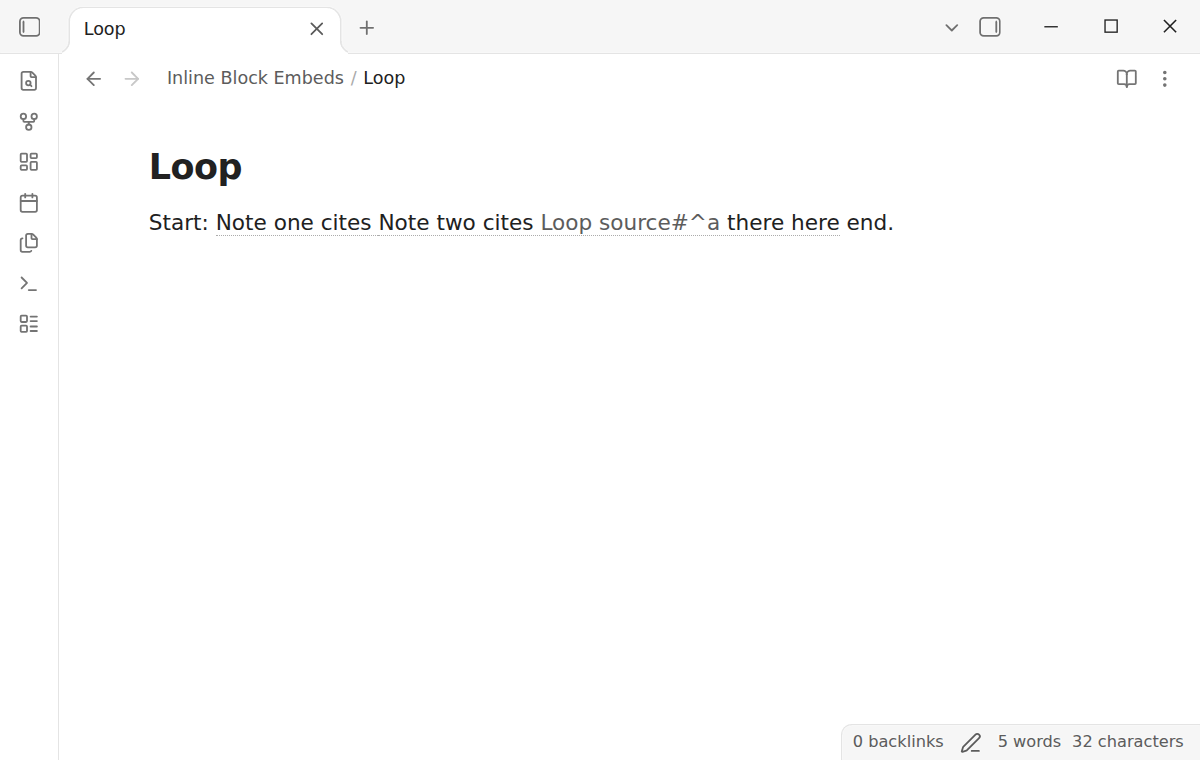
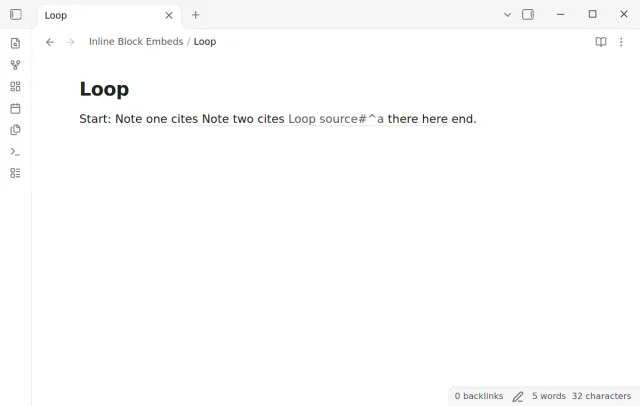
A block can hold an inline embed of its own, and the plugin follows them three levels deep. At the fourth level, or when a block comes back to itself, it shows the link text and stops. Two notes that embed each other cannot freeze the editor.
Paragraph blocks inside a sentence are free with the dotted underline, and list items, every embed inline and two more styles need Pro.
Pro costs $5 a month or $15 one time through GitHub Sponsors. One sponsorship turns on Pro in every plugin that has it.
With Pro, a list item block is inline too. The plugin removes the bullet, the number and the task box, so a task from another note reads as plain text inside your sentence.
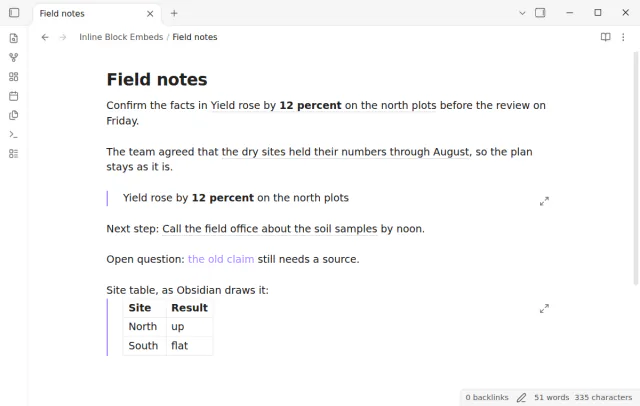
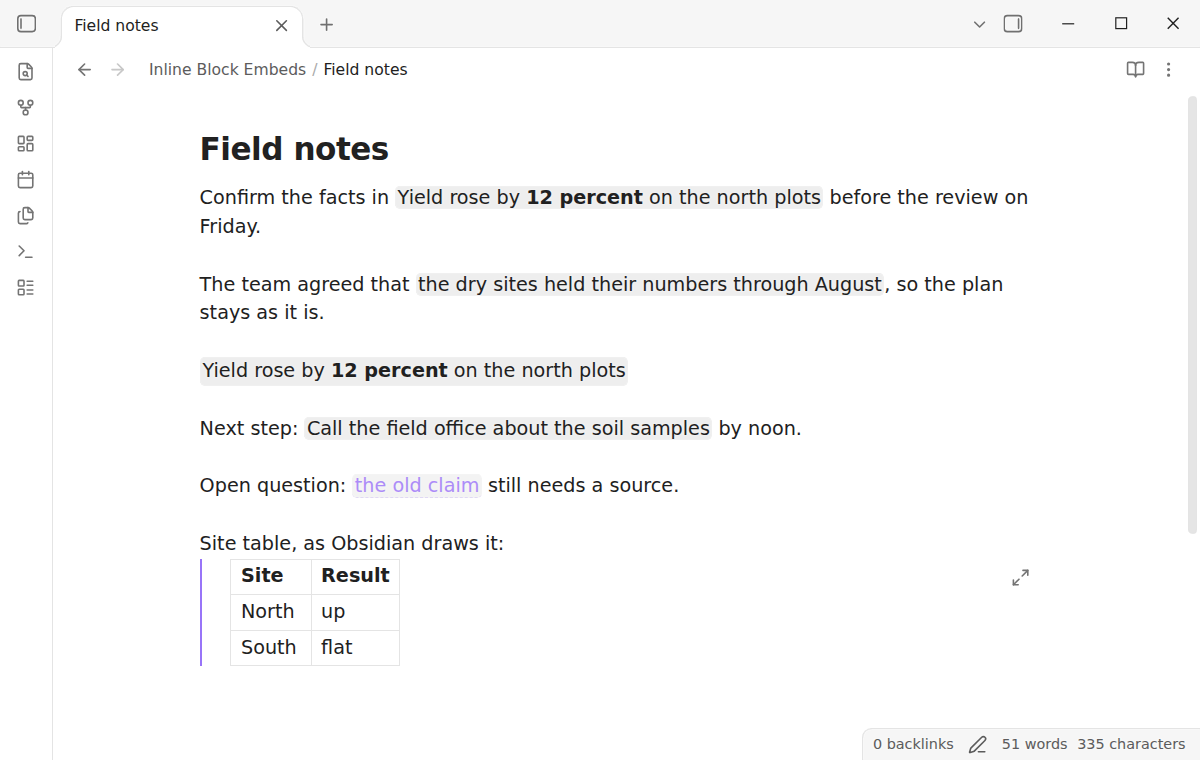
The Pro setting Draw every block embed inline also draws an embed that is alone on its line as plain text. Pro also adds two styles, a soft background and none, next to the free dotted underline.
needs
[[Note#^id]].steps
Install Inline Block Embeds from Community plugins and enable it. There is nothing to set up.
Give a paragraph a block id. End it with a space and ^id, or copy a block link from its menu.
In another note, write a sentence with the block embed in it, and add |alias to name it.
Read the sentence in Live Preview or Reading view.
If the app can't find a new plugin yet, try again later. Obsidian says a plugin that passes the review shows in the app within 24 hours.
A forum feature request asks to draw block embeds inline, as a span and not as a box. The topic has 569 likes, 107 posts and nearly 20,000 views.
Need a change for your team? I build custom Obsidian plugins and features.
No. The embed stays as you wrote it in the file. Open and close a note, and the file is the same, byte for byte.
The embed is alone on its line, or the block is a table, a code block, a callout, a math block or a heading. Those keep the core look. A list item and an embed alone on its line need Pro.
No. It draws block embeds only, with #^id. Heading embeds, whole note embeds and ranges of blocks stay as Obsidian draws them.
Not in place. Ctrl or Cmd click opens the source block. Edit the block there, and the sentence changes in less than a second, also before Obsidian saves the file.
Pro is a GitHub Sponsors sponsorship of theluckystrike, at $5 a month or $15 one time. A total payment of $15 meets the payment rule for Pro, and sign in and the sponsorship check still apply. One sponsorship covers Pro in every plugin of this developer, and you sign in once in each plugin.
Until you select Sign in with GitHub in the settings, Inline Block Embeds makes no network requests. Sign in and the sponsorship check contact github.com and api.github.com, and a successful check is reused for 7 days. It sends no note content, file names or other vault data, and it has no telemetry.
Tell me what is broken in Inline Block Embeds, or what it should do next.
Inline Block Embeds 1.0.0, MIT license
MIT · no telemetry · core features free
See headings from embedded notes in one outline.
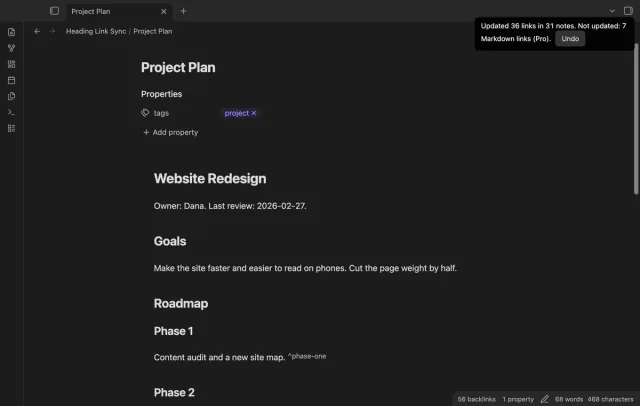
Update heading links and embeds when you edit a heading.
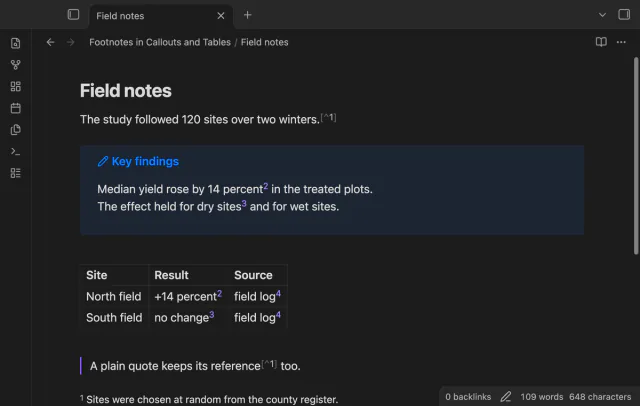
Open numbered footnotes in callouts, table cells and paragraphs.