How to use a template with the New button in Obsidian Bases
The New button has no template setting, as of October 2026. It creates a file in the current view, and forum posts confirm it writes the filter values and follows a folder filter. For your headings and extra properties, you insert a template afterwards or let a plugin do it.
Updated · 4 ways compared · 8 sources
Background
The request "Bases: New With Template (for 'New' Button)" was opened on 2025-07-05. It has 297 likes and 34 posts, and people still add to it in 2026. The first post describes the routine. Press New, delete what's in the note, then insert a template.
Later posts ask for more. A template for each view, a choice between several templates, a default folder and a file name pattern all come up. In June 2026 one poster called this the number one gap in using Bases for data entry.
4 ways to do it
Insert the template by hand after New
Press New, then run Insert template from the core Templates plugin, or the same kind of command in Templater. The Obsidian help says the template's properties are added to the note and merged with the ones already there.
One poster shared a routine in September 2025. Take the properties out of the Templater template, press New, then insert the template below the properties that Bases wrote.
limits
You repeat the extra step for every note. A poster in February 2026 added that the properties need re-ordering afterwards.
Give the base a folder filter. A poster confirmed in October 2025 that New then creates each note in that folder. Next, set a folder template for the same folder in Templater.
The Templater docs say a folder template is used for new files in that folder and its children. A poster described this pairing in July 2026.
limits
The template follows the folder, not the base or the view. The poster who uses it said it works in some cases and needs a second plugin.
A forum member published this free plugin in September 2025, and its latest release is from October 2025. You add a filter on a template property that links to your template. New then writes that property, and the plugin applies the template when it sees it.
Its README says it works with core Templates and with Templater, and that the property can link several templates.
limits
Its README says the filter hides notes made another way unless the template links to itself. It changes only new notes whose name starts with Untitled, and you install it with BRAT or by hand.
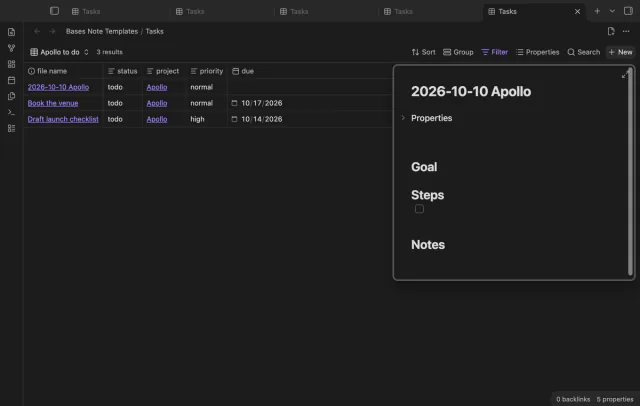
Pick a template note for the base with the command Set up templates for this base. Then press New as usual. The app makes the note and writes the filter values, and the plugin adds the template's properties and text.
A filter value wins over the same property in the template, so the new note still shows in the view. You can also set a folder and a name pattern. One template for each base is free.
limits
A choice between several templates, a template for each view, Templater and Duplicate as new note need Pro. The New button of a base embedded in a note isn't changed, so open the base file itself.
Give the New button a template with Bases Note Templates
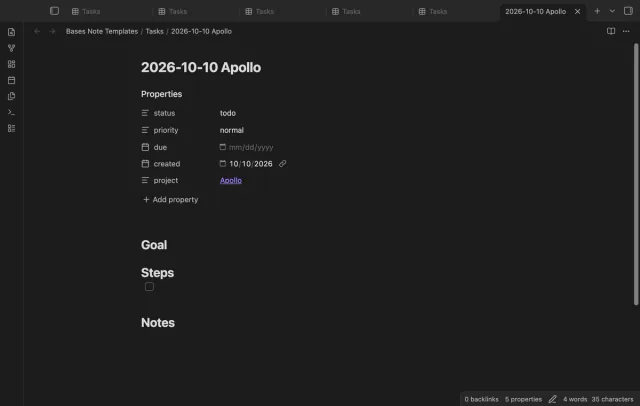
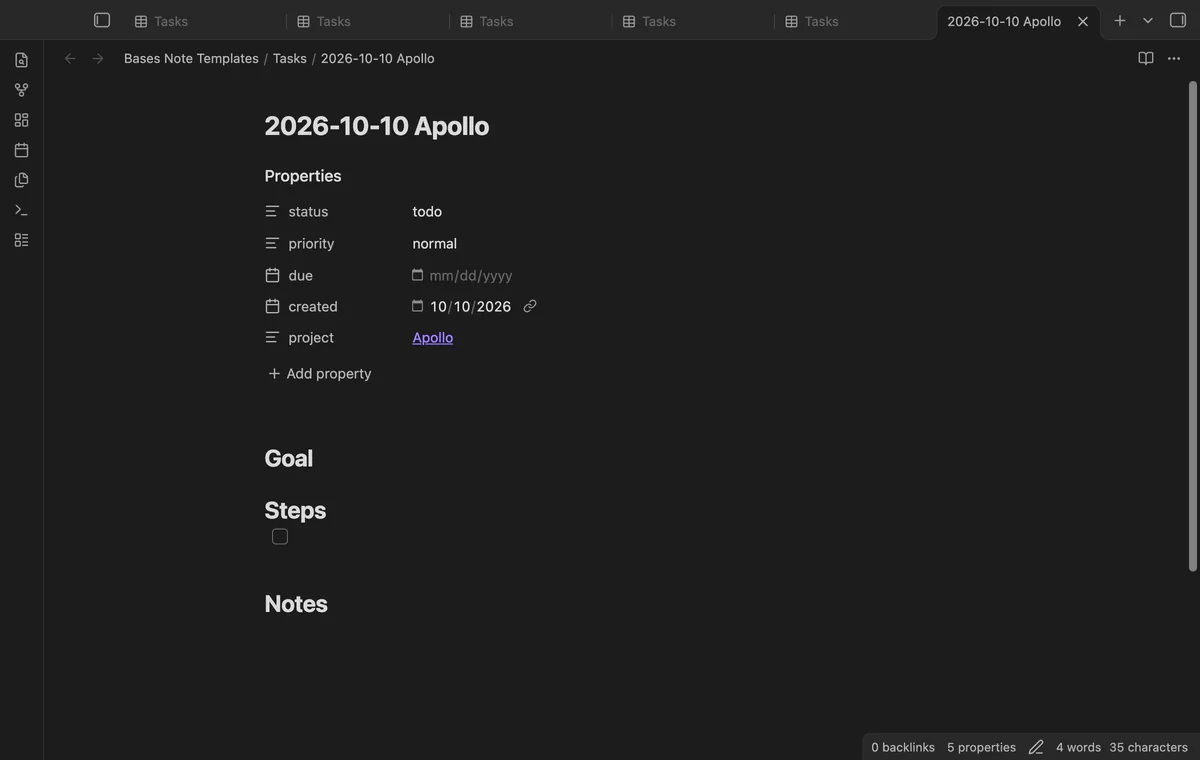
Make a template note, for example Templates/Task.md, with the properties and headings that each new note needs.
Open the base file and run the command Set up templates for this base.
Choose the template. Add a folder and a name pattern if you want them, then select Save.
Press New in the base, or run the command New note from template in this base.
A second template or a template for one view needs Pro. Sponsor on GitHub, then select Sign in with GitHub in the plugin settings.
Common questions
Does the New button put the note in the right folder?
Yes, when the base filters on a folder. A poster confirmed in October 2025 that New then creates notes in that folder. Bases Note Templates uses the same folder unless you set another one in its setup.
Can a Meta Bind button stand in for the New button?
One poster does this. In September 2025 that poster embedded the base in a note and put a Meta Bind button above it. The Meta Bind docs list a Templater Create Note action, which takes a template file, a folder and a file name. Nothing in that action reads the filters of a base.
Can each view of a base have its own template?
Several posters asked for this, the first in July 2025. A Templater folder template can't do it when the views share a folder. The author of Bases New with Template says a view filter can override the base filter. In Bases Note Templates a template for each view needs Pro.
Can the New button name the file from a pattern?
Not on its own. A post from September 2026 names the file name and the note text as the two parts that New can't set. In Bases Note Templates the name pattern is free. It can use the date, the time, the base name and filter properties.
A core base can't do it, as of October 2026. The help page says the table shows a row for each file, so a list property stays in one cell. Dataview's FLATTEN command gives a row for each item outside Bases, and the Flatten Table plugin does it inside a base.
The core Cards layout can't draw a PDF page, as of October 2026. Its help page lists a link to a local attachment, an external URL and a hex color as cover values. A forum poster reported in July 2025 that only PNG and JPG scans show as covers.
As of October 2026, Bases has no graph layout of its own, and its help page lists table, list, cards, Kanban and map. At least three community plugins add a graph of a base. Two of them, Base Graph and Graph Explorer Base View, are free.