Live Template Results
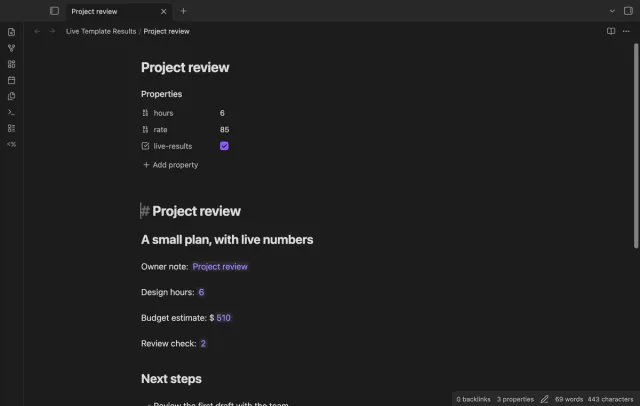
Read Templater results in Live Preview and edit their source.
Keep your button blocks as they are and use them to run commands, open links and add text.
MIT · no telemetry · core features free
Pro adds "Template buttons" and "Calculate buttons". Pro for all 134 plugins, $15 one time
The directory takes these platforms from the plugin manifest. The automated tests run in the desktop app only.
Directory facts fetched from community.obsidian.md/users/theluckystrike.
You have notes with button blocks from the Buttons plugin, or you want buttons that run a command or add text.
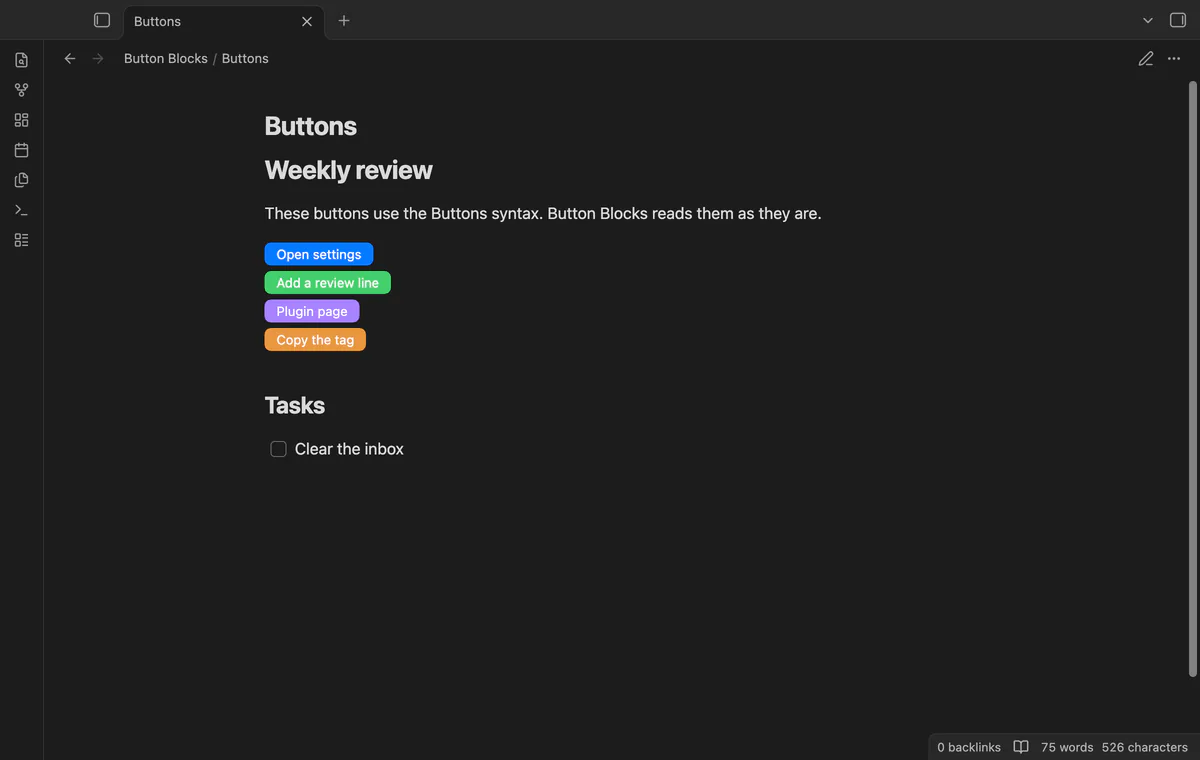
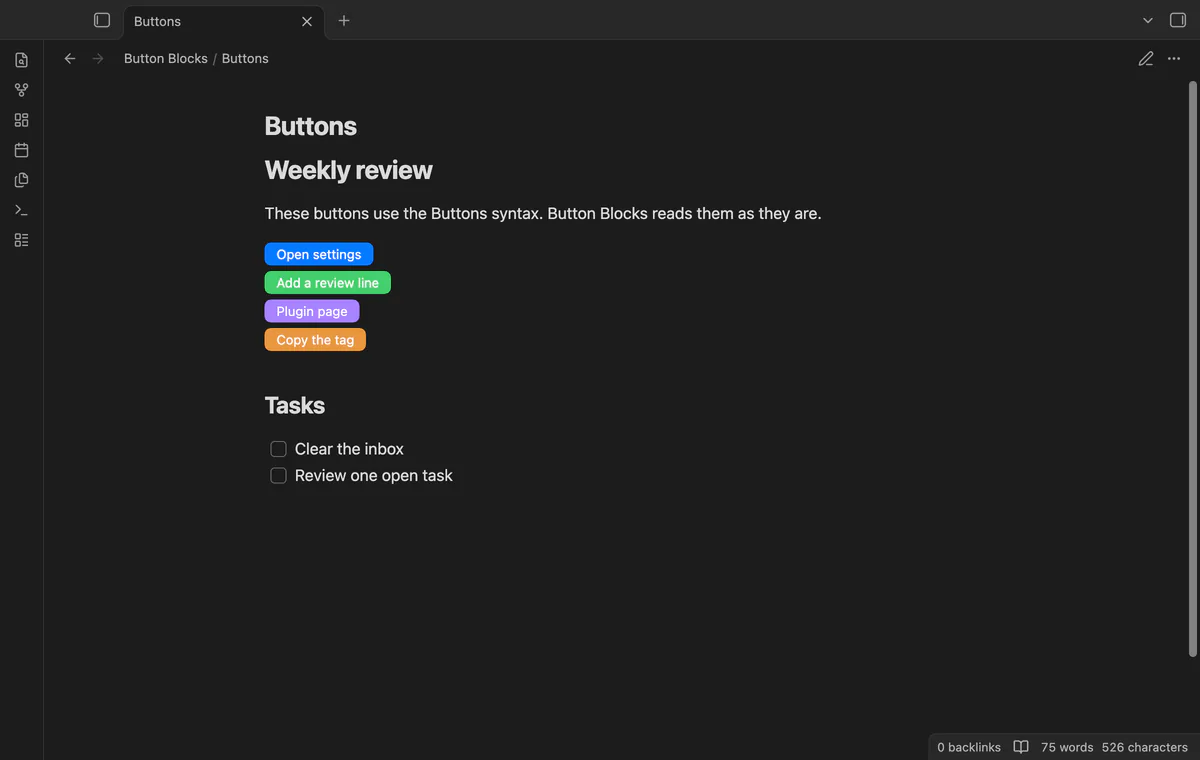
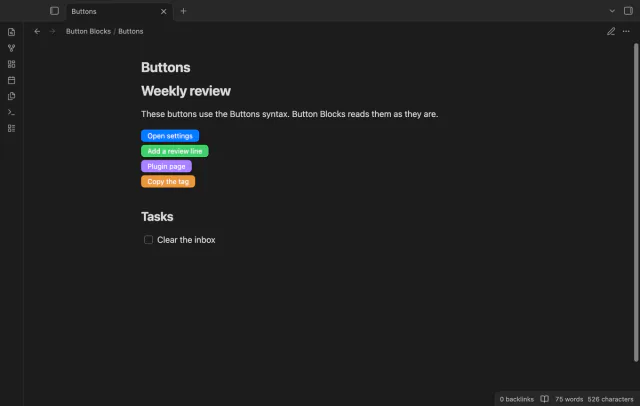
A code block with the language button becomes a button in Reading view and in Live Preview. Button Blocks reads the Buttons syntax as it is, so your blocks and id lines keep working. Each button that changes a note finds its own block again before it writes.
There are six free types, for commands, links, text, new notes, copy and chains of actions. The plugin has no eval, no shell and no network calls for buttons.
 Play demo
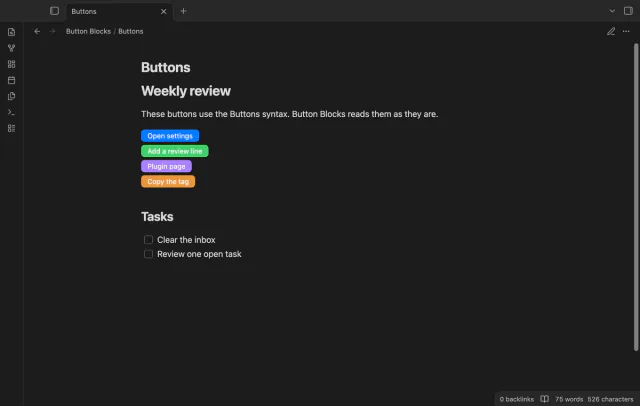
A button code block becomes a button with the same args as Buttons, such as name, type, action and color. A command button runs a command by its name, and a link button opens a web page or an Obsidian link. The colours use your theme.
A text button adds its text at the end of the note, after the frontmatter, at a line number or under the button. The note type makes a new note, and a note that exists opens with no change. Add remove true to delete the button after a click.
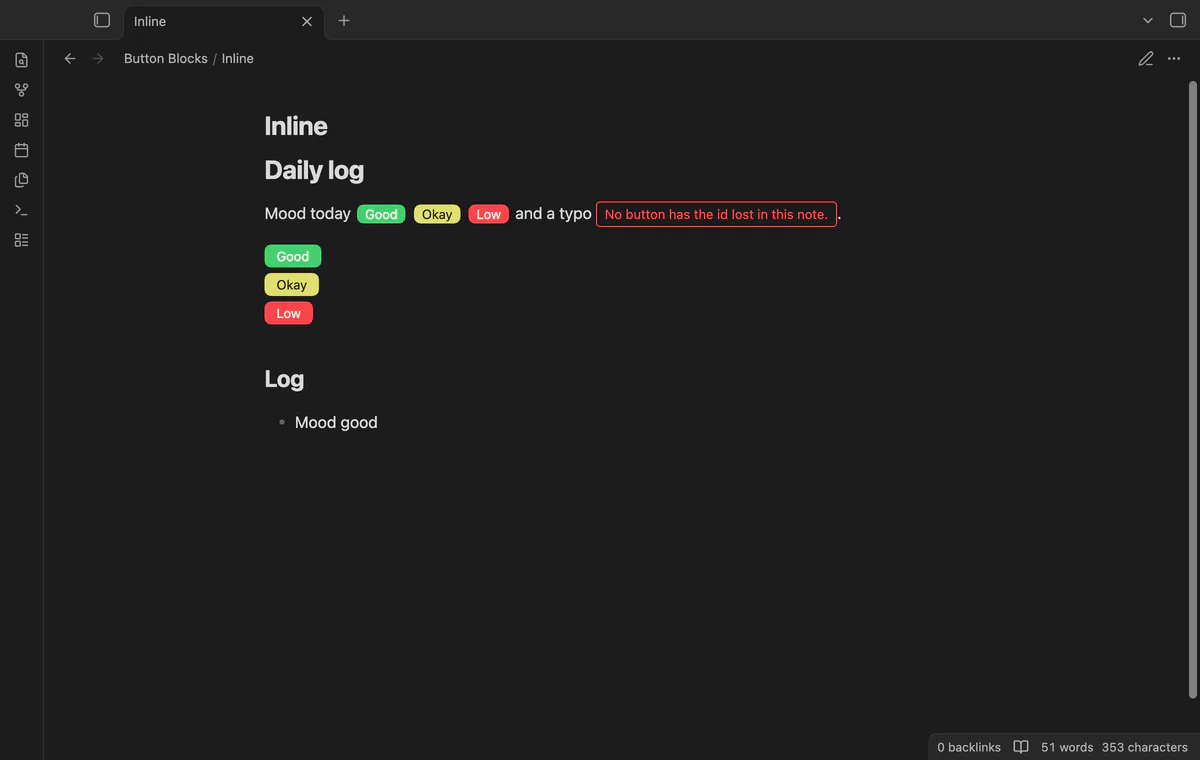
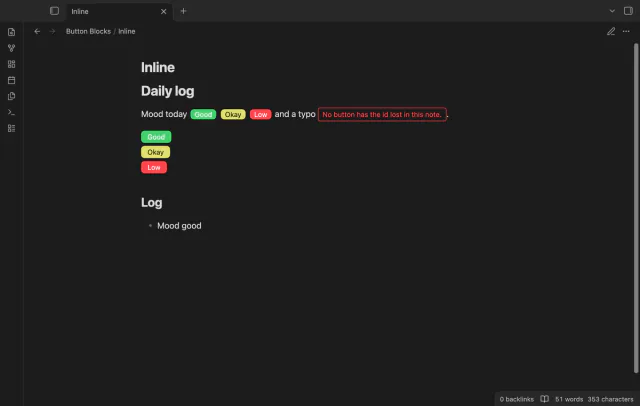
Write the button id as inline code to show the block with that id in the same note. Several inline buttons can share one line. An id with no block shows a red chip, so a typo is easy to find.
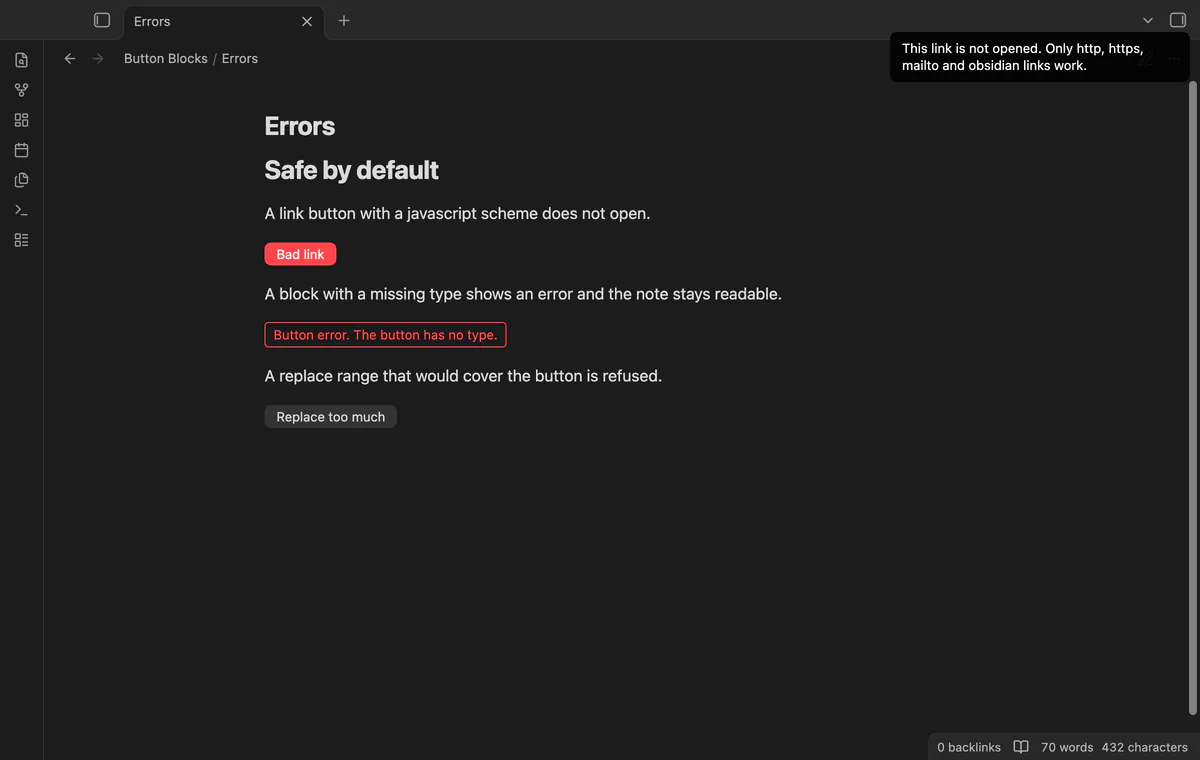
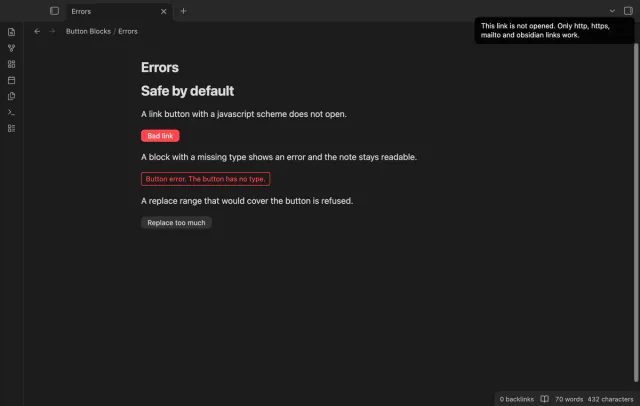
Button Blocks reads and writes a note in one action, so an edit that you make while a button runs is never lost. Links with an unknown scheme, unsafe note paths and replace ranges over the button are refused. A broken block shows an error chip, and the rest of the note still renders.
The free version runs command, link, text, note, copy and chain buttons, and it has no template buttons, calculate buttons or vault check.
Pro costs $5 a month or $15 one time through GitHub Sponsors.
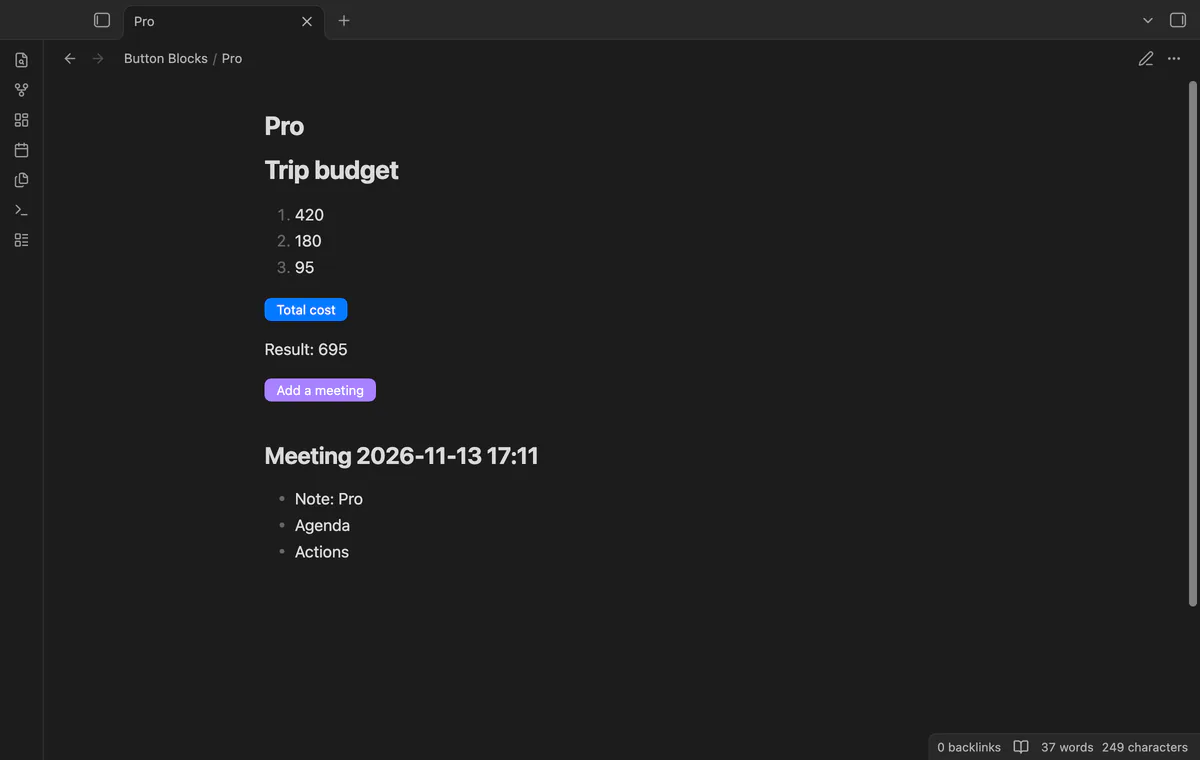
The template types read a template note from the folder of the core Templates plugin or of Templater. They fill the title, date and time like core Templates.
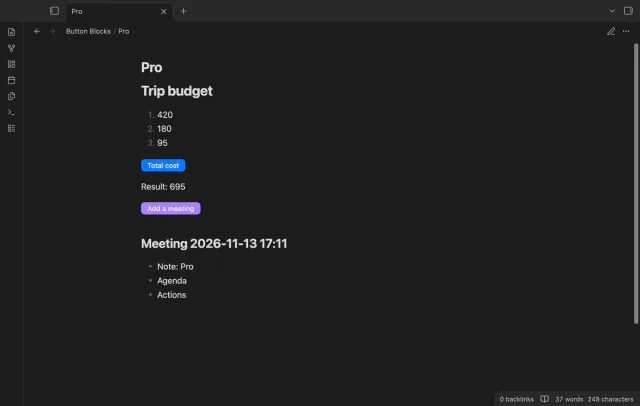
The action is a sum, and a dollar sign with a line number reads the number on that line of the note. A safe parser does the maths, with no eval.
This command lists blocks with an error, unknown command names, missing templates and inline ids with no block.
$15 once. Pro tools in 134 NoteMods plugins with one GitHub sponsorship. Nothing renews.
Pro turns on right after payment. Select Sign in with GitHub in the settings of each plugin you use. Free features stay free.
Secure checkout by GitHub Sponsors - needs a GitHub login.
17 of 50 founding licenses sold.
The price is set on the 1st of each month. It goes up only after a tier is full. Until then it stays $15. The next price review is on 1 December 2026.
A price change does not change a license that you paid for. The $5 a month option stays.
One sponsorship turns on the Pro features in 134 NoteMods plugins. Free features stay free.
$15 one time: Pro stays on, nothing renews. $5 a month: Pro is on while you sponsor, and stays on after you have paid $15 in total. You pay on GitHub (a GitHub login is needed), then select Sign in with GitHub in the plugin settings. All sponsor tiers
needs
steps
Turn off the Buttons plugin if you use it, then turn on Button Blocks.
Open a note that has a button block, or add a block with a name, a type and an action.
Switch to Reading view or Live Preview and select the button.
If the app can't find a new plugin yet, try again later. Obsidian says a plugin that passes the review shows in the app within 24 hours.
On 13 November 2026, the Buttons plugin had 499,765 downloads and a gain of 18,713 in 30 days. No listed plugin read its syntax on that day.
Need a change for your team? I build custom Obsidian plugins and features.
No. Button Blocks reads the Buttons syntax. Keep your blocks and your id lines as they are.
The button shows a notice with the name, and nothing runs. The Pro command Check buttons in vault lists each wrong name.
Inline buttons show in Reading view only, and buttons on a canvas do not work. Swap buttons, a chain in a chain and the folder arg of Buttons are not in this version. Templater commands do not run.
Command buttons use a part of Obsidian with no documentation. If an update changes it, a command button shows a notice and changes nothing. All other types use the public API.
No. A block with templater true shows a notice and changes nothing. Raw Templater text never goes into your note.
Until you select Sign in with GitHub, Button Blocks makes no network requests. Sign in and the sponsorship check contact github.com and api.github.com with the scope read:user, and a successful check is reused for 7 days. The plugin sends no note content, file names or other vault data.
Tell me what is broken in Button Blocks, or what it should do next.
Button Blocks 1.0.0, MIT license
MIT · no telemetry · core features free
Read Templater results in Live Preview and edit their source.
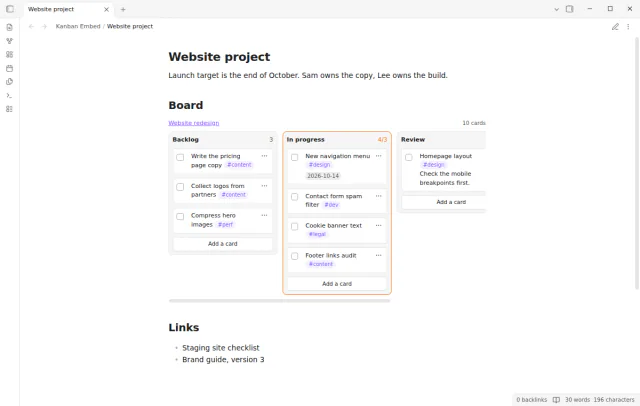
Use a Kanban board inside a project or daily note.
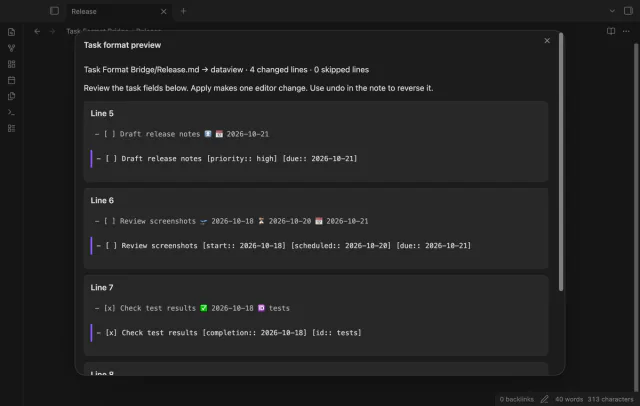
Convert supported task fields between emoji and Dataview syntax after reviewing the changes.
Pro adds "Template buttons"Pro for all 134 plugins, $15 one time
Get Pro