Visual Line Numbers
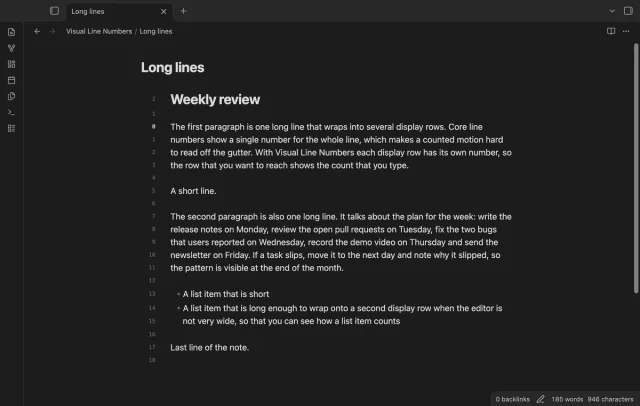
Show a line number for each wrapped row in the editor.
Change theme and snippet options from their settings blocks and keep the values that you saved before.
MIT · no telemetry · core features free
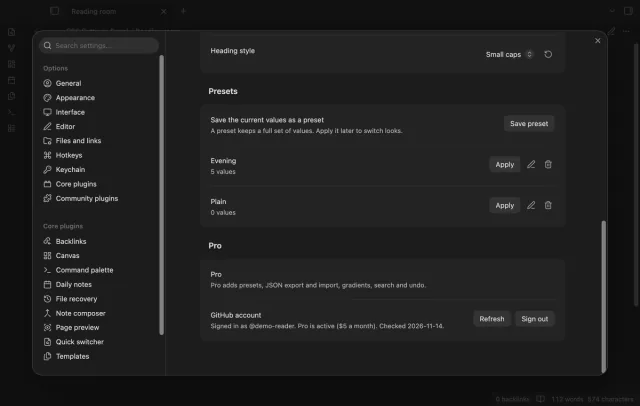
Pro adds "Presets" and "JSON export and import". Pro for all 134 plugins, $15 one time
The directory takes these platforms from the plugin manifest. The automated tests run in the desktop app only.
Directory facts fetched from community.obsidian.md/users/theluckystrike.
You use a theme or snippets with a settings block and want to change their options without editing CSS.
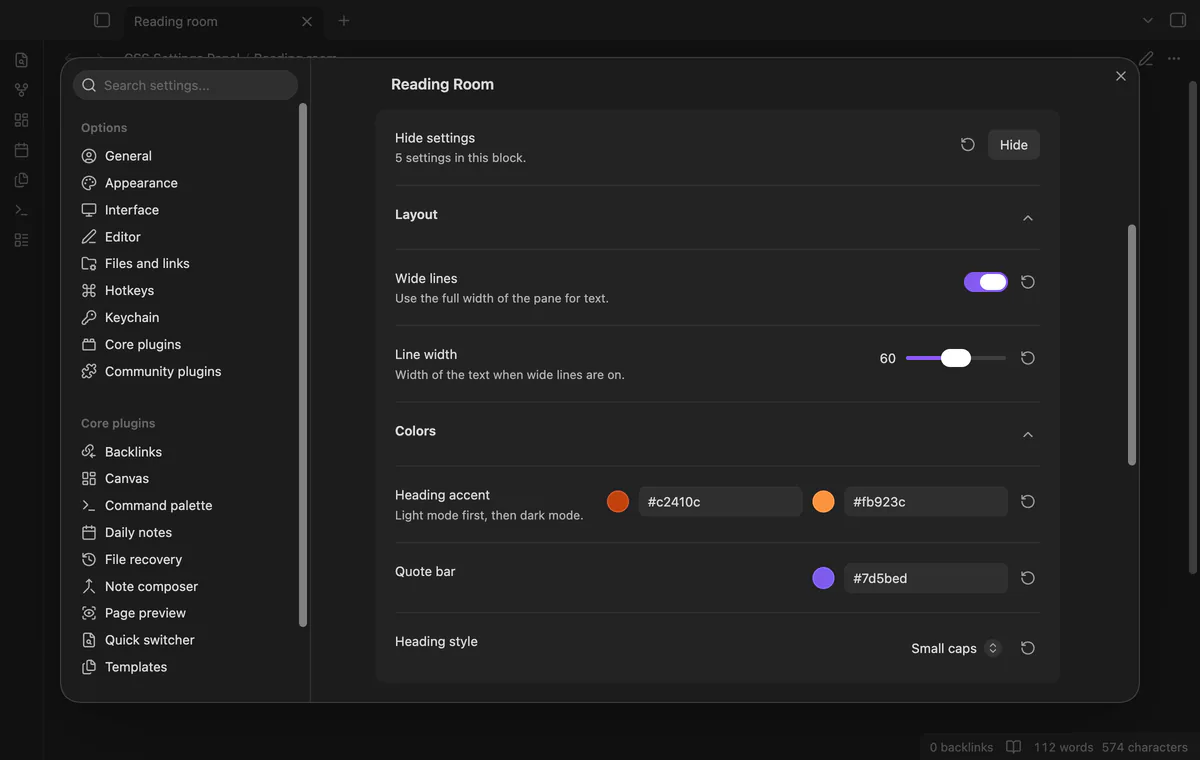
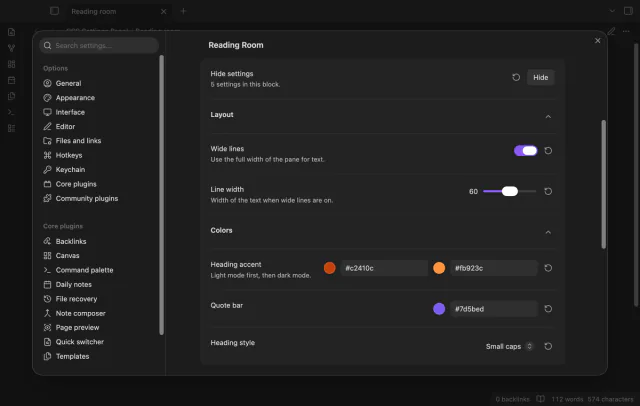
Many themes and snippets carry a settings block in their CSS. CSS Settings Panel reads those blocks as they are and shows a section for each one in its settings tab. Your old values come with you, and the plugin never writes to a CSS file.
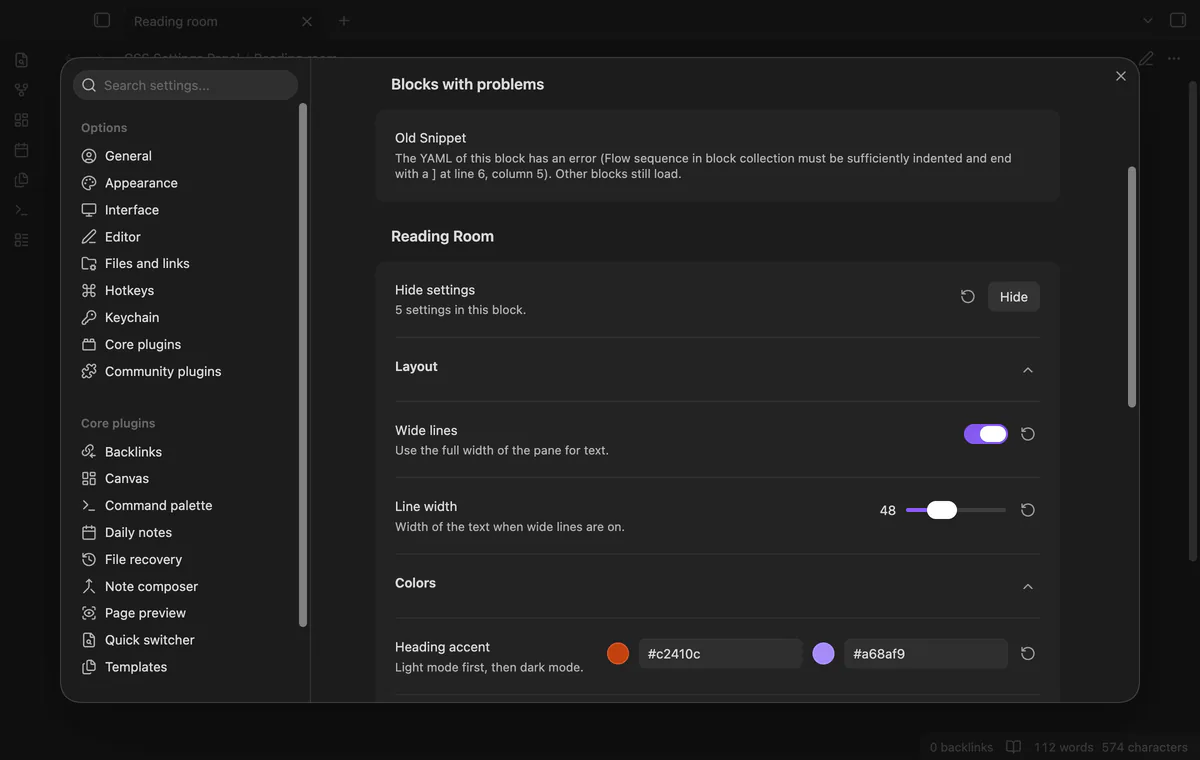
All setting types of the Style Settings format work, from toggles and selects to numbers, sliders and themed colors. One broken block gives one error row, and the other blocks still load.
 Play demo
The plugin reads your theme, your CSS snippets and the styles of other plugins. Each settings block becomes one section, and its headings nest by level. All setting types of the format work, with 8 color formats and opacity.
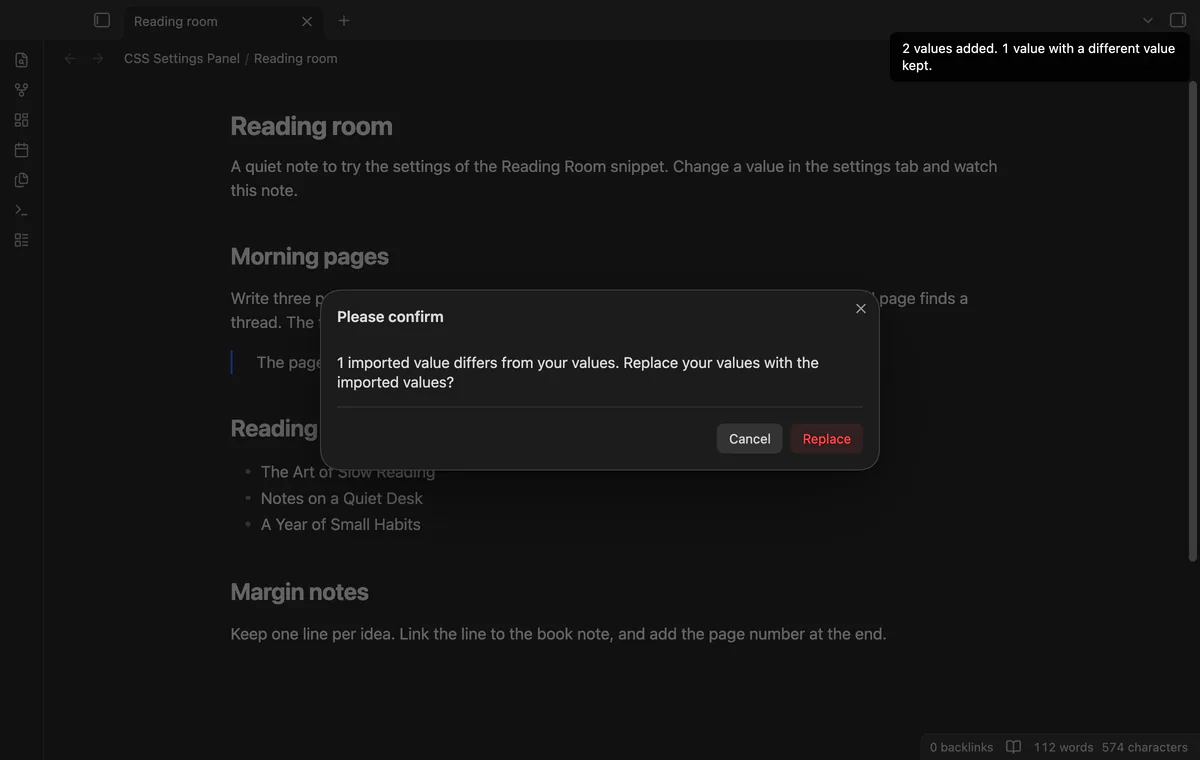
The saved data has the same layout as the data of Style Settings. Select Import values from style settings, and the plugin adds each value that you did not set here. It asks before it replaces one of your values.
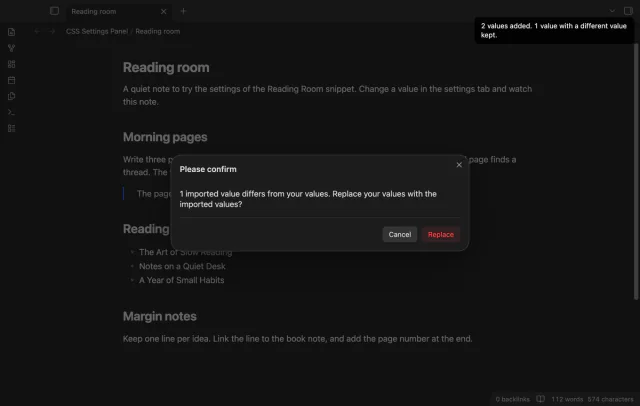
A block with bad YAML gives one error row, and the other blocks and files still load. A setting with an unknown type is skipped, and the rest of its block works. Each setting and each section has a reset button.
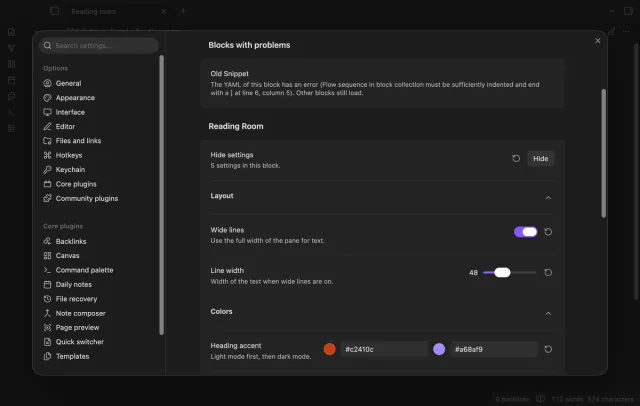
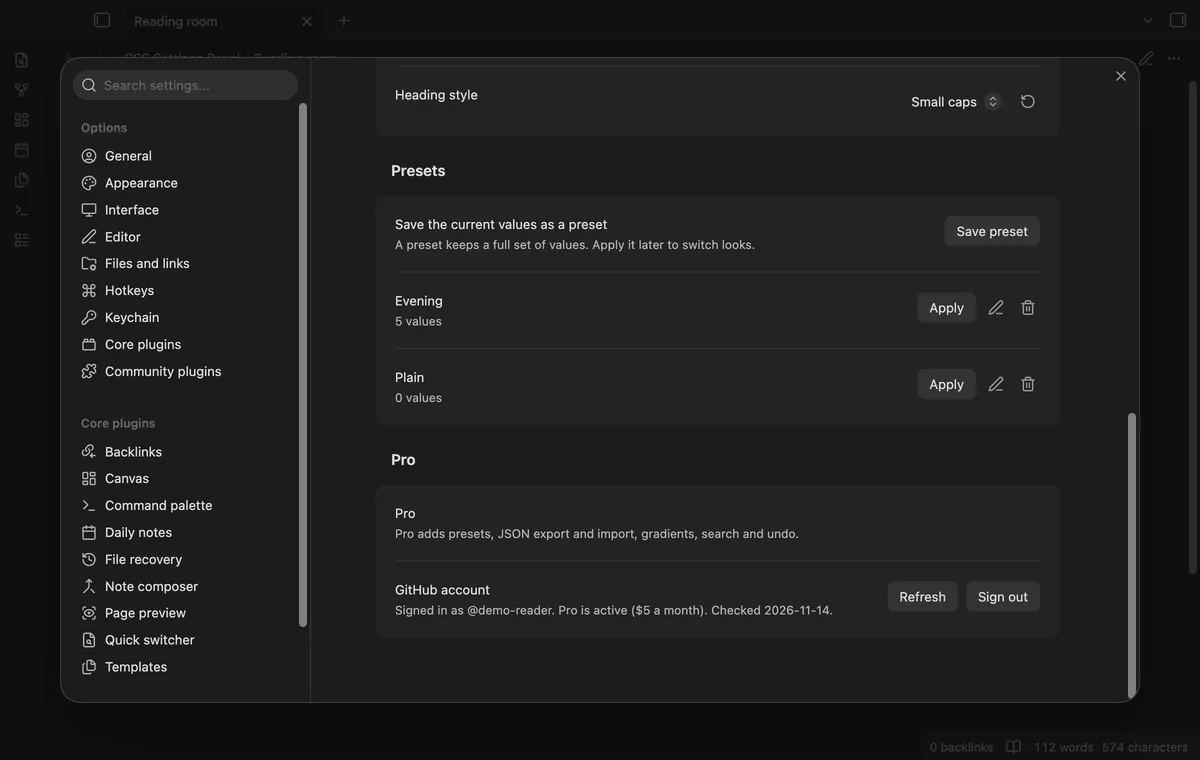
The free version shows, saves, imports and resets every setting, and it has no presets, JSON export, gradients, search or undo.
Pro costs $5 a month or $15 one time through GitHub Sponsors.
Copy all values as JSON, or save them to a file in your vault. Paste JSON to import it, and the import asks before a replace.
The color-gradient type makes a row of colors between two color settings.
Find a setting by its name across all sections, or show only the settings that you changed.
The command Undo the last value change goes back up to 10 changes.
$15 once. Pro tools in 134 NoteMods plugins with one GitHub sponsorship. Nothing renews.
Pro turns on right after payment. Select Sign in with GitHub in the settings of each plugin you use. Free features stay free.
Secure checkout by GitHub Sponsors - needs a GitHub login.
17 of 50 founding licenses sold.
The price is set on the 1st of each month. It goes up only after a tier is full. Until then it stays $15. The next price review is on 1 December 2026.
A price change does not change a license that you paid for. The $5 a month option stays.
One sponsorship turns on the Pro features in 134 NoteMods plugins. Free features stay free.
$15 one time: Pro stays on, nothing renews. $5 a month: Pro is on while you sponsor, and stays on after you have paid $15 in total. You pay on GitHub (a GitHub login is needed), then select Sign in with GitHub in the plugin settings. All sponsor tiers
needs
steps
Turn on a theme or a snippet that has a settings block.
Open Settings, then CSS Settings Panel.
Select Show next to a section, then change a toggle, a color or a number.
If you used Style Settings, select Import values from style settings, then turn off Style Settings.
If the app can't find a new plugin yet, try again later. Obsidian says a plugin that passes the review shows in the app within 24 hours.
On 14 November 2026, the Style Settings plugin had 2,848,868 downloads and a gain of 78,769 in 30 days. Its repository moved to community-archive.
Need a change for your team? I build custom Obsidian plugins and features.
No. The plugin reads the blocks as they are. It never writes to a CSS file.
You can install both, but turn on only one. Two plugins that apply the same values fight. When Style Settings, Style Manager or Style Tuner is on, CSS Settings Panel applies nothing.
Like Style Settings, the plugin sets a variable only when you saved a value. Until then, the theme keeps its own default.
Yes. The data layout is the same, so you can copy the values back to the data file of the old plugin. The old plugin skips the key that holds the open sections and the presets.
Until you select Sign in with GitHub, CSS Settings Panel makes no network requests. Sign in and the sponsorship check contact github.com and api.github.com with the scope read:user, and a successful check is reused for 7 days. The plugin sends no note content, file names or other vault data.
Tell me what is broken in CSS Settings Panel, or what it should do next.
CSS Settings Panel 1.0.0, MIT license
MIT · no telemetry · core features free
Show a line number for each wrapped row in the editor.
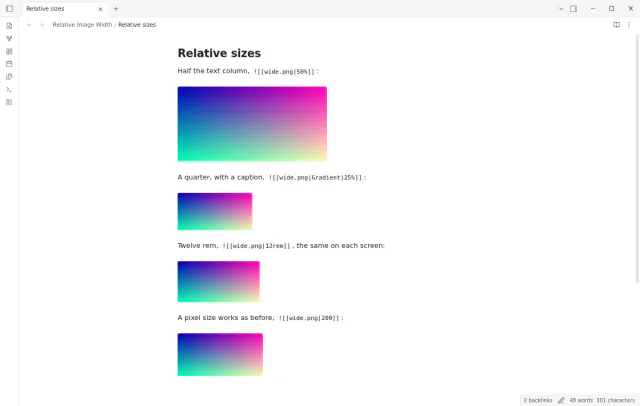
Add a size such as 50% to an image link and the image fills half the text column.
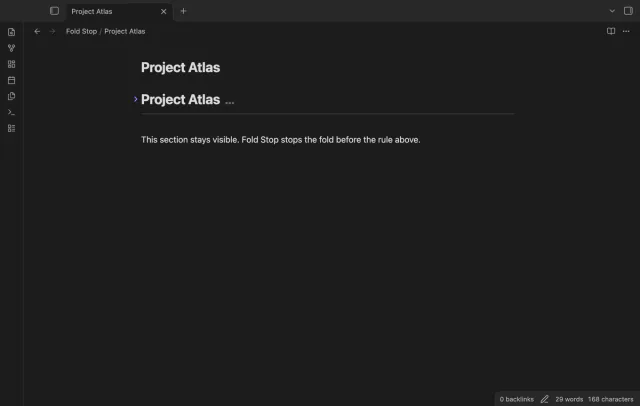
Fold a heading to the first horizontal rule at the top level.
Pro adds "Presets"Pro for all 134 plugins, $15 one time
Get Pro