Pandoc Crossref Preview
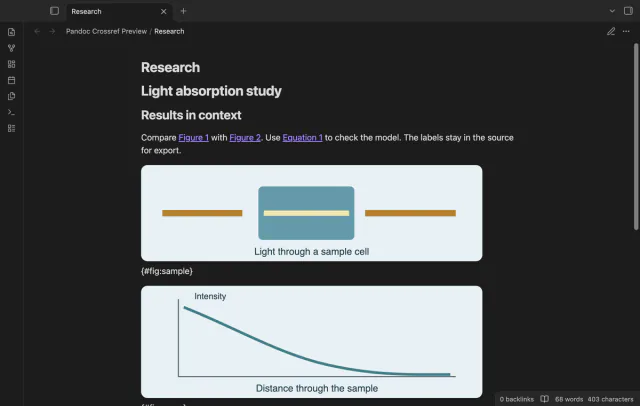
Preview figure and equation numbers in a note.
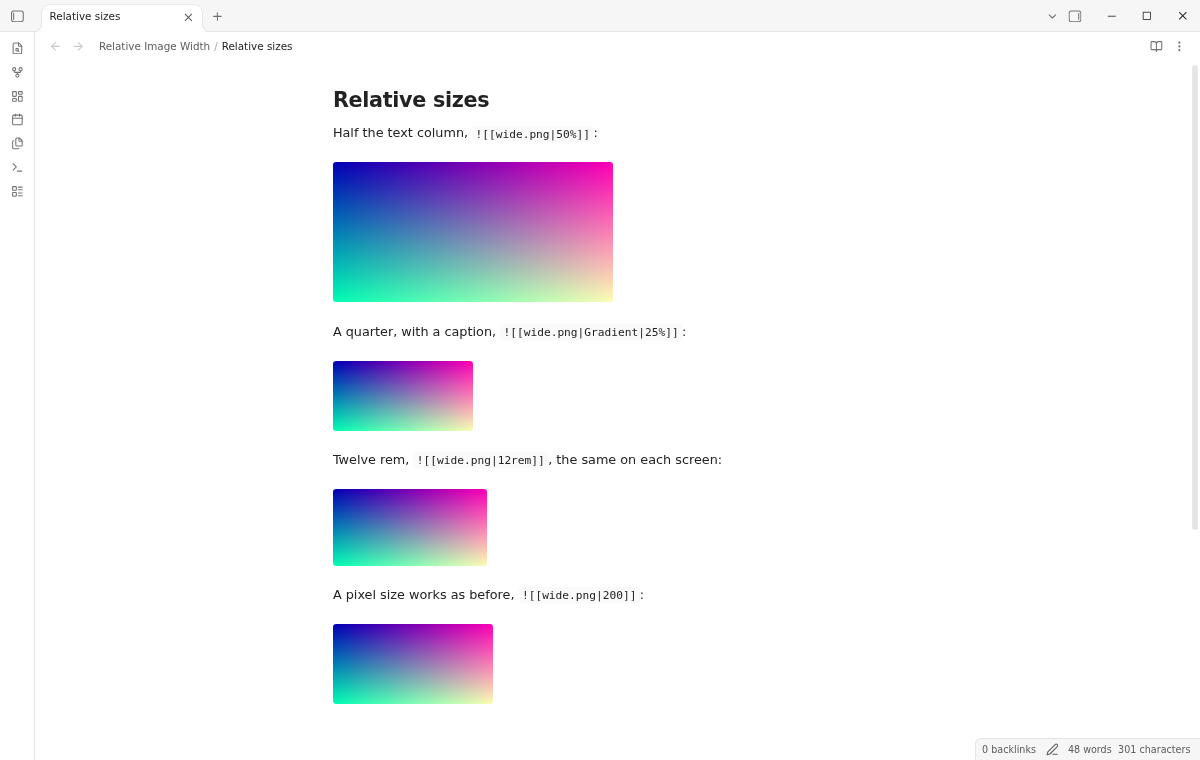
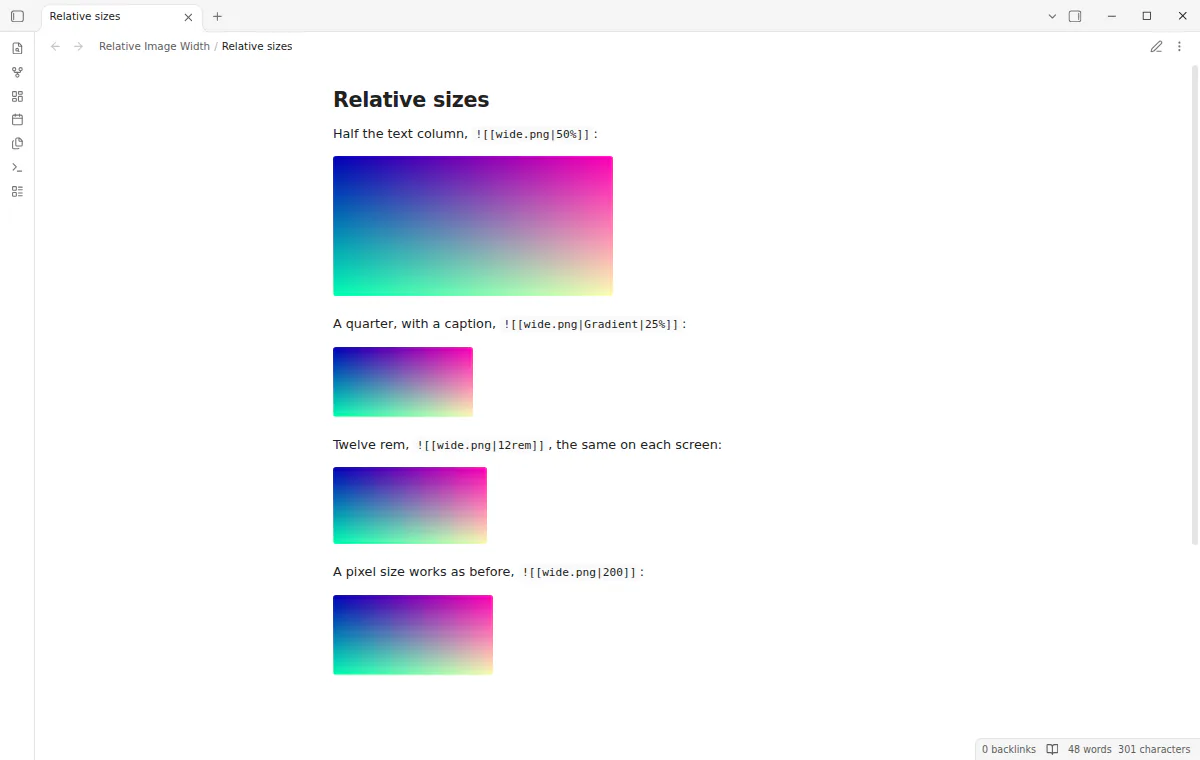
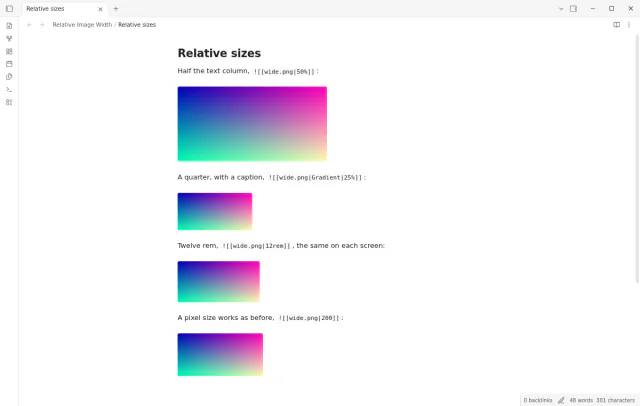

Add a size such as 50% to an image link and the image fills half the text column.
MIT · no telemetry · core features free
The directory takes these platforms from the plugin manifest. The automated tests run in the desktop app only.
Directory facts fetched from community.obsidian.md/users/theluckystrike.
You embed images in notes that you read on screens of different sizes and want sizes that scale.
Obsidian reads a size such as |300 in an image link as 300 pixels and nothing else. Relative Image Width also reads percent, em, rem, vw and vh, so |50% means half the text column. The plugin changes how the image looks and never writes to your note.
 Play demo
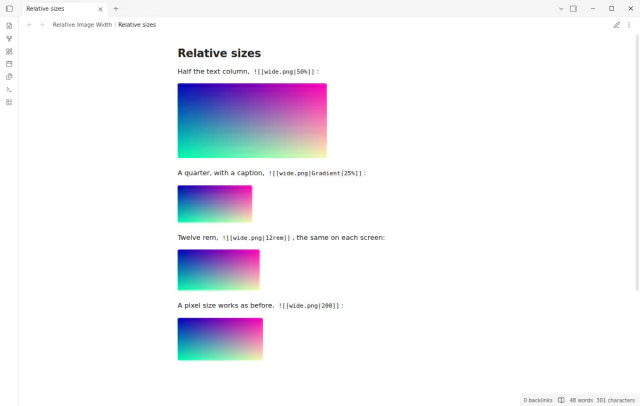
Put the size as the last part of the link, such as |50%, |50%x30%, |70em, |20rem or |40vw. The Markdown image form takes the size after the alt text, as in Sunset|50%. An image never grows wider than the text column.
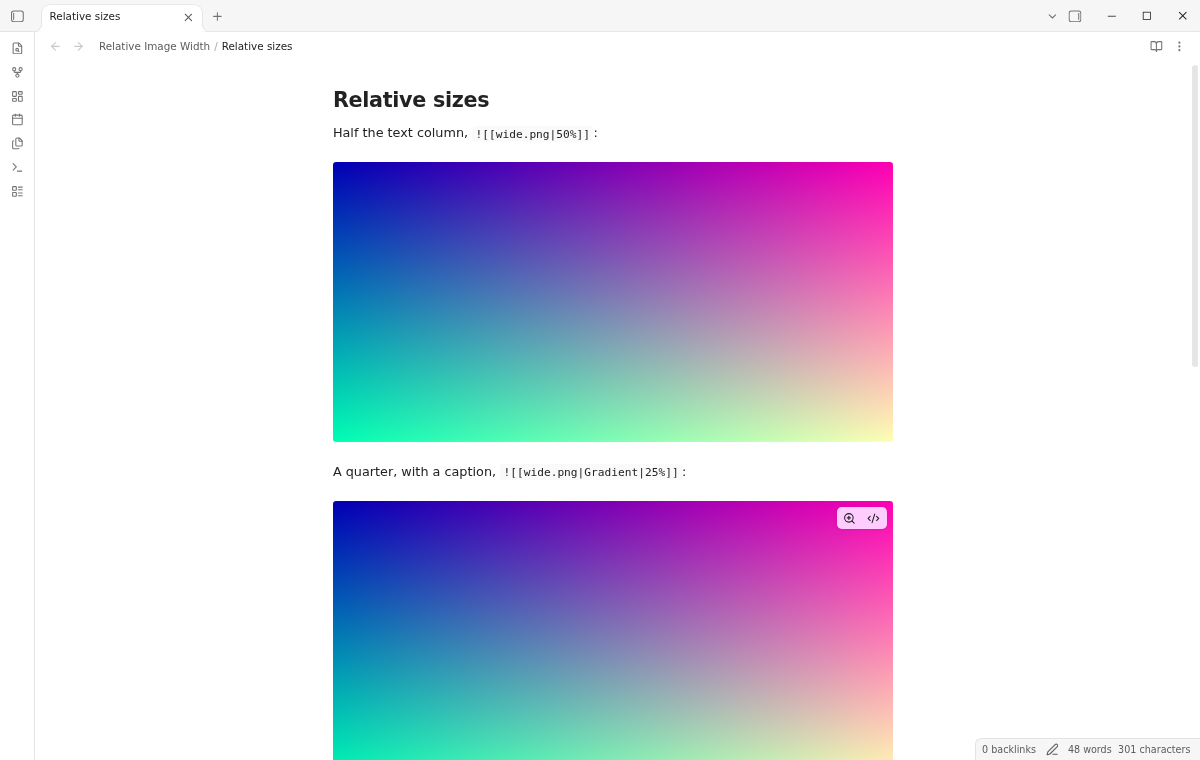
Without the plugin, Obsidian ignores a size that is not a pixel number. Each such image fills the text column. Pixel sizes work in both cases.
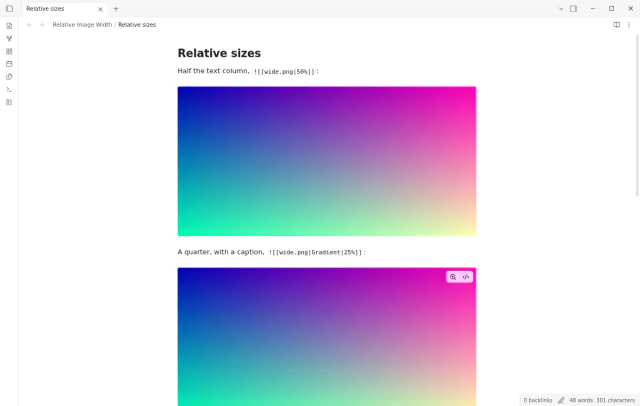
Each image shows at its size while you write. Put the cursor on the line of the link to edit the link text. A pixel size such as |200 stays exactly as Obsidian draws it.
Reading view shows the same sizes. This includes images in a table cell, where you write \| before the size.
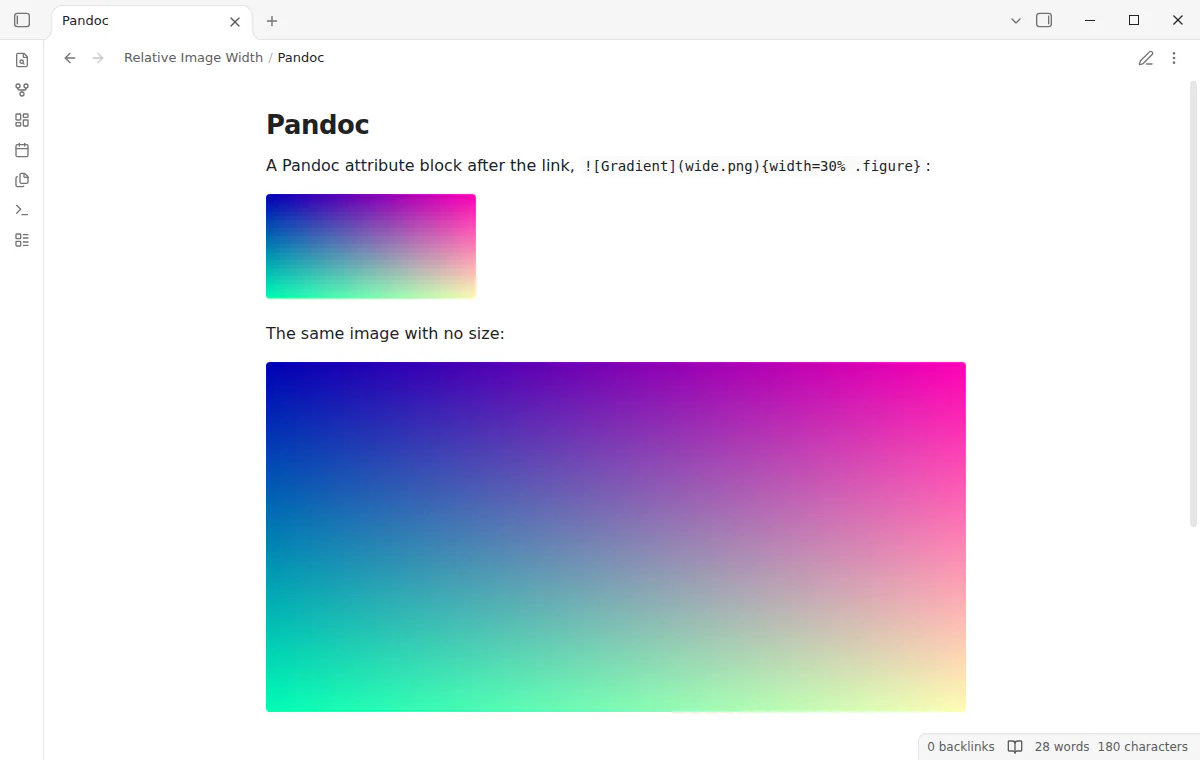
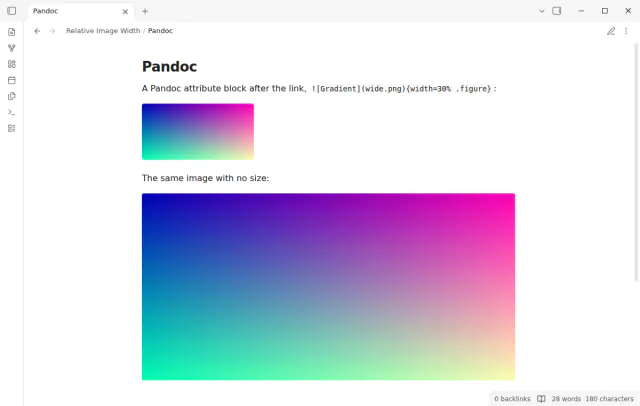
Turn on Read Pandoc attributes in the settings to size an image from a block such as {width=50%} right after the link. Reading view hides the block, and Live Preview hides it when the cursor is not on its line. The setting is off by default, so other text in braces does not change.
The free version has every size form, in both views, and the Pandoc attributes, but no default size.
Pro costs $5 a month or $15 one time through GitHub Sponsors. One sponsorship turns on Pro in every plugin that has it.
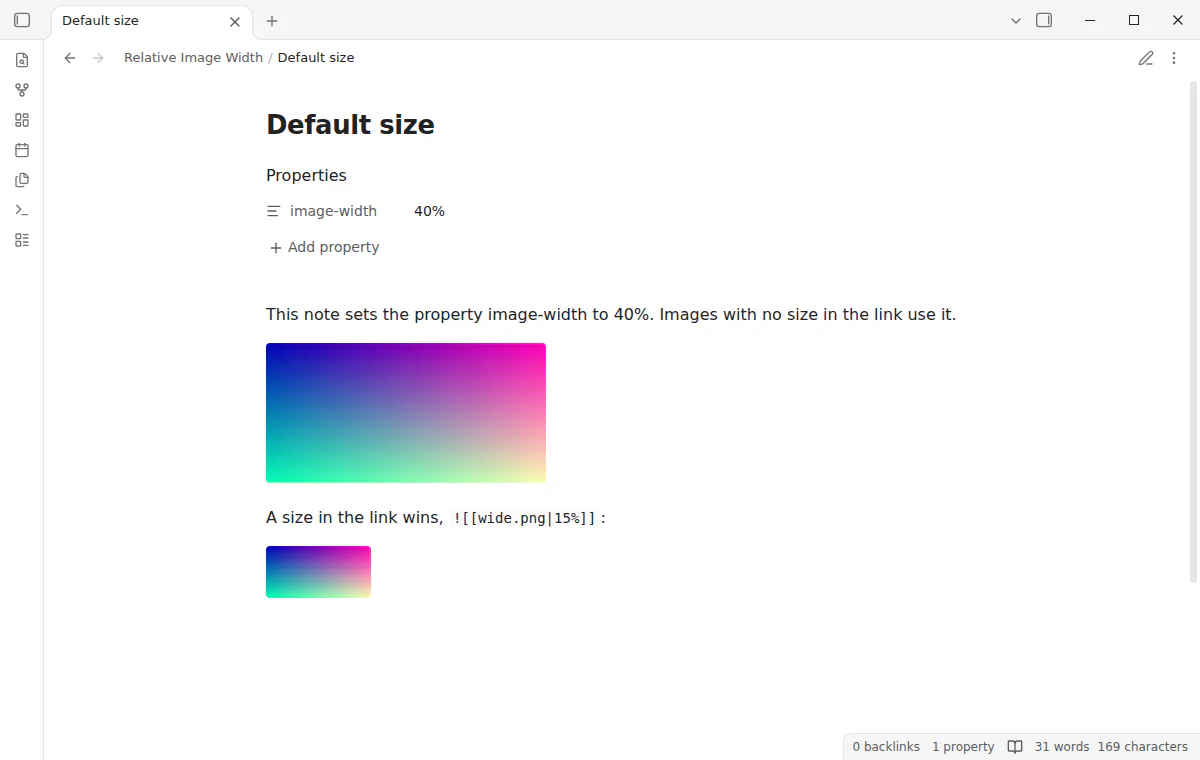
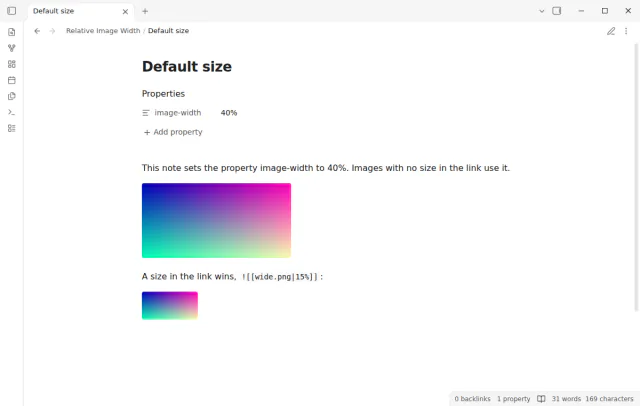
Pro sets a default size, such as 100% or 40rem, for every image that has no size in its link. The note property image-width sets the default for one note and wins over the setting. A size in the link wins over both.
needs
steps
Embed an image as usual.
Add | and a size with a unit as the last part of the link, such as |50%.
Read the note in Live Preview or Reading view.
If the app can't find a new plugin yet, try again later. Obsidian says a plugin that passes the review shows in the app within 24 hours.
A forum request from 2021 asks Obsidian to allow relative units, not just pixels, or Pandoc notation. The topic has 51 likes and its first post has 22.
Need a change for your team? I build custom Obsidian plugins and features.
No. The link stays as you wrote it. Open and close a note and the file is the same, byte for byte.
The images show at their natural size, limited by the text column. Pixel sizes do not change. Turn the plugin on again and the sizes come back.
Check that the size is the last part of the link, with no space between the number and the unit. Write 50%, not 50 %. An image cannot be wider than the text column.
No. Publish does not run community plugins.
No. The plugin sizes image embeds only. A note embed or a PDF embed with |50% stays as Obsidian draws it.
Until you select Sign in with GitHub, Relative Image Width makes no network requests. Sign in and the sponsorship check contact github.com and api.github.com with the scope read:user, and a successful check is reused for 7 days. The plugin sends no note content, file names or other vault data.
Tell me what is broken in Relative Image Width, or what it should do next.
Relative Image Width 1.0.0, MIT license
MIT · no telemetry · core features free
Preview figure and equation numbers in a note.
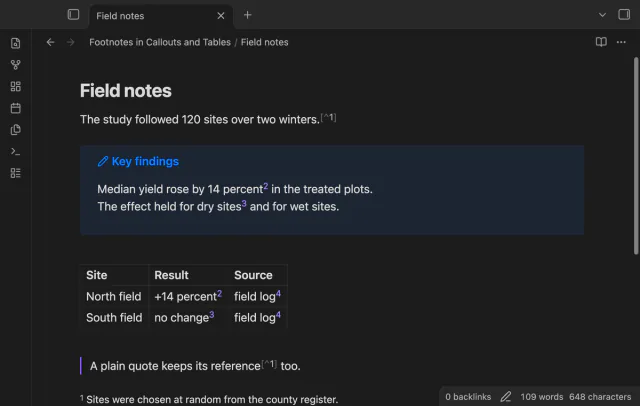
Open numbered footnotes in callouts, table cells and paragraphs.
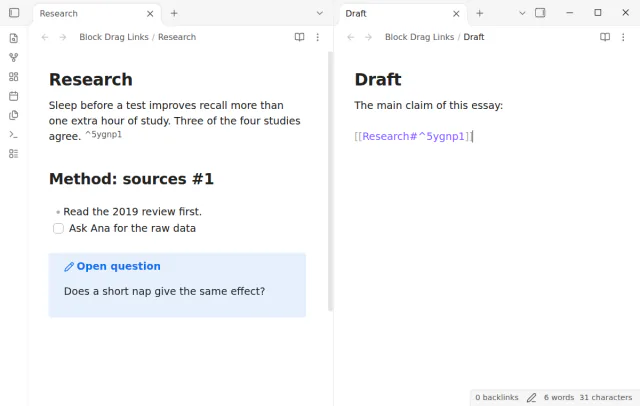
Drag a block or heading into another note to get a link, or hold Ctrl or Cmd for an embed.