
Embed Outline
See headings from embedded notes in one outline.
Preview figure and equation numbers in a note.
MIT · no telemetry · core features free
The directory takes these platforms from the plugin manifest. The automated tests run in the desktop app only.
Directory facts fetched from community.obsidian.md/users/theluckystrike.
Writers who use Pandoc labels in research notes and want to inspect references before exporting a draft.
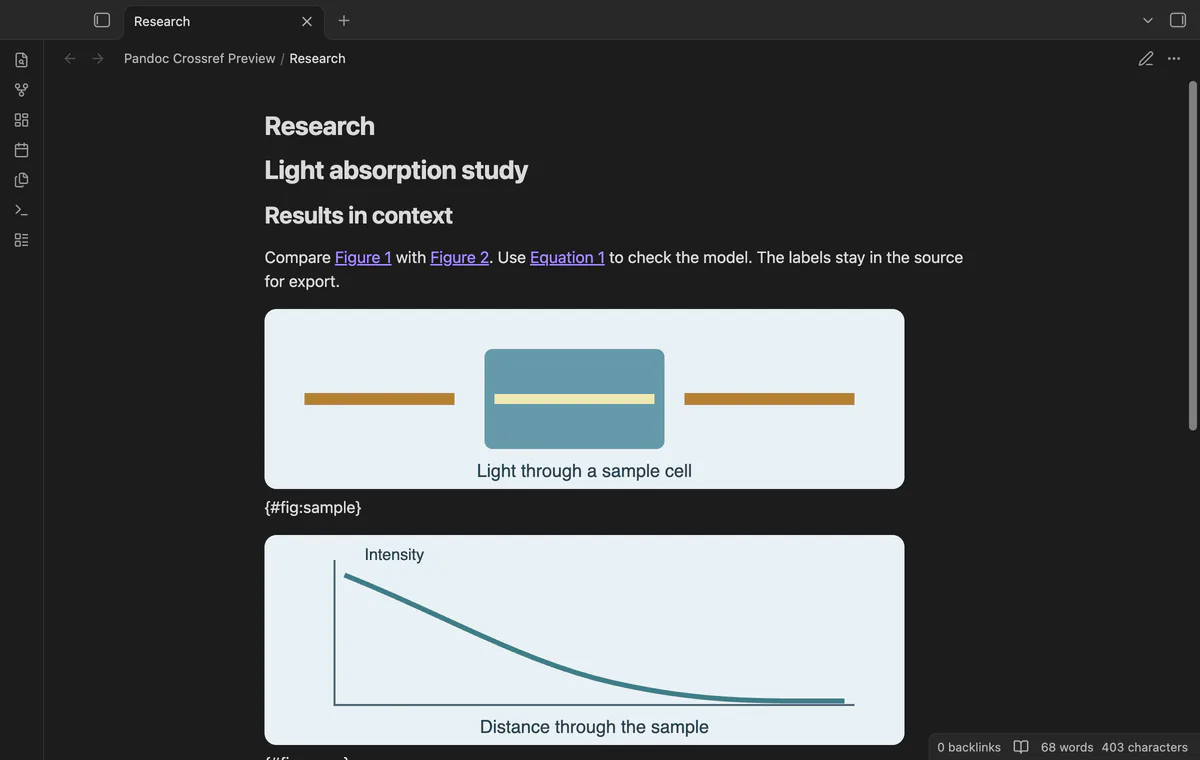
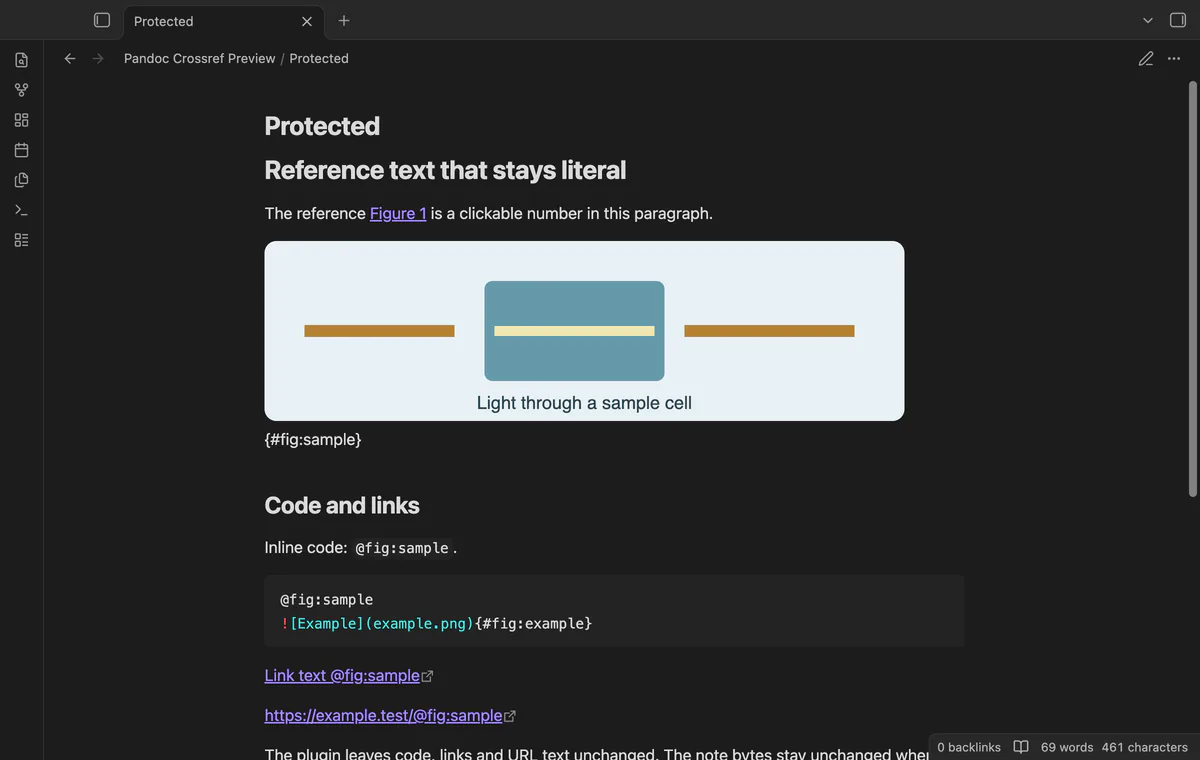
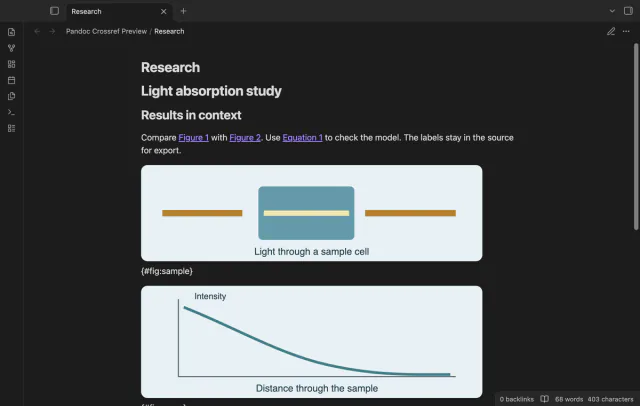
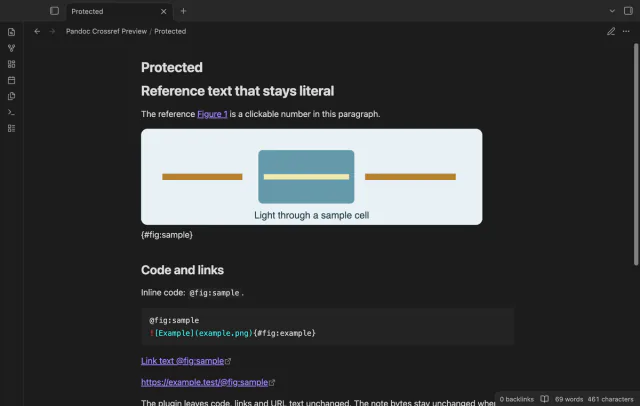
Write simple figure and equation labels, then open Reading view. Pandoc Crossref Preview replaces resolved references with numbered links to their source lines.
The preview uses a limited grammar within one note. It doesn't run Pandoc or compare the preview with your export.
 Play demo
Put a Markdown image on its own line with a label such as {#fig:sample}. Refer to it with @fig:sample and leave blank lines around the image paragraph.
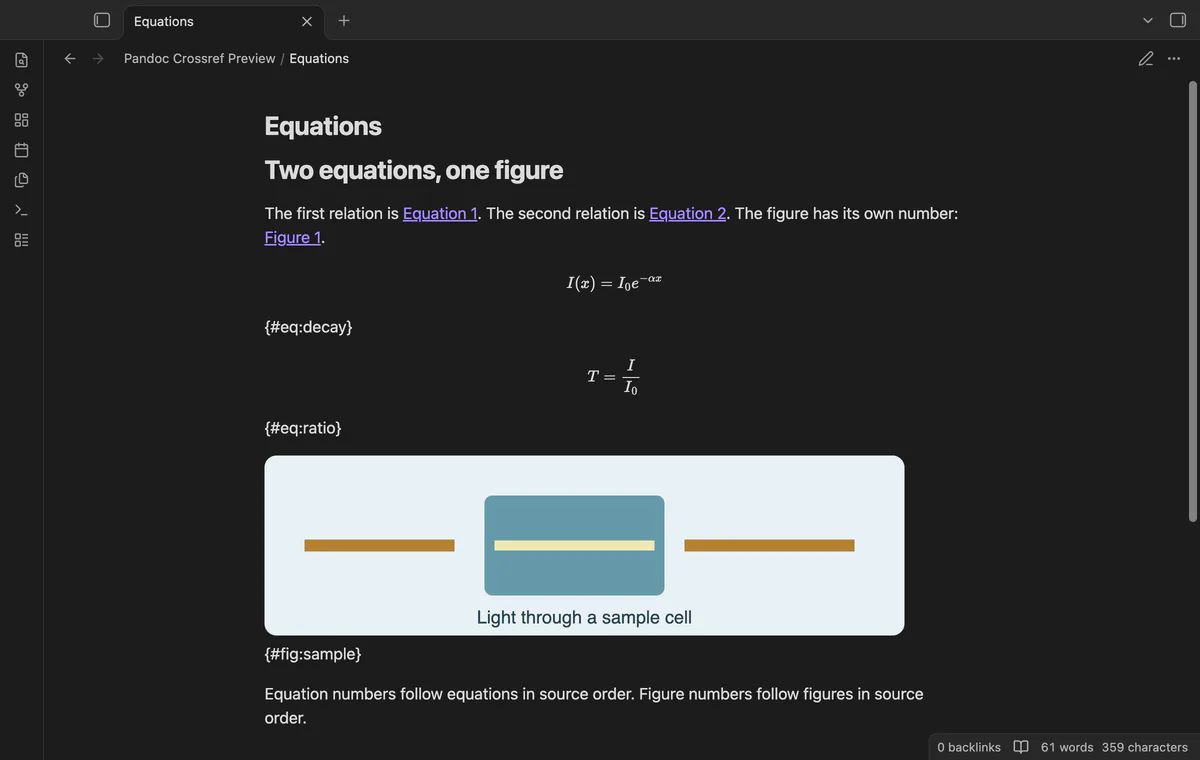
Put {#eq:decay} on the line after a simple display equation closes, then refer to it with @eq:decay. Equation numbers use a separate counter.
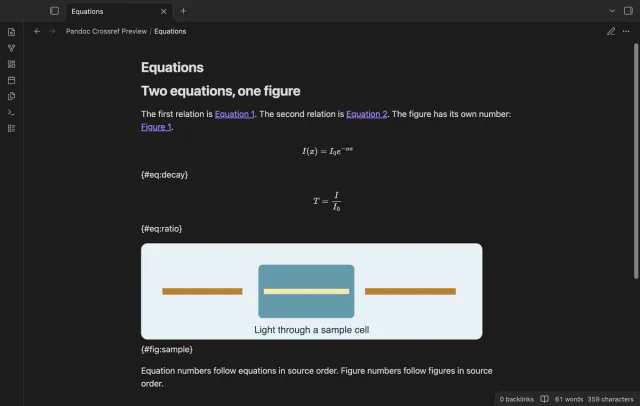
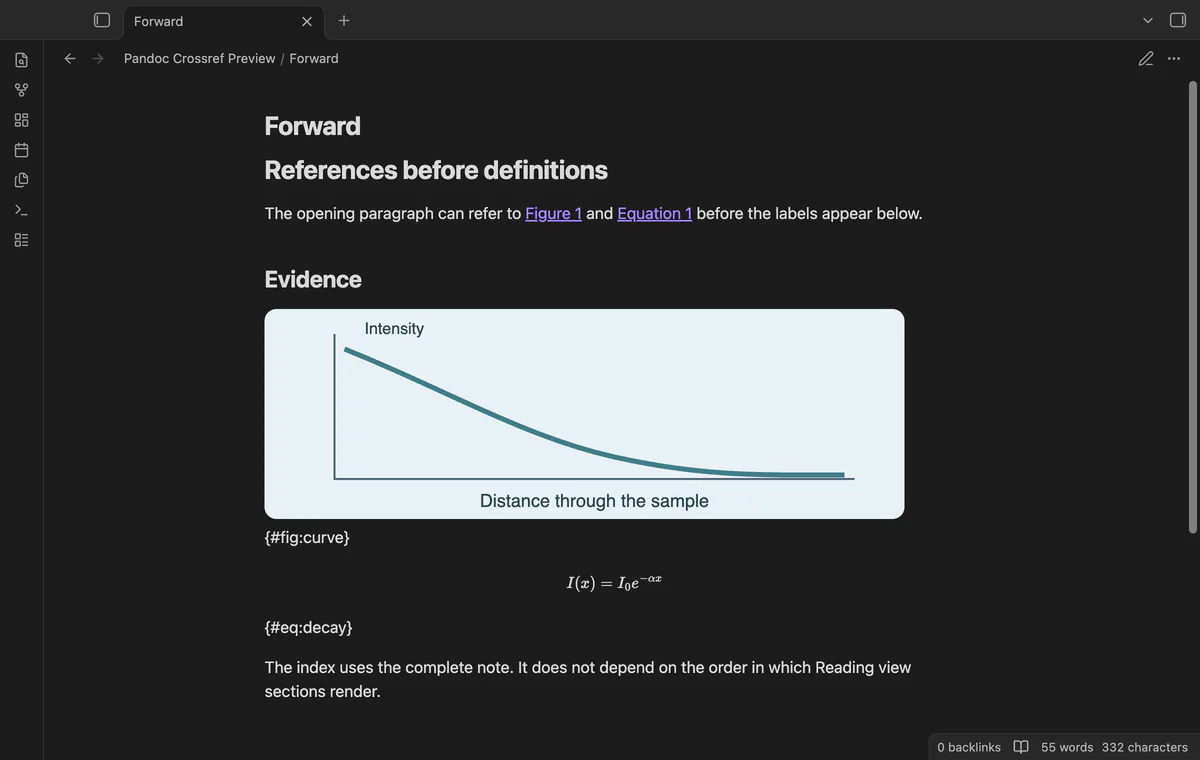
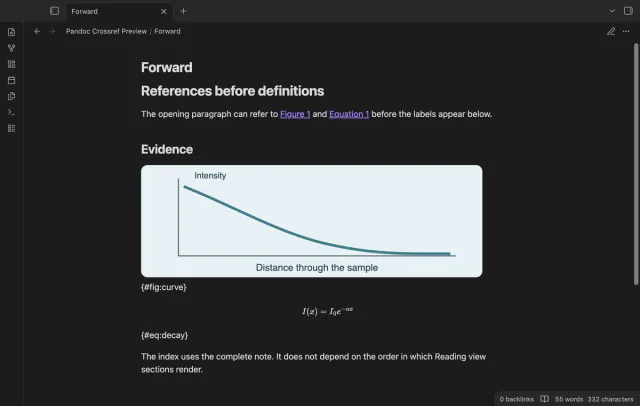
References can appear before their targets in the same note. Select a resolved number to open its target source line. Reopen Reading view after adding or moving labelled objects.
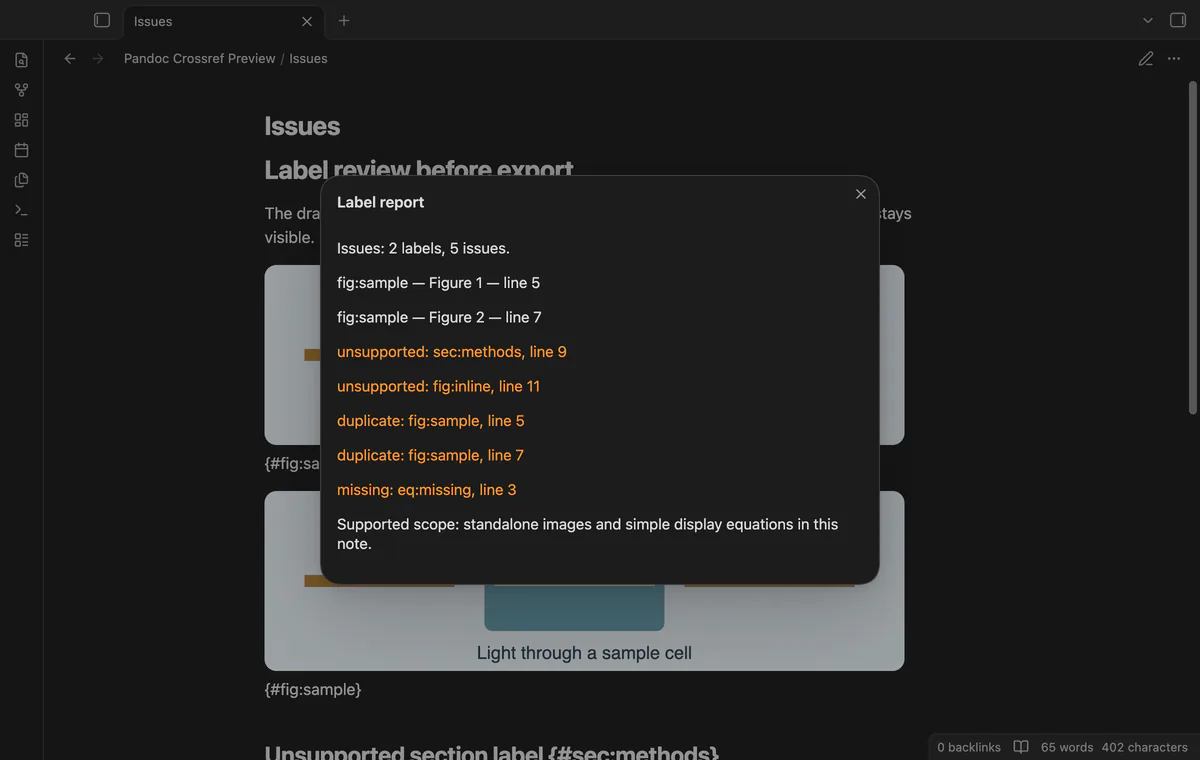
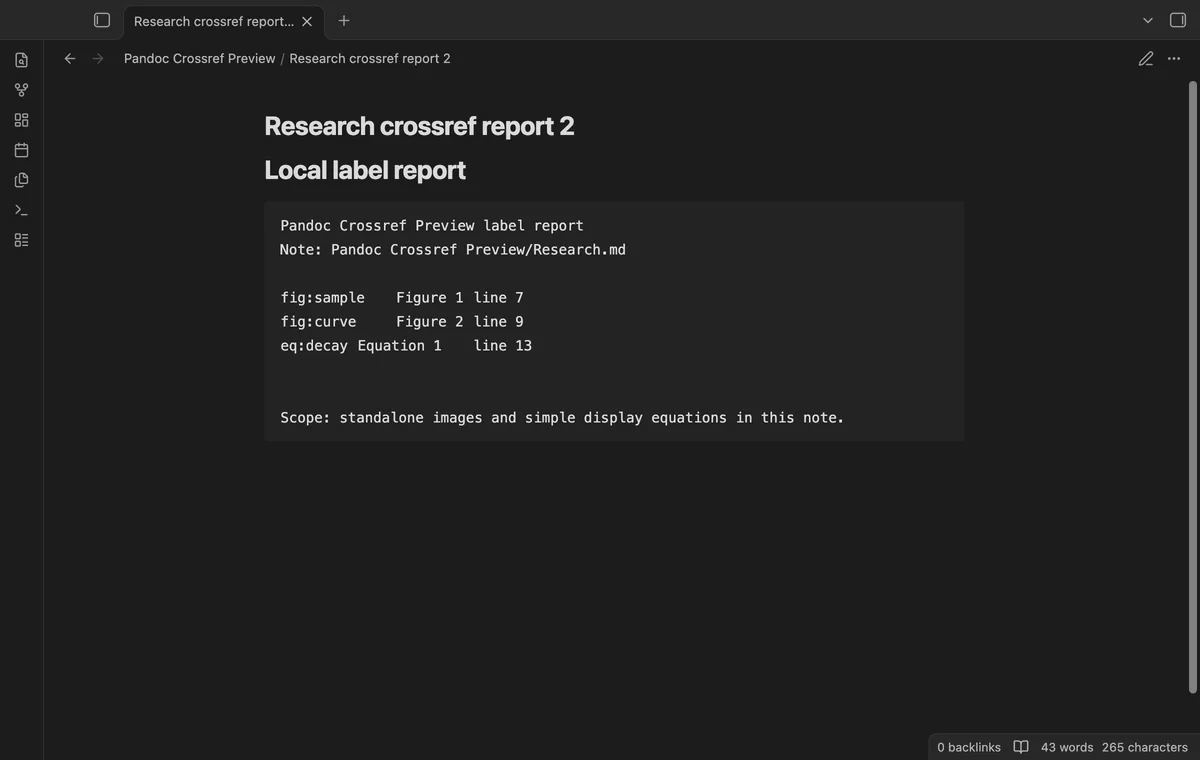
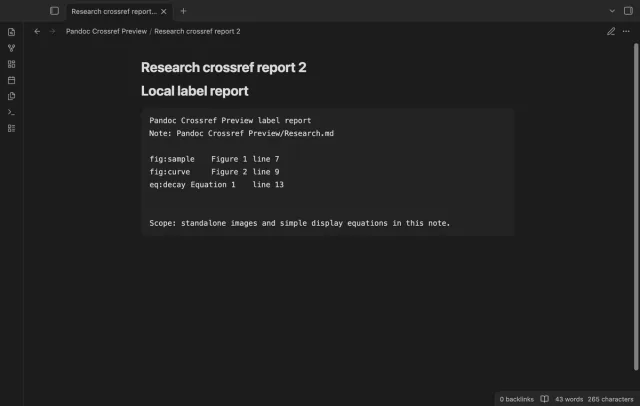
Run Show label report for indexed numbers, source lines and diagnostics. Missing or duplicated targets keep their literal reference text.
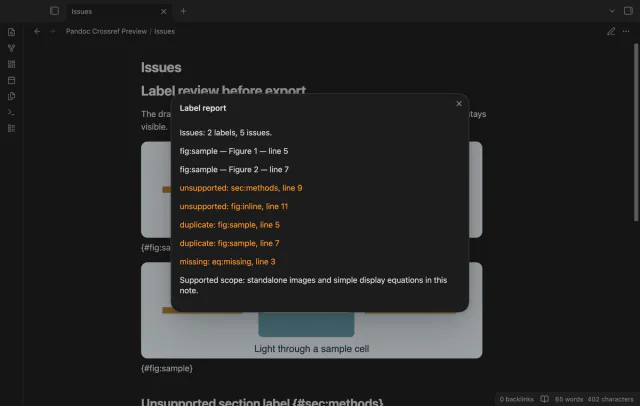
Inline code, fenced code, URL text and existing rendered links keep literal reference syntax. The source index also ignores frontmatter, comments and supported indented code blocks.
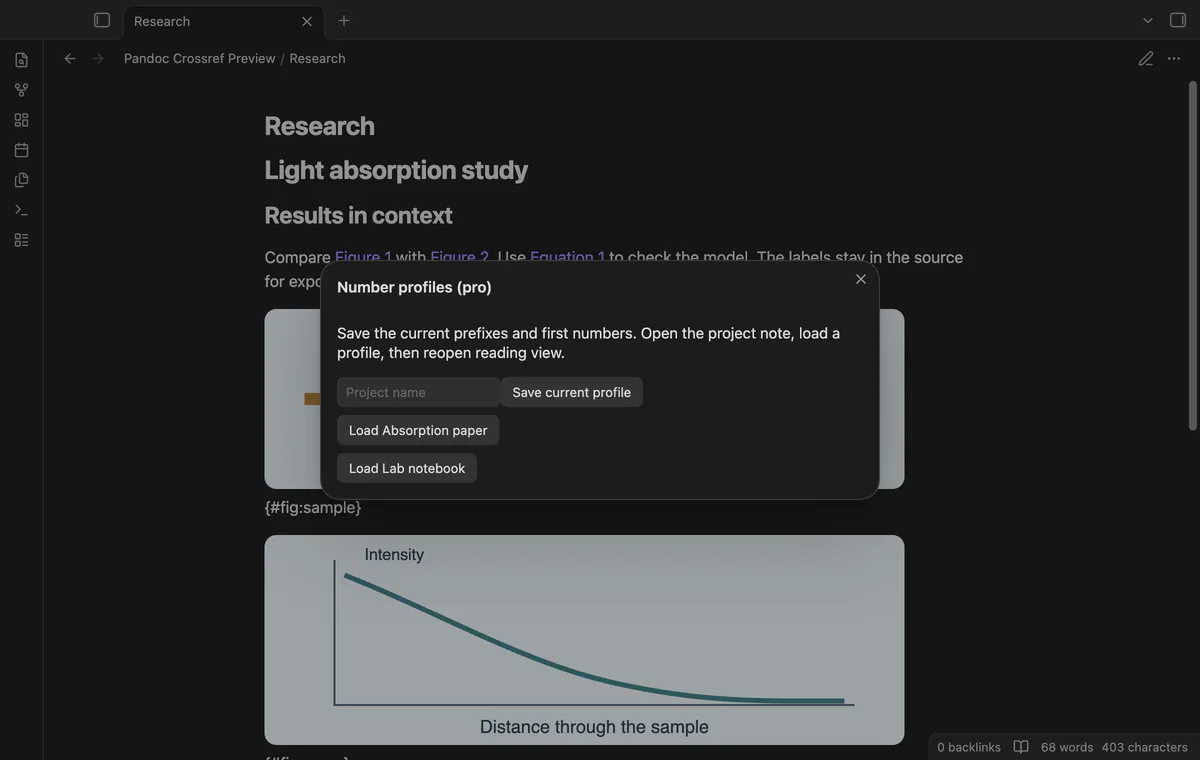
The preview and on-screen report are free; saved profiles and local Markdown reports need Pro.
Pro costs $5 a month or $15 one time through GitHub Sponsors. One sponsorship turns on Pro in every plugin that has it.
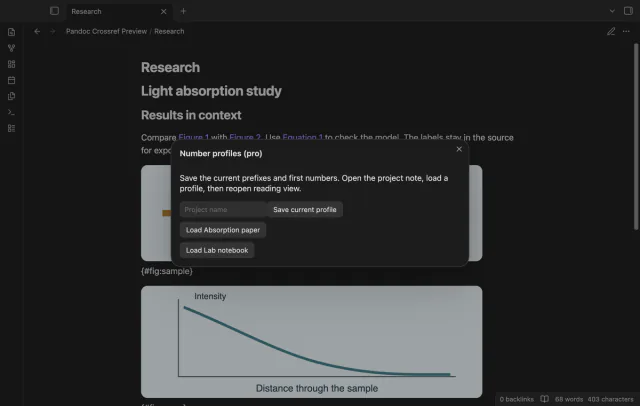
Current prefixes and first numbers are free settings. Pro stores named profiles for manual loading between project notes. Profiles change the current settings without selecting notes by folder.
Create a separate Markdown report beside the active note with labels, numbers, source lines and diagnostics. Existing report paths get numbered filenames. This command does not start an export.
needs
steps
Add a standalone labelled image, a simple labelled display equation and references to a short note.
Open Reading view and inspect the reference numbers.
Select a number to inspect its target source line.
Run Show label report before exporting with your existing tools.
If the app can't find a new plugin yet, try again later. Obsidian says a plugin that passes the review shows in the app within 24 hours.
How to preview Pandoc figure and equation references in Obsidian
Need a change for your team? I build custom Obsidian plugins and features.
No. The preview supports simple labels in one note. Tables, subfigures, chapter numbering and cross-note references are outside its scope.
Reading view is the supported view. Live Preview is outside the supported scope.
No. The preview and on-screen report leave the source note unchanged. A saved local report creates a separate file.
No requests occur before you select Sign in with GitHub; sign-in sends a client ID, scope and device codes to github.com. After sign-in, api.github.com receives token-authenticated sponsorship queries for tier and payment totals; successful checks cache seven days, failures retry after six hours. Refresh requests an earlier check; notes, paths and vault data stay local, with no telemetry.
Tell me what is broken in Pandoc Crossref Preview, or what it should do next.
Pandoc Crossref Preview 1.1.0, MIT license
MIT · no telemetry · core features free
See headings from embedded notes in one outline.
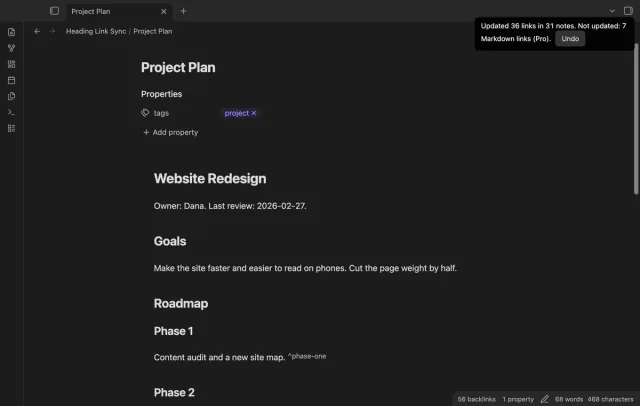
Update heading links and embeds when you edit a heading.