Pandoc Crossref Preview
Preview figure and equation numbers in a note.
As of October 2026, use Pandoc Crossref Preview for simple note-local numbers in Obsidian Reading view, then check your exported document separately. Obsidian’s native links can target headings and blocks. The plugin does not validate its result against pandoc-crossref output.
The plugin brief describes checking research-note references before export without writing calculated numbers into the note. It deliberately limits the preview to standalone images and simple display equations.
Link to a heading or block when you need to jump within a note. Obsidian documents heading anchors and block identifiers for this purpose.
Use pandoc-crossref in your own Pandoc export process and inspect the resulting document. Its manual documents figure and equation references, plus numbering options beyond this preview’s scope.
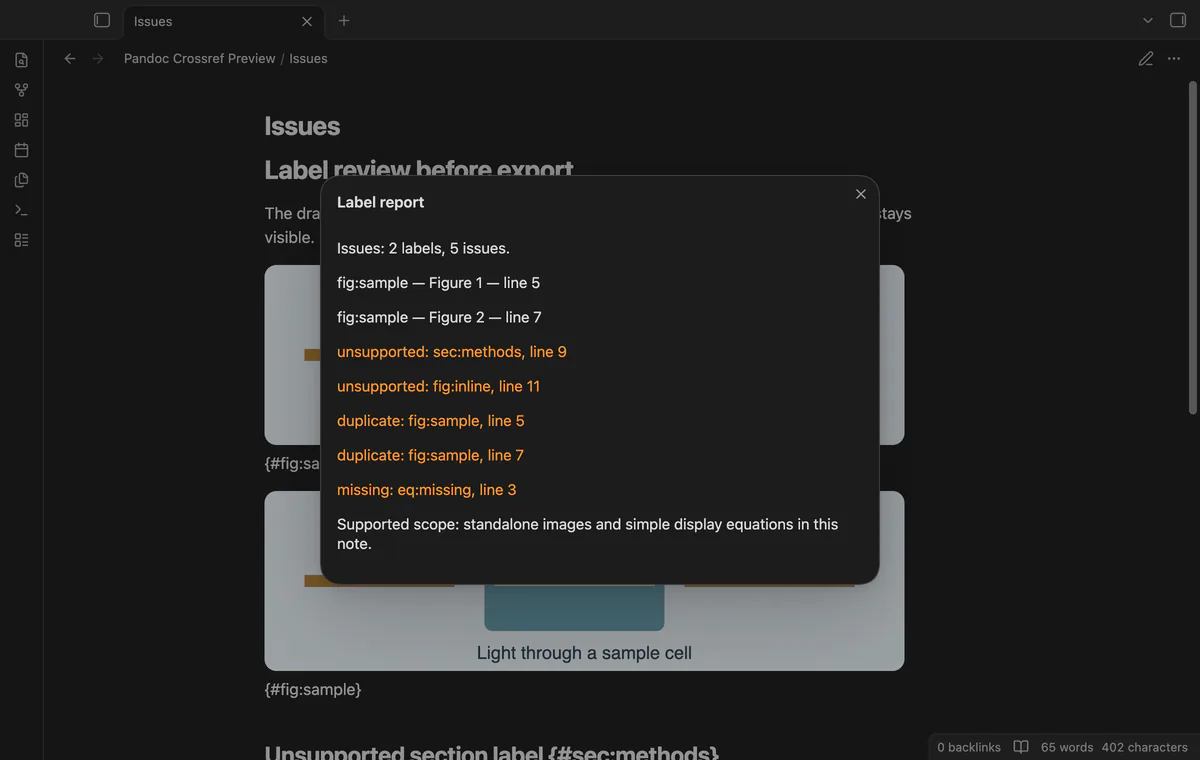
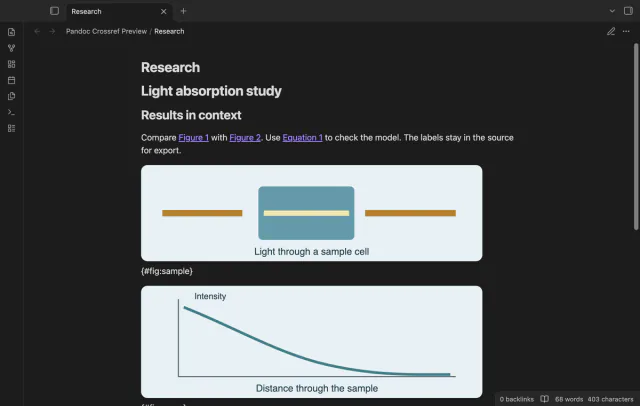
Label a standalone image with {#fig:sample} and a simple equation with {#eq:decay} on the following line. Read @fig:sample and @eq:decay in Reading view, then use Show label report to review diagnostics.
MIT · no telemetry · core features free
Add a standalone labelled image, a simple labelled display equation and references to a short note.
Open Reading view and inspect the reference numbers.
Select a number to inspect its target source line.
Run Show label report before exporting with your existing tools.
Put it on the line after the closing display delimiter. Closing-line labels are outside the supported grammar.
Inline code and fenced code keep literal reference syntax. The preview also protects URLs and existing rendered links.
 That's every step, start to finish.
You're officially a regular.
Obsidian rewards people who share. NoteMods is just me and a lot of coffee. If this guide saved you a fight with the syntax, buy me a cup.
That's visit . Regulars are the reason I keep NoteMods running. If it's part of your routine now, a coffee says thanks better than anything.
Preview figure and equation numbers in a note.