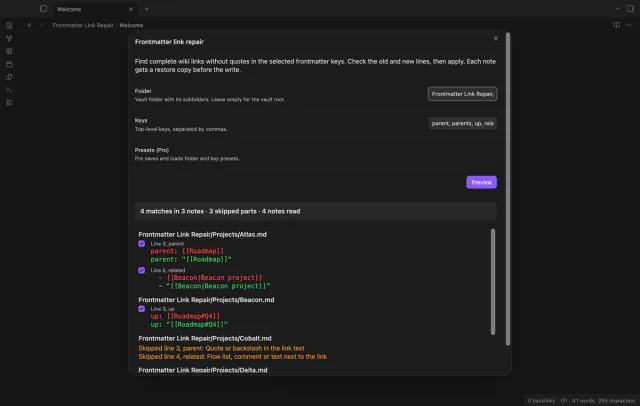
Frontmatter Link Repair
Repair wiki links with restore copies.
Find vault paths that can fail on Windows, macOS, Linux, iOS or Android before you move your notes.
MIT · no telemetry · core features free
The directory takes these platforms from the plugin manifest. The automated tests run in the desktop app only.
Directory facts fetched from community.obsidian.md/users/theluckystrike.
You move or sync a vault between Windows, macOS, Linux, iOS and Android.
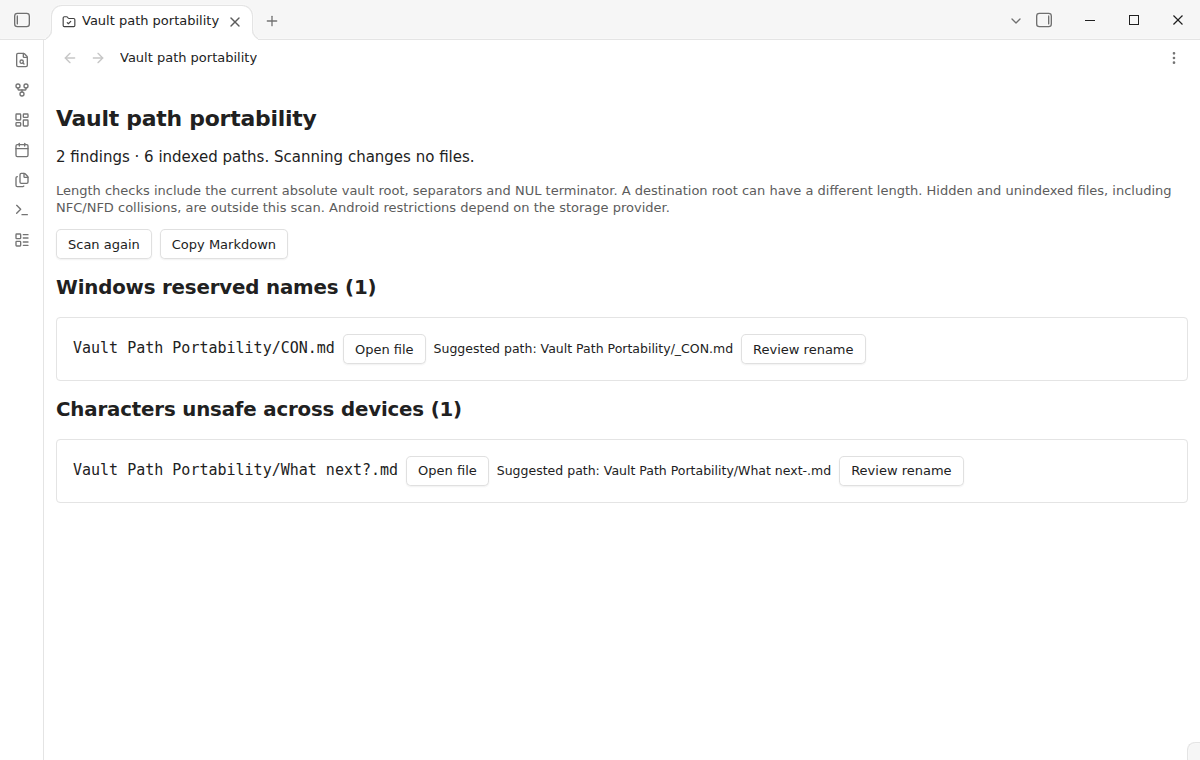
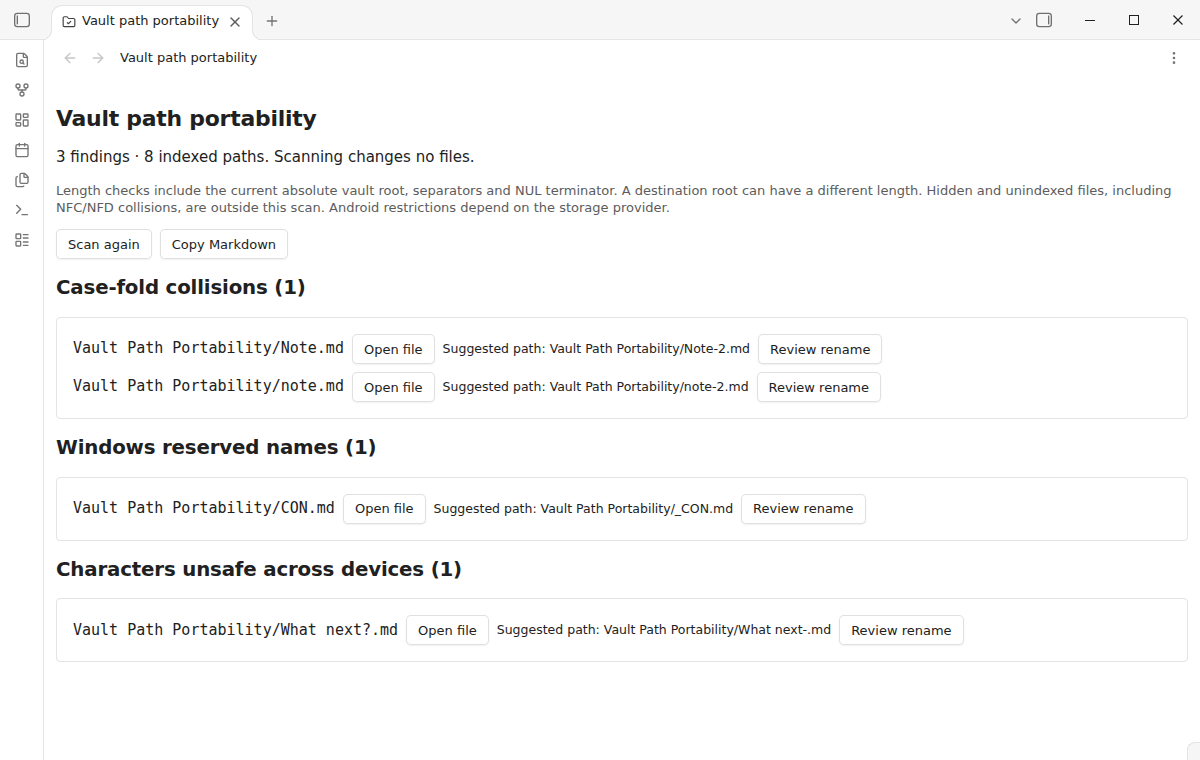
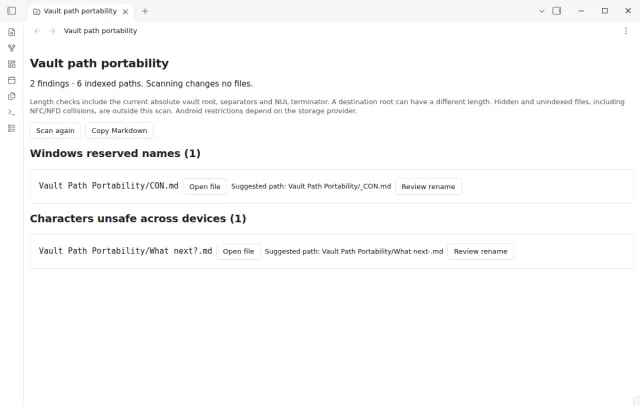
Run one scan, and the report groups the risky paths of your vault by the rule they fail. It checks notes, attachments and folders that Obsidian has indexed. Scanning never renames, edits or deletes a file.
 Play demo
The scan finds case-fold collisions such as Note.md and note.md, Windows reserved names, trailing dots or spaces and unsafe characters. It also flags link delimiters, names over 255 UTF-8 bytes and Windows path length risks.
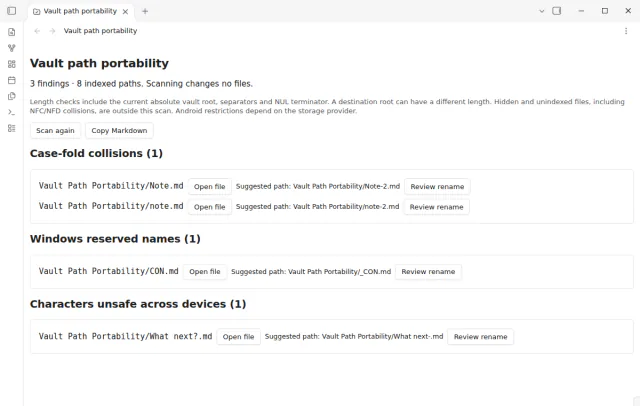
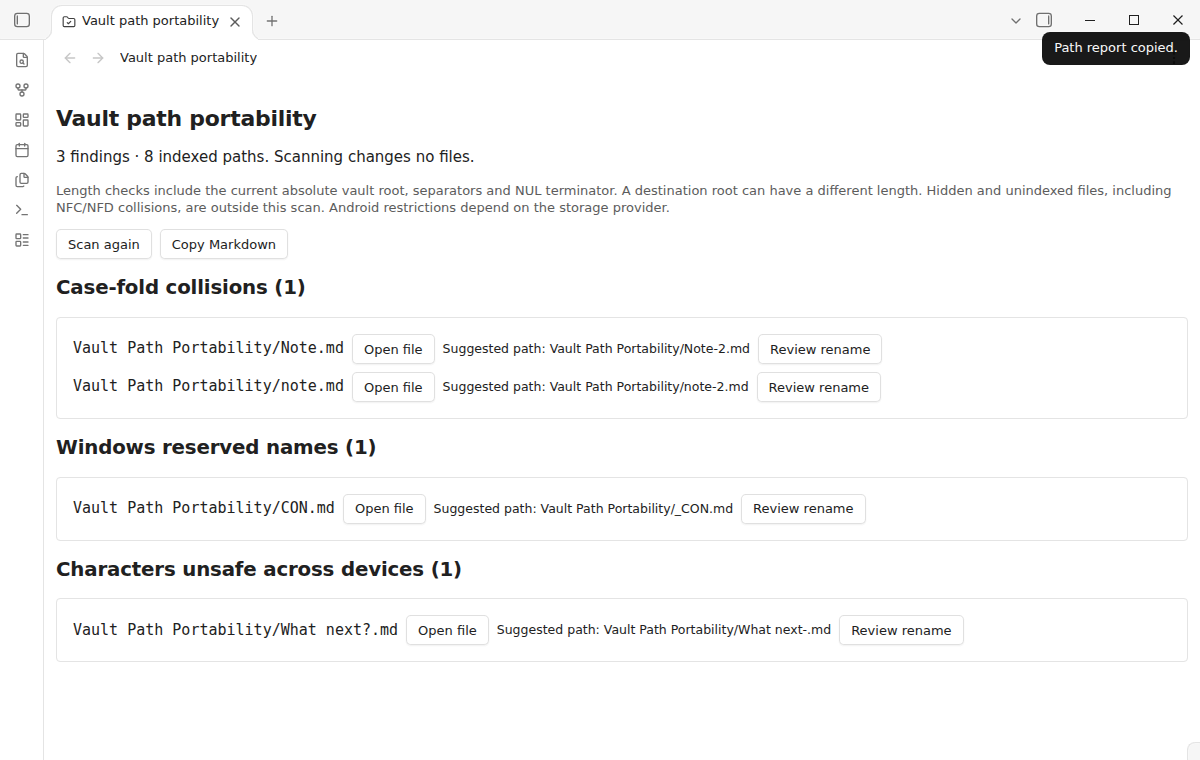
Select Open file beside a result to inspect that note or attachment. Copy Markdown runs a fresh scan and puts the full report on the clipboard. Both actions need no account or payment.
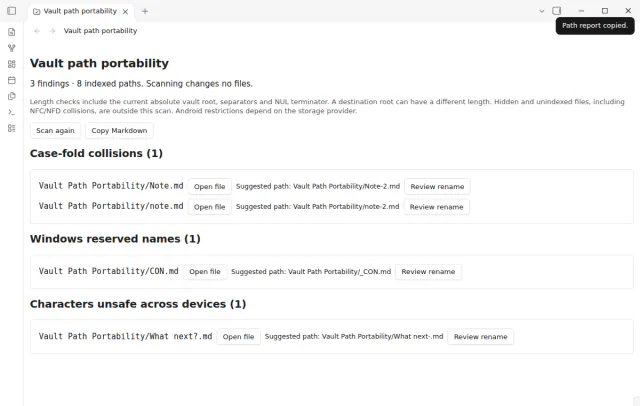
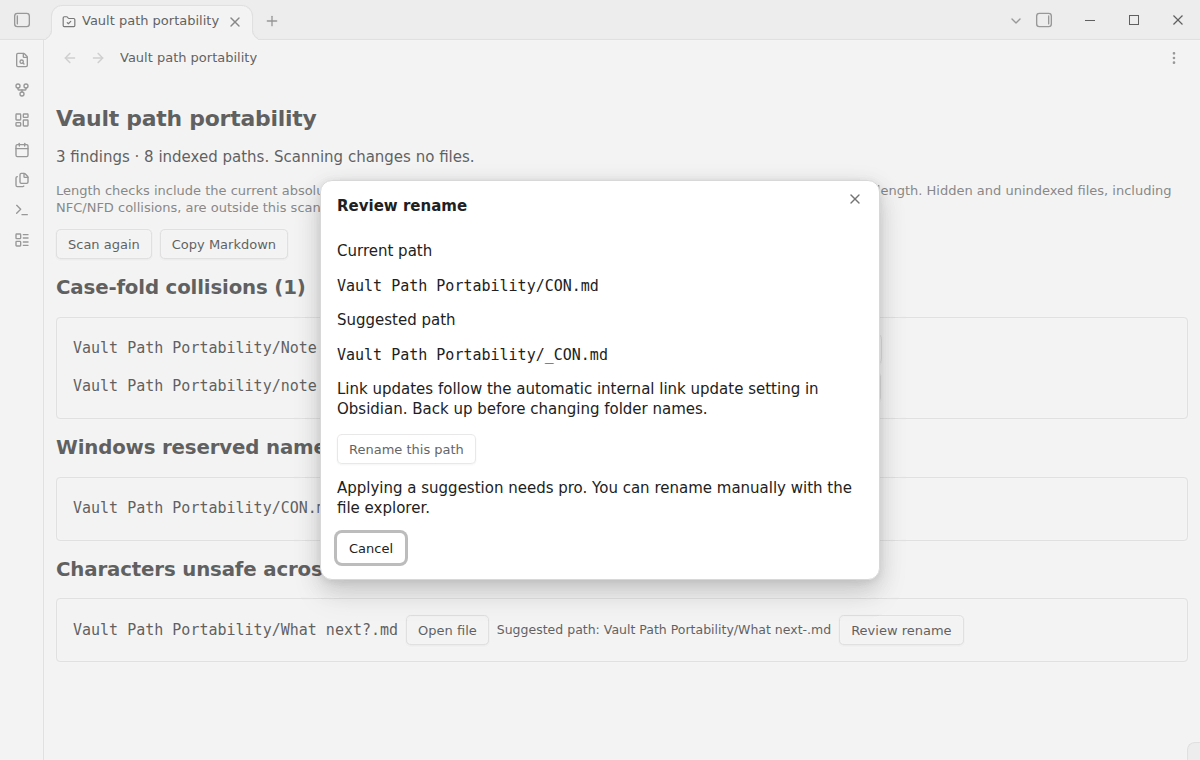
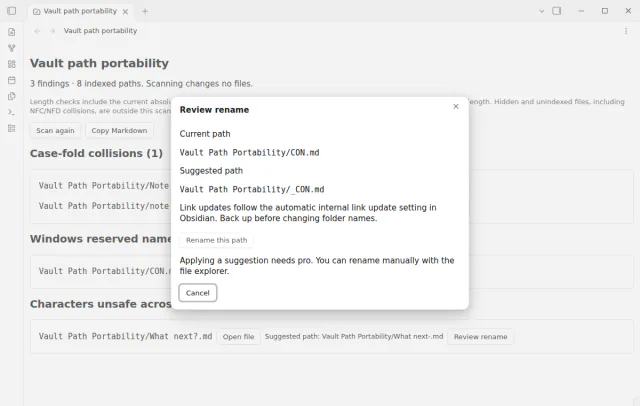
The report previews a safe destination beside a flagged path. Select Review rename to compare the current path with its suggestion. Pro adds the action that applies it.
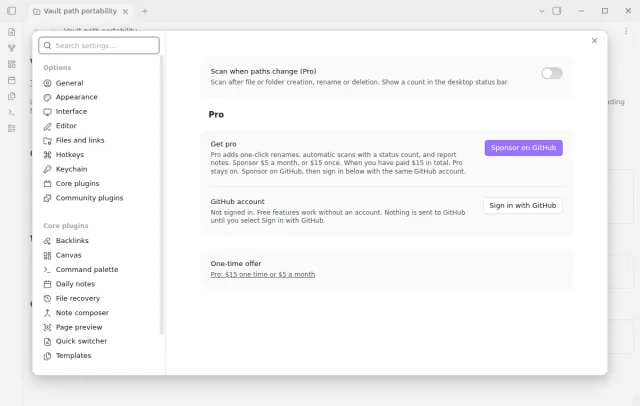
Manual scans and the copied report are free. Pro adds scans after file changes, a status bar count and export to a note.
The full scan, file opening and Markdown copy are free, and Pro adds rename suggestions, automatic scans with a status count and report notes.
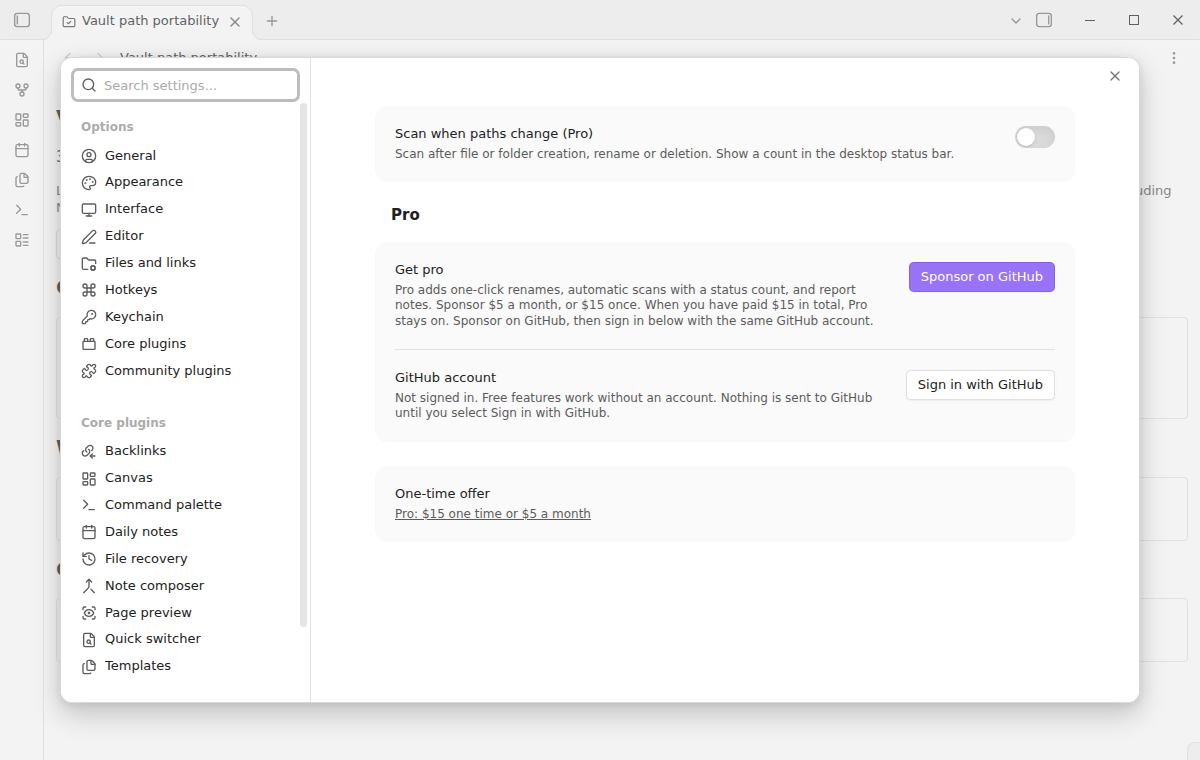
Pro costs $5 a month or $15 one time through GitHub Sponsors. One sponsorship turns on Pro in every plugin that has it.
Select Rename this path to rename one file or folder through the FileManager API of Obsidian. Obsidian updates internal links according to your link setting. The plugin refuses the rename when the path or the target changed after the scan.
Pro can scan after a file or folder is created, renamed or deleted, and the desktop status bar shows the count of findings. Export to note writes the report to a new note in the vault root. Existing report notes are never overwritten.
needs
steps
Back up the vault before a move or a folder reorganization.

Run Scan vault paths from the command palette.
Review each rule group, open files where you need context and copy the report.
Rename the paths by hand or with a Pro suggestion, then scan again before you copy the vault.
If the app can't find a new plugin yet, try again later. Obsidian says a plugin that passes the review shows in the app within 24 hours.
Forum users report sync trouble with case-only renames and with special characters, and they ask how to rename files without breaking links.
Need a change for your team? I build custom Obsidian plugins and features.
No. Scanning only reads the paths that Obsidian has indexed. A rename happens only when you select Rename this path, which needs Pro.
No. Obsidian normalizes its index before the plugin can read the names, so the scan cannot detect NFC and NFD twins. Check the source file system separately for those conflicts.
On desktop it adds the absolute vault root to the relative path and checks the Windows limit of 260 UTF-16 units. Each name also has a separate check of 255 UTF-8 bytes. A destination root can be longer than the current one.
No. The scan uses the paths that Obsidian has indexed. Hidden configuration folders, excluded content and files that failed to enter the index can be absent from the report.
The scan runs on your device and makes no network request before you select Sign in with GitHub. Sign in sends the client ID and the read:user scope to github.com, and the sponsorship check sends your token to api.github.com. No note text, file names or other vault data goes to either host.
Tell me what is broken in Vault Path Portability, or what it should do next.
Vault Path Portability 1.2.0, MIT license
MIT · no telemetry · core features free
Repair wiki links with restore copies.
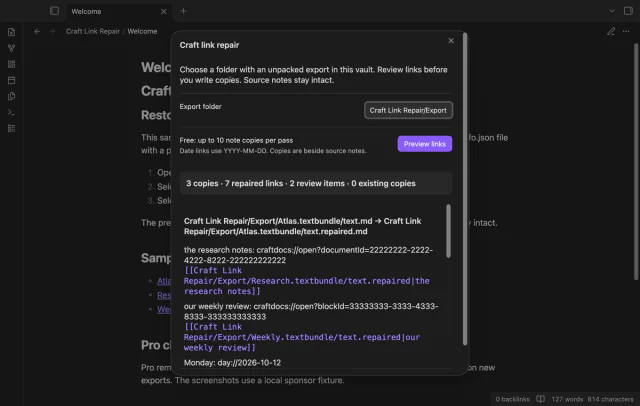
Preview Craft link repairs in file copies.
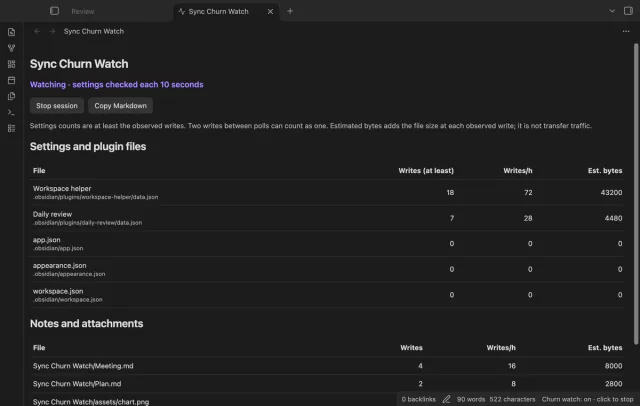
Compare observed file and settings writes.