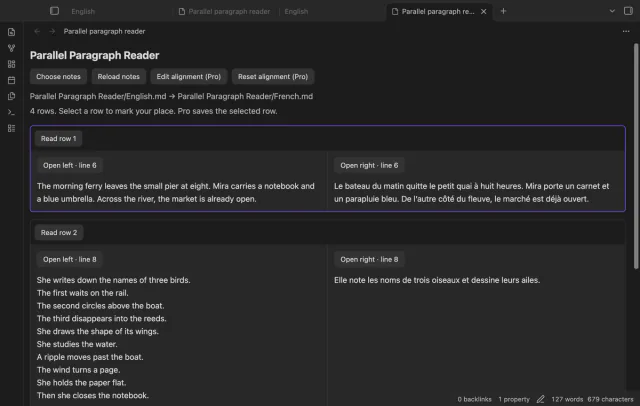
Parallel Paragraph Reader
Read matched language paragraphs.
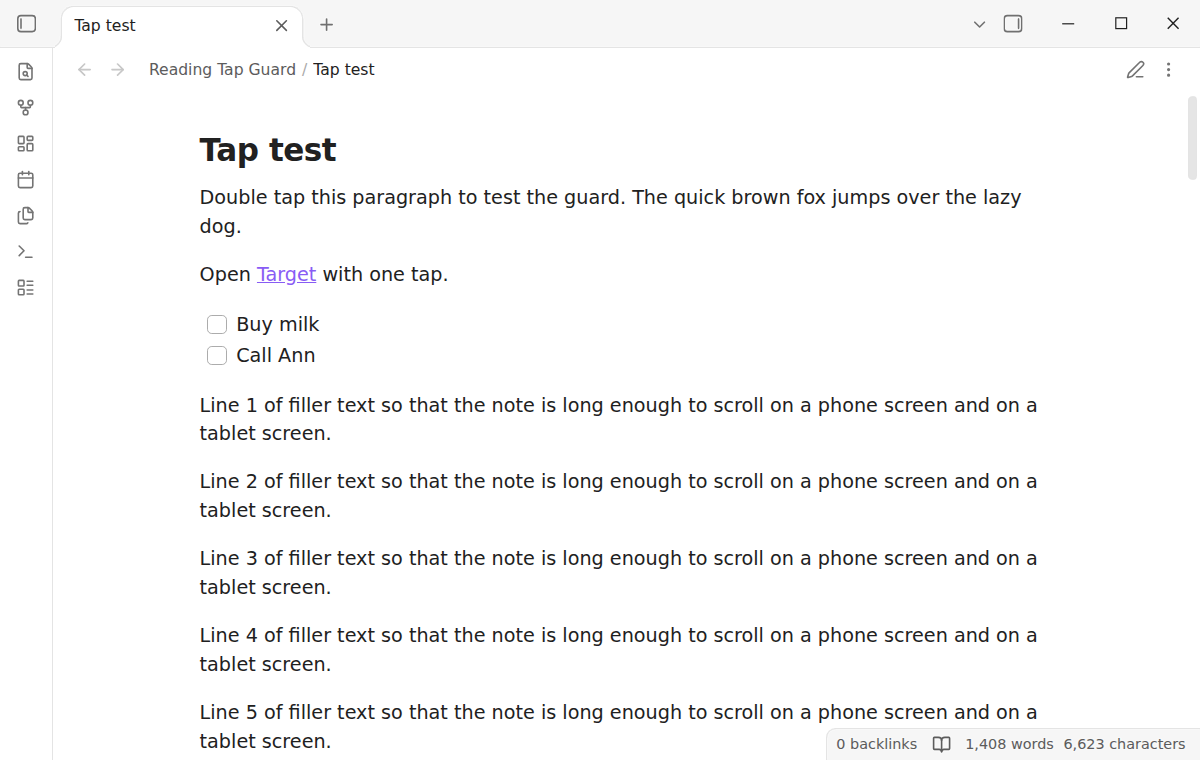
Keep a note in Reading view when a finger taps twice by accident, or pick what a double tap does.
MIT · no telemetry · core features free
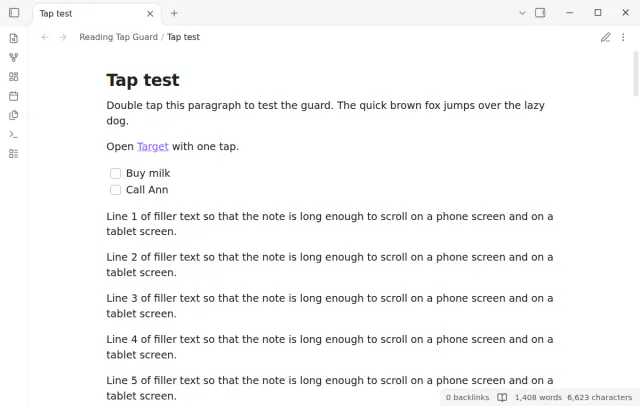
The tests send touch input from the test driver in the Obsidian desktop app at phone and tablet size. They have not run on a real iPhone or Android device.
Directory facts fetched from community.obsidian.md/users/theluckystrike.
You read notes on a phone or tablet and an accidental double tap opens the editor and the keyboard.
In current versions of Obsidian, two quick taps with a finger on a note in Reading view open the editor. On a moving bus or with a shaky hand this happens by accident. Reading Tap Guard turns the double tap off, or lets you pick what it does.
The tests run in the Obsidian desktop app with phone and tablet emulation. They do not run on a real iPhone or Android device.
 Play demo
Install the plugin and the double tap no longer opens the editor. The note stays in Reading view until you select the edit button or run the Toggle reading view command. Both work as before.
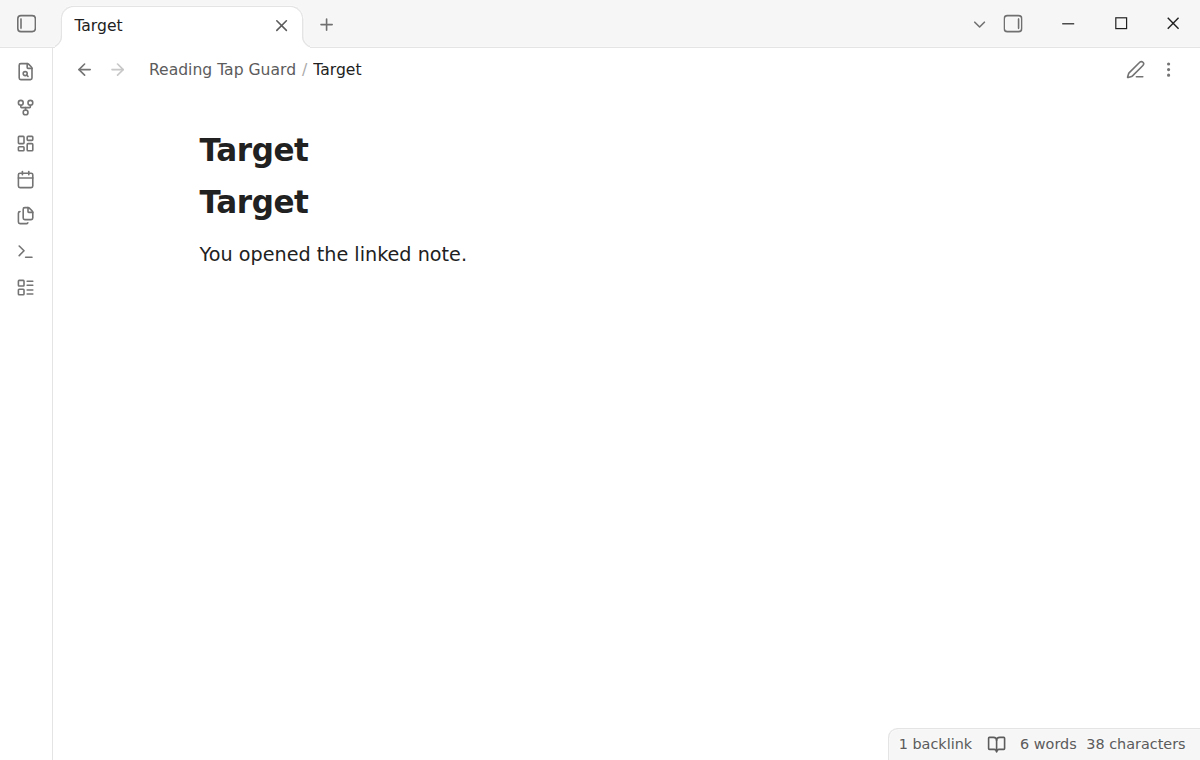
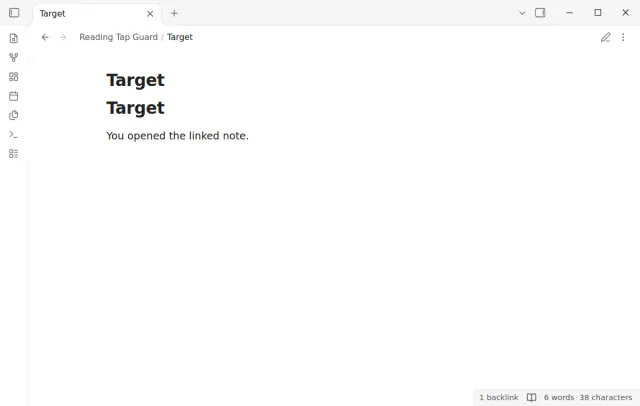
One tap on a link opens the link, and one tap on a task checkbox checks the task. Tags, footnotes and callout folds also react to one tap, and a drag scrolls the note.
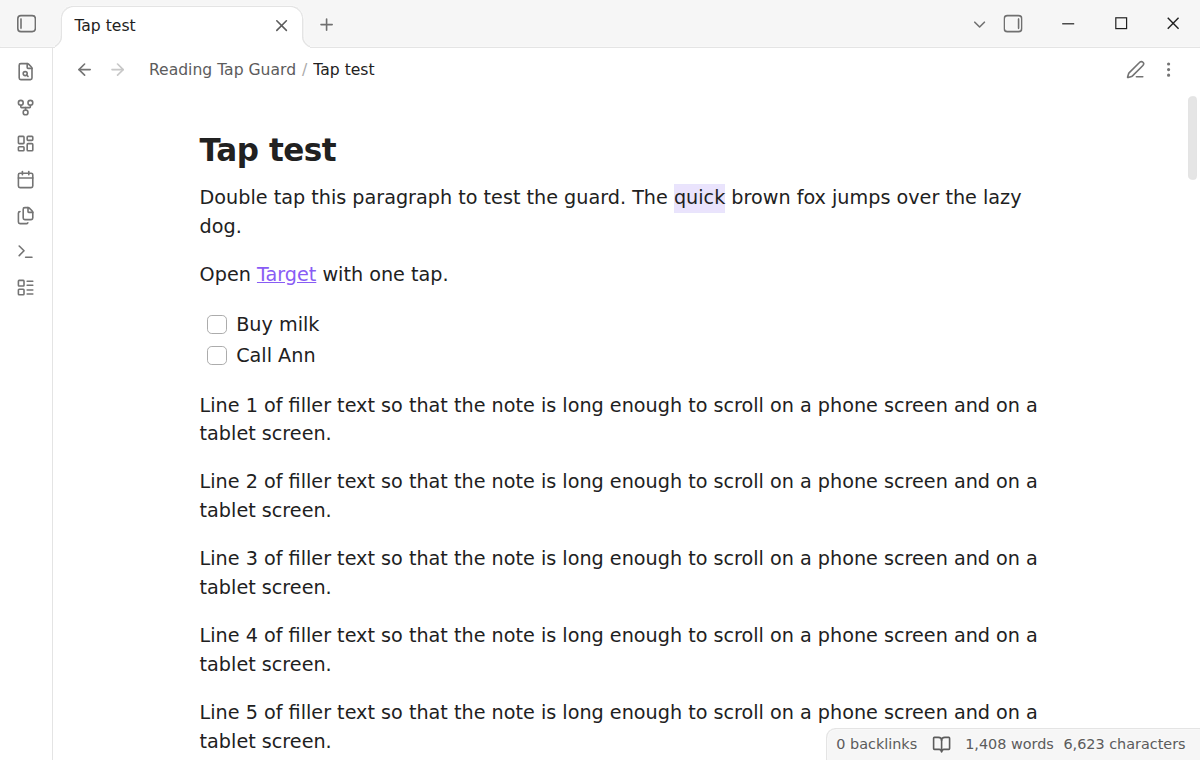
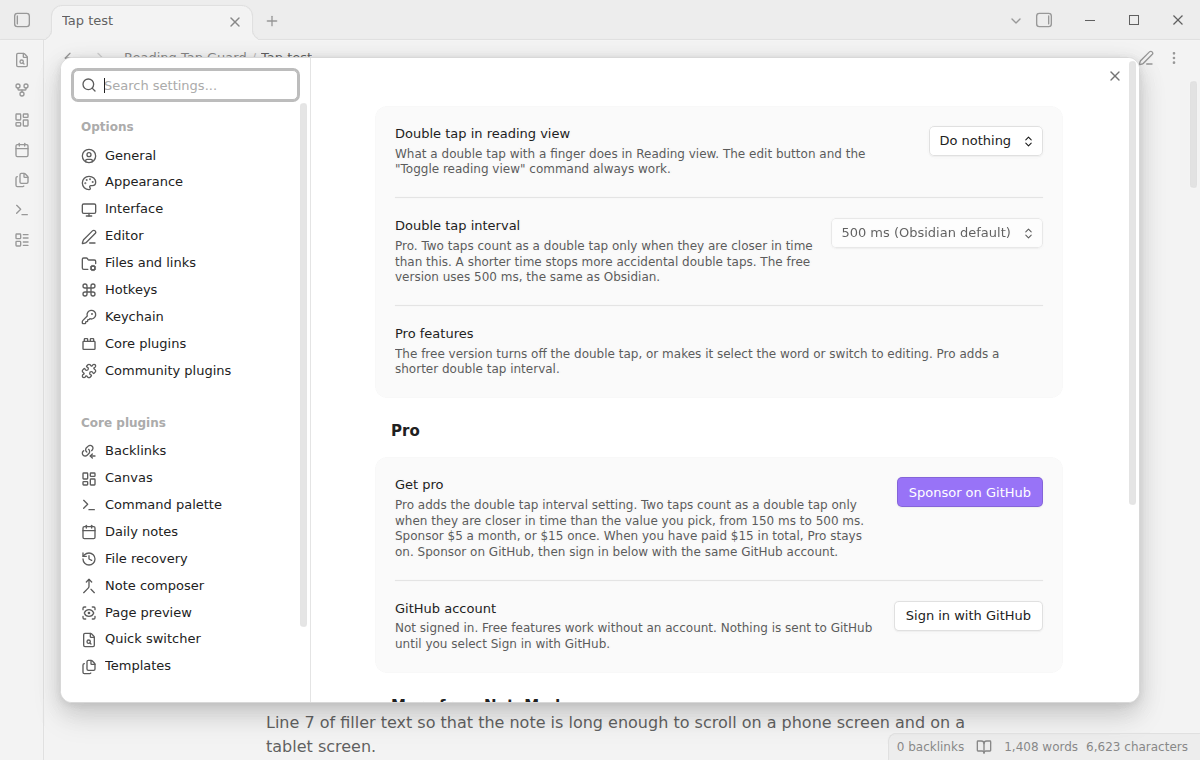
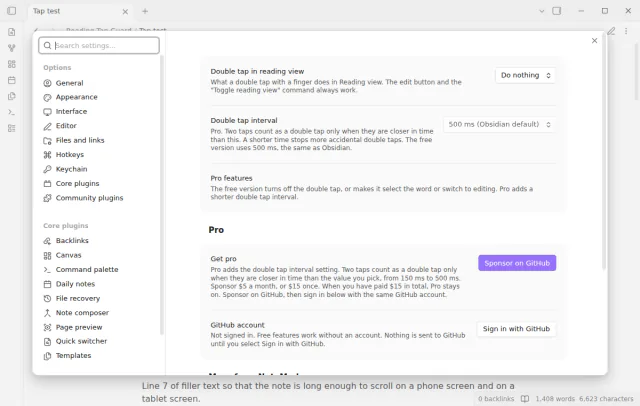
The setting Double tap in reading view has three values. Do nothing is the default, Select the word selects the word under your finger, and Switch to editing gives the Obsidian behavior back. The change takes effect at once.
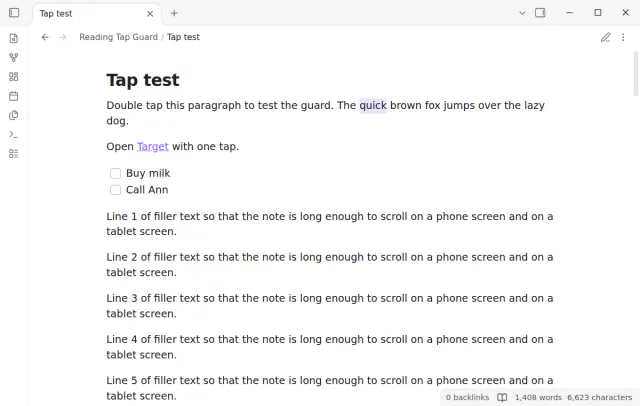
The free version uses the 500 ms interval of Obsidian, and on Obsidian 1.13 a tap that a short scroll cancels can still count.
Pro costs $5 a month or $15 one time through GitHub Sponsors. One sponsorship turns on Pro in every plugin that has it.
Obsidian counts two taps as a double tap when they are less than 500 ms apart. Pro adds the setting Double tap interval, from 150 ms to 500 ms. With a short interval, two slow taps do not count.
needs
steps
Enable the plugin. There is nothing to set up.
Open a note in Reading view on your phone or tablet and read as usual.
To edit, select the edit button in the view header or run Toggle reading view.
To change what a double tap does, open the settings of Reading Tap Guard.
If the app can't find a new plugin yet, try again later. Obsidian says a plugin that passes the review shows in the app within 24 hours.
A forum request from January 2026 asks to turn off or customize the double tap that switches to the editing view. The topic has 66 likes and its first post has 25.
Need a change for your team? I build custom Obsidian plugins and features.
Yes. The edit button in the view header and the Toggle reading view command work as before. You can also set the double tap back to Switch to editing at any time.
The plugin uses only standard browser events that iOS and Android both send. The tests run in the desktop app with phone and tablet emulation, not on a real iPhone or Android device. If a double tap still opens the editor on your device, open an issue with your device and Obsidian version.
When a tap starts a small scroll, the browser cancels the tap, but Obsidian can still count it. On Obsidian 1.13 the plugin cannot stop that, because that version counts the cancelled touch at once. On Obsidian 1.14.5, the version in the tests, the plugin resets the tap count after such a touch.
No. The plugin never writes to your notes. It does not change Live Preview, Source mode, Canvas or embedded notes in hover previews.
Until you select Sign in with GitHub, Reading Tap Guard makes no network requests. Sign in and the sponsorship check contact github.com and api.github.com with the scope read:user, and a successful check is reused for 7 days. The plugin sends no note content, file names or other vault data.
Tell me what is broken in Reading Tap Guard, or what it should do next.
Reading Tap Guard 1.0.0, MIT license
MIT · no telemetry · core features free
Read matched language paragraphs.
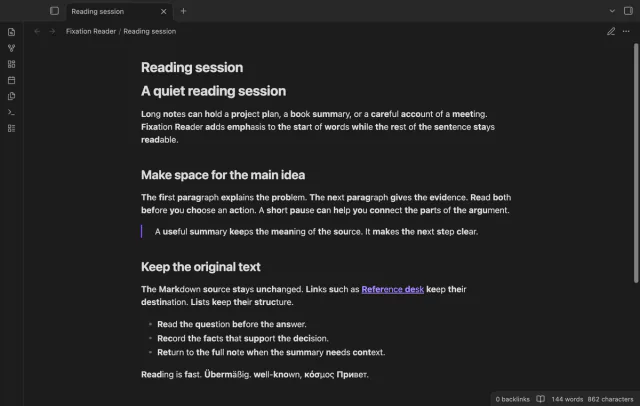
Emphasize word starts without changing note text.
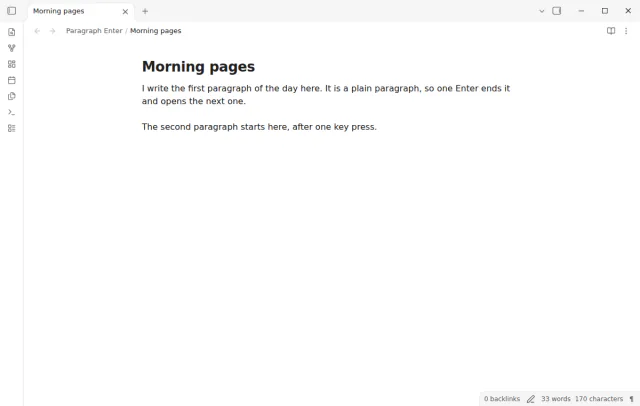
Press Enter once for a new paragraph, and Shift+Enter for a line break in the same paragraph.