
Embed Outline
See headings from embedded notes in one outline.
Read matched language paragraphs.
MIT · no telemetry · core features free
Physical phones, tablets, screen reader output, custom themes, Linux CI, live payments and live GitHub device sign-in were not tested.
Directory facts fetched from community.obsidian.md/users/theluckystrike.
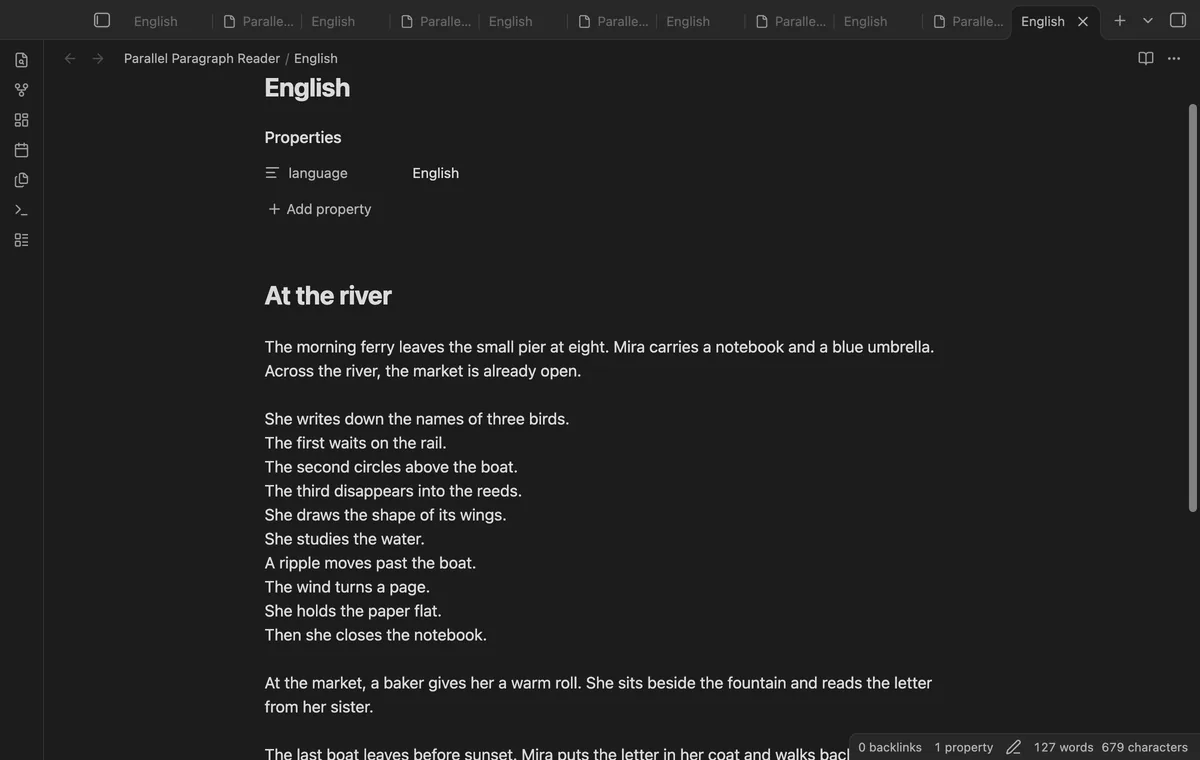
You already have two language versions in Markdown notes and want to compare their prose.
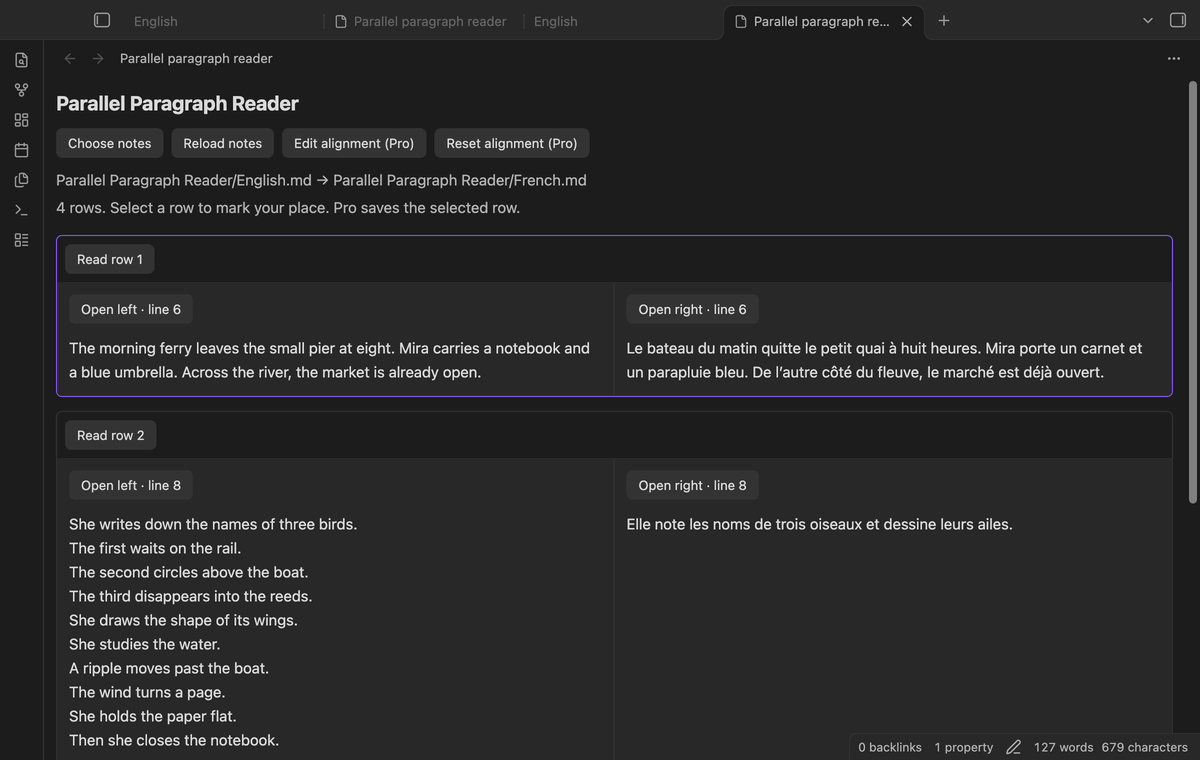
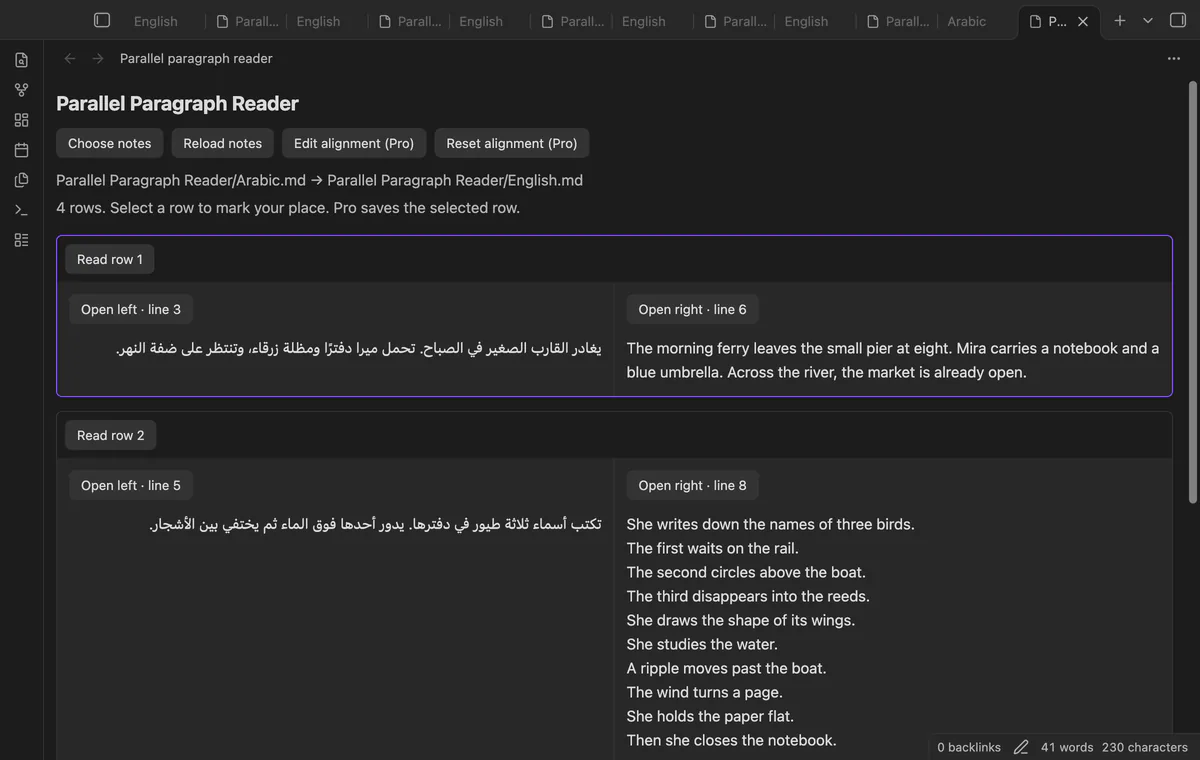
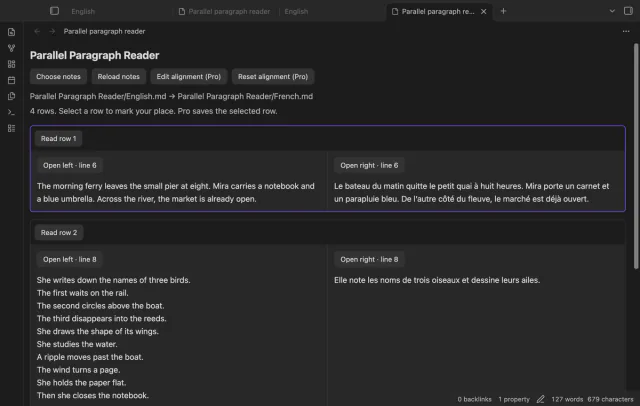

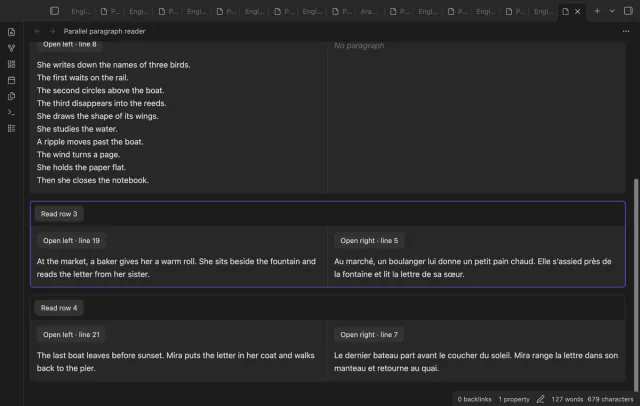
Choose two Markdown notes to read their prose in matched rows. Each row grows to fit its longer paragraph. The reader pairs by order; it doesn't translate or infer matching meanings.
 Play demo
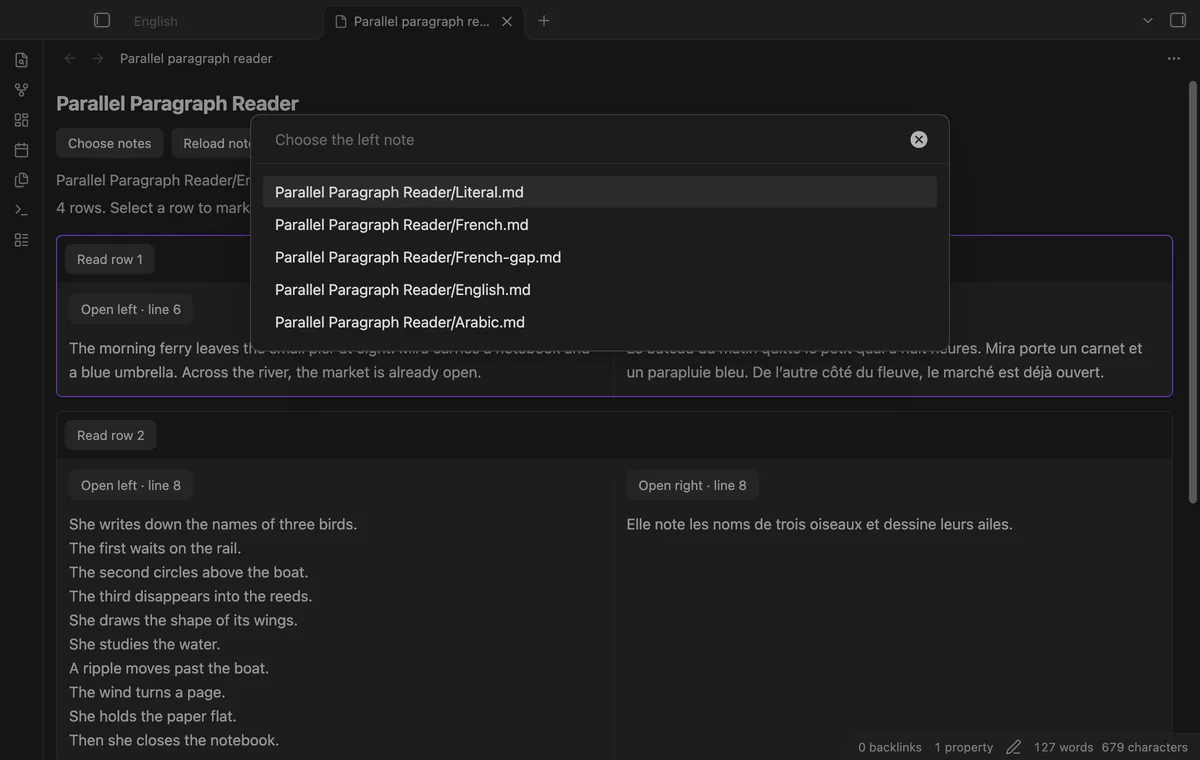
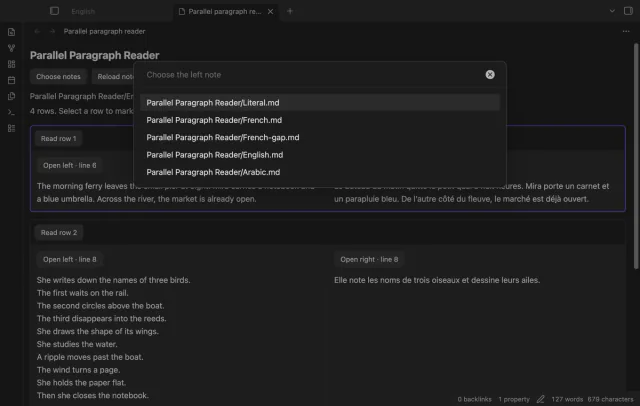
Run Choose two notes and select the left note first, then the right note. The new reader tab shows both paths.
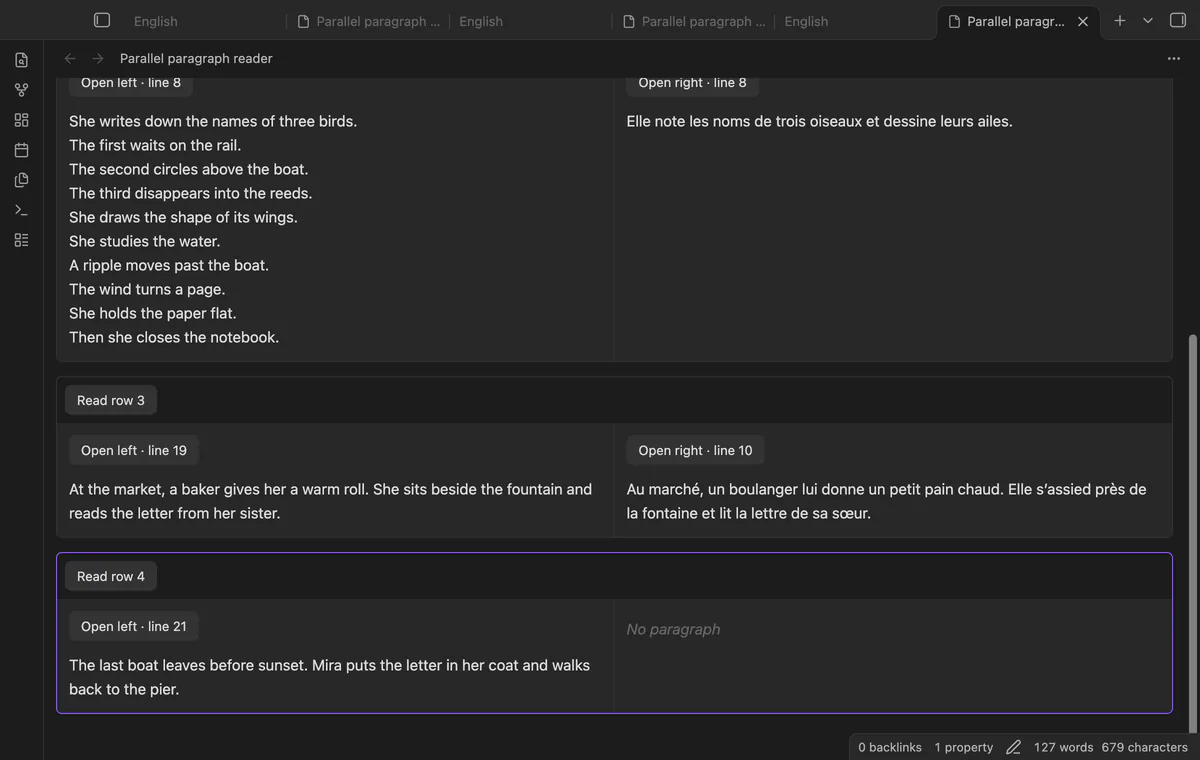
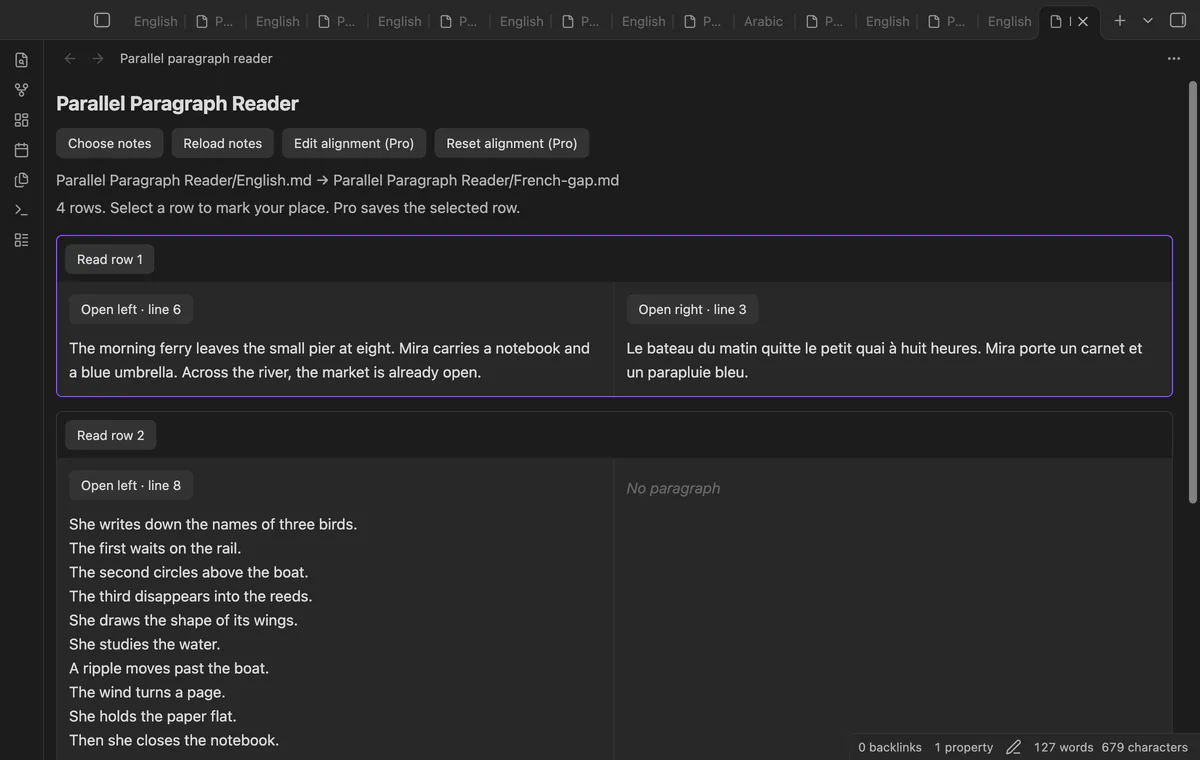
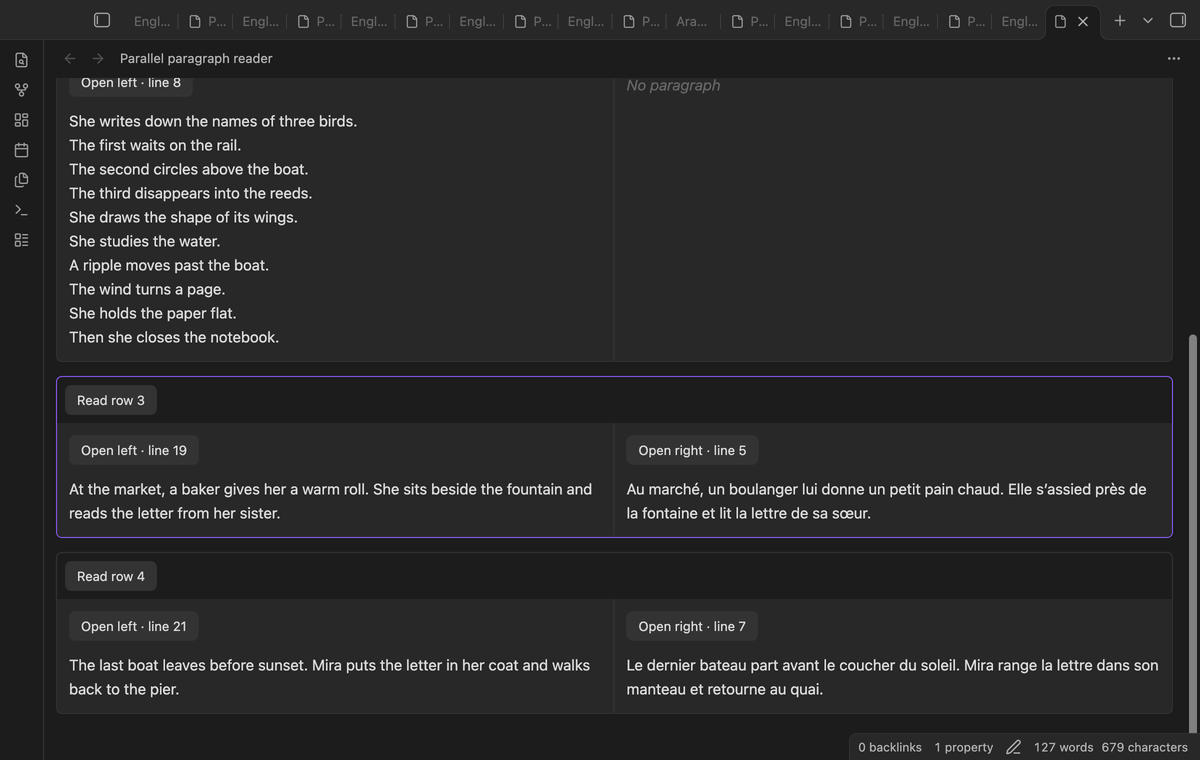
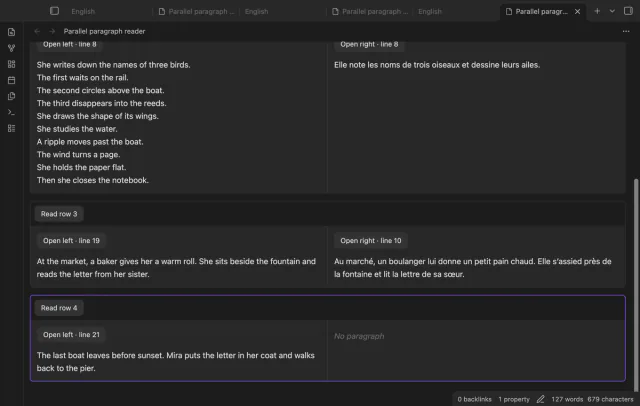
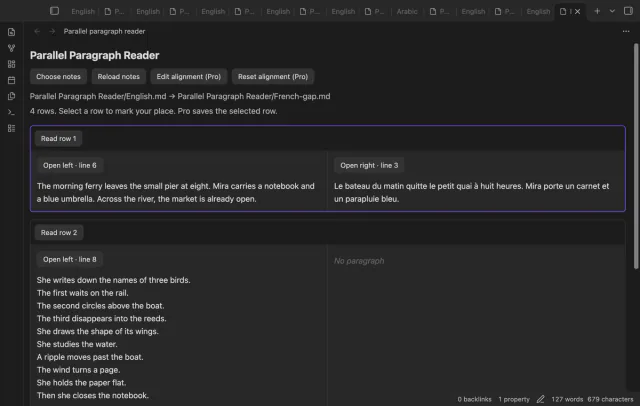
Blank lines separate prose blocks, and extra blocks get a No paragraph cell opposite them. Headings, lists, tables, quotes, YAML and code are excluded. Each source can contain up to 100 prose blocks and 1,000,000 characters.
Both cells share a row whose height follows the taller paragraph. Use Read row to mark a pair in the open pane.
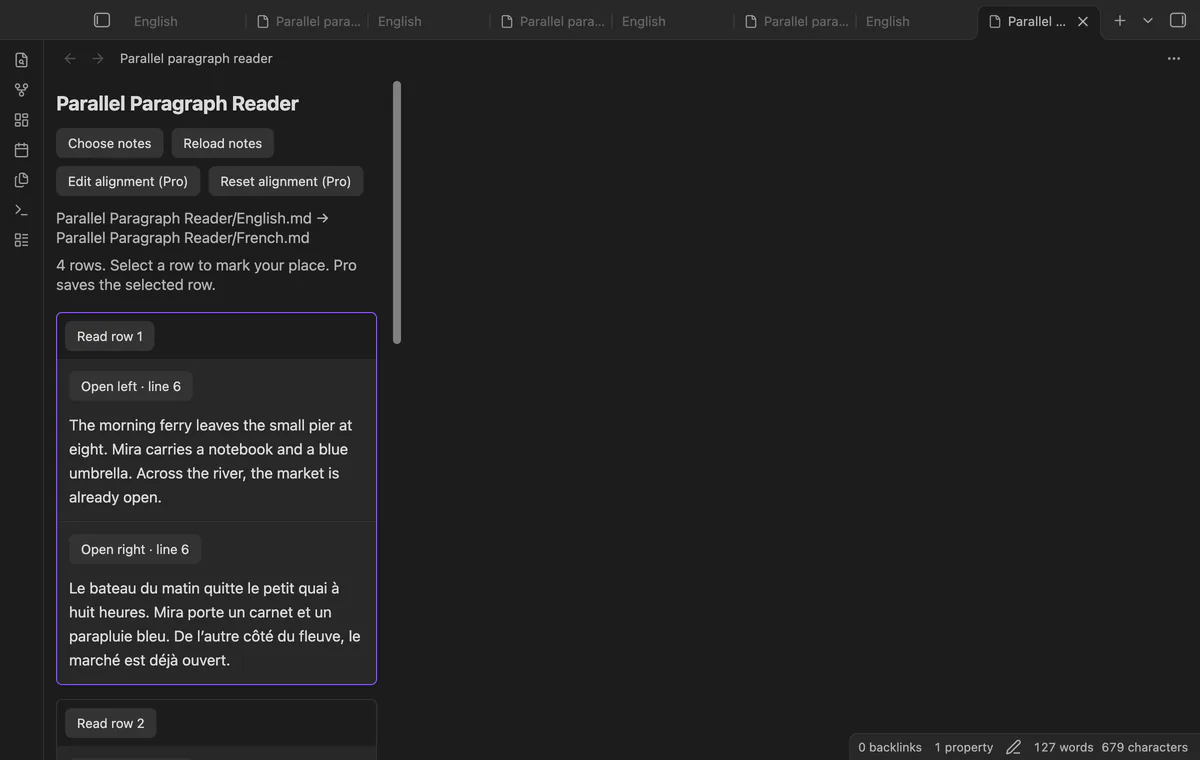
Below 600 pixels of pane width, the right paragraph moves below its left partner. The next pair follows both cells.
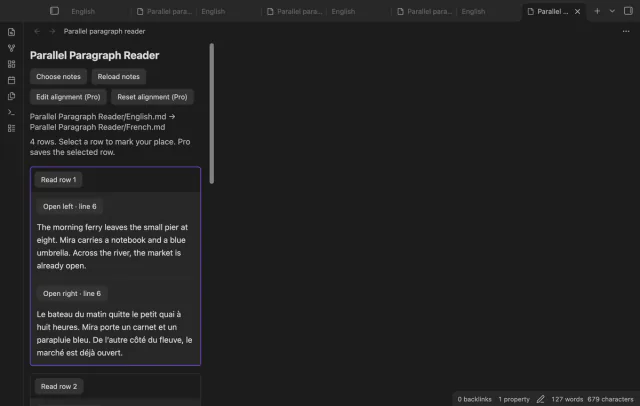
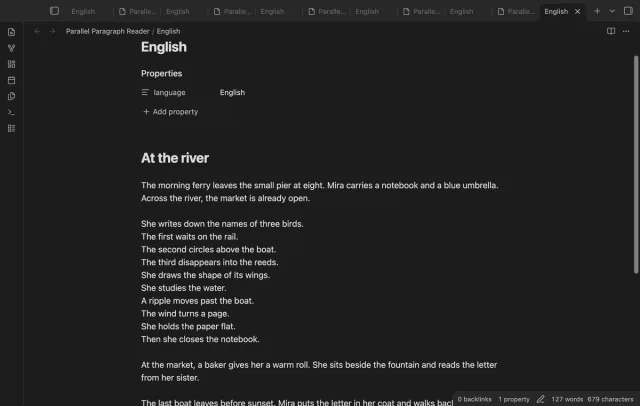
Select Open left or Open right to open that source in a new tab. The cursor moves to the recorded paragraph start line. Reload notes after editing a source.
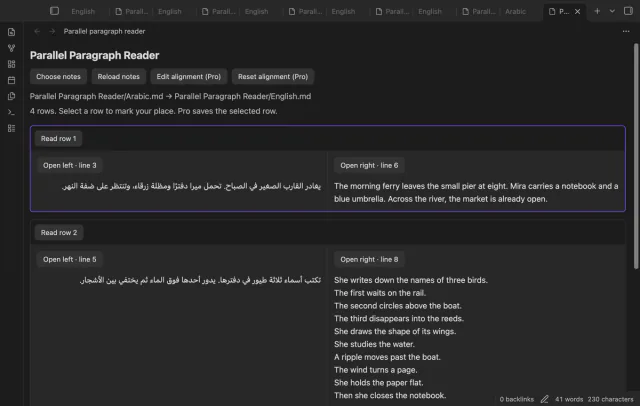
Cells use automatic text direction, so Arabic can run right to left beside English. Markdown and HTML inside supported prose remain literal characters. HTML image text does not load its URL.
Free reading pairs prose by order; saved alignment maps and remembered rows need Pro.
Pro costs $5 a month or $15 one time through GitHub Sponsors. One sponsorship turns on Pro in every plugin that has it.
Enter one numbered paragraph pair per line, using a dash for an empty cell. Each paragraph must appear once in source order. Pro stores maps locally and ignores them when prose changes.
Select Read row or open a source link to save your place with Pro. Reopen the same ordered pair to restore it. Scrolling alone does not select a row.
needs
steps
Enable Parallel Paragraph Reader and start with two short passages whose paragraph order is similar.
Run Choose two notes and choose the original first, then the second language.
Compare the first rows before reading further.
After editing a source, select Reload notes before using another source link.
If the app can't find a new plugin yet, try again later. Obsidian says a plugin that passes the review shows in the app within 24 hours.
Need a change for your team? I build custom Obsidian plugins and features.
No. It pairs existing prose blocks by order. Manual maps can add gaps, but cannot merge paragraphs or infer meaning.
No. Reading and source navigation leave the text unchanged. Pro saves maps and row positions separately in plugin data.
The saved pair key uses the ordered note paths. A rename changes that key, so choose the notes again.
Saved pairs can contain note paths and prose text used to check map validity. The plugin retains up to 50 pairs. Include plugin data in your vault backup.
After you select Sign in with GitHub, github.com receives the public client ID, read:user scope and device-flow polling requests. Signed-in checks send your token and sponsorship query to api.github.com, asking for your tier and total payment. Checks reuse positive answers for seven days, can retry failures after six hours or run on Refresh, without sending vault data.
Tell me what is broken in Parallel Paragraph Reader, or what it should do next.
Parallel Paragraph Reader 1.1.0, MIT license
MIT · no telemetry · core features free
See headings from embedded notes in one outline.
Show a line number for each wrapped row in the editor.