Standard Notes Import
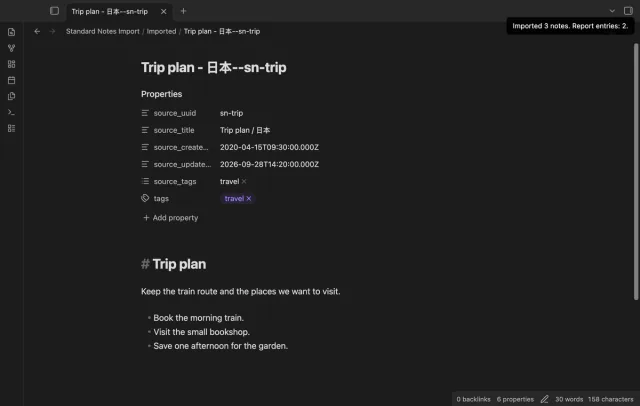
Import supported text, tags, UUIDs and dates from a decrypted JSON backup.
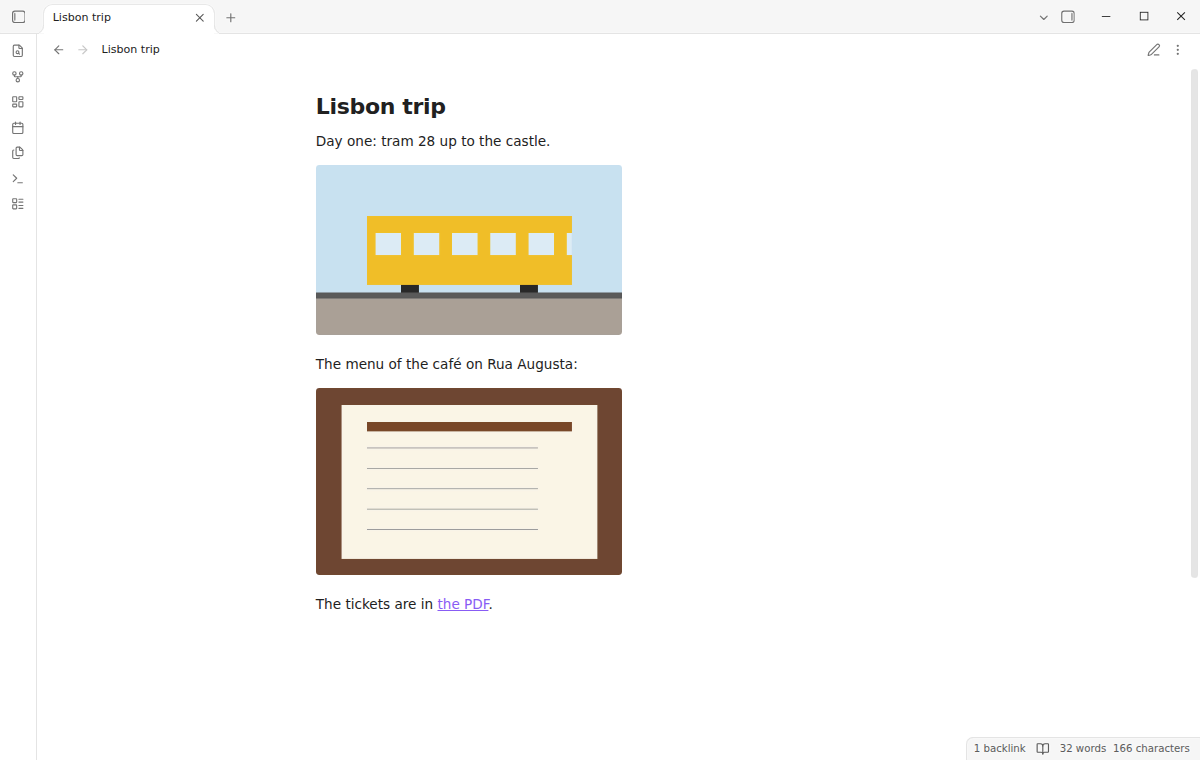
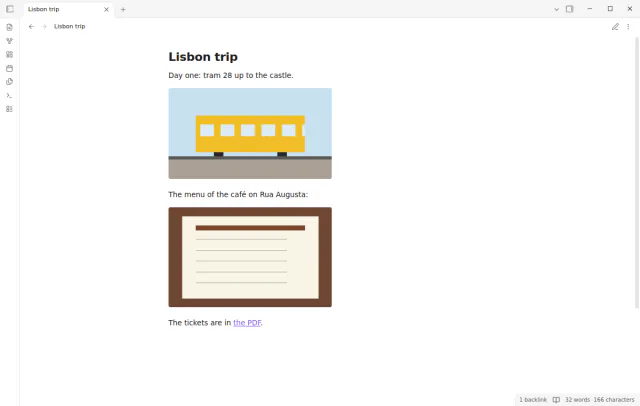
Bring a TextBundle or TextPack into your vault as a note with its images, and send a note back as a TextPack.
MIT · no telemetry · core features free
End-to-end tests run on Obsidian 1.13.4 and the latest version on desktop. No mobile test exists.
Directory facts fetched from community.obsidian.md/users/theluckystrike.
You write in Bear, Ulysses, iA Writer or Craft and want those notes and images in Obsidian, or want to send a note back.
A TextBundle is a folder that holds a Markdown text, an info.json file and an assets folder. A TextPack is the same folder in a zip file. TextBundle Files turns either one into a normal note and puts its images in your attachment folder.
The links in the note then point to those images. To send a note back, export it as a TextPack next to the note. Folder import, folder export and a round trip for info.json need Pro.
 Play demo
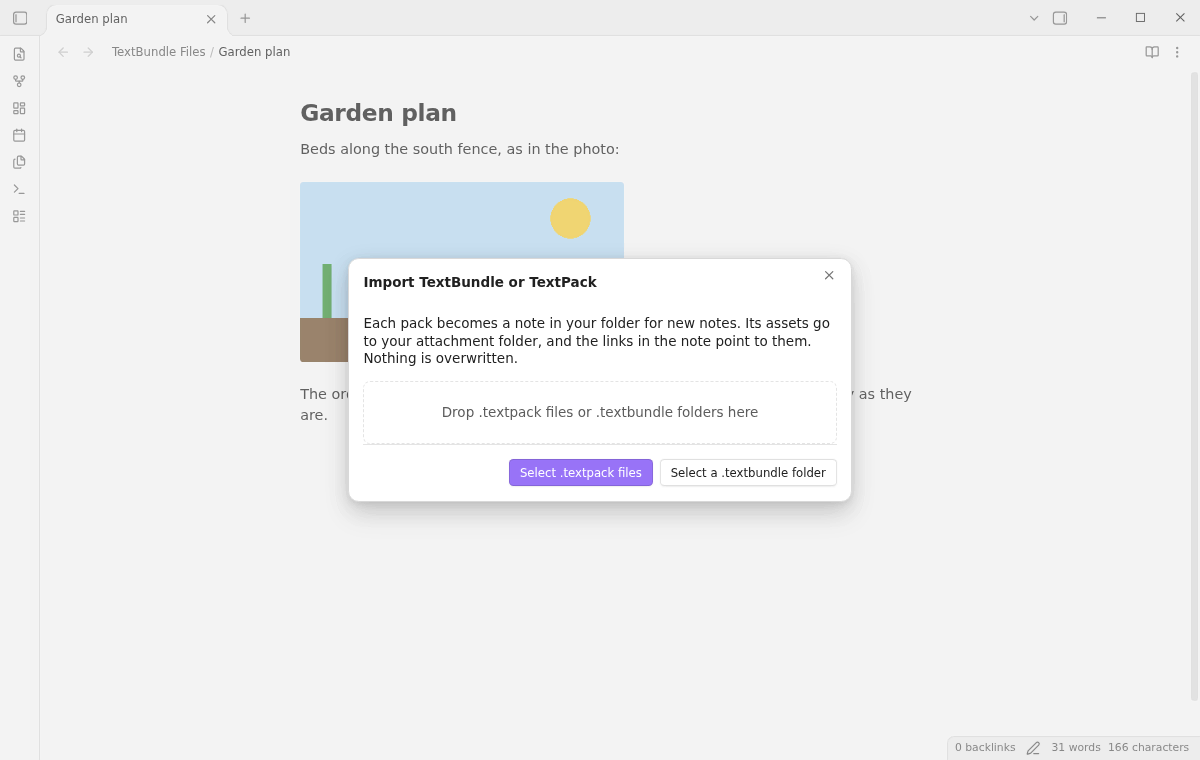
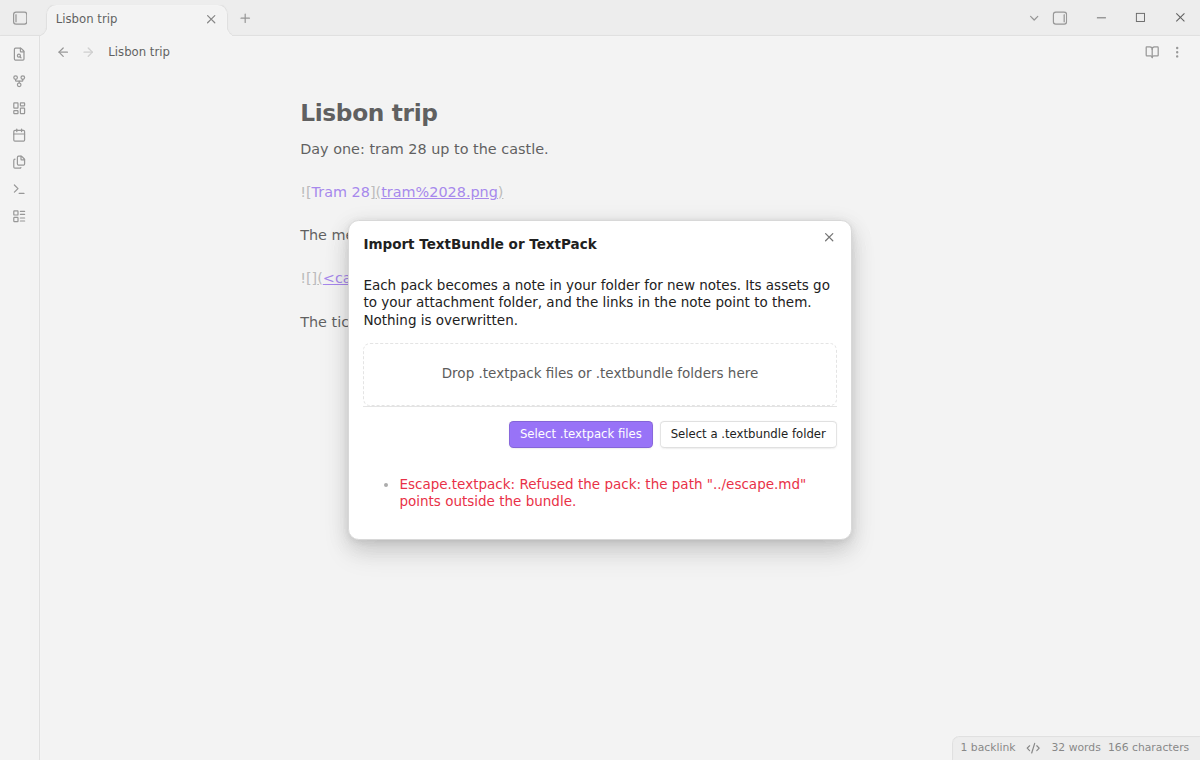

Run Import TextBundle or TextPack files from the command palette. The import window takes one or more .textpack files from the file picker. On desktop it also takes a .textbundle folder from a folder picker, and you can drop packs and bundle folders on it.
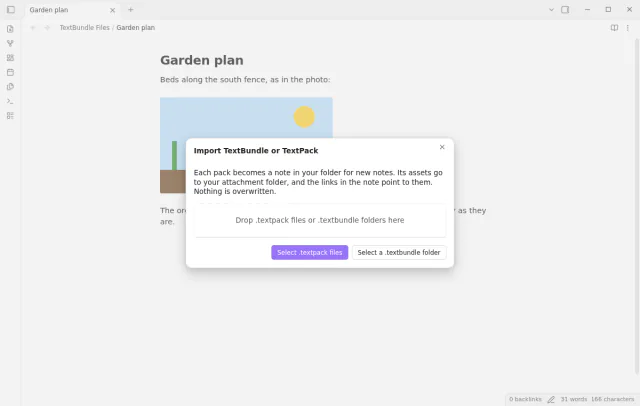
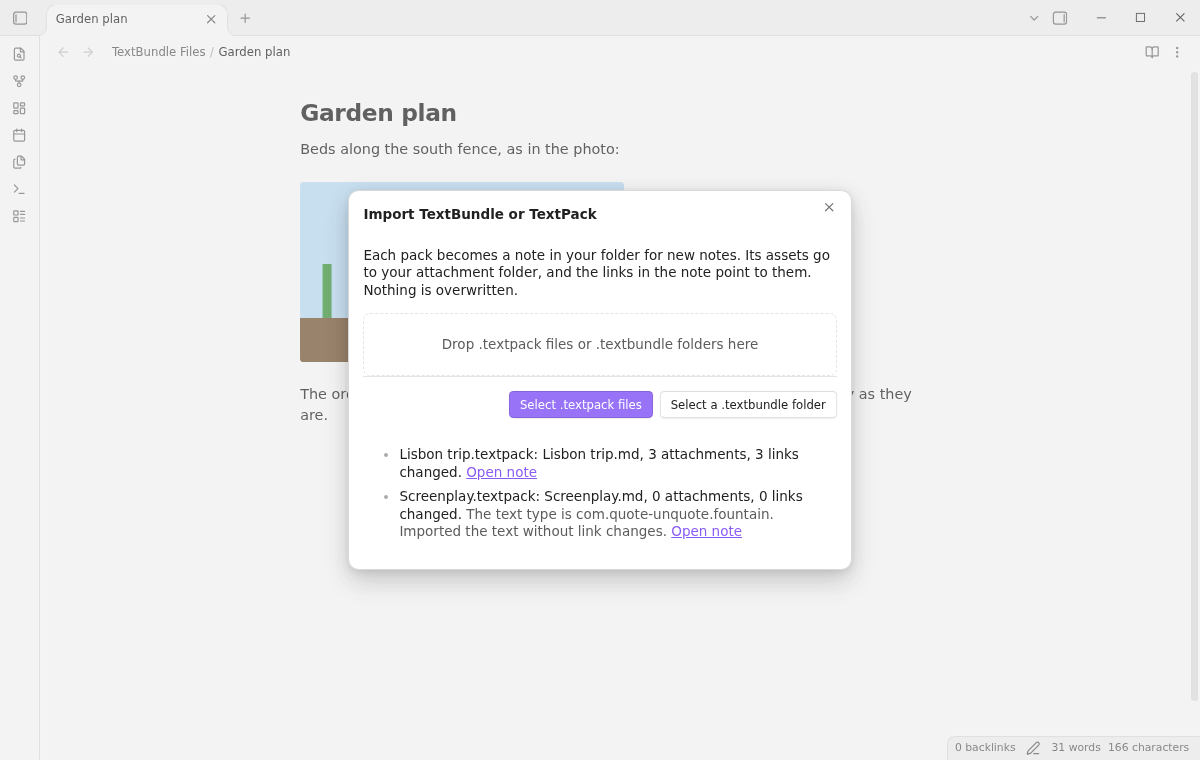
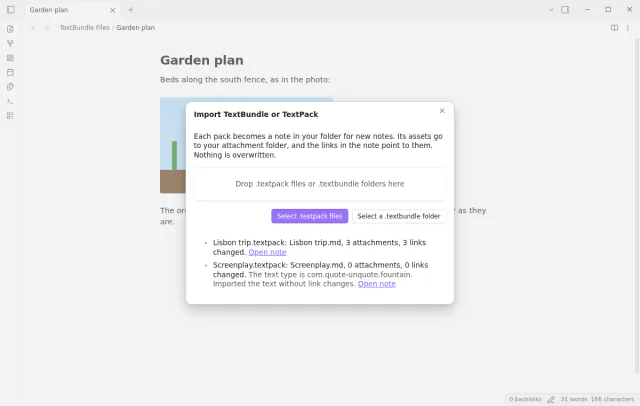
After the import, the window lists each pack with the new note, the number of attachments and the number of changed links. A pack of another type, such as Fountain, goes into a note as it is, and the window shows a warning.
Each file under assets goes to the attachment folder that you set in Settings, Files and links, also when it sits in a subfolder. The plugin makes each file name safe for Windows and Android. It never overwrites a note or an attachment, and a name that is taken, in any letter case, gets a space and a number.
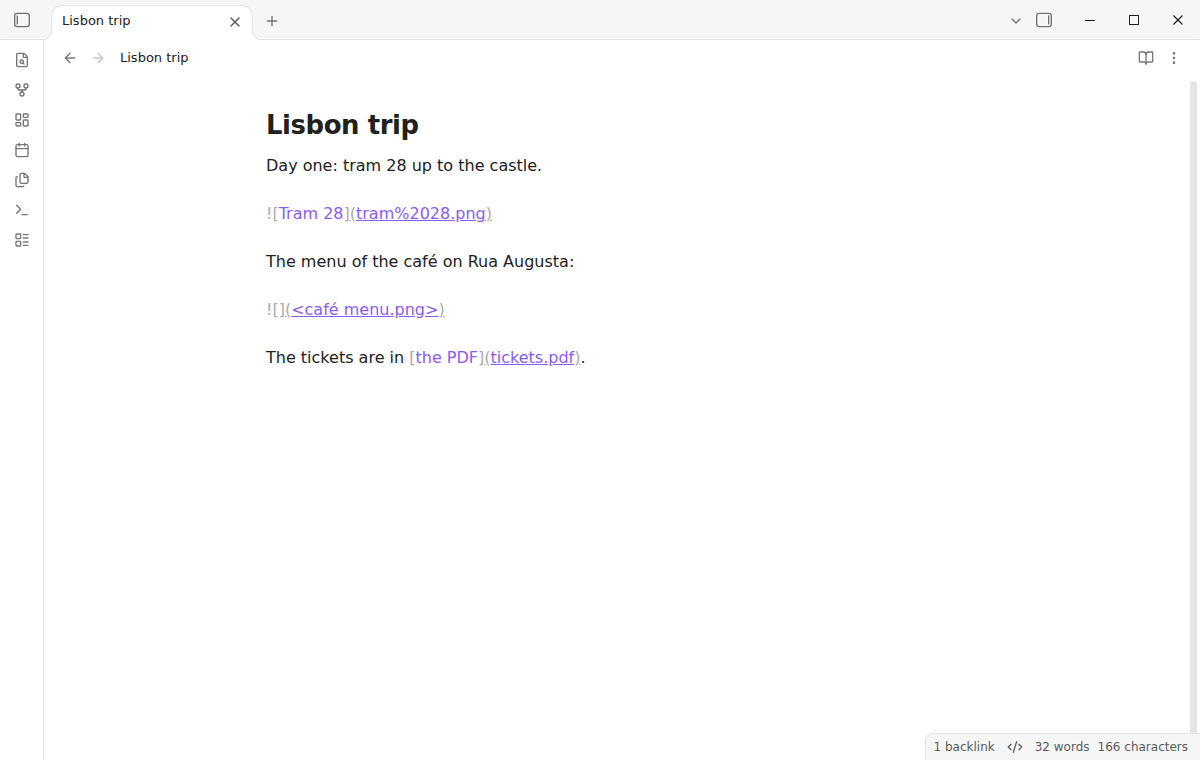
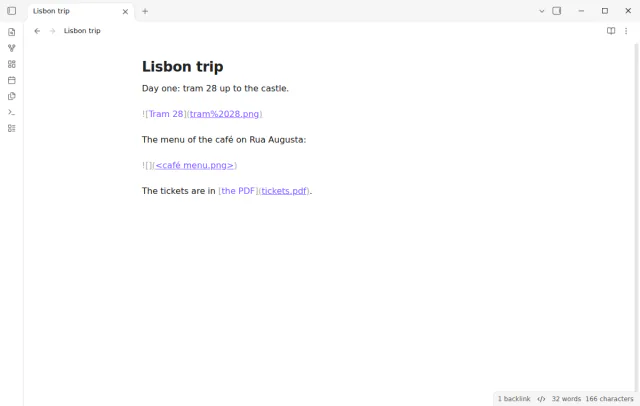
The plugin changes each Markdown link, image, reference definition and HTML src that points to assets. A link keeps its form, so a percent encoded link stays encoded and a link in angle brackets stays as it was. Links in code do not change, and a link to an asset that is not in the pack stays as it is.
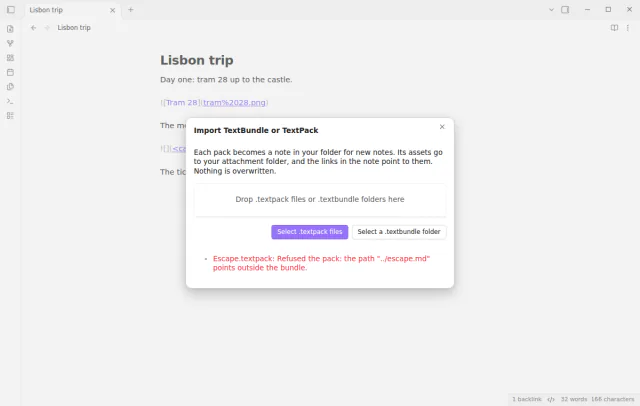
The plugin refuses the whole pack and writes nothing when a zip entry has .., a leading slash or a drive letter. It also refuses a pack over 100 MB, over 250 MB unpacked or over 5,000 entries, and the message gives the size. It refuses ZIP64 packs, and each unpacked file must have its declared size and checksum.
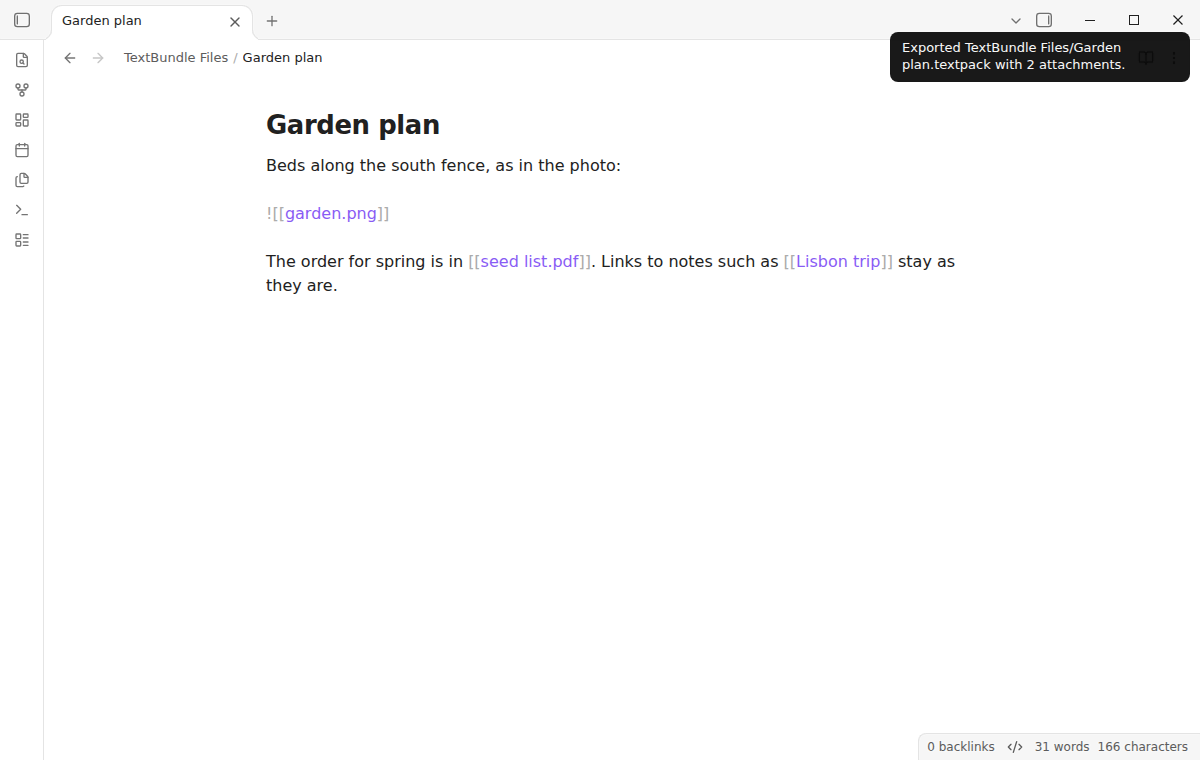
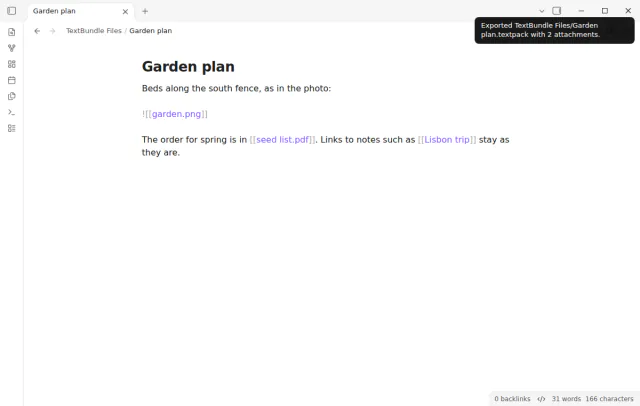
Run Export current note as TextPack, or use Export as TextPack in the file menu of a note. The plugin writes Note name.textpack next to the note, with info.json (version 2), text.markdown and an assets folder. The assets folder holds each image and attachment that the note links to, and an embedded wikilink image becomes a Markdown image link.
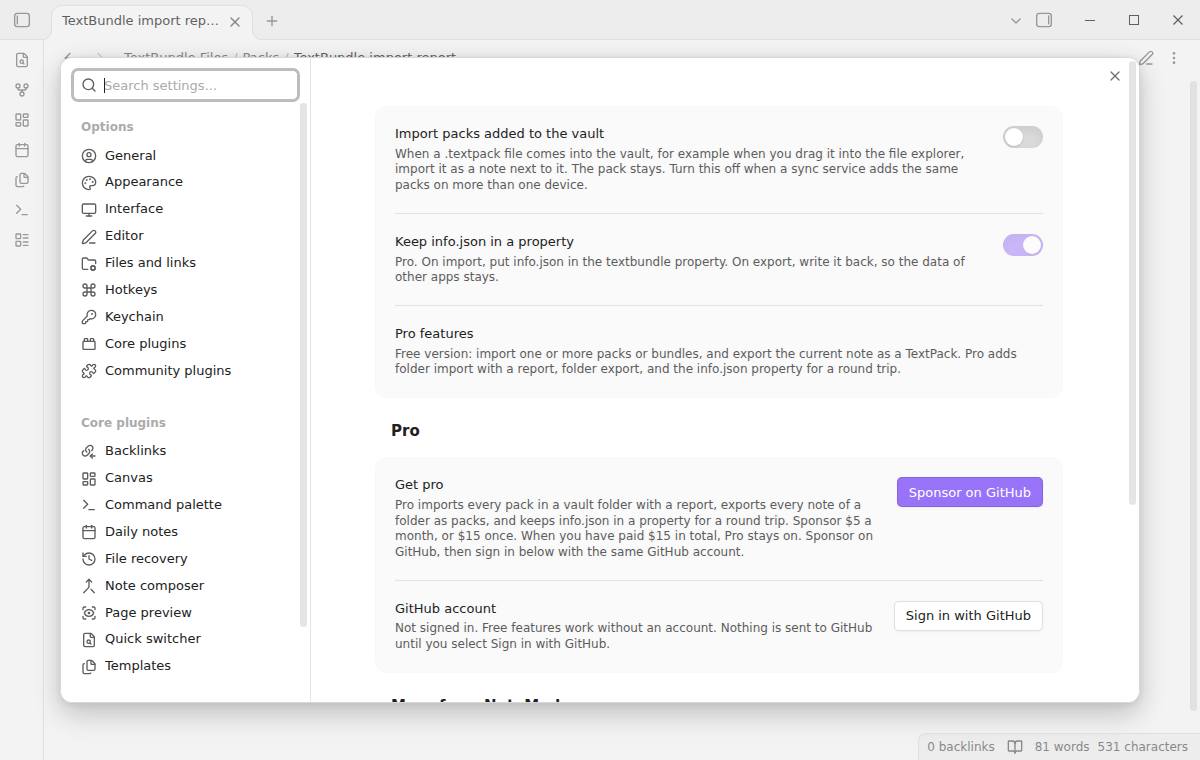
Turn on Import packs added to the vault, which is off by default. A .textpack file that comes into the vault, for example by a drag, then becomes a note next to it. The pack stays, and a pack that the plugin exported with its text unchanged does not import again.
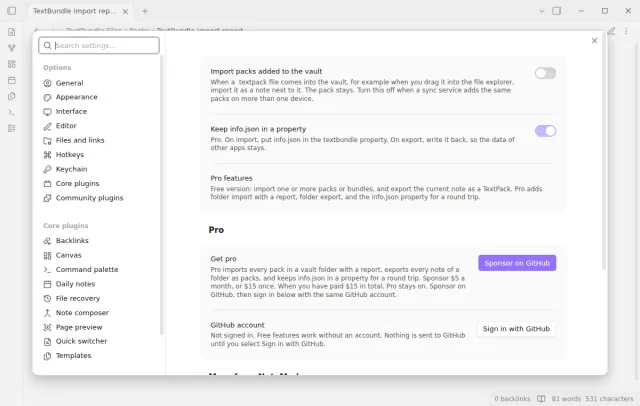
Import, export and auto import are free, and folder import, folder export and the info.json property need Pro.
Pro costs $5 a month or $15 one time through GitHub Sponsors. One sponsorship turns on Pro in every plugin that has it.
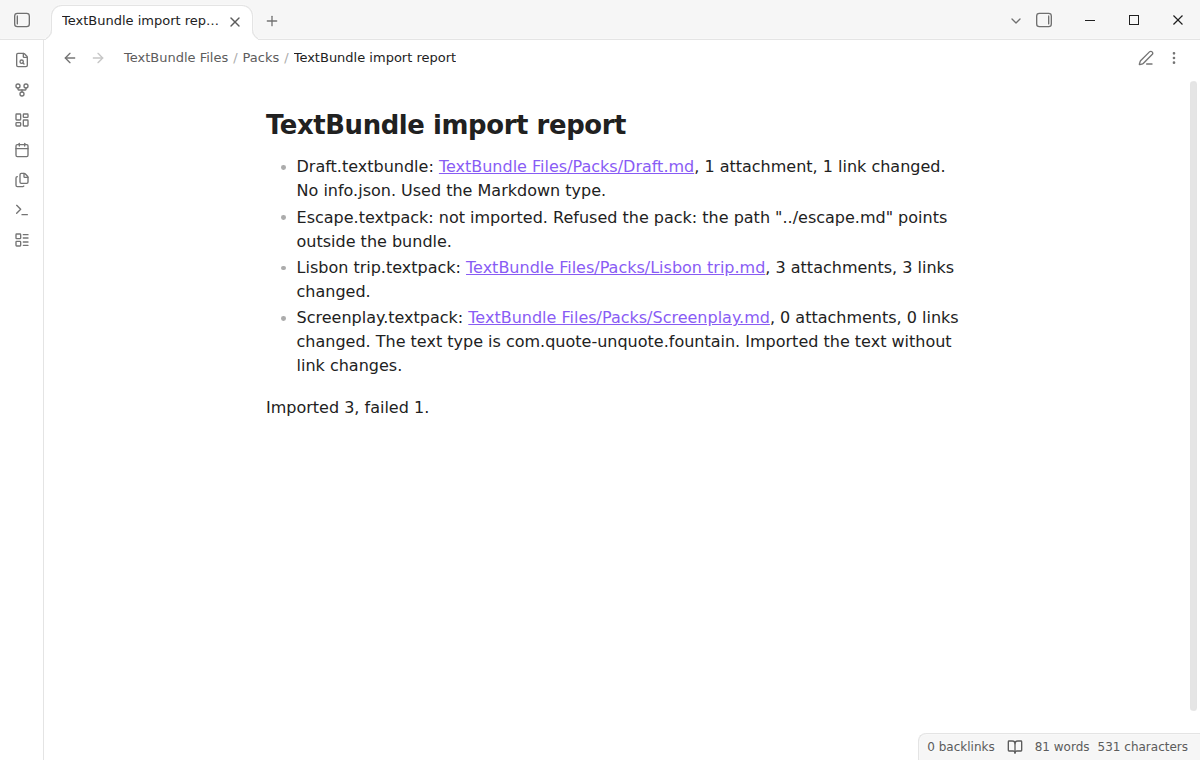
Run Import every pack in a folder, or select Import packs in this folder in the file menu of a folder. The plugin imports each .textpack file and each .textbundle folder in it, and writes a report note with one line for each pack. The line gives the new note, the attachments and the changed links, or the reason for a failure.
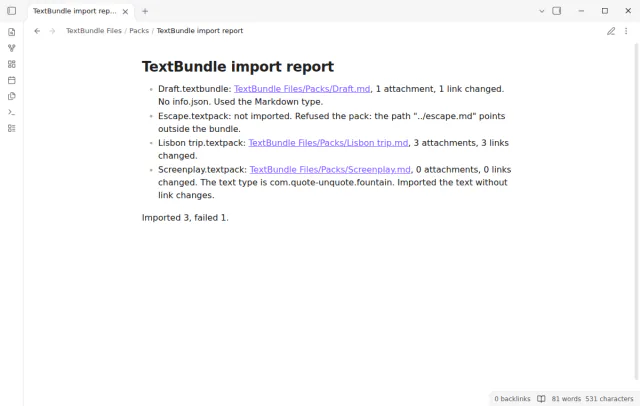
Run Export every note in a folder as TextPacks. The plugin writes one pack for each note and a report into a new TextPacks folder.
On import, Pro puts info.json in the textbundle property of the note. On export, the plugin reads that property in any YAML form, writes it back to info.json and removes the property from the text. The keys of other apps stay, as the spec asks, and the setting is on by default but works only with Pro.
needs
steps
Install TextBundle Files from Community plugins and enable it.
Export a note from Bear, Ulysses, iA Writer or Craft as TextBundle or TextPack.
In Obsidian, run Import TextBundle or TextPack files and select the files.
Select Open note in the list.
To send a note back, open it and run Export current note as TextPack. The pack is next to the note.
If the app can't find a new plugin yet, try again later. Obsidian says a plugin that passes the review shows in the app within 24 hours.
A forum request titled TextBundle support asks for import and export of TextBundle and TextPack files. The topic is open and has 100 likes and 41 posts.
Need a change for your team? I build custom Obsidian plugins and features.
Yes, when no asset name clashes and no asset is in a subfolder of assets. A byte order mark stays, and a test compares the text bytes. A renamed asset, such as map 1.png, or a file from a subfolder keeps its link, but the link text changes.
The text goes into a note as it is, without link changes. The window shows the type from info.json.
The plugin is not marked desktop only, and it uses no desktop-only API. The folder picker and the drop are for desktop, and the tests run on the desktop app only. No test ran on a phone or tablet.
No. The plugin imports a pack as a new note. Obsidian does not index the files inside a bundle folder, so editing in place is outside the scope of version 1.0.0.
When a write fails, the files of that import go to the trash. A pack that the plugin refuses writes nothing. The window shows a message for it.
Until you select Sign in with GitHub in the settings, TextBundle Files makes no network requests. Sign in and the sponsorship check contact github.com and api.github.com, and a successful check is reused for 7 days. It sends no note content, file names or other vault data, and it has no telemetry.
Tell me what is broken in TextBundle Files, or what it should do next.
TextBundle Files 1.0.0, MIT license
MIT · no telemetry · core features free
Import supported text, tags, UUIDs and dates from a decrypted JSON backup.
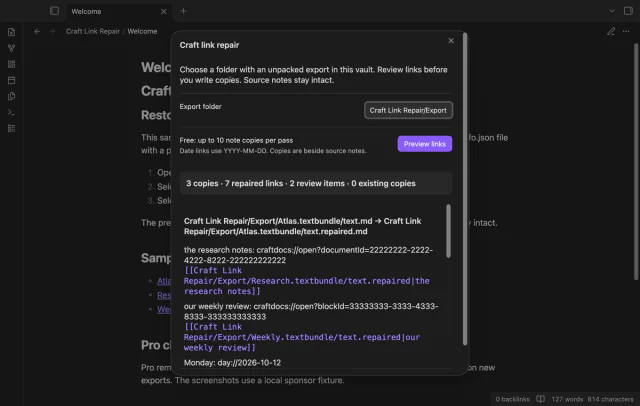
Preview Craft link repairs in file copies.
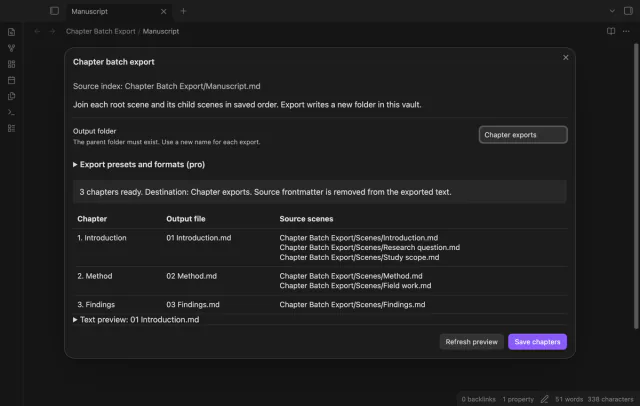
Export Longform scene groups as chapters.