Frontmatter Link Repair
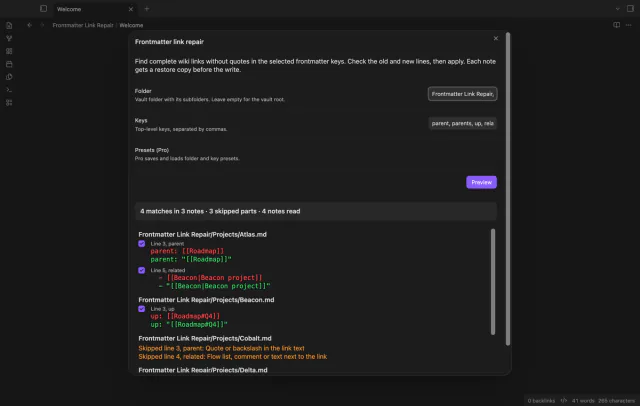
Repair wiki links with restore copies.
Paste a web address and get a Markdown link with the title of the page, read from the page itself.
MIT · no telemetry · core features free
Pro adds "Title rules" and "Link formats". Pro for all 134 plugins, $15 one time
The directory takes these platforms from the plugin manifest. The automated tests run in the desktop app only.
Directory facts fetched from community.obsidian.md/users/theluckystrike.
You save web pages in your notes and want readable link text instead of long bare addresses.
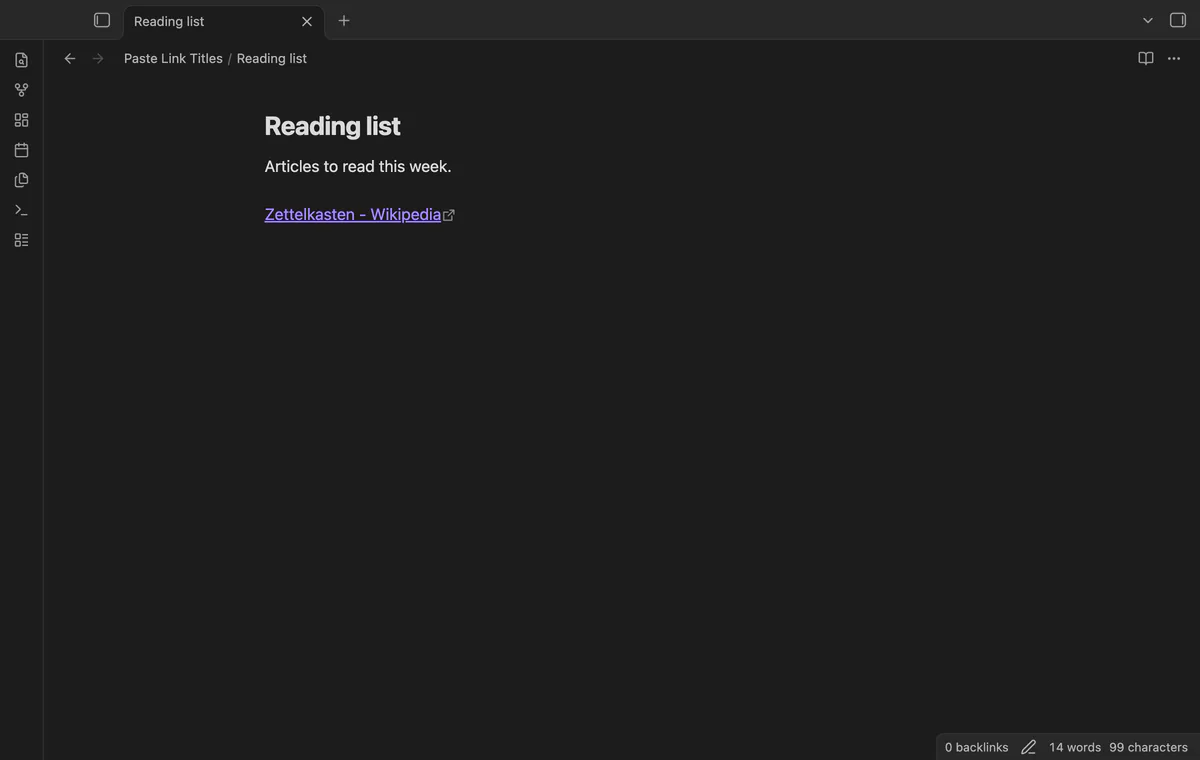
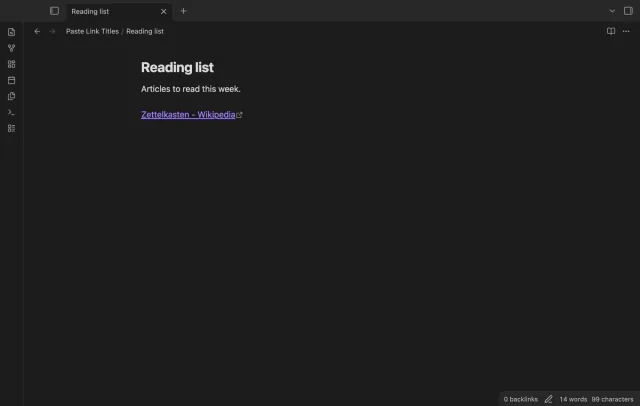
Paste a bare URL, and the plain URL shows at once. When the page answers, the plugin changes it to a Markdown link with the page title. Press undo once to get the plain URL back.
The plugin asks the page itself and uses no link preview service. A paste in a code block, in the properties or over selected text stays as it is.
 Play demo
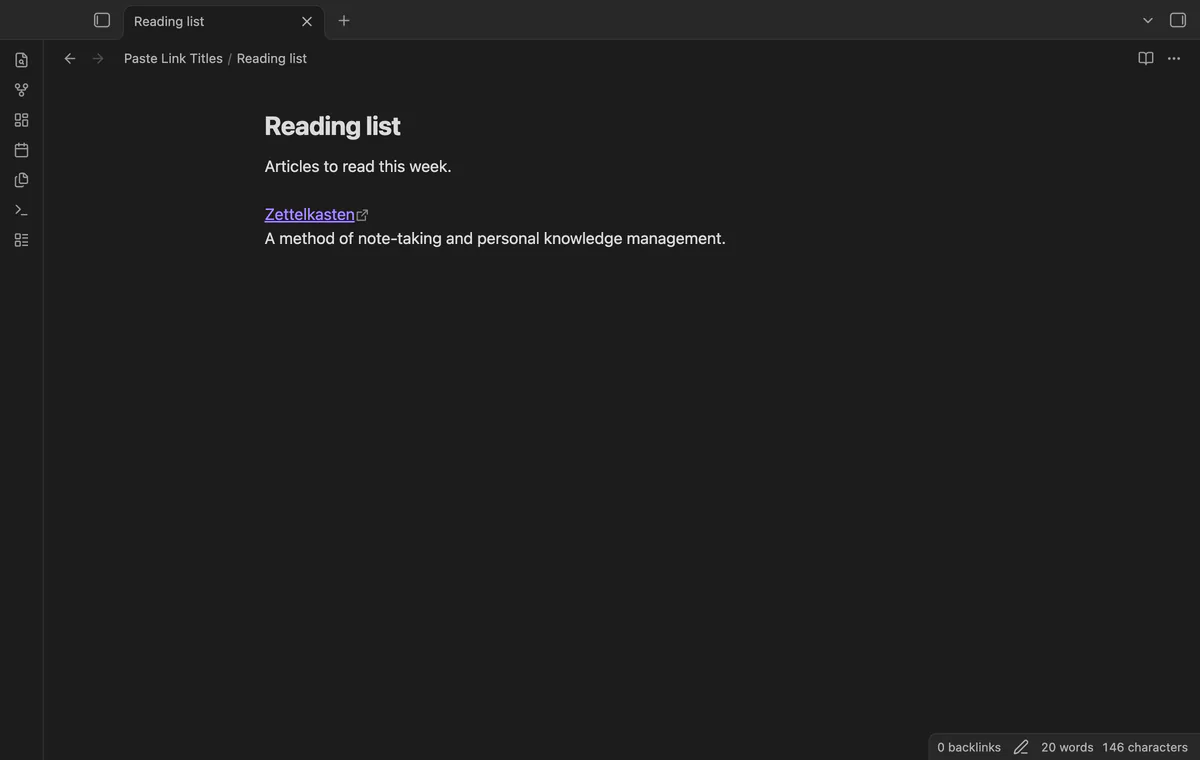
Paste a bare URL, and it becomes a link with the page title when the page answers. Press undo once to get the plain URL back. Brackets in a title are escaped, so the link never breaks.
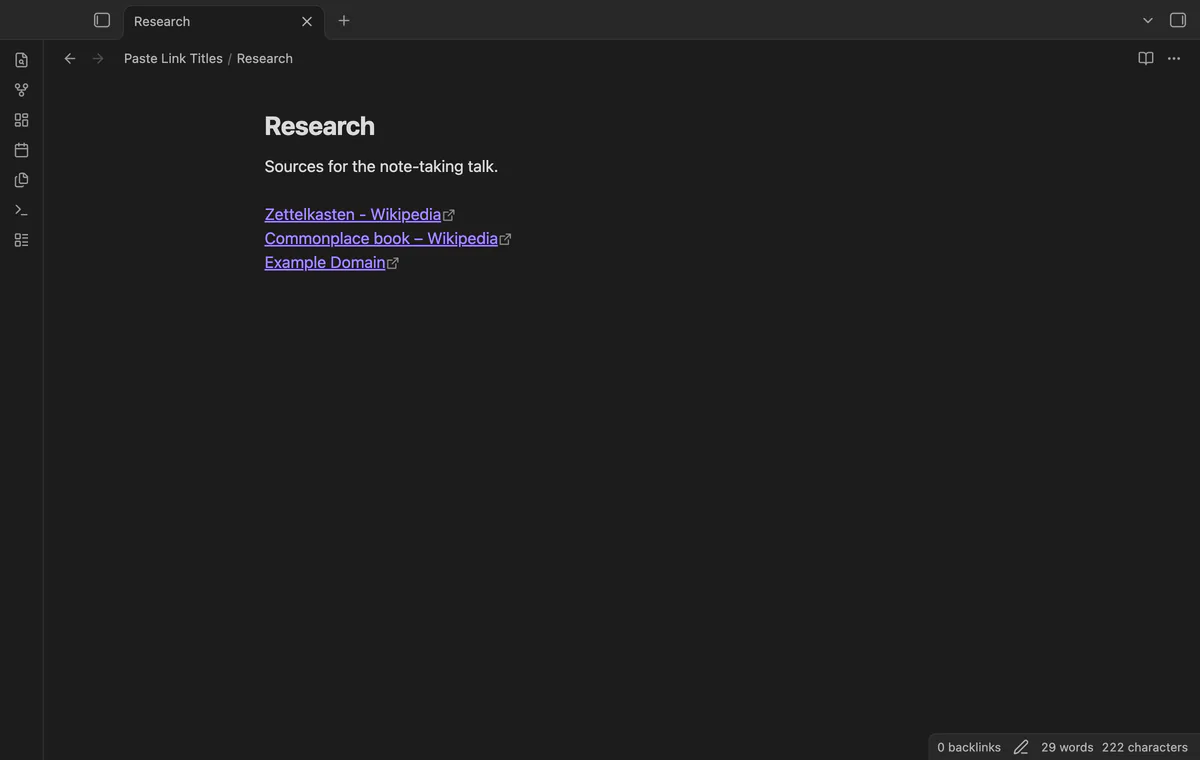
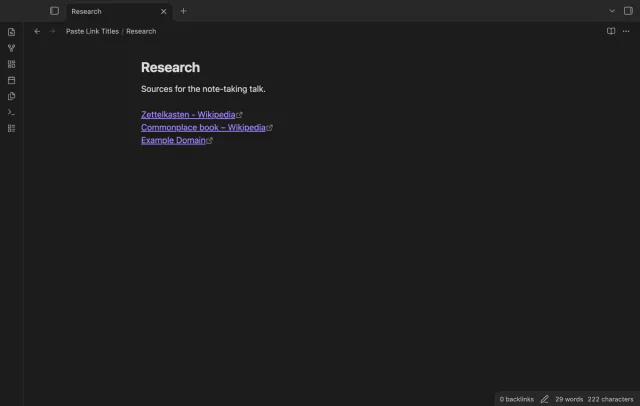
Paste URLs on separate lines or with spaces between them, and each URL gets its own title. The plugin sends at most four requests at the same time. A repeated URL needs only one request.
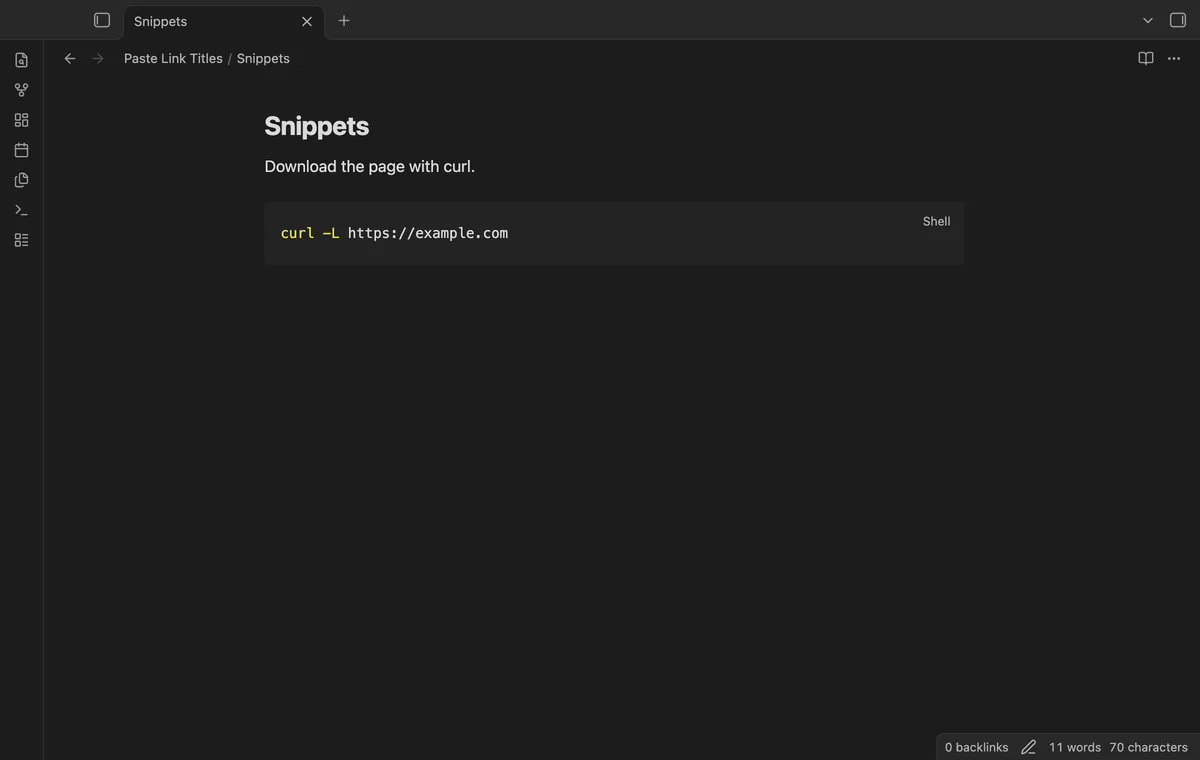
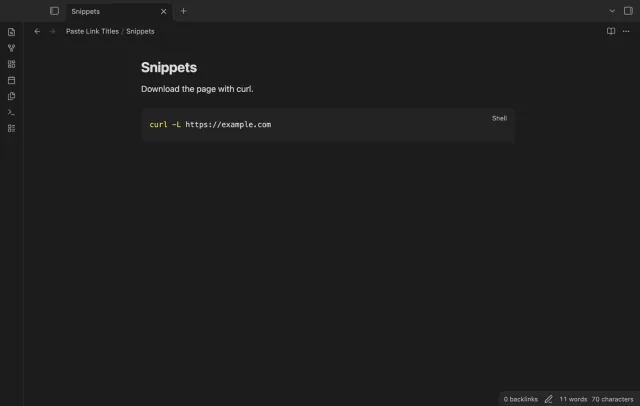
A paste in a code block, in inline code or in the properties stays plain. A paste over selected text stays with Obsidian, which makes a link of the selection. Press Ctrl+Shift+V, or Cmd+Shift+V on a Mac, to paste the plain URL anywhere.
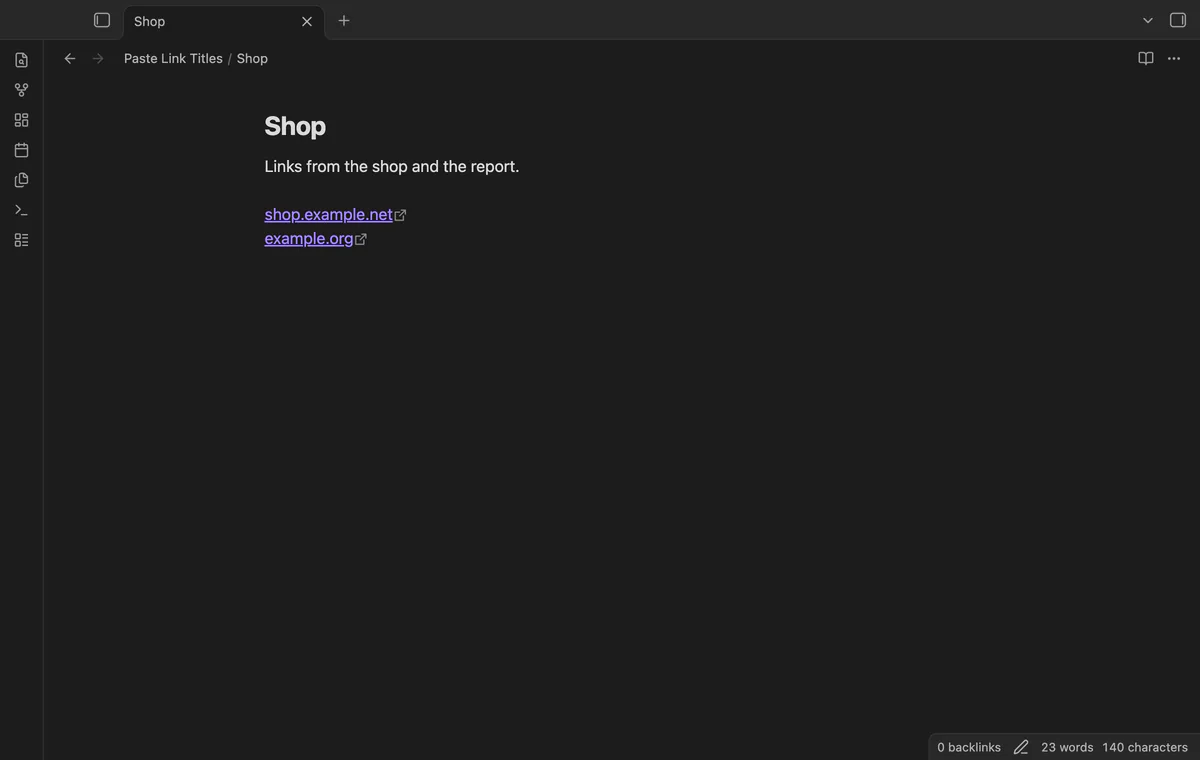
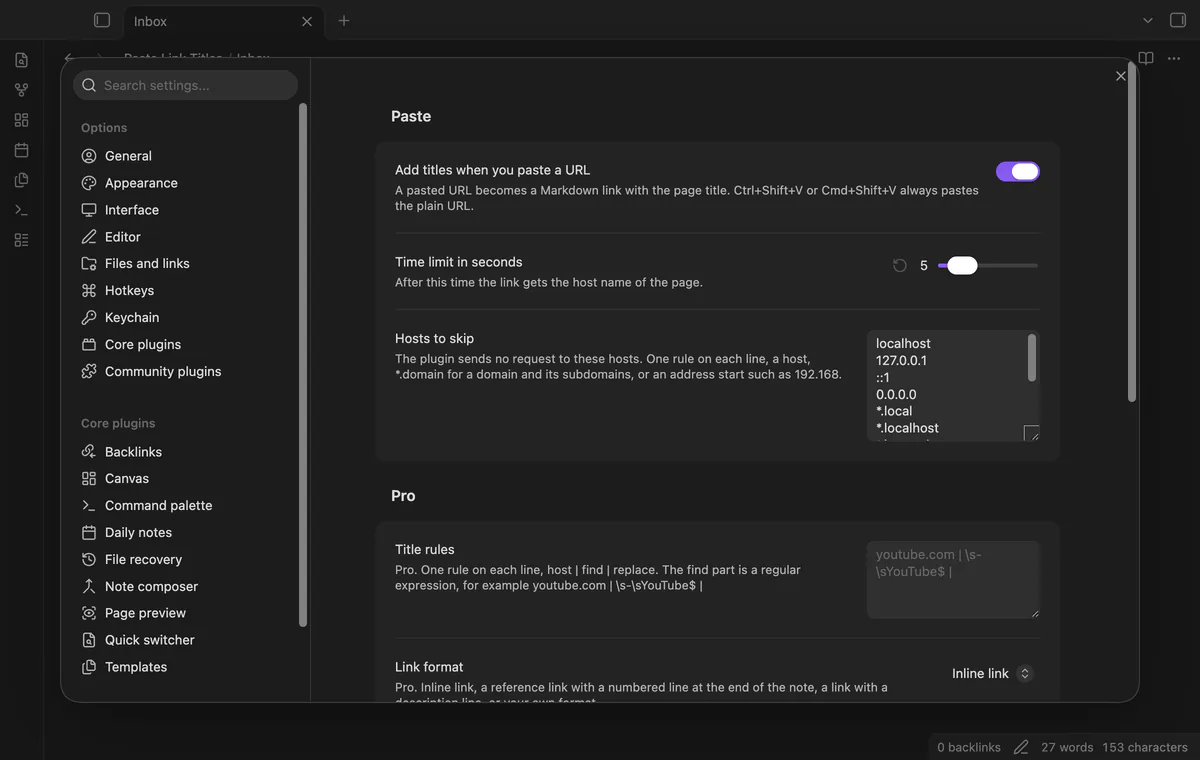
The plugin reads og:title, then twitter:title, then the title tag of the page. When the page fails, takes more than 5 seconds or shows a bot check, the link gets the host name.
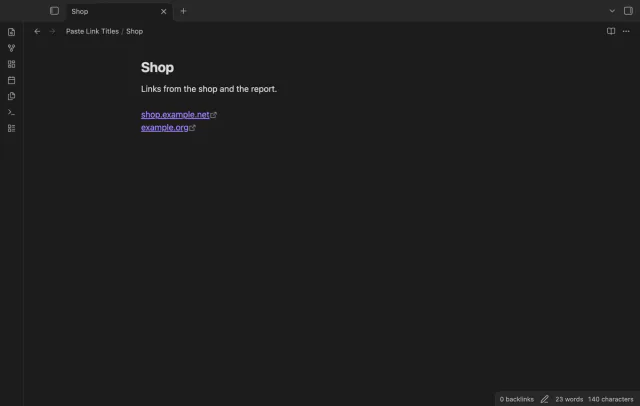
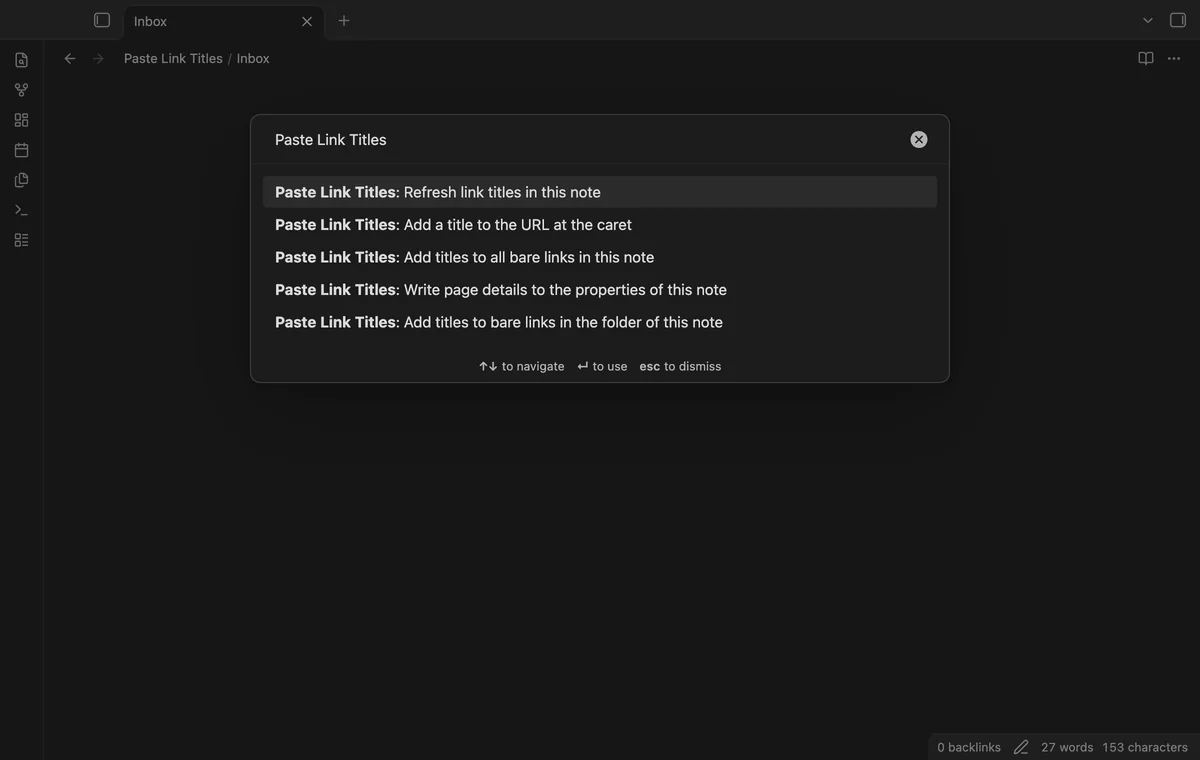
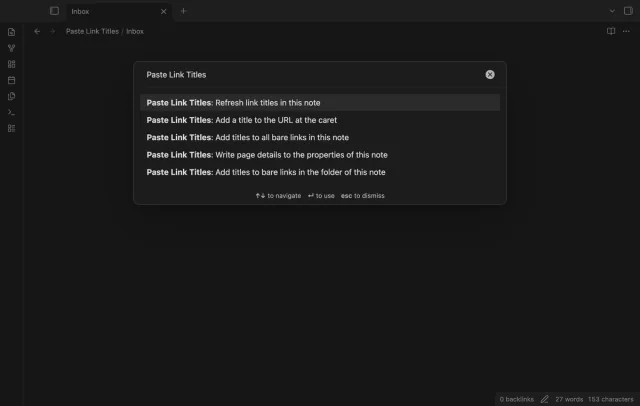
Add a title to the URL at the caret changes the bare URL at the text cursor. Add titles to all bare links in this note counts the bare URLs first and asks before it changes the note.
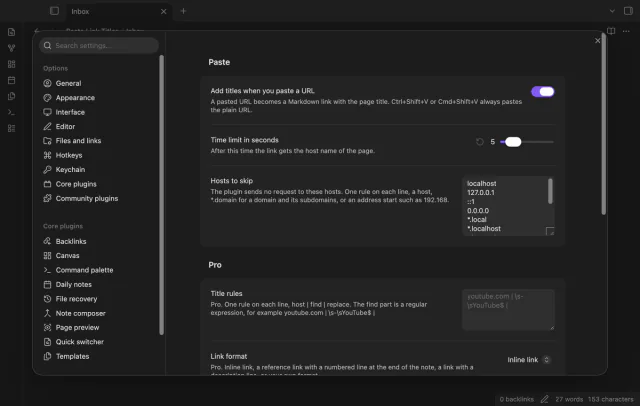
Hosts on the skip list, private network addresses and hosts without a dot get no request from a paste. A public page can still redirect to such a host, and that redirected request goes out, but the link gets no title. Add your intranet hosts on new lines.
The free version adds titles on paste and by command, and Pro adds title rules, link formats, folder batches, title refresh and page properties.
Pro costs $5 a month or $15 one time through GitHub Sponsors.
Remove a part such as the site name from a title with a regular expression for each host.
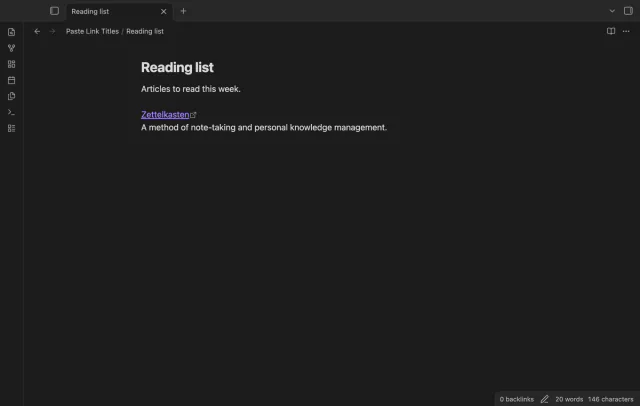
Use a reference link, a link with a description line, or your own format. A custom format can hold the title, site, URL, date and description of the page.
Count the bare URLs in the folder of the open note, confirm, and get a report note. No request goes out before you confirm.
Fetch the title again for links whose text is the URL or the host name.
Write the title, site name and description of a page into the properties of the open note.
$15 once. Pro tools in 134 NoteMods plugins with one GitHub sponsorship. Nothing renews.
Pro turns on right after payment. Select Sign in with GitHub in the settings of each plugin you use. Free features stay free.
Secure checkout by GitHub Sponsors - needs a GitHub login.
17 of 50 founding licenses sold.
The price is set on the 1st of each month. It goes up only after a tier is full. Until then it stays $15. The next price review is on 1 December 2026.
A price change does not change a license that you paid for. The $5 a month option stays.
One sponsorship turns on the Pro features in 134 NoteMods plugins. Free features stay free.
$15 one time: Pro stays on, nothing renews. $5 a month: Pro is on while you sponsor, and stays on after you have paid $15 in total. You pay on GitHub (a GitHub login is needed), then select Sign in with GitHub in the plugin settings. All sponsor tiers
needs
steps
Turn on Paste Link Titles.
Copy a web address in your browser.
Paste it into a note, and the title replaces the URL after the page answers.
Press undo if you want the plain URL back.
If the app can't find a new plugin yet, try again later. Obsidian says a plugin that passes the review shows in the app within 24 hours.
On 11 November 2026, the Auto Link Title plugin had 393,402 downloads and 79 open issues. Its last release is from 4 December 2024.
Need a change for your team? I build custom Obsidian plugins and features.
No. The plugin sends the request to the page of the URL and to no other server. The page sees the request, the same as when you open the link in a browser.
The page did not give a usable title. It failed, took longer than the time limit, sent a file that is not a web page, or showed a bot check. Some shops and social sites block automated requests.
It stays out of a paste over a selection. It also stays out of a paste that another plugin handled.
A pasted URL or a title command sends one GET request to that URL and its redirect target, and reads at most 512 KB. Nothing goes to GitHub until you select Sign in with GitHub, and the sponsorship check then contacts github.com and api.github.com. The plugin sends no note content, file names or other vault data.
Tell me what is broken in Paste Link Titles, or what it should do next.
Paste Link Titles 1.0.0, MIT license
MIT · no telemetry · core features free
Repair wiki links with restore copies.
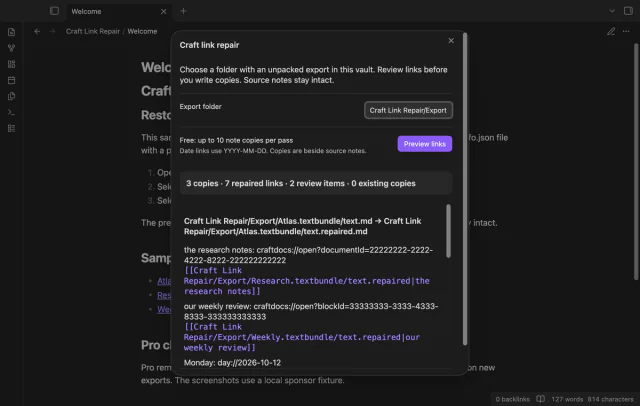
Preview Craft link repairs in file copies.
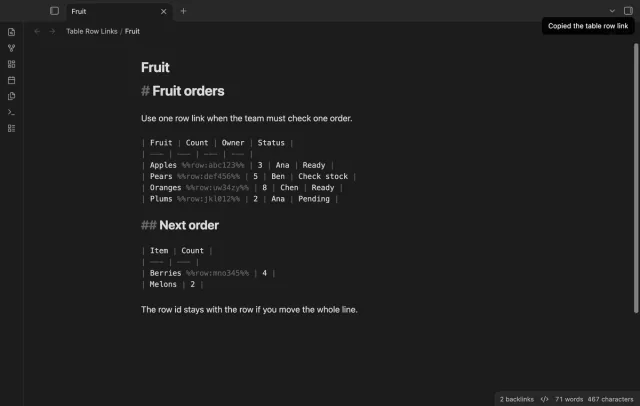
Copy a link to a marked table row in your note.
Pro adds "Title rules"Pro for all 134 plugins, $15 one time
Get Pro