Table Rollup
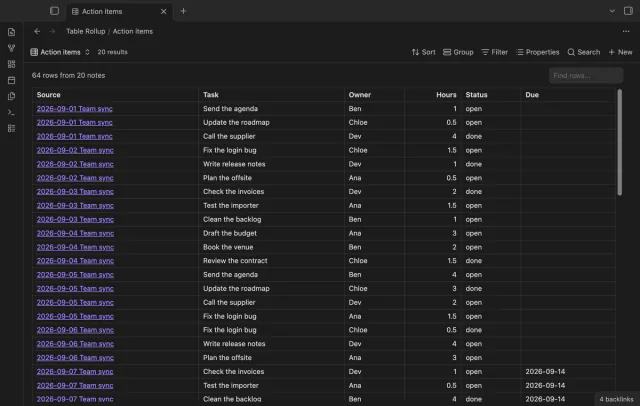
Combine note tables in one table with links to the source notes.
Copy a link to a marked table row in your note.
MIT · no telemetry · core features free
Mobile devices and live GitHub payment or device sign-in were not tested in the product lane.
Directory facts fetched from community.obsidian.md/users/theluckystrike.
You keep orders, tasks or review items in tables and need a precise row reference.
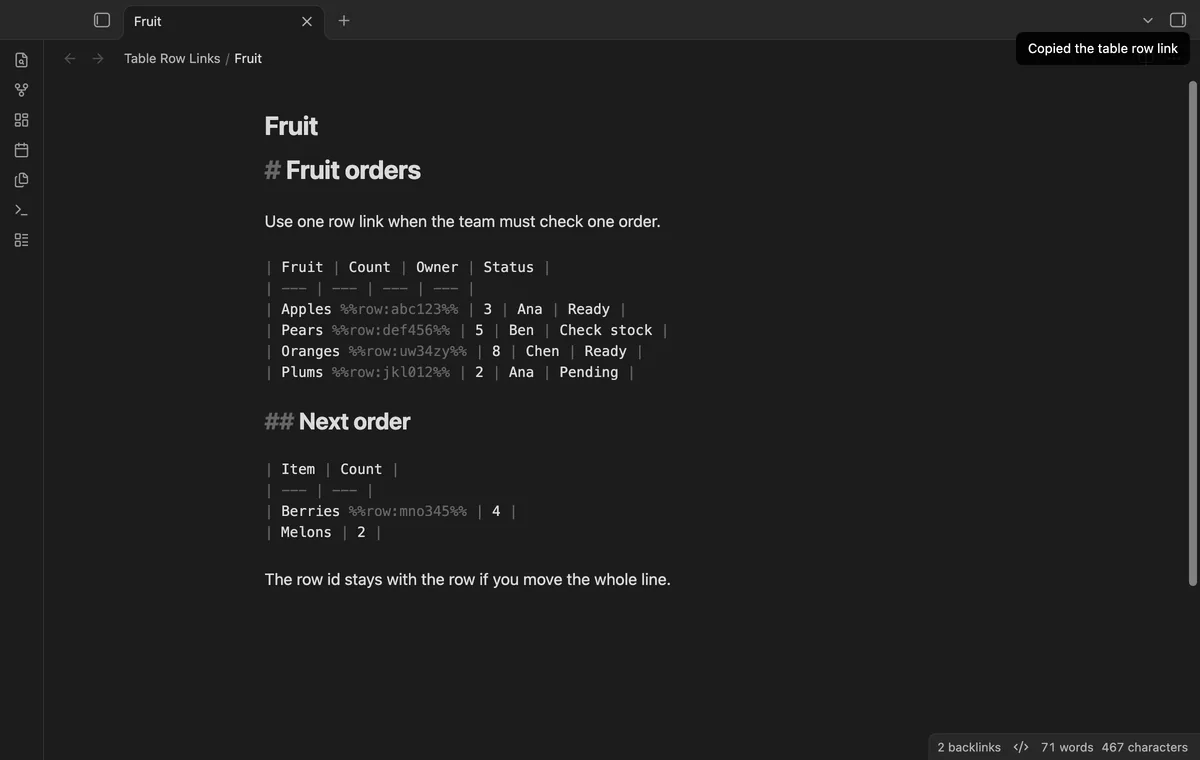
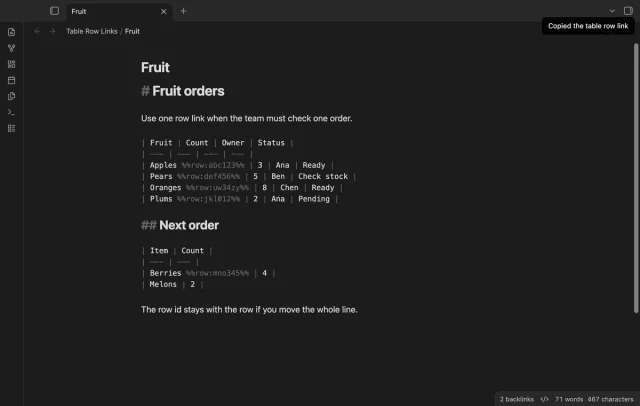
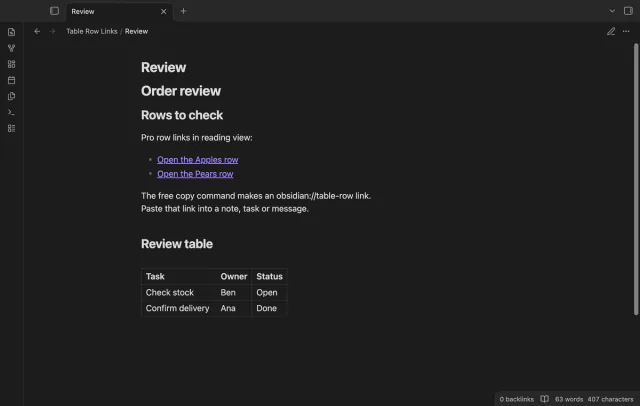
Put the cursor on a data row and copy its link with Table Row Links. The command adds an anchor comment in the first cell. Opening the link puts the cursor on that marked row in Source mode.
Move the row with its marker to keep the target. Copied URI links don't update after you rename the note or vault.
 Play demo
Run Copy link to this table row or use the editor context menu. The command adds a six-character marker, reuses an existing marker and copies a Markdown URI link.
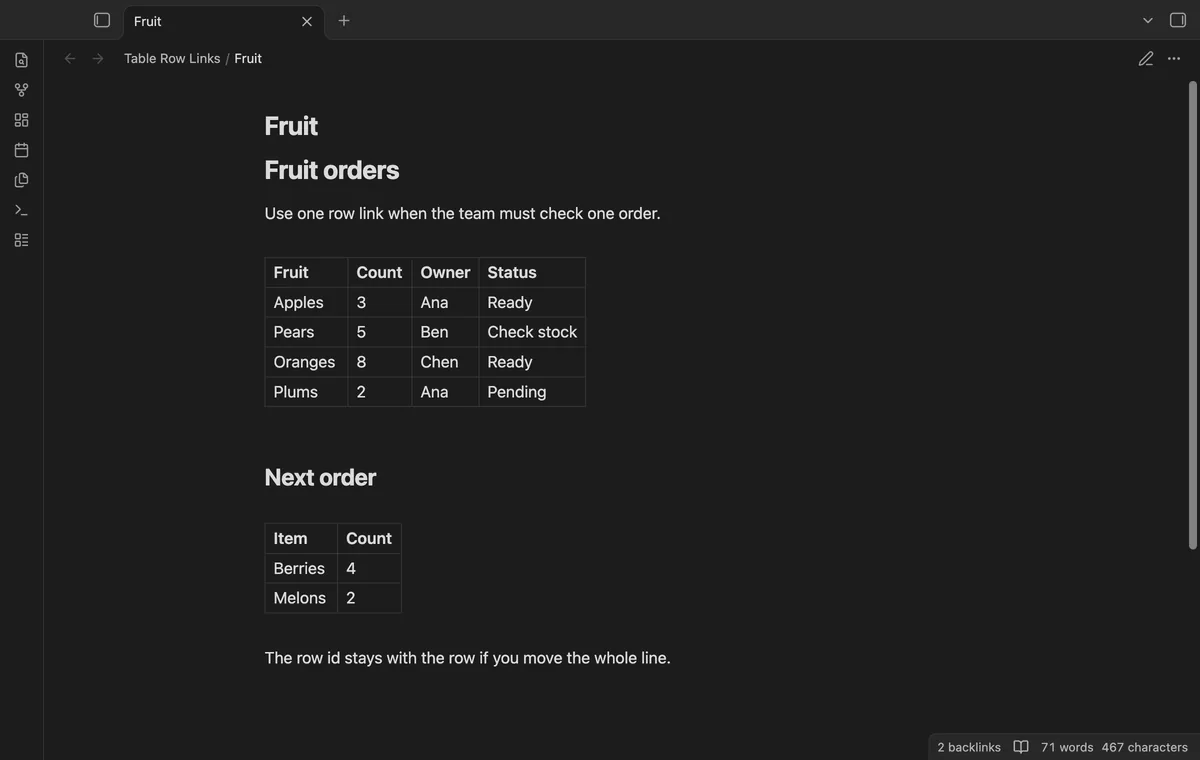
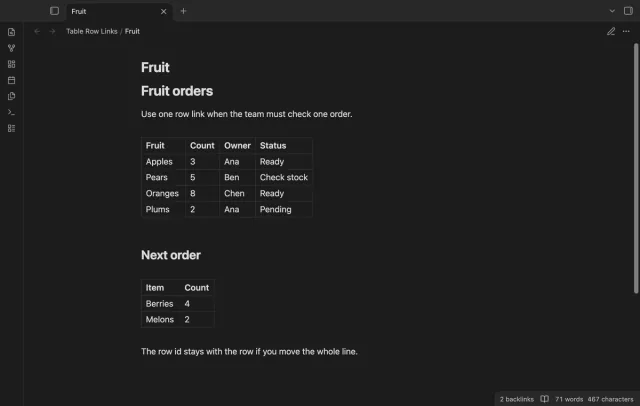
The copied obsidian://table-row link includes the vault name, file path and row id. It opens the note in Source mode and places the cursor on the marker. Reading view hides the comment.
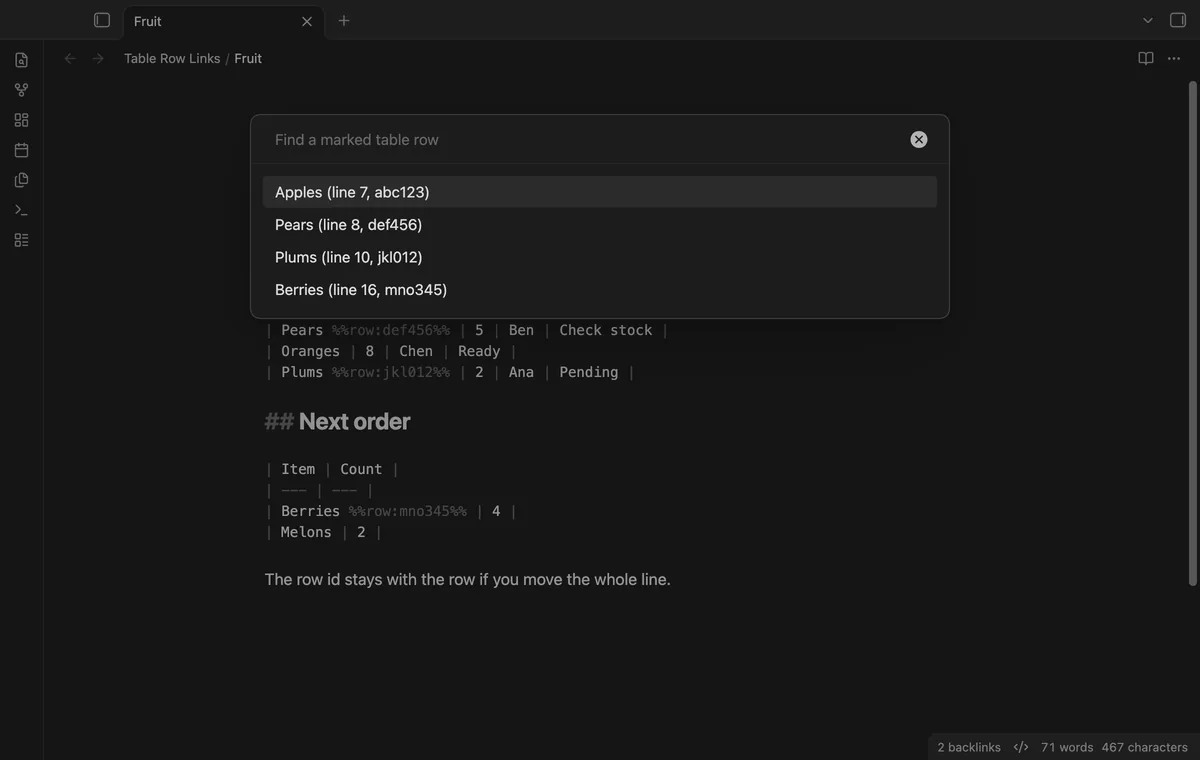
Jump to table row lists marked rows from the current note. Filter by label or id and select a result to move the cursor.
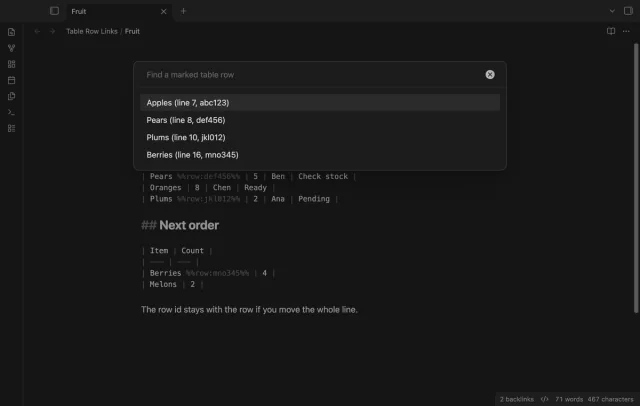
The free version copies row links and lists marked rows in the current note.
Pro costs $5 a month or $15 one time through GitHub Sponsors. One sponsorship turns on Pro in every plugin that has it.
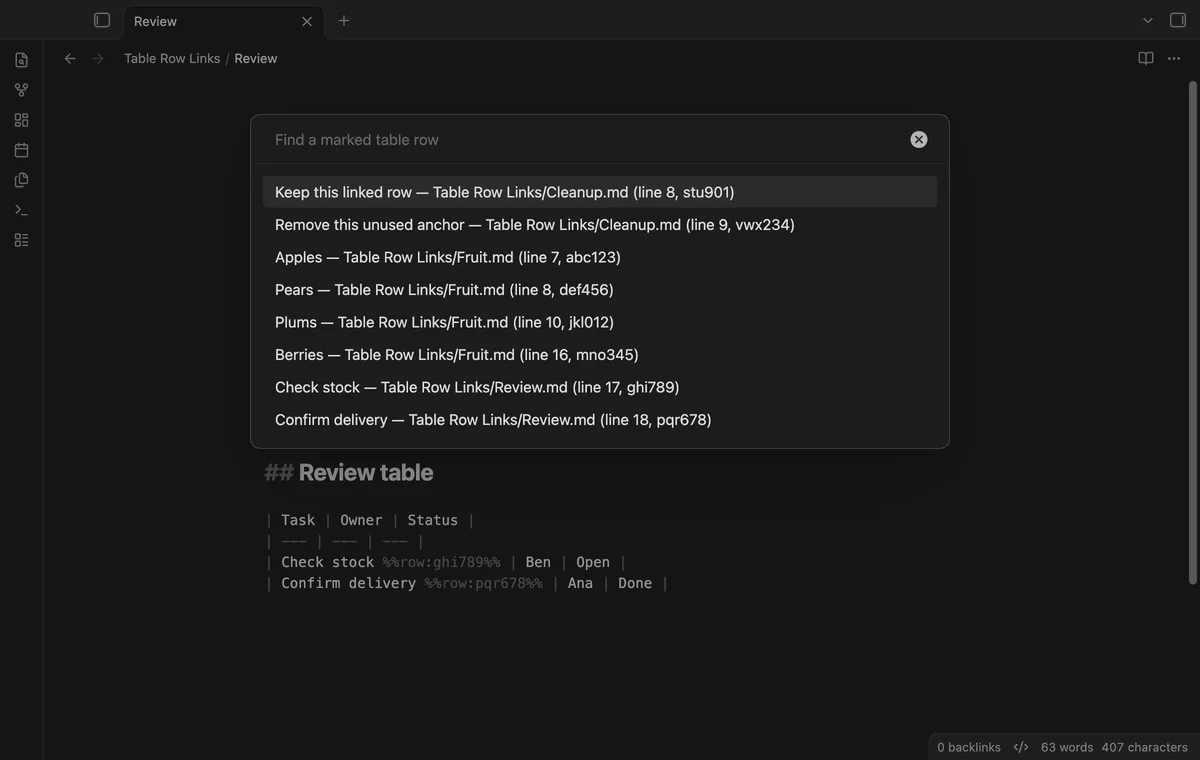
Jump to table row in vault reads Markdown notes and lists their marked rows with file paths. Run it again after changing markers in another note.
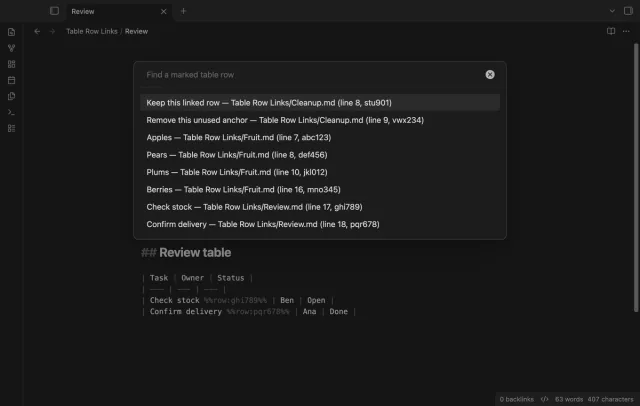
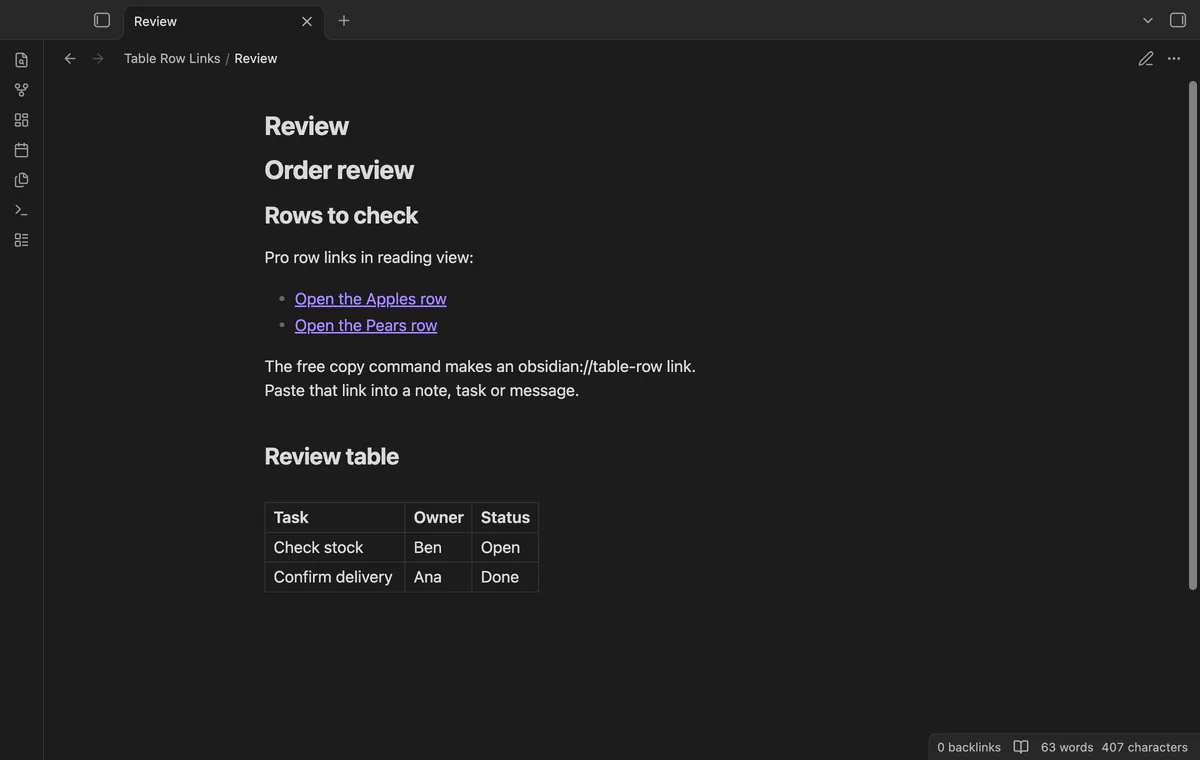
Pro handles row-style wikilinks in Reading view when their id matches a table marker. Ctrl-click or Cmd-click opens a new tab. This navigation does not add native row block ids, previews or embeds.
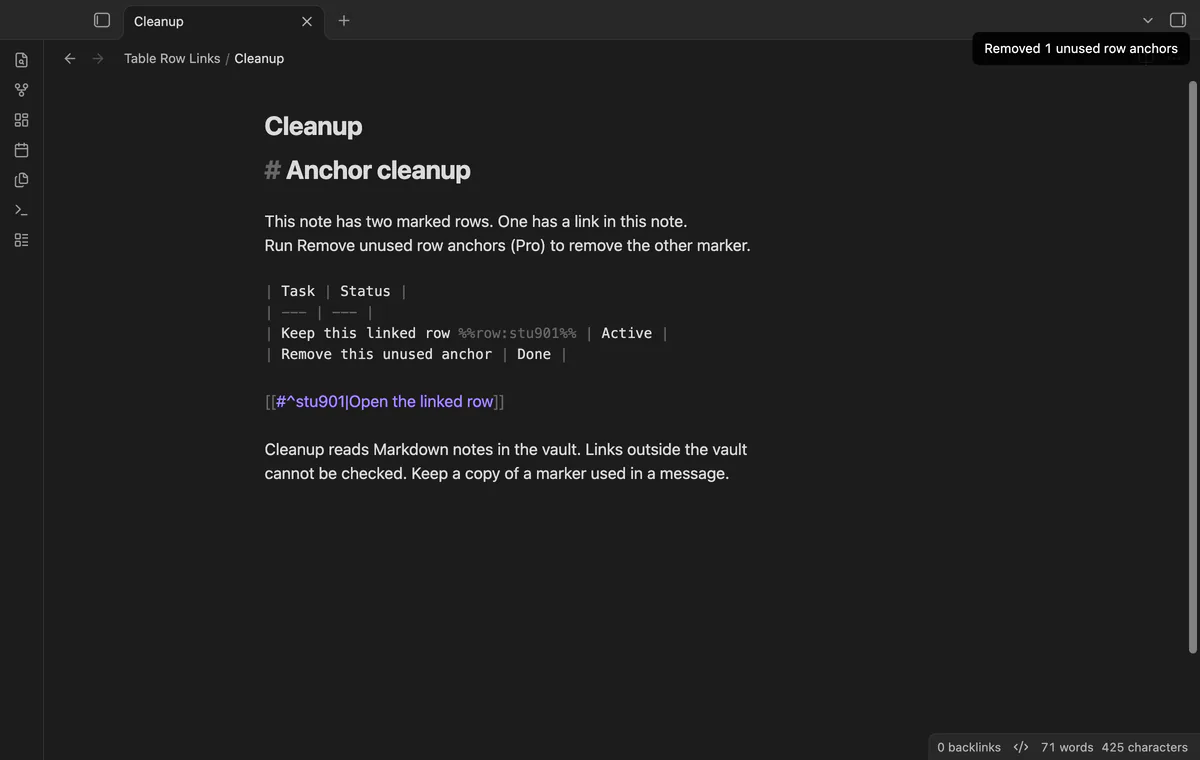
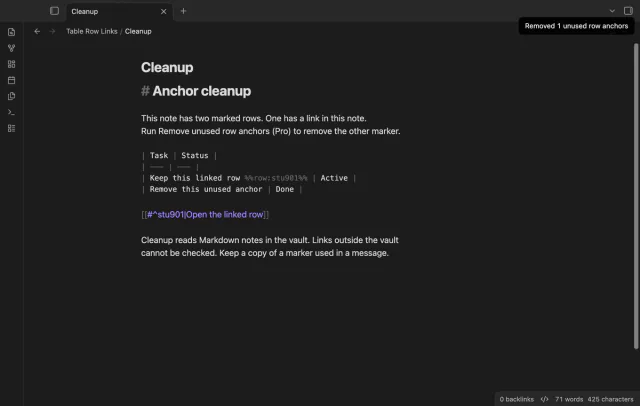
Cleanup removes markers without references in Markdown notes of the current vault. Links in messages, other vaults and non-Markdown files do not protect a marker. Use Undo to restore the edit.
needs
steps
Open your Markdown note in editing mode, using Source mode if needed.
Put the cursor on a data row below the table header and separator.
Run Copy link to this table row from the command palette or context menu.
Paste the link into your note, task or message and keep the target marker.
If the app can't find a new plugin yet, try again later. Obsidian says a plugin that passes the review shows in the app within 24 hours.
Need a change for your team? I build custom Obsidian plugins and features.
Move the complete row with its anchor comment. The plugin finds the marker rather than using a saved line number.
Copied URI links keep the old vault name and file path. Update their destination or copy a new link after the rename.
The parser needs leading and trailing pipes and supports escaped pipes and single-cell rows. It skips fenced and indented code; HTML and generated tables are outside its scope.
After you select Sign in with GitHub, github.com receives the public client id, read:user scope and device-flow polling values. api.github.com receives your token and a query for your sponsorship tier and total payment, without note text or file paths. Successful checks last seven days, failures can retry after six hours, and Refresh requests an earlier check.
Tell me what is broken in Table Row Links, or what it should do next.
Table Row Links 1.1.0, MIT license
MIT · no telemetry · core features free
Combine note tables in one table with links to the source notes.
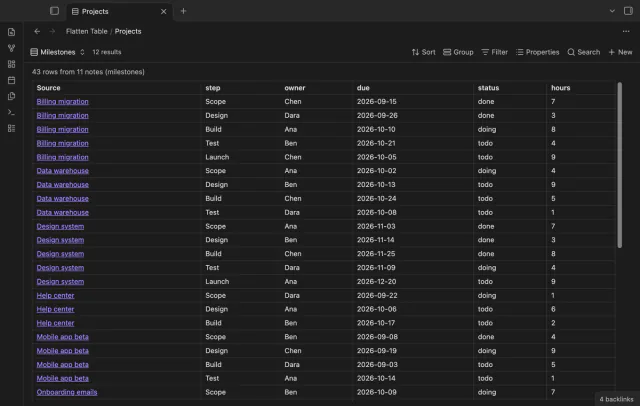
Show each item of a Bases list property as a separate row.
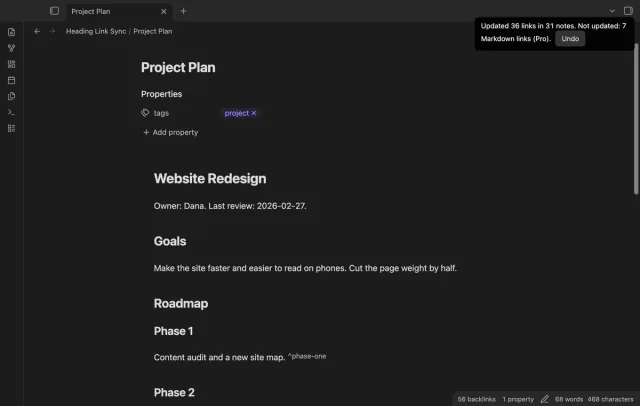
Update heading links and embeds when you edit a heading.