Visual Line Numbers
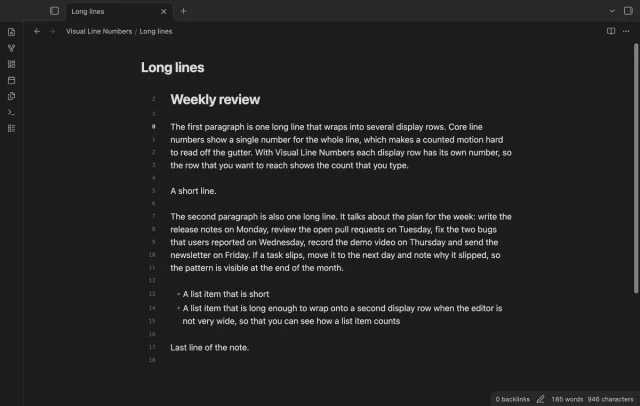
Show a line number for each wrapped row in the editor.
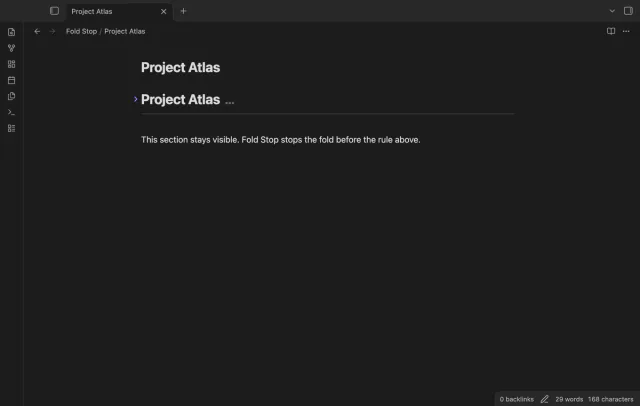
Fold a heading to the first horizontal rule at the top level.
MIT · no telemetry · core features free
Mobile devices and live GitHub payment or device sign-in were not tested in the product lane.
Directory facts fetched from community.obsidian.md/users/theluckystrike.
You divide long notes with horizontal rules and want the next section to stay visible.
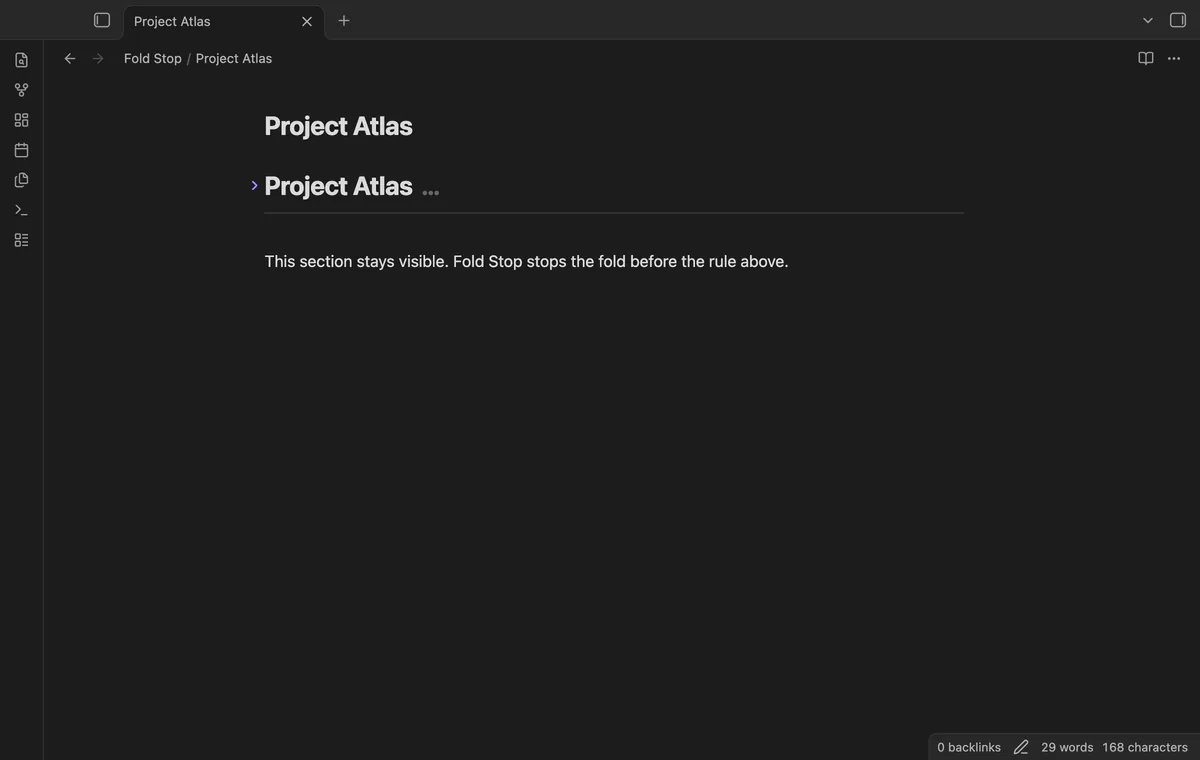
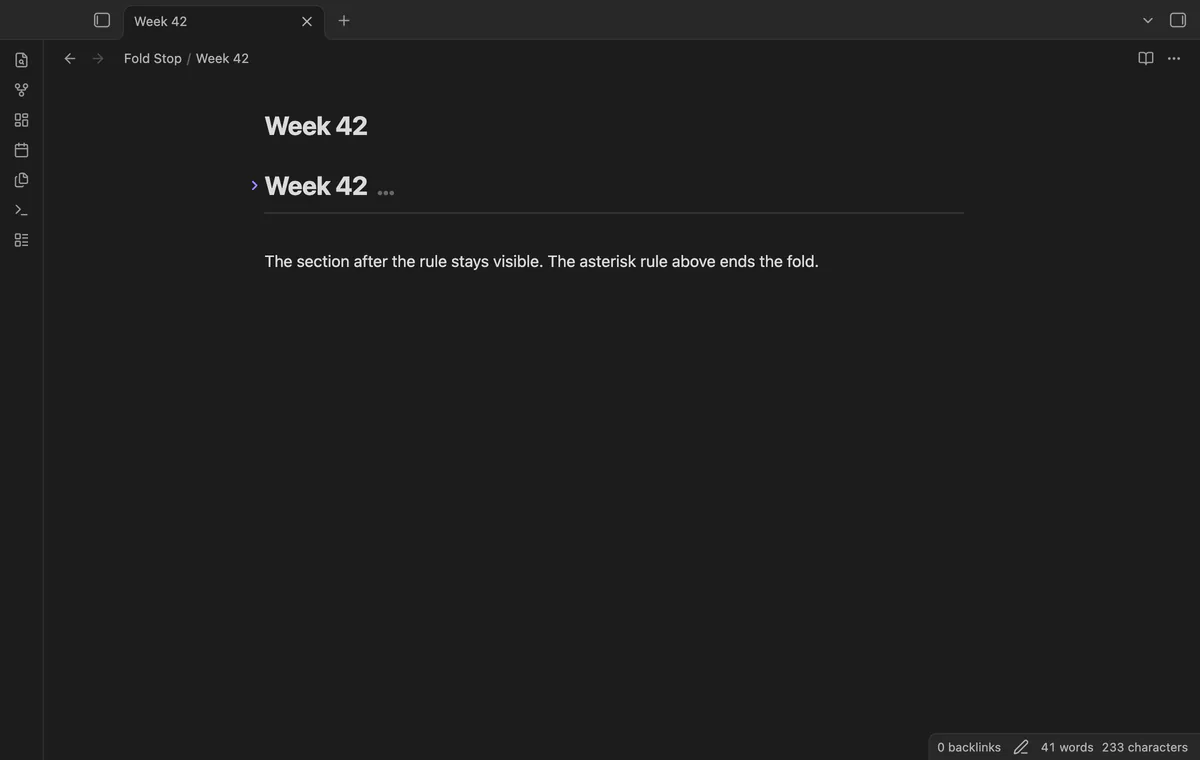
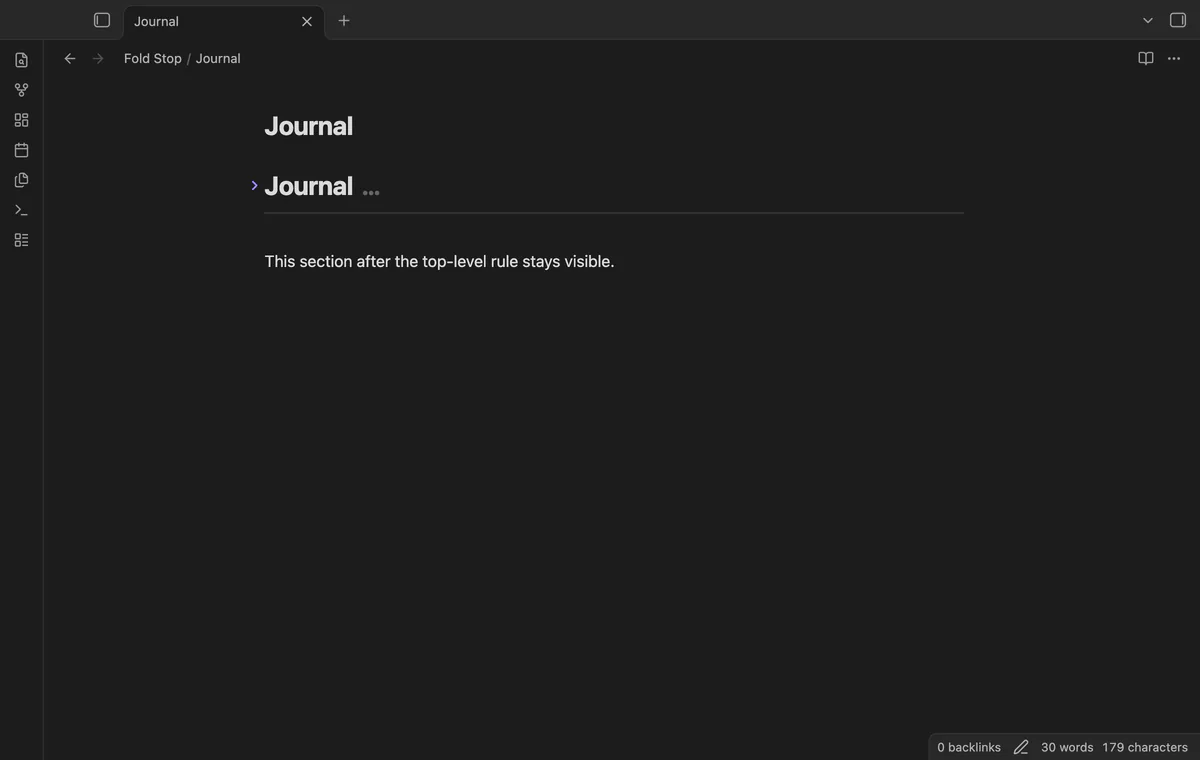
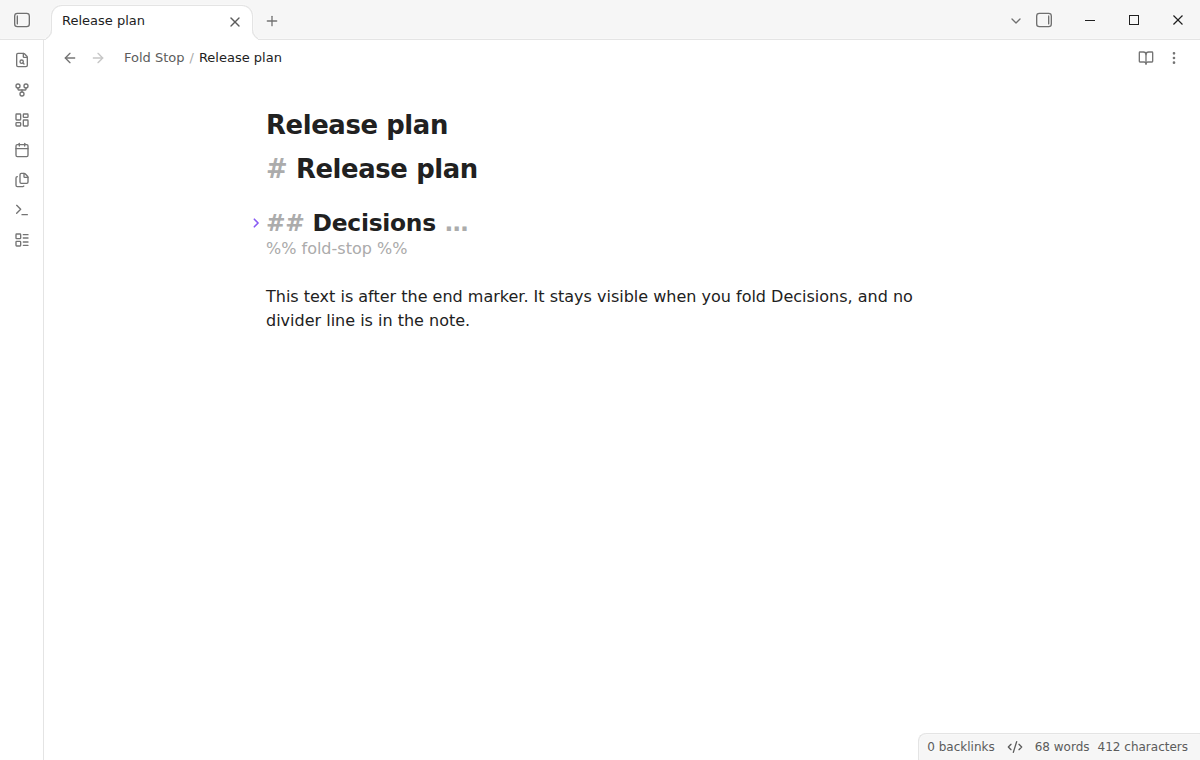

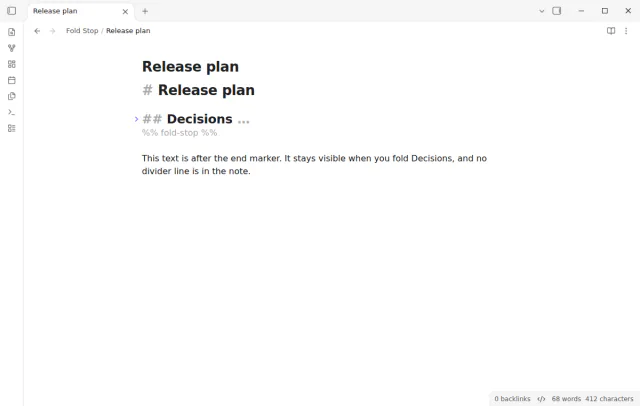
Fold Stop ends a heading fold before the first top-level horizontal rule or a %% fold-stop %% comment line. The text after it stays visible. It uses the editor fold controls in Live Preview and Source mode without changing your saved note text.
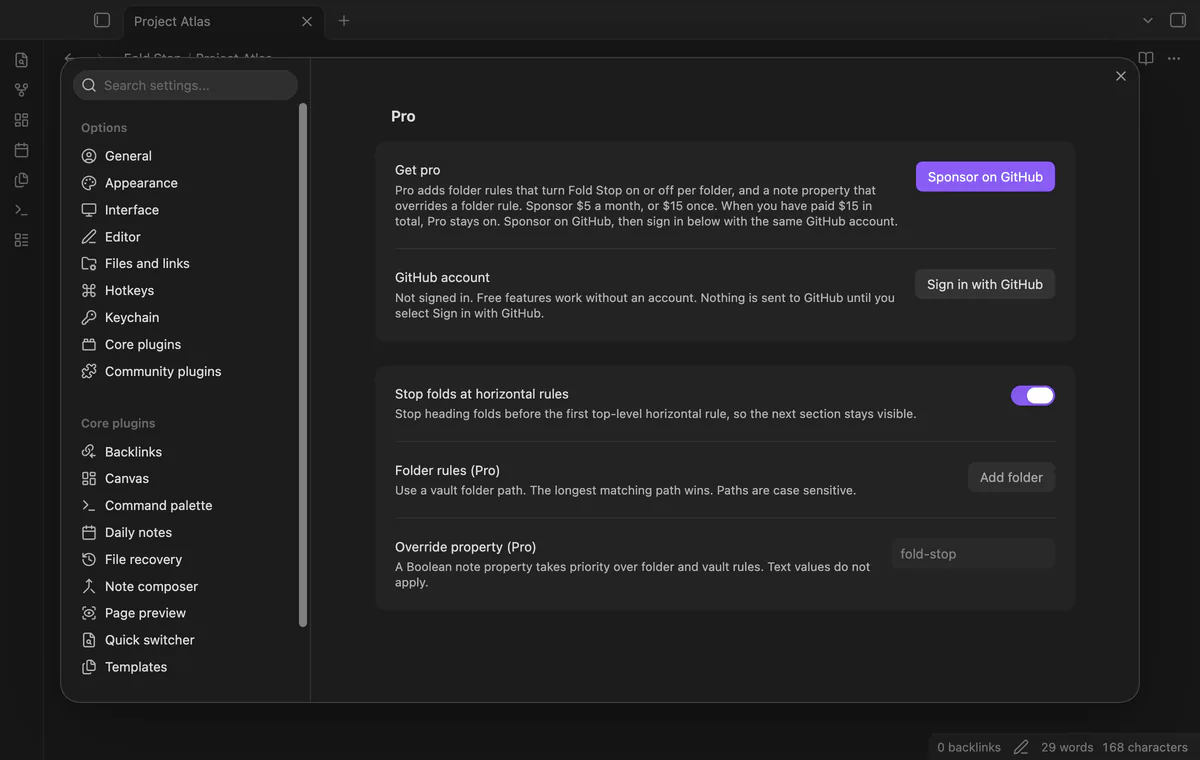
The vault toggle is free. Pro adds folder rules and a Boolean note property that can override them.
 Play demo
Fold a heading with body text and a divider below it. The body hides, while the divider and following text stay visible.
Child headings and their body text hide with the parent down to the rule. An equal or higher-level heading ends the fold first.
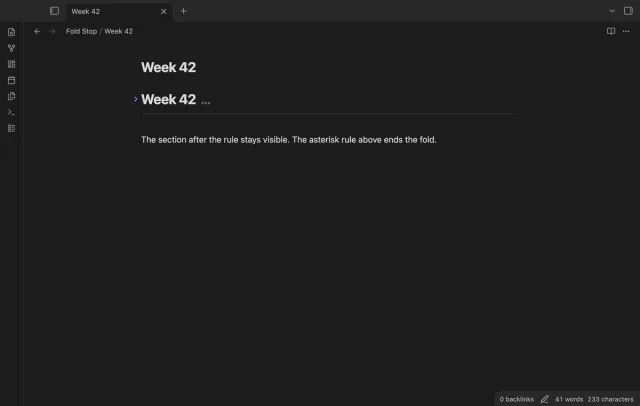
Fenced code, indented code and frontmatter delimiters do not end a fold. Setext underlines belong to their headings. Rules inside lists, quotes and callouts are outside the top-level scope.
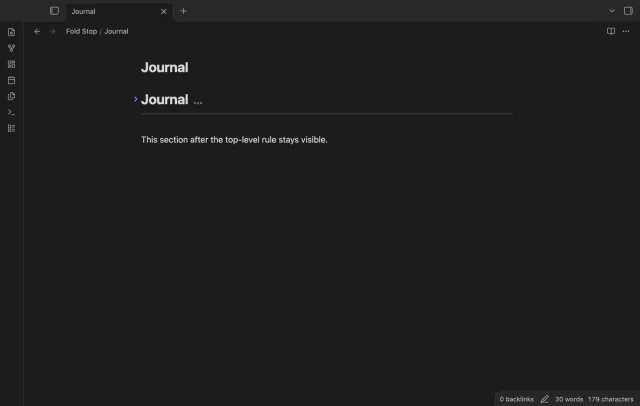
To end a section without a divider line, add the comment line %% fold-stop %%. The heading fold stops before it, and the text after it stays visible. %% fold-stop 4 %% ends only the folds of level 4 headings and deeper, so a parent H3 folds past it.
Set the default folding rule for your vault in settings. Restore normal folding in this note unfolds the active note and restores normal folding until settings change or the plugin reloads.
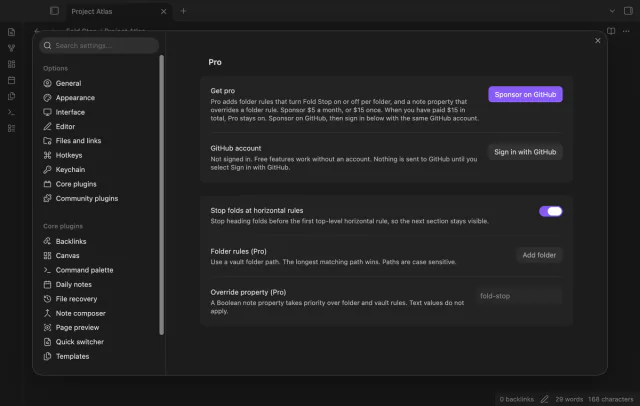
The vault toggle, heading boundary, end markers and restore command are free; folder rules and note overrides need Pro.
Pro costs $5 a month or $15 one time through GitHub Sponsors. One sponsorship turns on Pro in every plugin that has it.
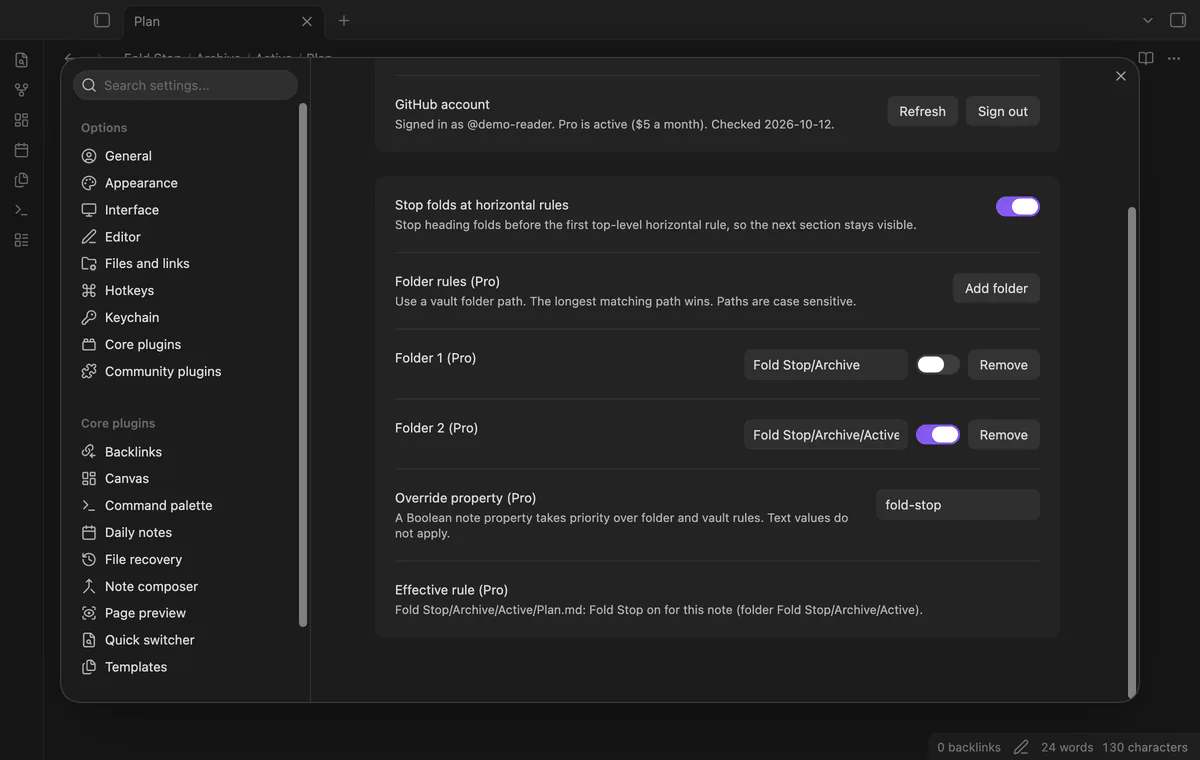
Set Fold Stop on or off for specific folders. The longest matching folder path decides, and paths are case sensitive.
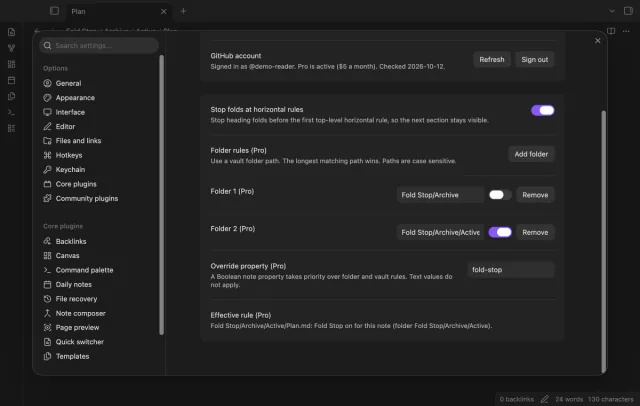
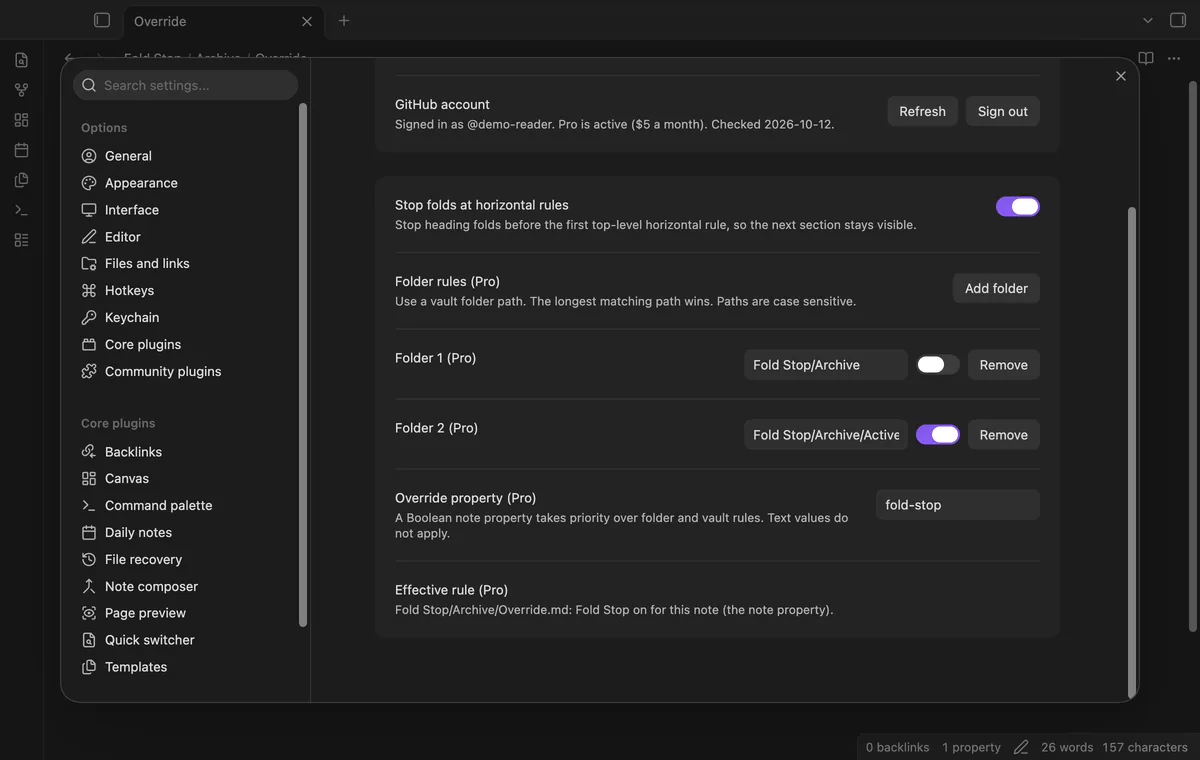
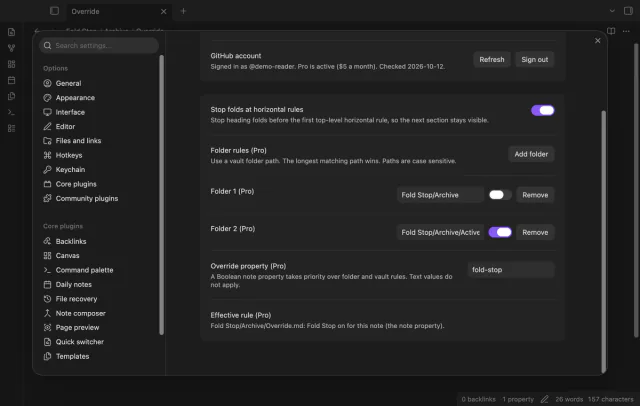
A Boolean note property overrides the folder and vault rules. Its default name is fold-stop, and you can change that name. The settings panel shows the active rule and its source.
needs
steps
Open a note with a heading, body text and a top-level horizontal rule later in the note.
Select the fold arrow or run Toggle fold on the current line with the cursor in the heading.
Check that the rule and following text stay visible.
Select the fold arrow again to unfold.
If the app can't find a new plugin yet, try again later. Obsidian says a plugin that passes the review shows in the app within 24 hours.
Need a change for your team? I build custom Obsidian plugins and features.
No, it controls folding in the editor. The saved note text stays unchanged.
The plugin changes editor folding in Live Preview and Source mode. Reading view is outside its scope.
The fold stops before the first top-level rule. Text between the two rules stays visible.
Your folder rules remain saved but stop applying. The free vault toggle still decides the folding rule.
After you select Sign in with GitHub, github.com receives the public client id, read:user scope and device-flow polling values. api.github.com receives your token and a query for your sponsorship tier and total payment, without note text or file paths. Successful checks last seven days, failures can retry after six hours, and Refresh requests an earlier check.
Tell me what is broken in Fold Stop, or what it should do next.
Fold Stop 1.2.0, MIT license
MIT · no telemetry · core features free
Show a line number for each wrapped row in the editor.

See headings from embedded notes in one outline.