How to show headings from embedded notes in the Obsidian outline
The core Outline can't show them, as of October 2026.
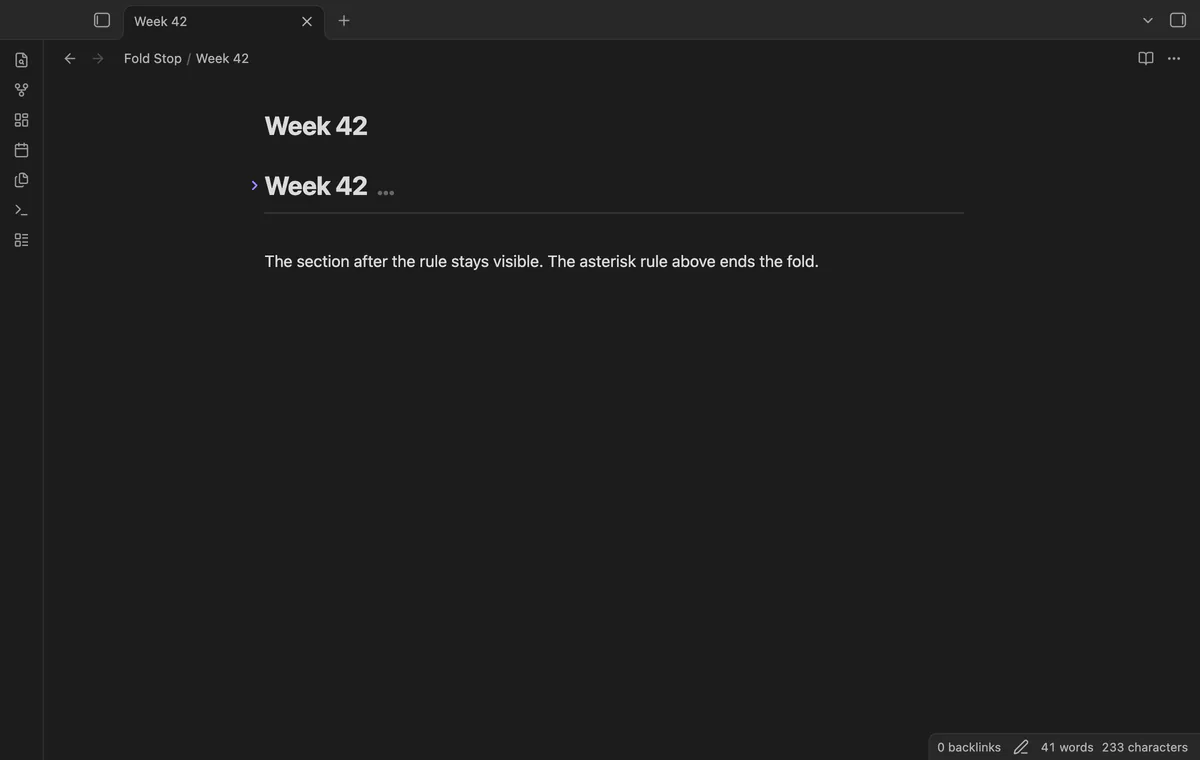
As of October 2026, Obsidian provides heading folding and an Editor setting to turn it off. To keep folding while stopping before a top-level divider, use Fold Stop in Live Preview or Source mode.
The product brief describes long notes divided by horizontal rules, where folding a heading should leave the next section visible. The plugin changes editor ranges without editing note text.
Open Settings, then Editor, and turn off Fold heading. Your heading sections remain visible instead of folding.
Keep heading folding enabled and place a top-level horizontal rule after the text you want to hide. Fold the heading with its arrow or current-line toggle command.
MIT · no telemetry · core features free
Open a note with a heading, body text and a top-level horizontal rule later in the note.
Select the fold arrow or run Toggle fold on the current line with the cursor in the heading.
Check that the rule and following text stay visible.
Select the fold arrow again to unfold.
Use three or more matching stars, hyphens or _ marks on their own line. Separate the rule from preceding body text with a blank line.
Run Restore normal folding in this note. The temporary choice ends when settings change or the plugin reloads.
 That's every step, start to finish.
You're officially a regular.
Obsidian rewards people who share. NoteMods is just me and a lot of coffee. If this guide saved you a fight with the syntax, buy me a cup.
That's visit . Regulars are the reason I keep NoteMods running. If it's part of your routine now, a coffee says thanks better than anything.
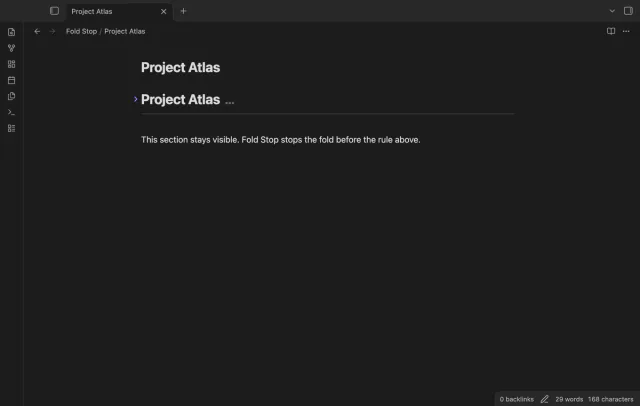
Fold a heading to the first horizontal rule at the top level.