Bases Note Templates
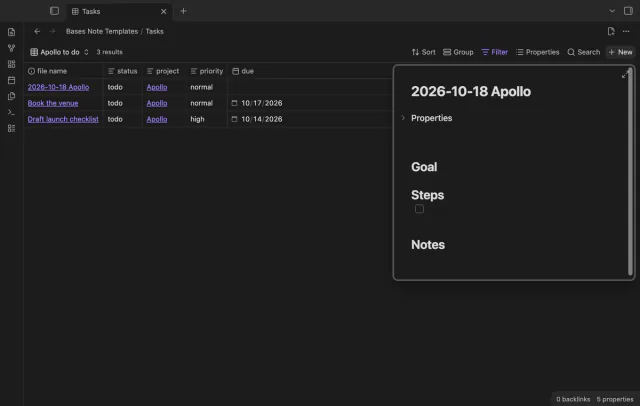
Create notes in Bases with a template and filter values.
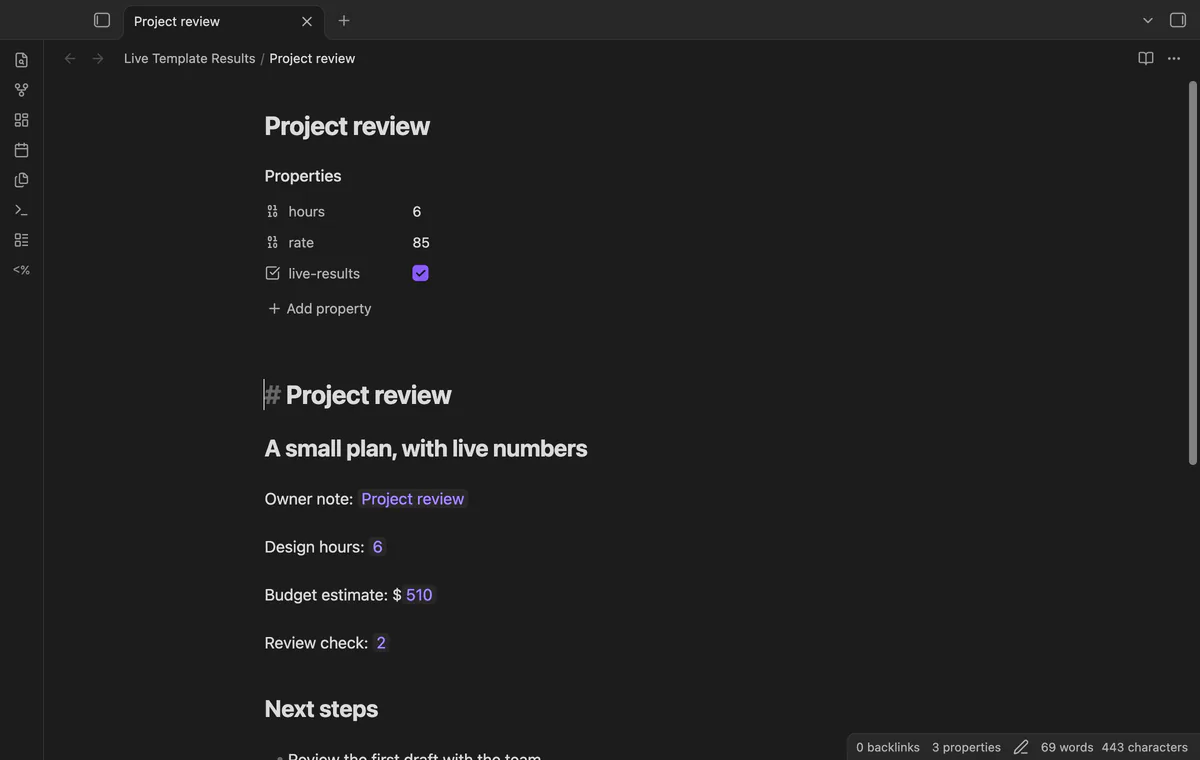
Read Templater results in Live Preview and edit their source.
MIT · no telemetry · core features free
App checks use desktop Obsidian with Templater 2.26.0; physical mobile devices and arbitrary user scripts were not tested.
Directory facts fetched from community.obsidian.md/users/theluckystrike.
You use Templater dynamic commands and want to see their output while writing a trusted note in Live Preview.
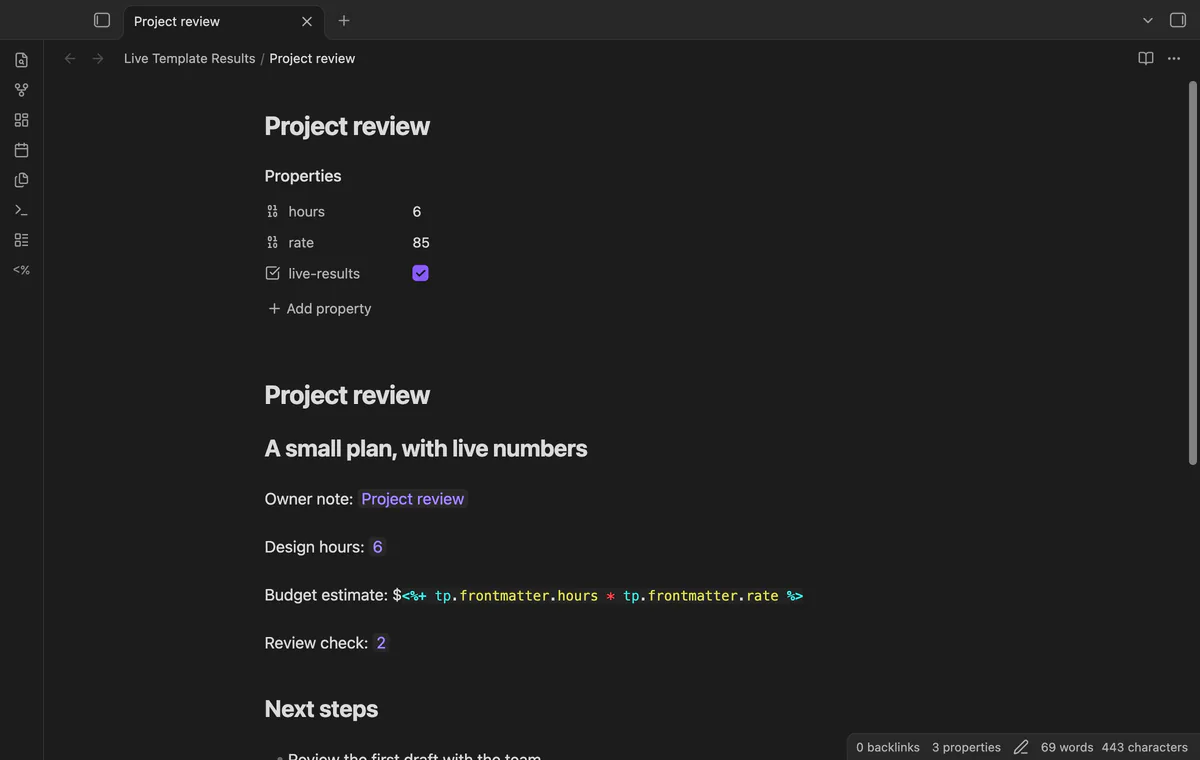
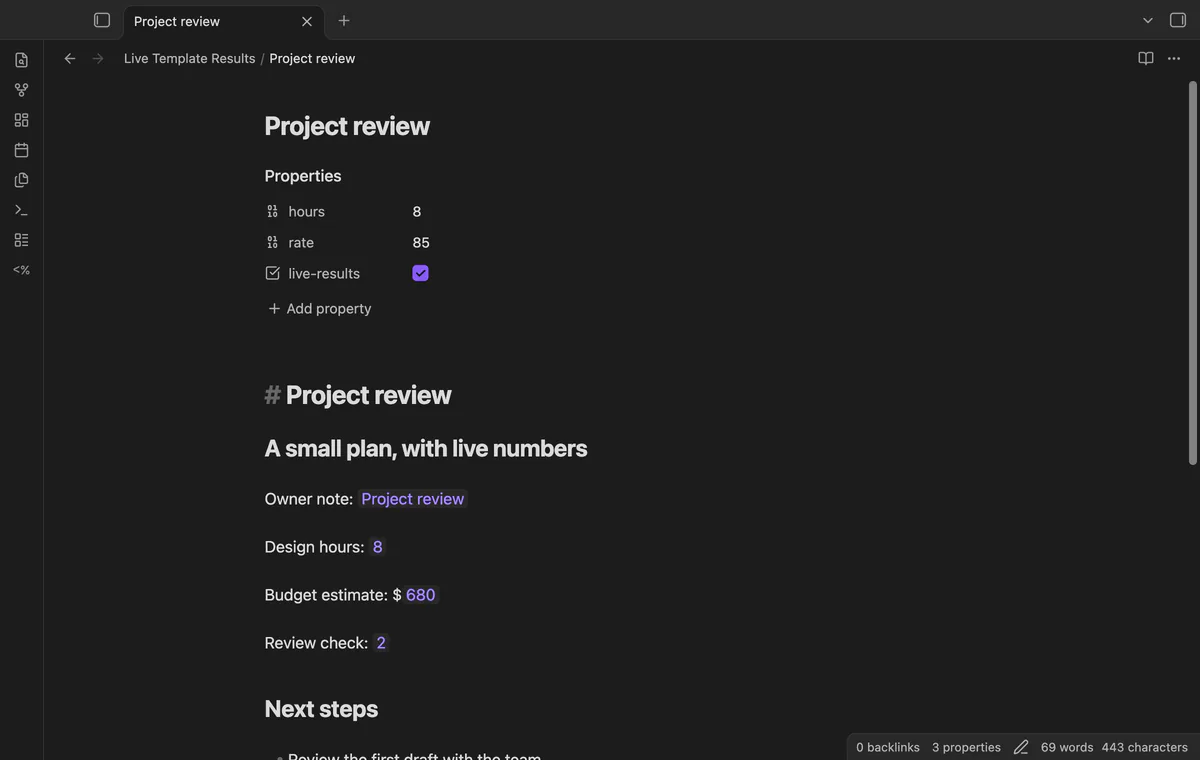
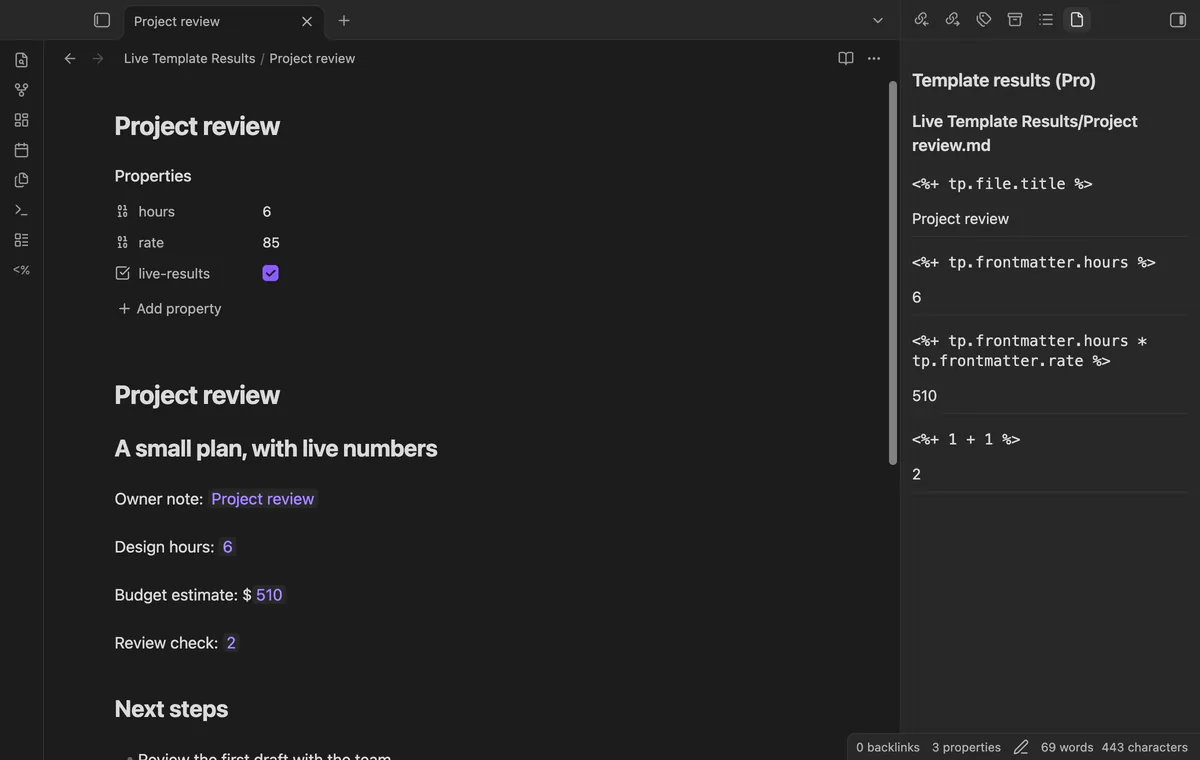
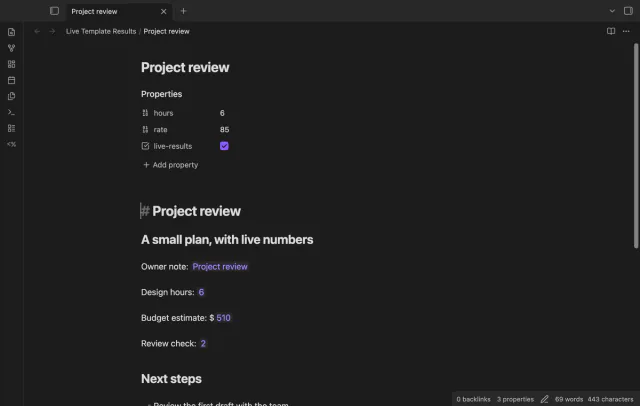

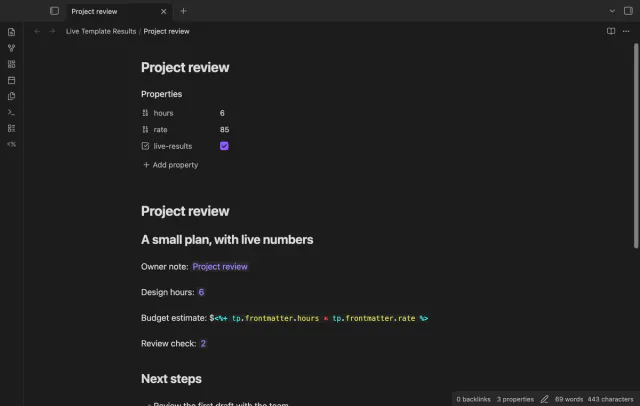
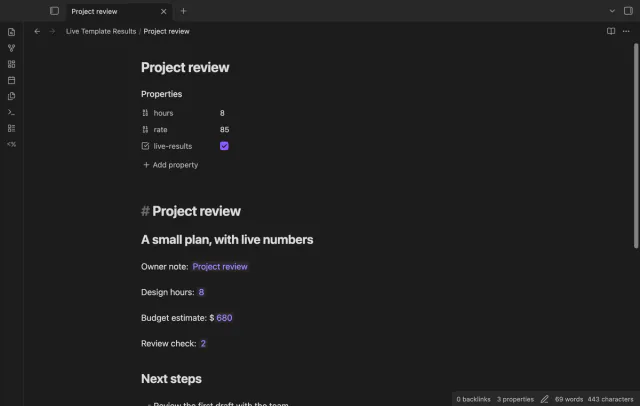
Enable a trusted note to see a command such as <%+ 1 + 1 %> show 2 in Live Preview. Move into the result to edit its original command. The command stays in your Markdown source.
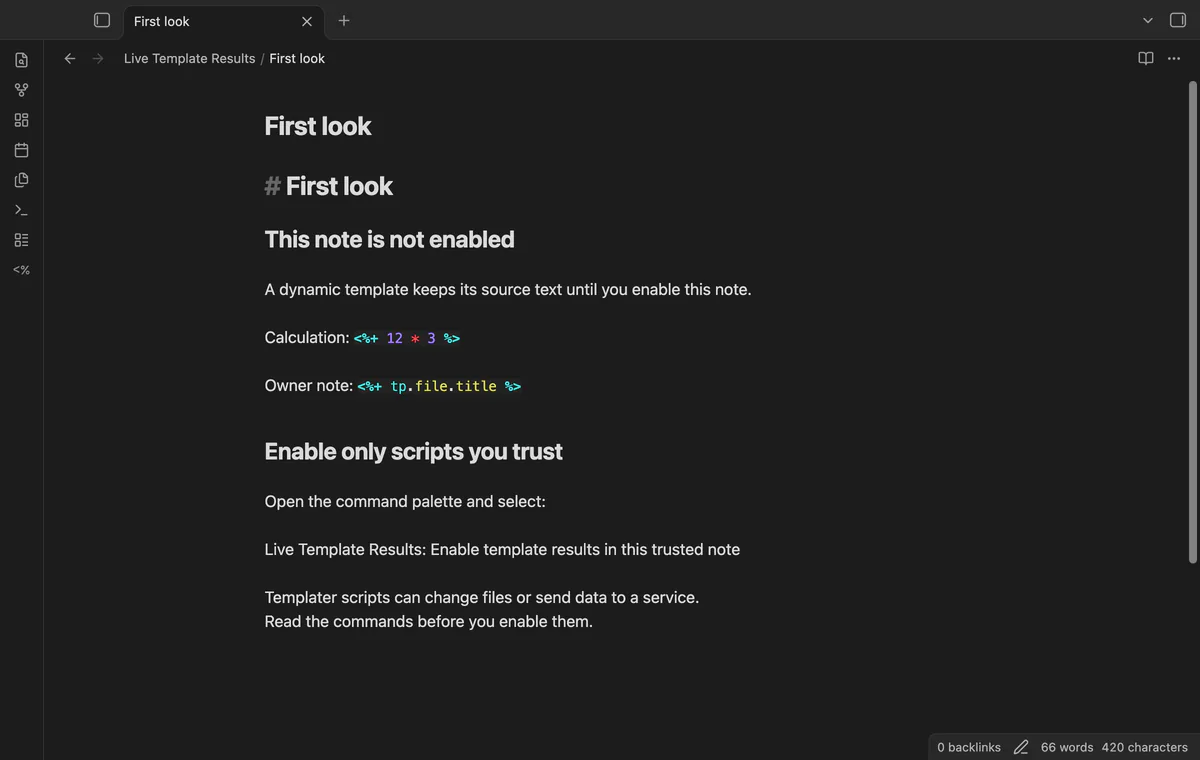
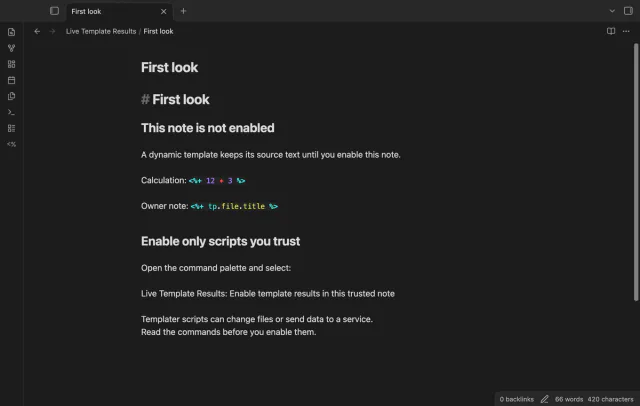
Templater handles execution through Obsidian's Markdown renderer. Only enable scripts you trust: they can change files or send note data to services.
 Play demo
Single-line dynamic commands show plain text at their command position. The renderer receives the owner note path, even when another note is active. Empty output shows an empty-result label.
Click a result or move the cursor into its range to expose the command. Leaving it restores the cached result without another script run. Editing the note discards cached results, so refresh after the edit.
Use Enable template results in this trusted note to save an enable choice for its path. Disable template results in this note clears its cached results and takes priority over Pro rules. Templater still controls Reading view.
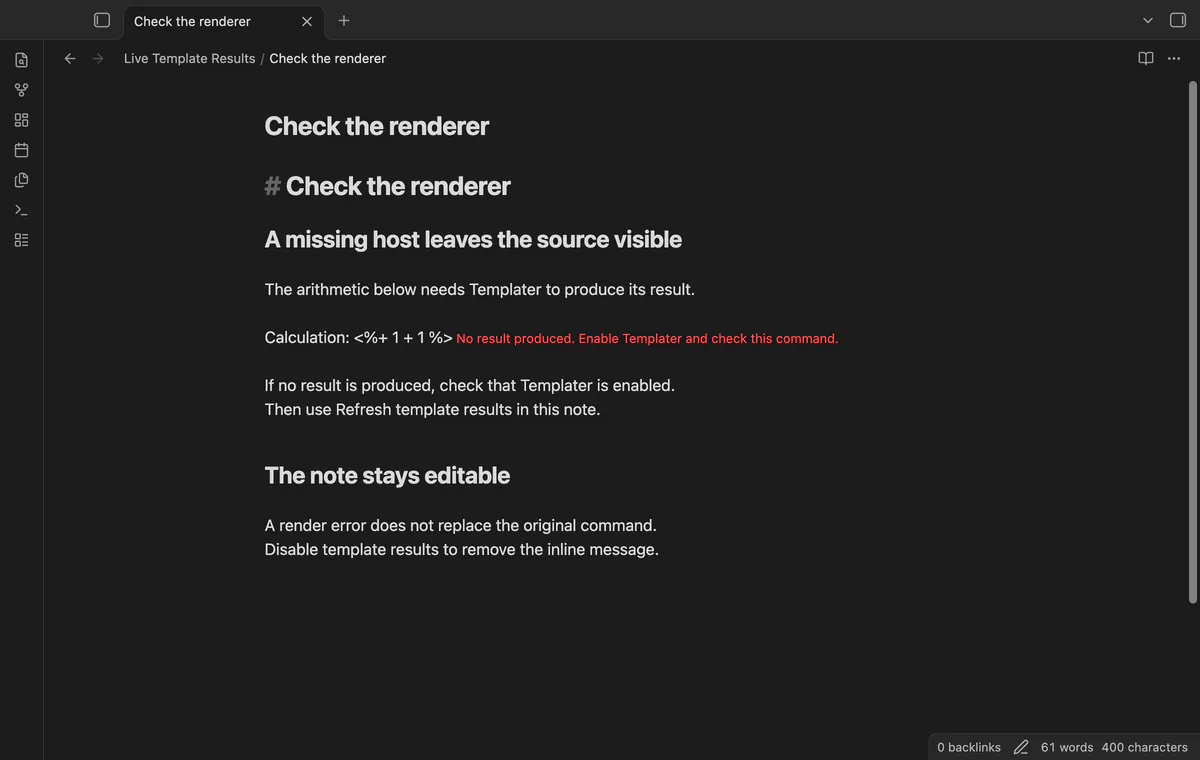
Refresh runs eligible commands through a serial queue, excluding code, frontmatter and comments. Failures leave source visible with a message. Stale output is discarded after a source change, but that doesn't stop a script already running.
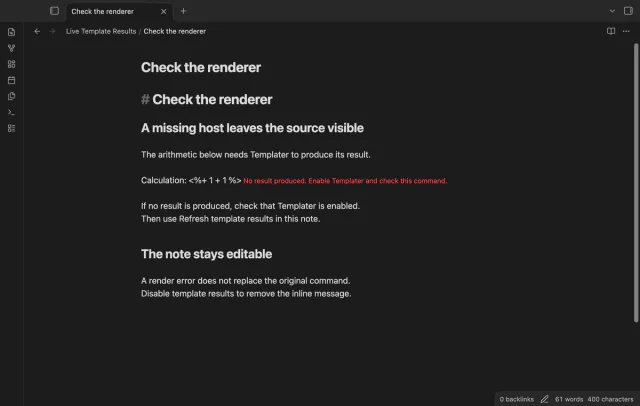
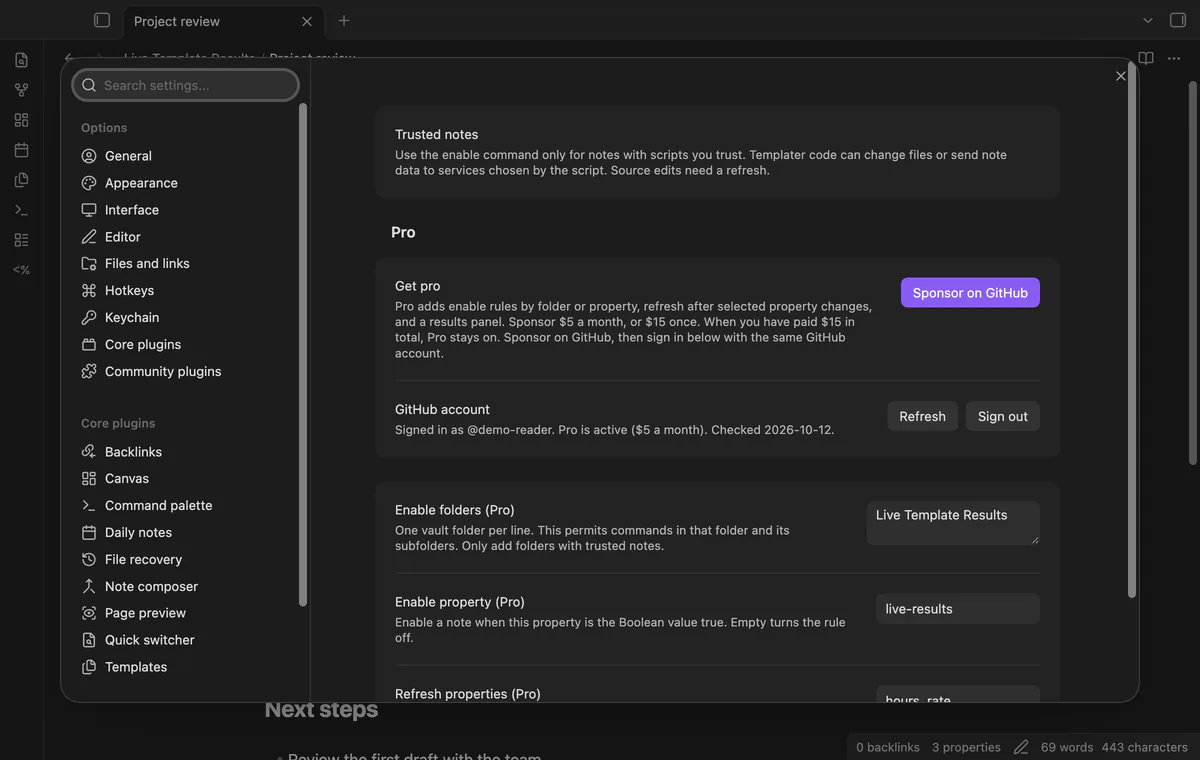
Manual note enablement, editor results and refresh are free; automatic rules, property refresh and the results panel need Pro.
Pro costs $5 a month or $15 one time through GitHub Sponsors. One sponsorship turns on Pro in every plugin that has it.
Enable trusted folders and their subfolders, or require a chosen property to be Boolean true. A folder named Work doesn't match Workshop. Review matching notes before adding a rule because it permits their commands to run.
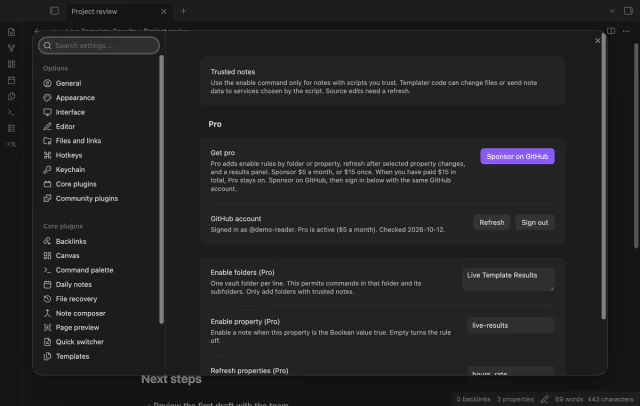
Choose comma-separated property names to refresh open enabled notes when those values change. Changes during a render don't request another refresh. Avoid watching a property that your script writes after rendering, since that can trigger another run.
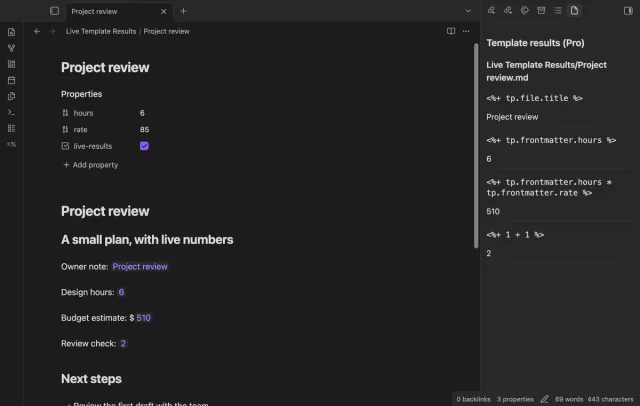
Open the panel to inspect cached commands, output and errors grouped by owner path. Opening it doesn't rerun scripts. Closing an editor removes that editor's results from the panel.
needs
steps
Copy main.js, manifest.json and styles.css into .obsidian/plugins/live-template-results/, then enable the plugin. Install and enable Templater separately.
Create a test note with a heading, a blank line and <%+ 1 + 1 %>.
Switch to Live Preview, read the command, then run Enable template results in this trusted note.
Move the cursor to the heading to see 2, then move into the result to edit the command.
After editing the source, run Refresh template results in this note.
If the app can't find a new plugin yet, try again later. Obsidian says a plugin that passes the review shows in the app within 24 hours.
%> on its line, so that delimiter cannot appear inside a script string.Need a change for your team? I build custom Obsidian plugins and features.
No, results live in an editor cache. The source command stays in the file, though Templater scripts can make their own file changes.
Multiline commands, block quotes and lines indented by four spaces or a tab are excluded. A command ends at the first %> on its line, so don't use that delimiter inside a script string.
The rename removes the manual choice for the old path. Enable the new path again unless a Pro rule already enables it.
The plugin discards results that become obsolete, but can't stop a script that has started. A script that doesn't finish holds the render queue until it finishes or you reload the plugin.
Opening, enabling or refreshing trusted Live Preview notes can run Templater scripts that send note names, paths or text to author-selected hosts. Pro sign-in sends a client ID, scope and device code to github.com; sponsorship queries send your token to api.github.com. Those checks run after sign-in, on Refresh or cache expiry, and send no vault data; script network access can happen before sign-in.
Tell me what is broken in Live Template Results, or what it should do next.
Live Template Results 1.1.0, MIT license
MIT · no telemetry · core features free
Create notes in Bases with a template and filter values.

See headings from embedded notes in one outline.
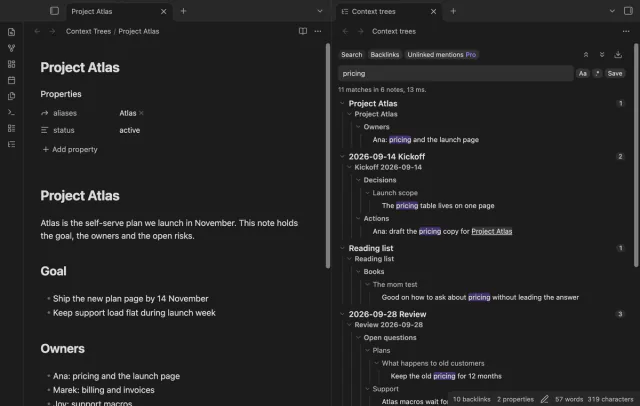
Show parent headings and lists in search results.