How to show a PDF cover on a card in Obsidian Bases
The core Cards layout can't draw a PDF page, as of October 2026. Its help page lists a link to a local attachment, an external URL and a hex color as cover values. A forum poster reported in July 2025 that only PNG and JPG scans show as covers.
Updated · 3 ways compared · 6 sources
Background
The request "Allow PDFs as card image in Base" was opened on 2025-06-27. It has 19 likes and 6 posts, and the latest post is from September 2026. The first post asks for the first page of the PDF named in a property, with a page number as an option.
One poster keeps a note for each library book under review, and most notes link to a scan of the book. A formula finds the scan for each note. Only the scans that happen to be PNG or JPG files show as covers.
3 ways to do it
An image of the first page as the cover
Save page 1 of each PDF as a PNG or JPG in your vault. Put a link to that image in a property, then choose that property as the Image property of a Cards view.
The help page for Cards says the property can be a link to a local attachment, an external URL or a hex color. Image fit and aspect ratio are view settings.
limits
You make and link one image for each PDF by hand. The card keeps the old picture when the PDF changes, until you replace the image.
Notebook Navigator is a community plugin with its own notes browser. Its README lists auto-generated thumbnails for PDF, SVG and drawing files in its file display.
So you can see a picture for each PDF while you browse folders and tags there, with nothing to set up for each file.
limits
It's a file browser, not a Bases layout, so the thumbnails don't appear on the cards of a base. The README doesn't say which page of the PDF it draws.
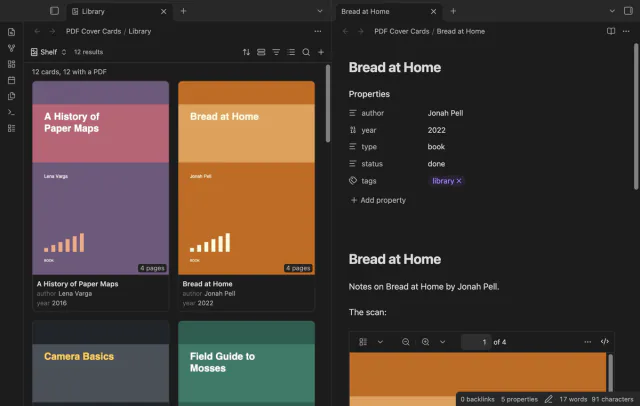
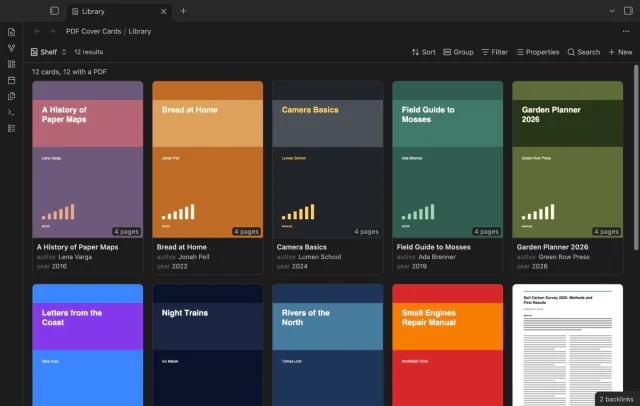
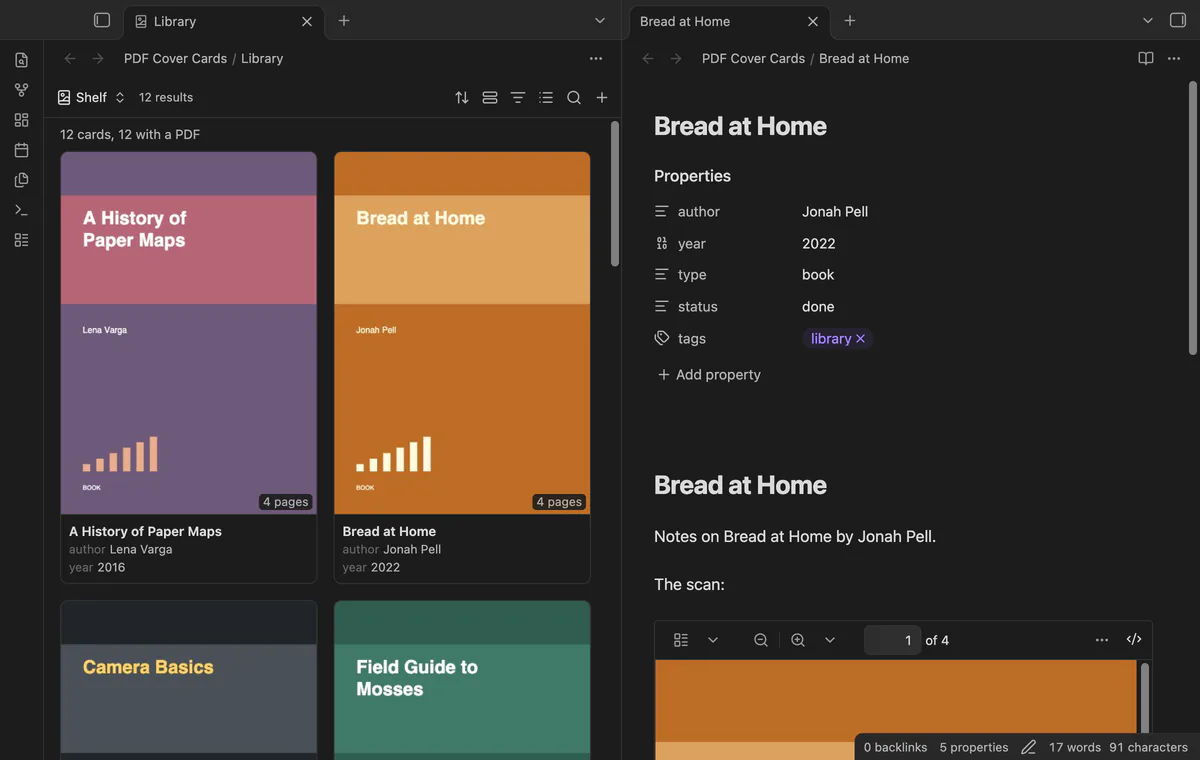
PDF Cover Cards adds a Bases layout named PDF covers. Choose a property that links to the PDF. Each card then shows page 1 of that file, the note name and the page count.
Add #page=N to a link to show another page. A note with no such property gets the first PDF that it links to or embeds. A base can also select the PDF files themselves, and then each PDF is a card.
limits
The free version draws covers for the first 30 cards of a view that have a PDF. Covers on every card, cover crop, saved covers and the contact sheet export need Pro.
Install PDF Cover Cards from Community plugins and enable it. Check that the core plugin Bases is on.
Create a base, or open one. Set its filters so that it selects your document notes, for example a folder or a tag.
Select the view menu in the base toolbar and add a view of the type PDF covers.
Open the view options. In PDF property, choose the property that holds the link to the PDF.
Use Properties in the base toolbar to choose what shows under the title.
A view with more than 30 cards that have a PDF draws the first 30 covers. Drawing all of them needs Pro.
Common questions
Can a Bases formula turn a PDF into a card image?
The thread says no. In July 2025 a poster's formula linked each note to its scan, and only PNG and JPG scans showed as covers. People there still asked for PDF covers in September 2026. The help page describes the image function as one that renders an image.
Does Dynamic Views show PDF covers on its cards?
Its README lists image covers, YouTube thumbnails and text previews, and it doesn't mention PDF pages. An issue that asks for a PDF preview image has been open in its tracker since November 2025. Check that issue before you decide, because this can change.
Can the cover be one part of a page?
A forum poster asked for this in March 2026, since some covers don't fill the whole page. PDF Cover Cards can show the whole page, the top half or the top third. Those are the only choices, and the crop needs Pro.
Does PDF Cover Cards work on a phone?
The README says the plugin works on desktop and on mobile. It suggests that you set PDFs drawn at the same time to 1 on a phone. The default is 2.
The New button has no template setting, as of October 2026. It creates a file in the current view, and forum posts confirm it writes the filter values and follows a folder filter. For your headings and extra properties, you insert a template afterwards or let a plugin do it.
As of October 2026, Bases has no graph layout of its own, and its help page lists table, list, cards, Kanban and map. At least three community plugins add a graph of a base. Two of them, Base Graph and Graph Explorer Base View, are free.
A core base can't do it, as of October 2026. The help page says the table shows a row for each file, so a list property stays in one cell. Dataview's FLATTEN command gives a row for each item outside Bases, and the Flatten Table plugin does it inside a base.