
AsciiDoc Files
Edit AsciiDoc source and see its preview side by side.
Check missing files against a saved vault record.
MIT · no telemetry · core features free
The README reports no mobile tests or live cloud offload tests. The unload save can end before completion if the app shuts down.
Directory facts fetched from community.obsidian.md/users/theluckystrike.
You want a path list to check when notes or attachments disappear from your vault.
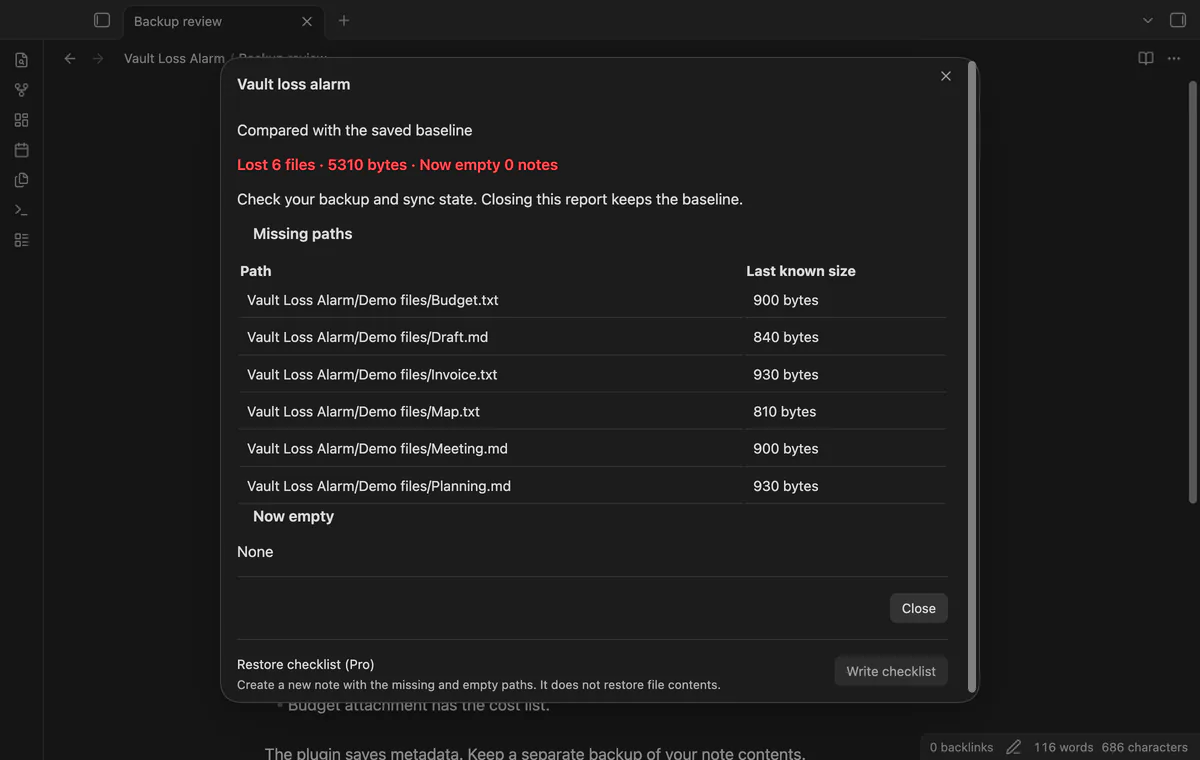
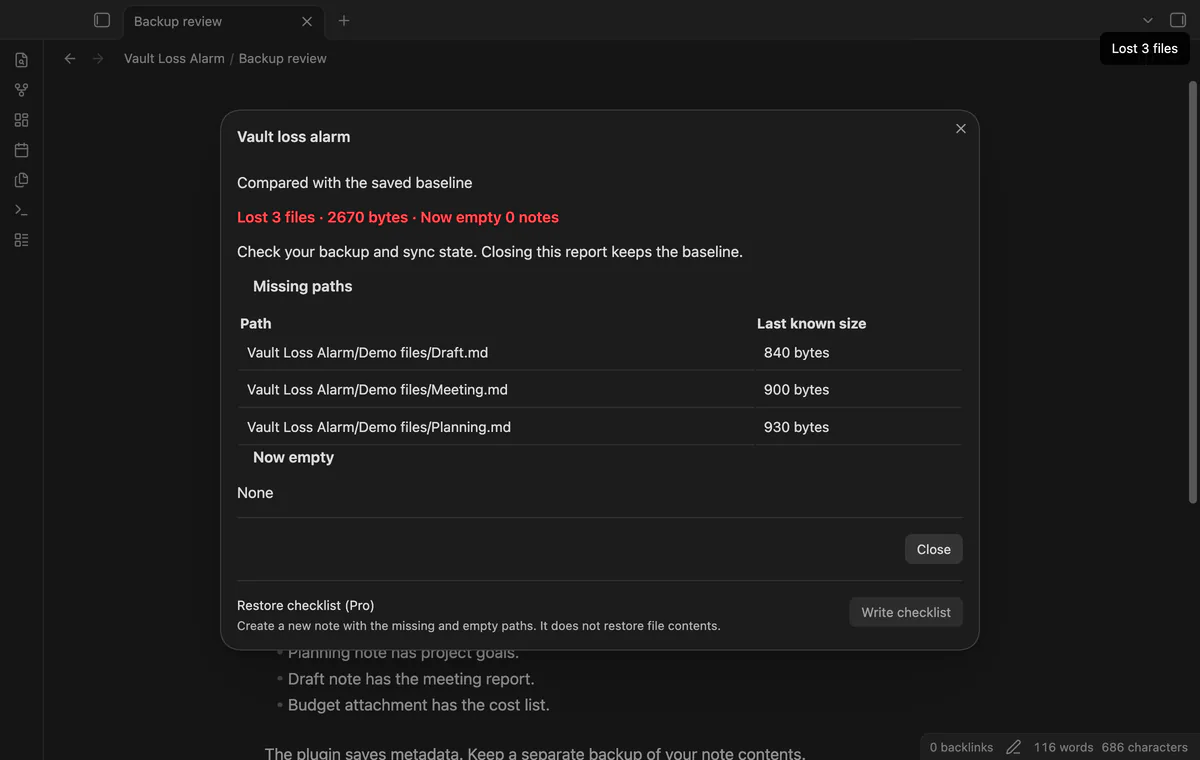
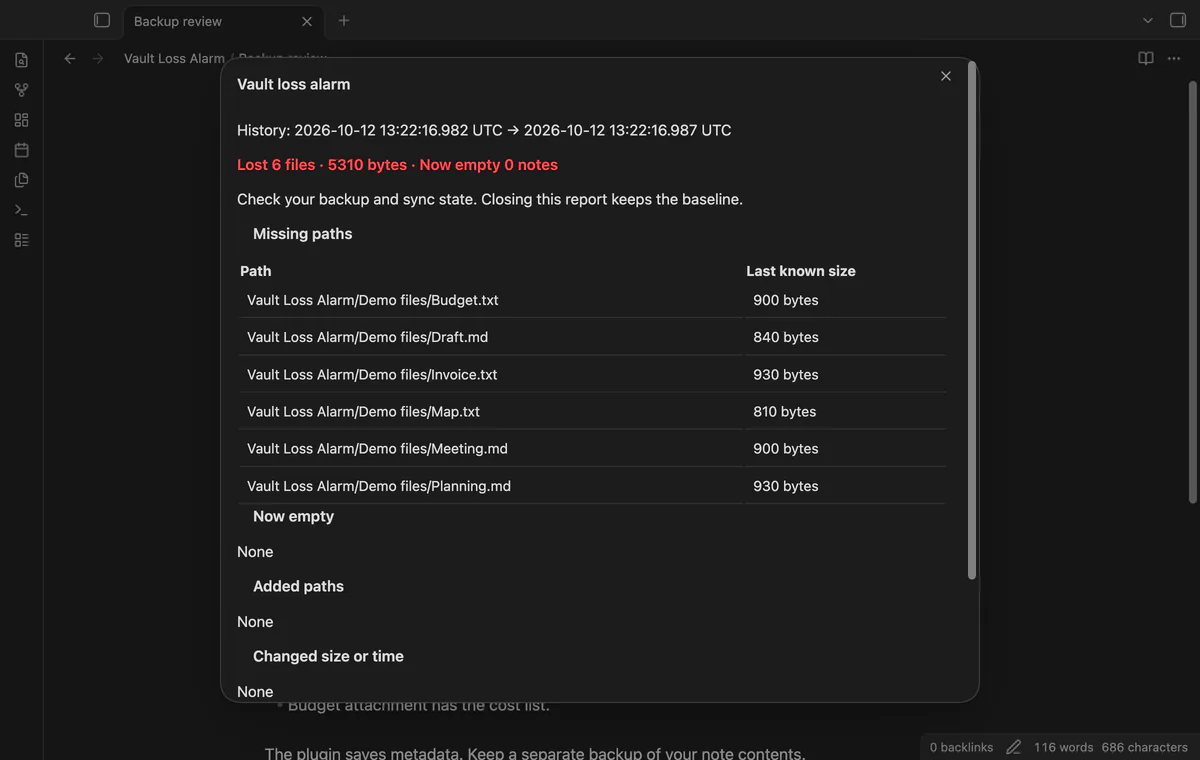

Vault Loss Alarm compares your vault's file list with saved metadata. Its report names missing files and Markdown notes that became empty. Use that list to check your backup or sync state.
The plugin doesn't save file contents or restore them. Closing a report keeps the old baseline, so a later check can show the loss again.
 Play demo
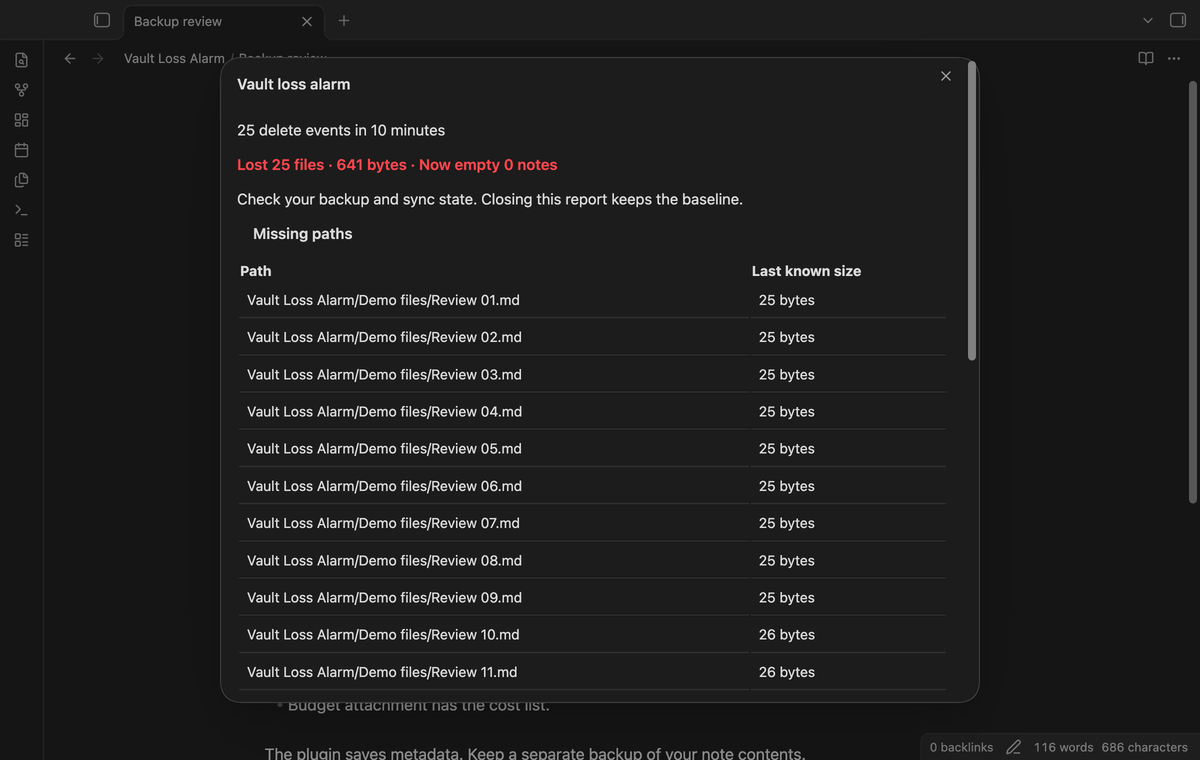
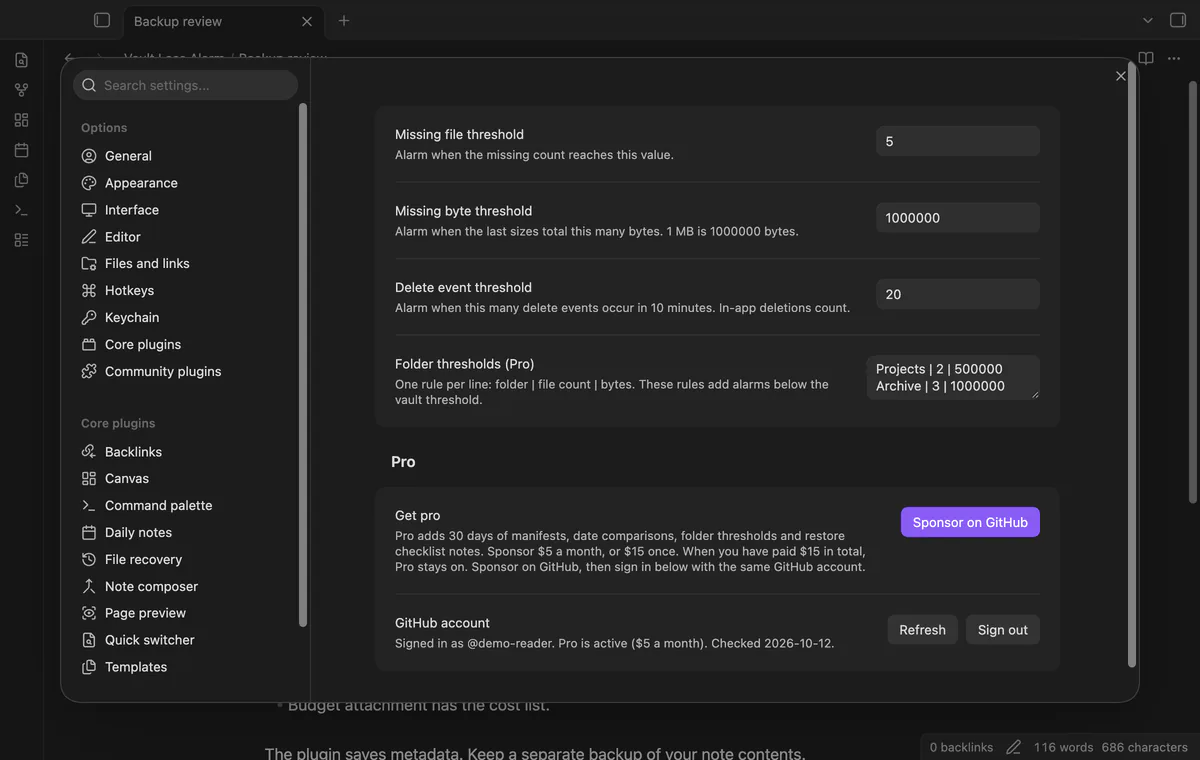
The startup check waits 60 seconds after the workspace is ready. Defaults trigger an alarm at five missing files or 1,000,000 missing bytes. The report lists paths and sizes, including losses below the threshold.
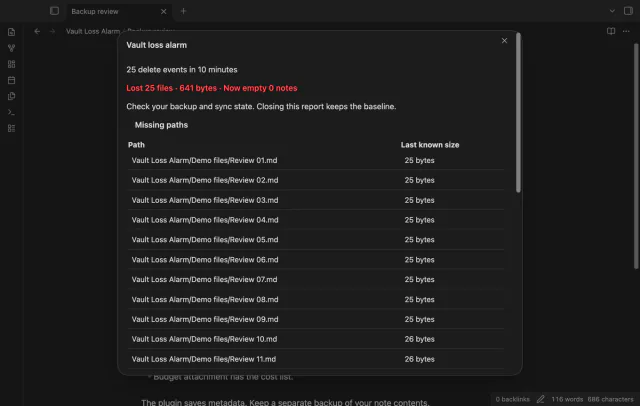
The default alarm counts 20 delete events within ten minutes, including deletions you make inside Obsidian. Folder events count too. Repeated paths share one report row, though the event counter includes repeated events.
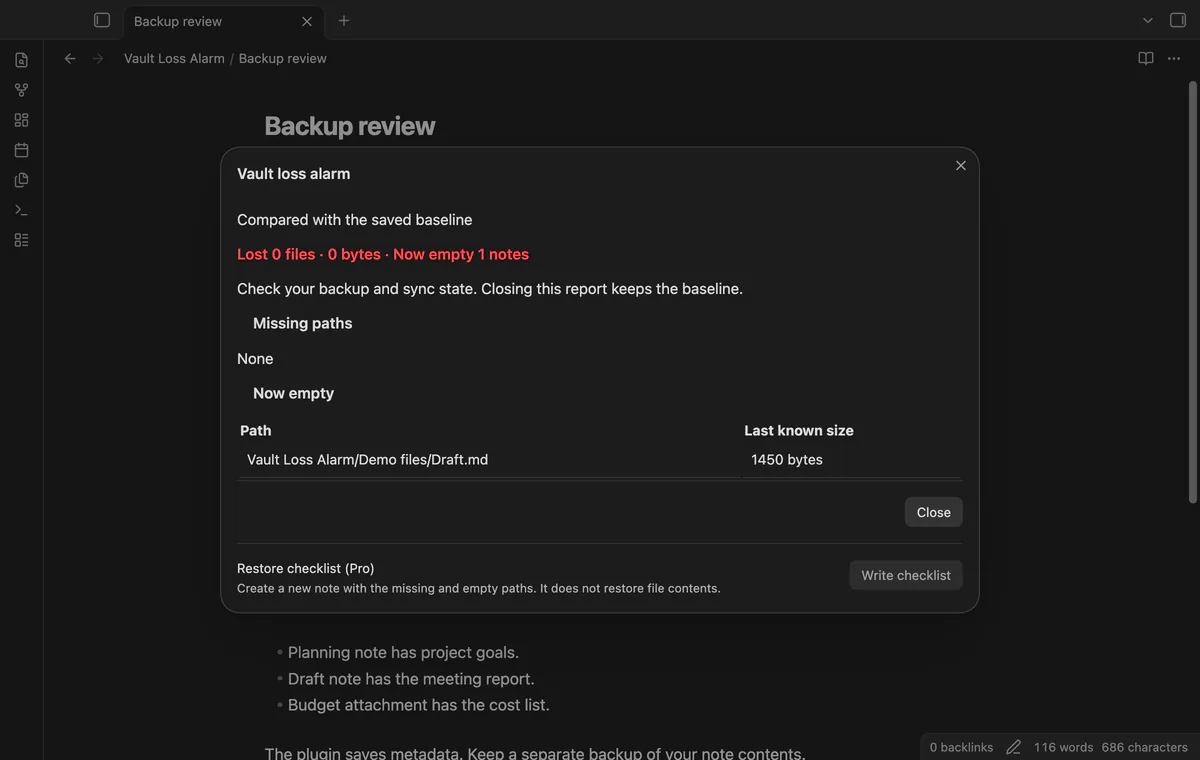
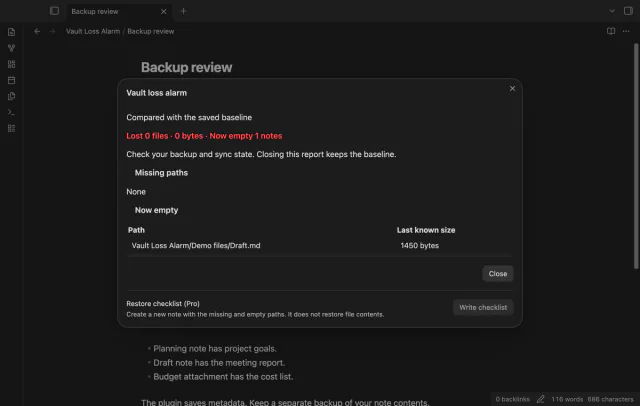
A Markdown note that shrinks from a positive size to zero triggers an alarm. Previously empty notes and empty attachments do not trigger this check.
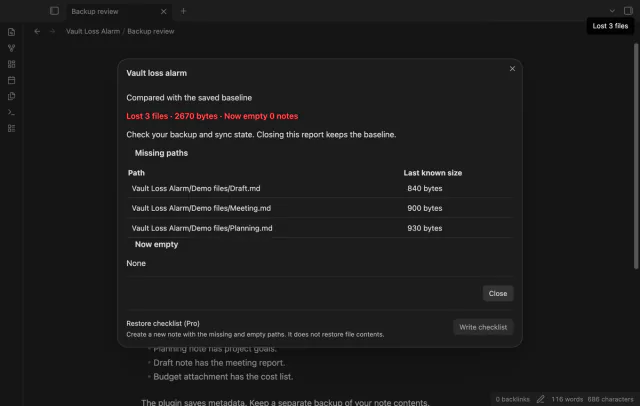
The plugin saves paths, sizes and modification times at checks and 30-minute intervals. Run Show loss report to inspect smaller losses. Accept current vault as baseline replaces the comparison and clears the delete-event list.
Pro costs $5 a month or $15 one time through GitHub Sponsors. One sponsorship turns on Pro in every plugin that has it.
Pro saves dated manifests and removes entries older than 30 days on the next save. Compare two saved times for missing, added, newly empty or changed paths. Comparisons use metadata, not text revisions.
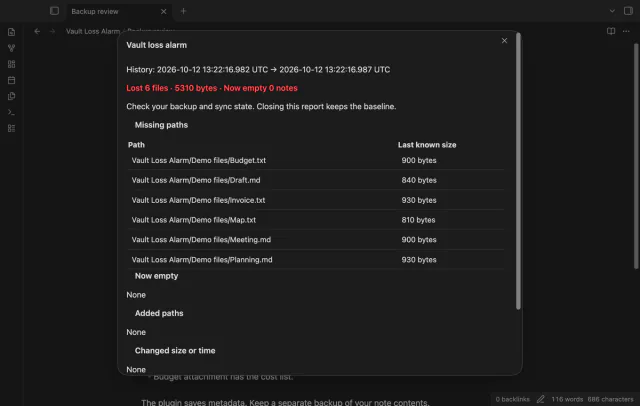
Set a missing-file count and byte threshold for a folder and its children. These rules add alarms below the vault threshold; they cannot raise or disable it.
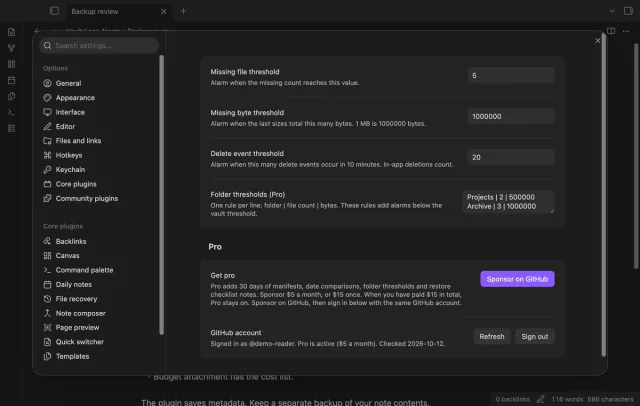
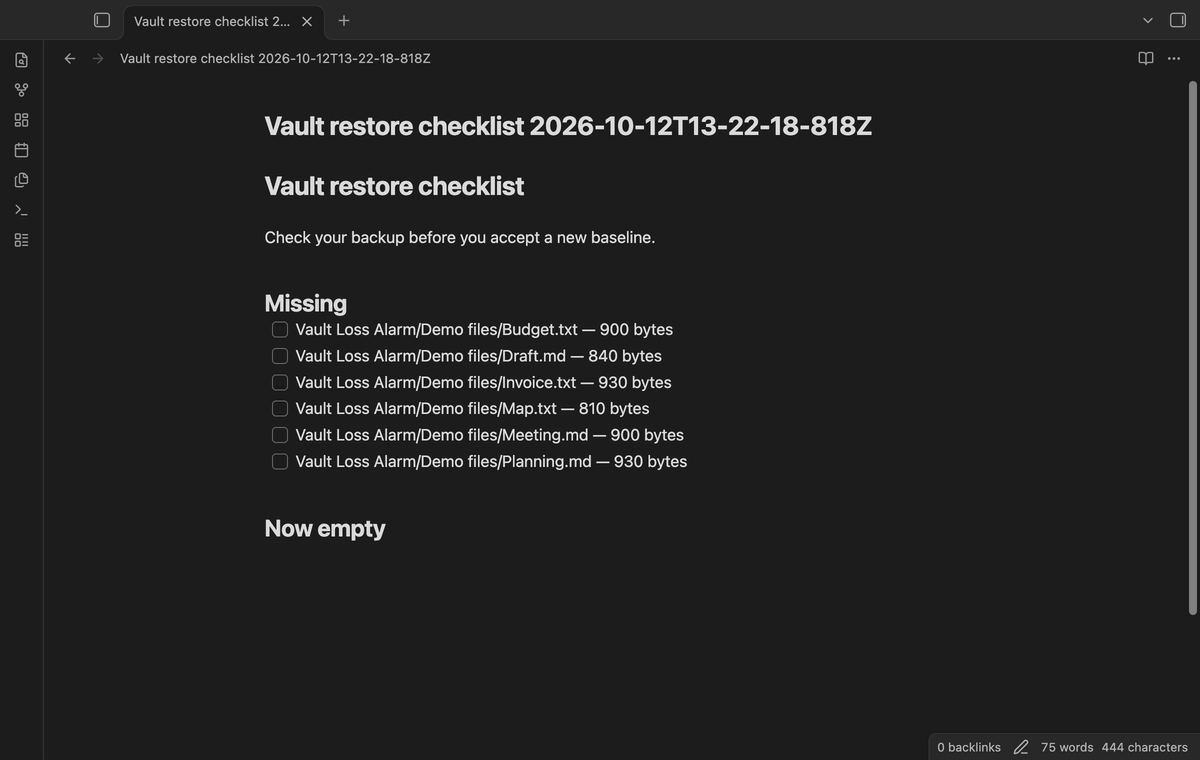
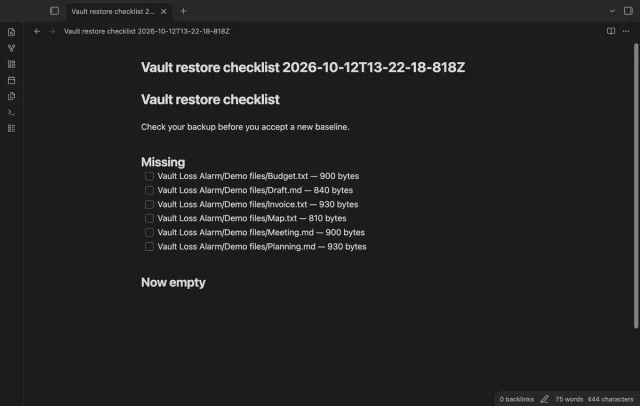
Write checklist creates a new note with tasks for missing paths and newly empty notes. It includes last known sizes but does not restore files.
needs
steps
Enable the plugin after your vault is ready.
Run Check vault now to create the first baseline, or wait for the startup check.
After a loss, open Show loss report and compare the paths with your backup.
Restore files with your backup tool, or accept the current baseline if the deletion was intended.
If the app can't find a new plugin yet, try again later. Obsidian says a plugin that passes the review shows in the app within 24 hours.
Need a change for your team? I build custom Obsidian plugins and features.
No, the saved manifest contains metadata rather than note text. Use your backup or another recovery tool to restore contents.
An in-app rename moves the saved baseline paths. A rename while Obsidian is closed can look like a missing file and a new file.
Invalid baseline JSON starts a new baseline with a notice. Losing the plugin folder also removes its saved baseline and history.
No, it only waits 60 seconds after the workspace is ready. Cloud offload or unfinished sync can make paths appear missing.
After you choose Sign in with GitHub, github.com receives the public client ID and read:user scope for device sign-in. Then api.github.com receives your token and a sponsorship query at sign-in, periodic checks or Refresh. The plugin sends no vault data; successful checks last seven days, and failed checks can retry after six hours.
Tell me what is broken in Vault Loss Alarm, or what it should do next.
Vault Loss Alarm 1.1.0, MIT license
MIT · no telemetry · core features free
Edit AsciiDoc source and see its preview side by side.
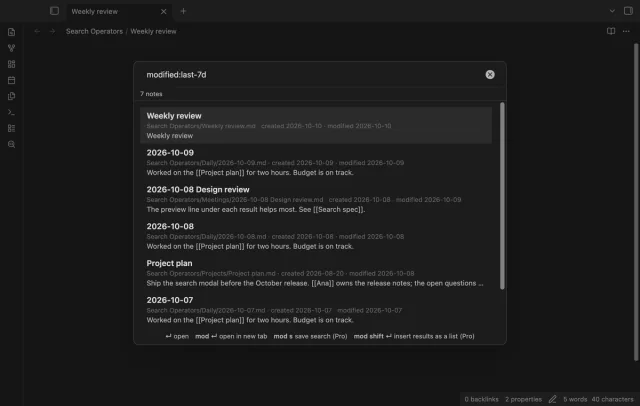
Find notes by date and links, with a preview for each result.