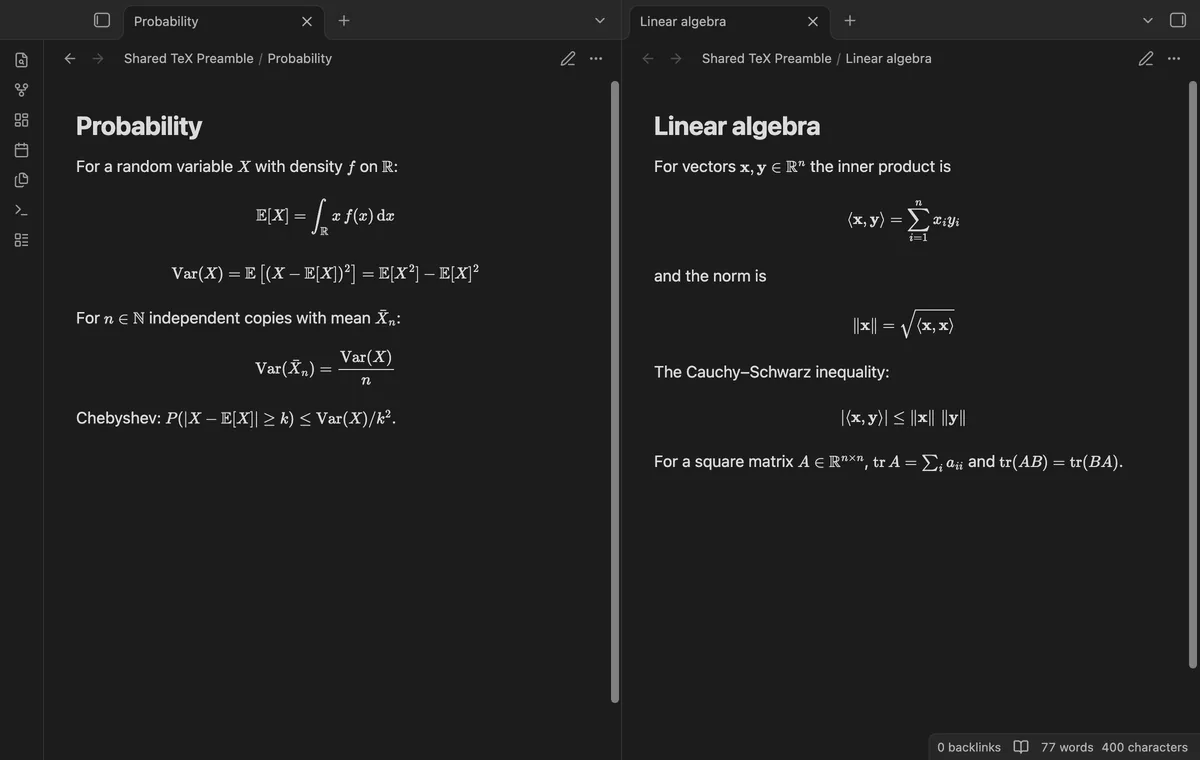
How to edit spaces in Obsidian inline math
As of October 2026, Obsidian accepts inline math between dollar signs.
As of October 2026, Obsidian supports inline and display math through MathJax. Shared TeX Preamble loads supported definitions from a vault file into that engine.
Keep notation in one file when several notes use the same commands. Reload that file after editing a definition.
For a short formula, write its full LaTeX expression between dollar signs. Use display math for a separate equation block.
Select a macro file in your vault to load its definitions into the math engine. Your notes use those commands without copies of the definitions.
MIT · no telemetry · core features free
Create Macros.md with your definitions in a display math block.
Select that note in the Macro file setting.
Use a defined command in math in another note.
After editing the file, run Reload the macro file.
Your note contains the macro call rather than its definition. Share the macro file as well as the note.
Pro provides a library preview with sample calls and errors. Previewing doesn't activate that library.
 That's every step, start to finish.
You're officially a regular.
Obsidian rewards people who share. NoteMods is just me and a lot of coffee. If this guide saved you a fight with the syntax, buy me a cup.
That's visit . Regulars are the reason I keep NoteMods running. If it's part of your routine now, a coffee says thanks better than anything.
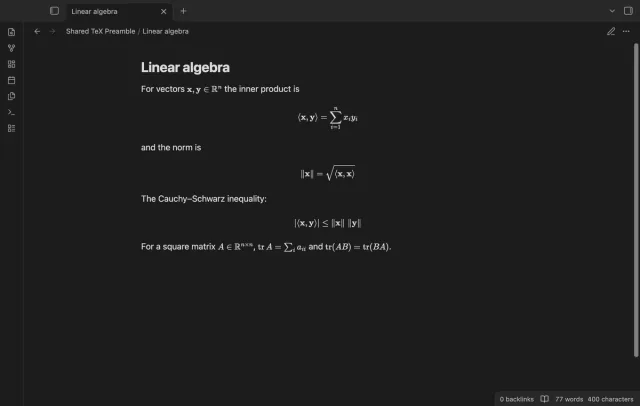
Define your math commands once, then use them in your notes.