Bases Link Graph
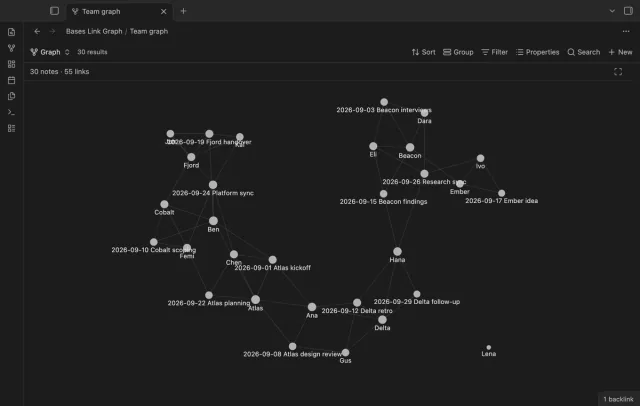
Filter a base, and the graph shows only those notes and the links between them.
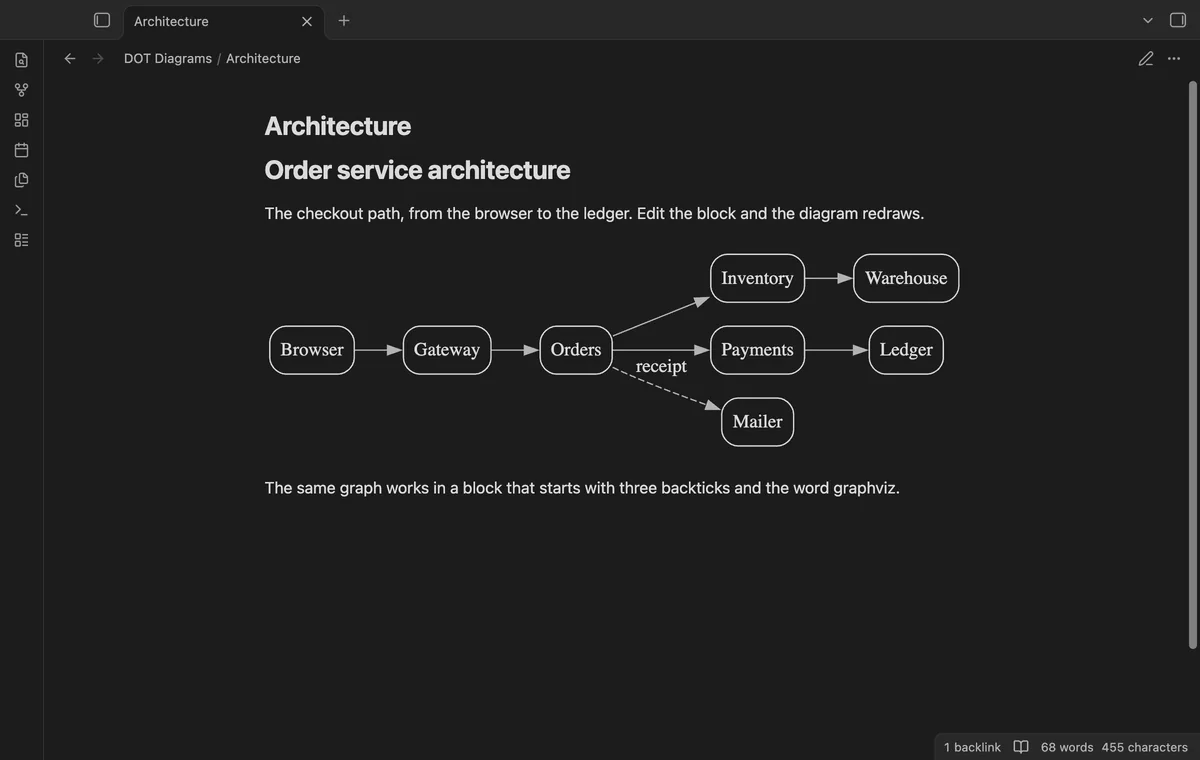
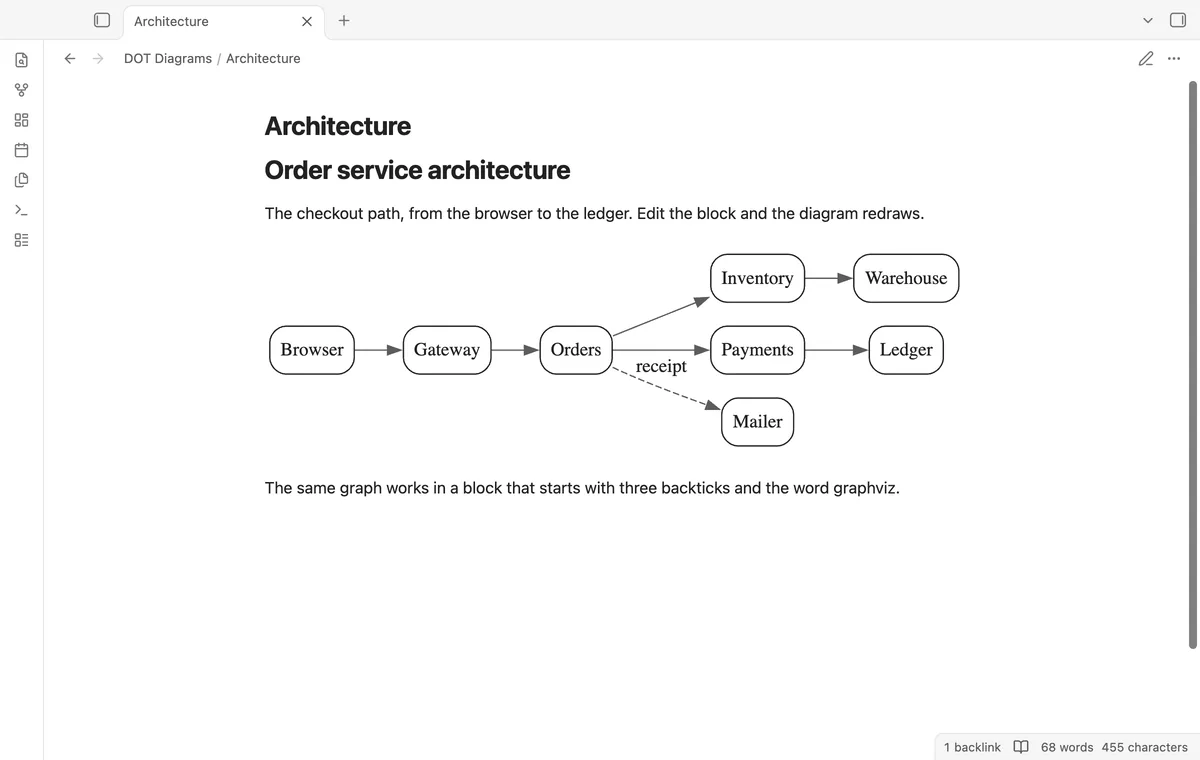
A code block in the Graphviz DOT language becomes a diagram in the note, in the colors of your theme.
MIT · no telemetry · core features free
The end-to-end tests run in the desktop app only, with a stand-in for the GitHub Sponsors answer. The directory lists the plugin for desktop and mobile, and the repository has no mobile test.
Directory facts fetched from community.obsidian.md/users/theluckystrike.
You write graphs in the DOT language, or a tool gives you DOT, and you want the diagram inside the note.
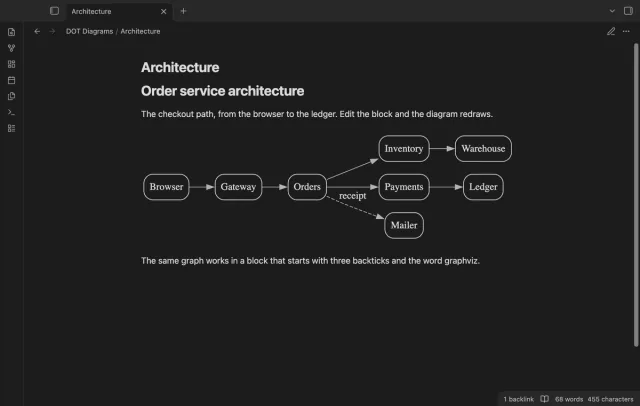
DOT Diagrams draws a code block with the language dot or graphviz as an SVG diagram, in reading view and in Live Preview. A WebAssembly build of Graphviz is inside the plugin file. So you install no dot program, and the plugin asks no server to draw.
The dot, neato and circo layouts, theme colors, error messages with a line number and Copy are free. Pro adds four more layout engines, export to SVG and PNG files, nodes that open notes, and five style presets.
 Play demo

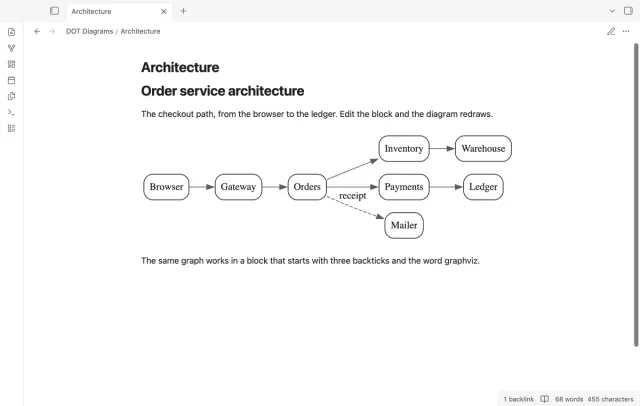
A code block with the language dot or graphviz draws as an SVG, in reading view and in Live Preview. In Live Preview the diagram shows until you move the cursor into the block. A button row shows when you hover over a diagram, and Copy puts the SVG code on the clipboard, in light colors on white.
The plugin reads the text, line, fill and border colors of your theme and gives them to Graphviz as defaults. The background is transparent, and the diagrams on screen draw again when the theme changes. The defaults go in at the start of the graph, so a color that you set in the DOT source, such as color=red, wins.
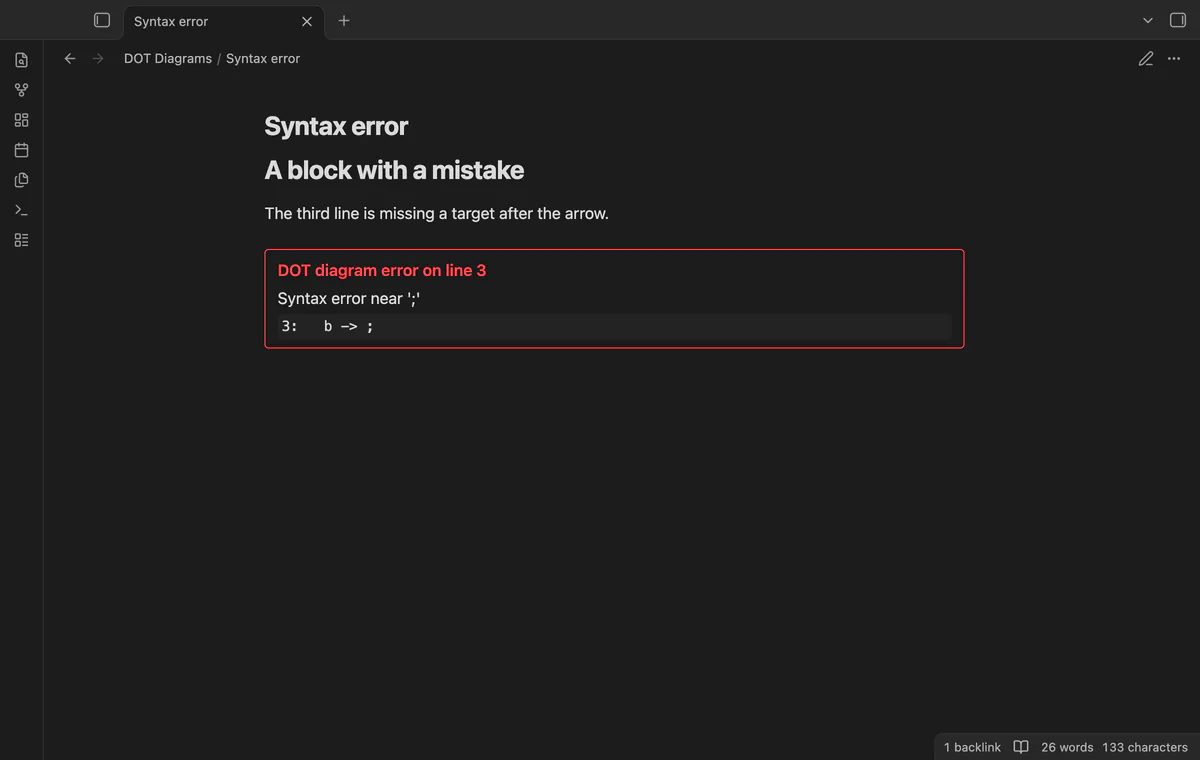
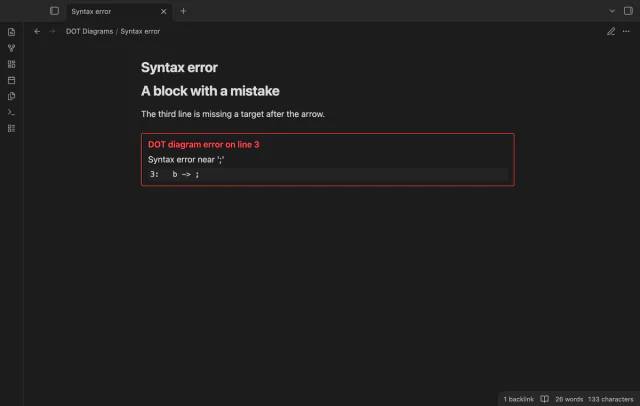
When Graphviz can't read the block, the plugin draws nothing and shows a box with a red border. The box gives the line number, the message from Graphviz and the text of that line. The plugin adds its defaults on the line of the opening brace, so the number is the line of your block.
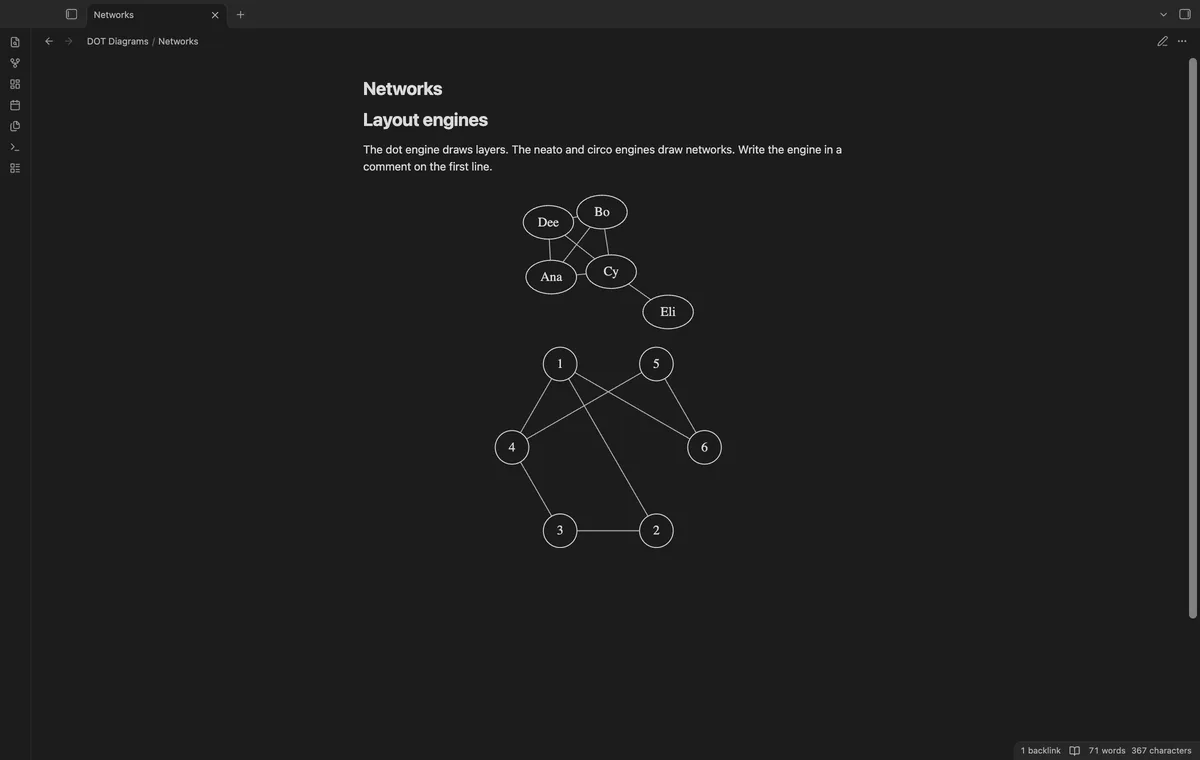
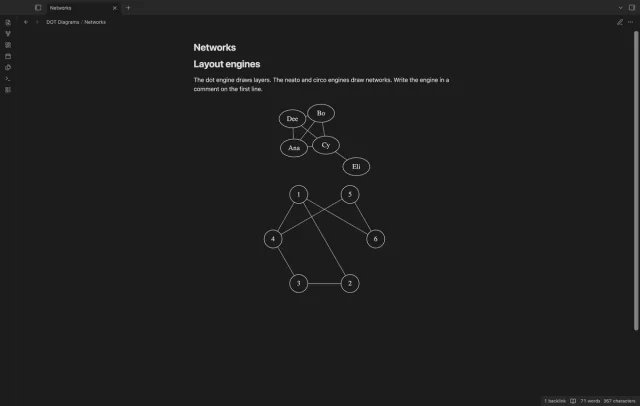
The default engine is dot, which draws layers. A comment on its own line picks another one, // engine: neato or // engine: circo. A name that the plugin doesn't know draws with the default engine, and a gray note under the diagram says so.
Layout runs in the Obsidian window, and the settings text warns that a very large graph can freeze it. So a block with more than 300 edge operators is not drawn, and a message gives the count and the limit. You can set the limit from 50 to 20,000 in the settings.
Before it shows a diagram, the plugin removes scripts, event handlers and each image that isn't embedded data from the SVG. A test in the desktop app draws a block that names a remote image and finds no request for it. A link with an http or https address stays in the diagram, and it opens when you select it.
The free version draws with the dot, neato and circo engines in your theme colors, and it shows a wikilink node as plain text.
Pro costs $5 a month or $15 one time through GitHub Sponsors. One sponsorship turns on Pro in every plugin that has it.
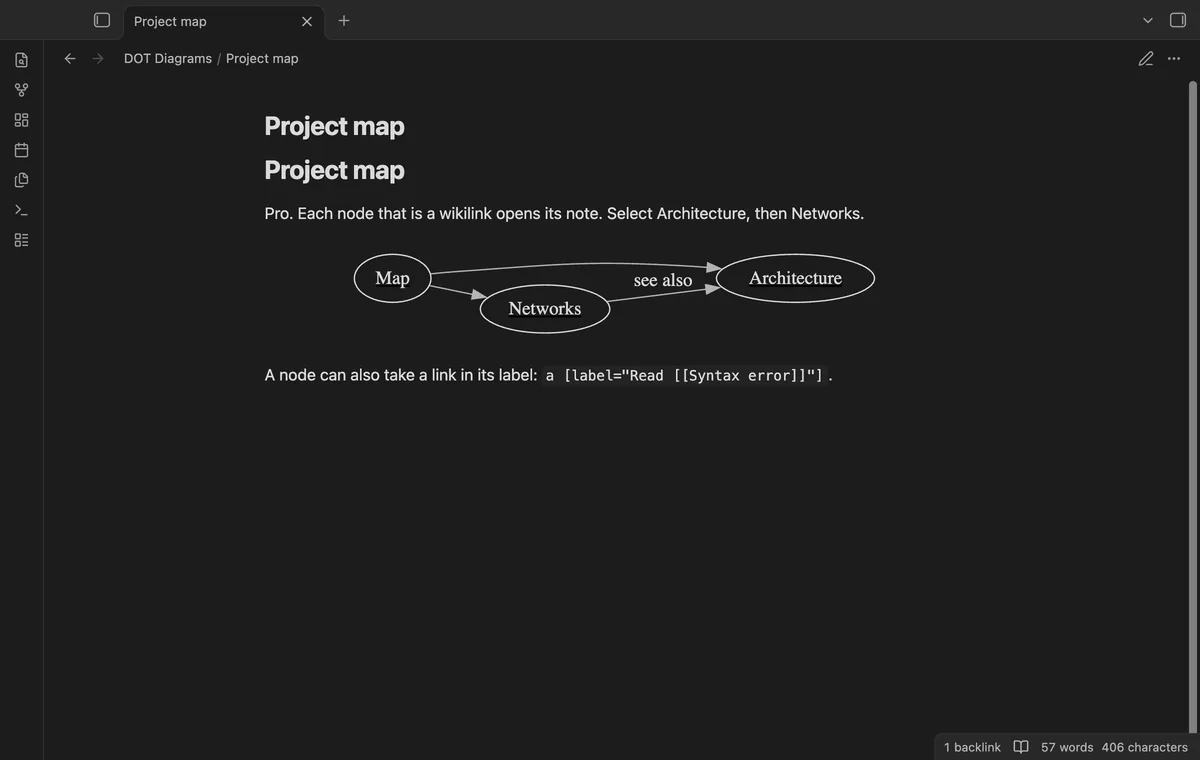
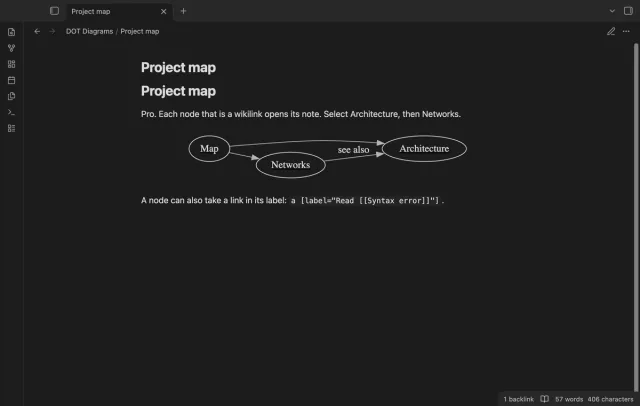
With Pro, a node that is a wikilink opens its note when you select it. Hold Ctrl, or Cmd on macOS, to open the note in a new tab. Three forms work, a quoted node name such as "[[Architecture]]", a link in the URL attribute, and a link in a label.
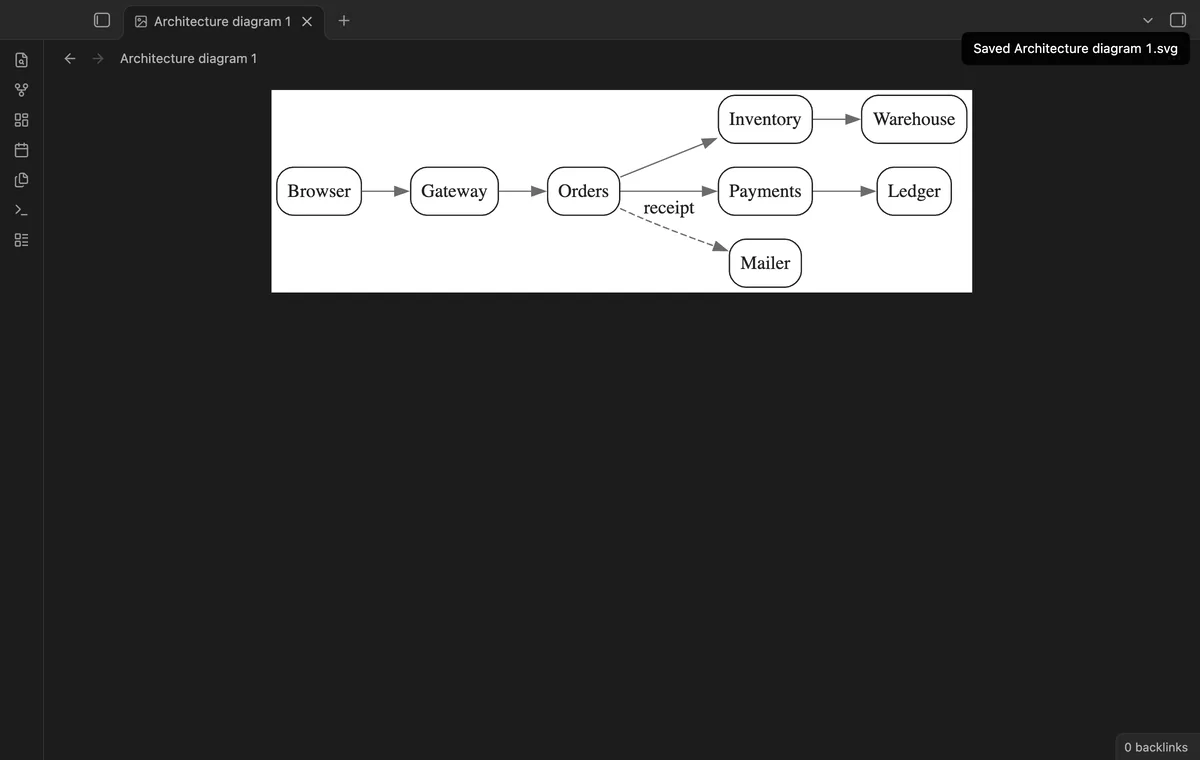
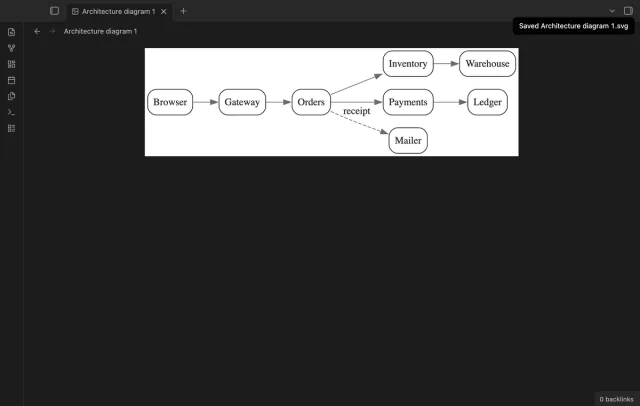
With Pro, two more buttons and two commands save the diagram as an SVG or PNG file in the attachment folder of the note. The file is in light colors on white, or in the colors of a style preset, and it has no note links. A setting sets the PNG scale from 1 to 4, and the default is 2.
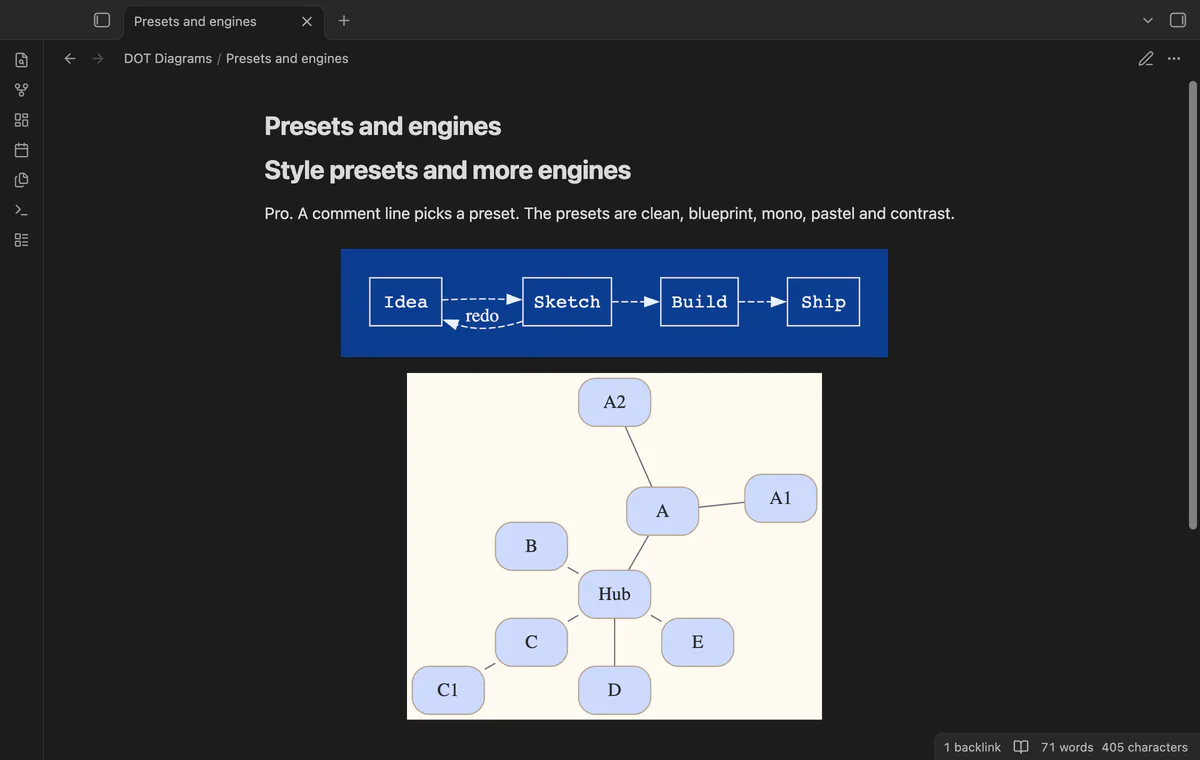
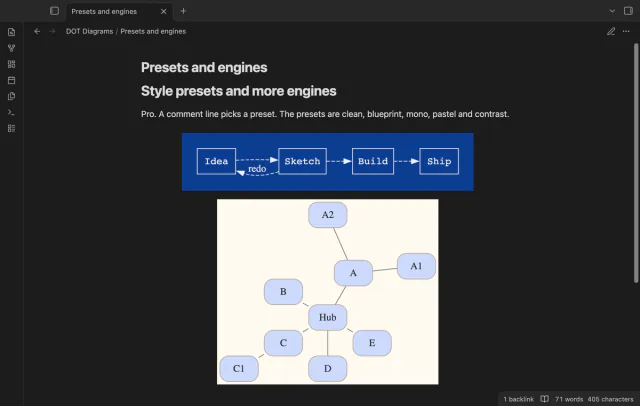
With Pro, the engines fdp, sfdp, twopi and osage also work. A comment such as // preset: blueprint styles one block, and a setting picks a default preset. The blueprint, mono and pastel presets set their own colors, and clean and contrast keep the colors of your theme.
needs
dot and graphviz code blocks only.steps
Install DOT Diagrams from Community plugins and enable it.
In a note, write a code block and give it the language dot or graphviz.
Write a graph in the DOT language, for example digraph { a -> b -> c; a -> d }.
Switch to reading view, or move the cursor out of the block in Live Preview.
For another layout, add a line such as // engine: neato to the block.
If the app can't find a new plugin yet, try again later. Obsidian says a plugin that passes the review shows in the app within 24 hours.
The older Obsidian Graphviz plugin has 16k downloads, and the directory now shows its Add to Obsidian button as disabled. Its last release is from December 2022, and the directory lists it for desktop only.
image attribute draws nothing, because the engine gets only the text of the block and the plugin removes each image that is not embedded data.node [shape=box] in your source does not style it.a -> {b c d} counts as one edge and draws three.No. The layout engine is a WebAssembly build of Graphviz inside the plugin file, and the build step removes its unused network code. The released plugin file holds no fetch call, and its three request calls go to GitHub for the Pro sign in and check. A node with an http or https address in its URL attribute stays a link, and it opens when you select it.
Seven. The engines dot, neato and circo are free, and fdp, sfdp, twopi and osage need Pro. Another name in the engine comment, patchwork for example, draws with the default engine and a gray note.
Layout runs in the Obsidian window, so the plugin stops before a graph that could freeze it. A block with more than 300 edge operators is not drawn, and you can raise that limit to 20,000 in the settings. A block with more than 300,000 characters is not drawn either, and that limit has no setting.
No. The plugin gives the engine the text of the block and no files. It also removes each image that isn't embedded data from the SVG. So the image attribute draws nothing, for a file in your vault and for a web address.
The manifest does not mark the plugin as desktop only, and the directory lists it for desktop and mobile. The end-to-end tests run in the desktop app only. The button row shows on hover, and no test covers a touch screen.
Drawing a diagram sends no request, because the Graphviz engine is inside the plugin file and its network code is removed at build time. The plugin code contacts github.com and api.github.com only, and only after you select Sign in with GitHub in the settings. After a successful check it waits 7 days before it asks GitHub again, and no request carries DOT text, note content or file names.
DOT Diagrams 1.0.0, MIT license
MIT · no telemetry · core features free
Filter a base, and the graph shows only those notes and the links between them.
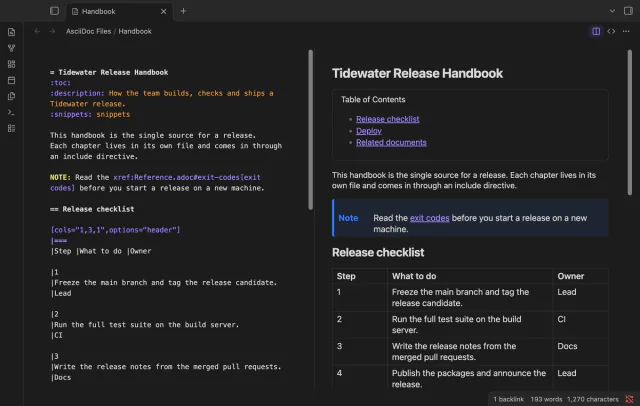
Open .adoc files in Obsidian with a highlighted source editor, a rendered preview, or both side by side.
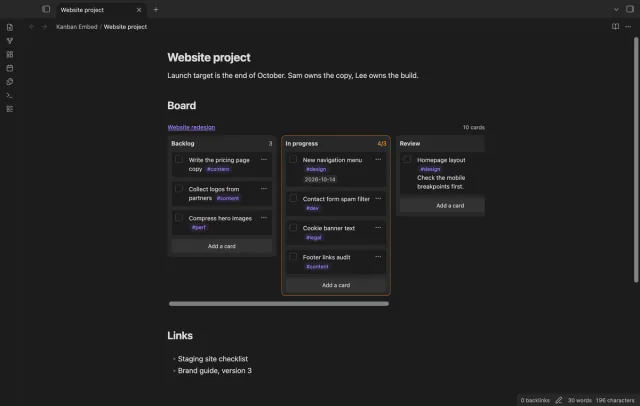
Put a Kanban board in a project page or a daily note and check off cards right there.