Annotation Inbox
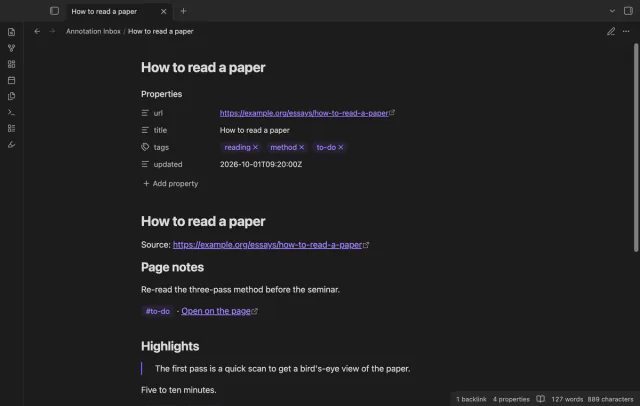
Your Hypothesis highlights, page notes and tags arrive as one note per page, with no duplicates on a resync.
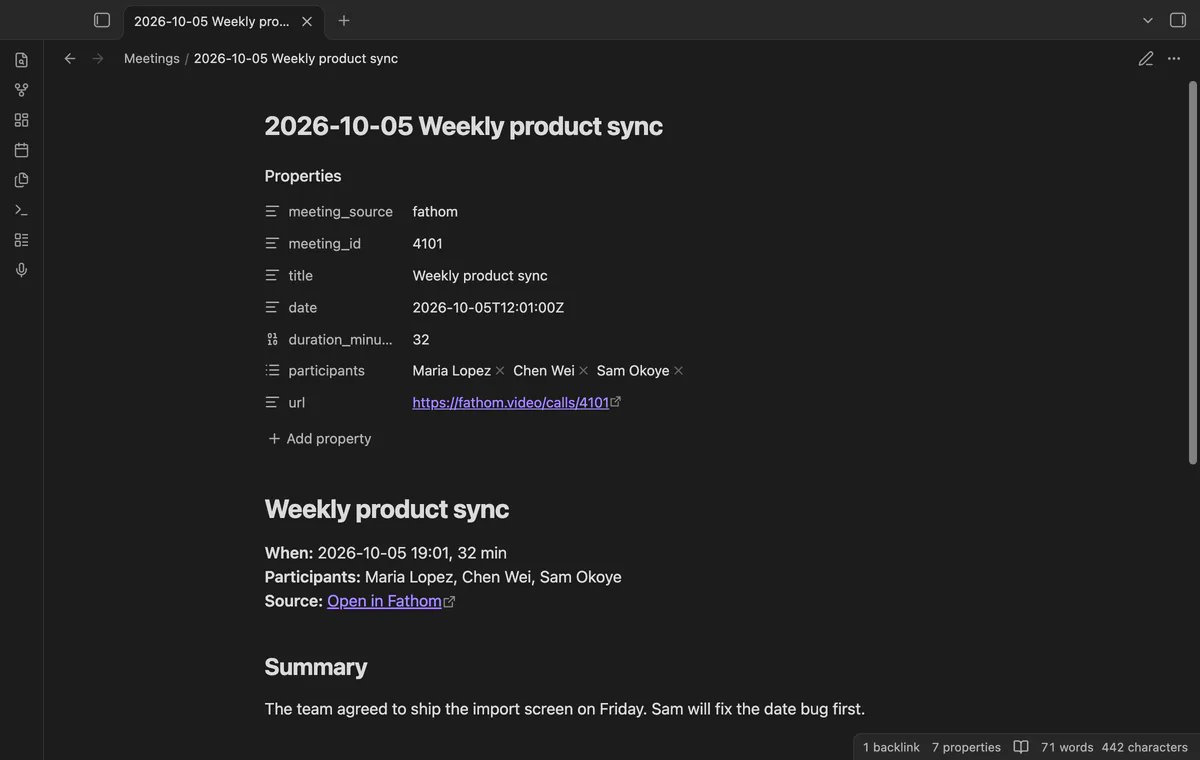
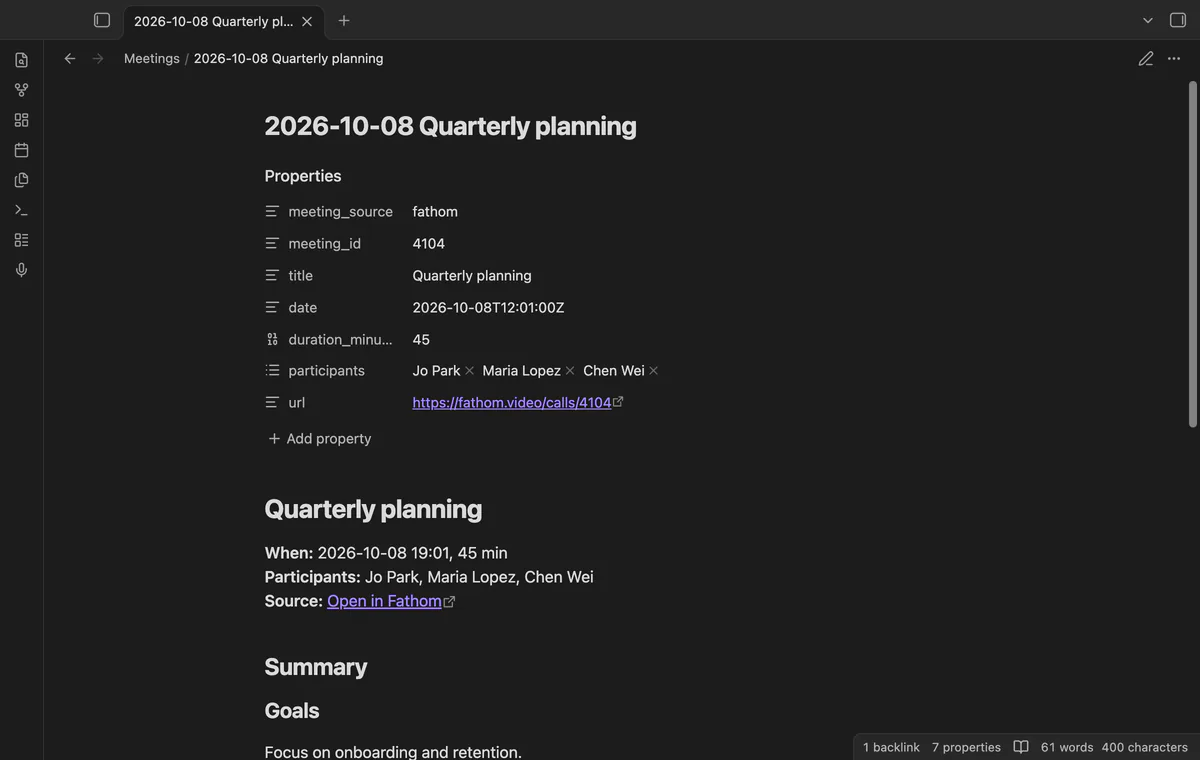
Your Fathom summaries and action items arrive as one note per meeting, and a deleted note stays deleted.
MIT · no telemetry · core features free
The end-to-end tests run in the desktop app against a stand-in for Fathom, with no real key and no real request. The directory lists the plugin for desktop and mobile, and the repository has no mobile test.
Directory facts fetched from community.obsidian.md/users/theluckystrike.
You record calls with Fathom and want the summary and the action items of each meeting as a note in your vault.
Call Notes Sync reads your meetings from the public Fathom API, with an API key that you make in your own Fathom account. A meeting becomes one note with the title, date, participants, summary, action items as tasks and a link to the recording. A later sync starts 48 hours before the newest meeting of the last complete sync, and it makes no note twice.
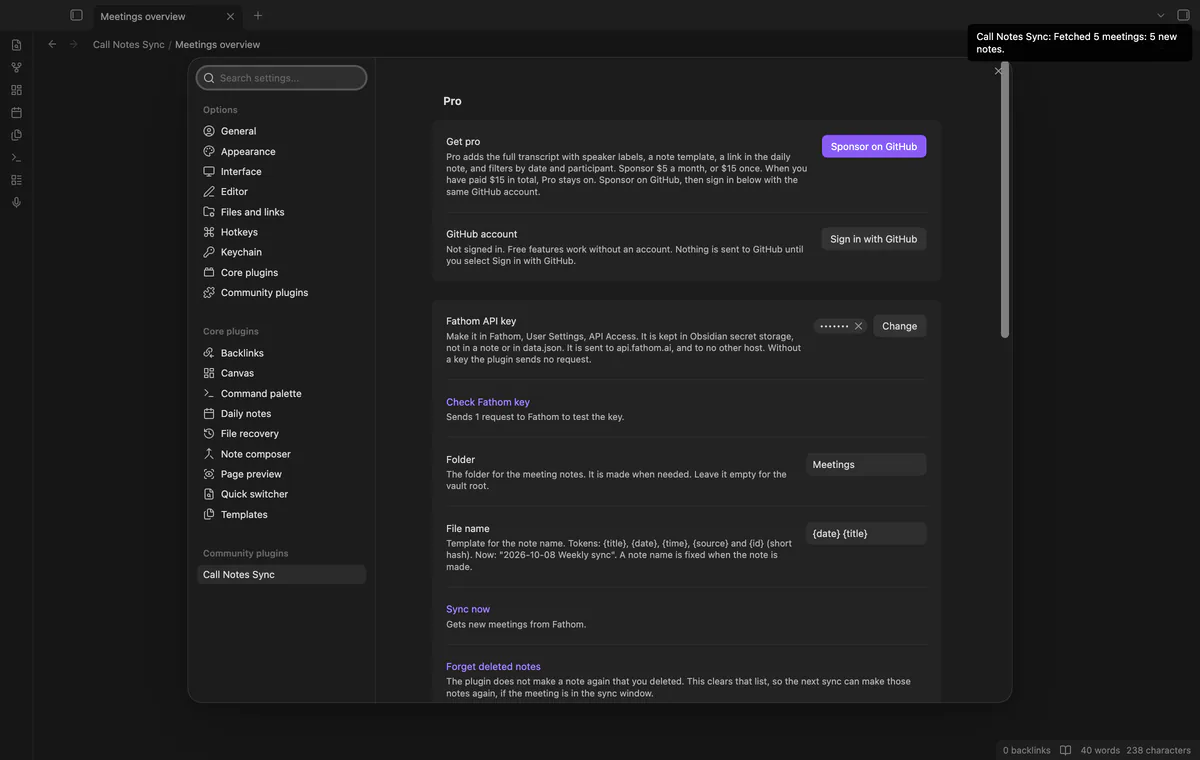
The plugin is unofficial. Fathom does not make, approve or endorse it, and Fathom is a mark of its owner. You start each sync yourself, and the plugin only reads from Fathom. Summaries and action items are free, and Pro adds the transcript, a note template, a daily note link and filters.
 Play demo
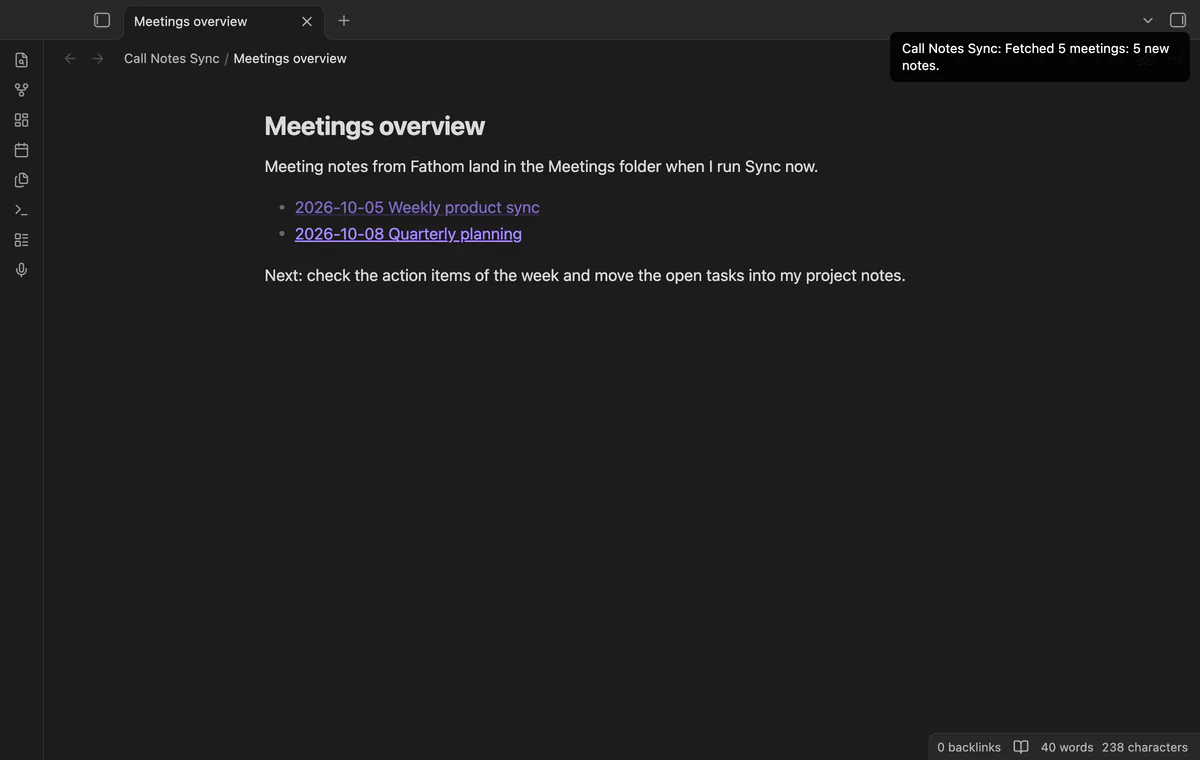
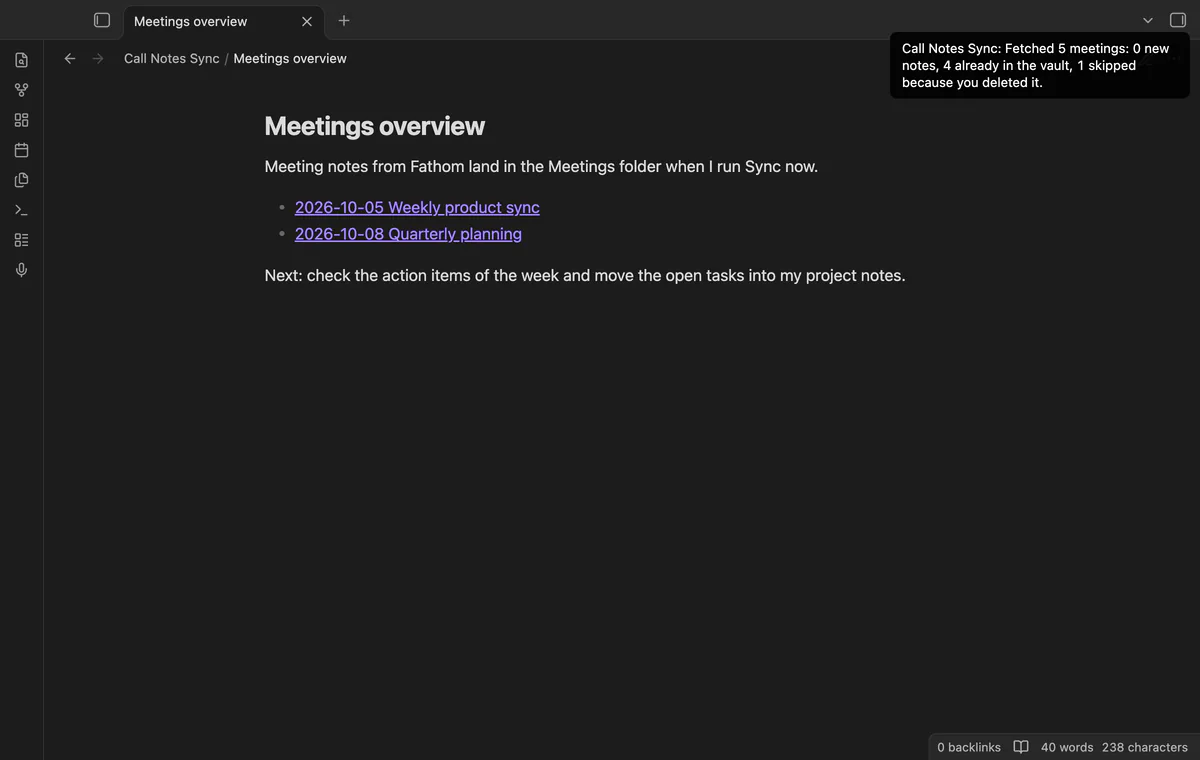
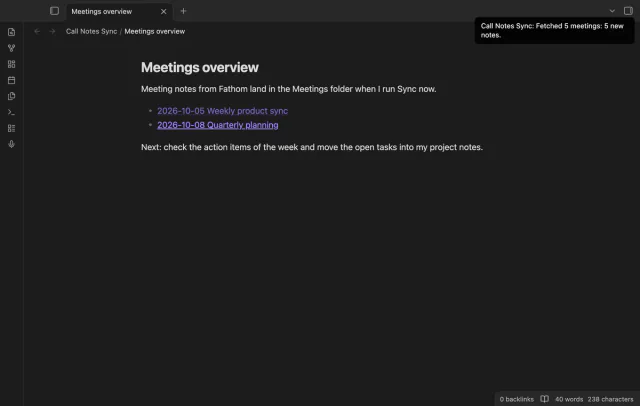
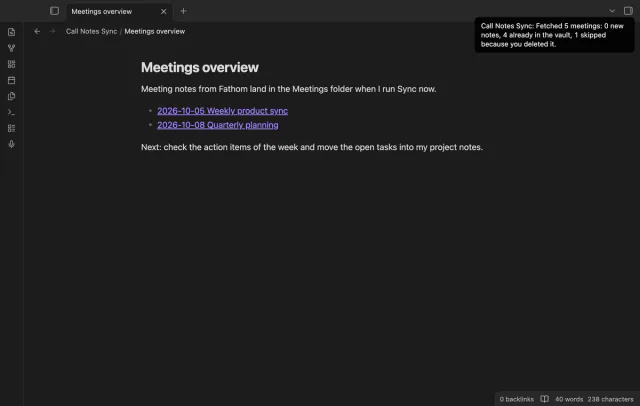
Select the microphone icon in the ribbon, or run the command Sync now. The plugin asks Fathom for the meetings in its sync window, up to 20 pages in one run. A notice then counts the meetings it read and the new notes, and it names what it skipped.
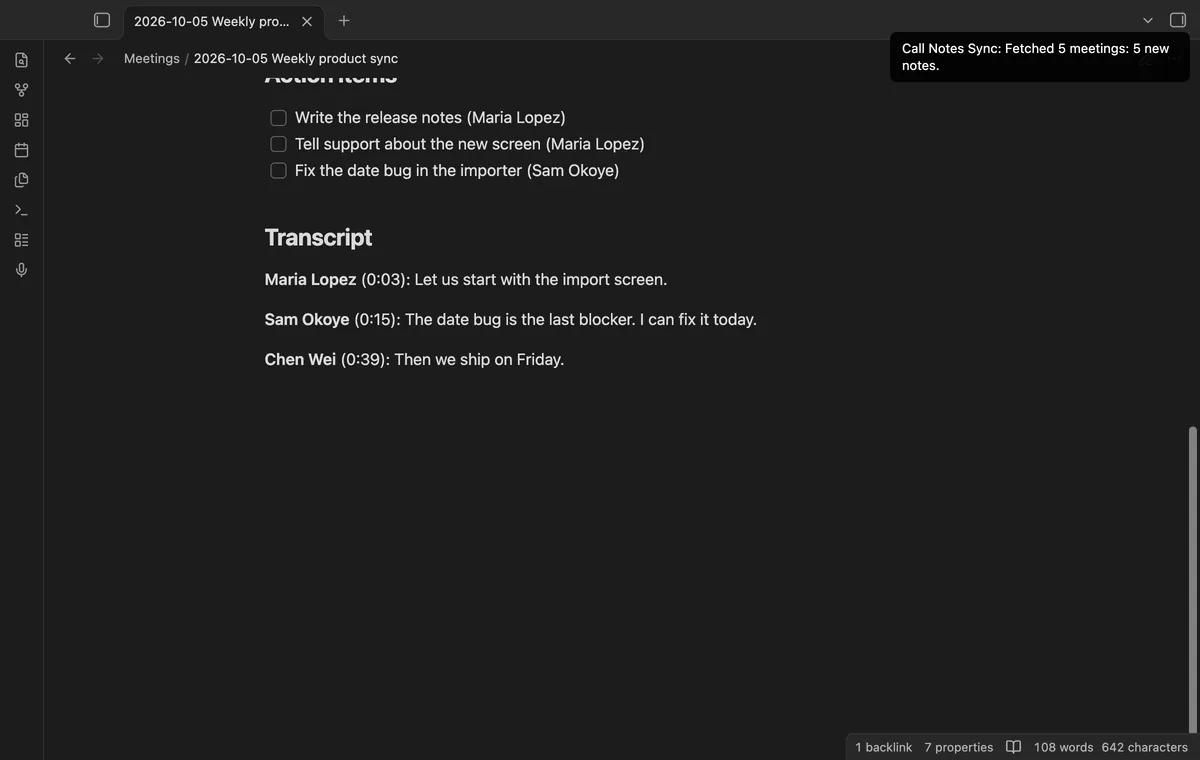
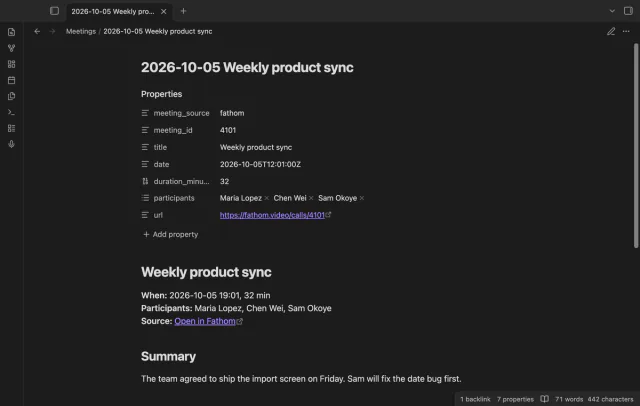
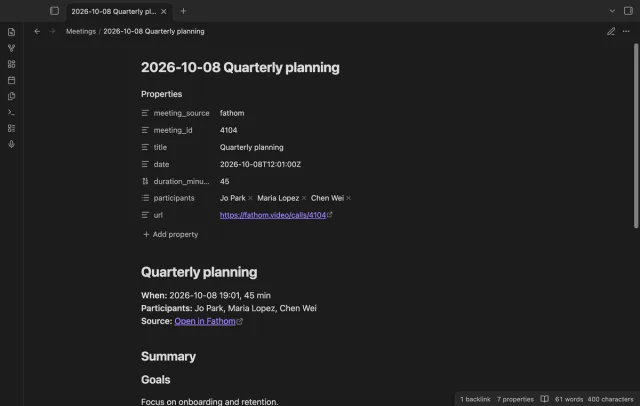
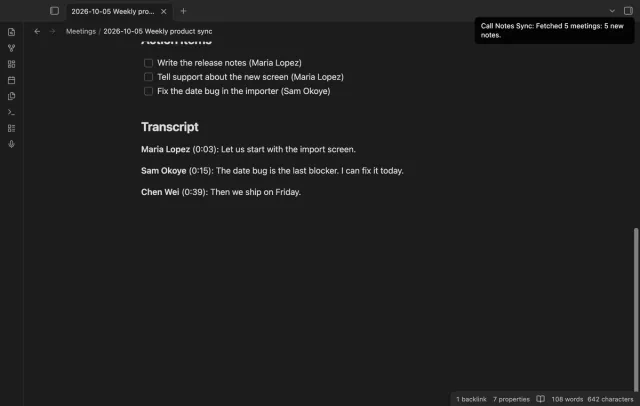
The properties hold the source, the meeting id, the title, the date, the participants, and the length and link when Fathom gives them. A participant is a name, or an email address when Fathom gives no name. The body has the summary, then the action items as tasks, with the name of the owner in brackets.
Fathom sends the summary as Markdown. The plugin moves headings above level 3 down, so the summary sits below the Summary heading of the note. An action item that Fathom marks as completed becomes a checked task.
Delete a note that the plugin made, and the plugin remembers the meeting and does not make the note again. A note that you deleted while Obsidian was closed counts as deleted at the next sync that reads its meeting. A sync does not change a note that exists, so your edits stay.

Your Fathom API key goes into Obsidian secret storage, and data.json holds the name of that secret, not the key. The plugin reads the key for each request and sends it to api.fathom.ai only. With no saved key, the plugin sends no request to Fathom.
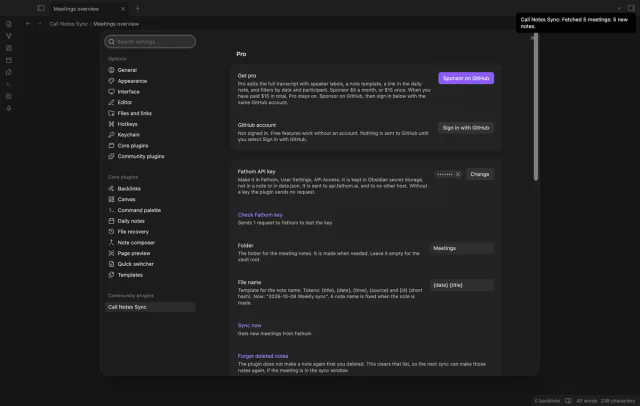
Notes go to the folder Meetings by default, and an empty folder field means the vault root. The file name template has five tokens, {title}, {date}, {time}, {source} and {id}, and the default is {date} {title}. Names are cut at 100 characters, and a second meeting with the same name gets (2) at the end.
A meeting younger than 48 hours with no summary and no action item gets no note yet. The notice counts it as not ready, and a later sync takes it. An older meeting with no summary gets a note that says no summary was available.
While Obsidian is open, the plugin follows a note that you move or rename. After a move while Obsidian was closed, it finds the note by the properties meeting_source and meeting_id. The same search stops a second note for a meeting when the sync state is lost.
The free version syncs summaries and action items with no time limit, and the transcript, template, daily note link and filters need Pro.
Pro costs $5 a month or $15 one time through GitHub Sponsors. One sponsorship turns on Pro in every plugin that has it.
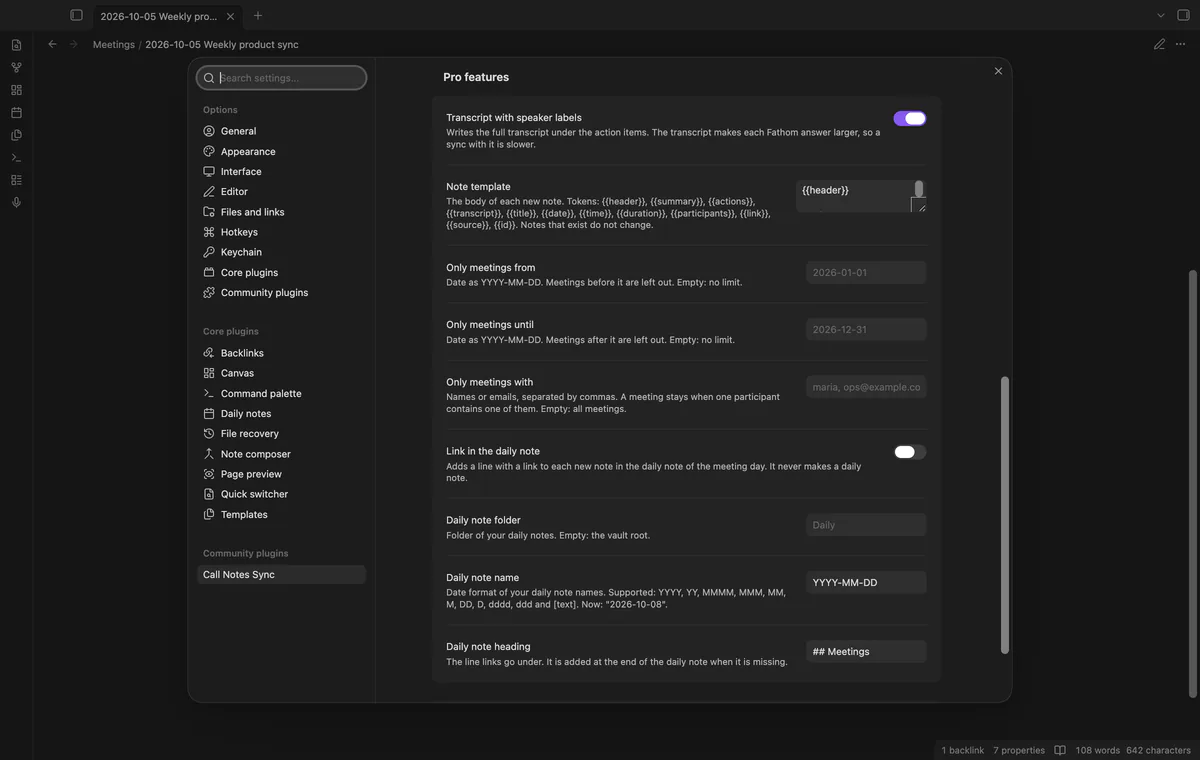
With Pro, a new note also gets the transcript under a Transcript heading. A paragraph starts with the speaker name, and with the time from the start of the meeting when Fathom gives one. Lines of one speaker that follow each other become one paragraph.
A template sets the body of a new note, and the properties and the title line stay as they are. It has 12 tokens, among them {{summary}}, {{actions}}, {{transcript}}, {{participants}} and {{link}}. Notes that exist do not change.
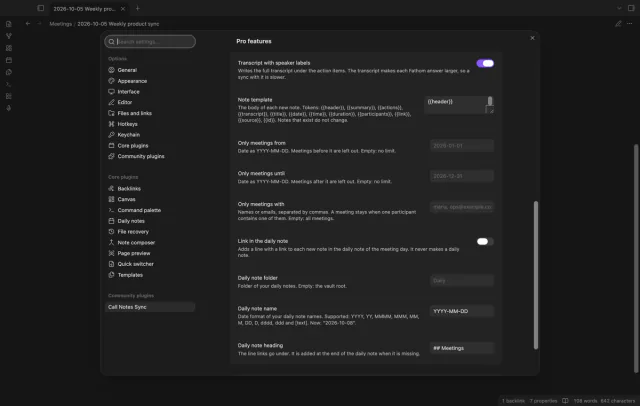
For a new note, the plugin adds a line with the time and a link to the daily note of the meeting day. You set the folder, the date format and the heading of your daily notes in the plugin settings. The plugin does not make a daily note, so a meeting day with no daily note gets no link.
Two date fields leave out meetings before or after a local date. A third field keeps only meetings where a participant name or email address contains your text. The filters run in the plugin, so the text of a filter does not go to Fathom.
needs
steps
Install Call Notes Sync from Community plugins and enable it.
In Fathom, open User Settings, go to API Access, and generate an API key.
In Obsidian, open Settings, then Call Notes Sync, and save the key in the Fathom API key field.
Select Check Fathom key. A notice says whether Fathom accepted the key.
Run Sync now from the ribbon, the command palette or the settings, then open the folder Meetings.
If the app can't find a new plugin yet, try again later. Obsidian says a plugin that passes the review shows in the app within 24 hours.
On 11 October 2026 the community plugin list on GitHub named Fathom in one plugin, TranscriptExporter Sync, which receives notes from a Chrome extension. No other entry in that list named Fathom.
No. It is an unofficial plugin by an independent developer, and Fathom does not make, approve or endorse it. It reads your meetings through the public Fathom API with your own key. For help with your Fathom account, ask Fathom.
No. You run Sync now each time, and the code has no timer that starts a sync. One run reads up to 20 pages, and the Fathom developer FAQ gives a page size of 10 meetings. When there are more, the notice tells you to run Sync now again.
No. The plugin writes a note once and does not change it later. A task that you finish in Fathom afterwards stays open in the note. For a new copy, delete the note, run Forget deleted notes and Start from the beginning, then run Sync now.
The manifest does not mark the plugin as desktop only, and the directory lists it for desktop and mobile. The code uses the request function of Obsidian and no Node module. No test in the repository ran on a phone or tablet, so treat mobile as untested.
Sponsor on GitHub Sponsors for $5 a month or $15 once, then select Sign in with GitHub in the settings. Pro stays on once GitHub reports $15 paid in total. Pro applies to notes that the plugin makes after Pro is on, so an older note gets no transcript.
With a saved key, Call Notes Sync talks to api.fathom.ai only when you run Sync now or select Check Fathom key. Each request is a read with your API key, and a sync adds a date window, a page cursor and the include flags. After you select Sign in with GitHub, it also asks github.com and api.github.com about your sponsorship, and no request carries note text.
Call Notes Sync 1.0.1, MIT license
MIT · no telemetry · core features free
Your Hypothesis highlights, page notes and tags arrive as one note per page, with no duplicates on a resync.
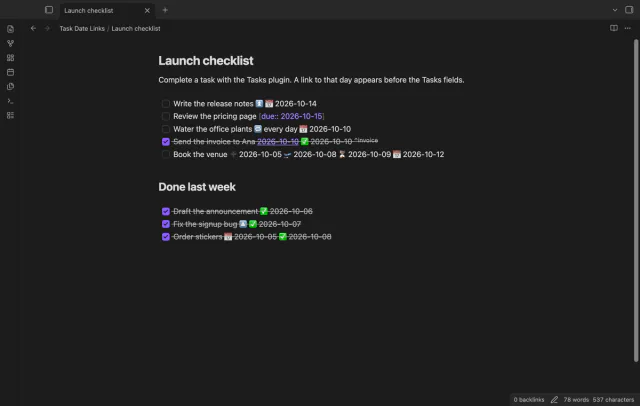
Complete a task and it links to that day, so the daily note lists it in its backlinks.
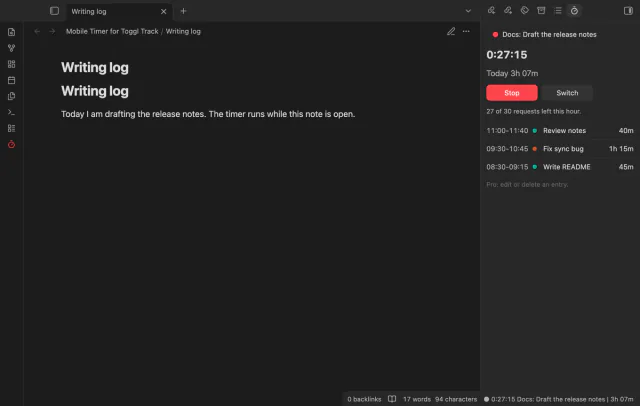
Start, stop and switch your Toggl Track timer from a note, and see today's total in Obsidian.