Mobile Timer for Toggl Track
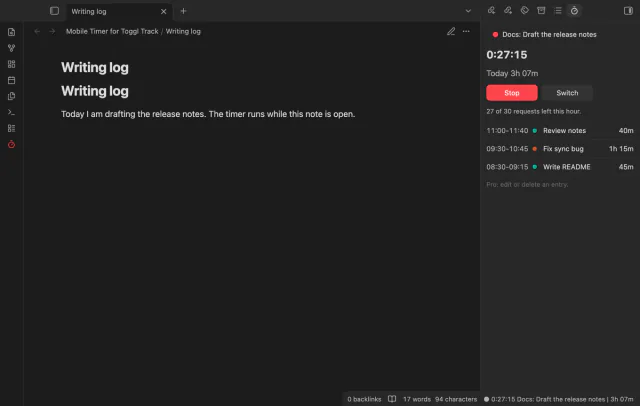
Start, stop and switch your Toggl Track timer from a note, and see today's total in Obsidian.
Run a named Apple Shortcut from a command, with your selection, line, note, title or path as its input.
MIT · no telemetry · core features free
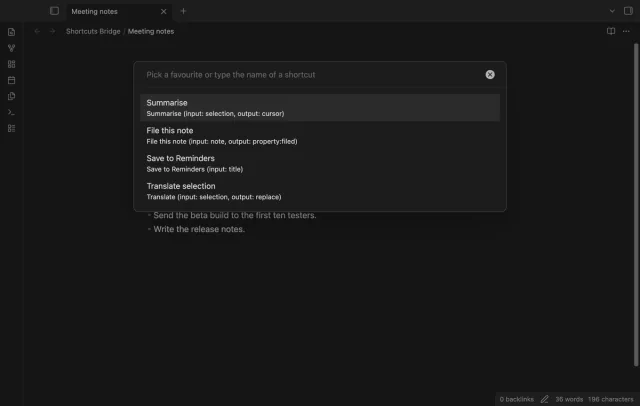
The end-to-end tests run in the desktop app with a recorder in place of the link opener, so no test started the Shortcuts app. No test ran on an iPhone or an iPad, and the output in the screenshots is a stand-in answer.
Directory facts fetched from community.obsidian.md/users/theluckystrike.
You use Obsidian on an iPhone, an iPad or a Mac and want a command that sends note text to one of your shortcuts.
Shortcuts Bridge builds a shortcuts:// link from the name of a shortcut and the text that you choose, and then opens it. The text is the selection, the current line, the whole note, the title or the path. With Pro, the link also asks Shortcuts to send the output back, and the plugin writes it into the note.
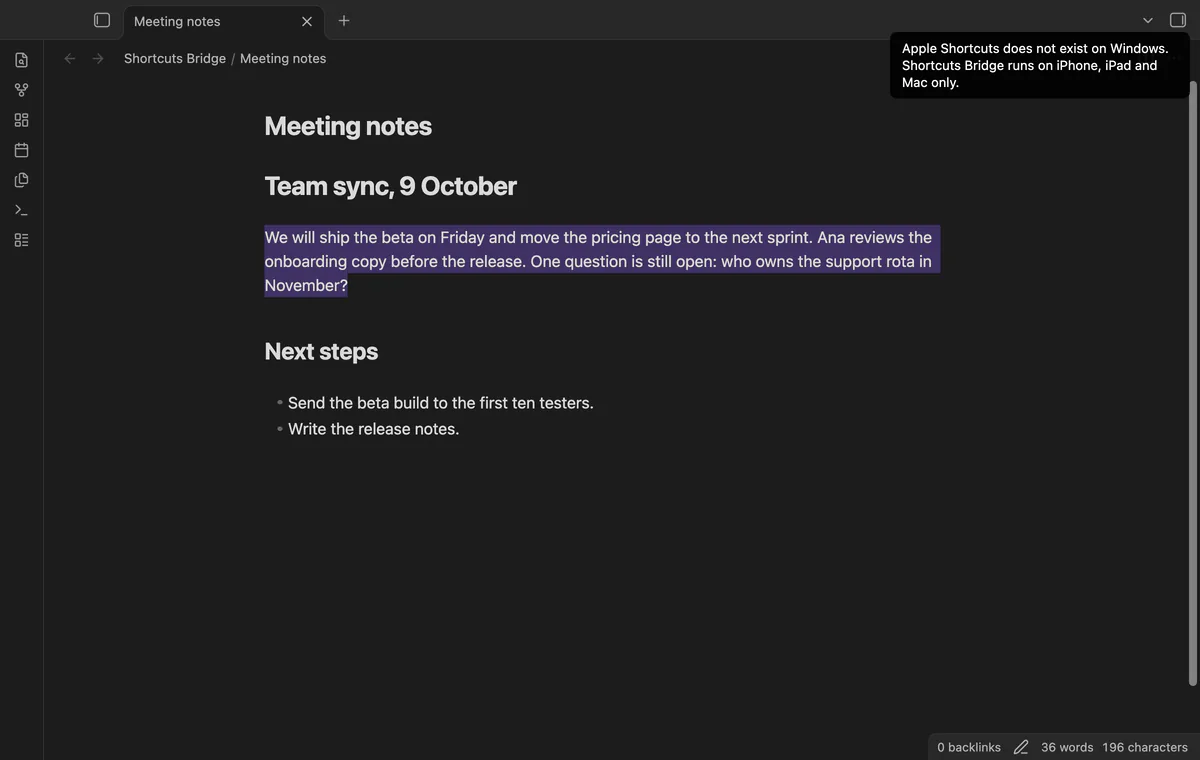
The code runs a shortcut on iPhone, iPad and Mac only. On Windows, Linux and Android it sends nothing and shows a notice. The tests put a recorder in place of the link opener. No test started the Shortcuts app, and none ran on an iPhone or iPad.
 Play demo
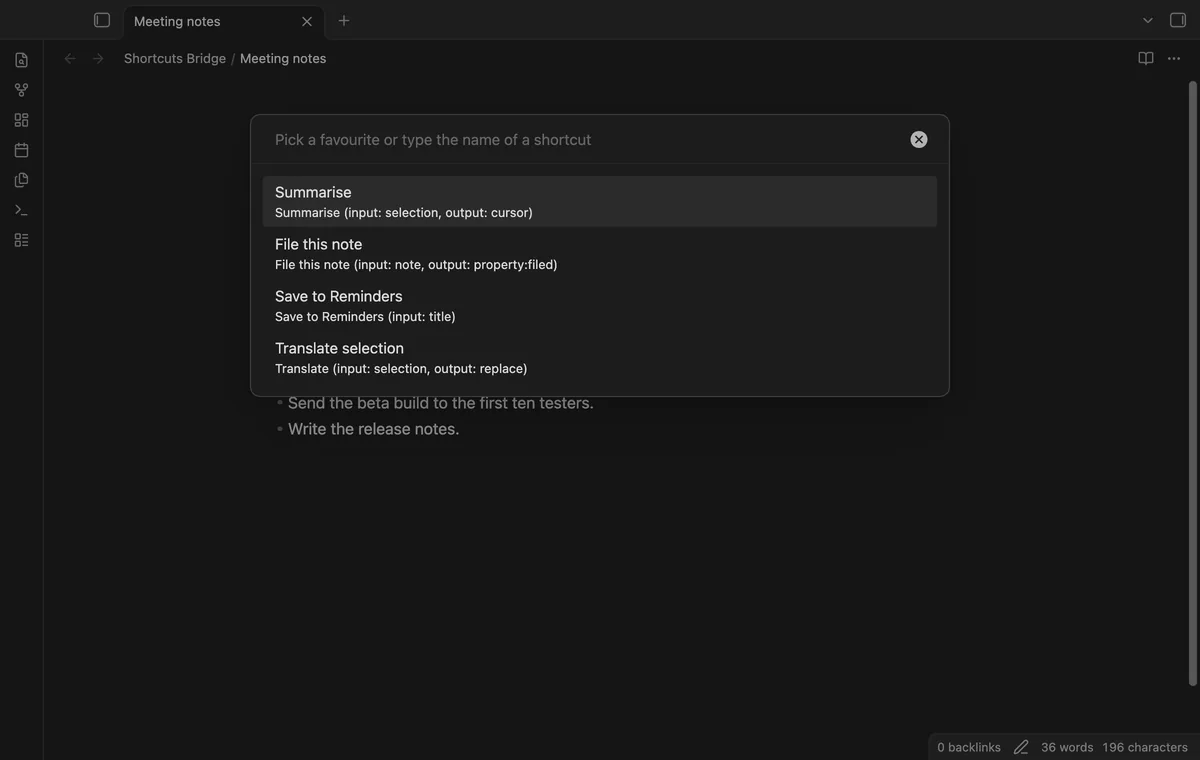

Run the command Run a shortcut, then pick a favourite, or type the name of a shortcut and press Enter. The input is the selection, the line, the note, the title, the path, the clipboard or none. With the favourite Summarise, a selection of Hello, world opens shortcuts://run-shortcut?name=Summarise&input=text&text=Hello%2C%20world.
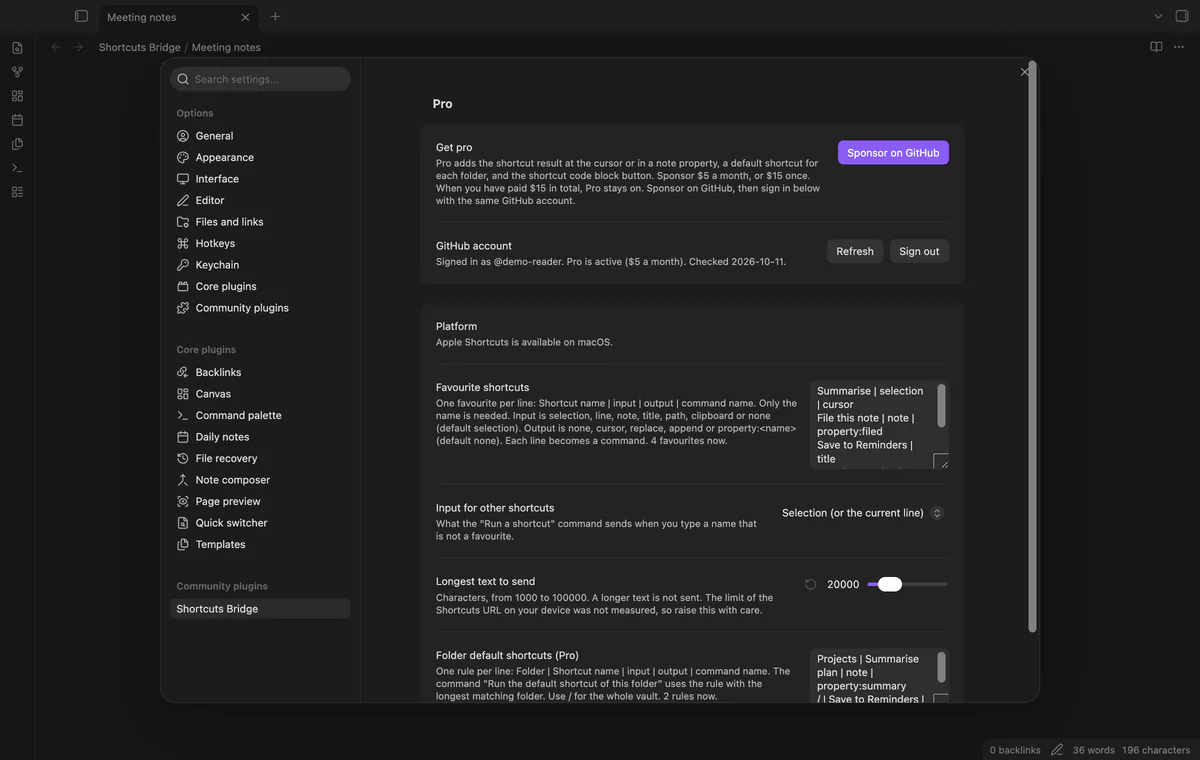
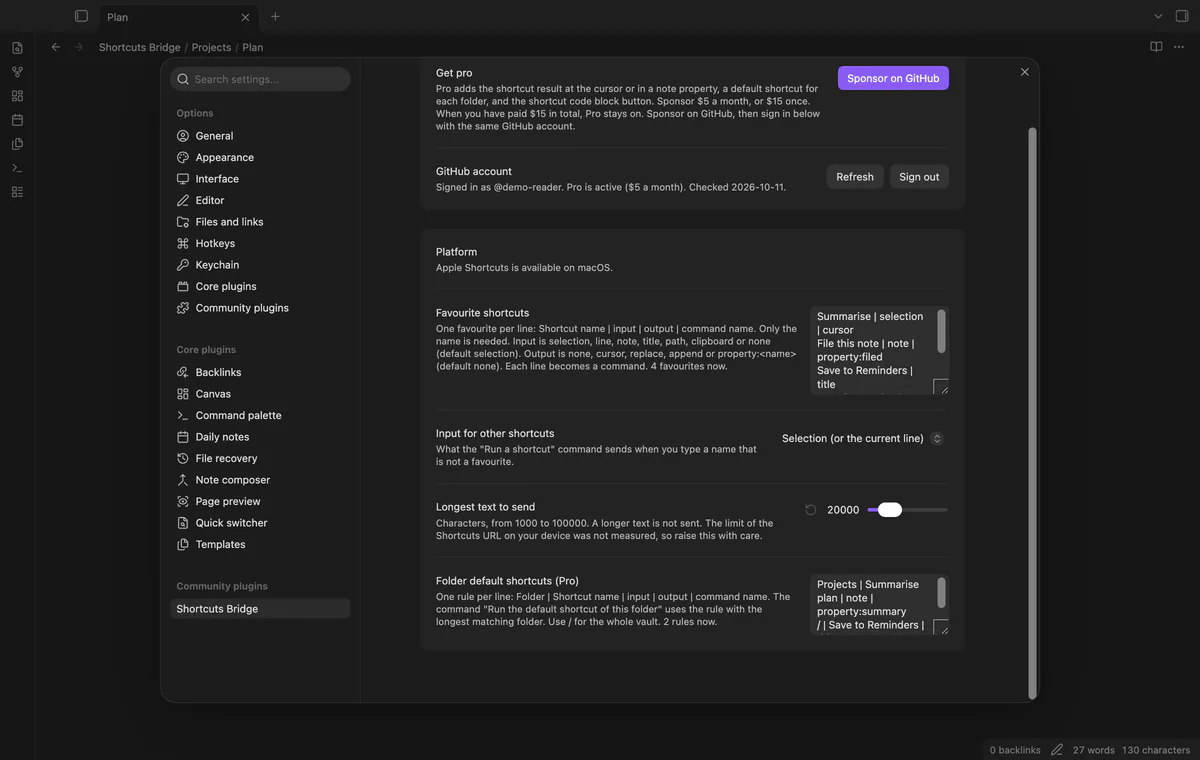
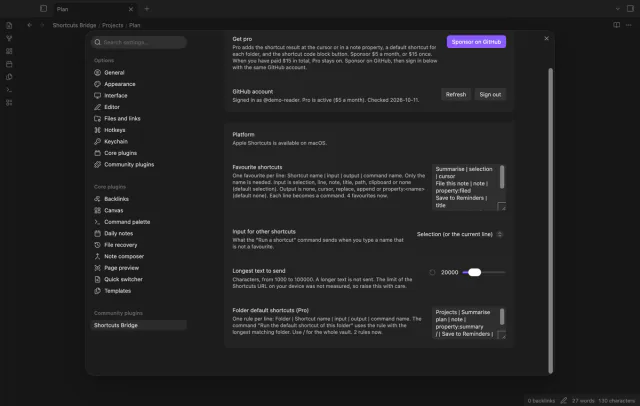
In the settings, write one favourite on each line as Name | input | output | command name. Only the name is needed, and each favourite becomes a command that you can give a hotkey. A line with an unknown input or output shows as a problem with its line number, while the other lines still work.
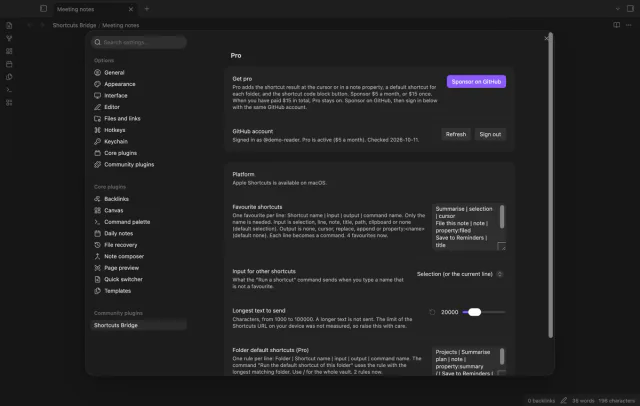
Apple Shortcuts exists on iPhone, iPad and Mac only. On Windows, Linux and Android a run stops before it opens a link, and a notice says why. The settings show the same message on the Platform line.
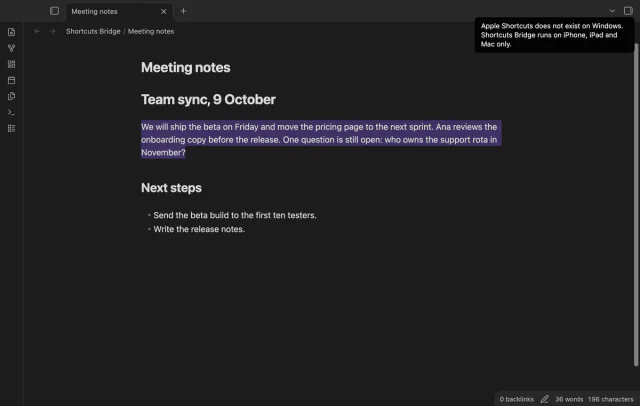
The setting Longest text to send takes 1,000 to 100,000 characters, and the default is 20,000. A longer text is not cut and not sent, and a notice gives both numbers. An empty note or an empty line is not sent either.
The free version runs a shortcut and passes text to it, and a favourite with an output runs without the output.
Pro costs $5 a month or $15 one time through GitHub Sponsors. One sponsorship turns on Pro in every plugin that has it.
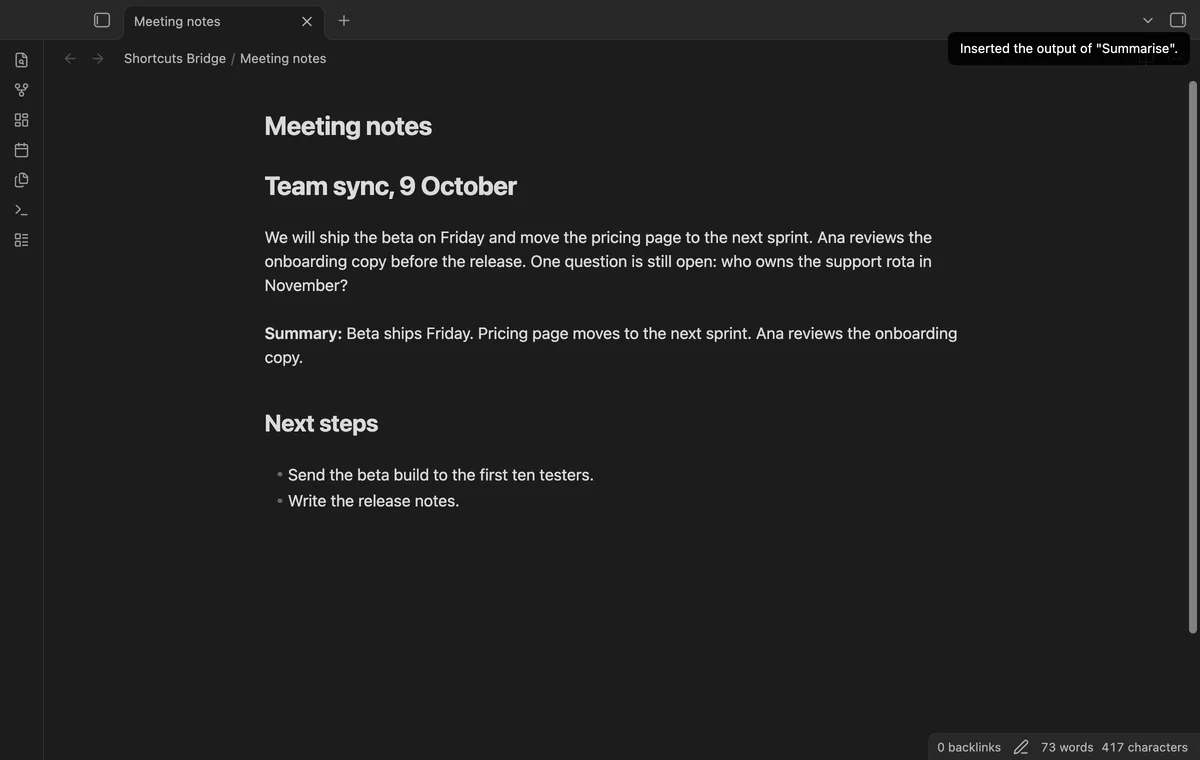
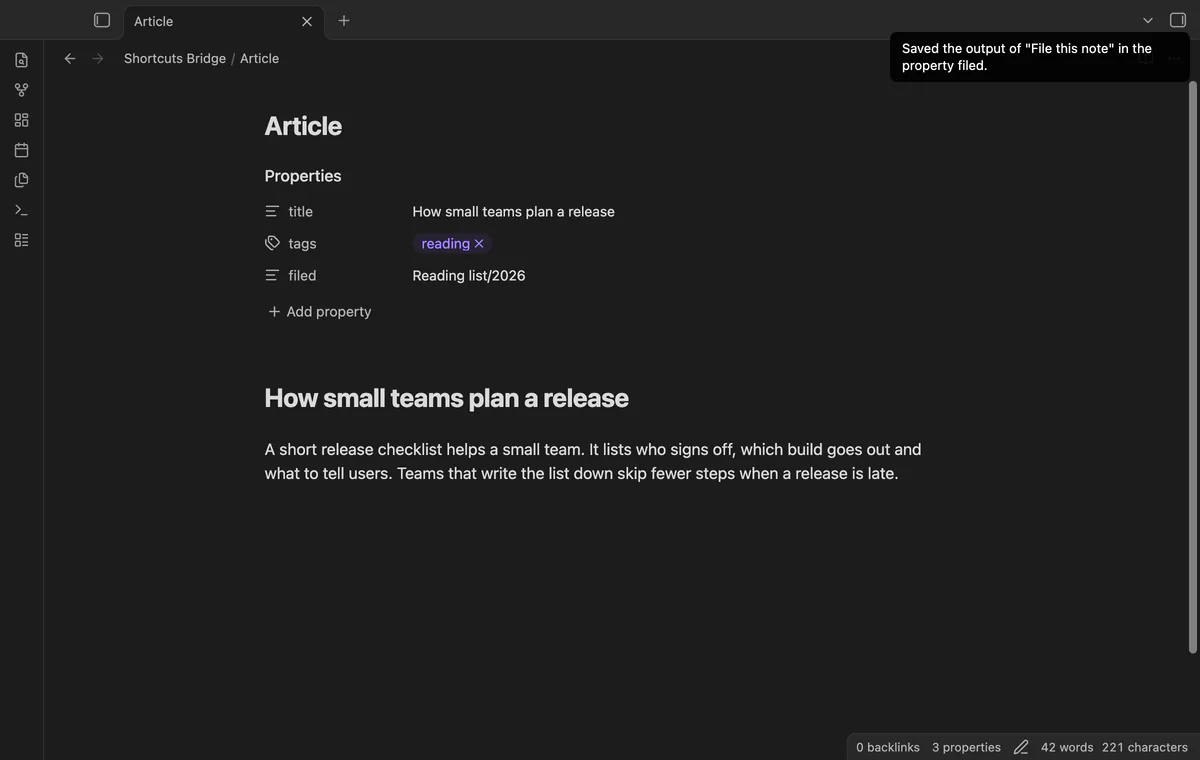
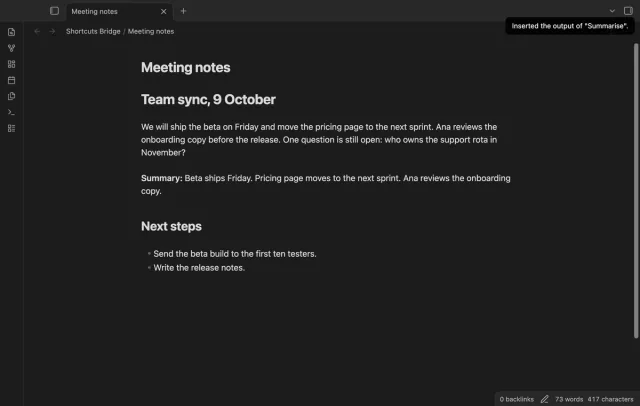
Add an output to a favourite, cursor, replace or append, and the plugin uses the x-callback-url form of the link. The link carries three obsidian://shortcuts-bridge addresses, and the plugin reads the output from the success one. replace writes over a selection that is still there, and append adds the text on a new line at the end.
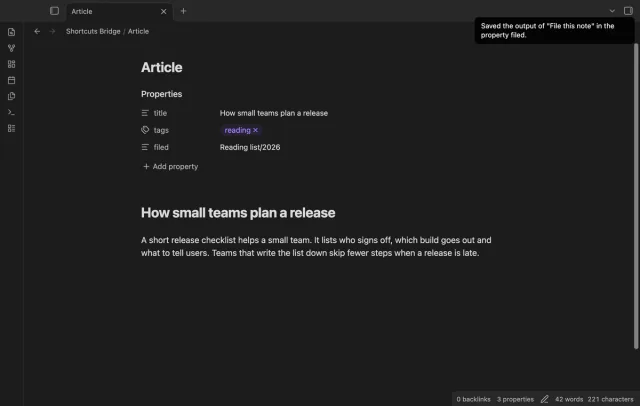
Use property:summary as the output, and the trimmed text goes into the property summary. The plugin writes to the note that you started from, by its path. The new text replaces a value that the property had.
Write one rule on each line of the settings, as Folder | Name | input | output. The command Run the default shortcut of this folder uses the rule with the longest folder that holds the open note. A folder matches whole names, so Projects does not match Projects2/Plan.md, and / matches the whole vault.
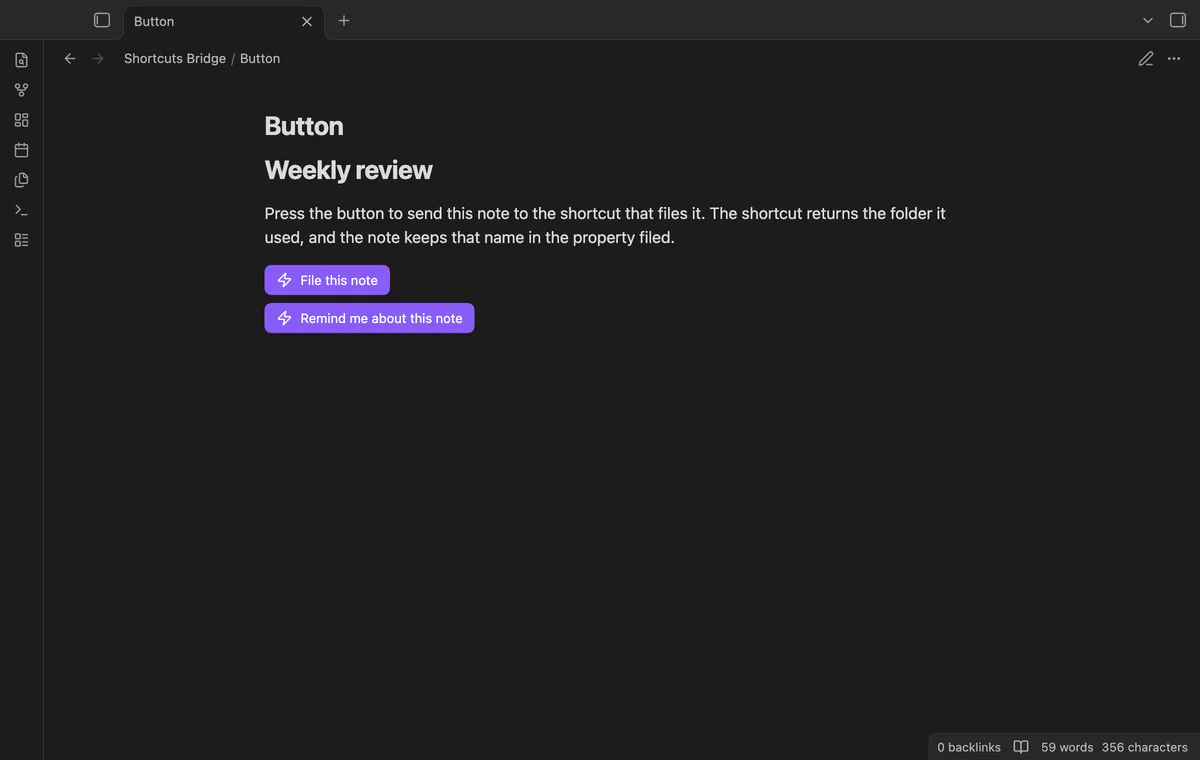
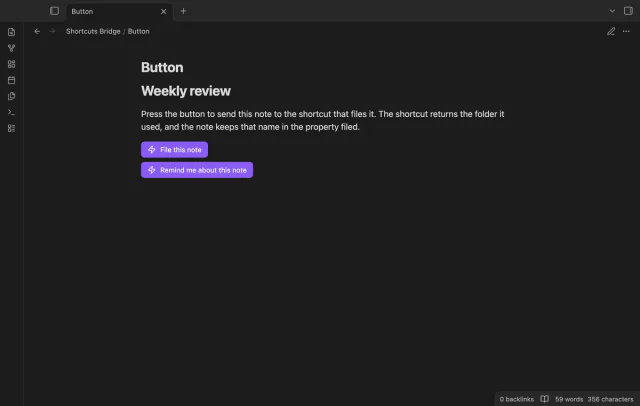
Write a code block with the language shortcut, and put the name of the shortcut on the first line. The lines input:, output: and label: are optional, and the input is the note unless you set another. A button can't send the selection or the line, and without Pro the block shows one line of text.
needs
steps
Install Shortcuts Bridge from Community plugins and enable it.
Open Settings, then Shortcuts Bridge. Write one favourite on each line, for example Summarise | selection.
Type each name as the Shortcuts app shows it. The plugin can't list or check your shortcuts.
Open a note and select some text.
Run your favourite from the command palette, or run Run a shortcut and pick it.
If the app can't find a new plugin yet, try again later. Obsidian says a plugin that passes the review shows in the app within 24 hours.
Shortcut Launcher by MacStories did this job from January 2022, and the Obsidian plugin list on GitHub no longer holds it. Two requests on its repository to get the output of a shortcut back are open since 2022.
shortcuts command line tool. Shortcuts Bridge uses the link scheme, which its code allows on iPhone, iPad and Mac.cursor, the text goes in where the cursor is when the answer arrives, because a request saves no position.property:summary writes one text value and replaces what the property summary held, a list included.The manifest allows mobile, and the code opens the link when Obsidian reports the iOS app or a Mac. The tests ran in the desktop app with a recorder in place of the link opener. No test started the Shortcuts app, and none ran on an iPhone or an iPad, so treat the mobile run as untested.
Nothing is sent. A run stops before it opens a link, and a notice says that Apple Shortcuts does not exist on that platform. The plugin still loads, and its settings show the same message.
The link hands the Shortcuts app the name of the shortcut and the text that you chose. With a Pro output it also carries your vault name and a one-time request id, so the answer can come back. The plugin sends nothing over the network for a run, and it has no say in what the shortcut then does with the text.
A callback writes only when its id matches a request that this plugin made and saved. A request works once and for 30 minutes, and an unknown, used or older id writes nothing and shows a notice. The end-to-end tests cover these cases.
Sponsor on GitHub Sponsors for $5 a month or $15 once, then select Sign in with GitHub in the settings. Pro stays on once GitHub reports $15 paid in total. The check asks GitHub about your sponsorship and sends no note text.
The plugin code contacts only github.com and api.github.com, after you select Sign in with GitHub, and sends them no vault data. A run opens a shortcuts:// link, not a network request, and that link hands the shortcut name and your text to the Shortcuts app. With a Pro output, the link also carries the vault name and a one-time request id.
Shortcuts Bridge 1.0.0, MIT license
MIT · no telemetry · core features free
Start, stop and switch your Toggl Track timer from a note, and see today's total in Obsidian.
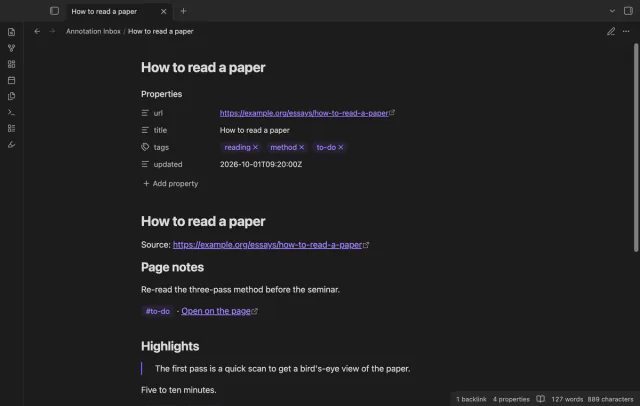
Your Hypothesis highlights, page notes and tags arrive as one note per page, with no duplicates on a resync.
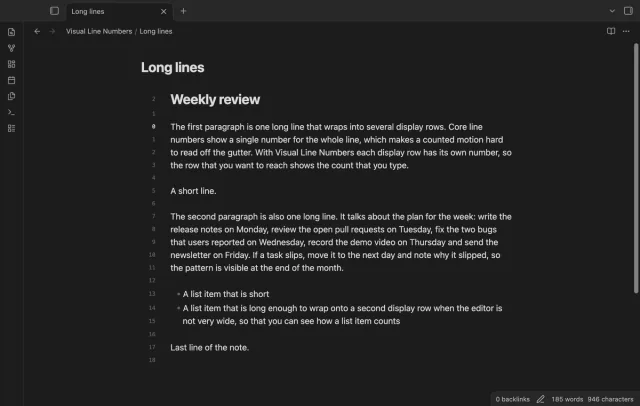
Every wrapped row gets its own number, so the count in the gutter is the count you type.