Visual thinking · Free MIT theme
Storyboard Frames
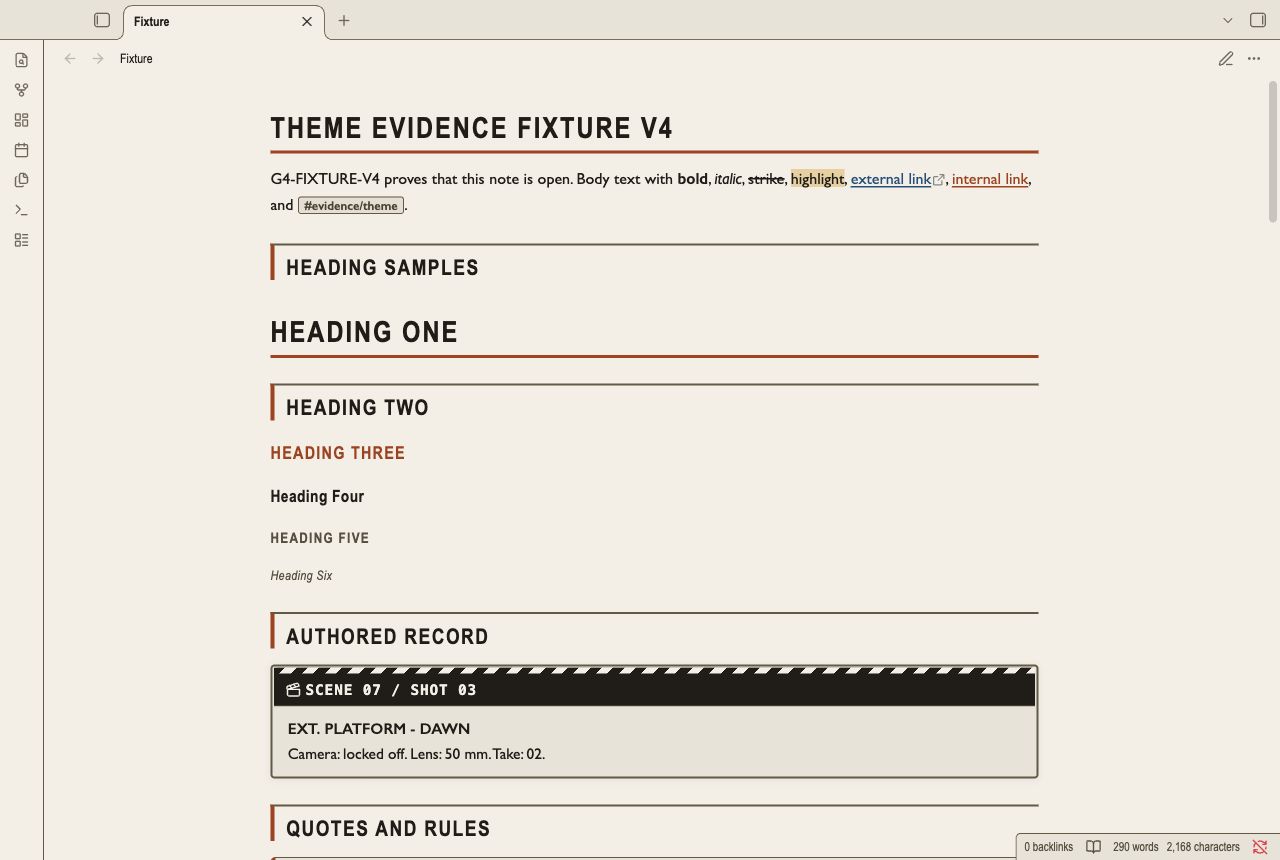
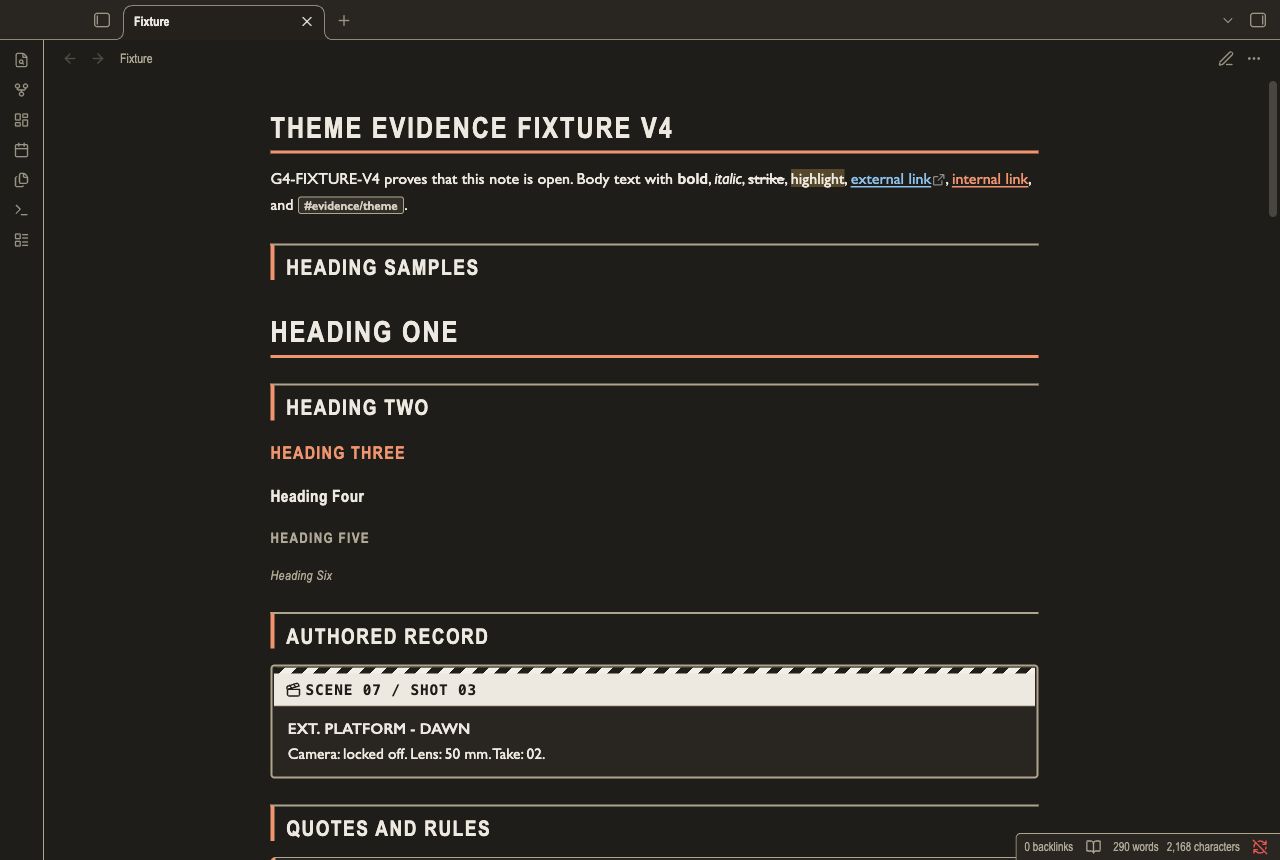
Storyboard Frames is for scene outlines, sequence notes, and shot lists.
Published in the Obsidian directoryPublished version 1.0.4
Published in the Obsidian directory. Install the theme from Obsidian or use the ZIP download.
See the theme in Obsidian
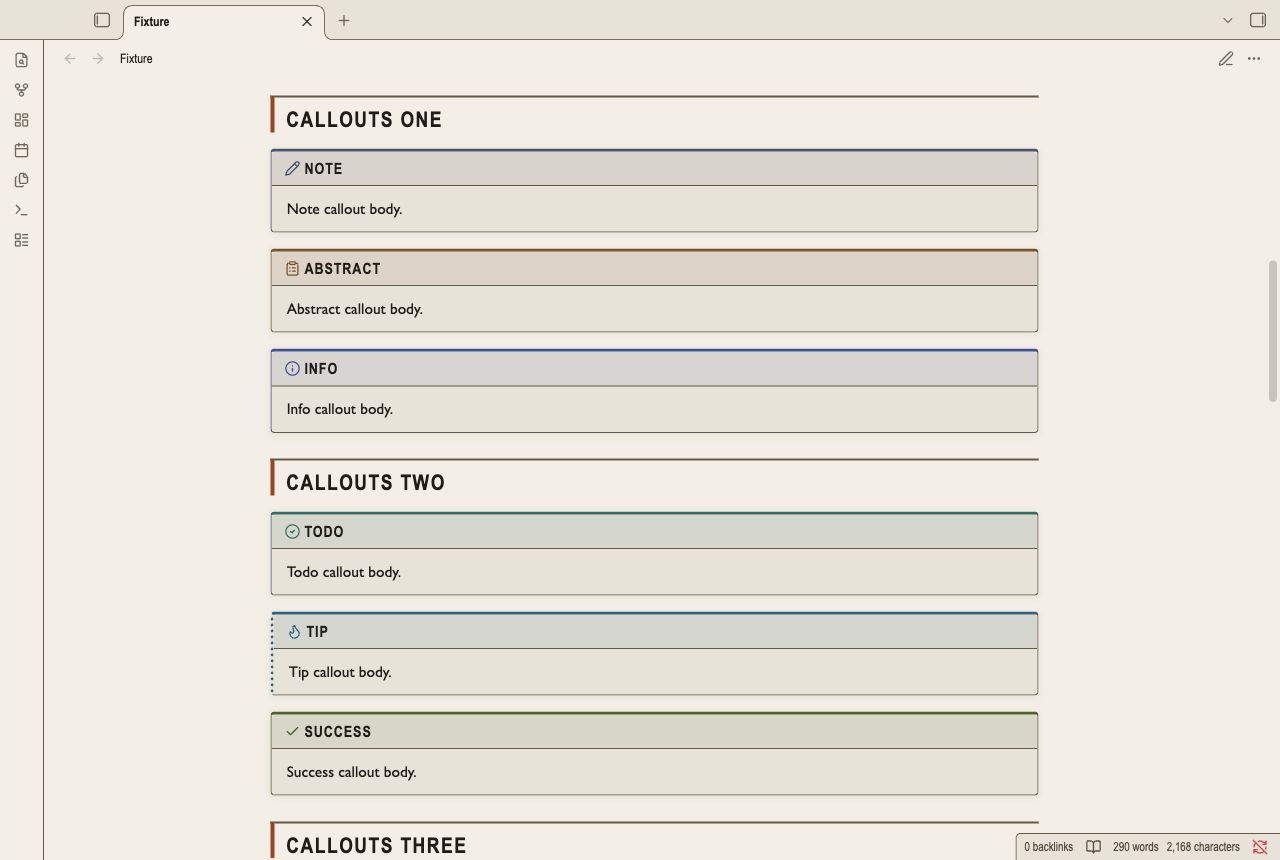
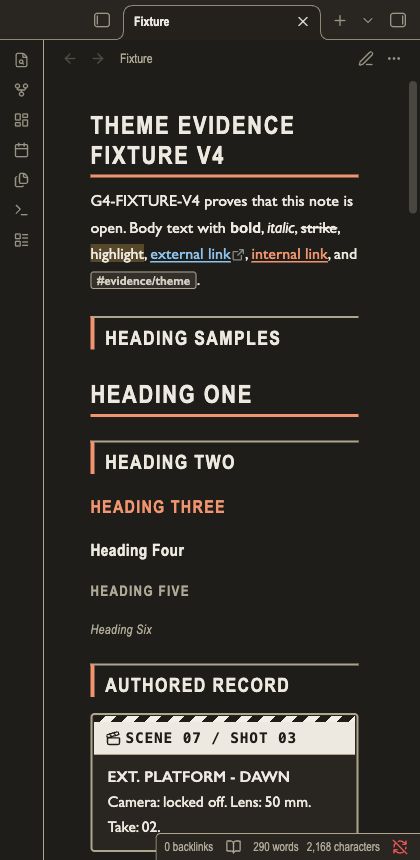
Desktop captures show light and dark workspaces and content details. Mobile is not tested.
What changes
- Warm board paper and charcoal panels give each section a clear edge.
- Condensed titles, shot cards, and dashed cut lines make long sequences easier to scan.
- It does not generate scene numbers.
Install from the ZIP
Download and extract the ZIP file. Keep the folder named
Storyboard Frames.Place that folder inside
.obsidian/themes/in your test vault.Open Settings, then Appearance. Select
Storyboard Framesfrom the theme list.Set Base color scheme to Light or Dark. To remove the preview, select the default theme and delete its folder.
Read the current limits
This preview does not add heading numbers. Type persistent numbers in your note. The outline styling keeps your written numbers intact.
Desktop tests do not prove mobile support. Mobile is not tested. Compare the theme with your plugins and settings before you use it in your main vault.
Package version 1.0.4. The manifest requires Obsidian 1.5.0 or later. License MIT.
You can use, change and share the released theme under the included MIT license. This download has no paid features.