Note RIS Export
Map citation properties, check the preview, and save a RIS file.
As of October 2026, Obsidian properties store structured note data; its property help does not describe RIS export. A reference manager can import a prepared RIS file. Note RIS Export prepares one from mapped properties, but importing its output into a reference manager was not tested.
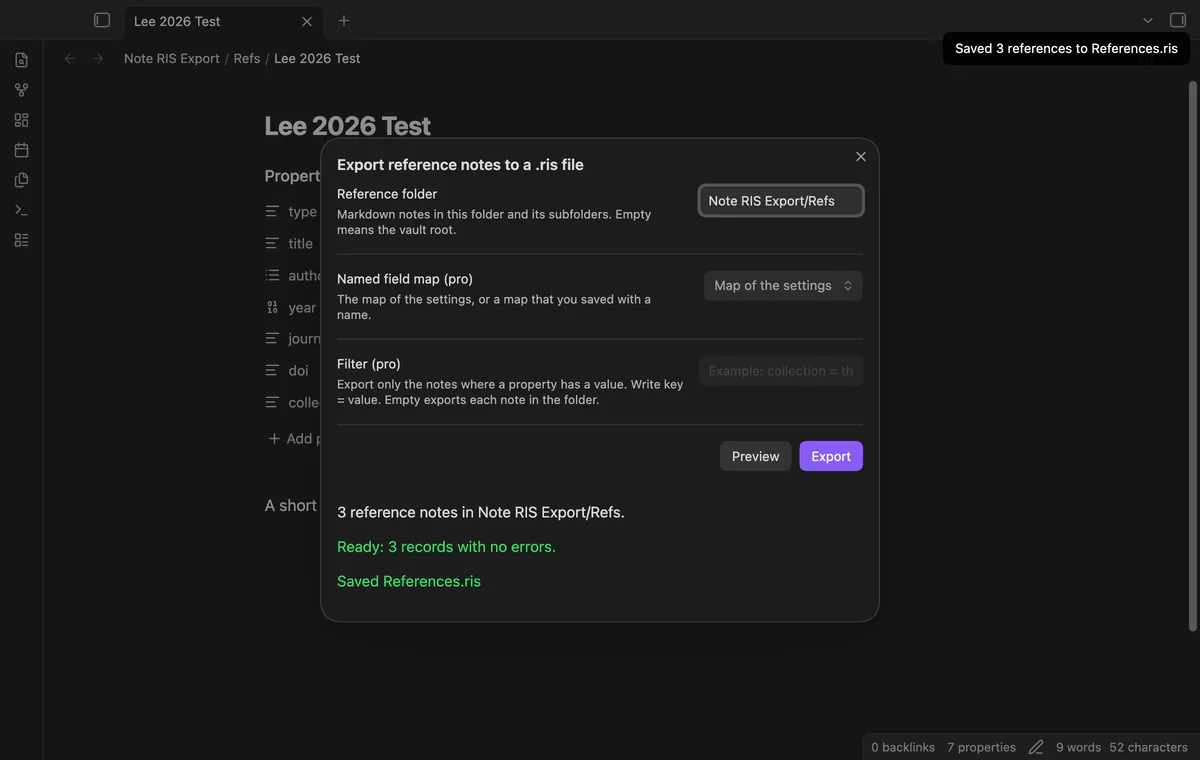
You keep citation data in note properties and need a local RIS file for a reference manager. Choose the folder holding your reference notes and map its properties to citation fields. Note RIS Export checks those notes before writing a local file.
Zotero imports standardized reference files through File, then Import, then A file. If you already have a RIS file, use that route instead of reconstructing references from notes.
Choose the folder holding your reference notes and map its properties to citation fields. Note RIS Export checks those notes before writing a local file.
JOUR, BOOK or CONF.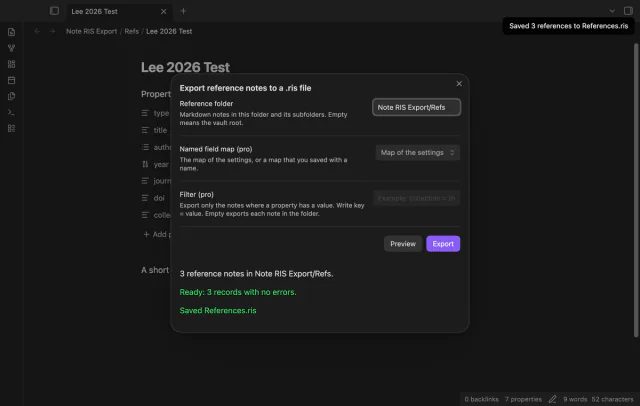
MIT · no telemetry · core features free
Put reference notes in one folder with a supported type and title.
Set the property keys in the field map, then run Export reference notes to a .ris file.
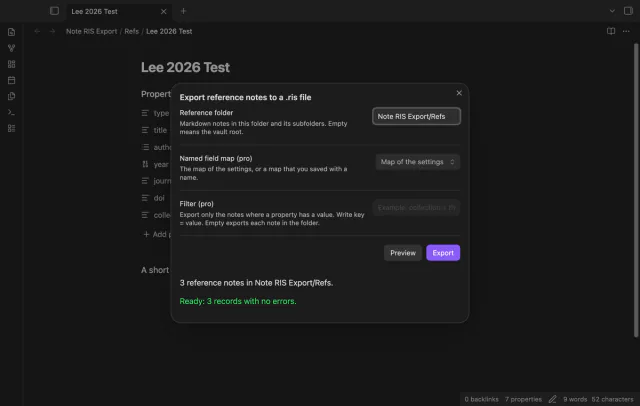
Enter the folder and select Preview.
Fix the listed notes, preview again, then select Export.
Try importing the file into your reference manager and check its fields.
One invalid note stops the folder export. Correct its fields before previewing again.
Free export adds a number when that name exists. Pro repeat export updates its own last file only when its stored text still matches.
 That's every step, start to finish.
You're officially a regular.
Obsidian rewards people who share. NoteMods is just me and a lot of coffee. If this guide saved you a fight with the syntax, buy me a cup.
That's visit . Regulars are the reason I keep NoteMods running. If it's part of your routine now, a coffee says thanks better than anything.
Map citation properties, check the preview, and save a RIS file.