
AsciiDoc Files
Edit AsciiDoc source and see its preview side by side.
Preview named code blocks and write them to new files in your vault.
MIT · no telemetry · core features free
The app tests ran on macOS with simulated Pro responses. Real mobile devices, Windows, Linux, sync conflicts and live paid sign-in were not tested.
Directory facts fetched from community.obsidian.md/users/theluckystrike.
You keep scripts or configuration in notes and need separate files you can inspect before creating them.
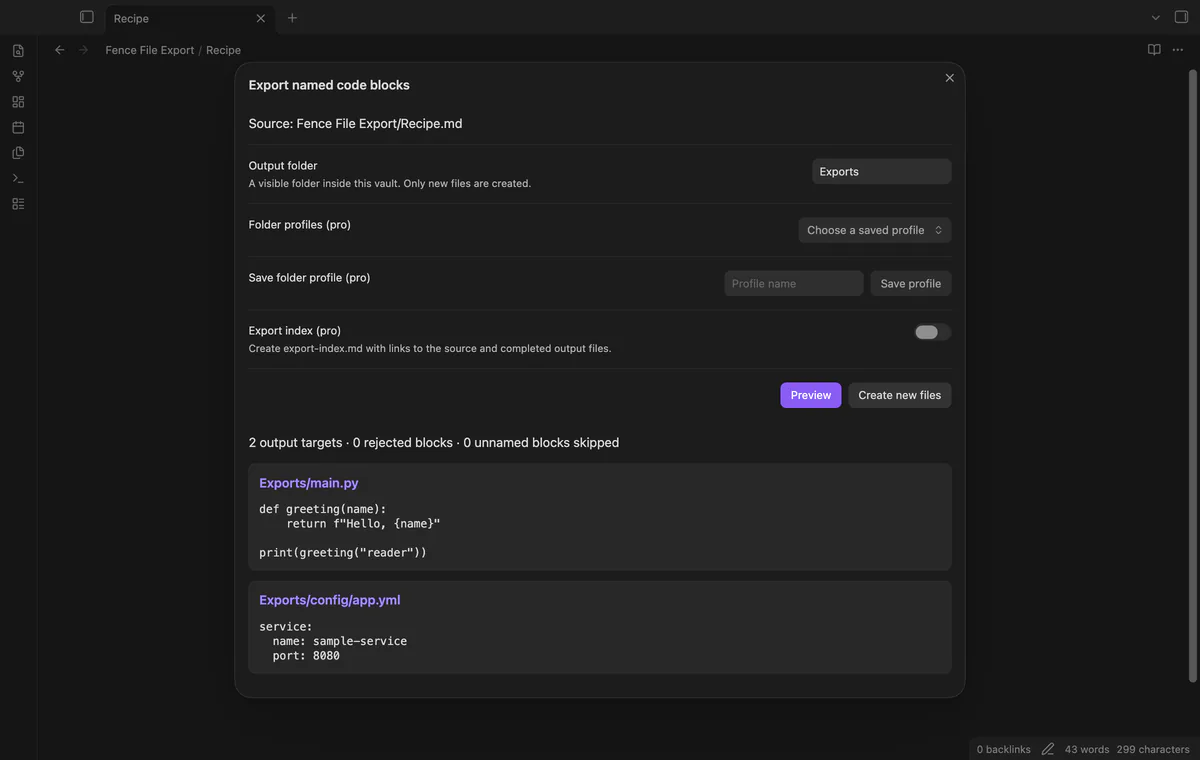
Keep your script and configuration in one note, then preview the files they would create. Fence File Export reads named code blocks and writes new files inside your vault.
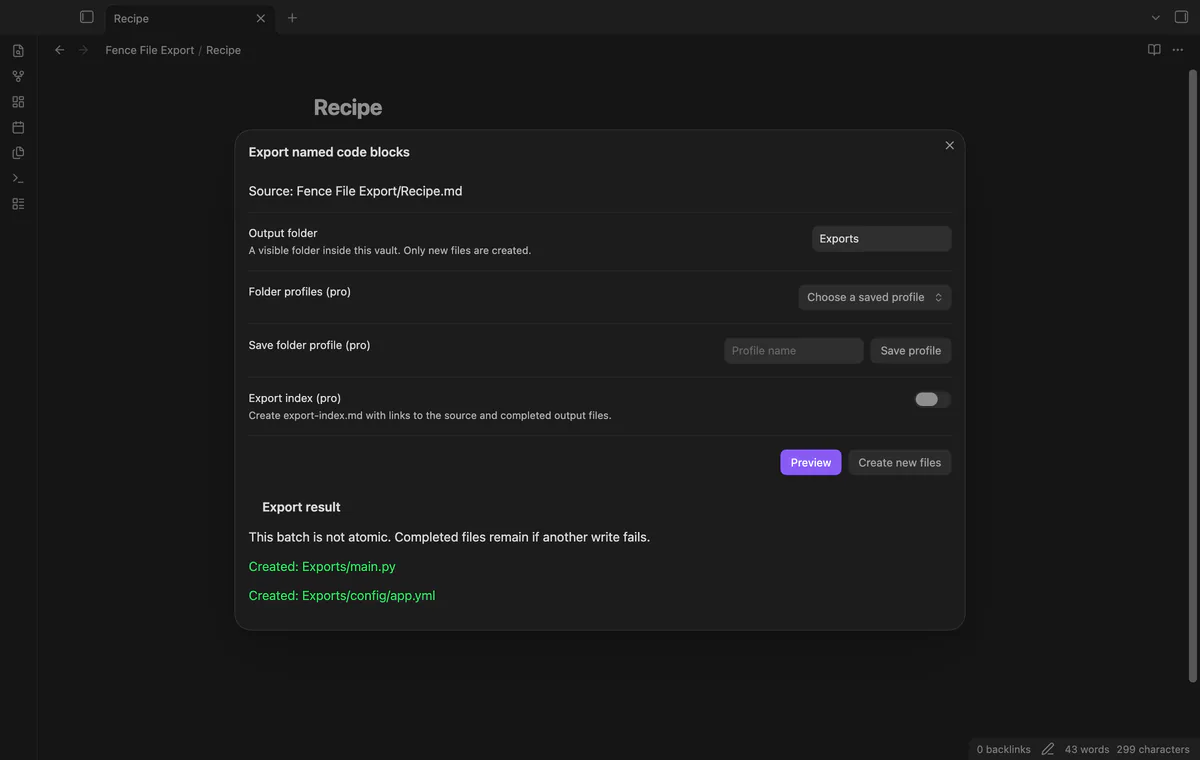
Your source note stays unchanged. Existing targets are rejected, and a failed write can leave earlier files from the batch in place.
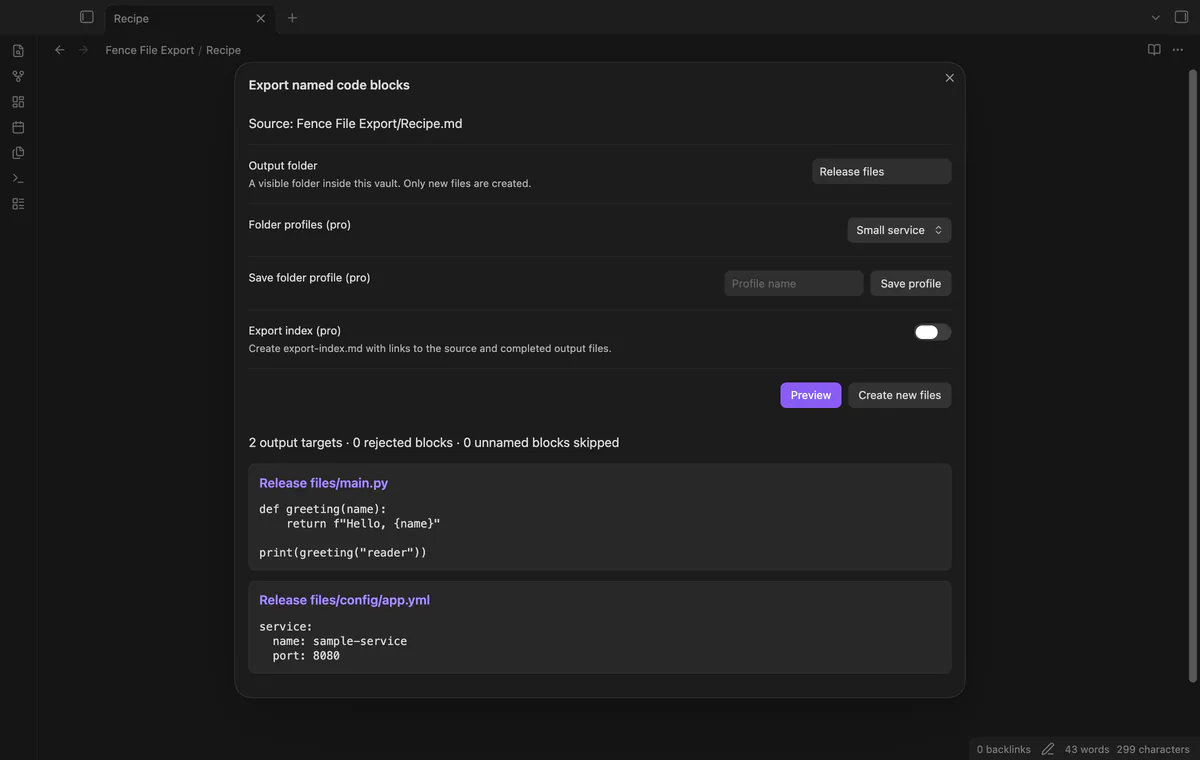
Add file="main.py" after the language on a fence that starts in column one. Backtick and tilde fences work; unnamed fences are skipped. The language label does not change the output.
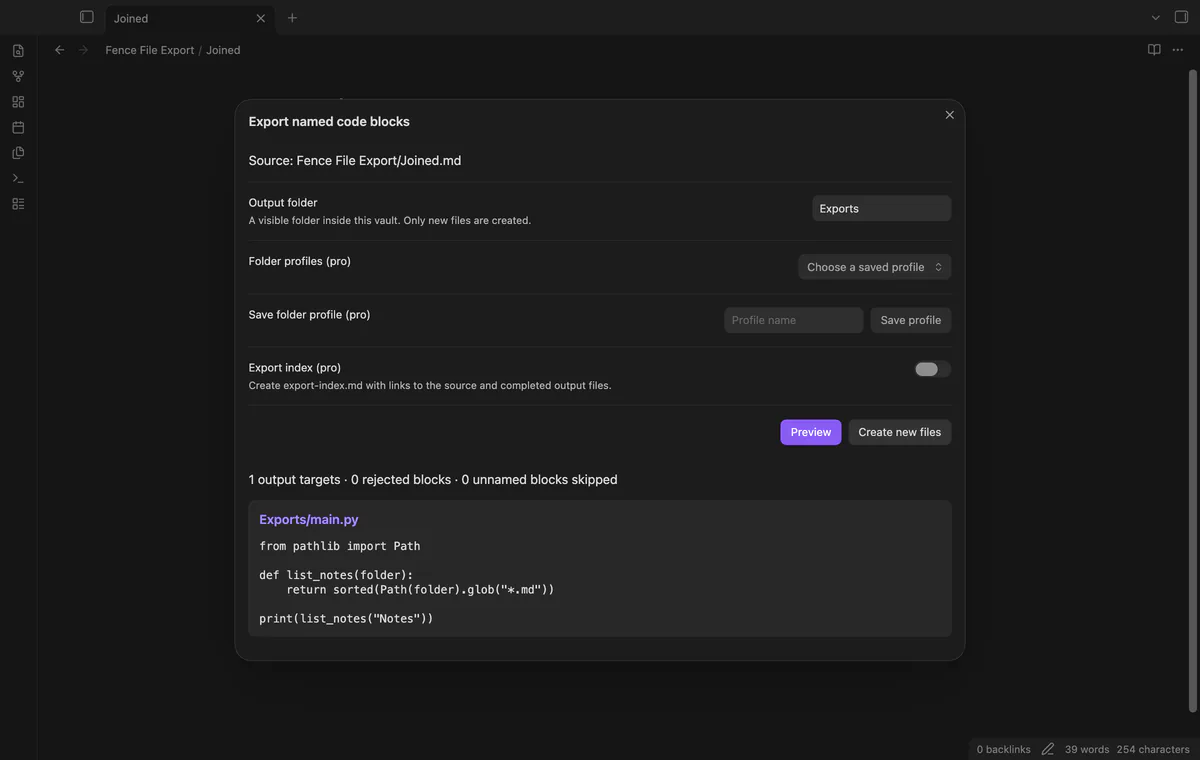
Blocks with the same target path become one file, in note order. Their bodies keep source line endings, with one extra newline between bodies. The plugin neither formats nor compiles your text.
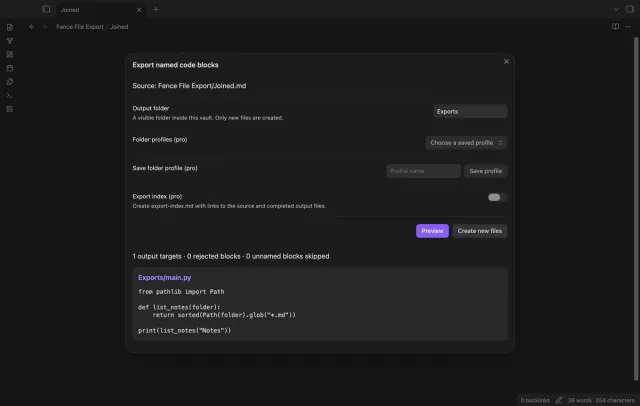
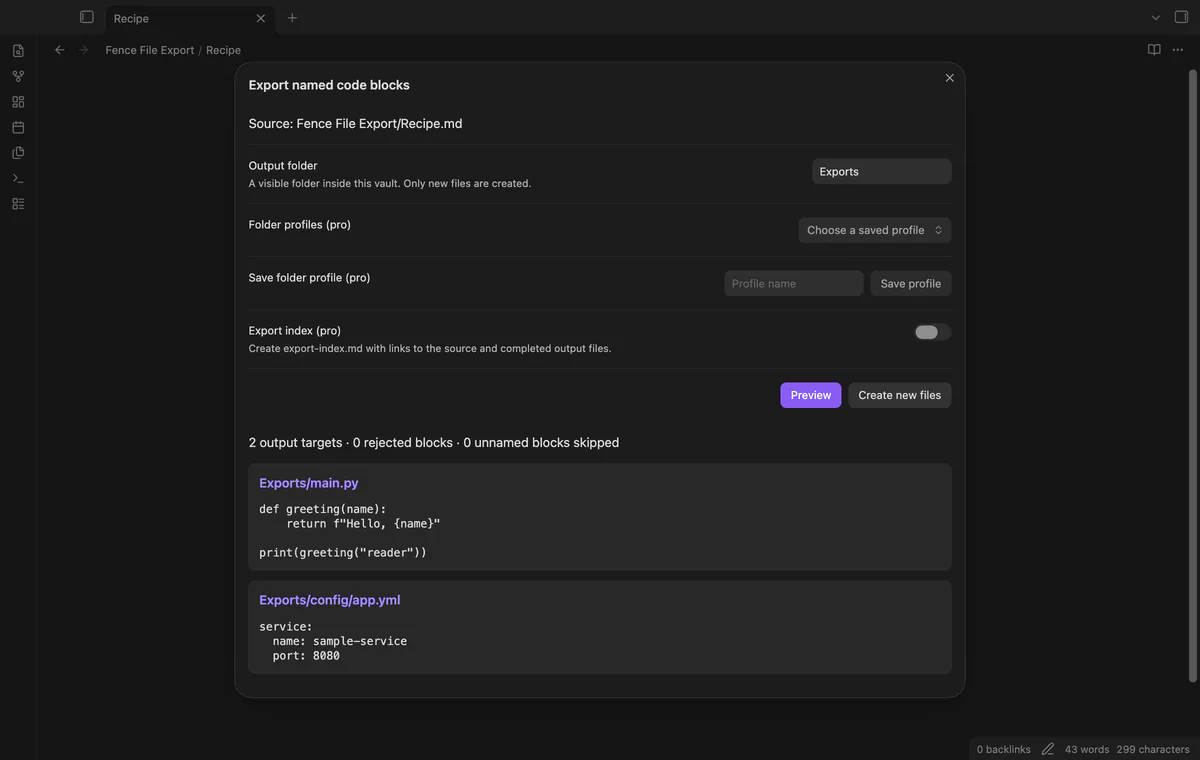
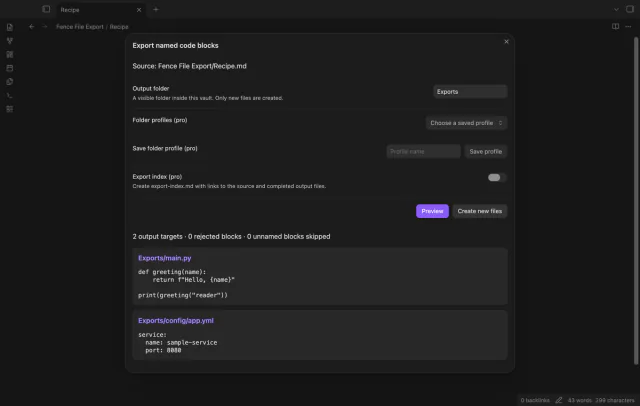
Inspect each accepted path and its complete text before creating files. Changing the folder or index option requires another preview. Reopen the window to include edits made after you opened it.
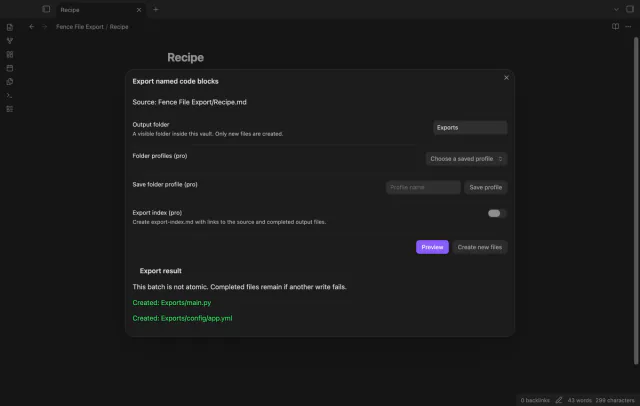
Choose a visible vault folder, and the plugin creates missing parent folders for your targets. Existing targets and parents that are files are rejected. The result lists completed and failed paths.
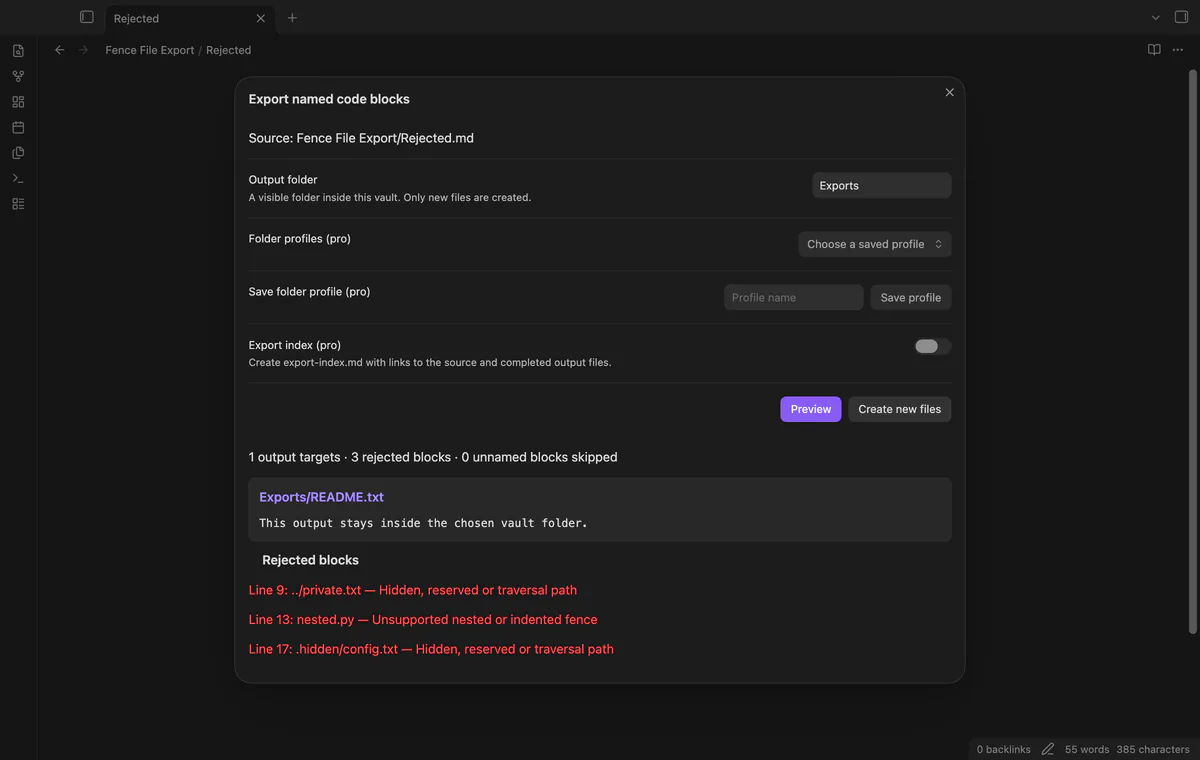
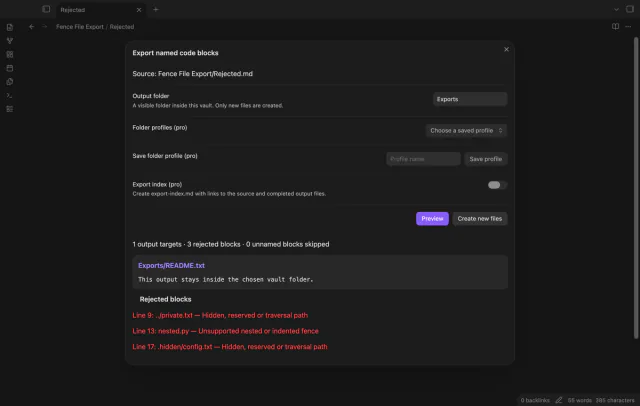
The preview reports nested, indented and incomplete named fences. It rejects traversal, absolute paths, backslashes, hidden components, reserved device names and the vault configuration folder. Separate valid targets can still be created.
Free export accepts source notes up to 2 MiB and prepares up to 100 targets; profiles and the index require Pro.
Pro costs $5 a month or $15 one time through GitHub Sponsors. One sponsorship turns on Pro in every plugin that has it.
Save up to 20 named output folders in the export window. Saving the same name updates its folder; reopen the window to select a new profile. Saving and using profiles require Pro.
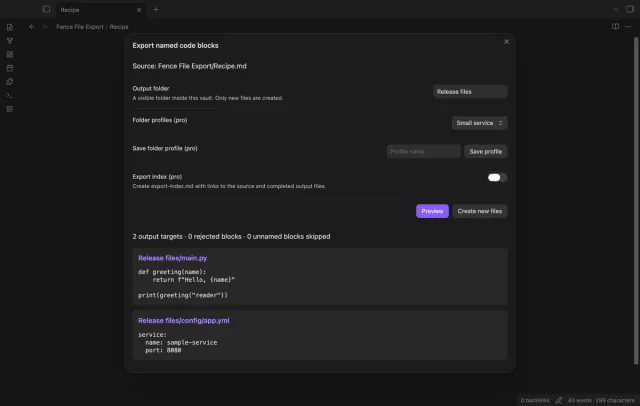
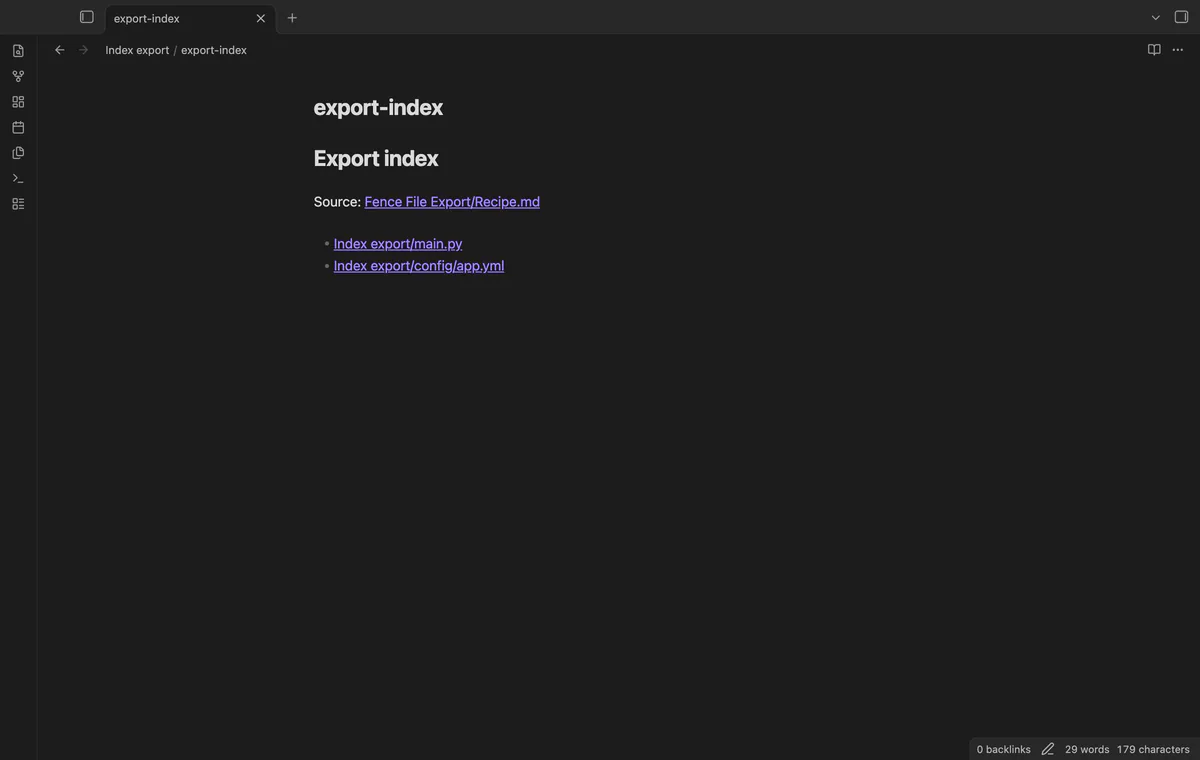
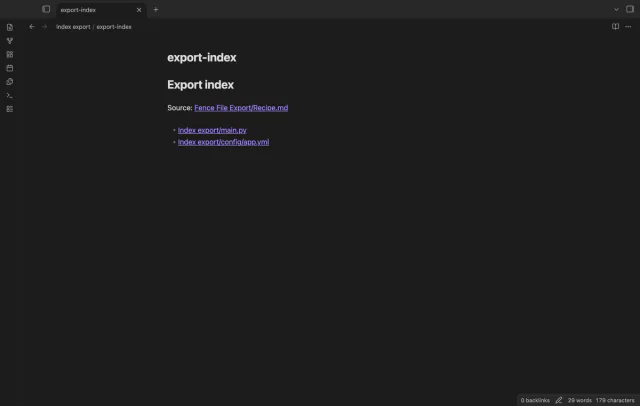
Add export-index.md with relative Markdown links to the source note and output files. The index counts toward the 100-target limit and is omitted if an output fails. An existing index prevents creation at that path.
needs
steps
Open a Markdown note with a top-level named fence, such as a Python fence with file="main.py".
Run Preview named code blocks from the command palette.
Enter an output folder and review the target text and rejected blocks.
Select Create new files, then read the completed and failed paths.
If the app can't find a new plugin yet, try again later. Obsidian says a plugin that passes the review shows in the app within 24 hours.
Need a change for your team? I build custom Obsidian plugins and features.
Existing targets are rejected. Choose a new folder or manage the previous outputs before exporting a changed version.
The window keeps the source snapshot read when you opened it. Close it and run the command again to include a later edit.
Completed files remain in place, and the result lists failed paths. Parent folders created before a failure can also remain.
Pro adds named folder profiles and an export index. It costs $5 a month or $15 once through GitHub Sponsors, with sign-in and sponsorship checks.
After you choose Sign in with GitHub, github.com receives device authorization and token polling requests using the public client ID and read:user scope. Then api.github.com receives an authenticated query for your sponsorship tier and total payments, with no vault data. Successful checks last 7 days, failed checks can retry after 6 hours, and Refresh requests an earlier check.
Tell me what is broken in Fence File Export, or what it should do next.
Fence File Export 1.1.1, MIT license
MIT · no telemetry · core features free
Edit AsciiDoc source and see its preview side by side.
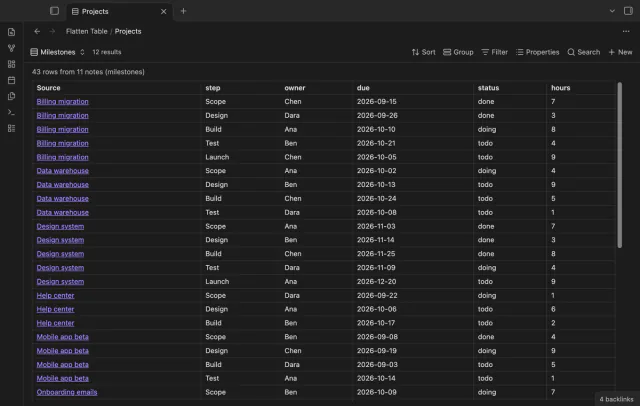
Show each item of a Bases list property as a separate row.