
AsciiDoc Files
Edit AsciiDoc source and see its preview side by side.
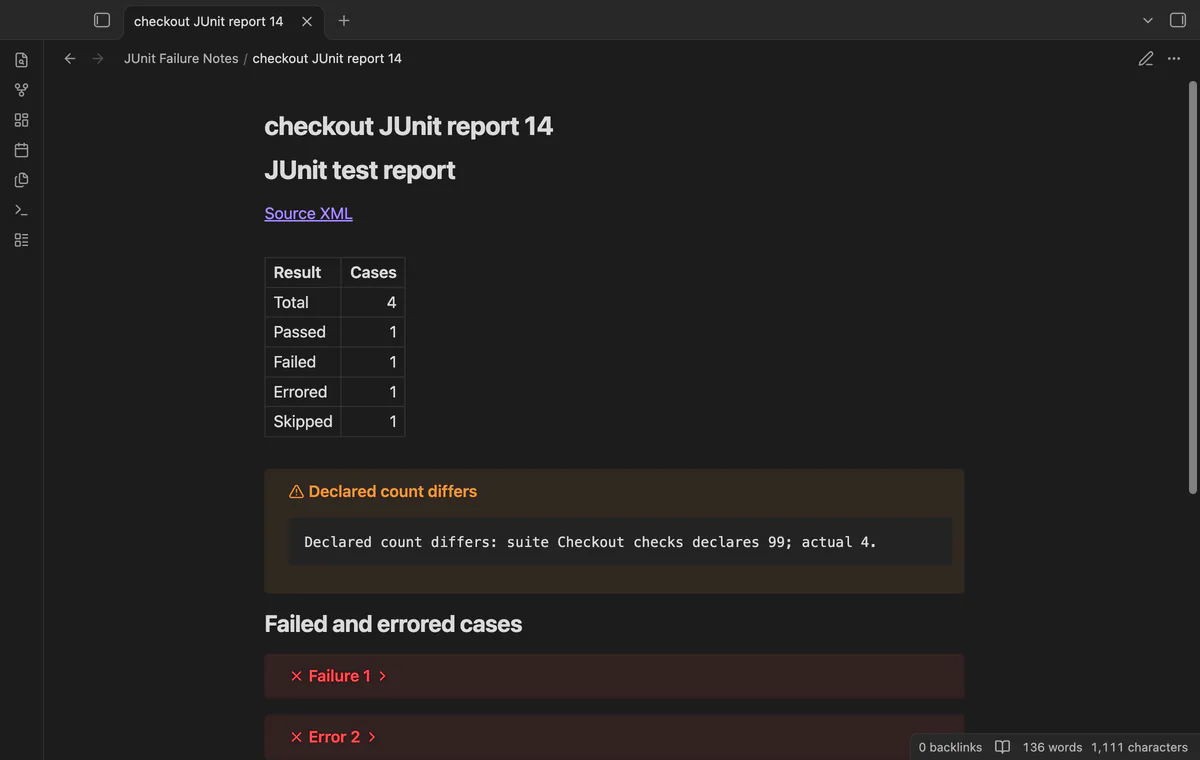
Read test counts and folded failure logs in a new note beside your local XML report.
MIT · no telemetry · core features free
Tested on desktop only.
Directory facts fetched from community.obsidian.md/users/theluckystrike.
You keep project notes in Obsidian and want test failures beside your work log.

Choose a JUnit XML file inside your vault to create a Markdown report beside it. Read the counts and open folded failure logs. The XML source stays unchanged.
The command reads local files through the Vault API. It does not fetch reports from a CI server or refresh notes after a later test run.
 Play demo
Choose an XML path from your vault and create a report beside the source. The command opens the new note. Invalid input shows an error.
Plain testsuite and testsuites roots can contain nested suites. Counts come from testcase elements. Error status takes precedence over failure, followed by skipped and passed.
Failed and errored cases get folded callouts with names, messages and case logs. Code fences keep supplied HTML and Markdown literal. Message and text fields truncate separately at 20,000 characters.
The report compares suite totals with testcase counts and shows differences. Parent and child suite totals do not get added together.
The new note links to its source XML path. If the report name exists, the command adds a number starting with 2. Existing reports keep their content.
Free reports accept up to 2 MiB and 5,000 testcase elements per XML file; folder reports and baseline comparison need Pro.
Pro costs $5 a month or $15 one time through GitHub Sponsors. One sponsorship turns on Pro in every plugin that has it.
Select a vault folder to process its XML files, including child folders. Each valid file gets its own report. The result lists errors without stopping later files.
Save unique failed and errored class-name and test-name pairs in local settings. Compare a later report to list added, resolved and retained pairs. The comparison ignores log text and duration.
needs
steps
Save a JUnit XML report inside your vault.
Run Create report from XML from the command palette.
Choose the source path and select Create report.
Read the counts, open a folded failure callout and follow Source XML to inspect the source.
If the app can't find a new plugin yet, try again later. Obsidian says a plugin that passes the review shows in the app within 24 hours.
Need a change for your team? I build custom Obsidian plugins and features.
Use plain testsuite or testsuites roots. Namespaces, DOCTYPE and ENTITY declarations are rejected. The limits are 2 MiB and 5,000 testcase elements.
No. Suite logs, timings and properties are omitted. Passed and skipped cases do not get failure callouts.
No. The command adds a numbered suffix when the output path exists. It does not refresh generated notes.
It compares unique class-name and test-name pairs for failed or errored cases. Duplicate pairs count once in the comparison. Duplicate testcase elements still count separately in the result table.
The report records the source path at creation. The plugin does not track later moves. Check the source link after you move or rename the XML.
The plugin sends no requests before you sign in with GitHub. Sign-in sends device authorization data to github.com; sponsorship checks send your token and account query to api.github.com. Successful checks last 7 days, failed checks can retry after 6 hours, and no vault content enters these requests.
Tell me what is broken in JUnit Failure Notes, or what it should do next.
JUnit Failure Notes 1.1.0, MIT license
MIT · no telemetry · core features free
Edit AsciiDoc source and see its preview side by side.
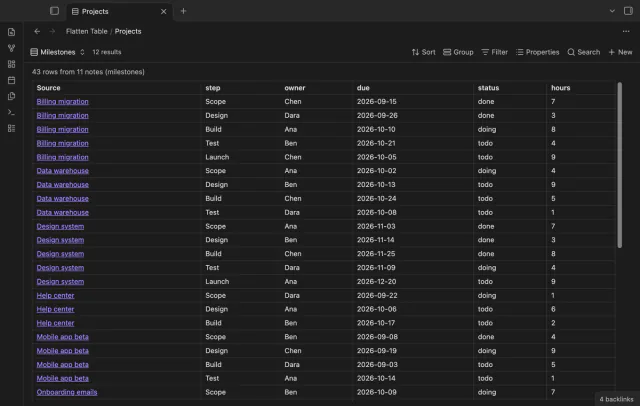
Show each item of a Bases list property as a separate row.
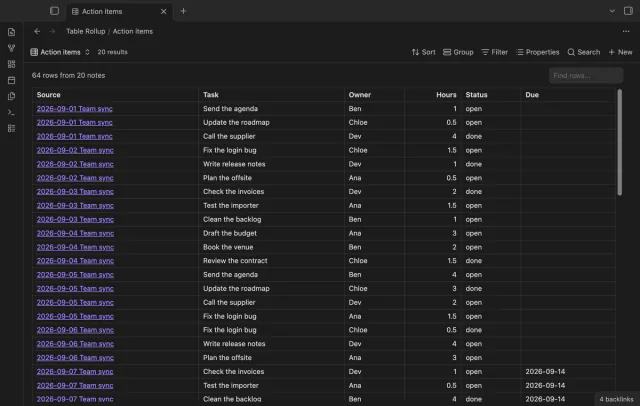
Combine note tables in one table with links to the source notes.