Paragraph Enter
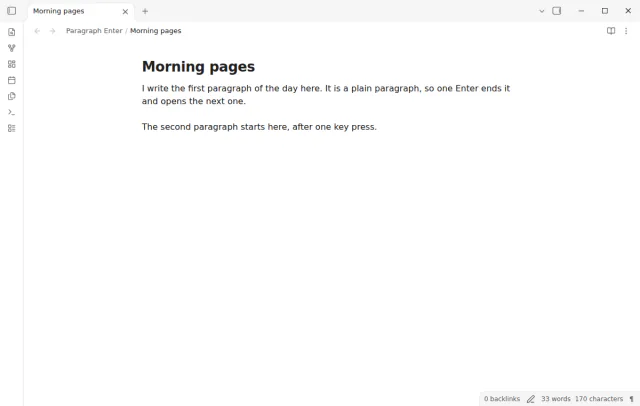
Press Enter once for a new paragraph, and Shift+Enter for a line break in the same paragraph.
Ctrl+X or Cmd+X with only a cursor does nothing, and selected text is cut as usual.
MIT · no telemetry · core features free
The tests run in the mobile emulation of Obsidian, not on a real phone. The plugin acts on cut and copy events, for example from a keyboard on a tablet.
Directory facts fetched from community.obsidian.md/users/theluckystrike.
You press Ctrl+X by mistake in Obsidian and do not want it to remove the paragraph under your cursor.
In Obsidian, Ctrl+X with only a cursor cuts the full line or paragraph under the cursor. A key pressed by mistake or held a little too long can remove a paragraph, and you may not see it at once. With Line Cut Guard, Ctrl+X with nothing selected does nothing, and selected text is cut as usual.
Ctrl+C has the same choice. With no text selected, Obsidian copies the whole line, so a Ctrl+C that was meant to be Ctrl+V replaces your clipboard. You can turn that off too.
 Play demo
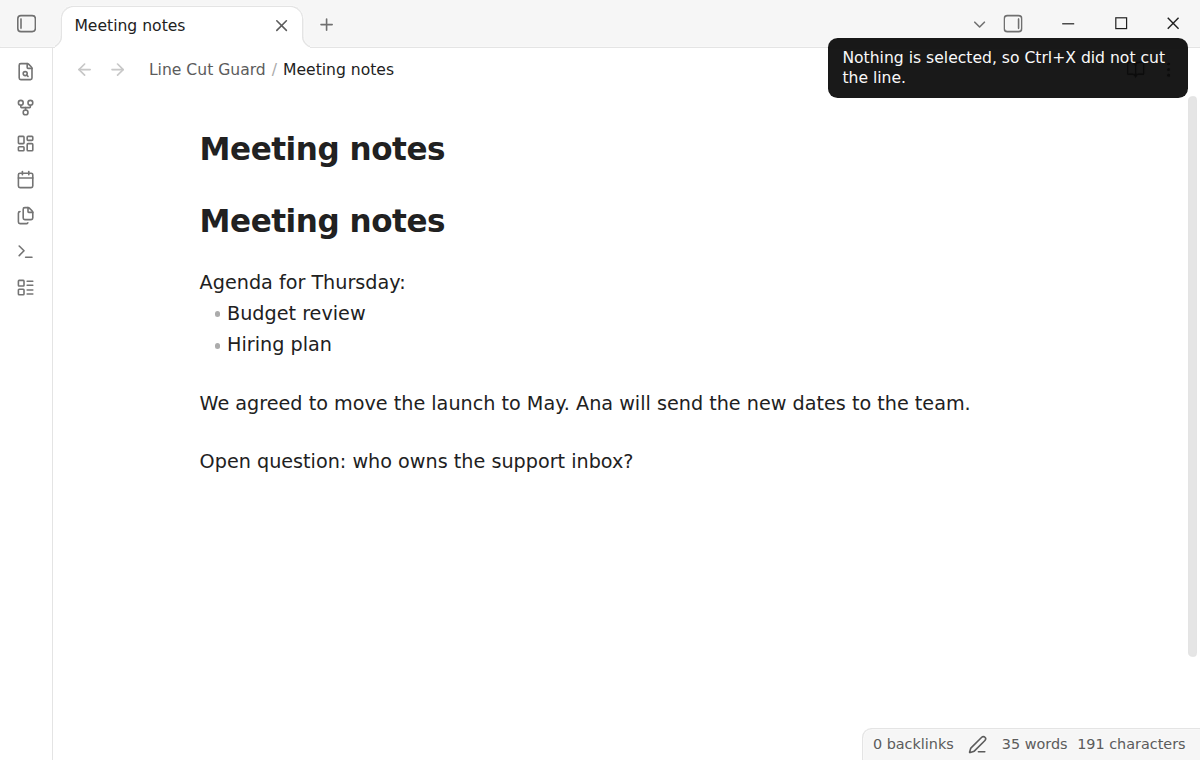
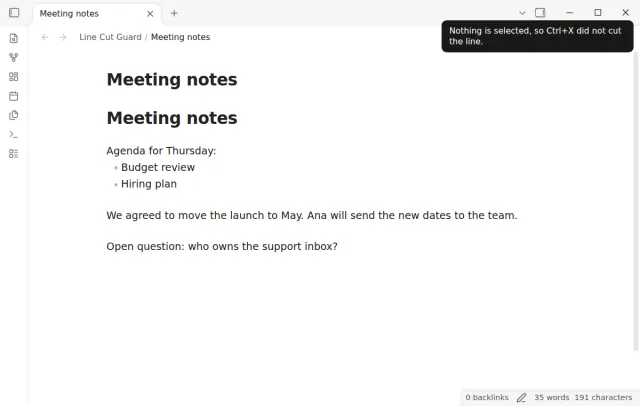

Put the cursor in a paragraph and press Ctrl+X. The note does not change, the clipboard keeps what it had, and a short notice says that nothing is selected. It works in Live Preview and Source mode, in a table cell and with more than one cursor.
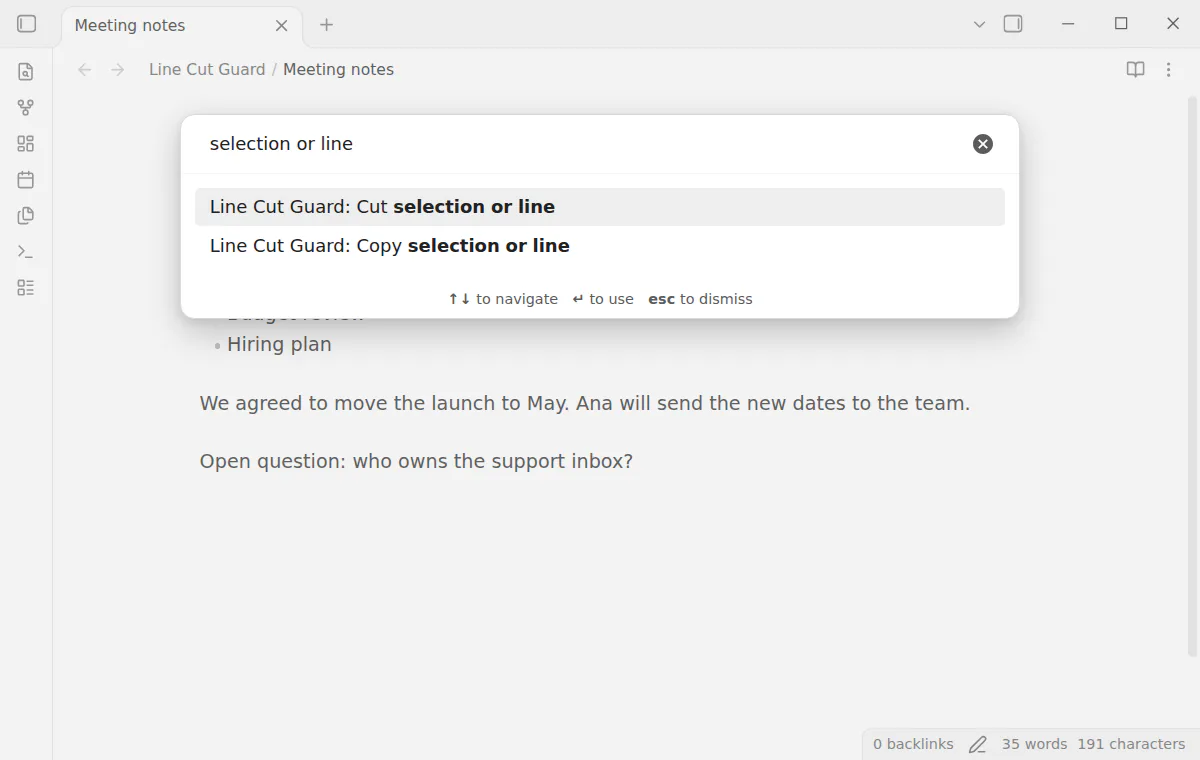
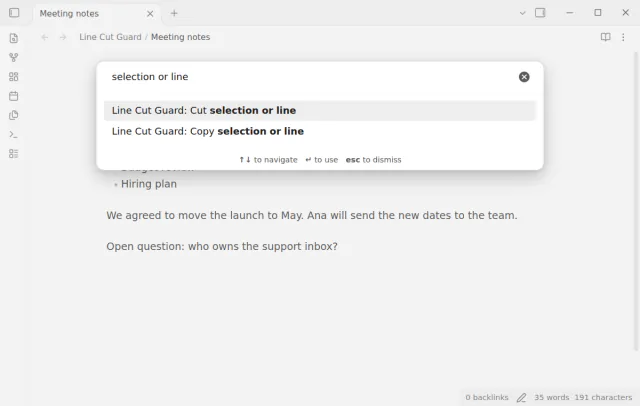
The command Cut selection or line cuts the selected text, or the line of each cursor when nothing is selected. Copy selection or line does the same for copy. Give them a hotkey, for example Ctrl+Shift+X.
The free version has the Ctrl+X and Ctrl+C settings, the notice and the two commands, and it has no second press mode.
Pro costs $5 a month or $15 one time through GitHub Sponsors. One sponsorship turns on Pro in every plugin that has it.
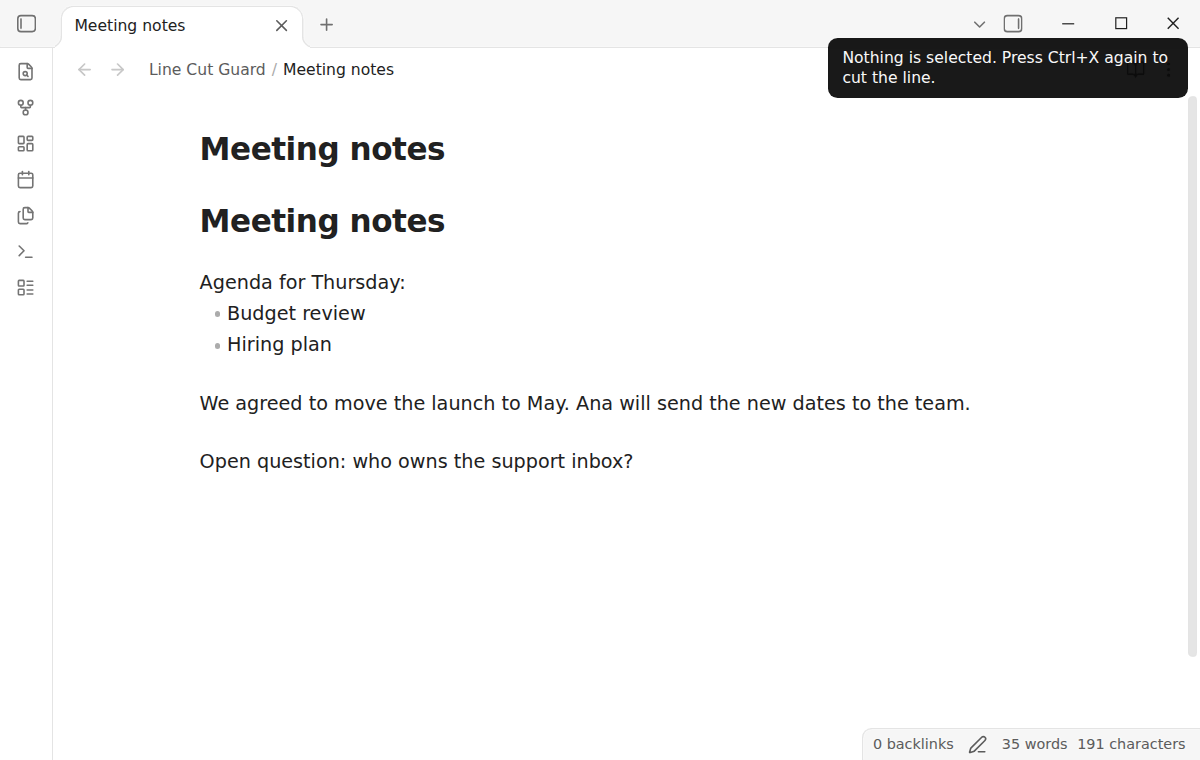
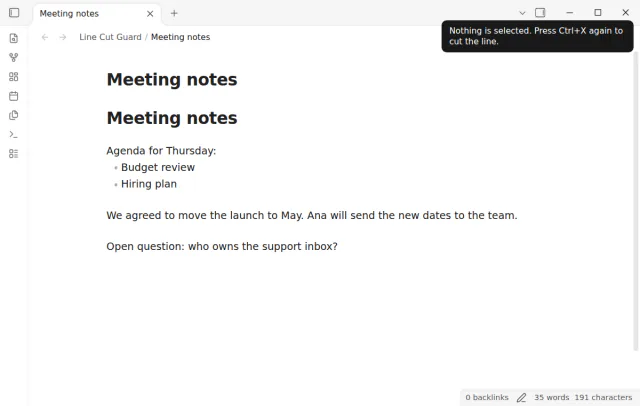
With the Pro option Cuts the line on a second press, the first Ctrl+X with nothing selected only shows a hint. Press Ctrl+X again within 2 seconds without a move of the cursor, and the line is cut. A key that you hold down does not count as a second press.
needs
steps
Turn on Line Cut Guard. There is nothing else to set up.
Press Ctrl+X with only a cursor, and the notice tells you that nothing is selected.
To cut a line on purpose, select it first, or run Cut selection or line.
To stop Ctrl+C as well, set Ctrl+C with nothing selected to Does nothing.
If the app can't find a new plugin yet, try again later. Obsidian says a plugin that passes the review shows in the app within 24 hours.
A forum request to disable the cut of an unselected paragraph has been open since June 2023. The topic has 43 likes and 31 posts.
Need a change for your team? I build custom Obsidian plugins and features.
No. The plugin only stops a cut or a copy. The two commands change the note in the same way as Ctrl+X in Obsidian, and a command cut writes the clipboard first.
It works in the text of every Markdown editor: Live Preview, Source mode, a table cell and a Canvas text card in edit mode. Reading view, the search field and the file list keep their usual cut and copy.
Set Ctrl+X with nothing selected to Cuts the line (Obsidian default), or turn the plugin off. The settings say Cmd instead of Ctrl on macOS.
It lets the cut through. This happens in a read-only editor, when a rendered image or embed has the focus, and in an editor of an unknown kind.
Until you select Sign in with GitHub, Line Cut Guard makes no network requests. Sign in and the sponsorship check contact github.com and api.github.com with the scope read:user, and a successful check is reused for 7 days. The plugin sends no note content, file names or other vault data.
Tell me what is broken in Line Cut Guard, or what it should do next.
Line Cut Guard 1.0.0, MIT license
MIT · no telemetry · core features free
Press Enter once for a new paragraph, and Shift+Enter for a line break in the same paragraph.
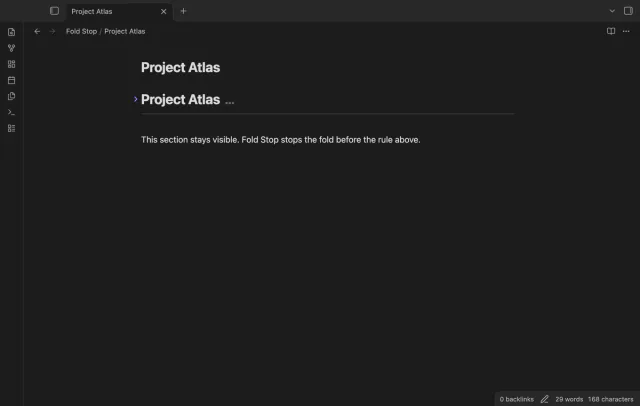
Fold a heading to the first horizontal rule at the top level.
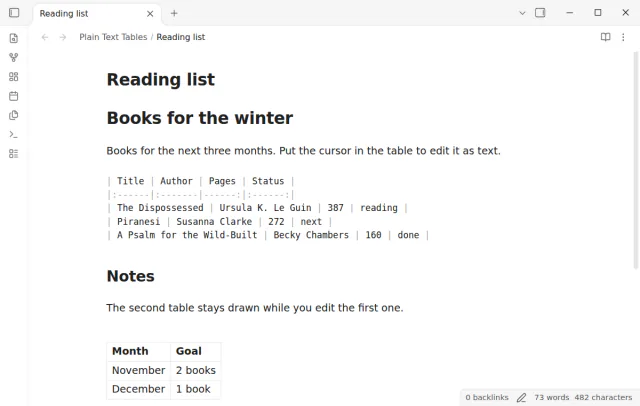
Edit a table as Markdown text in Live Preview without a switch to Source mode.