
AsciiDoc Files
Edit AsciiDoc source and see its preview side by side.
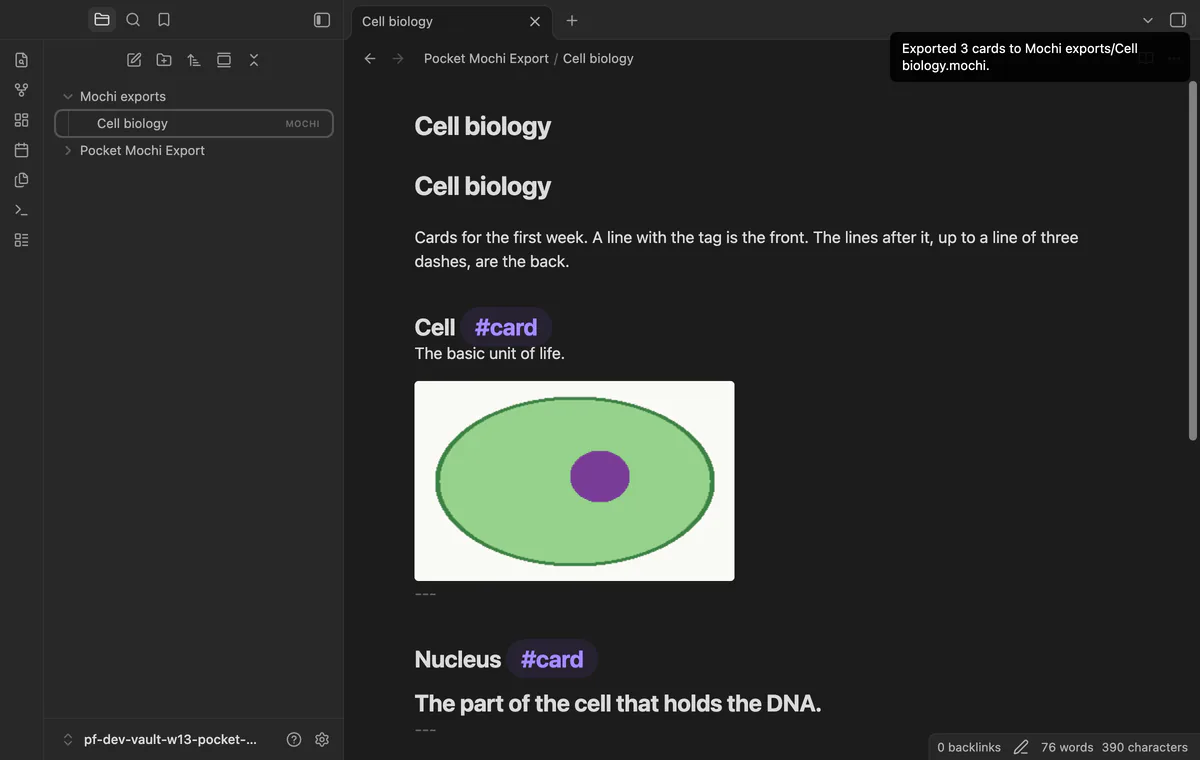
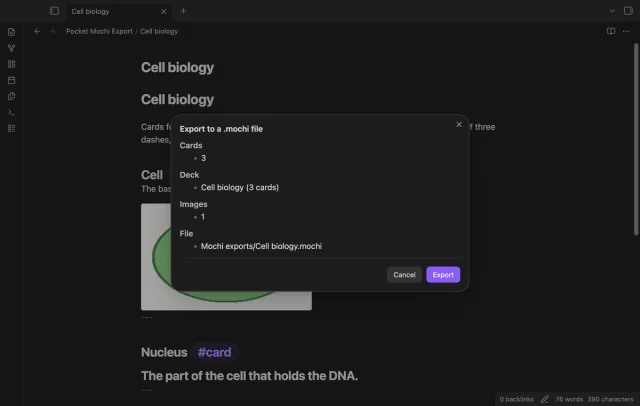
Preview and export tagged cards to Mochi.
MIT · no telemetry · core features free
The directory takes these platforms from the plugin manifest. The automated tests run in the desktop app only.
Directory facts fetched from community.obsidian.md/users/theluckystrike.
You keep flashcards in your notes and want an archive for Mochi without copying each card by hand.
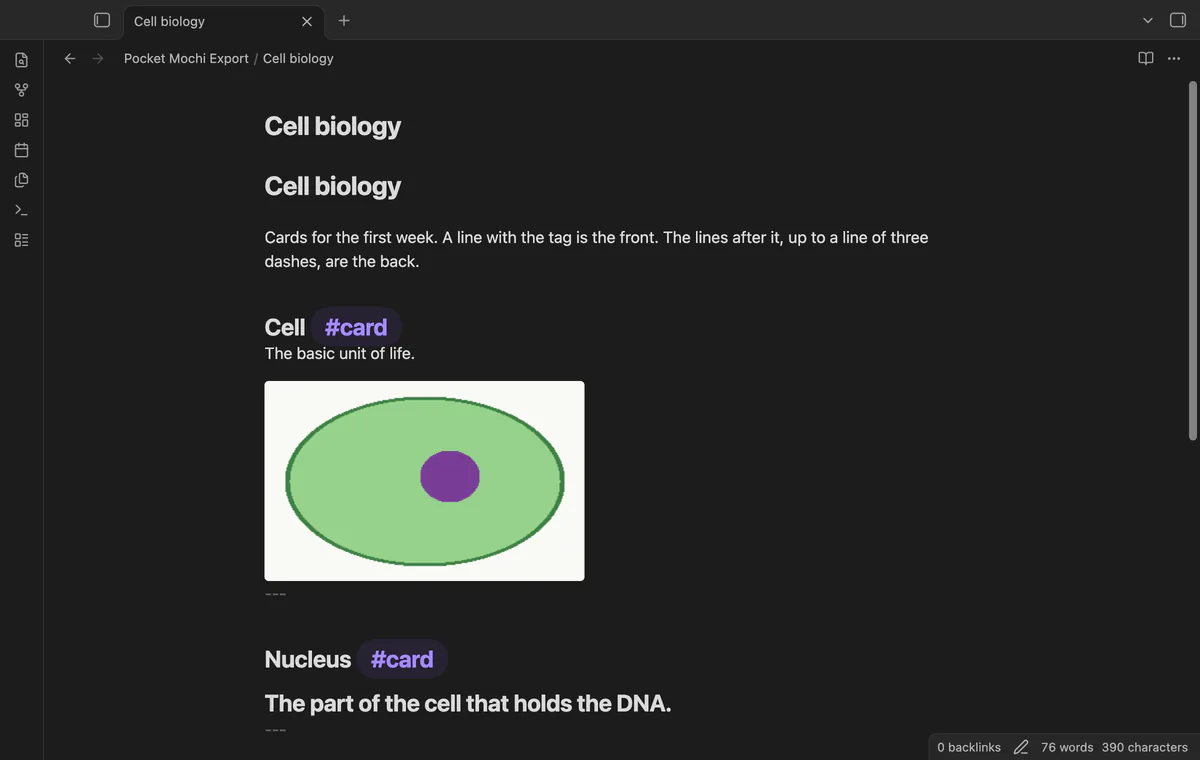

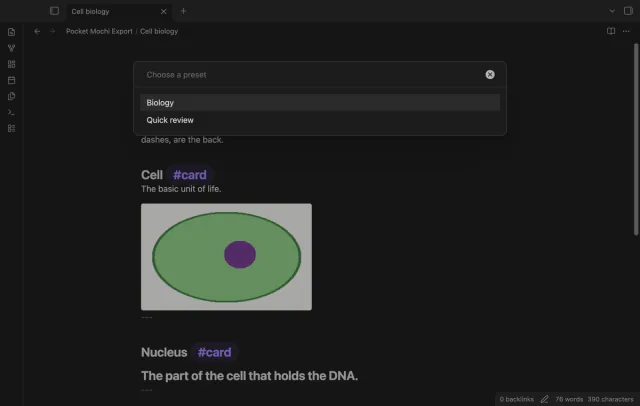
Mark a card front with #card and write its back underneath. Pocket Mochi Export previews the cards and writes a new archive in your vault.
 Play demo
A tagged line starts a card, and the export removes the tag from its front. Frontmatter and fenced code do not start cards.
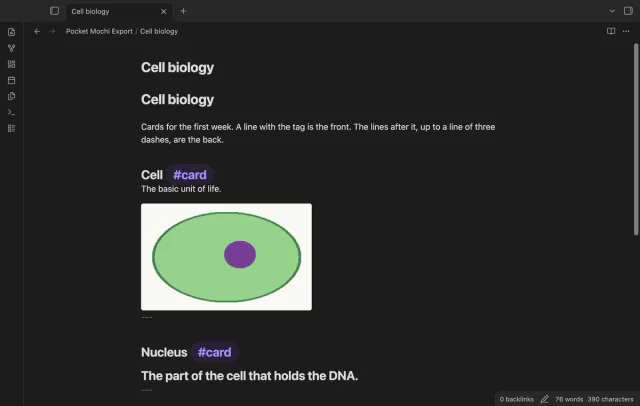
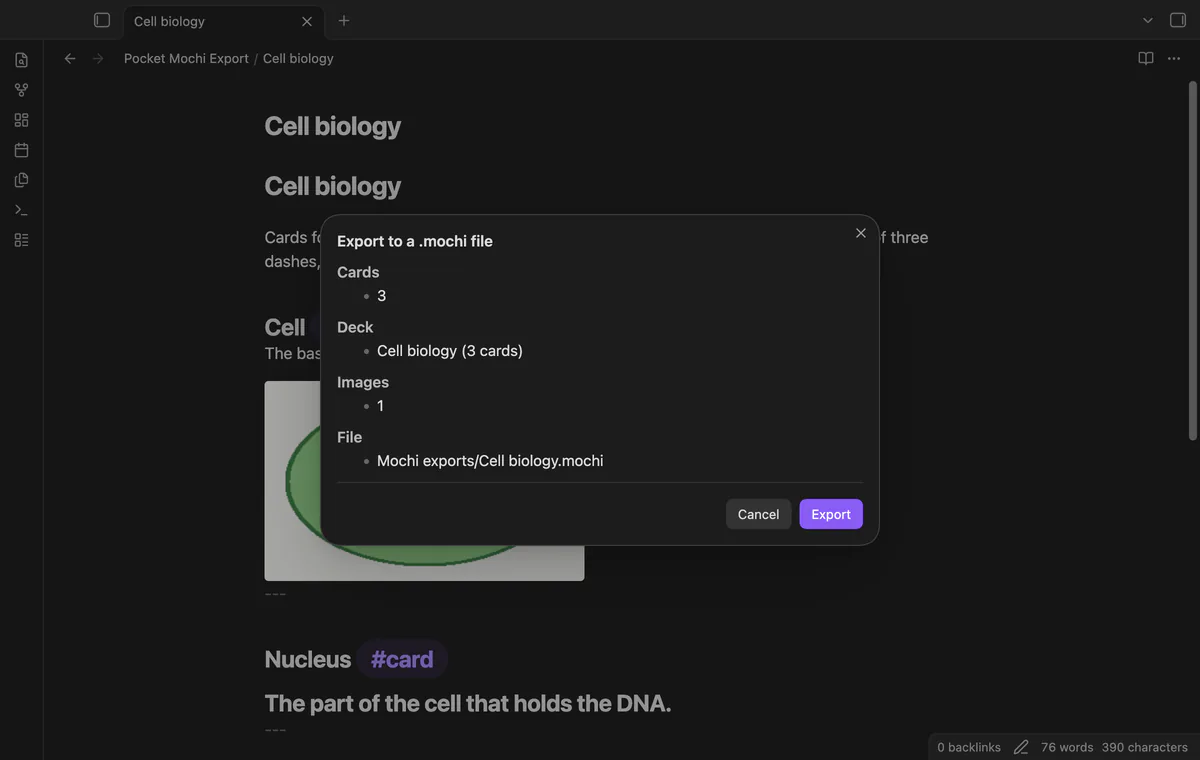
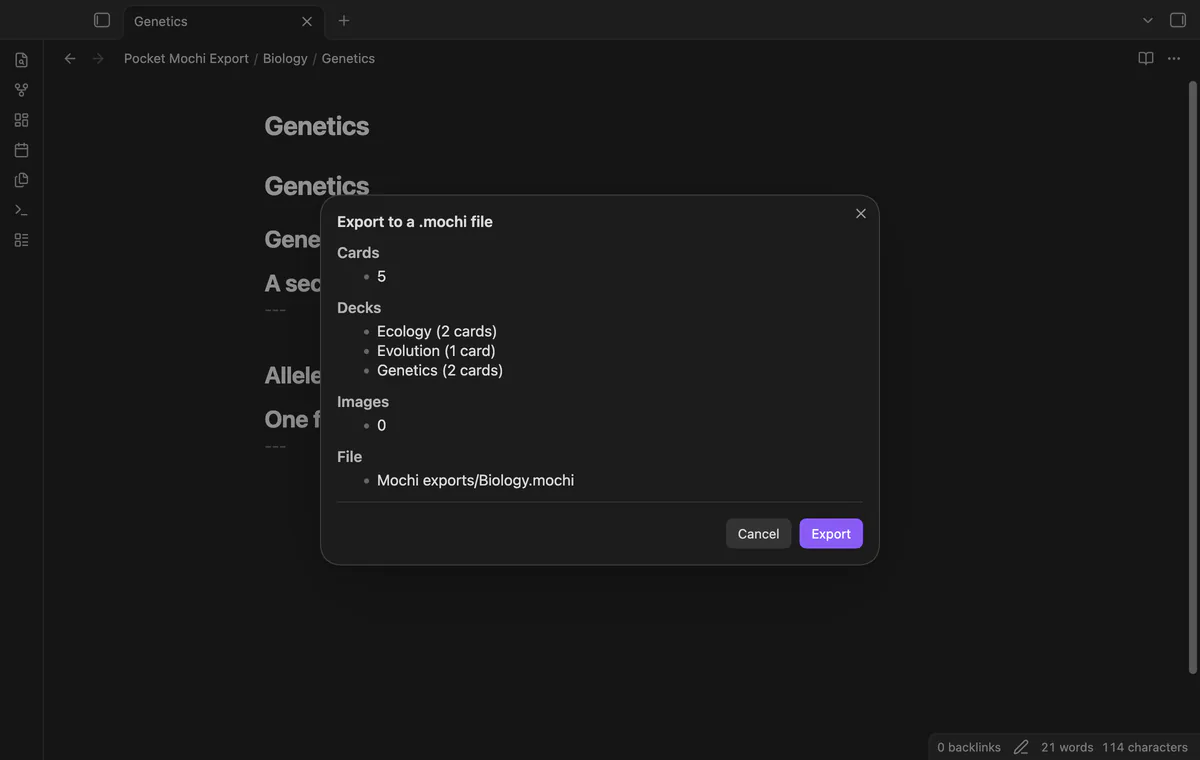
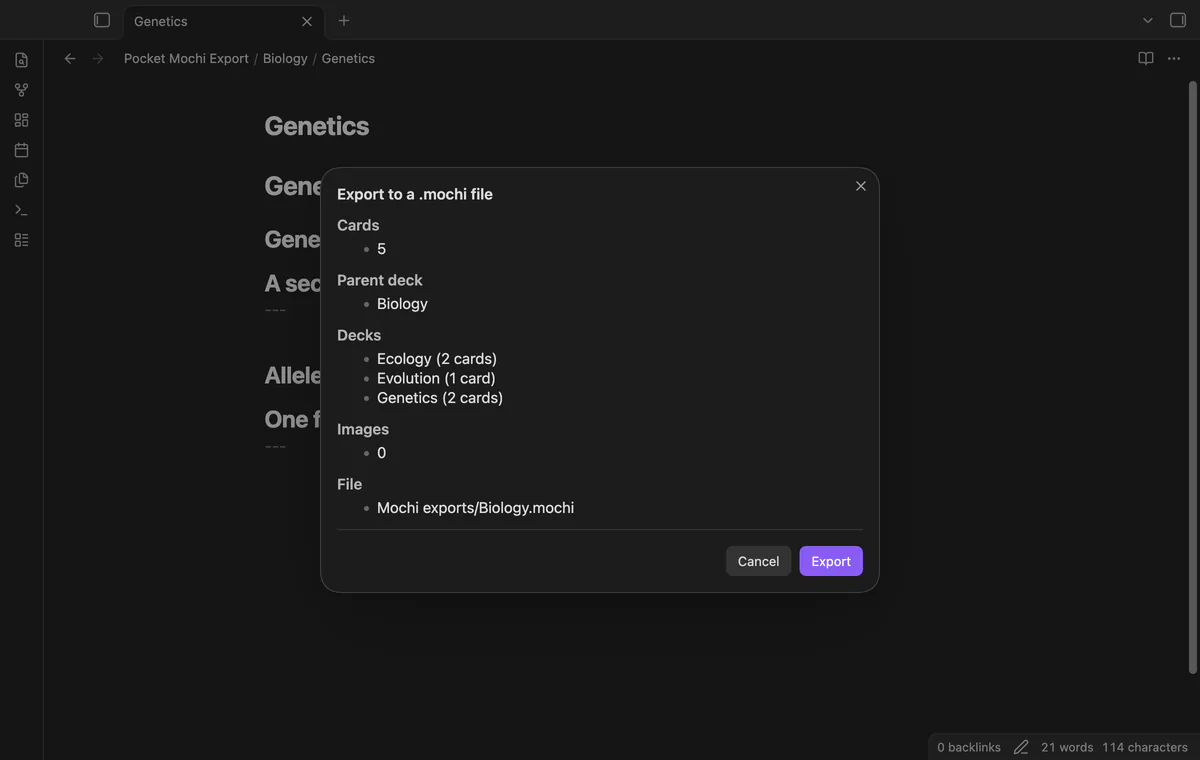
Check the card count, deck, images and output path before writing. Cancel leaves no export file.
The archive includes supported local images and rewrites their card links. Duplicate image names receive a number.
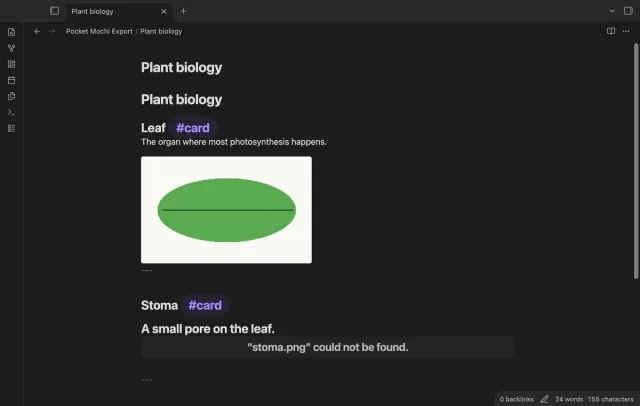
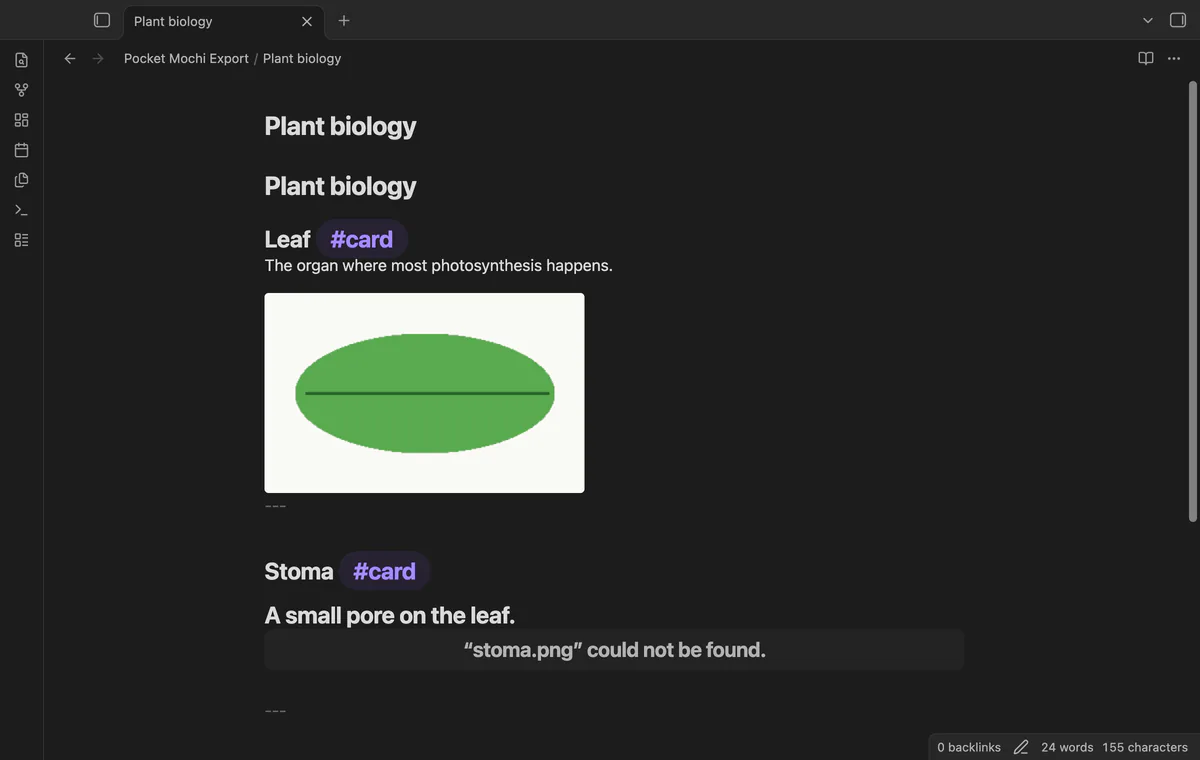
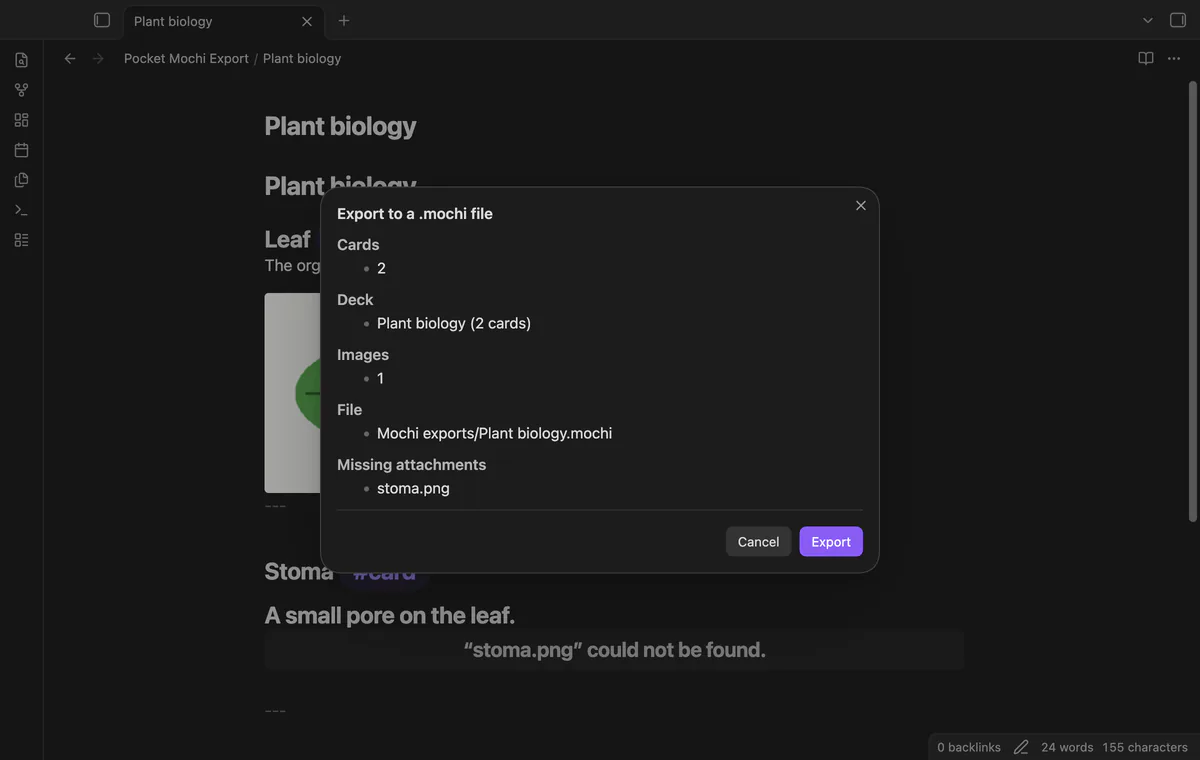
The preview and final notice list missing attachments. Their links remain text on the cards.
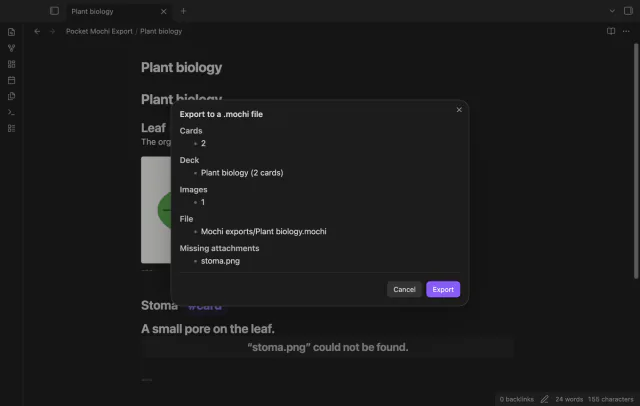
The export creates its output folder when needed. A numbered name keeps an existing archive in place.
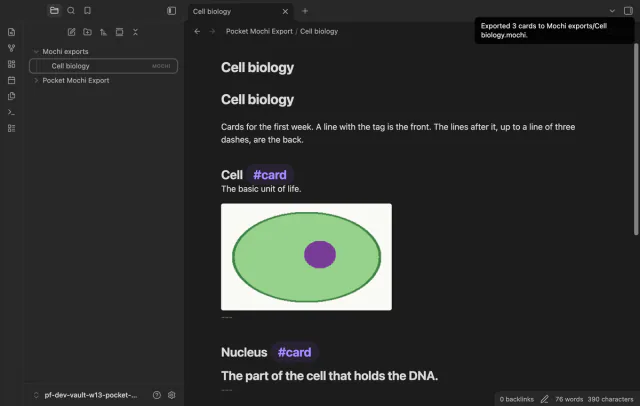
Pro costs $5 a month or $15 one time through GitHub Sponsors. One sponsorship turns on Pro in every plugin that has it.
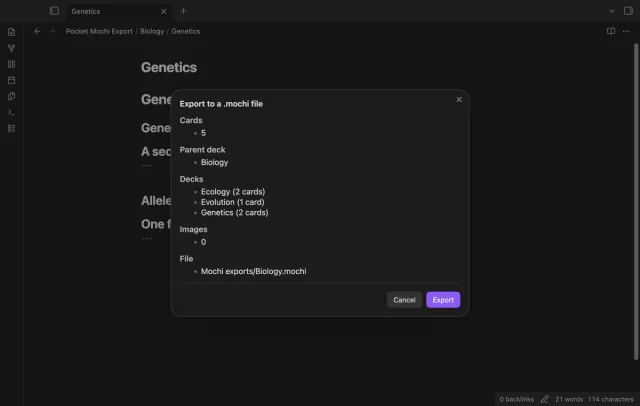
Export a folder and its subfolders into one archive. Each note with cards becomes a deck.
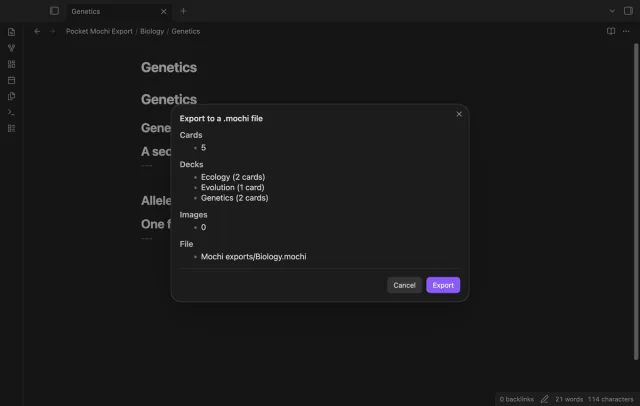
Use a parent deck named after the folder. Each note with cards becomes a sub-deck.
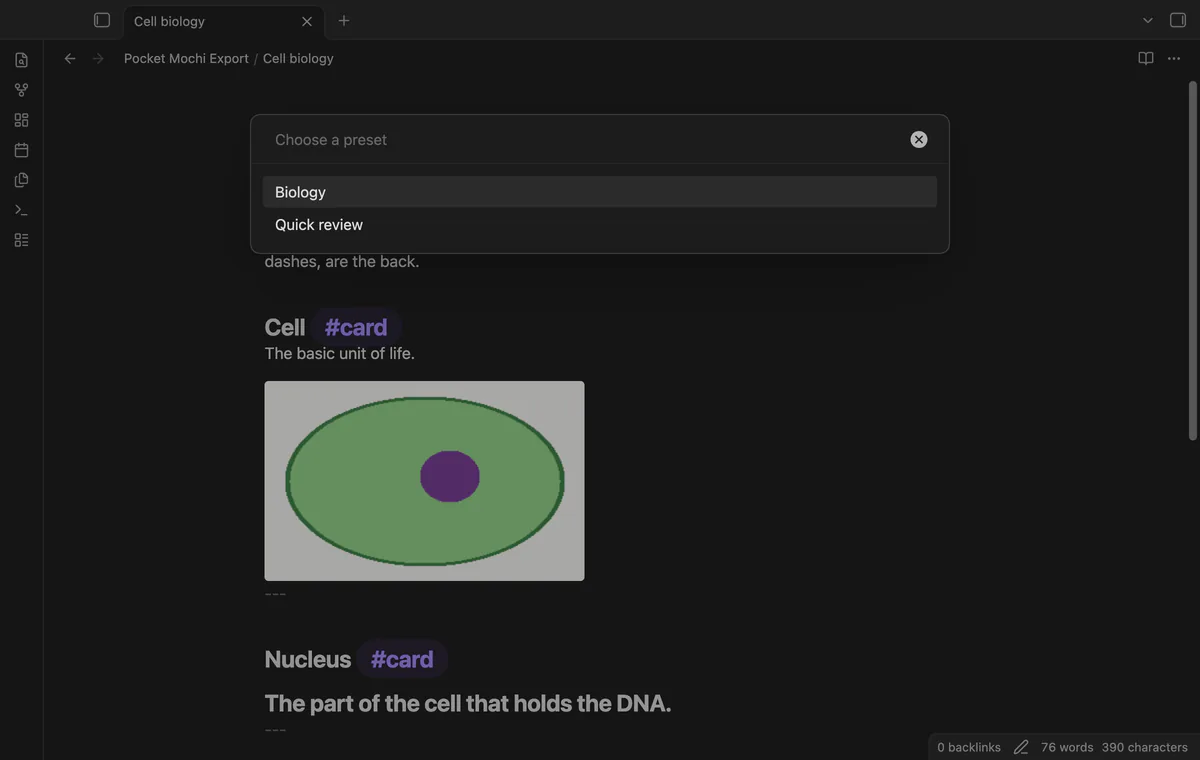
Save a tag, output folder and deck name together. Choose the preset when exporting the active note.
needs
steps
Write a card front with #card, add the back below it, and end the card with a horizontal rule.
Run Export active note to a .mochi file from the command palette.
Check the cards, images and missing attachments in the preview, then select Export.
Find the archive in Mochi exports and try importing it in Mochi.
If the app can't find a new plugin yet, try again later. Obsidian says a plugin that passes the review shows in the app within 24 hours.
How to export your tagged flashcards to a Mochi archive in Obsidian
Need a change for your team? I build custom Obsidian plugins and features.
The plugin reads your notes and images. It writes a new archive and creates the output folder if needed.
The preview names the missing file. The export can continue, and that link remains text.
The README describes the archive structure. Import into the Mochi app was not tested for this release.
Before sign-in, requests stay off; sign-in sends the client ID and read:user scope to github.com and polls for a token. After sign-in, api.github.com receives authenticated sponsorship queries for tier and total payments; no note content, file names or vault data leaves. Successful checks last seven days, failures retry after six hours, and Refresh requests an earlier check.
Tell me what is broken in Pocket Mochi Export, or what it should do next.
Pocket Mochi Export 1.1.0, MIT license
MIT · no telemetry · core features free
Edit AsciiDoc source and see its preview side by side.
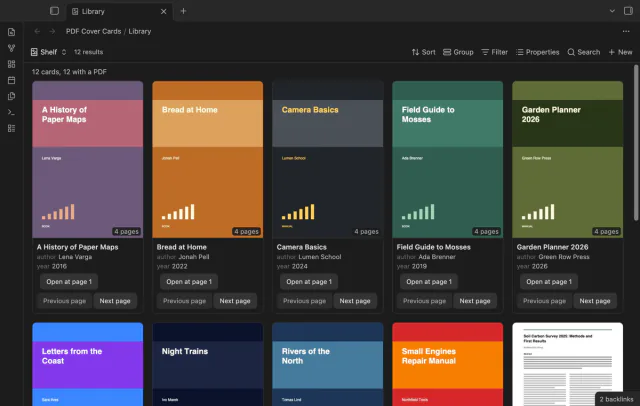
Show the first PDF page as a cover in your base.