Pocket Mochi Export
Preview and export tagged cards to Mochi.
As of October 2026, Mochi can import Markdown files directly, so you can move a small collection without an Obsidian plugin. Pocket Mochi Export instead builds an archive from tagged cards in your notes. Its release tests did not include importing that archive into Mochi.
You keep flashcards in your notes and want an archive for Mochi without copying each card by hand. Mark a card front with #card and write its back underneath. Pocket Mochi Export previews the cards and writes a new archive in your vault.
Mochi can turn a folder of Markdown files into cards or split one file using a delimiter you choose. Select attachments alongside the Markdown files when importing.
Mark a card front with #card and write its back underneath. Pocket Mochi Export previews the cards and writes a new archive in your vault.
MIT · no telemetry · core features free
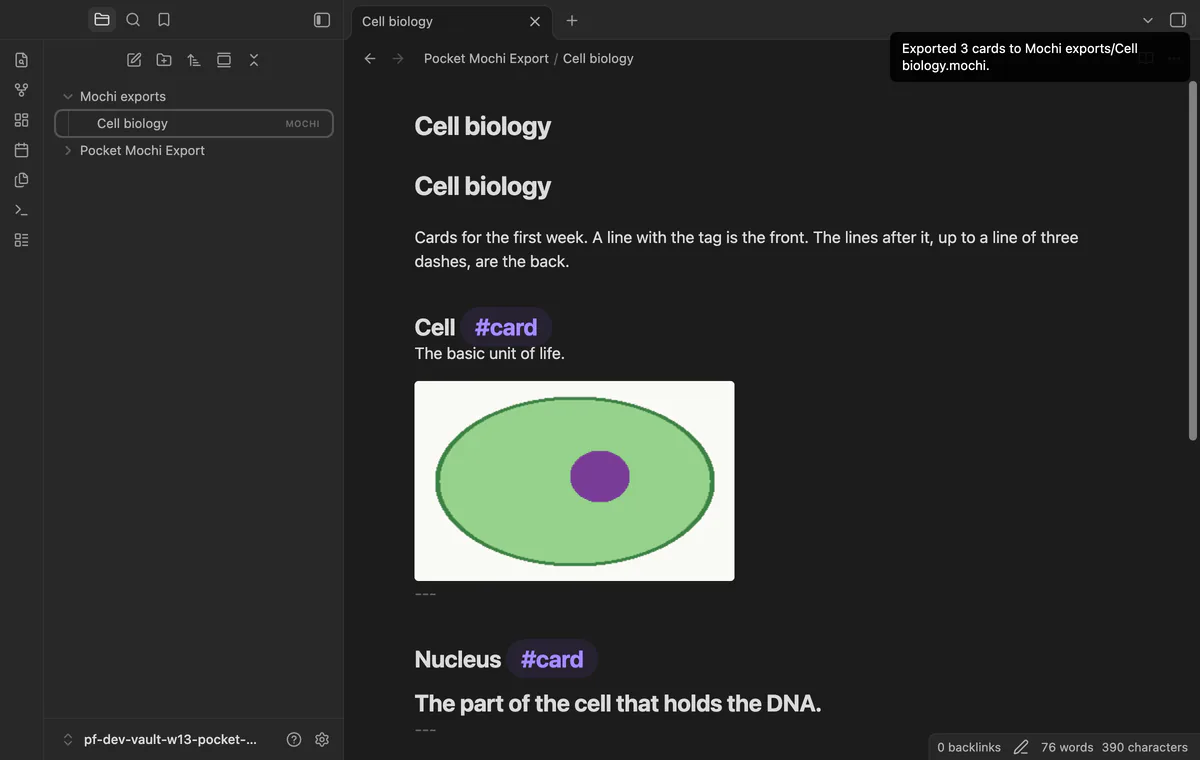
Write a card front with #card, add the back below it, and end the card with a horizontal rule.
Run Export active note to a .mochi file from the command palette.
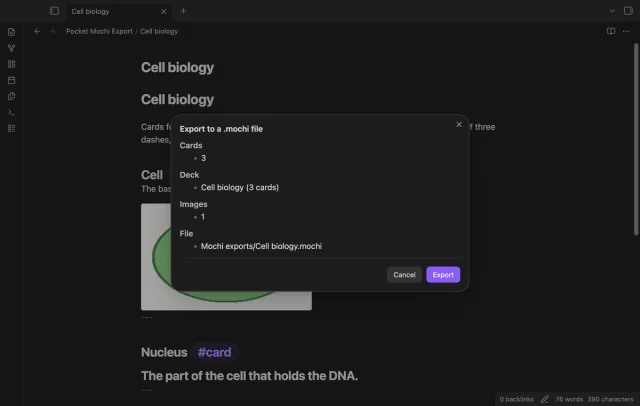
Check the cards, images and missing attachments in the preview, then select Export.
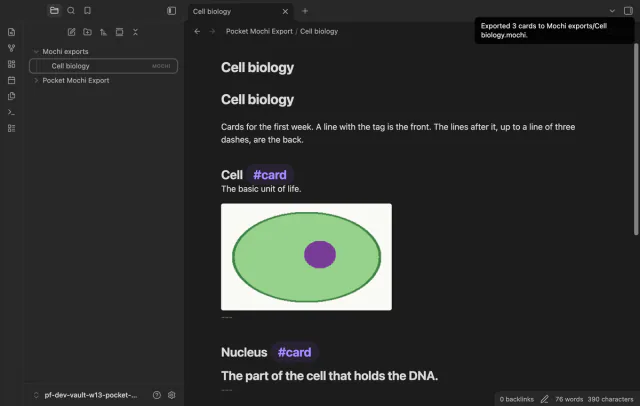
Find the archive in Mochi exports and try importing it in Mochi.
Try one small note first and inspect its imported cards. Folder exports need Pro, and Mochi import remains untested.
The card has no end marker before the next front or the note ends. Its back runs to that point instead.
 That's every step, start to finish.
You're officially a regular.
Obsidian rewards people who share. NoteMods is just me and a lot of coffee. If this guide saved you a fight with the syntax, buy me a cup.
That's visit . Regulars are the reason I keep NoteMods running. If it's part of your routine now, a coffee says thanks better than anything.
Preview and export tagged cards to Mochi.