
AsciiDoc Files
Edit AsciiDoc source and see its preview side by side.
Import supported Zoho Notebook cards and files.
MIT · no telemetry · core features free
Tests cover public 2022 and 2024 native samples and generated archives. Current Zoho exports, physical mobile use and signed-in GitHub requests remain untested.
Directory facts fetched from community.obsidian.md/users/theluckystrike.
You want supported cards from a local Zoho Notebook native export in your vault.
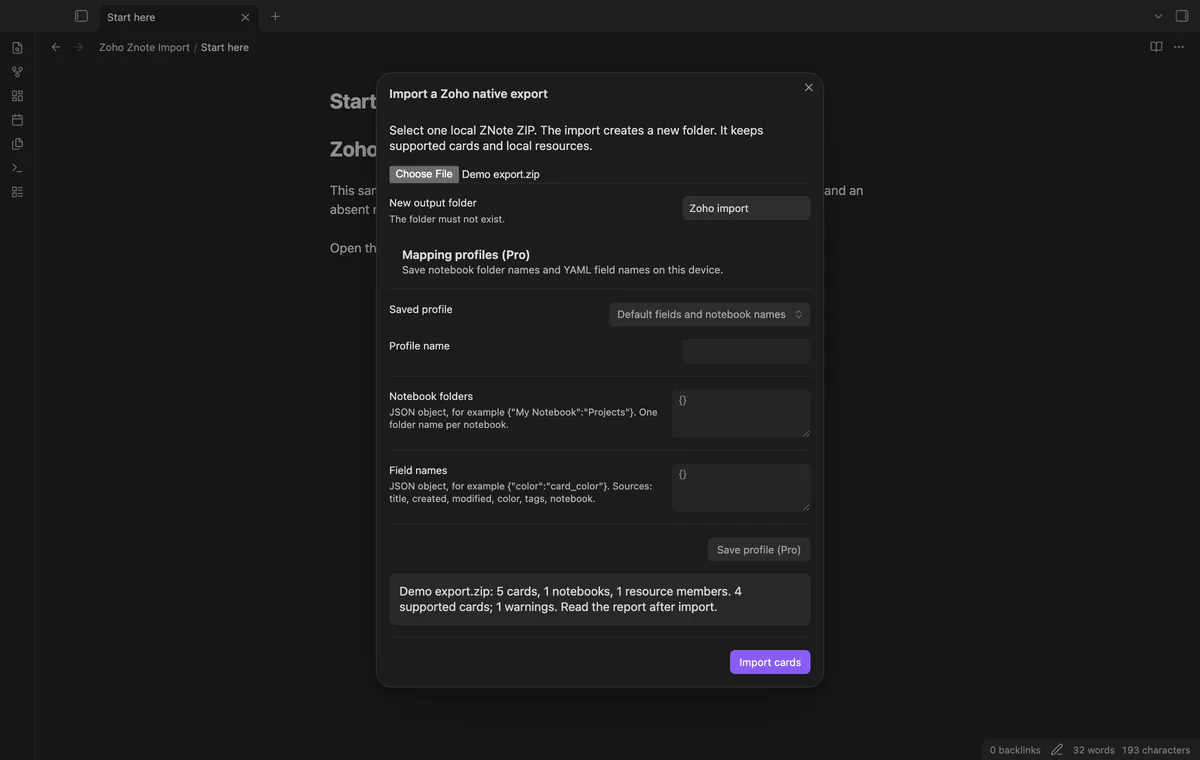
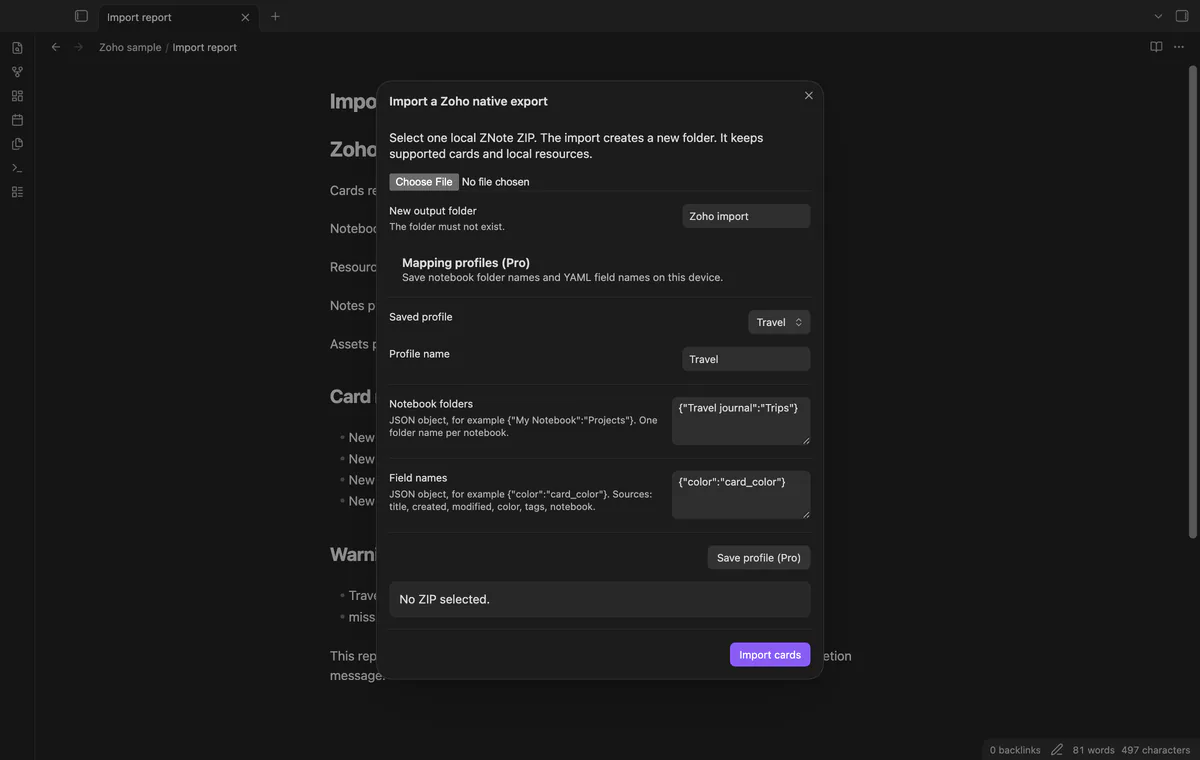
Choose a native ZNote ZIP and a new output folder. Zoho Znote Import creates Markdown notes, copies local resources and writes an import report. The resulting notes remain readable without the plugin.
 Play demo
Select one ZIP to preview card, notebook and resource counts. Limits are 64 MiB compressed, 192 MiB expanded and 10,000 ZIP members. These rejection limits don't establish device capacity.
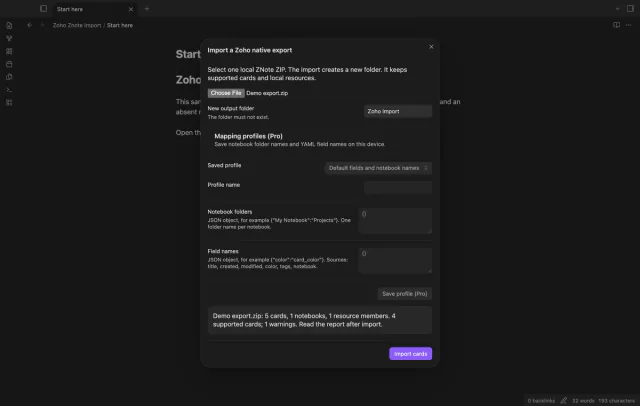
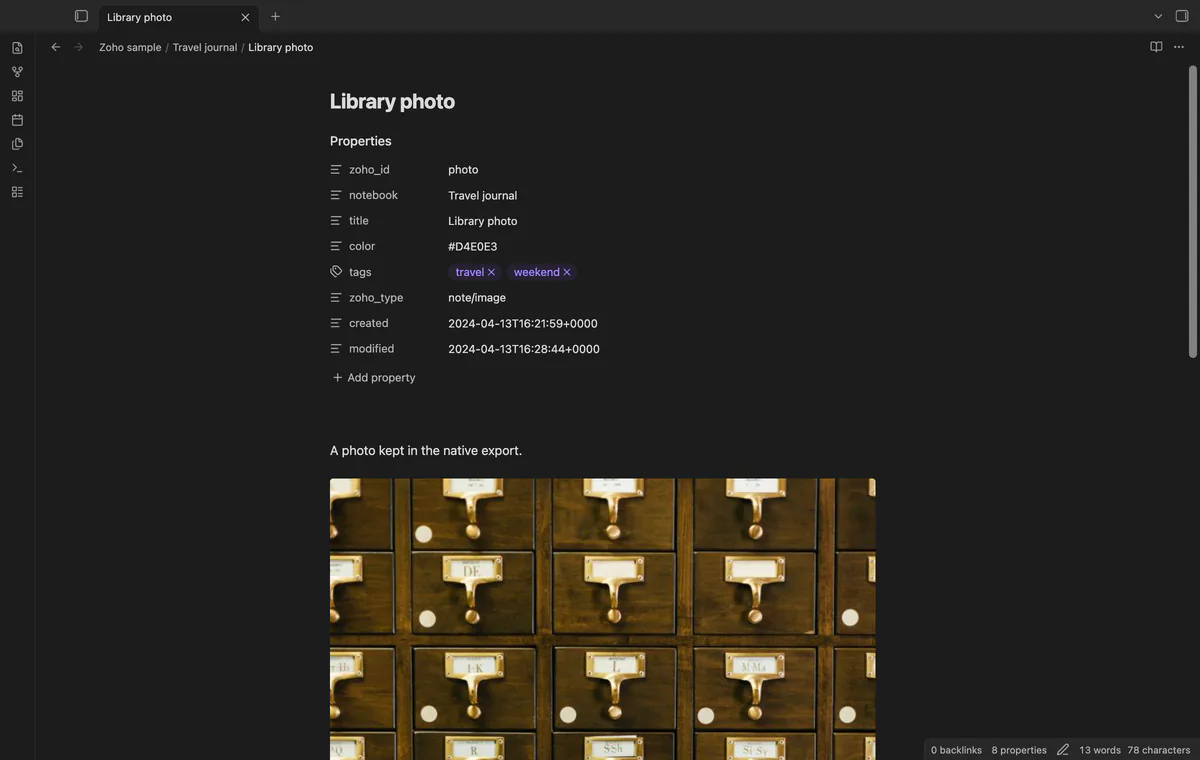
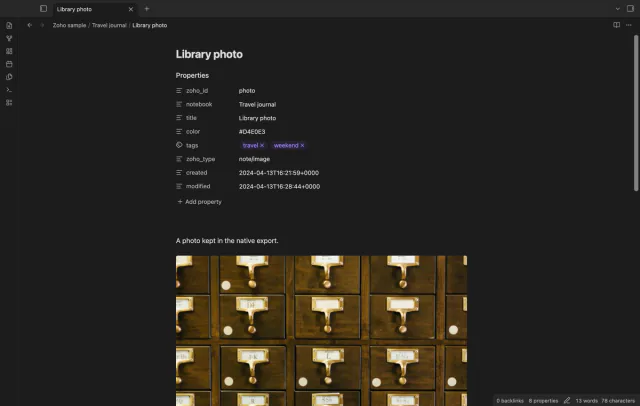
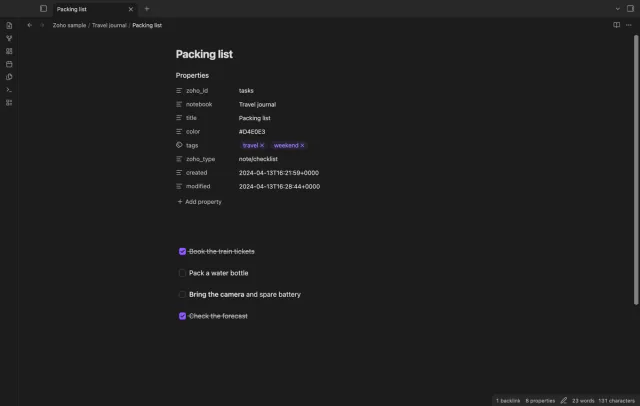
Text, mixed text, checklist and image cards become notes with source properties. Exact local resource matches become copied assets, with raster image embeds or links. Duplicate note titles receive numbered filenames.
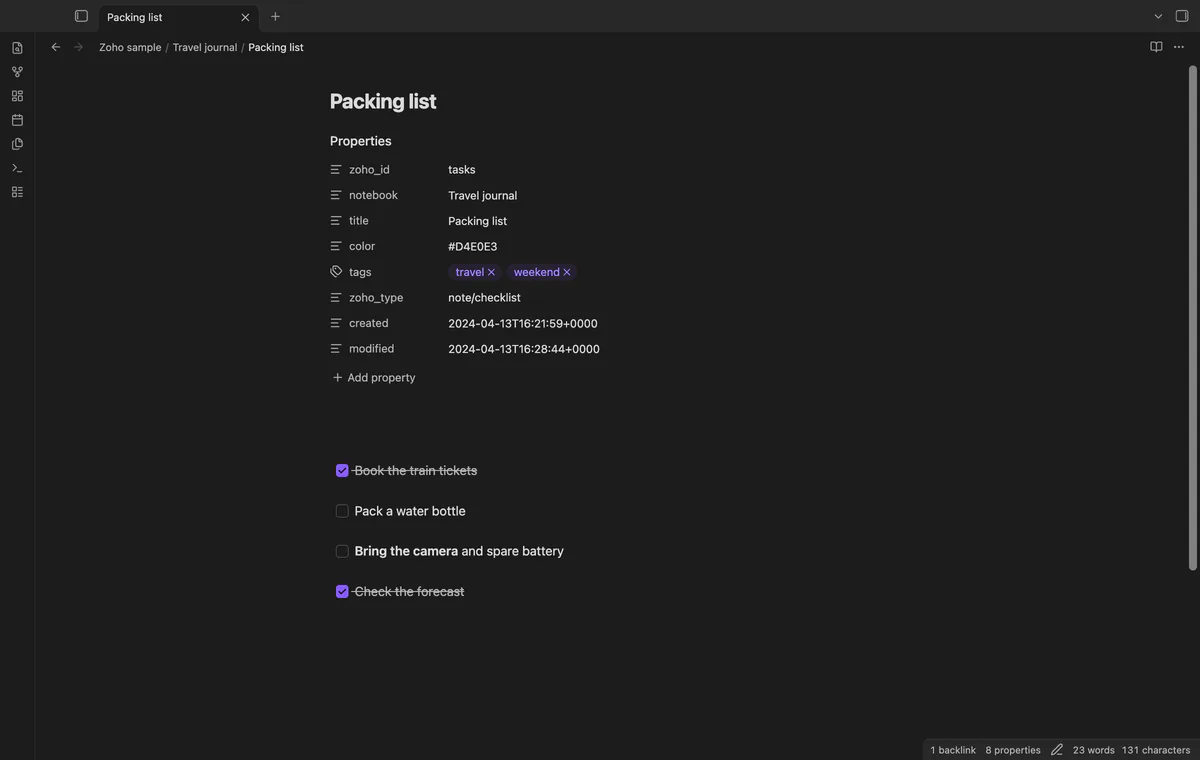
Checklist items become Markdown tasks in source order. The converter removes active HTML and remote image tags before converting text. Internal card links need an exact supported target ID in the same import.
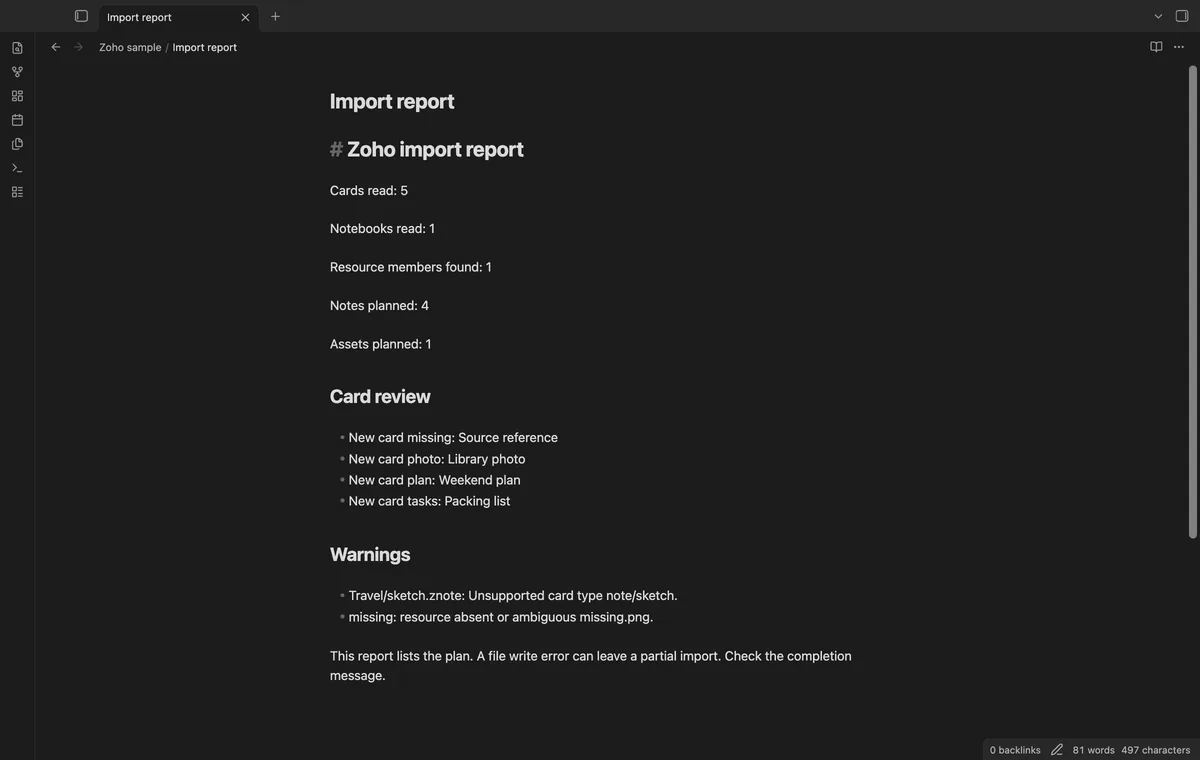
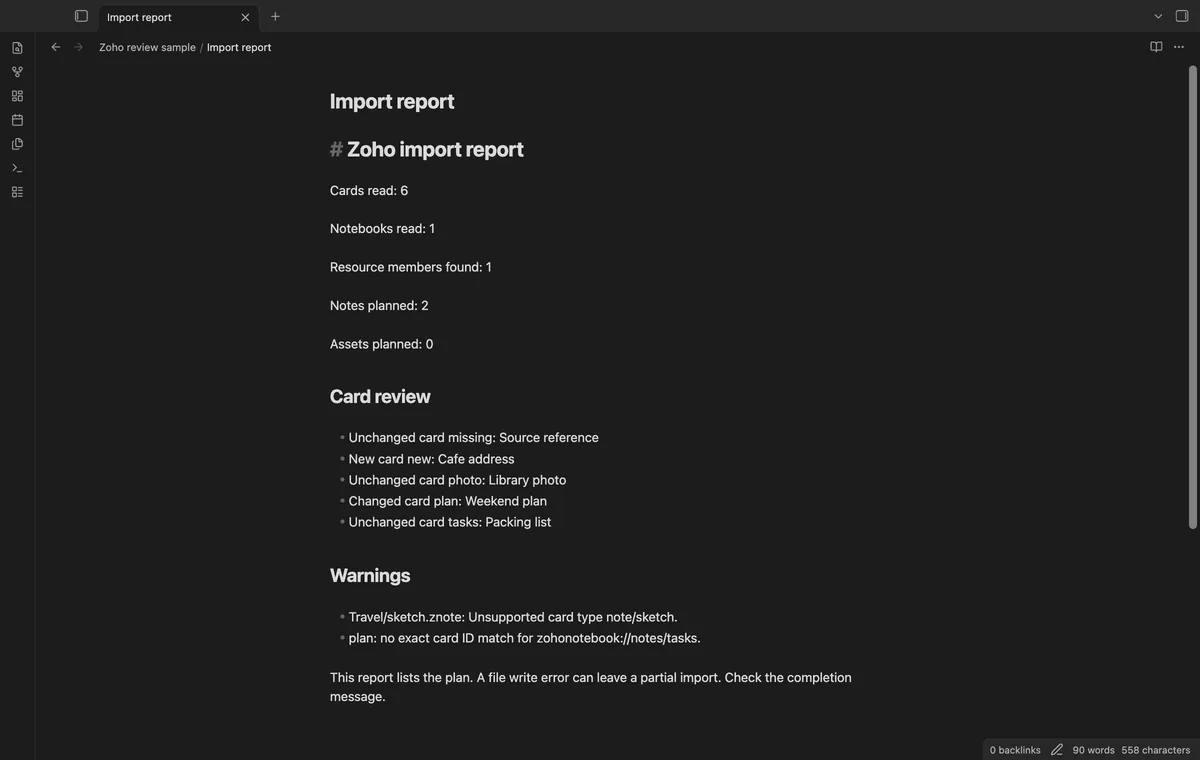
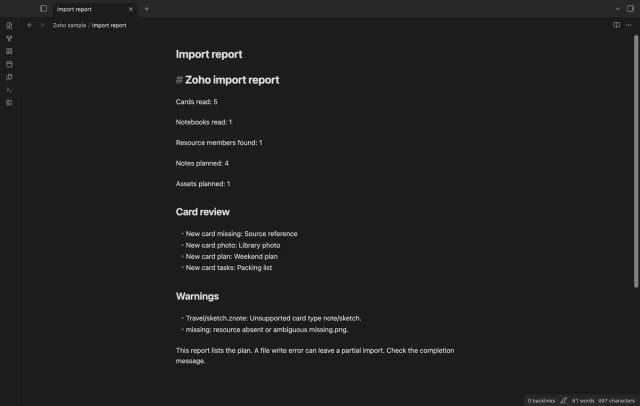
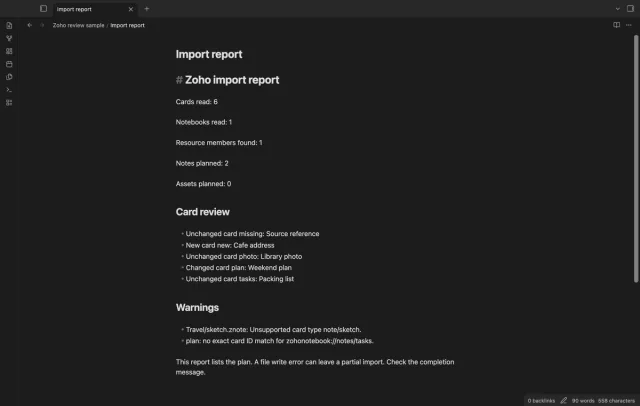
The report lists counts, planned output, card review and warnings. Unsupported or malformed cards are skipped, and missing resource references remain text. Check the completion message because a write failure can leave a partial folder.
Pro costs $5 a month or $15 one time through GitHub Sponsors. One sponsorship turns on Pro in every plugin that has it.
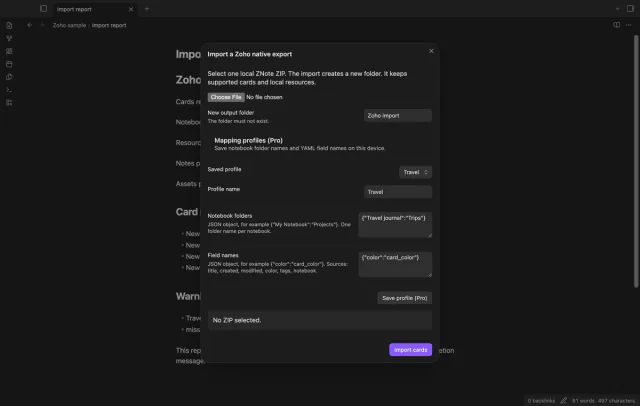
Save notebook folder names and YAML field names in a named local profile. Notebook mappings supply one folder name, and field mappings need distinct property names. Card ID and type keep their names.
Compare later card IDs and TAR-byte hashes against a baseline Card index.json. New and changed readable cards go into a separate review folder. The comparison doesn't merge notes or inspect your edits.
needs
steps
Export in native ZNote format and keep a copy of the ZIP.
Run Import a native export ZIP from the command palette.
Select the local ZIP and check the counts.
Enter a new output folder and select Import cards.
Read the completion message and Import report.md, then check notes and assets against the source.
If the app can't find a new plugin yet, try again later. Obsidian says a plugin that passes the review shows in the app within 24 hours.
Need a change for your team? I build custom Obsidian plugins and features.
This importer expects the native ZNote format. A Zoho HTML export uses a different format and is outside its scope.
Sketch, audio, encrypted, malformed and unknown cards are skipped with report warnings. Their source files remain in your ZIP. Reminders and location fields are not imported.
The comparison hashes the card TAR bytes. A TAR metadata change can therefore mark a card as changed even when its text stays the same.
The output folder must be new. If a write fails, inspect the partial folder and retry with another name.
After you select Sign in with GitHub, device-flow requests send the public client ID, read:user scope and authorization codes to github.com. Authenticated sponsorship queries to api.github.com request your tier and total payment, without note content, file names or other vault data. No requests precede sign-in; successful checks last seven days, failed checks can retry after six hours, and Refresh checks sooner.
Tell me what is broken in Zoho Znote Import, or what it should do next.
Zoho Znote Import 1.1.0, MIT license
MIT · no telemetry · core features free
Edit AsciiDoc source and see its preview side by side.
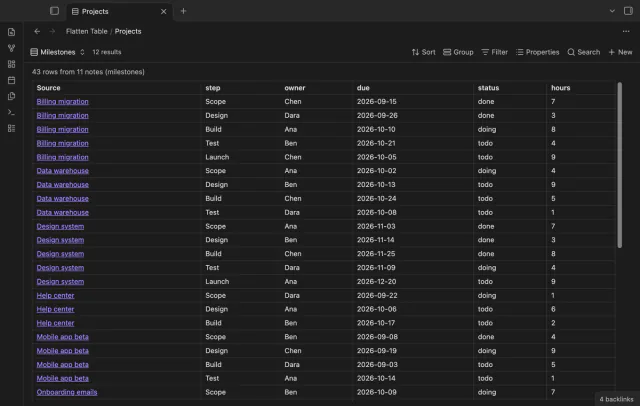
Show each item of a Bases list property as a separate row.
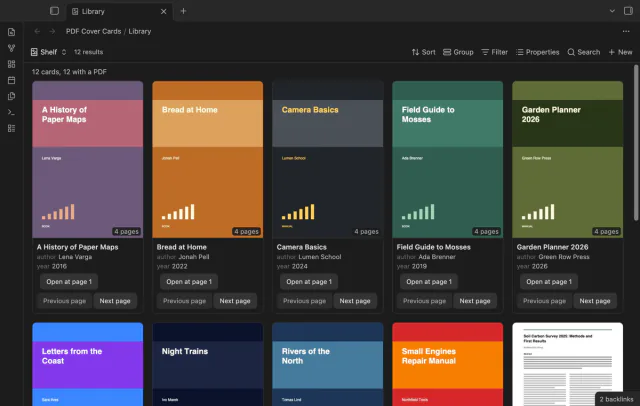
Show the first PDF page as a cover in your base.