How to import ColorNote backups into Obsidian
As of October 2026, you can create Obsidian notes and paste readable text into them.
As of October 2026, you can paste readable text into Obsidian notes or use Zoho Znote Import for a native export. The importer expects ZNote card archives, so it can't use a Zoho HTML export.
Zoho offers ZNote and HTML exports. Choose ZNote for this importer and keep the ZIP while you check its notes and assets.
Create a note for each item you want to move, then paste its readable text. Use the documented note creation commands and paste shortcuts.
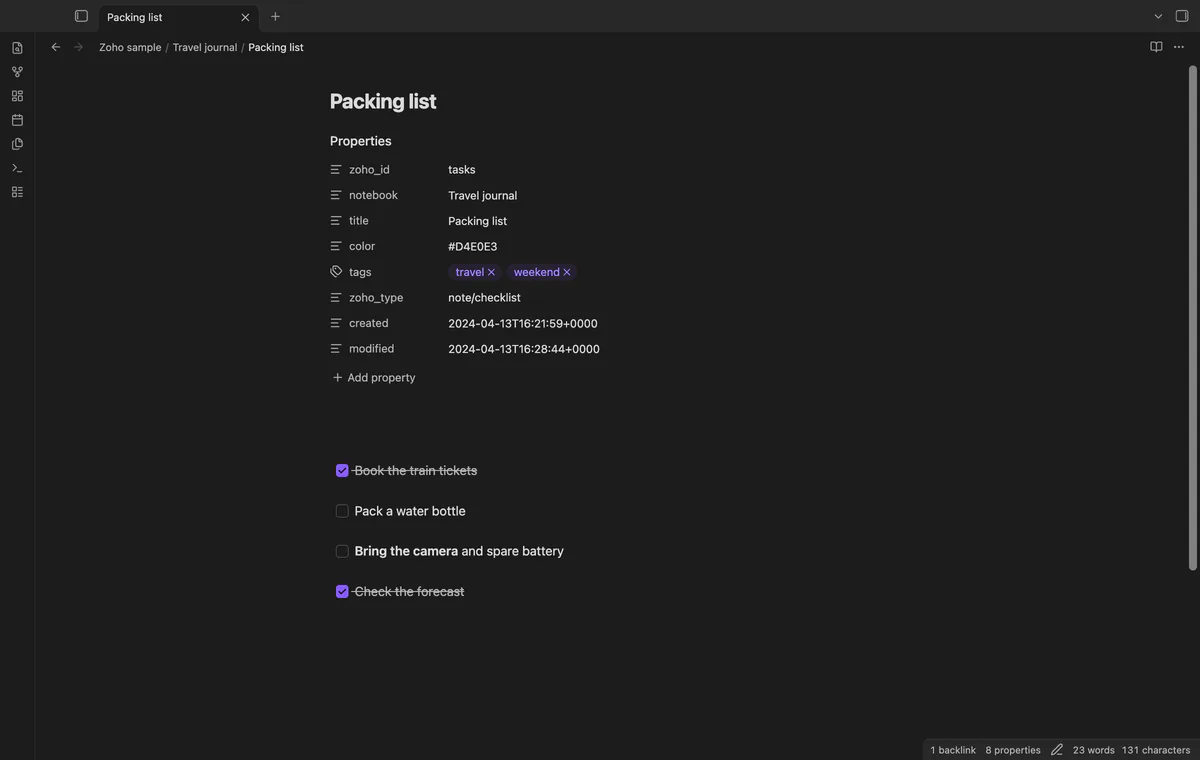
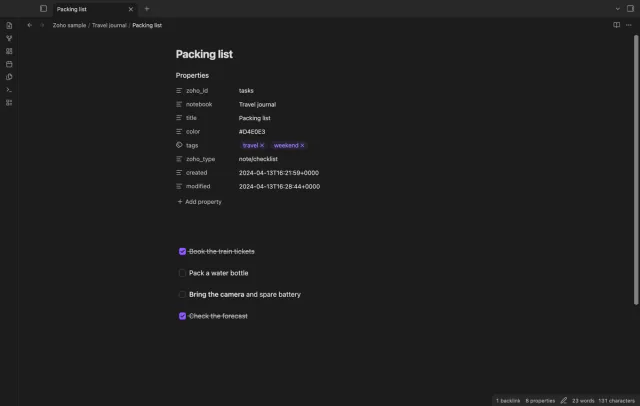
Select a local native ZIP, review its counts and choose a new output folder. The importer converts supported card text and tasks, copies exact local resource matches and writes warnings.
Zoho documents the export choice under Notebook Settings, then Export/Download your Notebook Data. Select ZNote for this route.
MIT · no telemetry · core features free
Export in native ZNote format and keep a copy of the ZIP.
Run Import a native export ZIP from the command palette.
Select the local ZIP and check the counts.
Enter a new output folder and select Import cards.
Read the completion message and Import report.md, then check notes and assets against the source.
The report records the planned output. Check the completion message for completed counts because a write error can leave a partial folder.
Review folders contain new and changed readable cards. A link to an unchanged card stays a source reference rather than becoming a local review link.
 You can now import Zoho Notebook into Obsidian.
You're officially a regular.
Obsidian rewards people who share. NoteMods is just me and a lot of coffee. If this guide saved you a fight with the syntax, buy me a cup.
That's visit . Regulars are the reason I keep NoteMods running. If it's part of your routine now, a coffee says thanks better than anything.
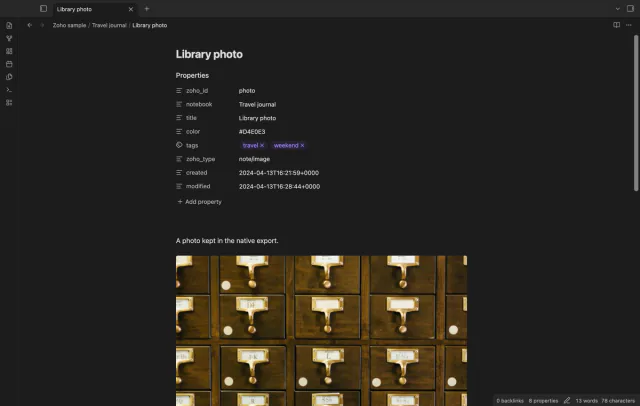
Import supported Zoho Notebook cards and files.