Bibliography Path Audit
Check bibliography paths and format samples.
As of October 2026, Obsidian Search can find vault file paths with the path operator. Finding a file cannot establish whether citation settings point to it correctly. Bibliography Path Audit checks known saved fields and a local format sample.
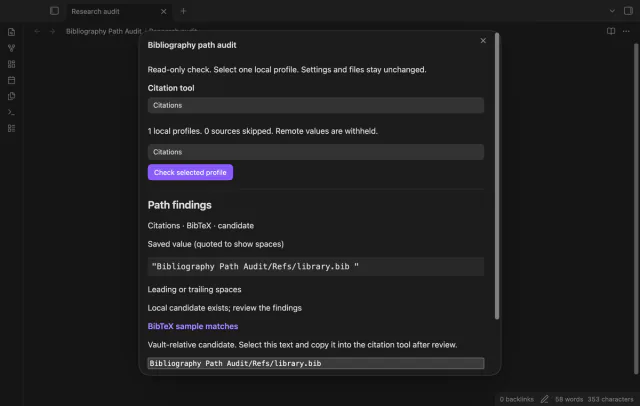
A bibliography can exist while its saved citation path contains spaces or an unexpected Markdown suffix. Check the saved value before replacing it.
Use the path operator to look for the bibliography name, for example path:library.bib. Search supports file and path queries for vault files.
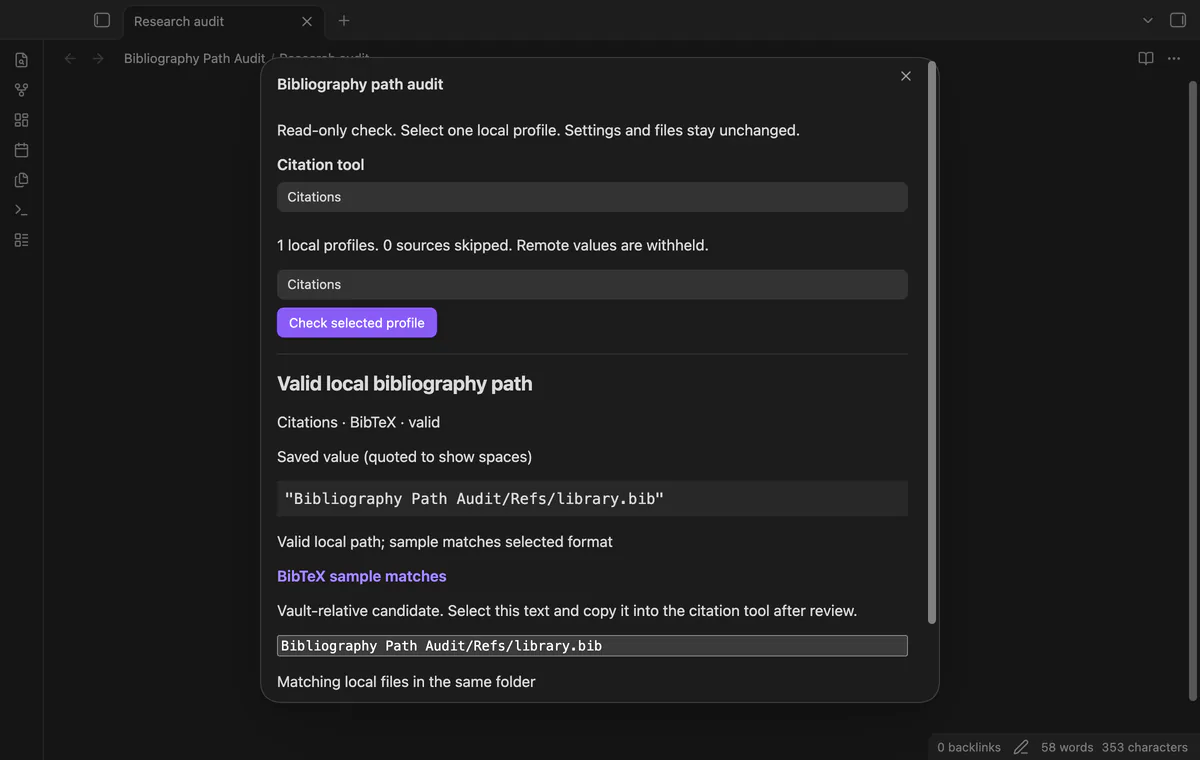
Choose your citation tool and check a supported local profile. Read its saved value, candidate, warnings and sample together before copying a path.
MIT · no telemetry · core features free
Enable Bibliography Path Audit, then run Audit a bibliography path from the command palette.
Choose your citation tool, select a local profile, then select Check selected profile.
Read the saved value, warnings, sample result and candidate together.
If the candidate is correct, copy it into your citation tool and save its settings.
Close and reopen the audit to load changed settings, then check again.
Review the actual file and the citation settings first. The audit preserves an existing suffix in its candidate and doesn't rename the file.
The audit checks vault-relative candidates and does not read external locations. A matching vault file cannot prove that a desktop absolute path is valid.
Save the citation settings, then close and reopen the audit. That reloads the saved fields for another check.
 You can now check a local bibliography path.
You're officially a regular.
Obsidian rewards people who share. NoteMods is just me and a lot of coffee. If this guide saved you a fight with the syntax, buy me a cup.
That's visit . Regulars are the reason I keep NoteMods running. If it's part of your routine now, a coffee says thanks better than anything.
Check bibliography paths and format samples.