
AsciiDoc Files
Edit AsciiDoc source and see its preview side by side.
Check bibliography paths and format samples.
MIT · no telemetry · core features free
Tests use settings fixtures and format samples; live citation releases, physical mobile devices, Windows, Linux CI and symlink escapes were not tested.
Directory facts fetched from community.obsidian.md/users/theluckystrike.
You have a local bibliography that Citations or Citation Extended cannot find.
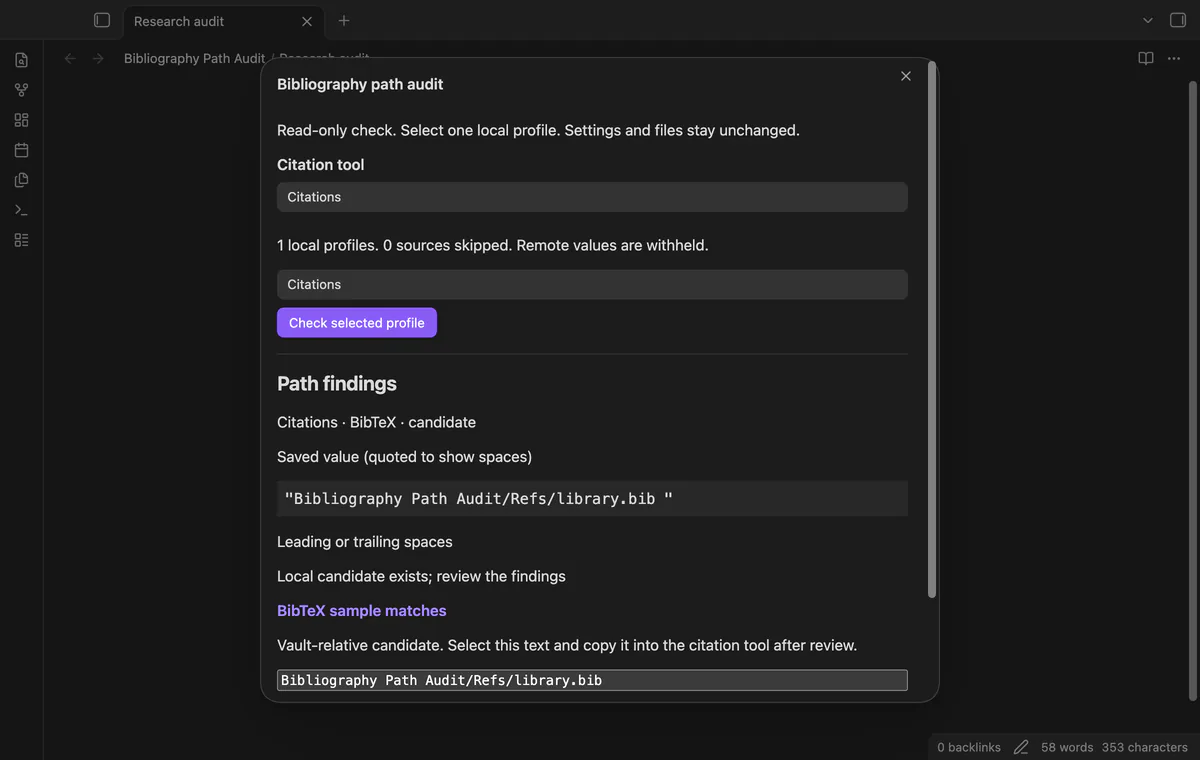
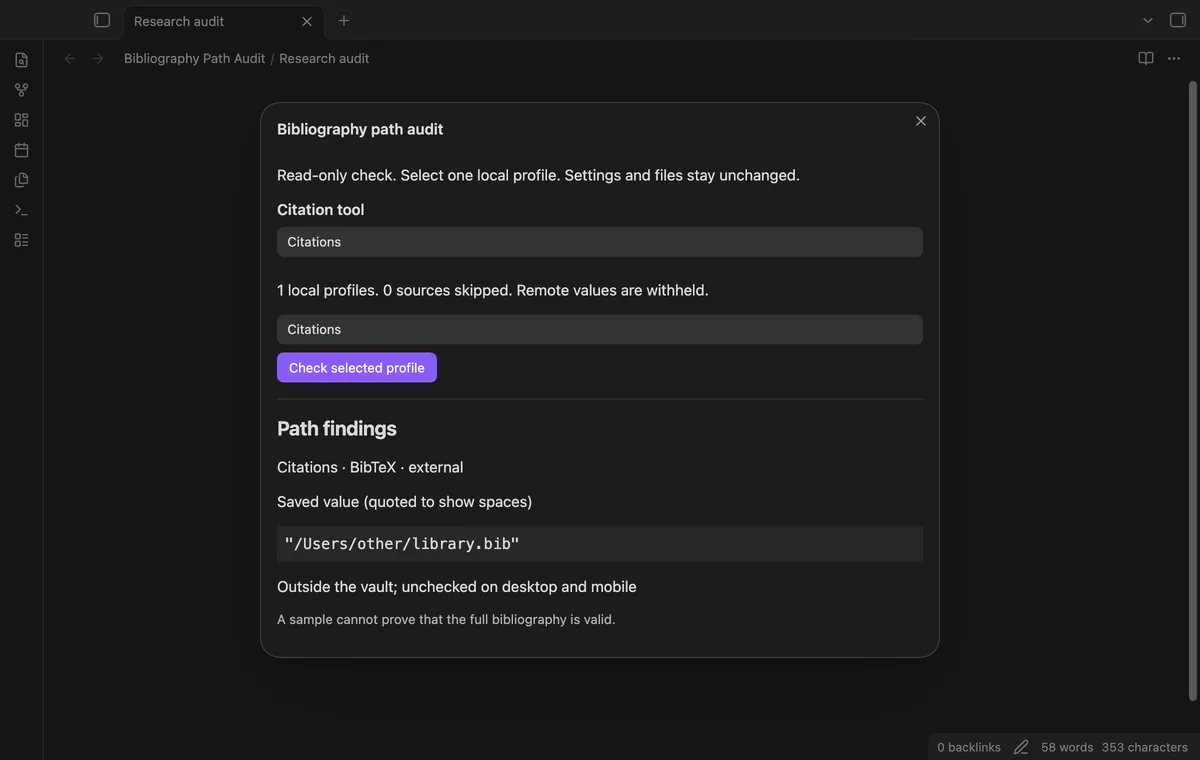
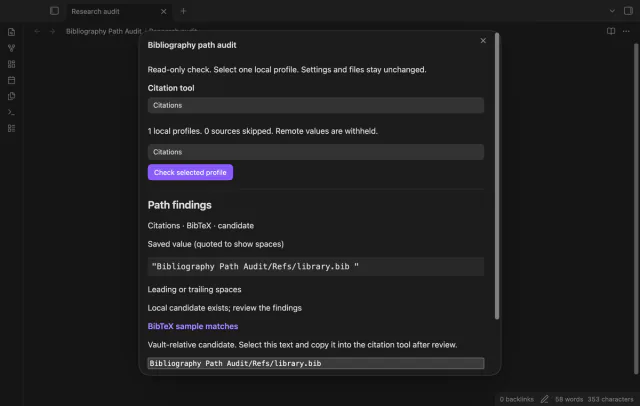
Bibliography Path Audit reads known local path fields from your citation settings. It shows warnings, a vault-relative candidate and a format sample. You review the candidate and copy it yourself.
 Play demo
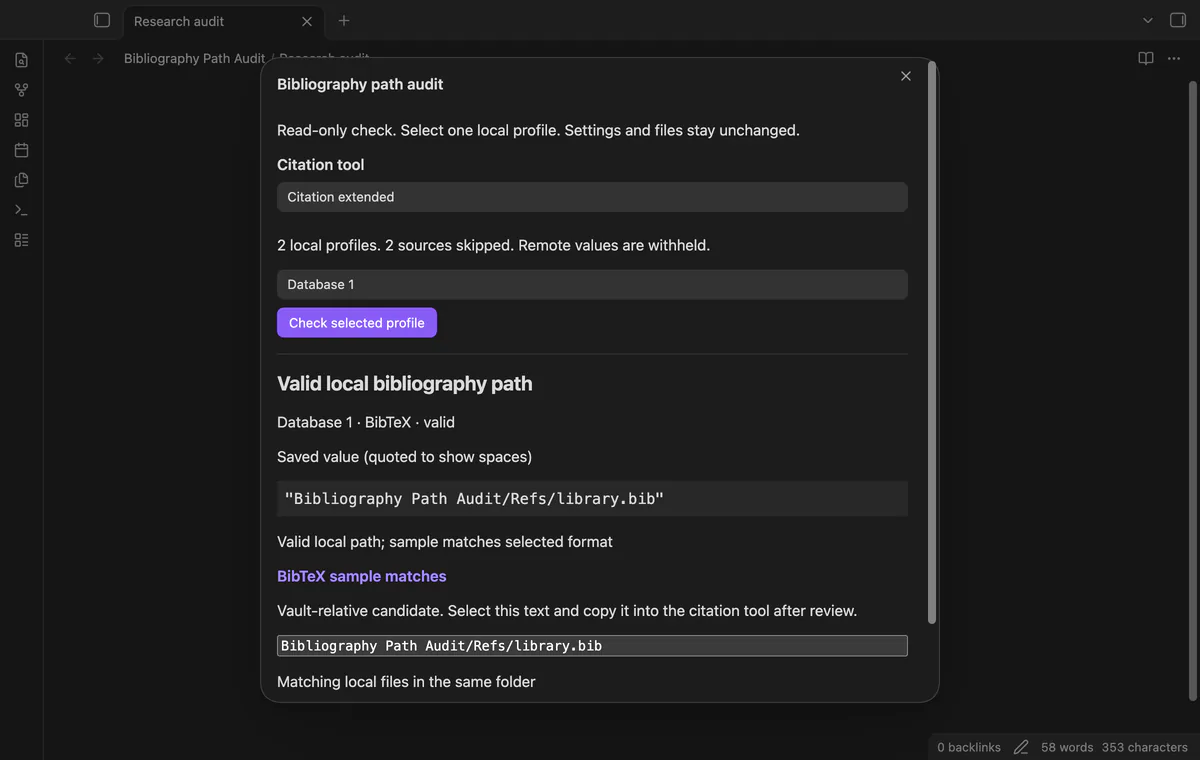
Choose Citations or Citation Extended and check one supported local profile. Remote and unknown sources are skipped without displaying their stored values. Citation Extended profiles use database numbers instead of custom names.
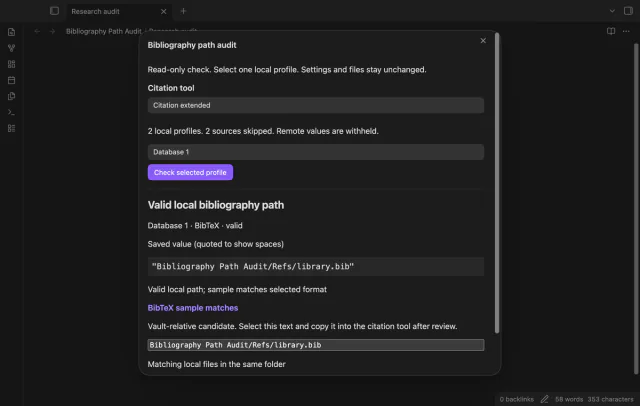
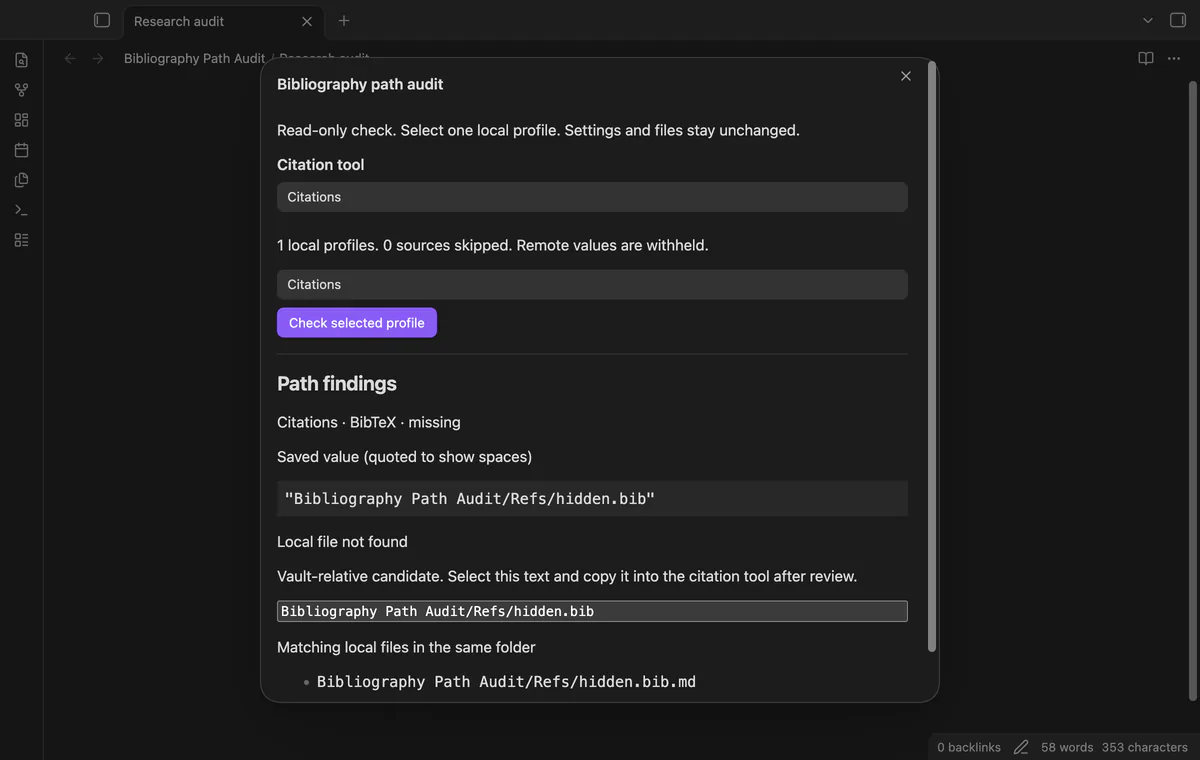
Quoted saved values reveal edge spaces. The candidate trims those spaces and normalizes vault separators. Initial slashes and hidden Markdown suffixes get warnings; the audit does not rename files.
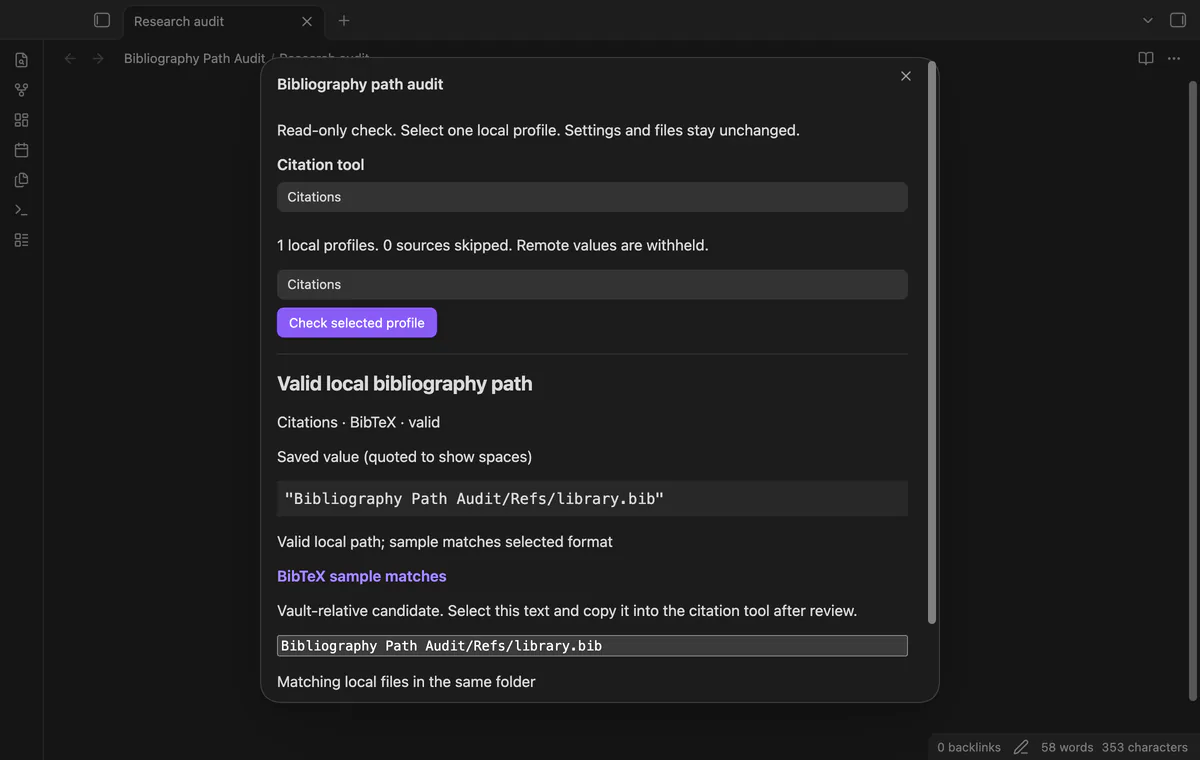

The audit inspects up to 4096 characters for a BibTeX prefix or CSL JSON records. It skips content reads above 2 MiB. A matching sample cannot validate the full bibliography.
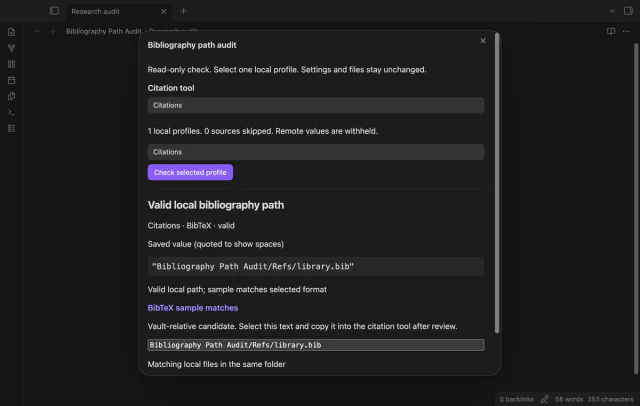
Review up to eight matching files from the same folder. Matching ignores letter case and a final Markdown suffix. Select the candidate text and copy it after review.
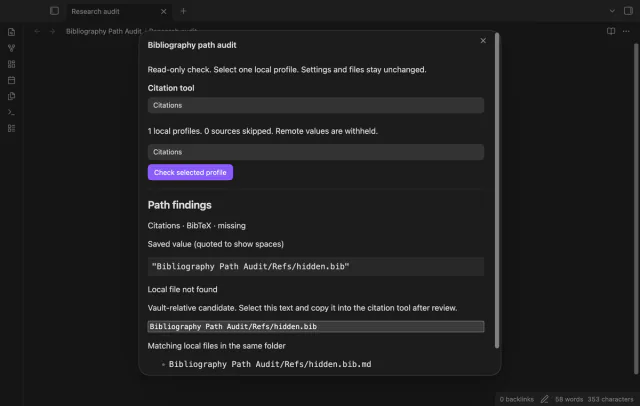
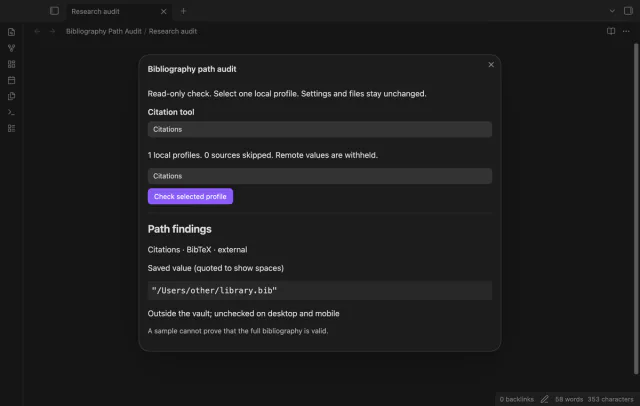
Windows drives, UNC paths, home shorthand and common desktop root folders remain unchecked. The audit rejects parent traversal and hidden path segments before accessing the vault adapter.
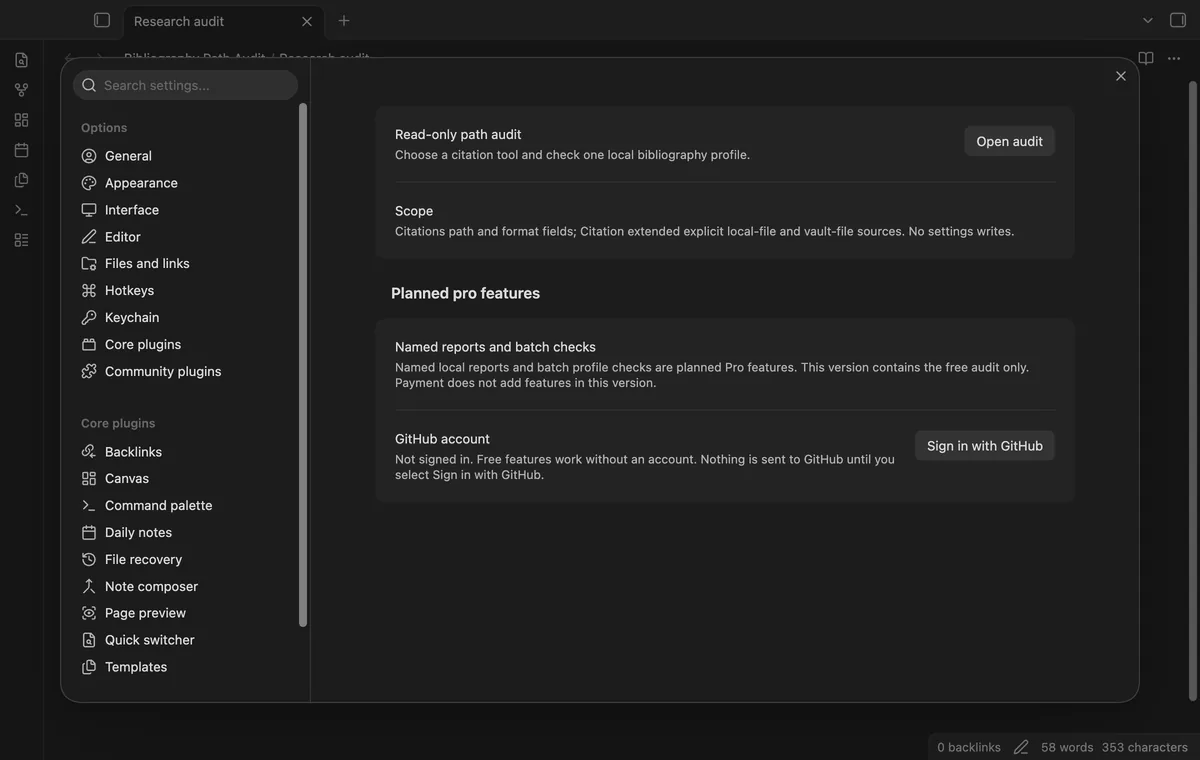
The release contains the free audit only; named reports and batch checks are not implemented.
Pro costs $5 a month or $15 one time through GitHub Sponsors. One sponsorship turns on Pro in every plugin that has it.
Named reports are planned work. This release does not save reports, and payment does not add features.
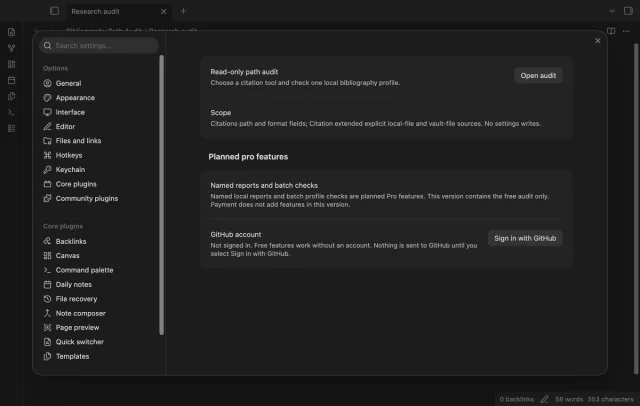
Batch checks are planned work. This release checks one selected profile per run, so choose another profile for a separate free check.
needs
steps
Enable Bibliography Path Audit, then run Audit a bibliography path from the command palette.
Choose your citation tool, select a local profile, then select Check selected profile.
Read the saved value, warnings, sample result and candidate together.
If the candidate is correct, copy it into your citation tool and save its settings.
Close and reopen the audit to load changed settings, then check again.
If the app can't find a new plugin yet, try again later. Obsidian says a plugin that passes the review shows in the app within 24 hours.
Need a change for your team? I build custom Obsidian plugins and features.
No. It reads the known settings fields and shows a candidate for review. You copy an approved path into your citation tool yourself.
It checks BibTeX or BibLaTeX with the biblatex setting, and CSL JSON with csl-json. Hayagriva, Readwise and Zotero API sources are outside this format check.
No. Reports and batch checks are planned, and payment adds no feature in this release. You can check another profile in a separate free run.
After you select Sign in with GitHub, github.com receives the public client ID, read:user scope and device-flow polling requests. Signed-in checks send your token and sponsorship query to api.github.com, asking for your tier and total payment. Checks reuse positive answers for seven days, can retry failures after six hours or run on Refresh, without sending vault data.
Tell me what is broken in Bibliography Path Audit, or what it should do next.
Bibliography Path Audit 1.1.0, MIT license
MIT · no telemetry · core features free
Edit AsciiDoc source and see its preview side by side.
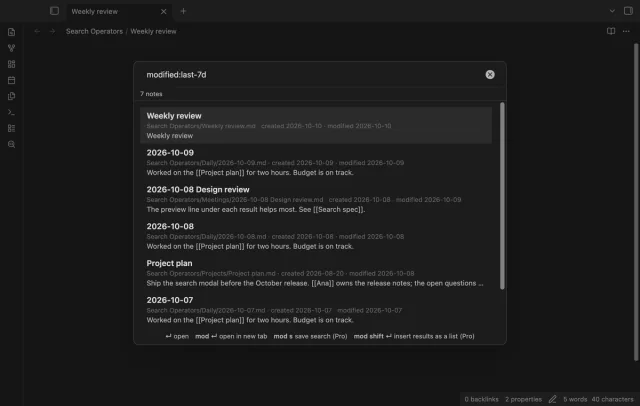
Find notes by date and links, with a preview for each result.