Translation Token Audit
Check translated lines for token and order errors.
As of October 2026, Obsidian Search can find tokens with exact phrases or regular expressions. You must compare the source and target tokens yourself. Translation Token Audit compares supported tokens between the same line numbers in two notes.
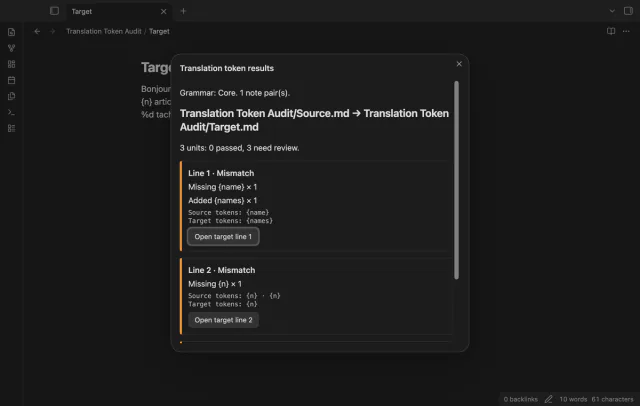
A token with a changed name or a missing repeated token can pass a language review. The plugin README shows these differences as missing and added tokens.
Search for a token such as "{name}" to find that text. Obsidian also supports regular expressions between forward slashes.
Put one translation unit per physical line in each note and run Check translated line pairs. Review missing tokens, added tokens, unsupported syntax and unnumbered printf order.
MIT · no telemetry · core features free
Create two plain Markdown notes with corresponding translation units on matching physical lines.
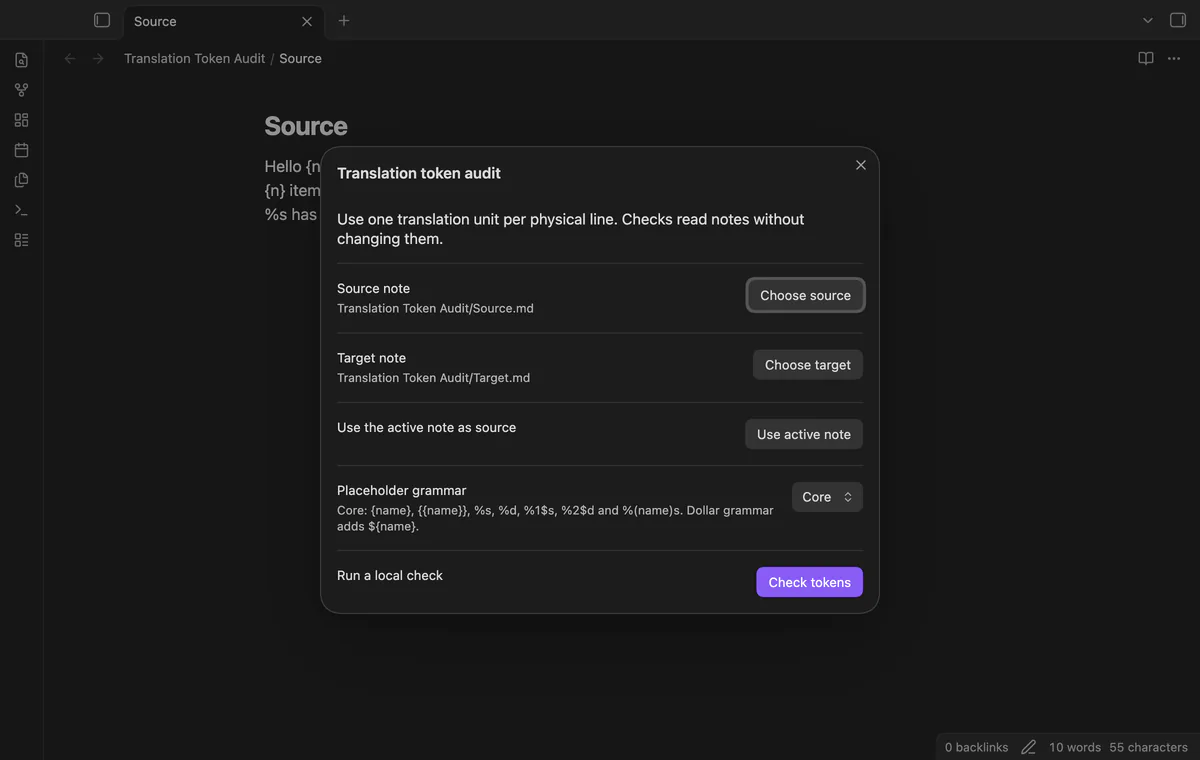
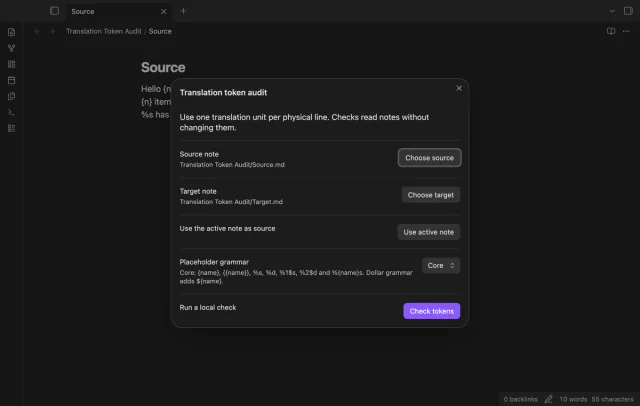
Run Check translated line pairs and choose the source and target notes.
Select Core, then Check tokens.
Review mismatch and unsupported rows, then select Open target line for a result.
Edit the target text yourself and rerun the check.
Blank lines inside a note count as translation units. One terminal newline counts as a file terminator, and CRLF or CR line endings become LF.
Named and numbered tokens can move within a unit. Unnumbered %s and %d tokens must keep their type sequence.
Inspect the expression with a tool that supports its format. Matching unsupported expressions do not make a line pass this audit.
 You can now check translation tokens in Obsidian.
You're officially a regular.
Obsidian rewards people who share. NoteMods is just me and a lot of coffee. If this guide saved you a fight with the syntax, buy me a cup.
That's visit . Regulars are the reason I keep NoteMods running. If it's part of your routine now, a coffee says thanks better than anything.
Check translated lines for token and order errors.