How to turn a JUnit XML report into an Obsidian note
As of October 2026, the Obsidian core plugin list describes no JUnit report converter.
As of October 2026, the Obsidian core plugin list describes no commit subject grouper. You can group subjects in a Markdown note yourself or use Conventional Commit Draft. Check commit bodies separately for breaking change details.
The Conventional Commits specification gives feature and fix types distinct meanings. It permits breaking changes in a footer or subject marker. A subject list can miss information that exists only in a body.
Create a Markdown note with headings for features and fixes. Place subjects under the matching headings, then read the original changes before you describe compatibility effects.
For a GitHub repository, the release form can generate notes from merged pull requests. A configuration file can group pull requests by labels and exclude selected labels or authors.
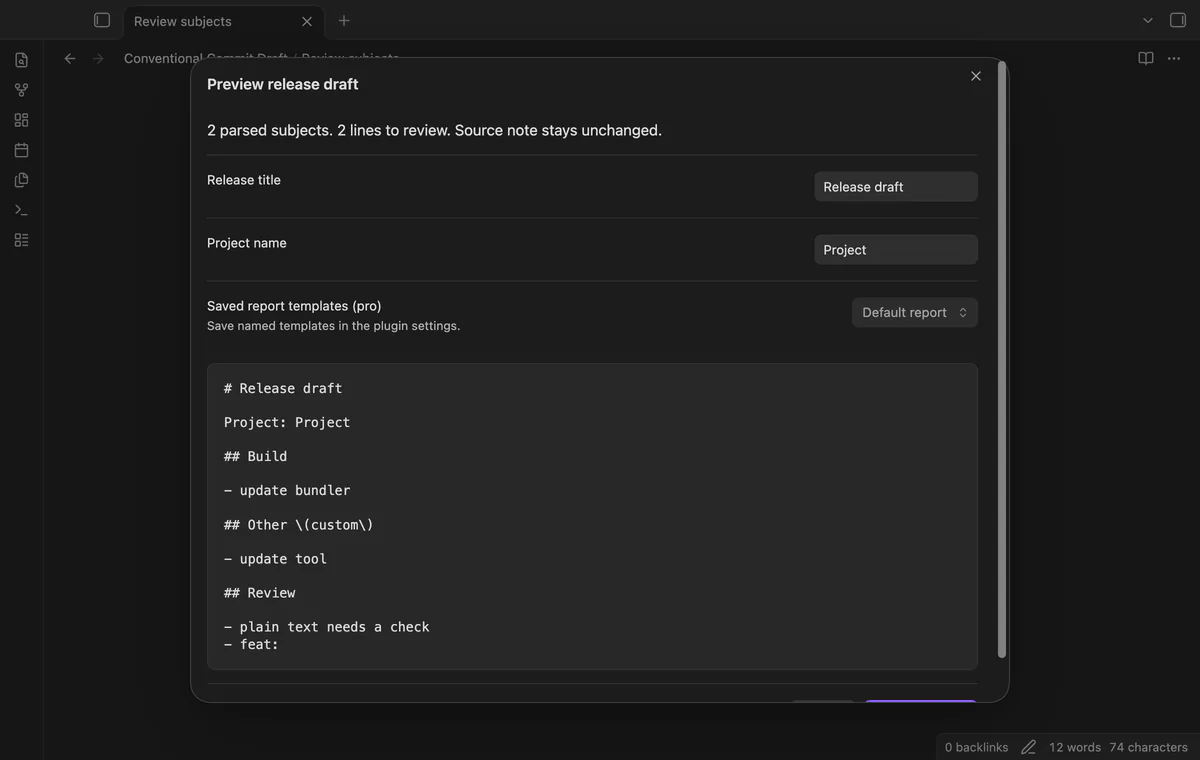
Select subjects in an editable note and run Preview release draft from selection. The preview groups recognized types and keeps uncertain lines under Review. Save a separate note after you check the text.
MIT · no telemetry · core features free
Open a Markdown note in an editable view and select one commit subject per line.
Run Preview release draft from selection from the command palette.
Check the groups, scopes, BREAKING labels and Review lines.
Set a release title and project name, then select Save new draft.
Open the new note from the file explorer.
No. The specification relates types and breaking changes to version changes. Check the changes and body details before choosing a version.
The free draft places a parsed project type under Other with its type name. Pro lets you give that type a saved heading. Lines that do not parse stay under Review.
 That's every step, start to finish.
You're officially a regular.
Obsidian rewards people who share. NoteMods is just me and a lot of coffee. If this guide saved you a fight with the syntax, buy me a cup.
That's visit . Regulars are the reason I keep NoteMods running. If it's part of your routine now, a coffee says thanks better than anything.
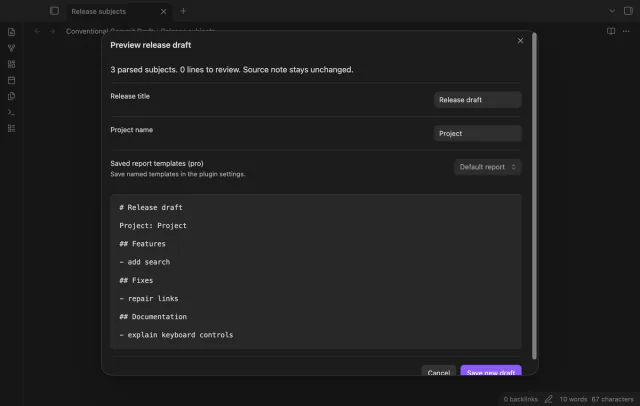
Turn selected commit subjects into a release draft that you can review before saving.