Heading Link Sync
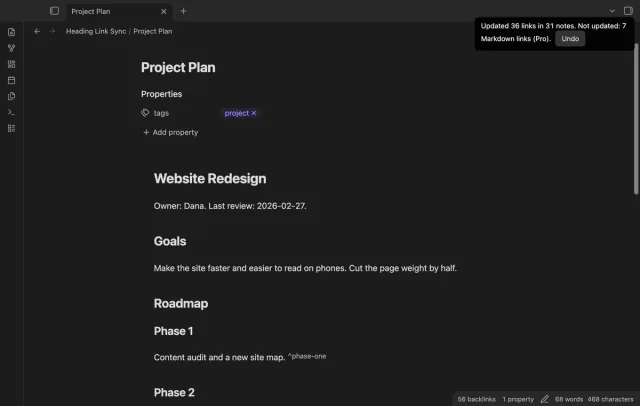
Update heading links and embeds when you edit a heading.
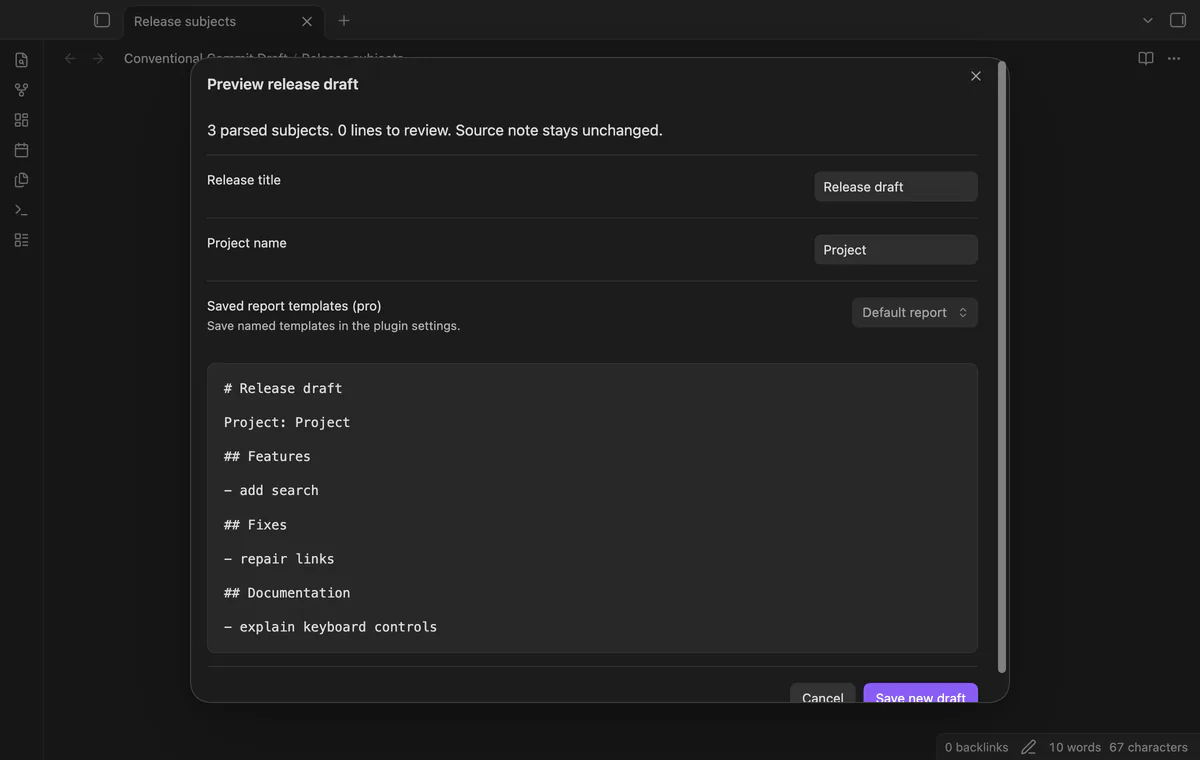
Turn selected commit subjects into a release draft that you can review before saving.
MIT · no telemetry · core features free
Tested on desktop only.
Directory facts fetched from community.obsidian.md/users/theluckystrike.
You keep commit subjects in project notes and need a draft before you prepare a release.

Select commit subjects in your Markdown editor and preview a grouped release draft. Save the result as a new note at the vault root. Your source note stays unchanged.
The command reads your selection through the editor API. It does not read a Git repository, choose a version number or publish a release.
 Play demo
Select one subject per line. Recognized types get their own headings, and subjects keep their order within each type. Empty groups do not appear.
The parser keeps an optional hexadecimal hash of 7 to 40 characters and the scope. A breaking mark in the subject adds a BREAKING label. The parser does not interpret commit bodies.
Parsed types outside the default headings get an Other heading. Lines that do not parse stay under Review. Duplicate subjects stay in the draft.
The preview shows Markdown source as text. The report escapes subject formatting and saves to a new note, with a numbered name if needed. A write error keeps the preview open.
The command accepts up to 2,000 nonblank selected lines; saved headings and named templates need Pro.
Pro costs $5 a month or $15 one time through GitHub Sponsors. One sponsorship turns on Pro in every plugin that has it.
Save 1 to 30 unique lowercase types with heading names in settings. Their order sets the report order. Signing out restores the default headings for new drafts.
Save up to 20 named templates with a release title and project name. Each template needs one {{sections}} slot and permits up to 10,000 characters. Check links and embeds in your template before use.
needs
steps
Open a Markdown note in an editable view and select one commit subject per line.
Run Preview release draft from selection from the command palette.
Check the groups, scopes, BREAKING labels and Review lines.
Set a release title and project name, then select Save new draft.
Open the new note from the file explorer.
If the app can't find a new plugin yet, try again later. Obsidian says a plugin that passes the review shows in the app within 24 hours.
Need a change for your team? I build custom Obsidian plugins and features.
No. It reads selected editor text and writes a Markdown note. Choose the subjects for your release before you run it.
The parser needs a type, an optional scope and breaking mark, then a colon, whitespace and subject text. Remove pasted bullets or log decorations if you want the line to parse.
Yes. The current draft title and project name are free. Pro adds saved project headings and named templates.
The plugin uses Obsidian secret storage when that API is available. Without it, the token stays in memory until restart. The token does not enter saved plugin settings.
The plugin sends no requests before you sign in with GitHub. Sign-in sends device authorization data to github.com; sponsorship checks send your token and account query to api.github.com. Successful checks last 7 days, failed checks can retry after 6 hours, and no vault content enters these requests.
Tell me what is broken in Conventional Commit Draft, or what it should do next.
Conventional Commit Draft 1.1.0, MIT license
MIT · no telemetry · core features free
Update heading links and embeds when you edit a heading.

Edit AsciiDoc source and see its preview side by side.