Table CSV Encoding
Preview a Markdown table as CSV, choose its delimiter and save a separate UTF-8 file.
As of October 2026, Obsidian Bases can export a view as CSV. For a Markdown pipe table, copy the cells into CSV manually or use Table CSV Encoding. The plugin previews a separate file before saving.
A pipe table stores Markdown text, while CSV needs field separators and quoting rules. Choose the method that matches your source data before changing its format.
Copy cell values into comma-separated records. Put fields containing commas, quotes or line breaks in double quotes, and double quotes inside a quoted field.
If your data is already in a base, open its results menu and choose Export CSV. This exports the current view.
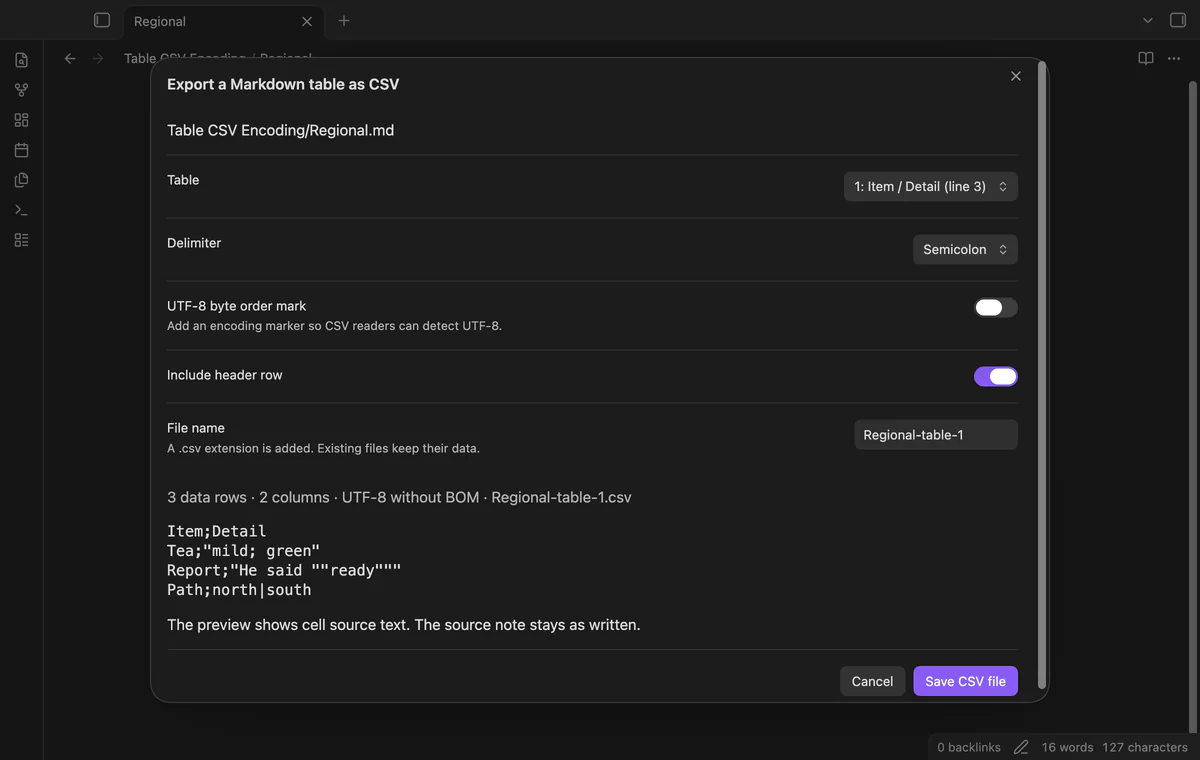
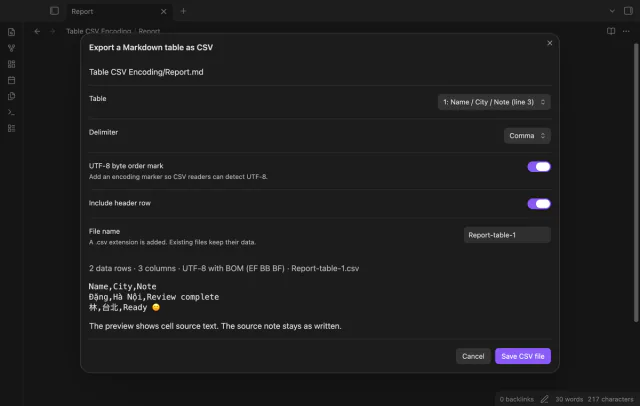
Select a Markdown table, then choose comma, semicolon or tab. Set the UTF-8 byte order mark and header options before saving a separate file. Tested on desktop only.
MIT · no telemetry · core features free
Open a Markdown note with a pipe table.
Run Export a Markdown table as CSV.
Choose the table and delimiter.
Set the byte order mark and header options.
Inspect the preview and save the CSV file.
No. It adds an encoding marker at the start of the file. The preview hides that marker and names the selected mode.
The Obsidian formatting guide permits two hyphens in a separator cell. This plugin requires at least three. Add a third hyphen to each separator cell, then reopen the preview.
Yes. The scanner removes quote markers from its parsing copy. It leaves the source note unchanged and keeps the table cell text.
 That's every step, start to finish.
You're officially a regular.
Obsidian rewards people who share. NoteMods is just me and a lot of coffee. If this guide saved you a fight with the syntax, buy me a cup.
That's visit . Regulars are the reason I keep NoteMods running. If it's part of your routine now, a coffee says thanks better than anything.
Preview a Markdown table as CSV, choose its delimiter and save a separate UTF-8 file.