Table Rollup
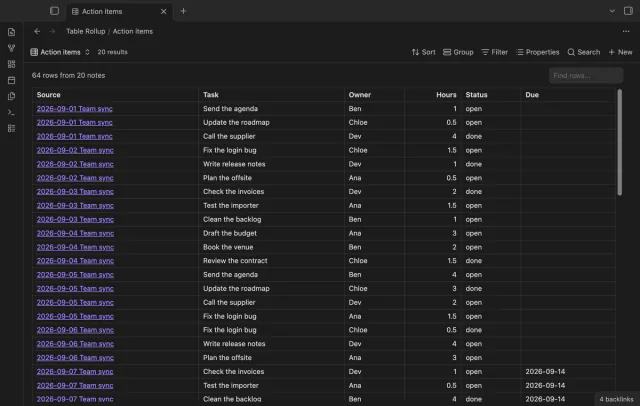
Combine note tables in one table with links to the source notes.
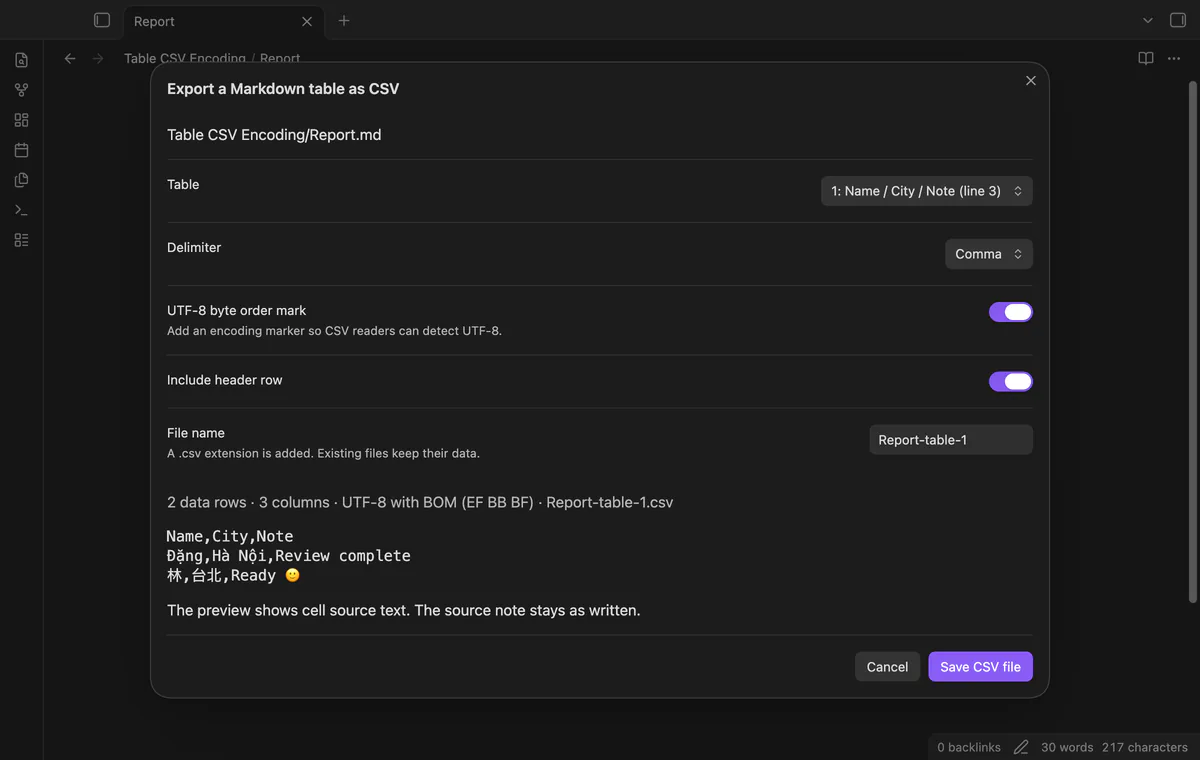
Preview a Markdown table as CSV, choose its delimiter and save a separate UTF-8 file.
MIT · no telemetry · core features free
Tested on desktop only.
Directory facts fetched from community.obsidian.md/users/theluckystrike.
You move table data from your notes into a tool that reads CSV.
Open a Markdown note and choose a table for CSV export. The preview shows row counts and your encoding options before you save. Your source note stays unchanged.
Choose a pipe table from the editor and inspect its CSV text. The preview starts with the table under your cursor when possible and displays up to 30,000 characters.
Select comma, semicolon or tab, then choose whether to include the header and UTF-8 byte order mark. The encoder quotes cells when needed and uses CRLF record endings.
A row with a different cell count blocks that table export. A changed source note also stops the write, so reopen the preview after editing.
Single-table previews and exports are free; folder batches need Pro.
Pro costs $5 a month or $15 one time through GitHub Sponsors. One sponsorship turns on Pro in every plugin that has it.
Pro scans a folder and its subfolders, then lists output names and skipped input before writing. It saves valid tables into a new timestamped vault folder.
needs
steps
Enable Table CSV Encoding and open a Markdown note with a pipe table.
Run Export a Markdown table as CSV.
Choose the table, delimiter, byte order mark and header options.
Inspect the preview and choose Save CSV file.
If the app can't find a new plugin yet, try again later. Obsidian says a plugin that passes the review shows in the app within 24 hours.
Need a change for your team? I build custom Obsidian plugins and features.
No. CSV cells keep their Markdown source text, except escaped table pipes become literal pipes. Values that start with formula markers retain those markers.
No. The plugin adds a numbered suffix when a file name already exists. Single exports use the source folder unless you choose an existing output folder.
This scanner reads Markdown pipe tables from your editor. It does not read rendered Bases, Dataview or HTML tables.
The separator needs at least three hyphens in each cell. Tables in fenced code or frontmatter do not enter the scan.
The plugin processes your notes locally. GitHub sign-in and sponsorship checks contact github.com and api.github.com with authentication data, without sending your note text or paths.
Tell me what is broken in Table CSV Encoding, or what it should do next.
Table CSV Encoding 1.1.0, MIT license
MIT · no telemetry · core features free
Combine note tables in one table with links to the source notes.
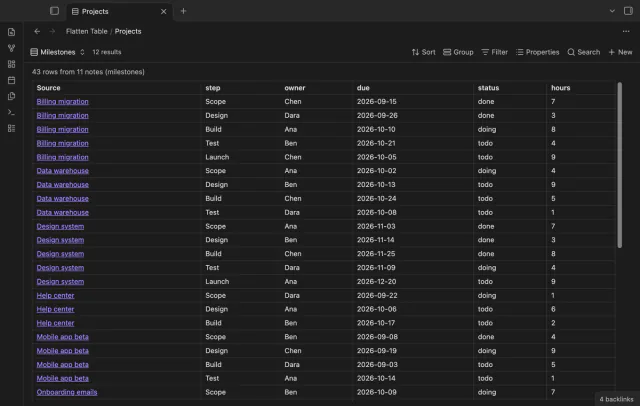
Show each item of a Bases list property as a separate row.