Pocket Letter Chords
Hold two saved letter keys to insert a phrase in the editor.
As of October 2026, Obsidian supports pasting text and inserting saved snippets with its core Templates plugin. Pocket Letter Chords adds overlapping letter-key input, which needs a physical keyboard that reports key holds.
A chord needs key holds that overlap within 80 ms. Normal typing can overlap too, so test rare pairs in a sample note first.
Copy the phrase you need and use the documented paste shortcut. This works as a manual way to repeat text without a chord dictionary.
The core Templates plugin inserts a saved text snippet into your active note. Set its template folder, create a template note, then select Insert template.
You can run its insert command from the command palette or assign a custom hotkey.
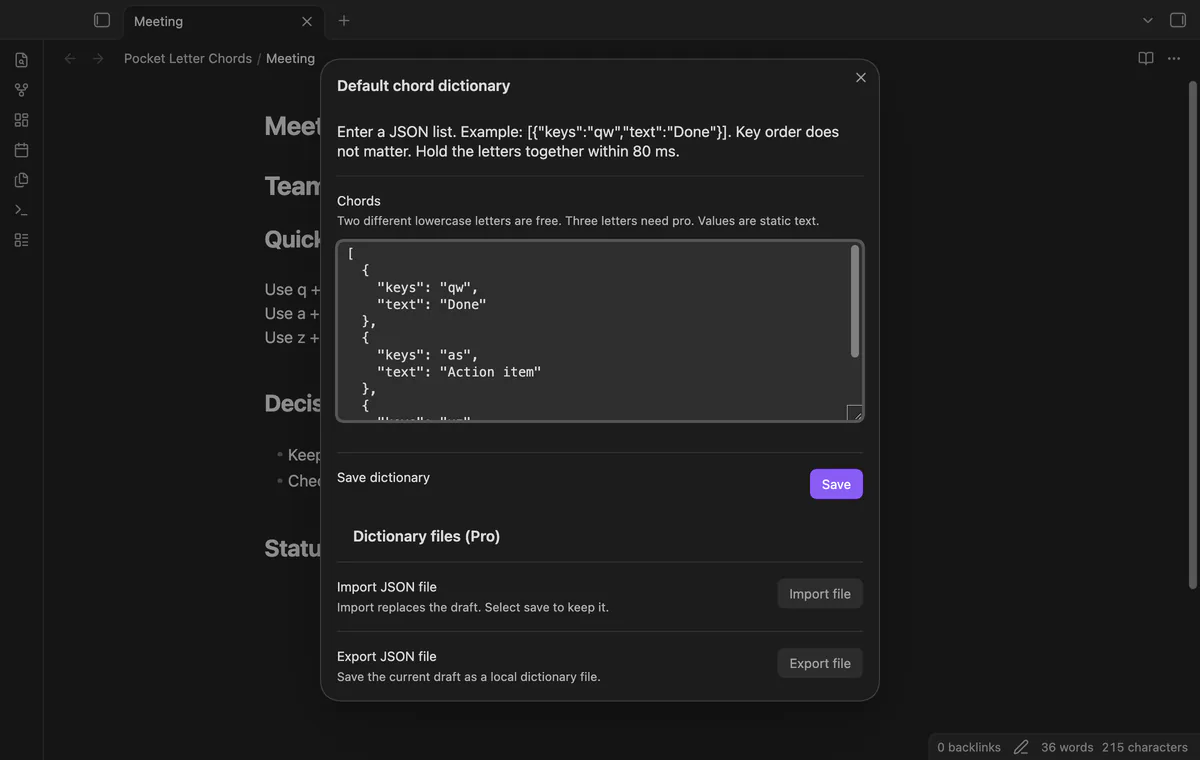
Save a two-letter pair and its phrase in the default JSON dictionary. Hold one key, press the other within 80 ms, then release both before repeating.
The focused Markdown editor must have one cursor. Use Pause or resume chord input when you want normal typing.
MIT · no telemetry · core features free
Run Edit the chord dictionary from the command palette.
Enter [{"keys":"qw","text":"Done"}] and select Save.
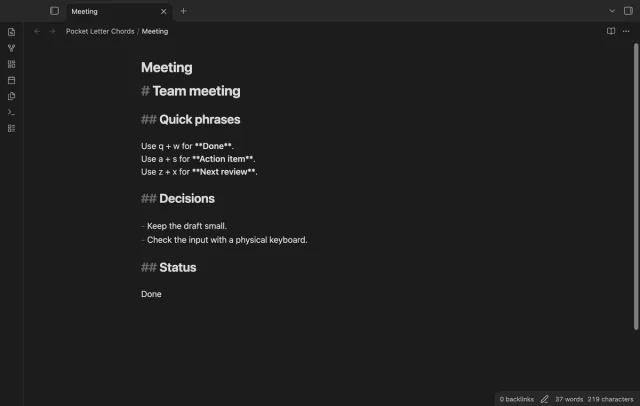
Focus a Markdown note for editing, hold q and press w before 80 ms ends.
Release both keys and use Undo if you need to restore the previous text.
Pause chord input and type normally to check the difference.
The window stays fixed at 80 ms. There is no delay slider in the settings.
A Pro folder dictionary replaces the default set for matching notes. It doesn't merge its bindings with the default dictionary.
 That's every step, start to finish.
You're officially a regular.
Obsidian rewards people who share. NoteMods is just me and a lot of coffee. If this guide saved you a fight with the syntax, buy me a cup.
That's visit . Regulars are the reason I keep NoteMods running. If it's part of your routine now, a coffee says thanks better than anything.
Hold two saved letter keys to insert a phrase in the editor.