Shortcuts Bridge
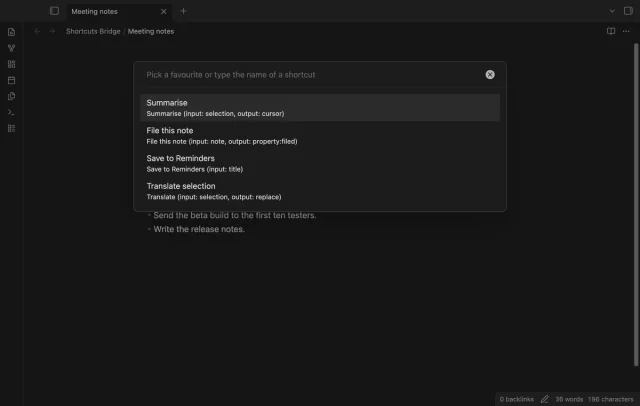
Run Apple Shortcuts with selected text or note details.
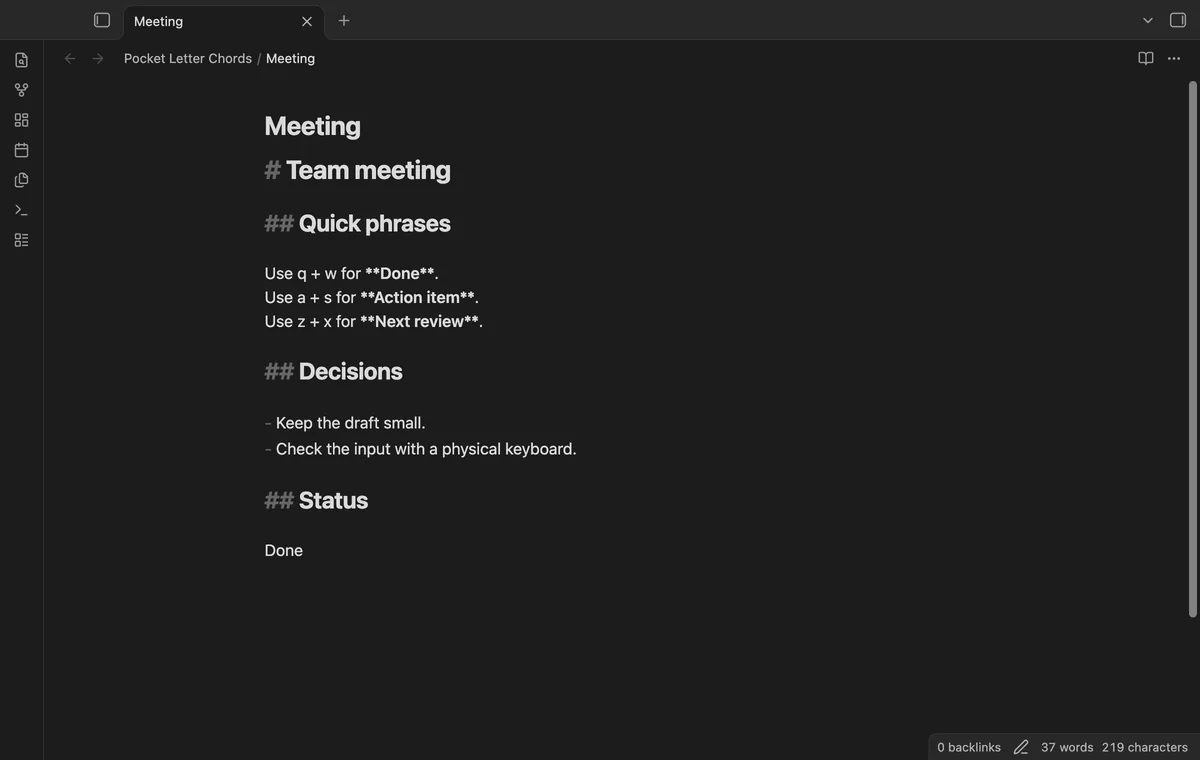
Hold two saved letter keys to insert a phrase in the editor.
MIT · no telemetry · core features free
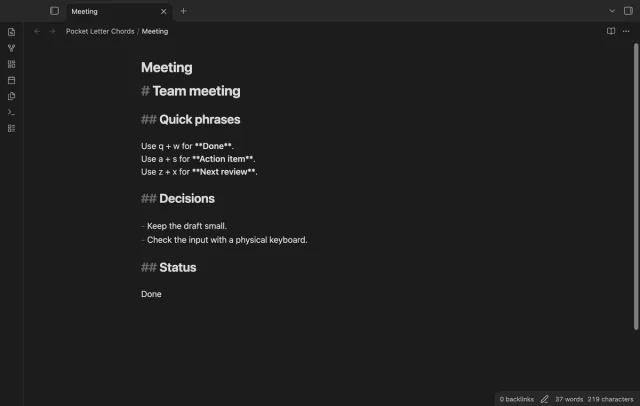
Automated desktop checks use synthetic key events. Physical tablet keyboards, pop-out windows and device keyboard timing remain untested.
Directory facts fetched from community.obsidian.md/users/theluckystrike.
You use a physical keyboard and want saved phrases on letter pairs while editing Markdown notes.
Save a letter pair and the text it should insert. Hold one letter, then press the other before the fixed 80 ms window ends. Pocket Letter Chords inserts the phrase once when the holds overlap.
Ordinary typing can overlap too. Try rare pairs in a sample note and pause chord input during normal writing.
 Play demo
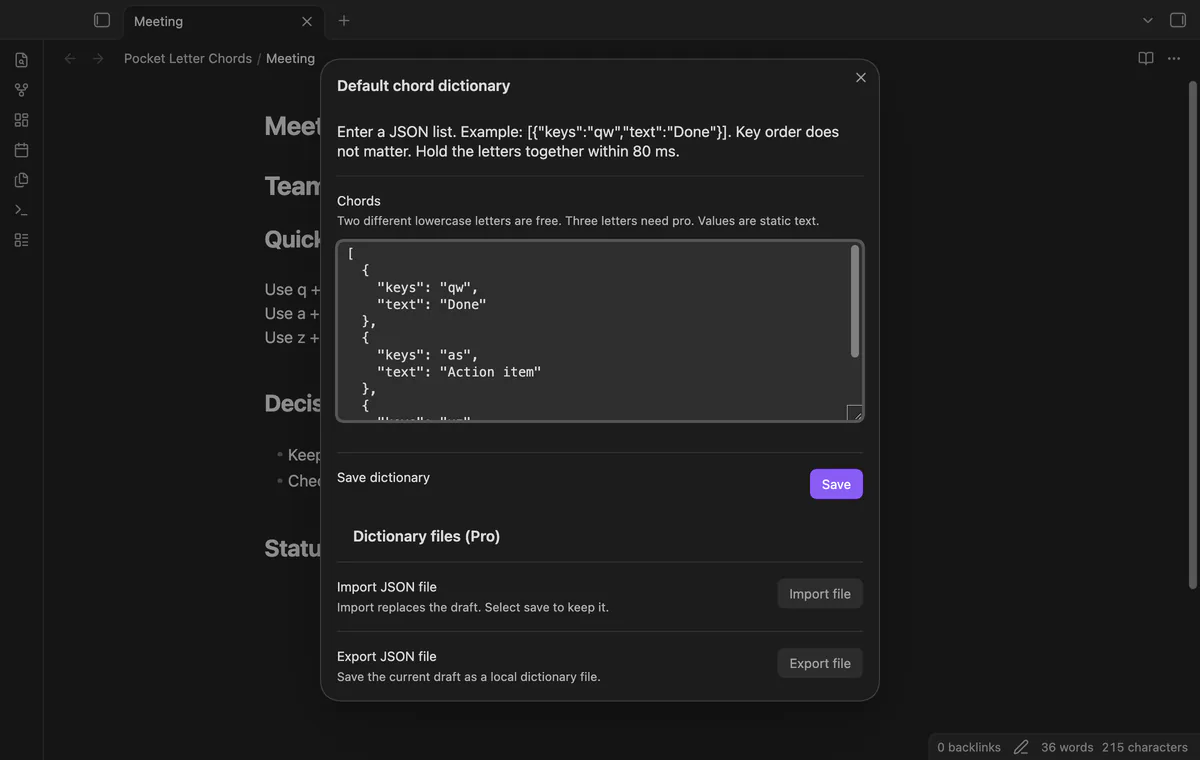
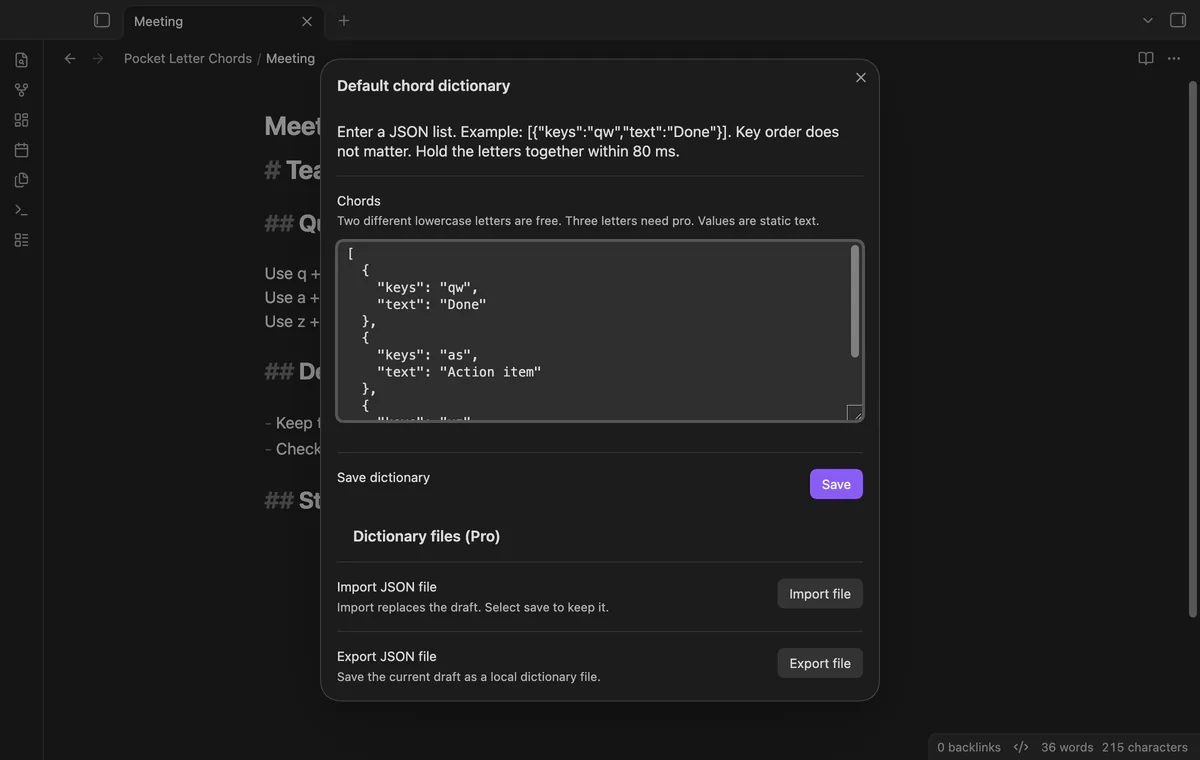

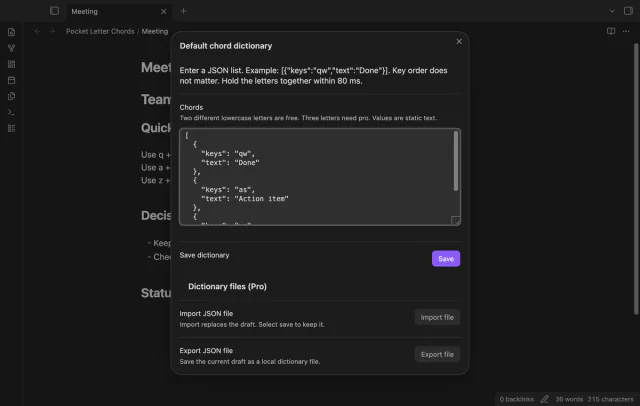
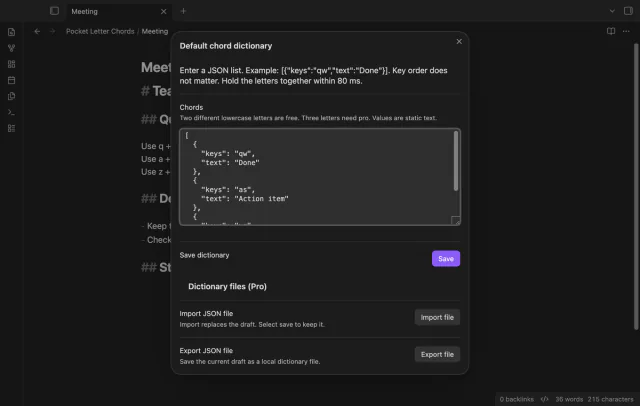
The default dictionary holds pairs of different lowercase ASCII letters and static text. Edit its JSON list and select Save. Invalid rows leave the saved dictionary unchanged.
Either press order can trigger a saved pair within 80 ms, while both letters remain held. The saved text replaces your selection in a focused Markdown editor with one cursor. Release the keys before the next chord cycle.
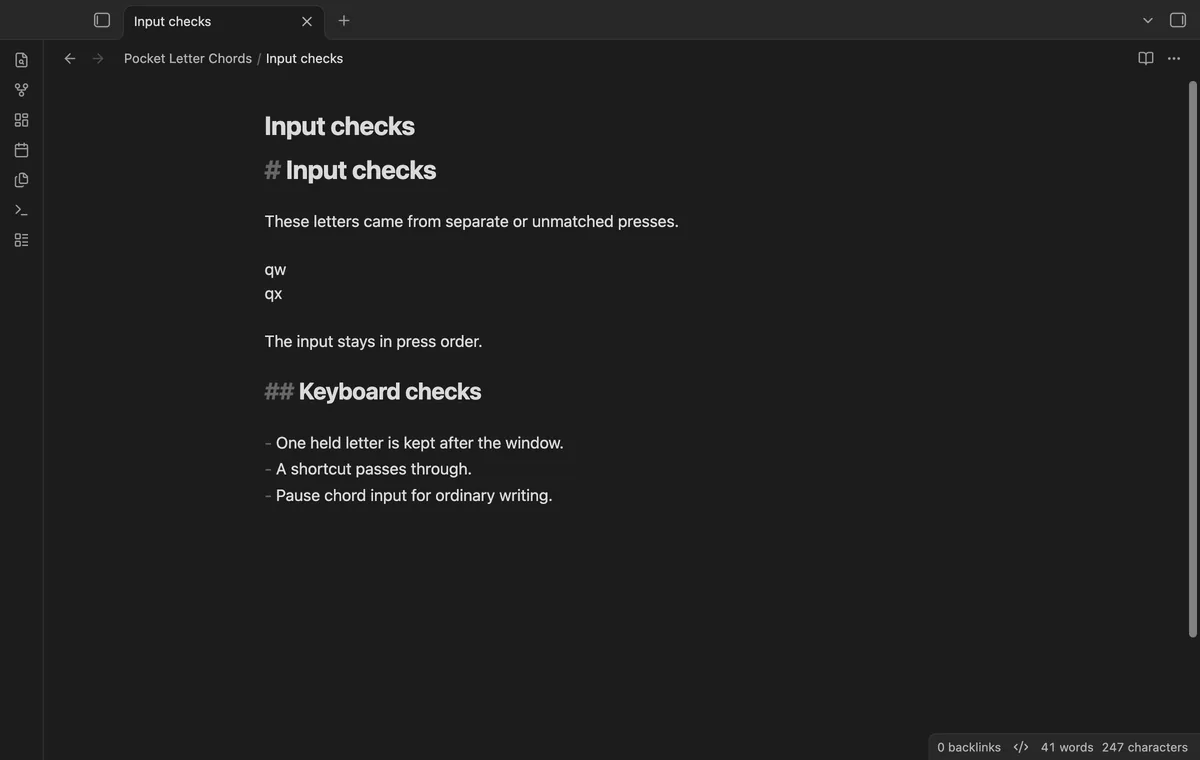
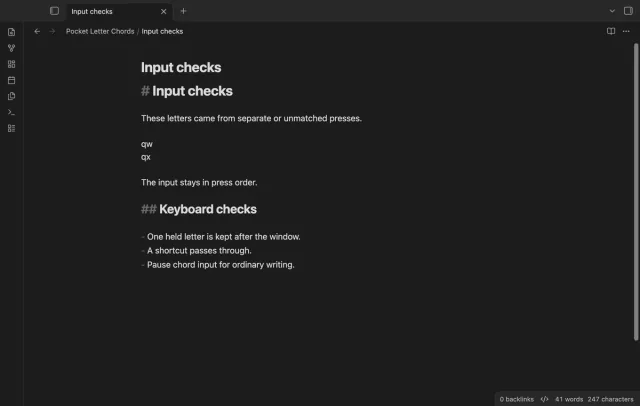
A pending letter waits for release or the window ending. Unbound pairs keep press order, while modifiers, uppercase input and text composition pass through. Buffering can add a short delay to an isolated chord letter.
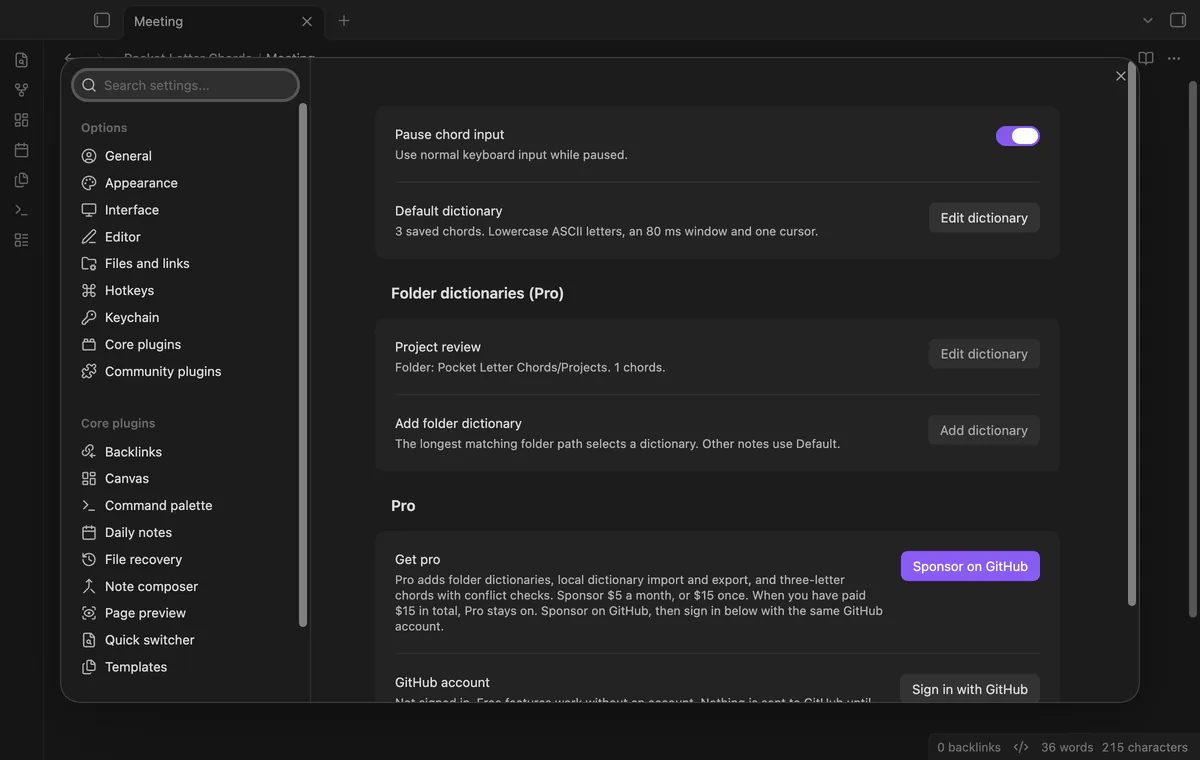
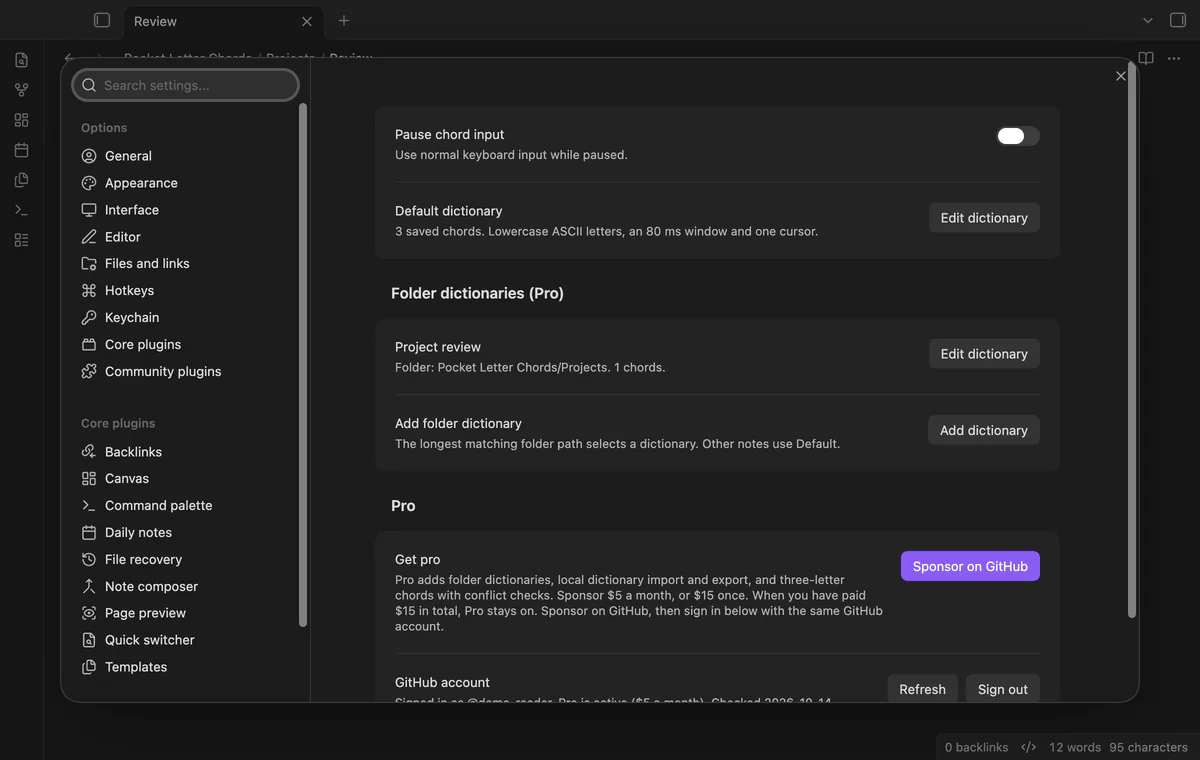
Run Pause or resume chord input, or use the settings toggle. The saved pause state survives reloads alongside your dictionaries. The command has no default hotkey.
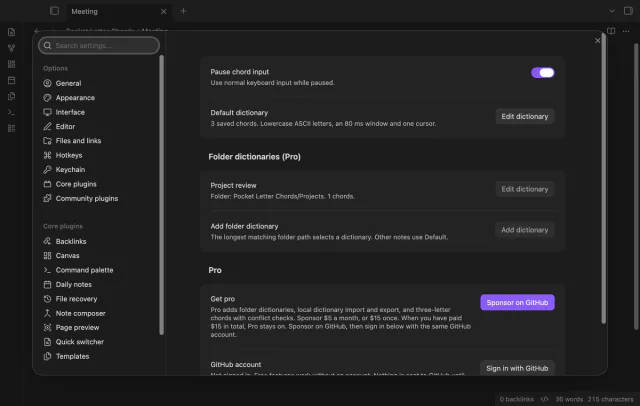
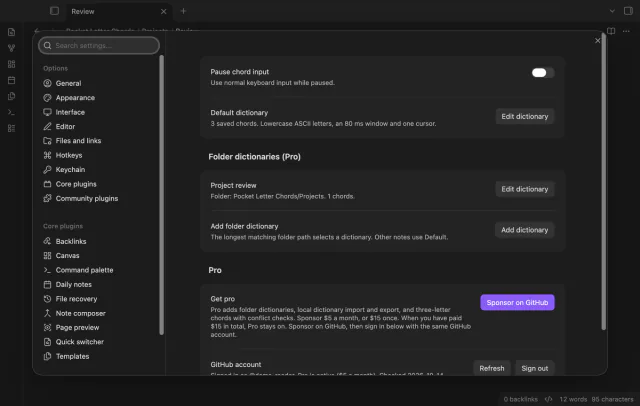
Pro costs $5 a month or $15 one time through GitHub Sponsors. One sponsorship turns on Pro in every plugin that has it.
Save a dictionary for a vault folder and its children. The longest complete folder path wins and replaces the default set. Without Pro, input uses the default dictionary.
Import a local JSON file into the draft, inspect it and select Save. Export downloads the valid draft as pocket-letter-chords.json. Limits are 1 MB per import, 500 bindings and 10,000 characters per value.
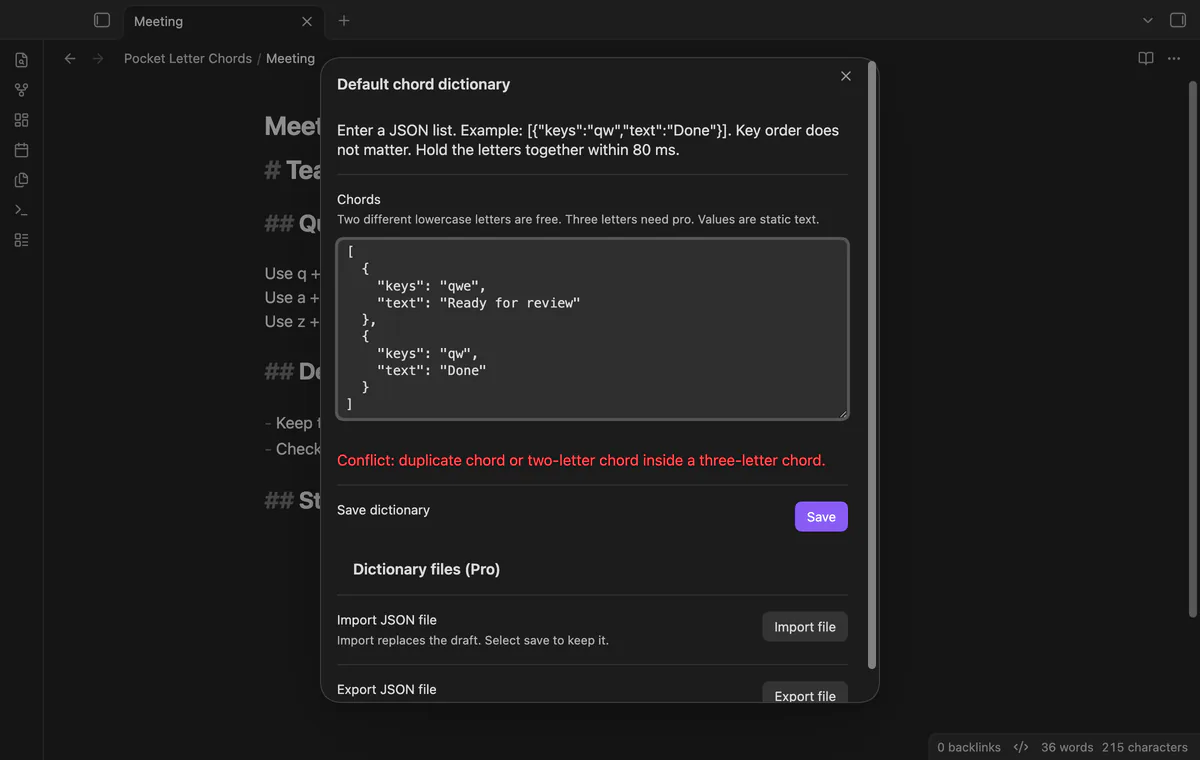
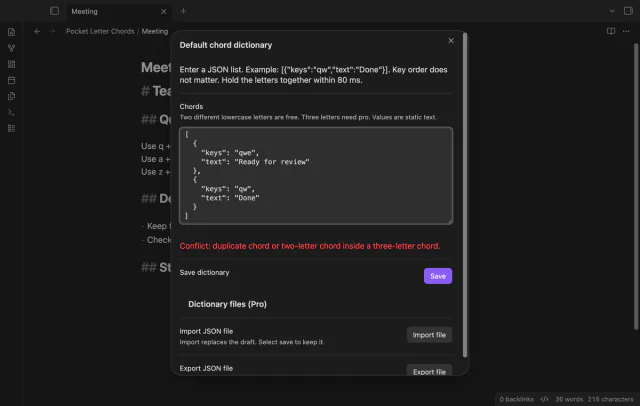
Three different lowercase ASCII letters must overlap within the same 80 ms window. A pair contained in a triple is rejected, as are duplicate key sets. Without Pro, saved triples stay stored but input ignores them.
needs
steps
Run Edit the chord dictionary from the command palette.
Enter [{"keys":"qw","text":"Done"}] and select Save.
Focus a Markdown note for editing, hold q and press w before 80 ms ends.
Release both keys and use Undo if you need to restore the previous text.
If the app can't find a new plugin yet, try again later. Obsidian says a plugin that passes the review shows in the app within 24 hours.
Need a change for your team? I build custom Obsidian plugins and features.
Your letters overlapped within the chord window. Choose a rare pair or pause chord input. Releasing the first letter before pressing the second prevents that chord.
The plugin needs overlapping key holds. A screen keyboard that sends completed text can't provide them. Physical tablet keyboards remain untested.
Values insert as literal text, including Unicode and newlines. They don't run templates, JavaScript or commands.
Dictionaries and pause state stay in the vault plugin data.json. Export creates a separate local file. Inserted phrases remain normal Markdown text after you disable the plugin.
The handler requires one cursor in the focused Markdown editor. Multiple cursors, settings fields and Reading view use normal input.
After you select Sign in with GitHub, device-flow requests send the public client ID, read:user scope and authorization codes to github.com. Authenticated sponsorship queries to api.github.com request your tier and total payment, without note content, file names or other vault data. No requests precede sign-in; successful checks last seven days, failed checks can retry after six hours, and Refresh checks sooner.
Tell me what is broken in Pocket Letter Chords, or what it should do next.
Pocket Letter Chords 1.1.0, MIT license
MIT · no telemetry · core features free
Run Apple Shortcuts with selected text or note details.
Show a line number for each wrapped row in the editor.